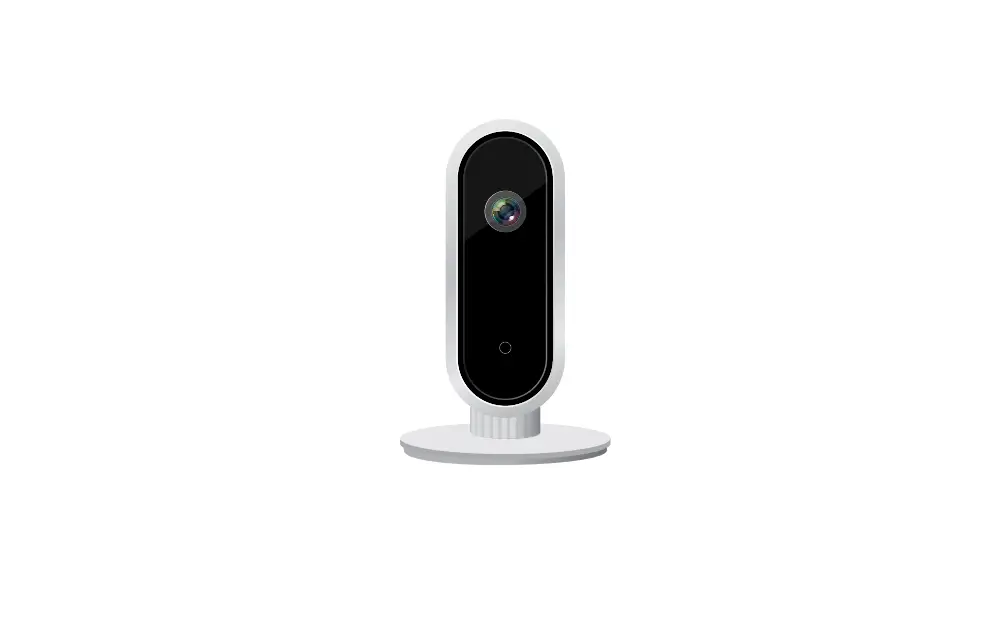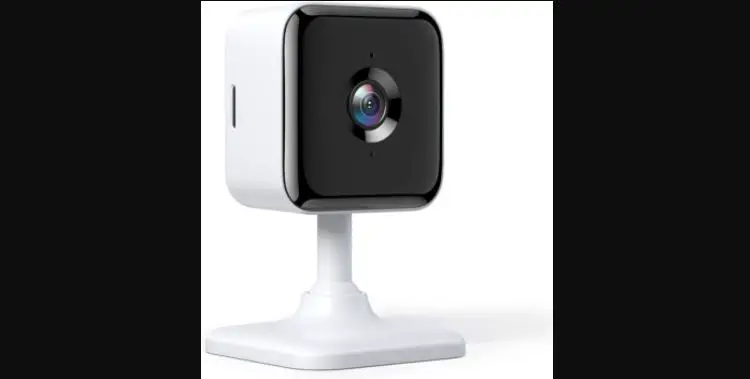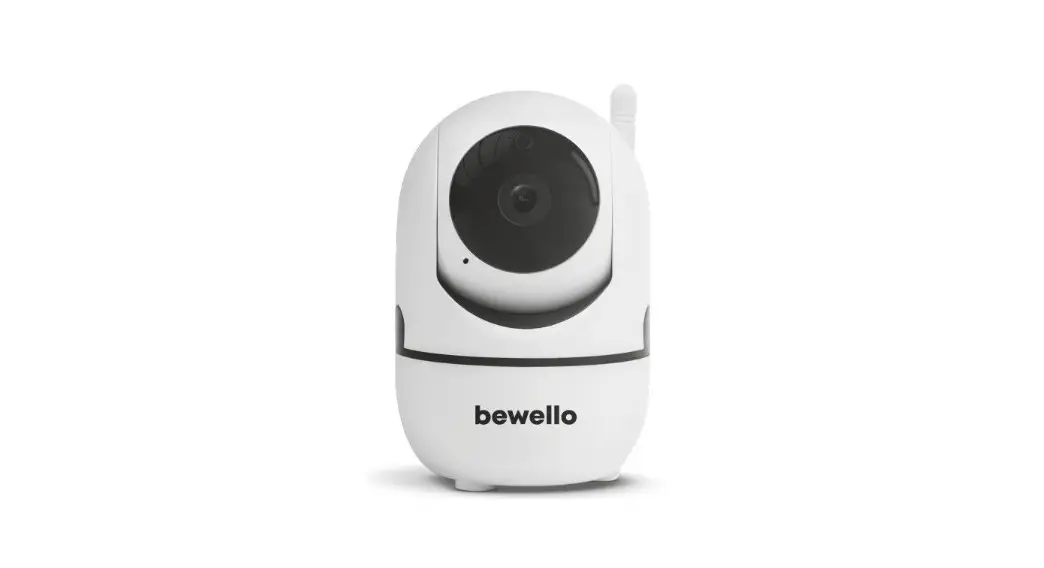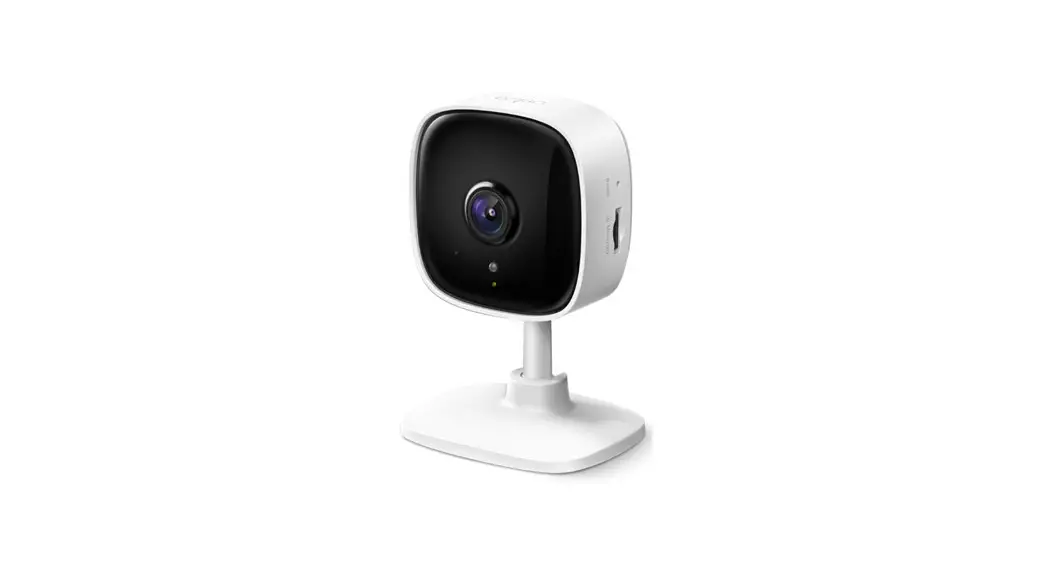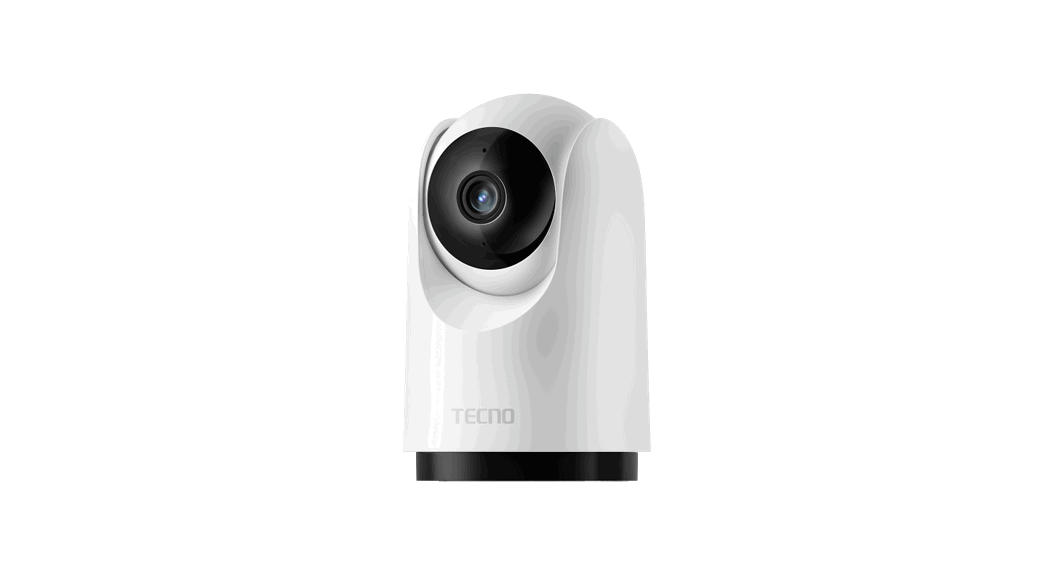
 INTELLIGENT SECURITY WIFI CAMERA
User Manual Model: TH300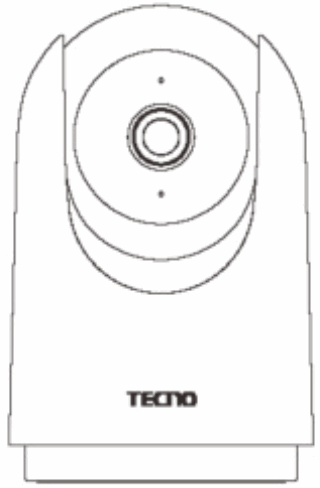
Package List
After opening the package, please check whether the camera host is in good condition and whether the accessories are complete.
Installation
TECNO smart cameras can be placed on flat surfaces such as writing desks, dining tables, coffee tables, etc., or fixed and mounted on walls.
Hanging wall installation:
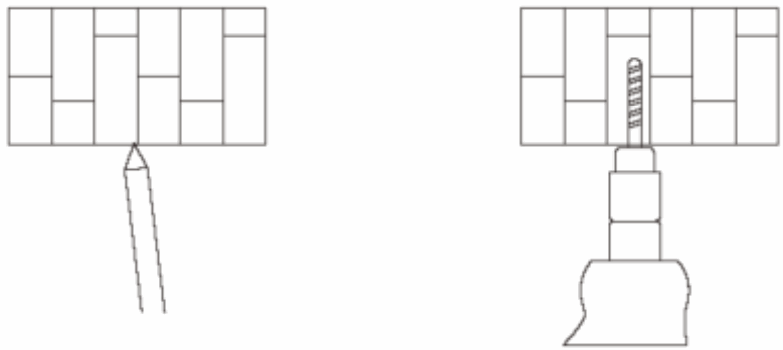
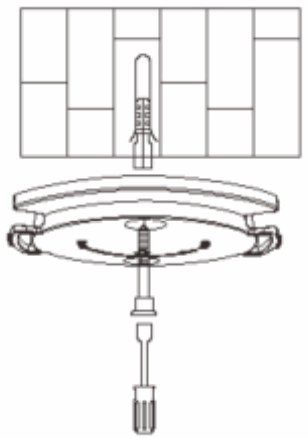
- First use a pencil to mark the wall according to the base hole, and then use a drilling tool to punch two holes at the mark. The drilling diameter is about 6mm, and the hole depth is about 30mm.

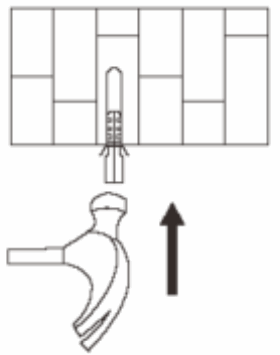
- Screw the two plastic expansion nuts into the holes.

- Turn the side of the base marked with an arrow upward, align the hole of the base with the hole of the wall, put the screw through the hole of the base, and screw it into the expansion nut on the wall with a cross screwdriver.

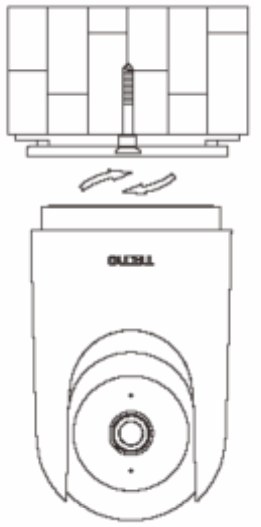
- Align the notch on the bottom of the camera with the raised portion of the base and install the snap-fit, and then rotate the lock clockwise until it locks into place.

Usage
- Installing a MicroSD card
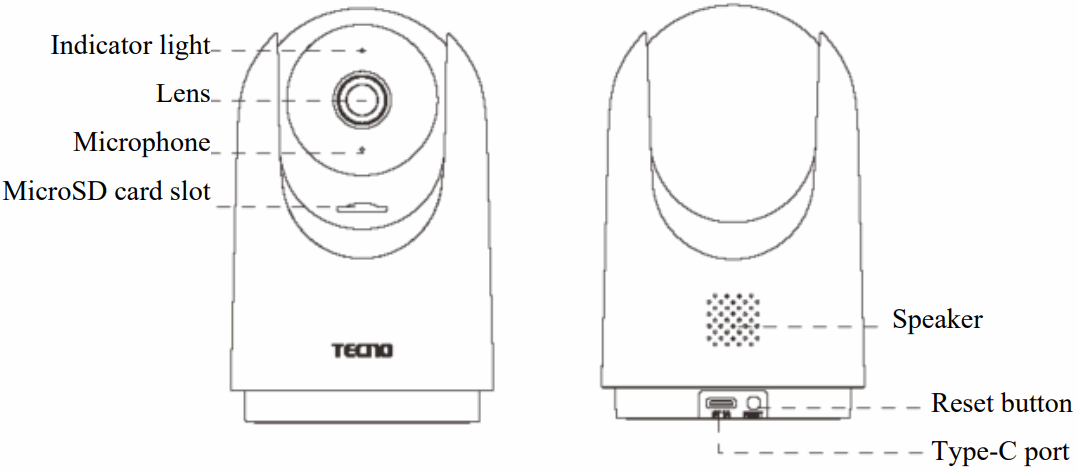
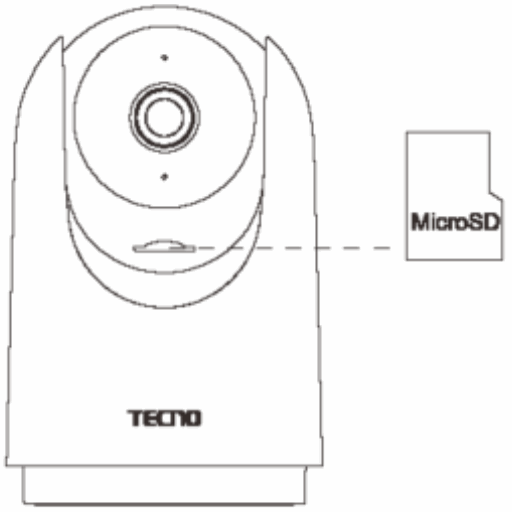
Make sure the camera is powered off and toggle the lens up to expose the MicroSD card slot. Insert the MicroSD card into the slot with the contact side facing down.
Note: To install or remove the MicroSD card, the camera needs to be powered off before operation. Please use the MicroSD card (maximum supported capacity is 128GB)
produced by the regular manufacturer, it is recommended that the MicroSD card read/write speed is not less than U1/ClasslO level.
- Power on
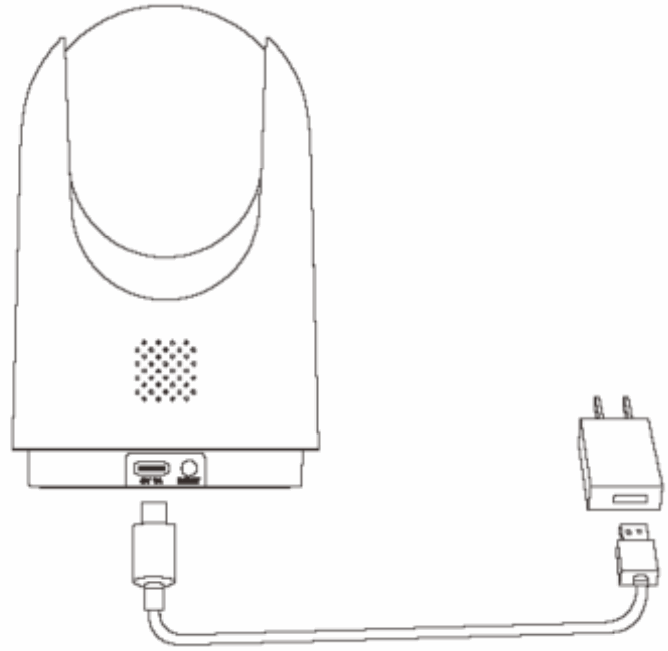
Plug the power cable into the Type-C power port on the back of the camera, and the camera will automatically turn on with a flashing green light. Tip: After turning on the camera, please do not twist the lens of the camera to force it to rotate. If the lens is not positioned accurately, it can be calibrated through the APP.
 - Indicator light
Green light is always on: successful connection/normal status
Green light flashing: waiting for connection
Greenlight slow flashing: upgrading
Red light flashing: network abnormal
 Tip: After turning on the camera, please do not twist the lens of the camera to force it to rotate. If the lens is not positioned accurately, it can be calibrated through the APP.
FCC Caution:
Any Changes or modifications not expressly approved by the party responsible for compliance could void the user’s authority to operate the equipment.
This device complies with part 15 of the FCC Rules. Operation is subject to the following two conditions:
- This device may not cause harmful interference, and
- this device must accept any interference received, including interference that may cause undesired operation.
IMPORTANT NOTE:
Note: This equipment has been tested and found to comply with the limits for a Class B digital device, pursuant to part 15 of the FCC Rules. These limits are designed to provide reasonable protection against harmful interference in a residential installation. This equipment generates, uses, and can radiate radio frequency energy and, if not installed and used in accordance with the instructions, may cause harmful interference to radio communications. However, there is no guarantee that interference will not occur in a particular installation. If this equipment does cause harmful interference to radio or television reception, which can be determined by turning the equipment off and on, the user is encouraged to try to correct the interference by one or more of the following measures:
- Reorient or relocate the receiving antenna.
- Increase the separation between the equipment and receiver.
- Connect the equipment into an outlet on a circuit different from that to which the receiver is connected.
- Consult the dealer or an experienced radio/TV technician for help.
FCC Radiation Exposure Statement:
This equipment complies with FCC radiation exposure limits set forth for an uncontrolled environment. This equipment should be installed and operated with a minimum distance of 20cm between the radiator& your body.
Connect to the “TECN0 Smart Home” APP
This product is connected to “TECN0 Smart Home” and can be controlled by the “TECNO Smart Home” APP and interconnected with other products.
Scan the QR code to download and install the “TECN0 Smart Home” APP, which will take you directly to the device connection page for those who have already installed the “TECNO Smart Home” APP. Or search for “TECN0 Smart Home” in the app store and download and install the “TECN0 Smart Home” APP.
Open the home page of the “TECN0 Smart Home” APP and click “+” at the top right corner of the page to add devices according to the APP tips.
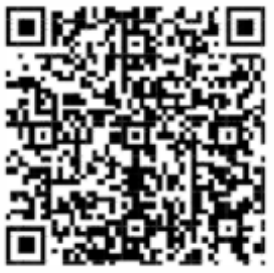 https://testapp.tuya.com/tecnoIOT?version=1.0.1&appId=50435668
Register and log in to APP
- Please register your APP account and login
- If you have already registered, please login directly
Basic Parameters
| Product Name | INTELLIGENT SECURITY WIFI CAMERA | Product Size | 121.8X77X77mm |
| Product Model | TH300 | Product Net Weight | 219g |
| Power Input | 5V-1A | PTZ Rotation | Vertical 170° |
| Resolution | 2K | Aperture | F2.0 |
| Operating Temperature | -10°C-50°C | Video Encoding | H.265 |
| Wireless Connection | Wi-Fi IEEE 802.11b/b/n 2.4GHz | Storage Function | MicroSD card (Maximum capacity supports 128GB) |
| Support system: Android 4.4 or iOS 9.0 and above | |||
Attention
- This product is suitable for working temperatures from -10°C to 50°C, please do not use this product in an environment where the temperature is too high or too low.
- This product is a precision electronic product, please do not use this product in an environment that is excessively humid or may cause the product to enter the water, so as not to affect its normal use.
- To use the product better, avoid the front and side of the lens near the glass, white walls, and other reflective objects to avoid the phenomenon of bright near and dark far or white.
- Please make sure the product is installed within the Wi-Fi signal coverage area and placed as far as possible in a location with a better Wi-Fi signal, and try to install it away from metal and microwave ovens and other locations that may affect the signal.
CUSTOMER SERVICE
Carlcare provides service
WARRANTY CERTIFICATE
| Name: | |
| Address: | |
| Telephone number: | |
| Date of purchase: | |
| (dd/mm/yy ) | |
| Store name: | |
| S/N: |
WARRANTY TERMS&CONDITIONS
A limited 1 -year warranty applies to TECNO TH300 purchased from the Tecno-Mobile- Official store. Please feel free to contact us if you run into any problems.
This warranty covers only original TECNO products. It does not apply to normal wear and tear, or any effects or damage caused by misuse of the product. The warranty is for primary products only. Additional or free-of-cost products are not covered under warranty
TECNO MOBILE LIMITED
TM and ©2022 TECNO Corporation. All rights reserved. Other product and company names mentioned herein may be trademarks or trade names of their respective owners.
Specifications are subject to change without notice. Model names and the availability of particular products may vary by region.
 www.tecno-mobile.com
 [email protected]
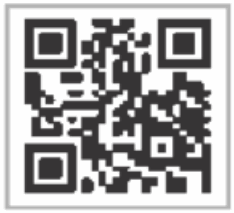 www.tecno-mobile.com
MADE IN CHINAwww.tecno-mobile.com