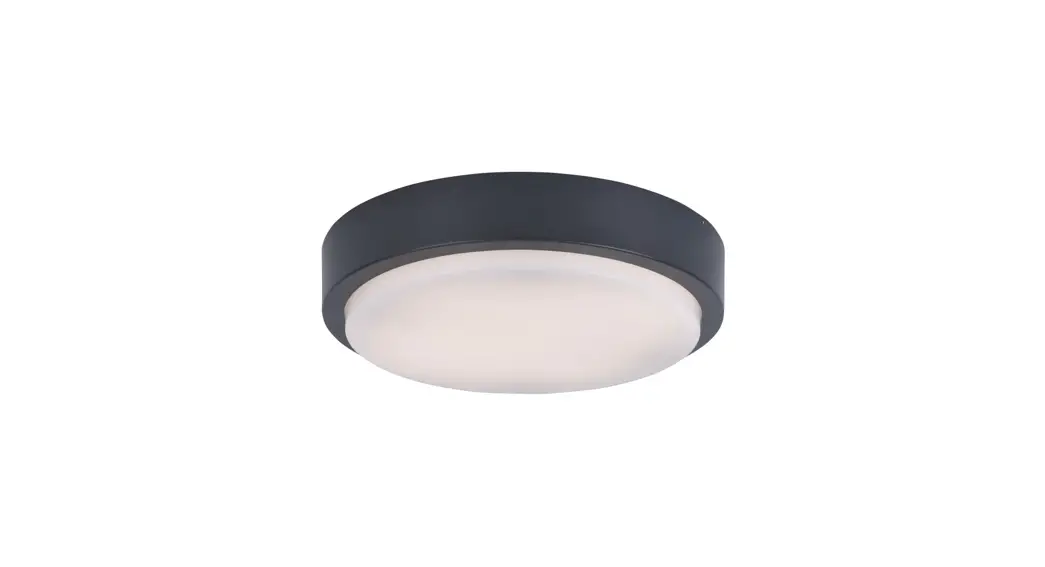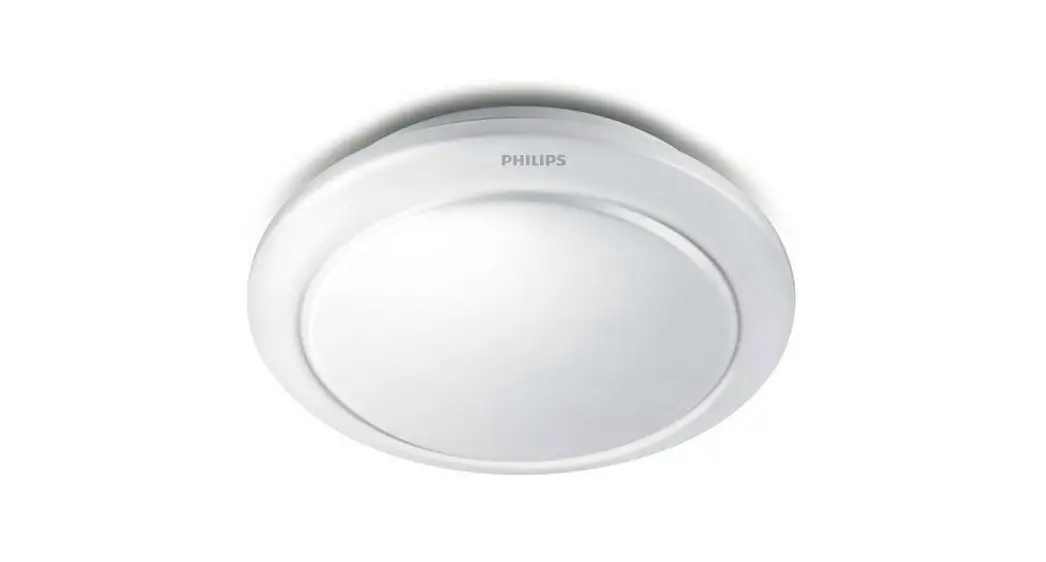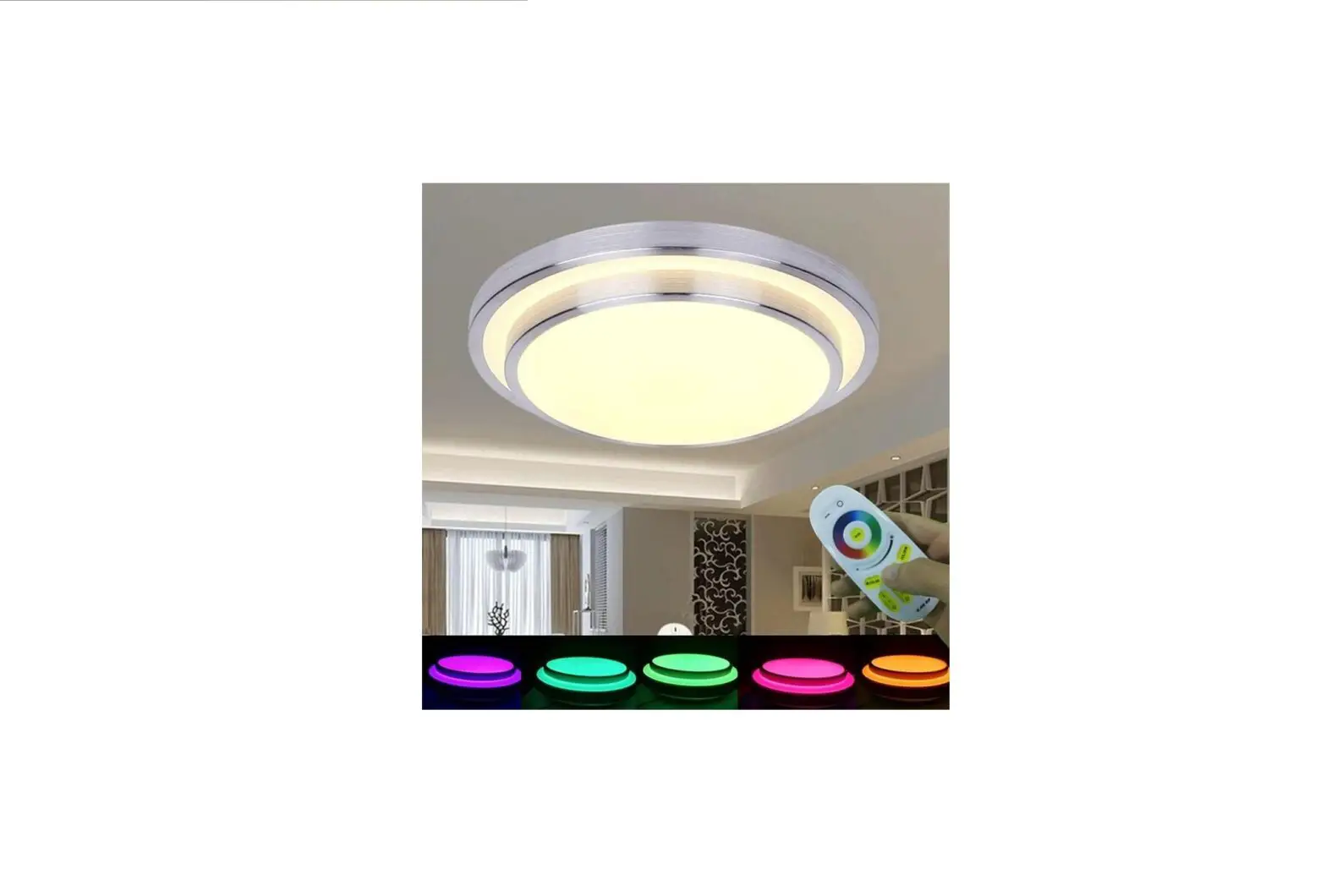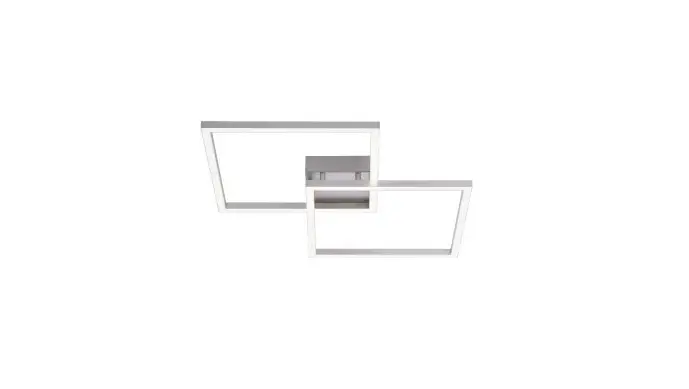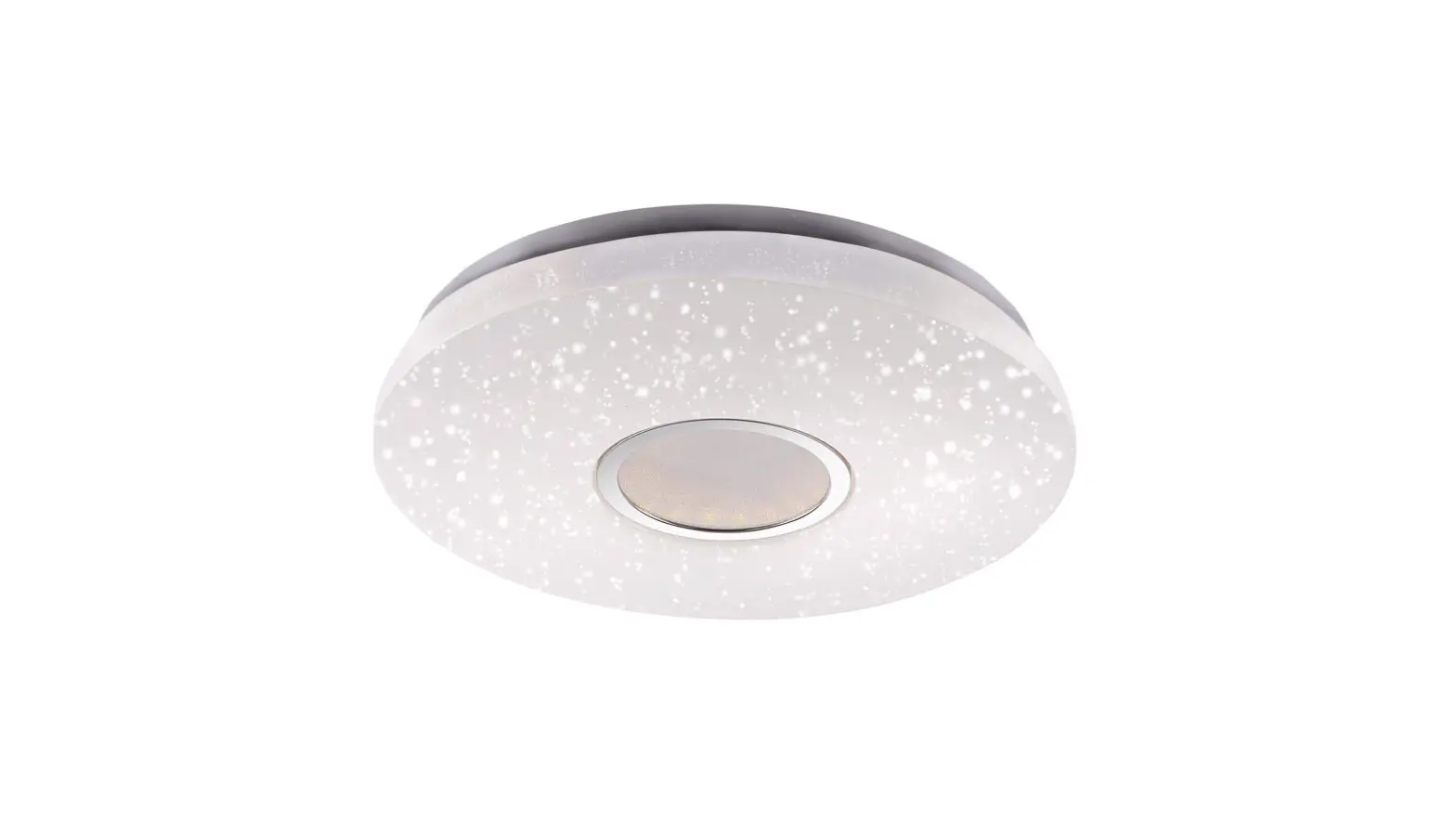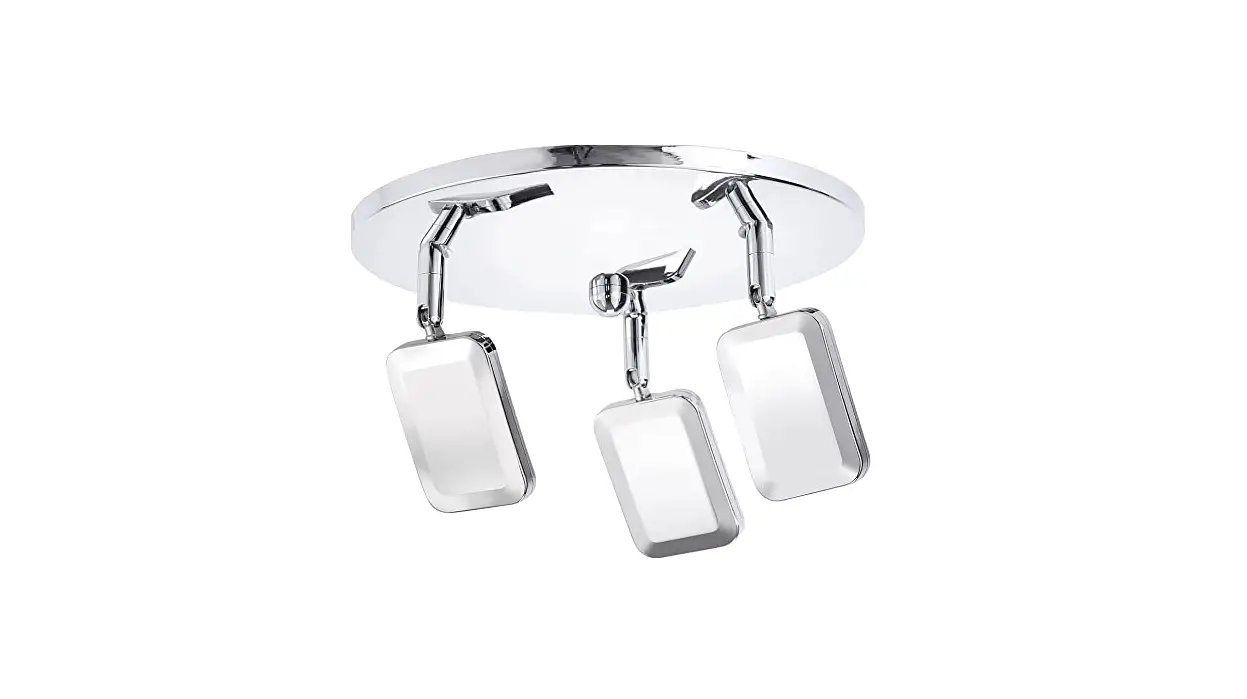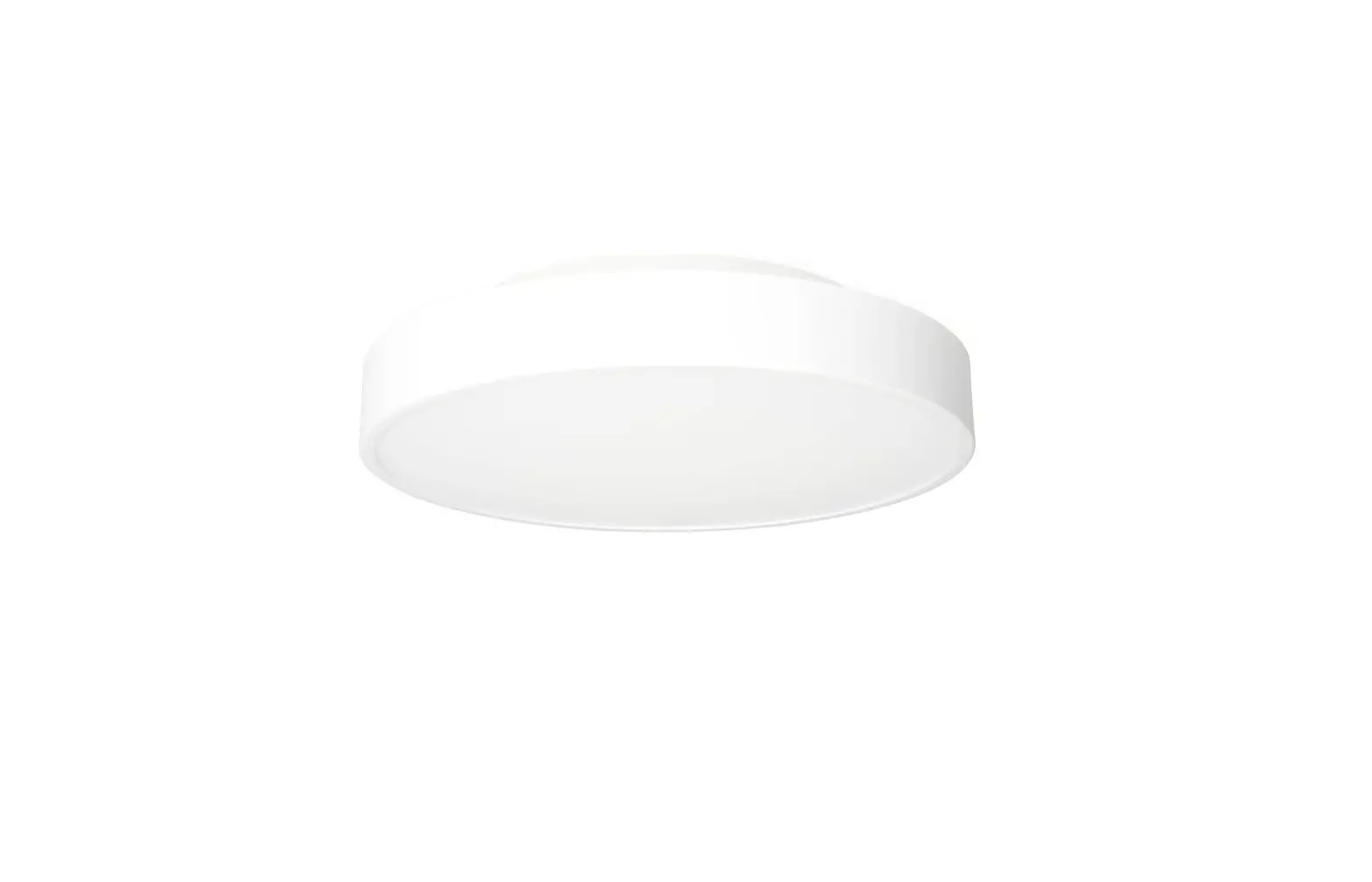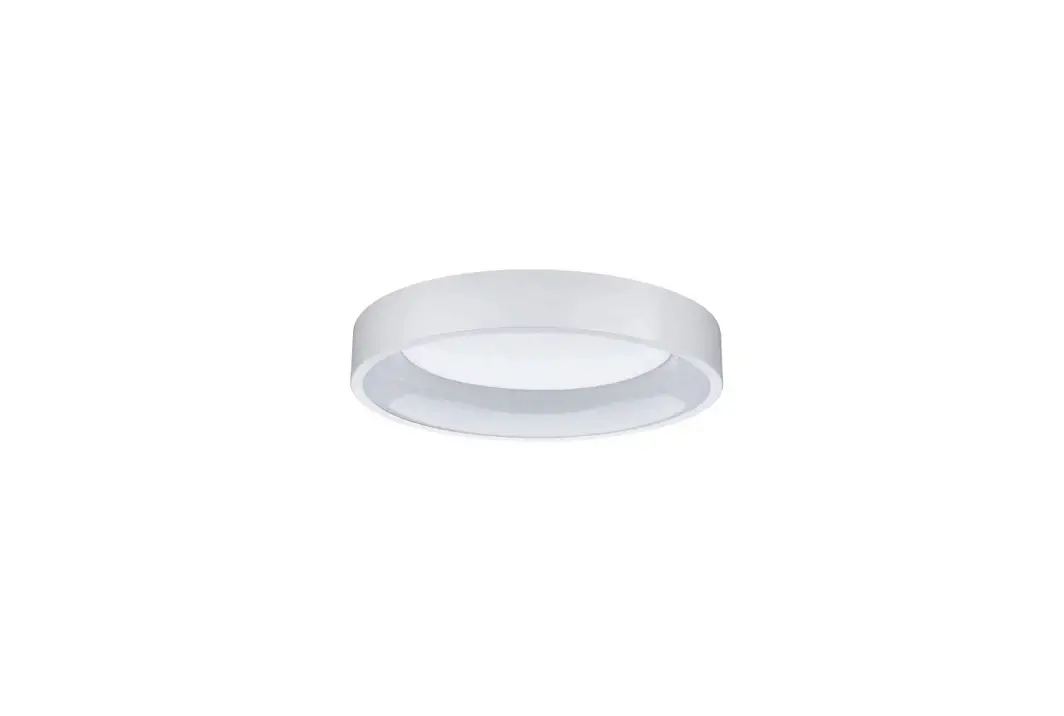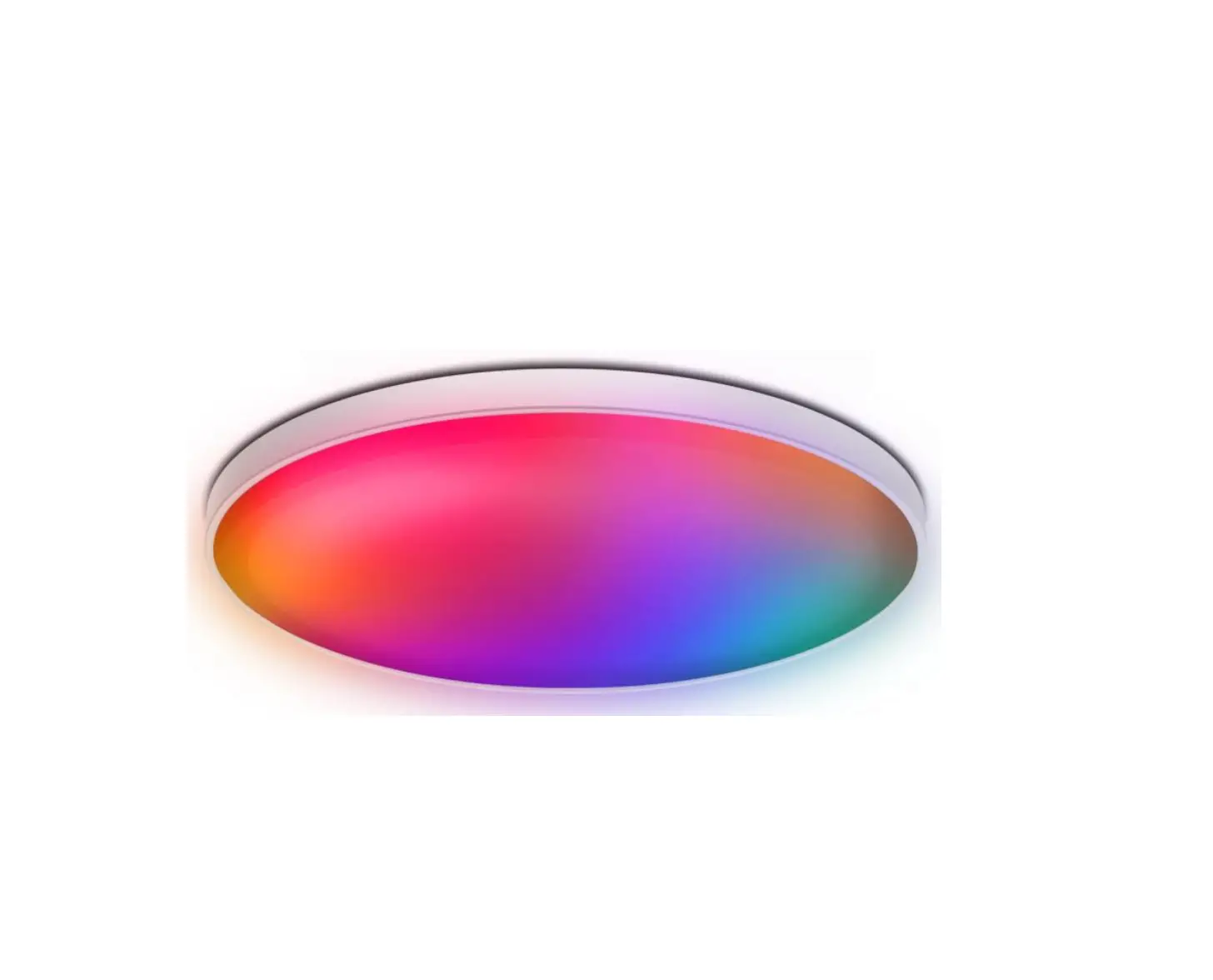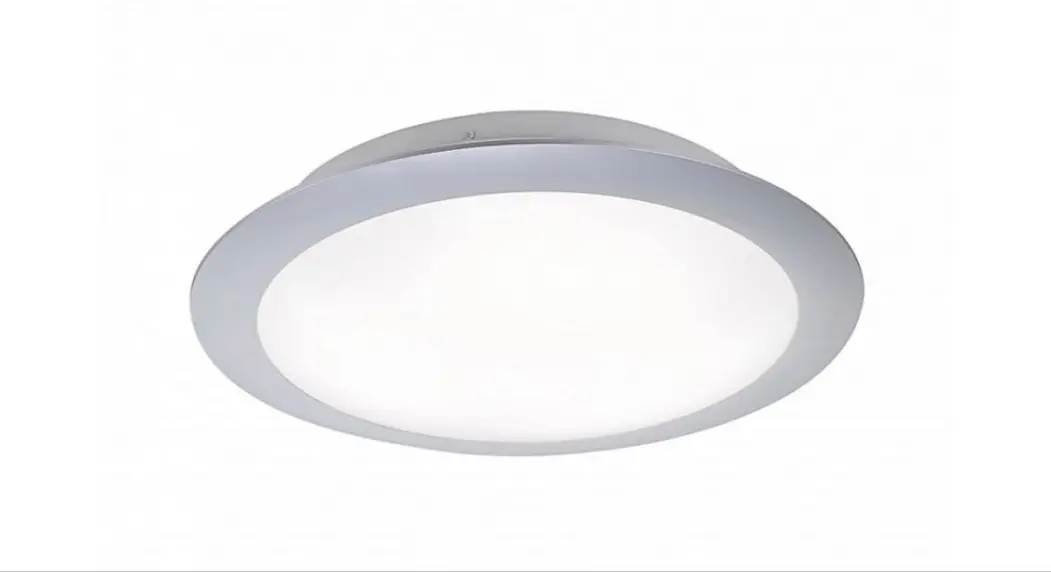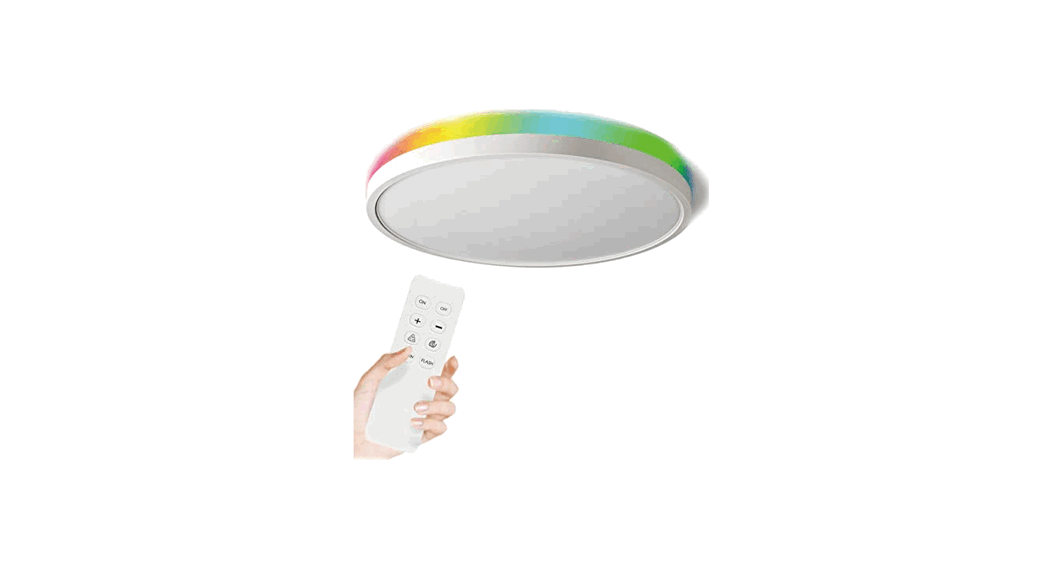
 2.4G REMOTE
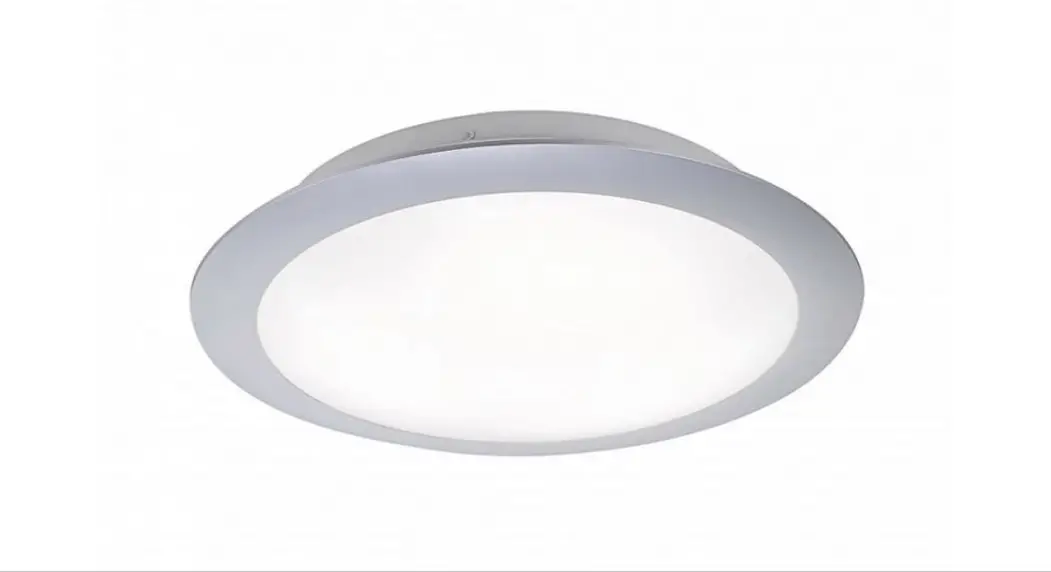
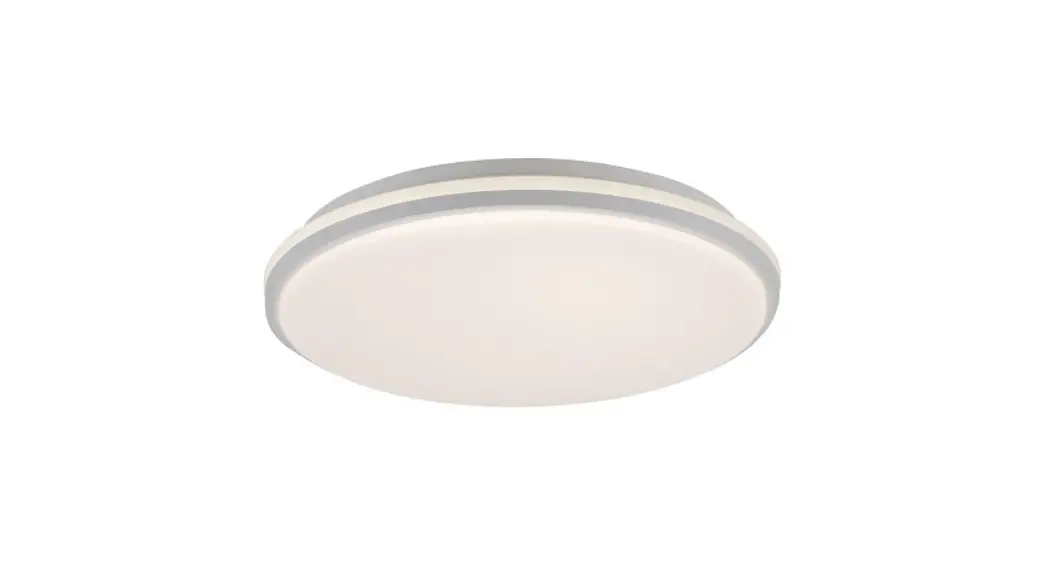
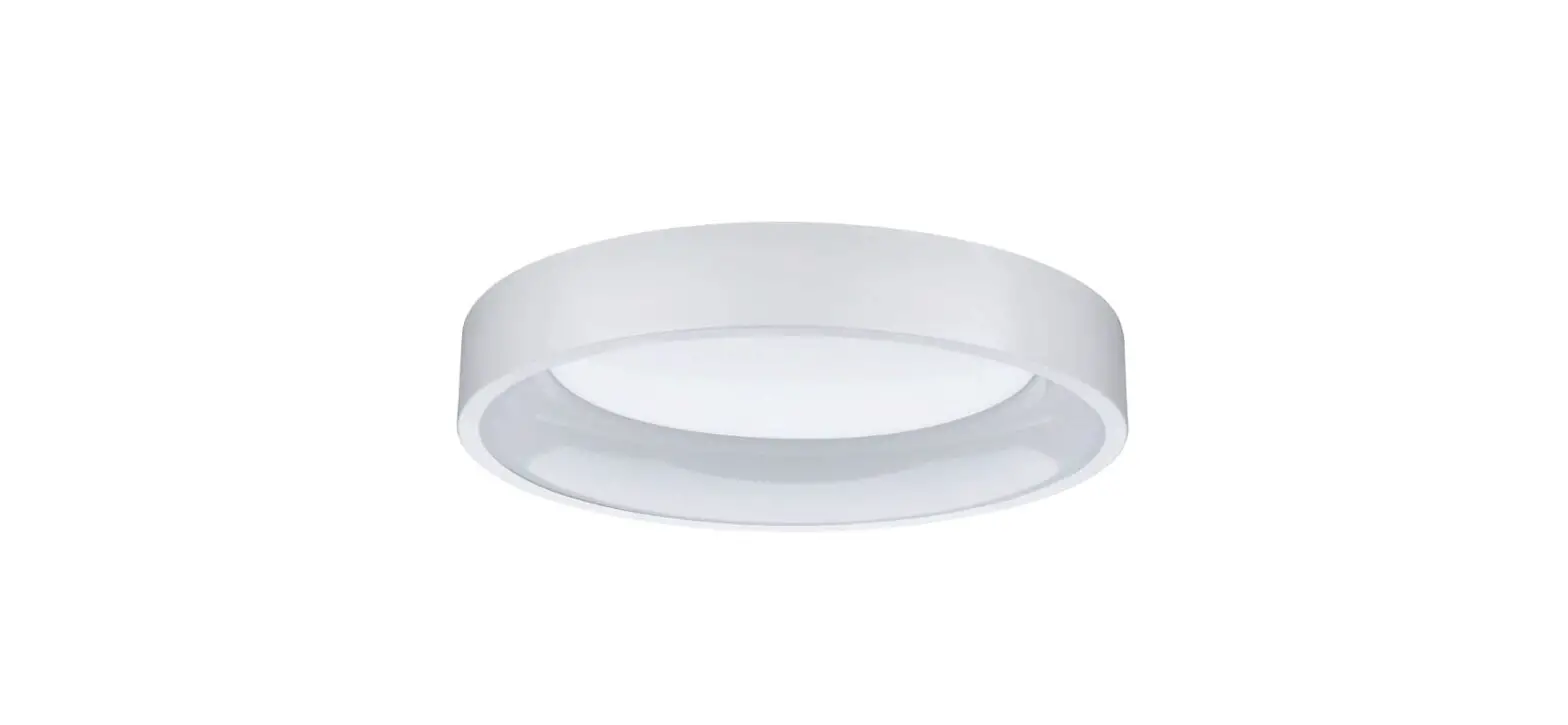
LED CEILING LIGHT
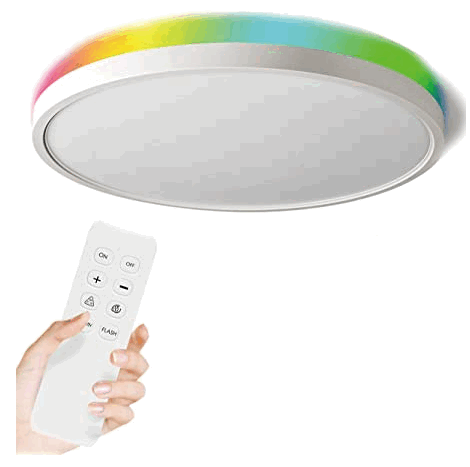
Specifications
| Voltage | 110-240Vac, 60Hz |
| Certification | ETL ,FCC |
| Power | 18W(Equal 150W Incandescent) |
| Lumen | 1800LM |
| Lifetime | Over30,000hours |
| Size | φ 11.8.0.98 INCH |
Installation Instruction
| REMOTE-LED CEILING LIGHT | |||
| Size | 12inch | 15.8inch | 20inch |
| Watt | 18W | 24W | 30W |
| Voltage | 120V | ||
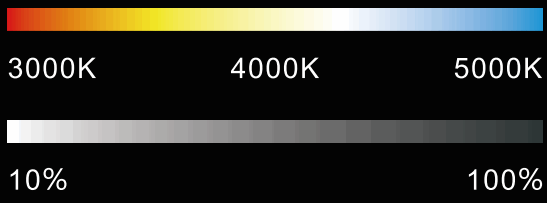
| Dimmable | 5%-100% | ||
| Color empemWm | 3000K-5000K Changing | ||
| Lumen | 1800LM | 2400LM | 3000LM |
| Lifetime | 30,000 hours | ||
| Material | VO fireproof ABS plastic | ||
| Certification | FCC | ||
| Warranty | 3 Years Warranty | ||

Safety notice
- Please do not exceed the rated range of the power supply (120V±101,60Hz);
- Do not install on unstable or inclined ceiling surfaces to avoid falling off;
- Lamps cannot be covered by heat insulation pads or similar materials;
- Before maintenance and installation, please confirm that the power supply has been cut off and operated by a professional electrician;
- Ceiling lamps will generate heat during operation. Do not use in high temperature and humidity environments;
- When the lamp is abnormal, be sure to cut off the power firstly and contact the dealer;
- Do not disassemble or modify the lamp by yourself to avoid sudden accidents.
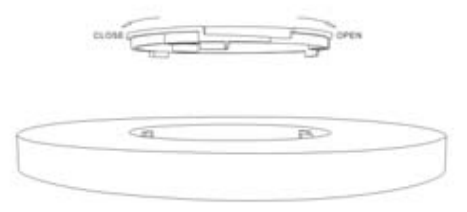
Open the package, unpack the blister film, take out the ceiling lamp and the accessories, remove the warning sticker, and rotate to remove the ceiling cover.
 Please entrust electrical professionals to install or overhaul to avoid danger. Before installation, be sure to cut off the power to avoid electric shock. When installing, it shall strictly follow the steps shown in the manual improper installation may cause fire, electric shock, or falling of the lamp body.
Product Introduction
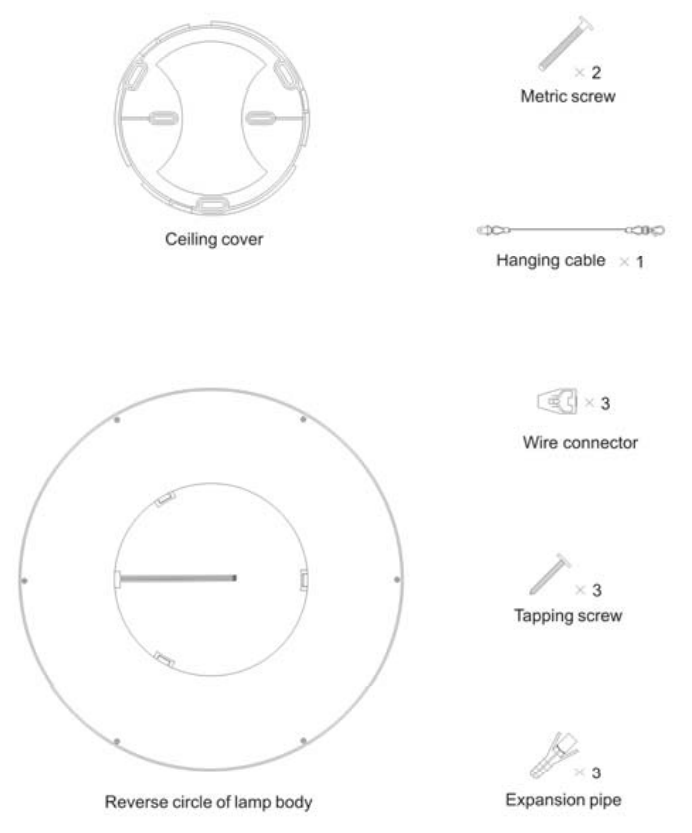
| Check if the two mounting points of the lamp box are complete without damage or not After the determination is complete, fix the ceiling cover through the hanging cable to the light box with metric screws. | Hook the ceiling light body with a hanging cable, which one person can easily install. |
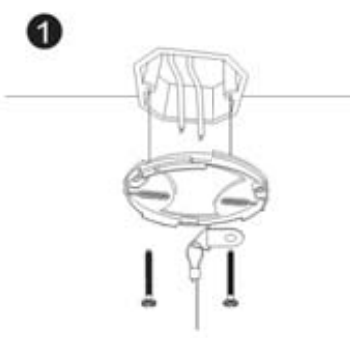 | 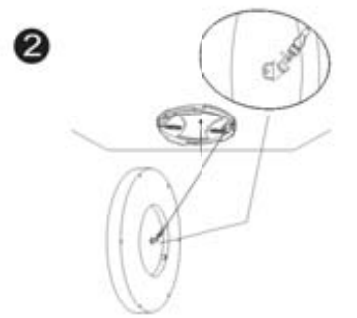 |
| Attach white to white, black to black, and ground to ground wires using a wire connector then put the wires into the junction box. | Move the lamp body to embed the ceiling cover into the lamp body then rotate the lamp body counterclockwise. and ensure that the installation is firm. |
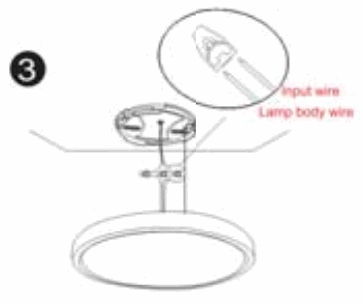 | 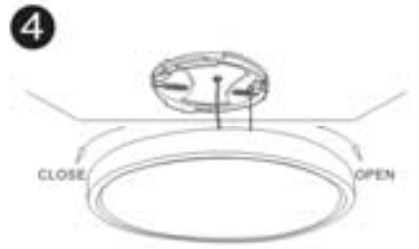 |
FCC Statement
This device complies with part 15 of the FCC Rules. Operation is subject to the following two conditions: (1) This device may not cause harmful interference, and (2) this device must accept any interference received, including interference that may cause undesired operation.
This equipment has been tested and found to comply with the limits for a Class B digital device, pursuant to part 15 of the FCC Rules. These limits are designed to provide reasonable protection against harmful interference in a residential installation. This equipment generates, uses, and can radiate radio frequency energy and, if not installed and used in accordance with the instructions, may cause harmful interference to radio communications. However, there is no guarantee that interference will not occur in a particular installation. If this equipment does cause harmful interference to radio or television reception, which can be determined by turning the equipment off and on, the user is encouraged to try to correct the interference by one or more of the following measures:
- Reorient or relocate the receiving antenna.
- Increase the separation between the equipment and receiver.
- Connect the equipment into an outlet on a circuit different from that to which the receiver is connected.
- Consult the dealer or an experienced radio/TV technician for help.
Caution: Any changes or modifications to this device not explicitly approved by the manufacturer could void your authority to operate this equipment.
RF Exposure Information
The device has been evaluated to meet general RF exposure requirements. The device can be used in portable exposure conditions without restriction.