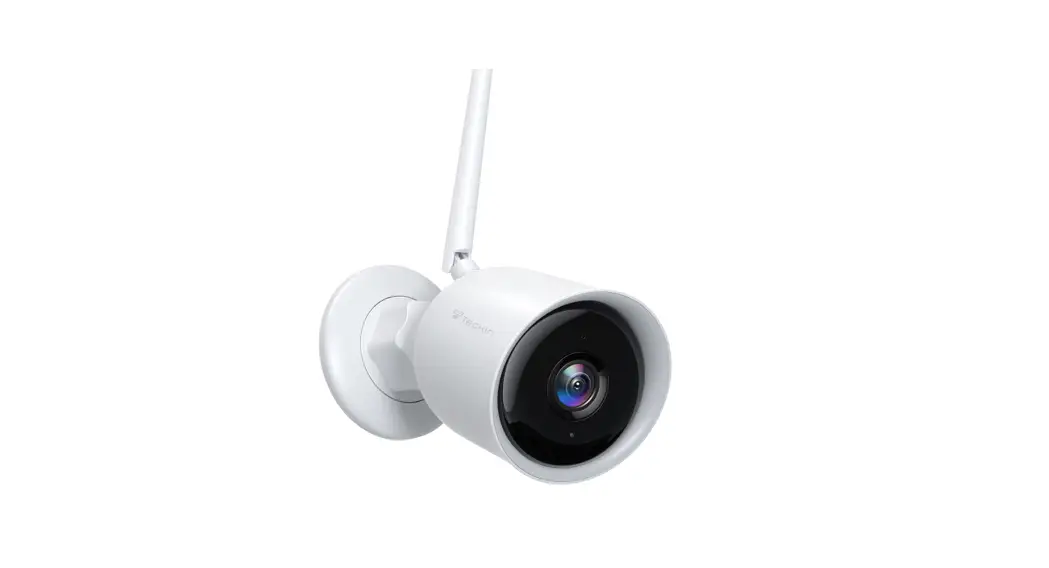
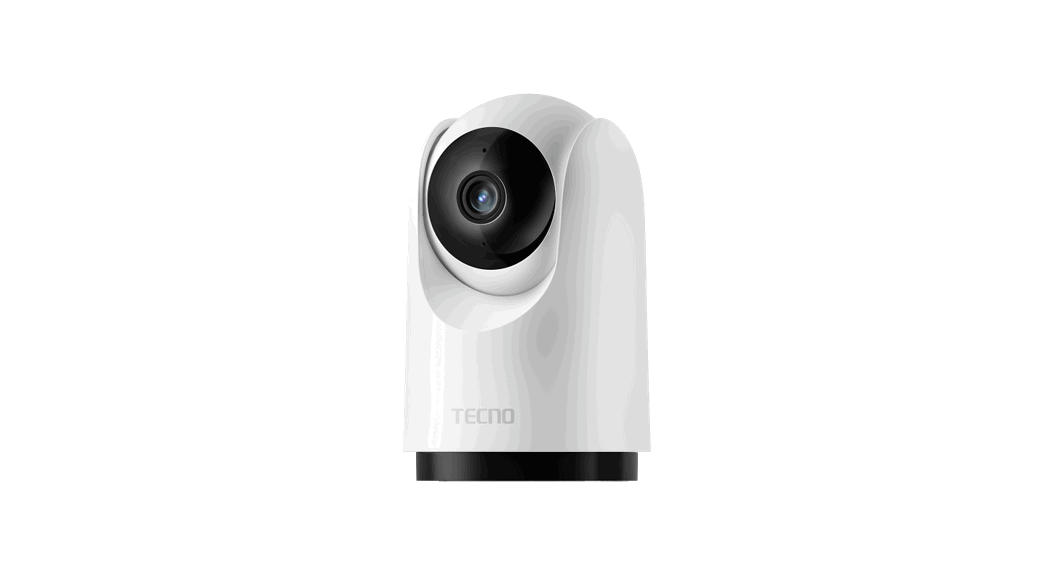
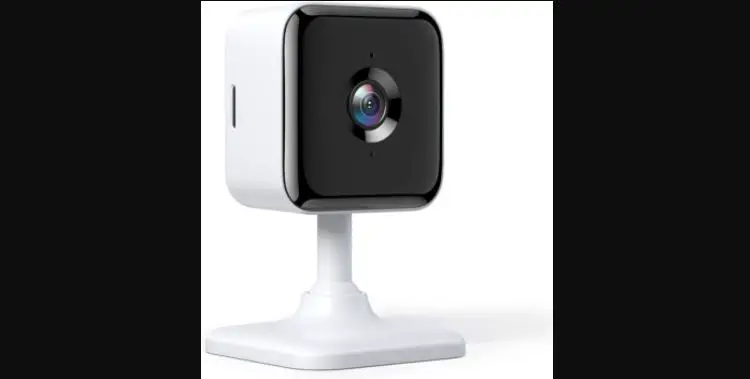
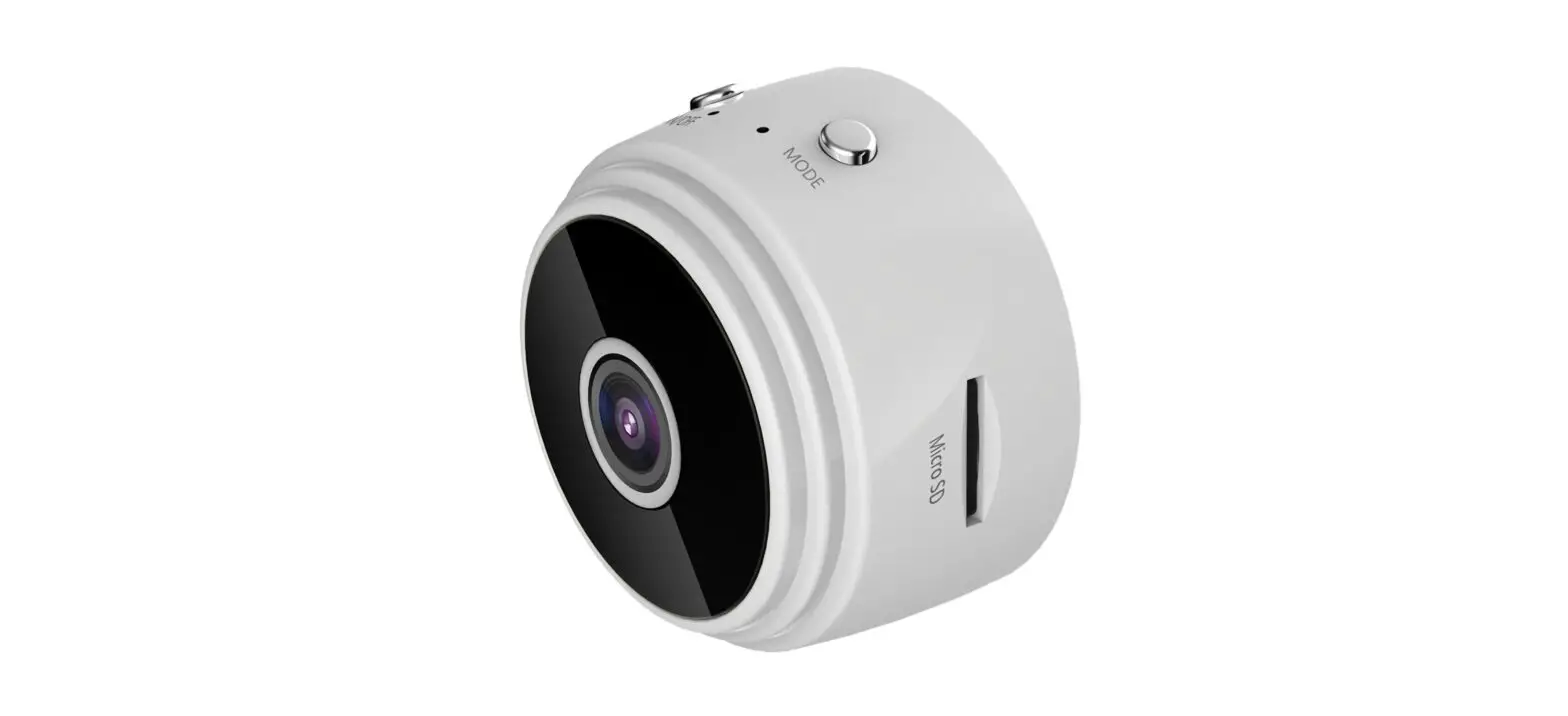
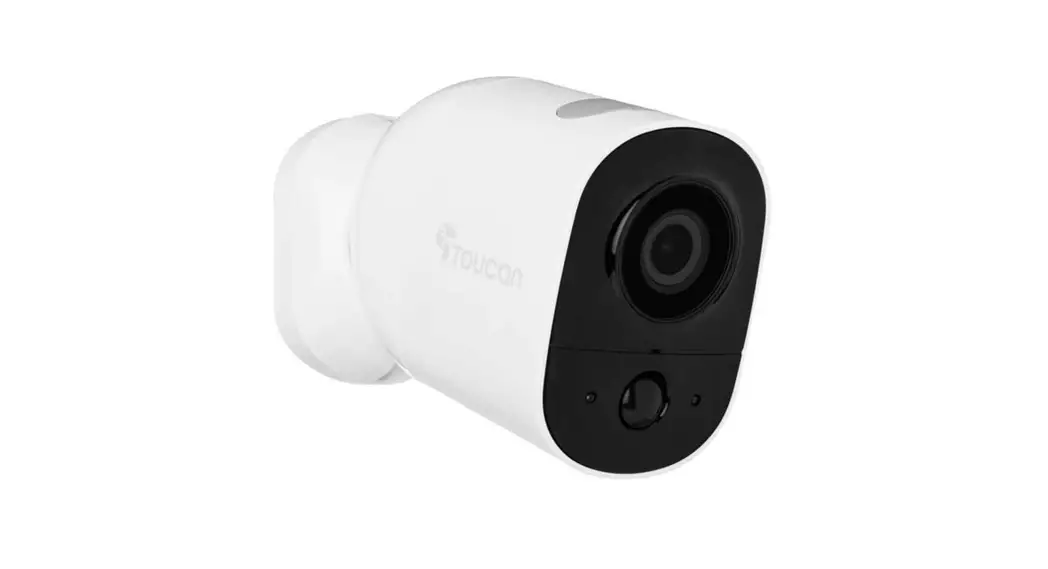
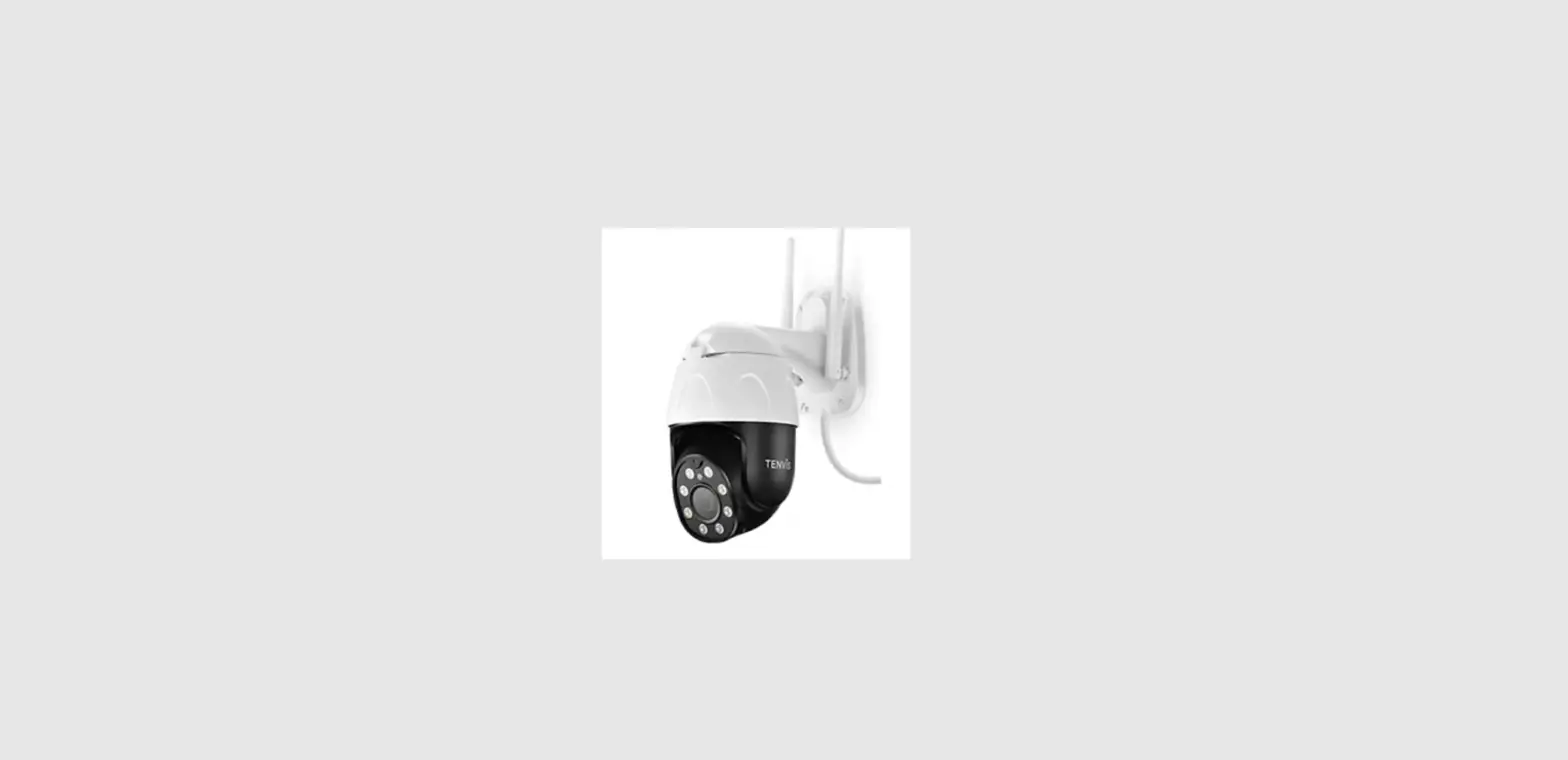
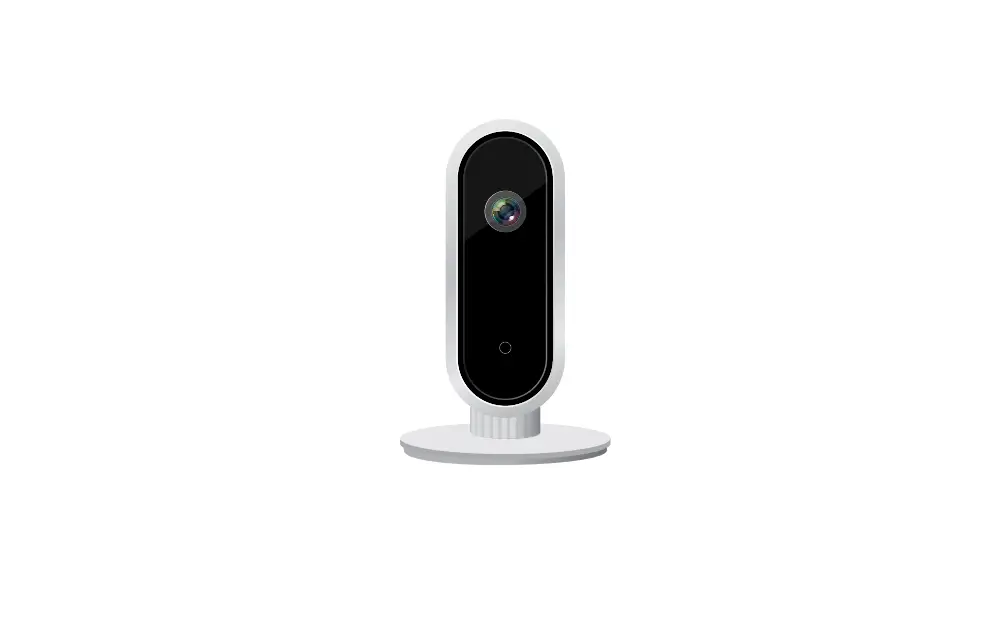
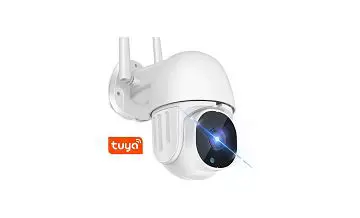
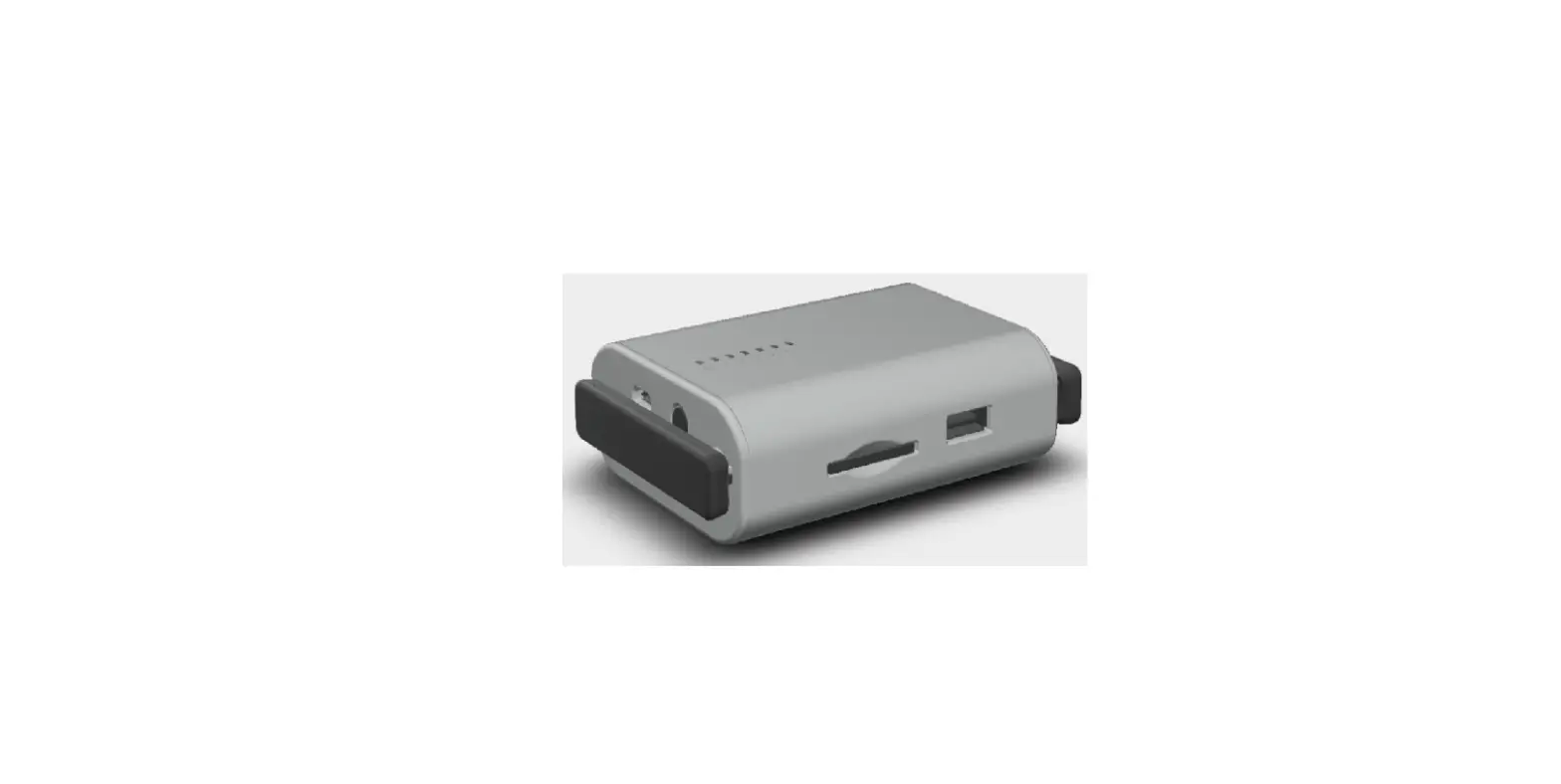
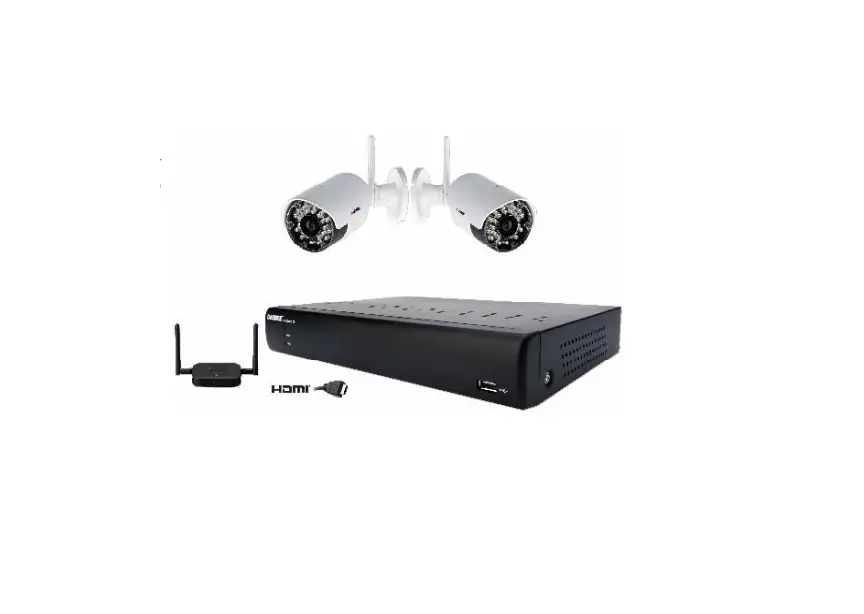
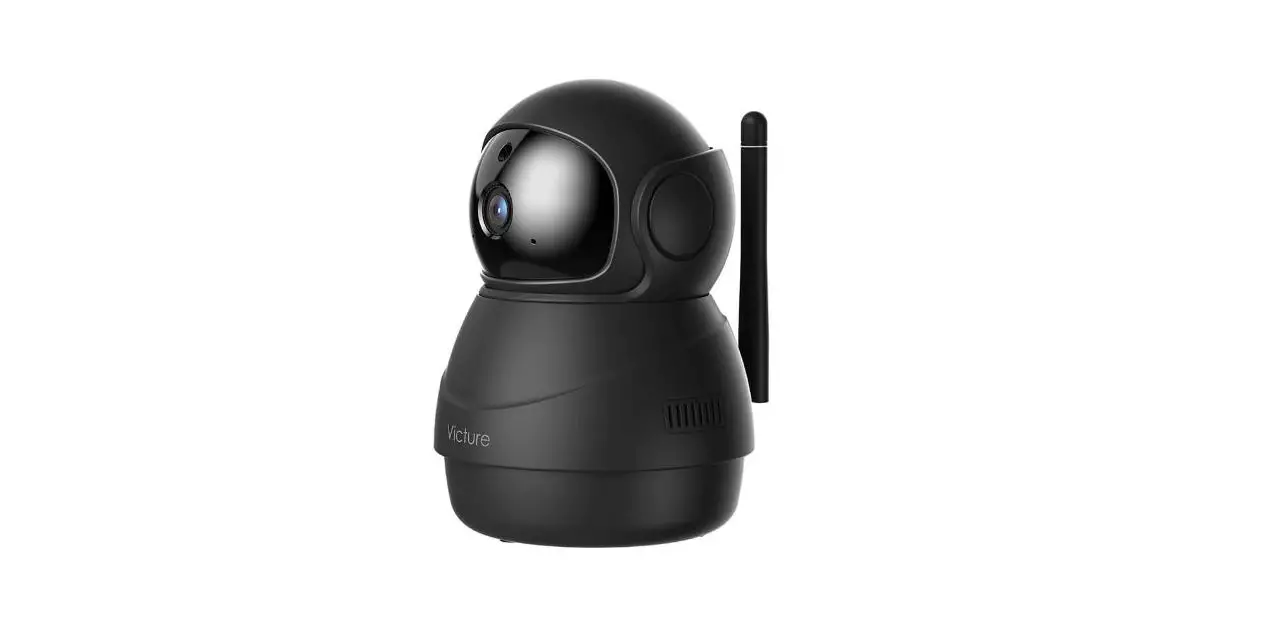
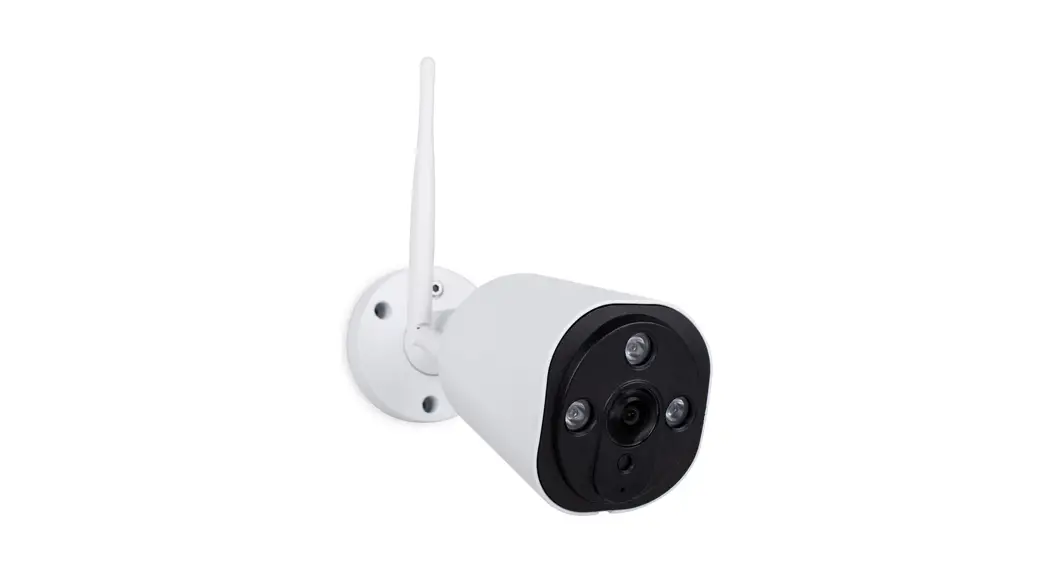
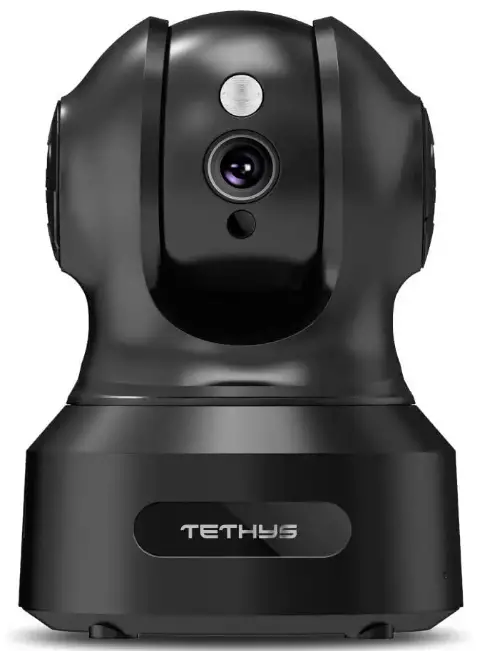
TETHYS TT000074 Wireless Security Camera
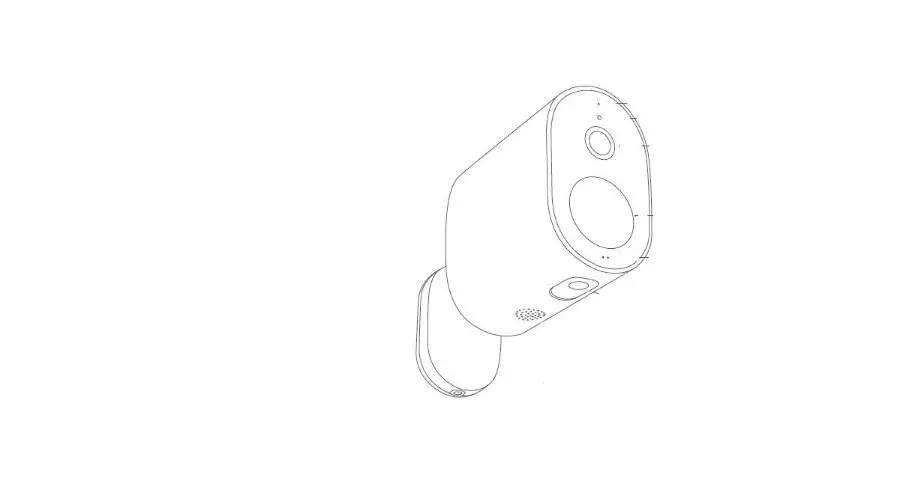
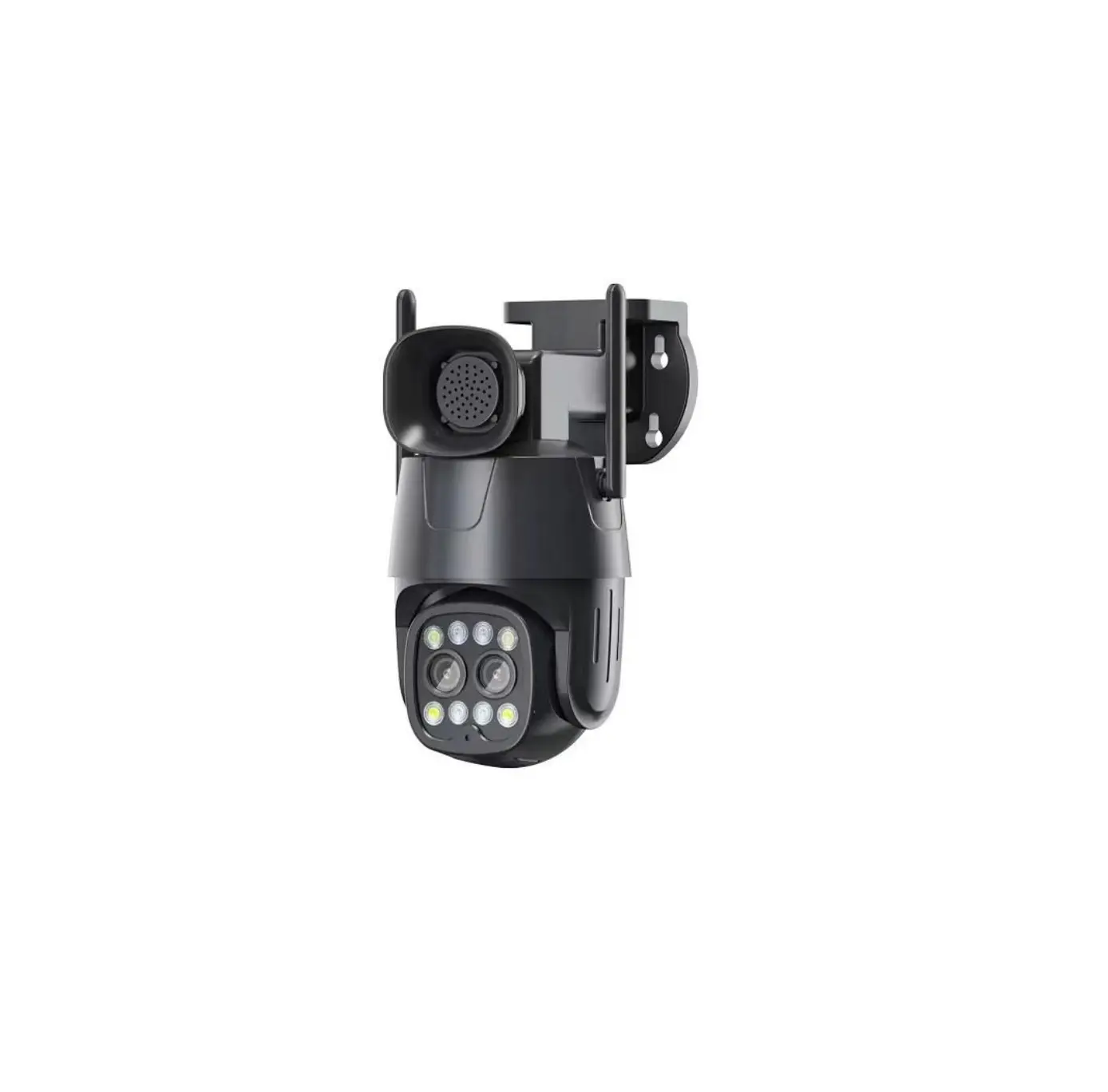
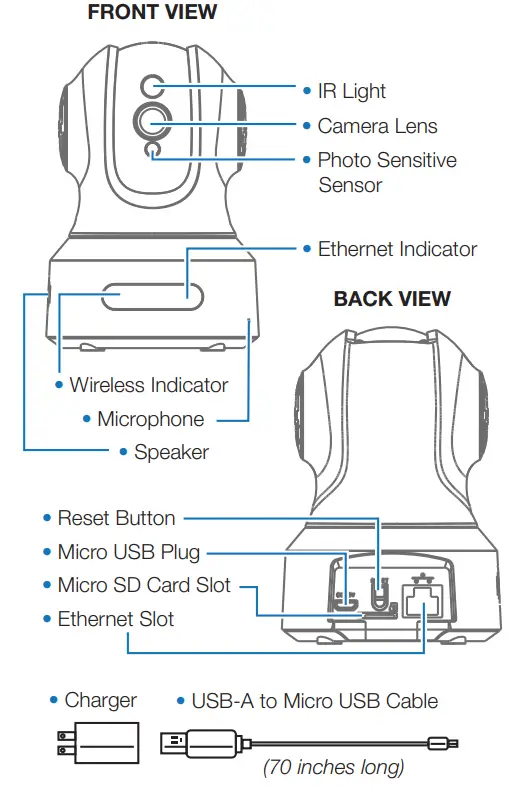
PRODUCT LAYOUT
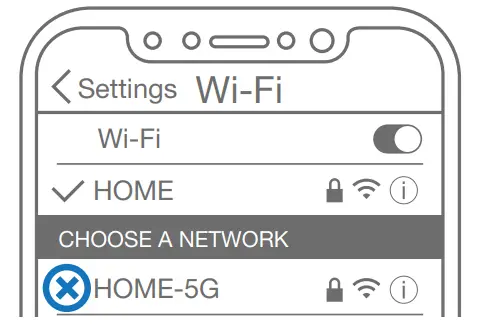
PREPARING YOUR SMARTPHONE
- Connect the smartphone to 2.4GHz Wi-Fi. (Will NOT work on 5G).

- Raise the volume on smartphones.
- Download & Install the MIPC app

Get the MIPC app through App Store (iOS) or Google Play Store (Android). Scan MIPC app QR Code (not necessary). Go to Page 1 for the QR Code. - Register an account.

ADDING THE CAMERA
- Choose PTZ Camera.
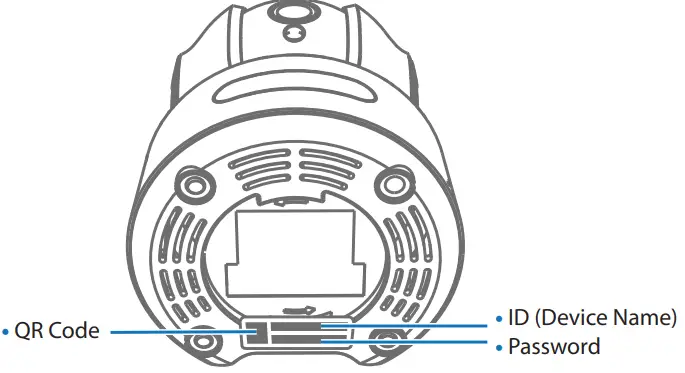
- Scan QR Code underneath Smart Cam

- Tap “Add” to continue. (DO NOT change or delete the device name/password.)
 NOTE: 2 Connection Methods include: Wi-Fi & Ethernet Connection
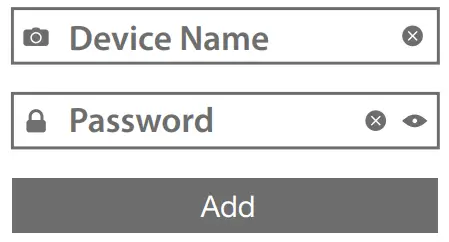 NOTE: 2 Connection Methods include: Wi-Fi & Ethernet Connection
WI-FI CONNECTION
- Plug in Micro USB Cable into an outlet.

- Tap the Wi-Fi icon button.

- After 45 seconds, there will be a chime and the IR Light will turn OFF. Tap the “The prompt tone had been heard” button.

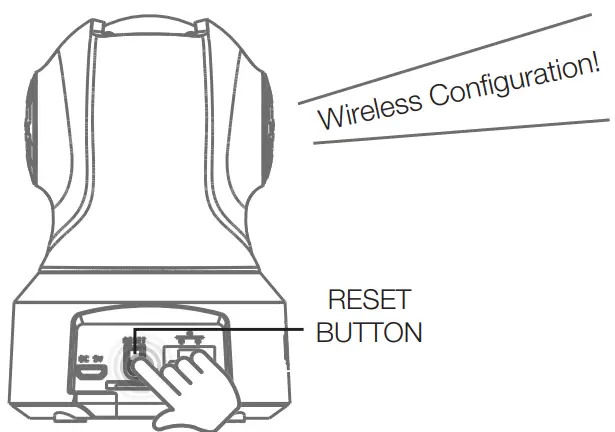
- Press the RESET button for 1-2 seconds. A voice prompt will be heard.

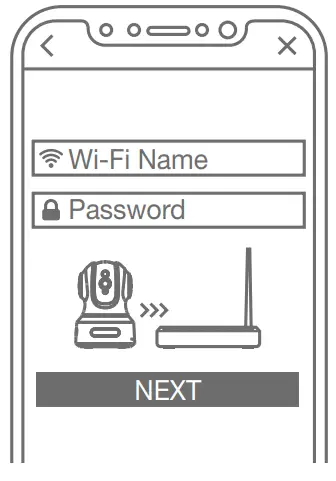
- Choose your Wi-Fi connection and enter your password.
 NOTE: Place the smartphone and camera as close to the router as possible. The encoded sound will be audible through your smartphone speaker during the connection process.
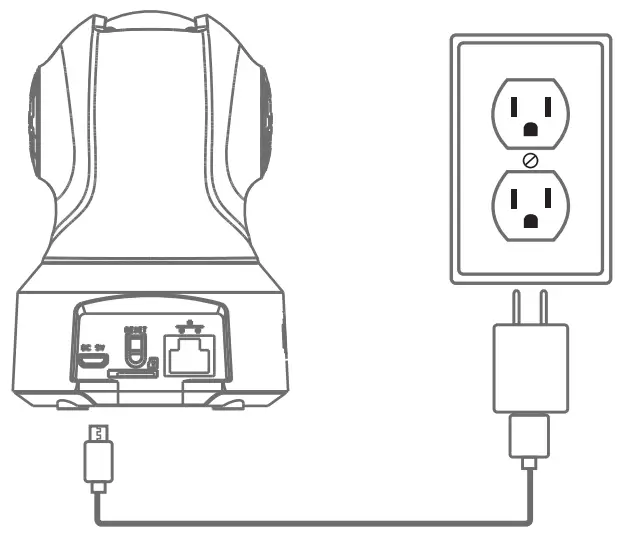
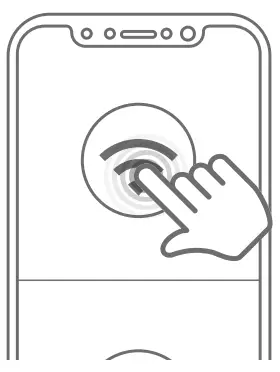
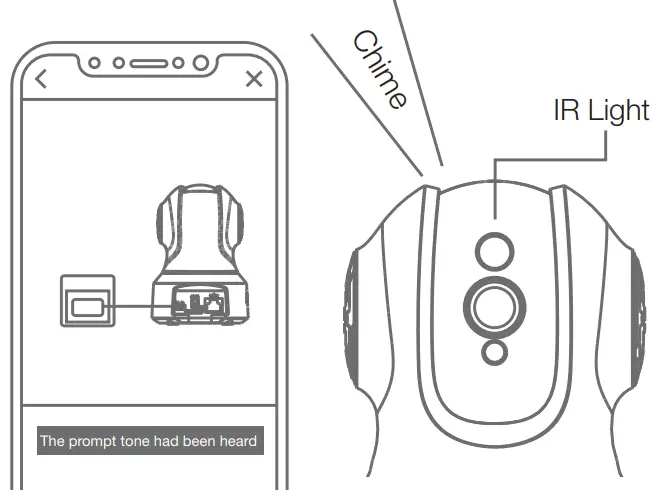
 NOTE: Place the smartphone and camera as close to the router as possible. The encoded sound will be audible through your smartphone speaker during the connection process.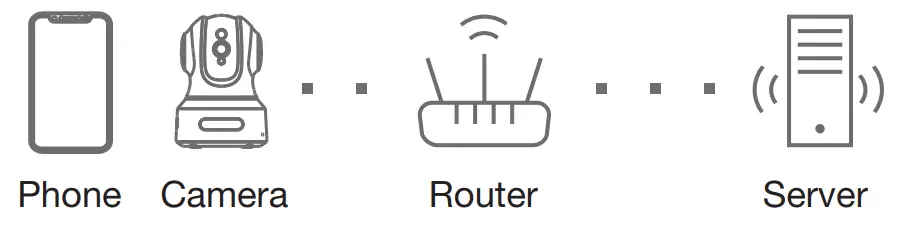
ETHERNET CONNECTION
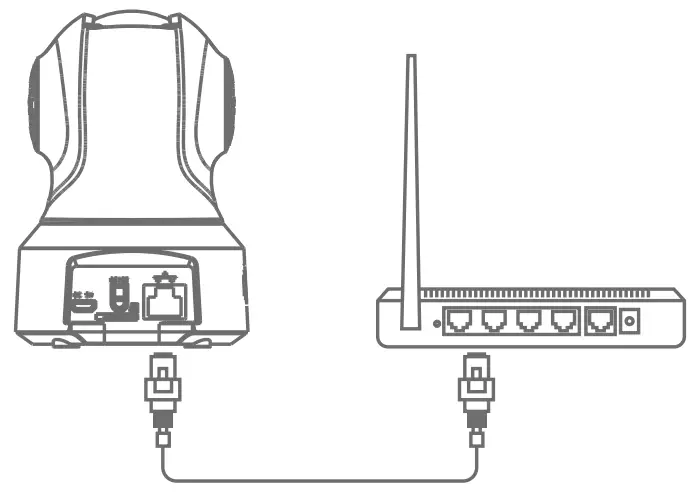
- Plug in Ethernet Cable.

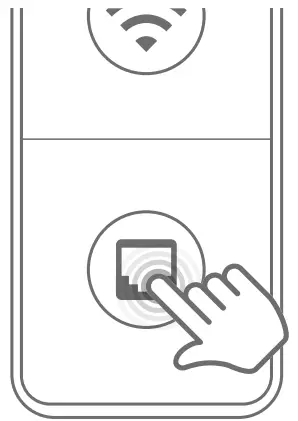
- Tap the Ethernet Connection icon button. Wait until the camera is connected. Change the password and set Wi-Fi (Optional).

FAQs
We do not support the ability for users to view the video feed over HTTP or RTSP for our TETHYS Wireless Security Camera. There are several causes for this. To begin with, there is a very high-security risk when using HTTP or RTSP. All of your private recorded camera videos will be revealed if someone gains access to your RTSP address, and they could be stolen or distributed to hackers. Additionally, you must set up your camera and device in the same local area network in order to receive the video feed via RTSP. The TETHYS Wireless Security Camera is made to allow for real-time live monitoring over an Internet connection.
Utilize a cloth that would be appropriate for cleaning a pair of spectacles. Do not touch the lens, please.
Only 2.4G Wi-Fi may access the camera; 5G Wi-Fi is not supported. Please check and verify the router’s Wi-Fi frequency band. Try the Ethernet connection if the issues persist.
As long as the signal from the cameras to the central hub is unbroken and clear, wireless security camera systems function effectively. Wireless systems typically have a range of no more than 150 feet inside the home.
The majority of home security cameras are motion-activated, which means that when they notice motion, they will start recording and informing you. Some people have the ability to continuously record video (CVR).
Signal disruption is the main drawback. Wireless IP cameras use a single frequency to function. If there are other networks present, like the internet or microwaves, there is a strong likelihood that the signals may be disrupted. Hacking risk – If the camera is not adequately protected, there may be a hacking risk.
For instance, wireless security cameras in high-traffic locations can need recharging on a bi- or tri-monthly basis. Low-capacity batteries in camera systems could only last a few weeks, necessitating more frequent recharging.
A wireless transmitter and batteries are the two main power sources for wireless security cameras. A wireless transmitter can be installed in a building or residence, and the camera will receive electricity from it as long as it is in its line of sight. Another choice is to use an adapter to connect it to a battery.
Wireless cameras don’t need an electrical power source because they run on batteries.
Wi-Fi is not necessary for all home security cameras. LTE plans can be used instead of Wi-Fi by several cameras, including the Arlo Go and the Reolink Go. Other home security cameras don’t even have a connection to the internet; instead, they record to local hard discs for storage.
The majority of security camera footage is typically retained for 30 to 90 days (1 to 3 months the most). Since every location and security configuration is unique, there isn’t really a conventional response to the question.
Home security cameras are no exception to the rule that any internet-connected gadget is vulnerable to hacking. Wi-Fi cameras are more prone to attack than wired ones, while cameras with local storage are less prone to attack than those that store their video on a cloud server. But any camera can be compromised.
The majority of security camera systems offer the choice of recording continuously, on a schedule, or while something is moving. Typically, motion recording is better. The camera or the DVR can detect motion, so you don’t need a separate motion detector for this. As a result, the camera will begin recording as soon as someone walks in front of it.
Can IP Cameras Be Setup Without Routers? Yes, it is the answer. When you connect your IP cameras to PCs or an entire NVR package, they will be ready to record locally even without routers.
When the power goes off, security cameras typically stop recording, sensing motion, or delivering push notifications. An exception, though, is a security camera that is powered by batteries and can keep recording even when there is no power.