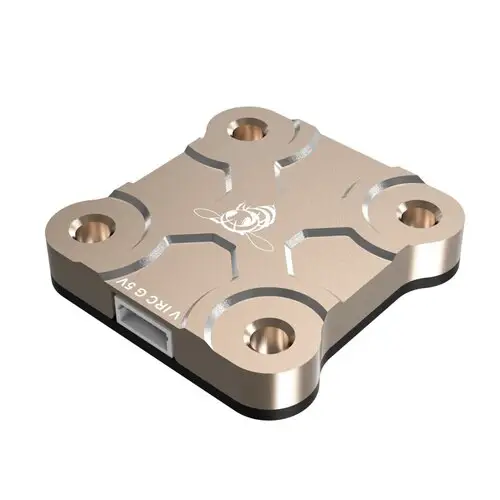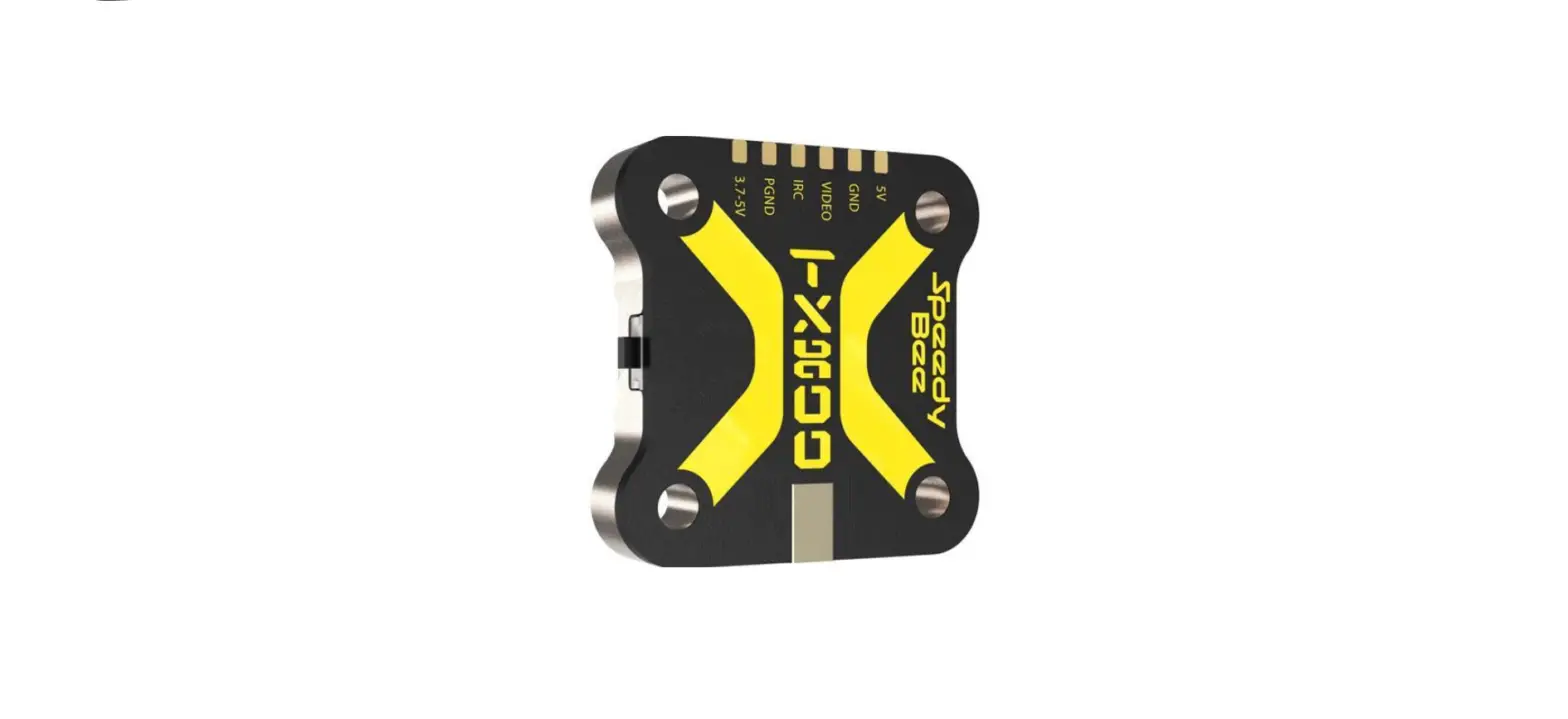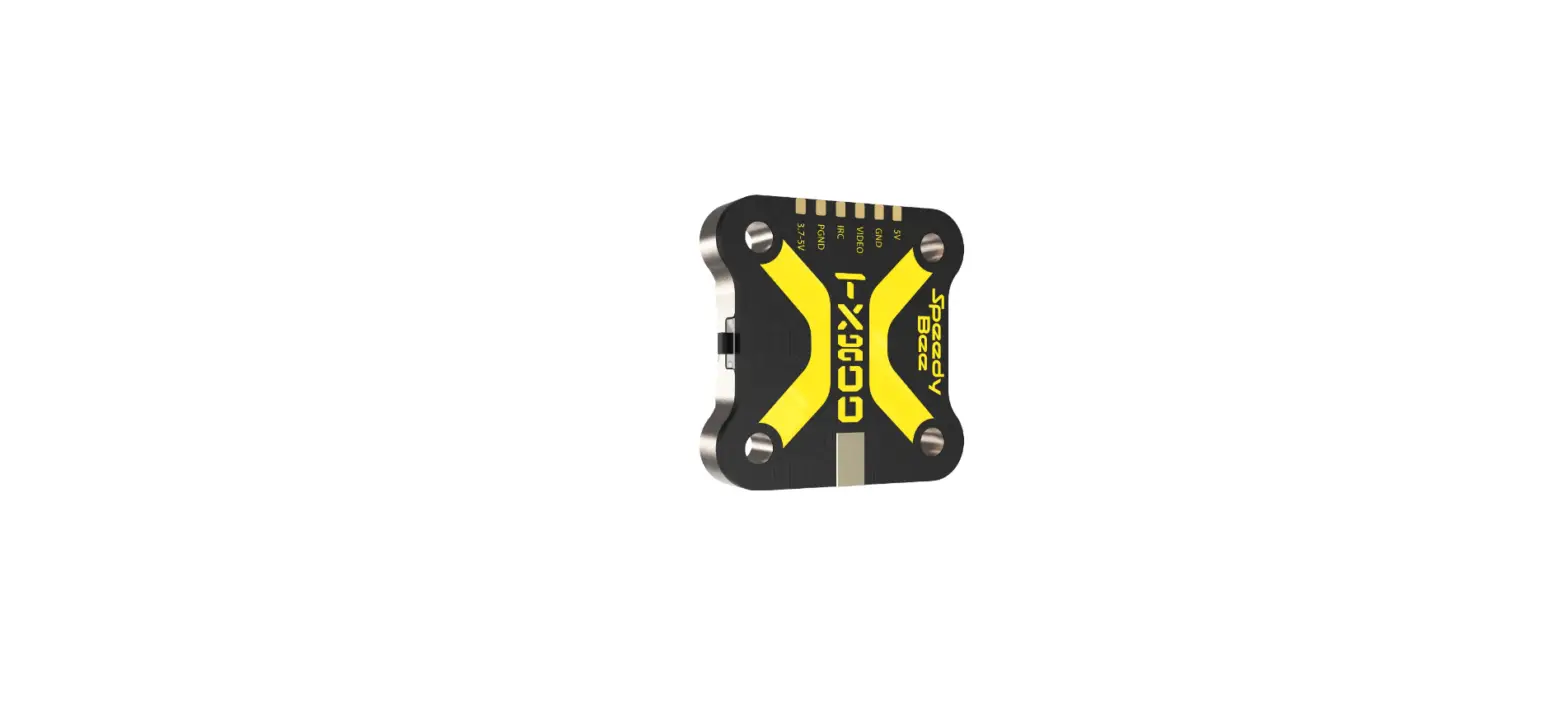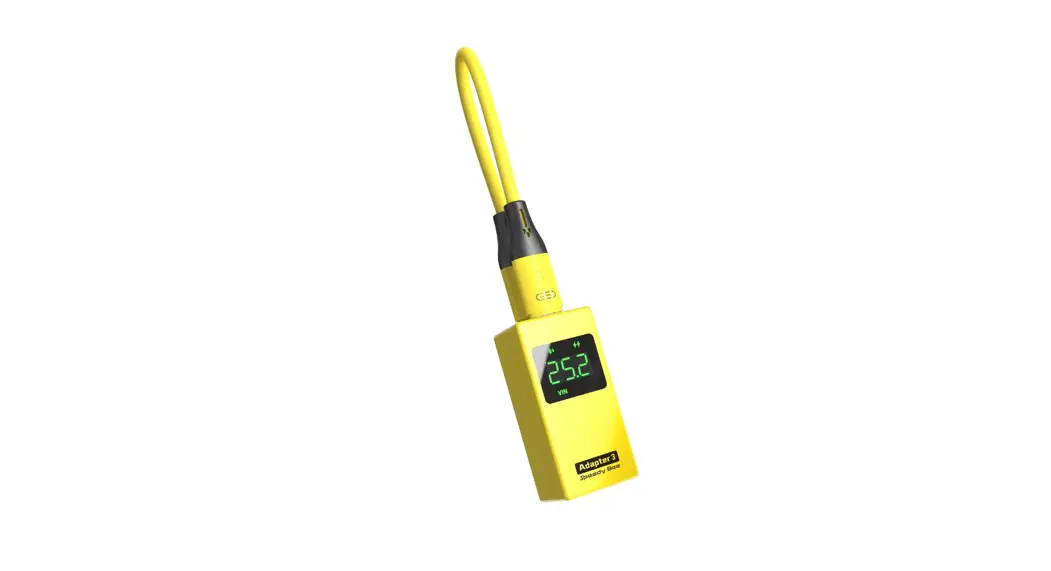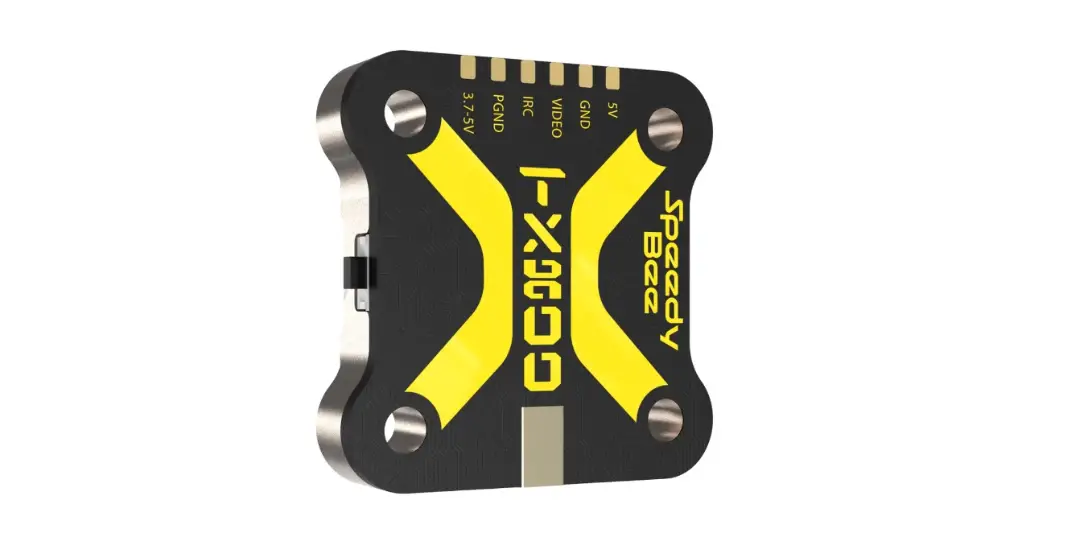

Speedy Bee TX800 Maximum 800mW Output SpeedyBee 5.8 GHz Antenna
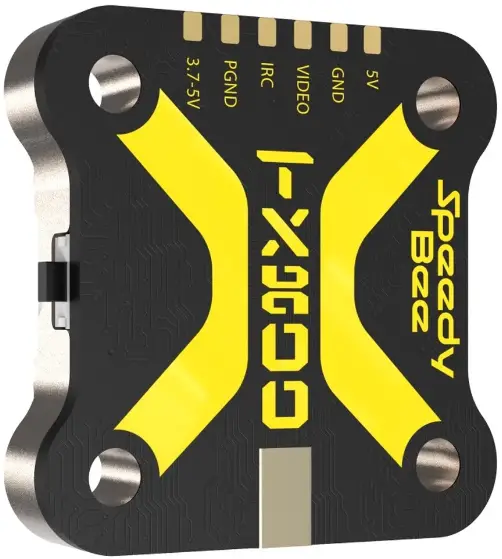
Instruction Diagram
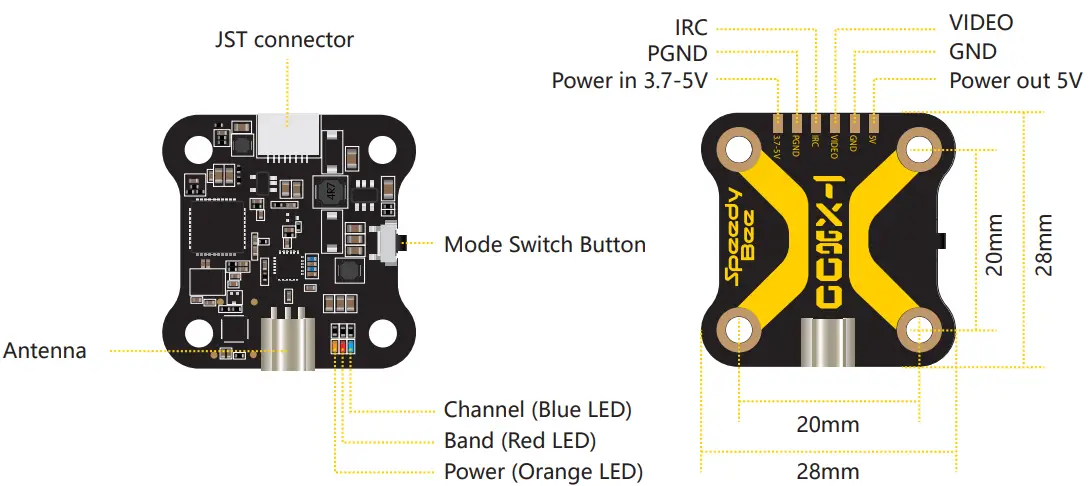
| LED Mode | Channel (Blue LED) | Band (Red LED) | Power (Orange LED) |
| Red LED will keep blinking, at this time | Orange LED will keep blinking, at this time | ||
| Lock | Constantly ON: The current frequency point is Channel 1 | the Red LED is not used to indicate the current Band information. | the Orange LED is not used for indicating the current Power information. |
| OFF: | |||
| Unlock | The current frequency point is one of Channel 2~Channel 8. | Constantly ON: the current band is Band1, OFF: the current band is one of Band 2 ~ Band 6. | Light OFF 25mW Binking once in 2 seconds 200mW Blinking once in 1 second 400mW Constantly ON 800mW Blinking twice in 1 PIT mode |
| second (fastFlash) |
Key Operation
- Short press the button to switch CH1/2/3/4/5/6/7/8.
- Long press the button for 2 seconds to enter the BAND mode; then short press to switch band1/2/3/4/5/6.
- Long press the button for 5 seconds to enter the POWER mode; then short press to switch to 25/200/400/800mw.
- Long press the button for 10 seconds to unlock/lock.
Support IRC Tramp Protocol
TX800 supports the IRC TRAMP protocol and the modification of video transmission parameters through the remote control,Including frequency, working power and so on. If your flight controller supports Bluetooth or WiFi,You can also modify the video transmission parameters through the Speedy Bee App.
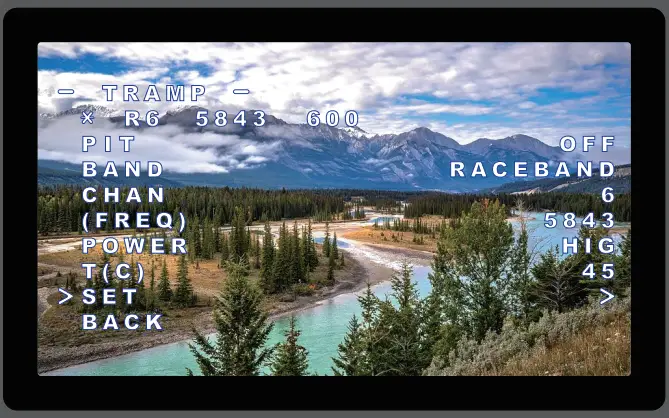
- For Beta Flight flight controller firmware above Beta Flight 4.1.0, you need upload a VTX Table to the flight controller before using the remote control to modify the video transmitter parameters normally.
- download SpeedyBee-TX800(USA).json
- download SpeedyBee-TX800(EU).json
- For the use of the video transmitter table, please refer to this article “How to Setup Beta flight VTX Table – Smart Audio Tramp VTX Control”by Oscar Liang.
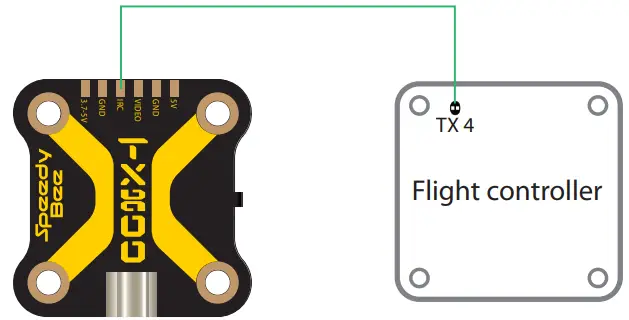
Flight controller wiring
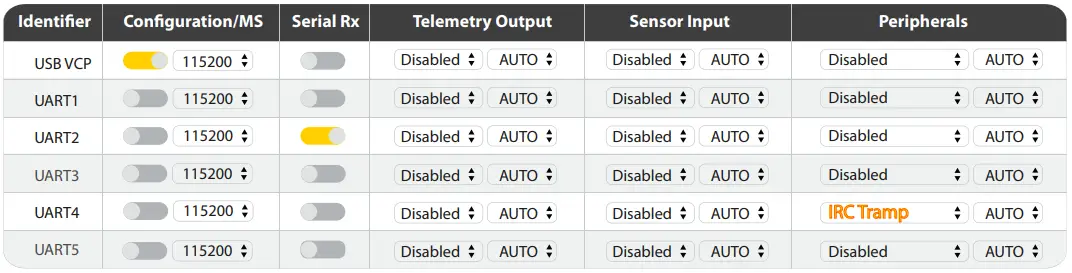
Note: Take UART4 for example
Betaflight 3.1 or above setting
Remote control
Note: Take Mode-2 for example

Frequency Table
| Channel | CH1 | CH2 | CH3 | CH4 | CH5 | CH6 | CH7 | CH8 |
| 1 Band A | 5865 | 5845 | 5825 | 5805 | 5785 | 5765 | 5745 | 5725 |
| 2 Band B | 5733 | 5752 | 5771 | 5790 | 5809 | 5828 | 5847 | 5866 |
| 3 Band E | 5705 | 5685 | 5665 | 5645 | 5885 | 5905 | 5925 | 5945 |
| 4 Airwave | 5740 | 5760 | 5780 | 5800 | 5820 | 5840 | 5860 | 5880 |
| 5 Race Band | 5658 | 5695 | 5732 | 5769 | 5806 | 5843 | 5880 | 5917 |
| 6 Low Race | 5362 | 5399 | 5436 | 5473 | 5510 | 5547 | 5584 | 5621 |