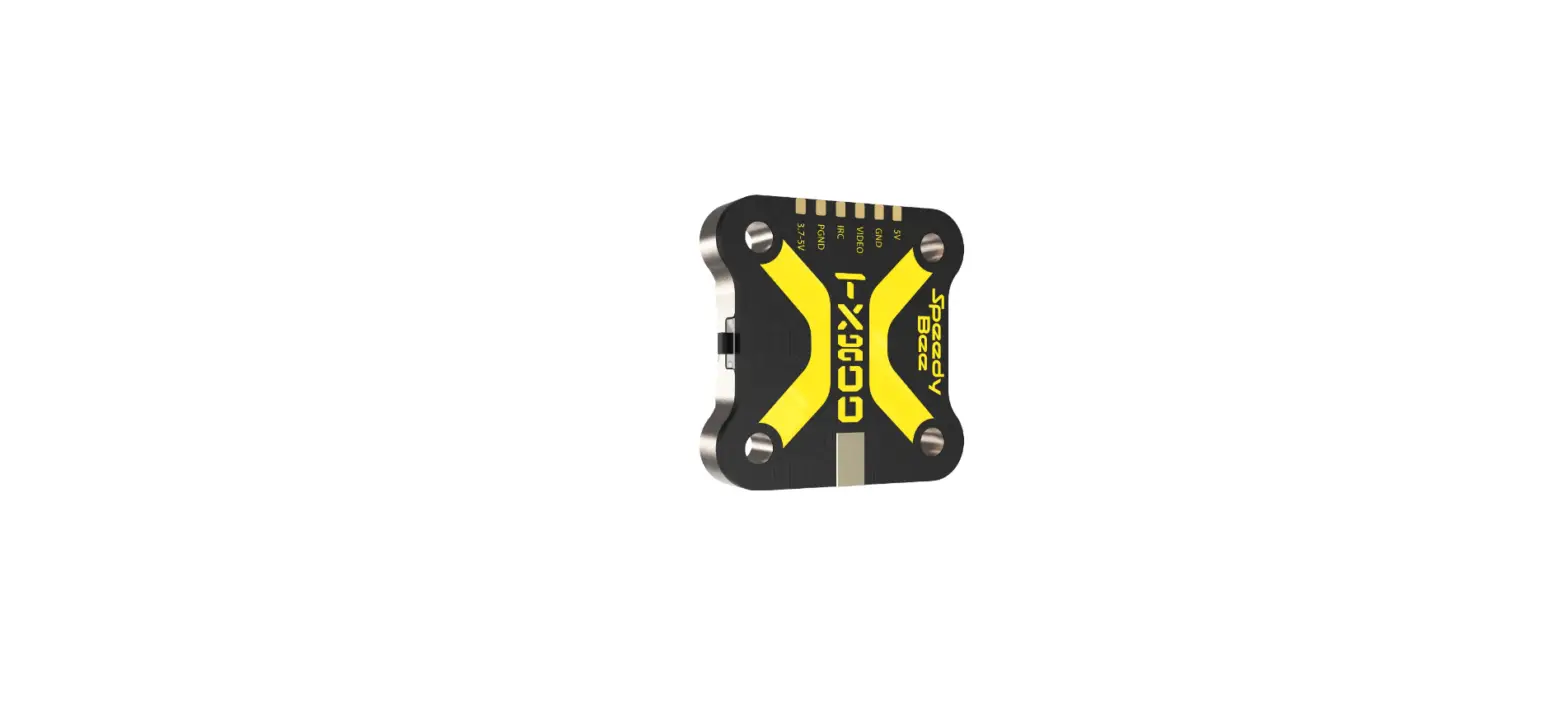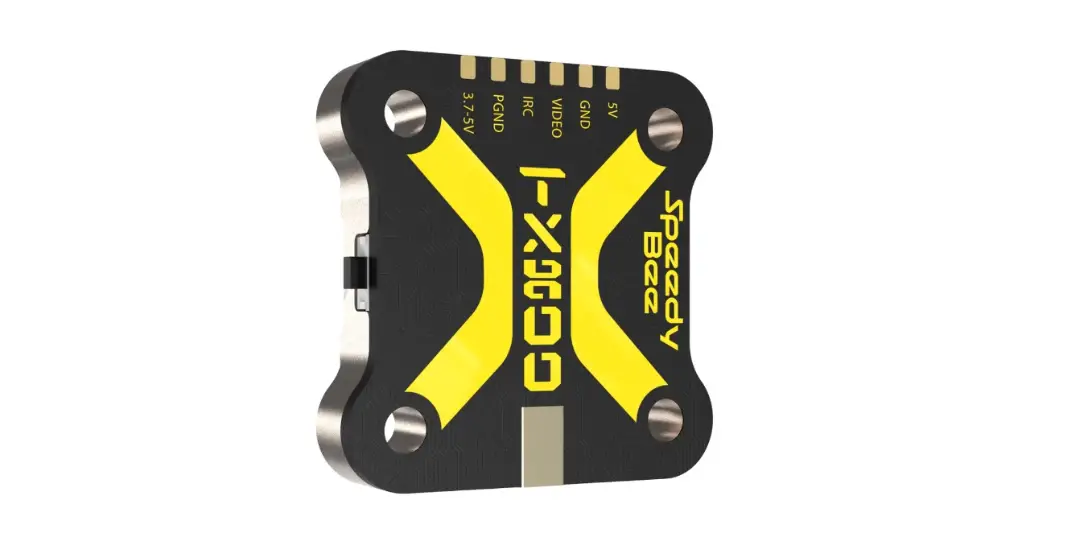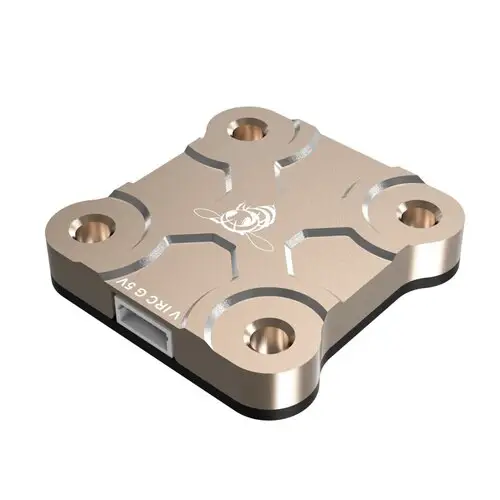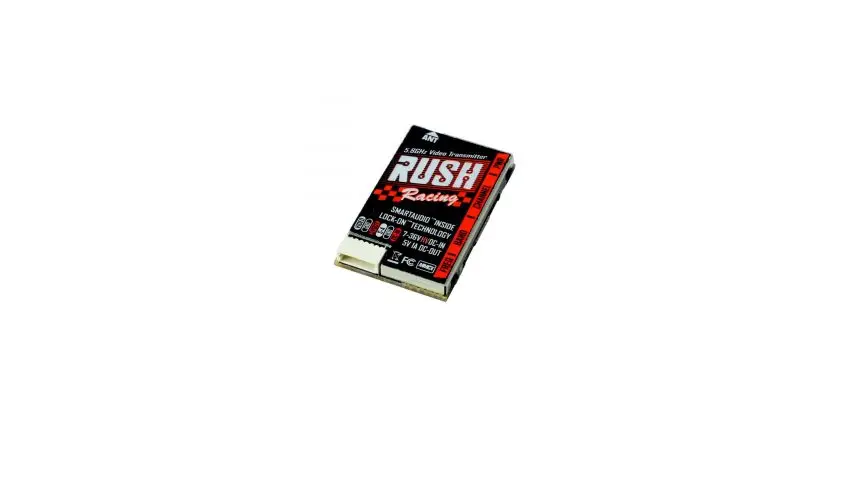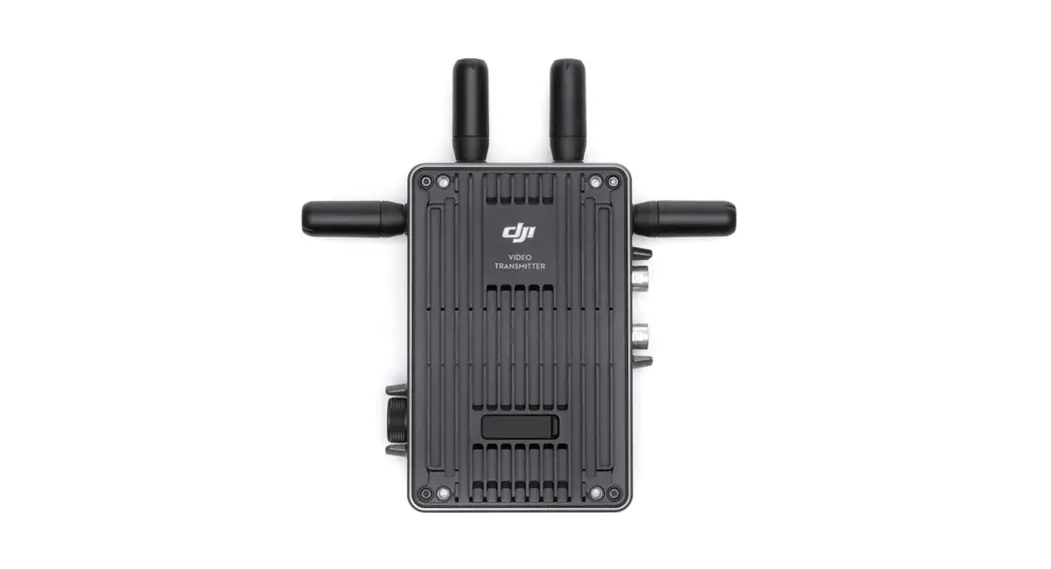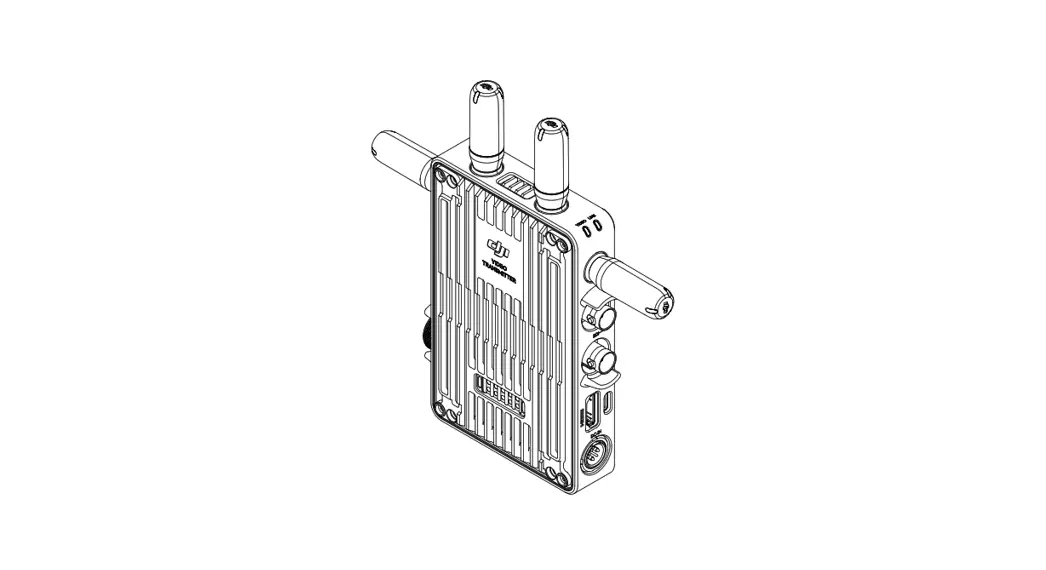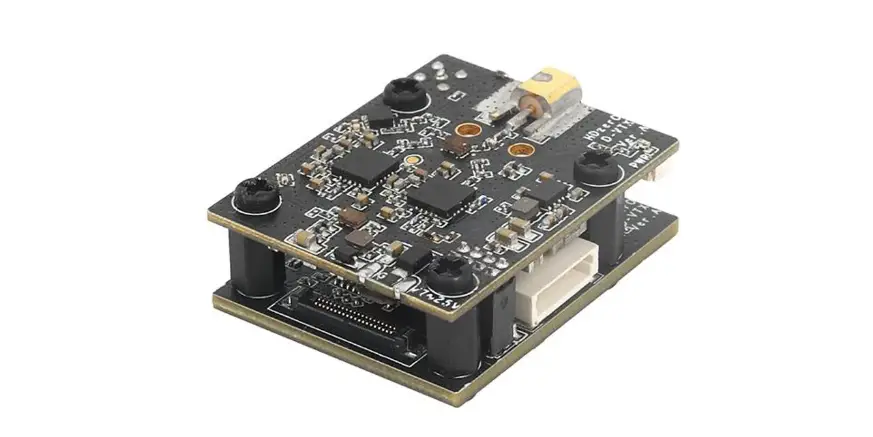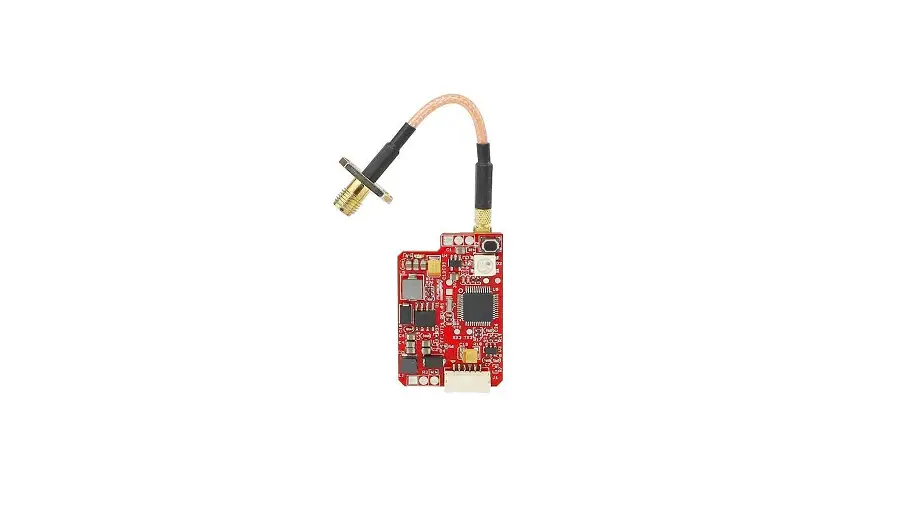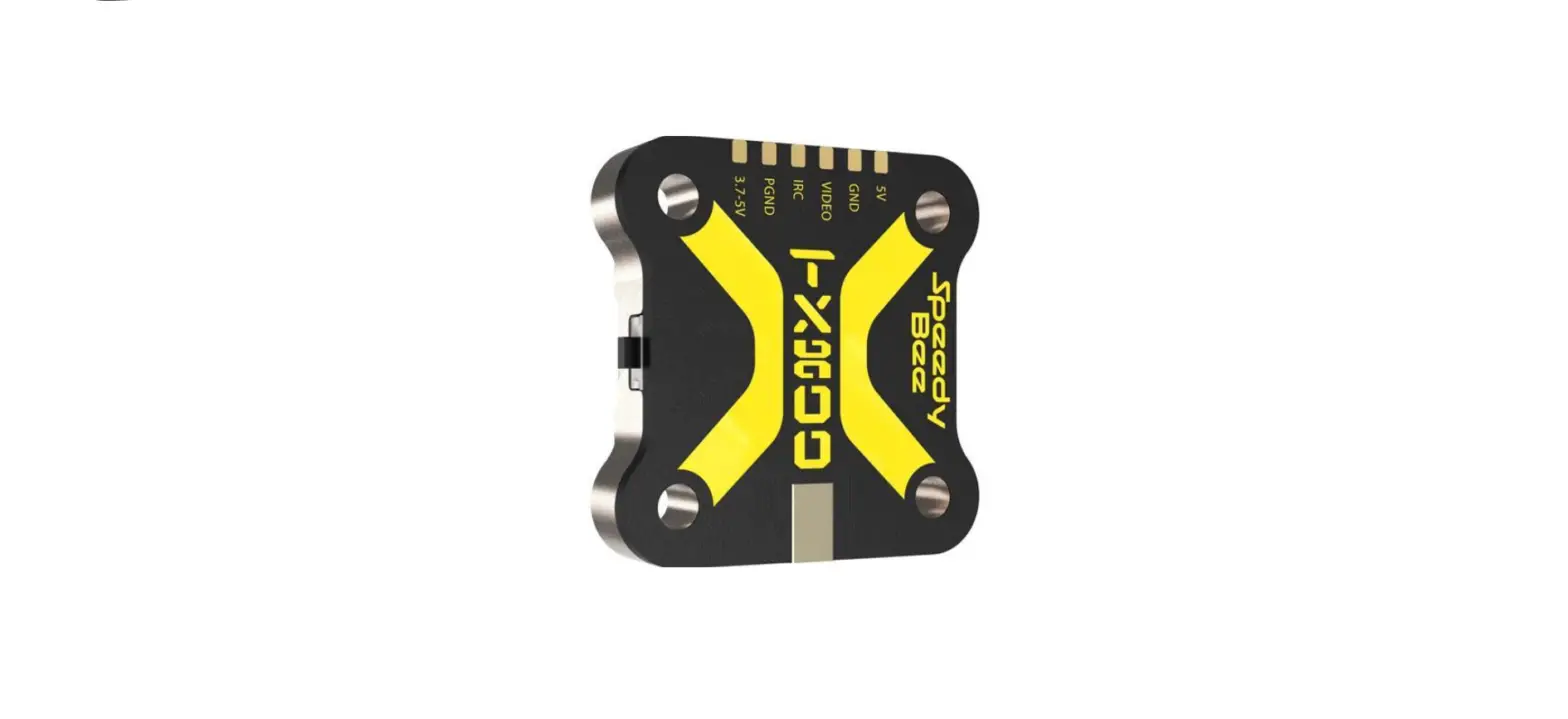
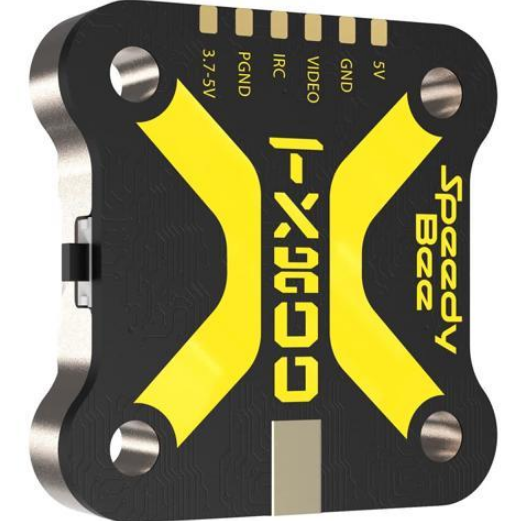
 Speedy Bee TX800 5.8G 48CH FPV Video Transmitter

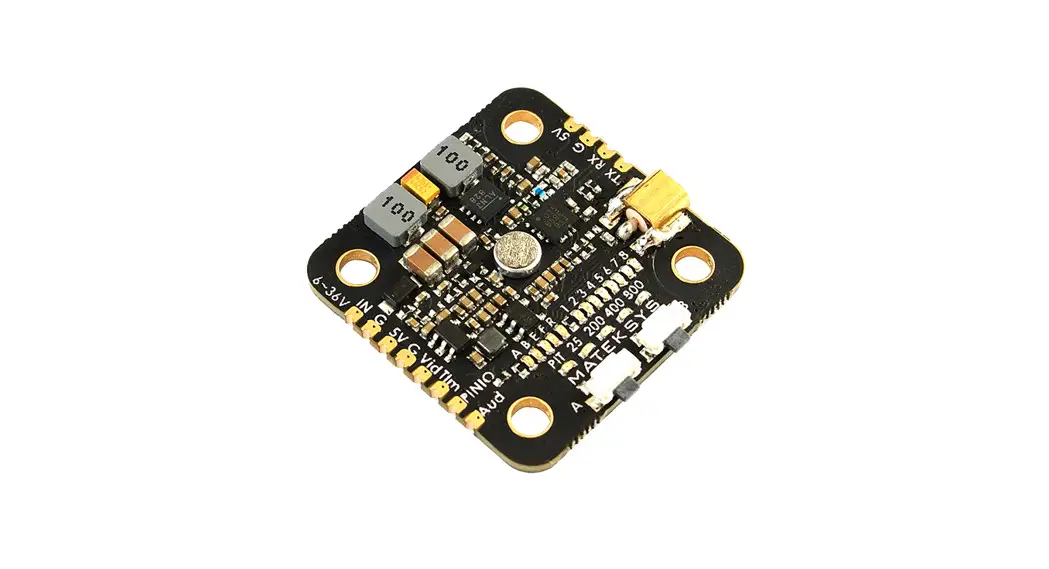
Instruction Diagram
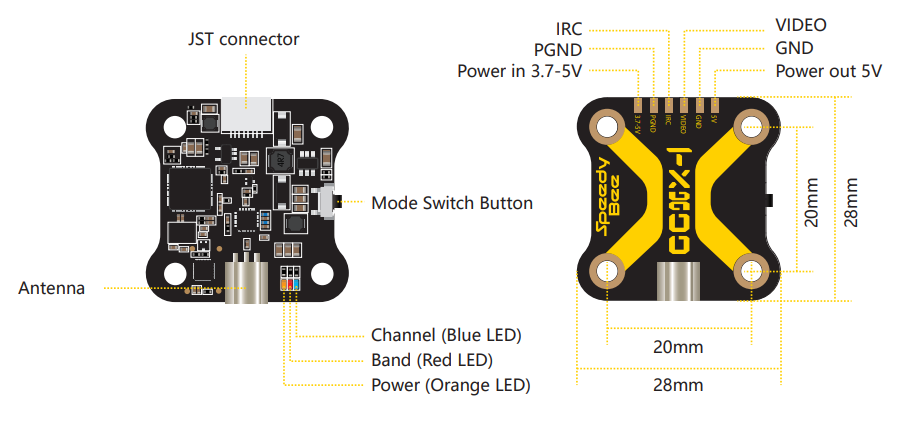
| LED Mode | Channel (Blue LED) | Band (Red LED) | Power (Orange LED) |
| Lock | Constantly ON: The current frequency point is Channel 1 | Red LED will keep blinking, at this time the Red LED is not used to indicate the current Band information. | Orange LED will keep blinking, at this time the Orange LED is not used for indicating the current Power information. |
| Unlock | OFF: The current frequency point is one of Channel 2~Channel 8. | Constantly ON: the current band is Band1, OFF: the current band is one of Band 2 ~ Band 6. | Light OFF 25mW Binking once in 2 seconds 200mW Blinking once in 1 second 400mW Constantly ON 800mW Blinking 4 twice in PIT mode 1 second |
- Long press the button for 10 seconds to unlock/lock TX800.
- Short press the button to switch CH1/2/3/4/5/6/7/8.
- Long press the button for 2 seconds to switch band1/2/3/4/5/6.
- Long press the button for 5 seconds to switch to 25/200/400/800mW.
Support IRC Tramp Protocol
- TX800 supports the IRC TRAMP protocol and the modification of video transmission parameters through the remote control,Including frequency, working power and so on.
- If your flight controller supports Bluetooth or WiFi,You can also modify the video transmission parameters through the SpeedyBee App.
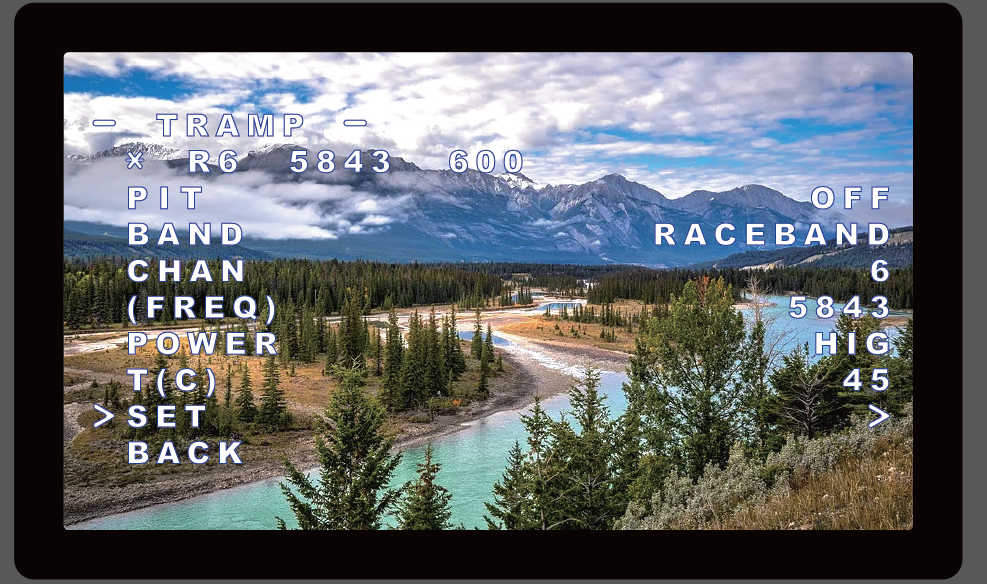
For BetaFlight flight controller firmware above BetaFlight 4.1.0, you need upload a VTX Table to the flight controller before using the remote control to modify the video transmitter parameters normally.
download SpeedyBee-TX800(USA).json
download SpeedyBee-TX800(EU).json
For the use of the video transmitter table, please refer to this article “How to Setup Betaflight VTX Table – SmartAudio Tramp VTX Control”by Oscar Liang.
Flight controller wiring
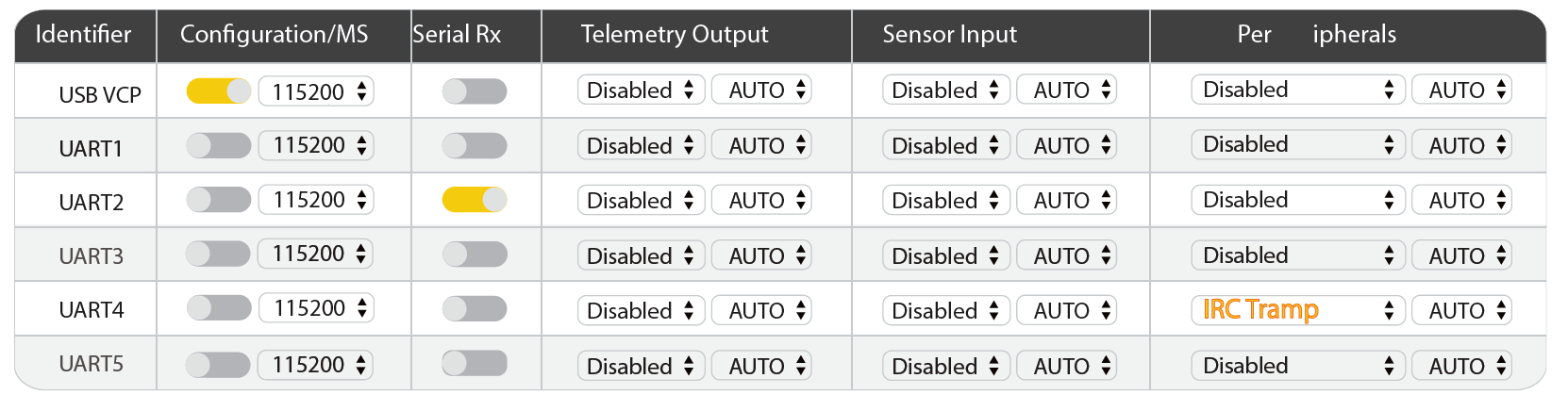
Note: Take UART4 for example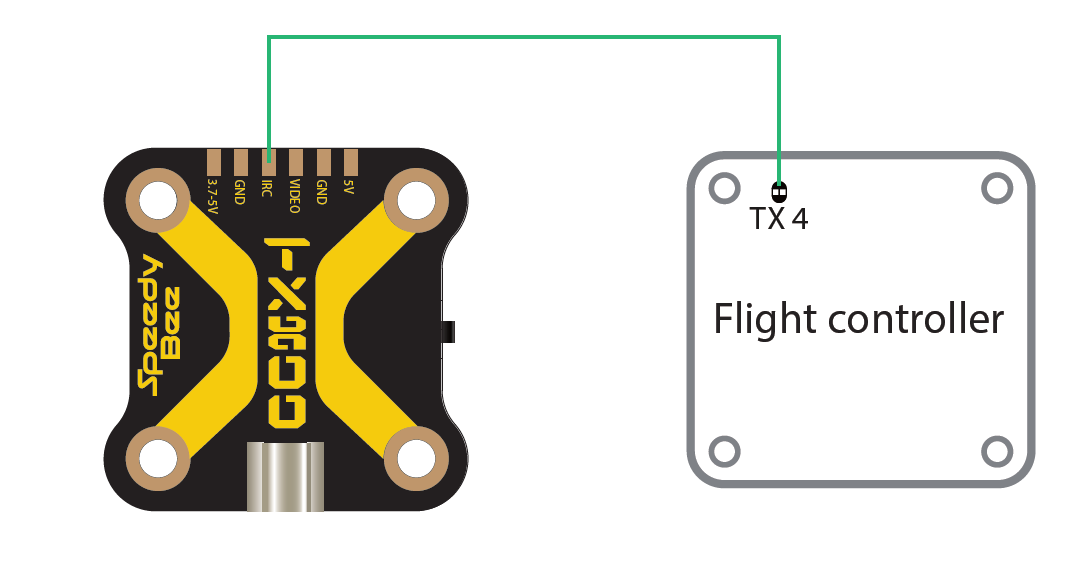
Betaflight 3.1 or above setting
Remote control
Note: Take Mode-2 for example
Frequency Table
| Channel | CH1 | CH2 | CH3 | CH4 | CH5 | CH6 | CH7 | CH8 |
| 1 Band A | 5865 | 5845 | 5825 | 5805 | 5785 | 5765 | 5745 | 5725 |
| 2 Band B | 5733 | 5752 | 5771 | 5790 | 5809 | 5828 | 5847 | 5866 |
| 3 Band E | 5705 | 5685 | 5665 | 5645 | 5885 | 5905 | 5925 | 5945 |
| 4 Airwave | 5740 | 5760 | 5780 | 5800 | 5820 | 5840 | 5860 | 5880 |
| 5 Race Band | 5658 | 5695 | 5732 | 5769 | 5806 | 5843 | 5880 | 5917 |
| 6 Low Race | 5362 | 5399 | 5436 | 5473 | 5510 | 5547 | 5584 | 5621 |