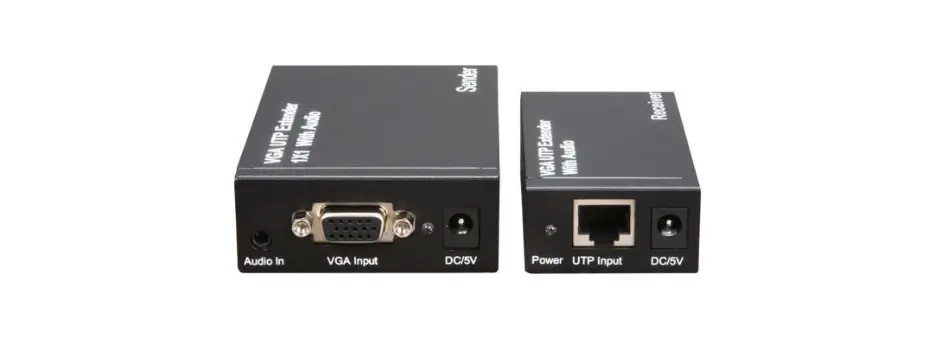
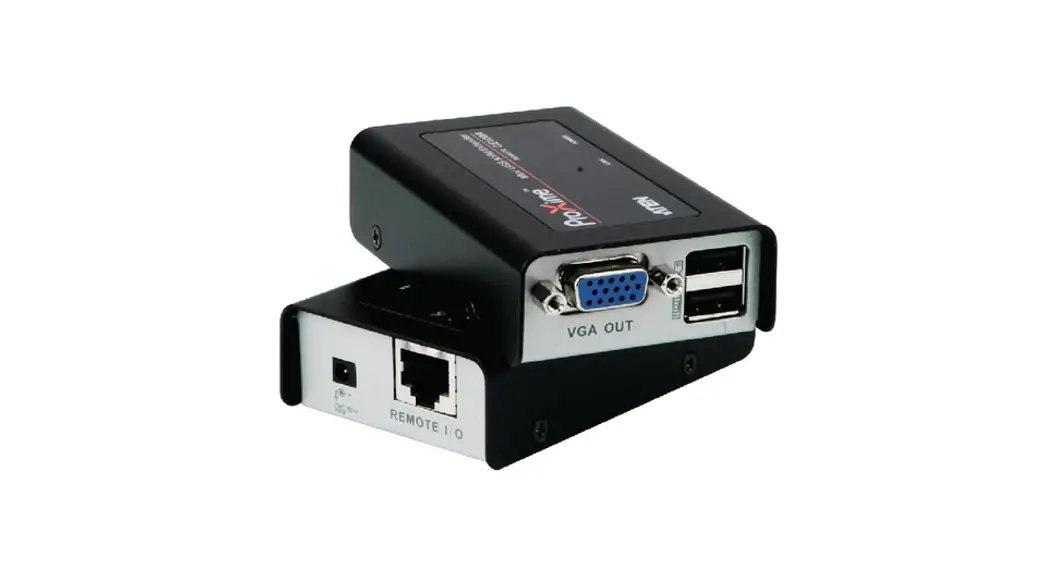
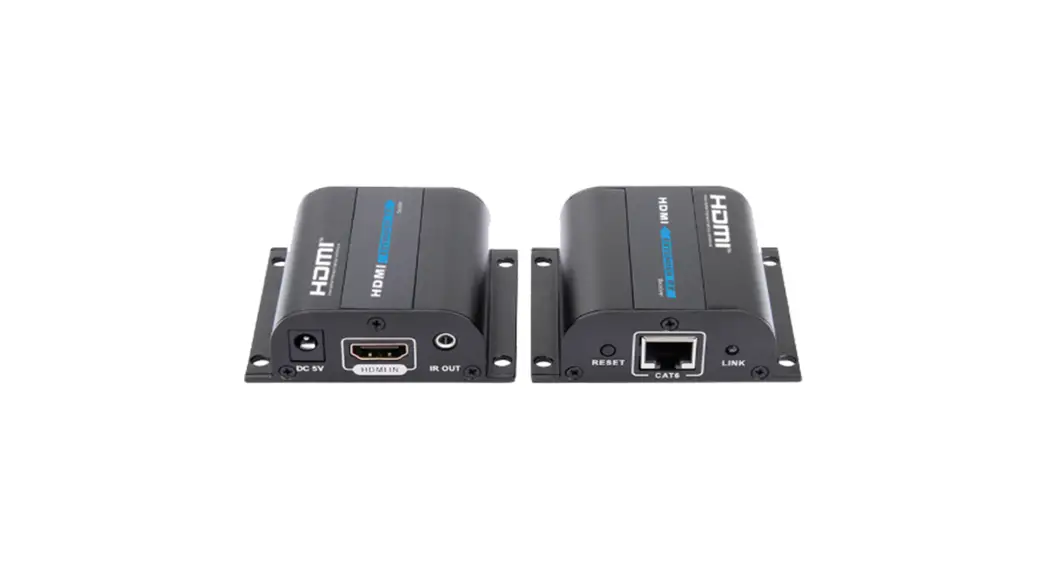
UTP801P Single Channel Passive VGA Extender
Product Information: Single Channel Passive VGA Extender
The UTP801P is a single channel passive VGA UTP balun that
allows the transmission of high-resolution VGA video signals over a
UTP cable. It is a plug and play device that includes a VGA
transmitter and receiver. The device can transmit high definition
video signals up to 35m and supports resolutions up to 1024×768. It
is compatible with VGA, SVGA, XGA, and SXGA. The device is designed
with an iron metal outer shell that provides super interference
rejection.
Characteristics
- No need for additional power supply
- High definition transmission up to 35 m
- Suggested resolution up to 1024 * 768
- Using CAT5 / 5E / 6E cable
- Synchronous transmission, no time delay
- Compatible with VGA, SVGA, XGA, SXGA, etc.
- Setting the dial, easy to use
- Plug and play, simple installation
Typical Application
The UTP801P is suitable for use in applications where there is a
need to transmit high-quality VGA video signals over long
distances. It can be used to connect a personal computer to a
remote monitor or receiver.
Product Usage Instructions
- Turn off the computer before installation.
- Ensure that the UTP cable to be used is available.
- Connect the computer with the VGA transmitter using a VGA
cable. - Connect VGA receiver with remote monitor.
- Connect the VGA transmitter and receiver using a UTP
cable. - Open the computer and use the dial setting to get the best
image.
UTP801P
Single channel passive VGA extender
Operating instructions
The product is a single channel passive VGA UTP balun that enables the transmission of high-resolution, high-fidelity VGA video signals over a UTP cable. Pair including a VGA transmitter and receiver. The device is plug and play, you don’t need any driver software.
Typical application
Monitor
Receiver
Monitor
personal computer
Transmitter
Characteristics No need for additional power supply; High definition transmission up to 35 m; Suggested resolution up to 1024 * 768; Using CAT5 / 5E / 6E cable.
Synchronous transmission, no time delay. Compatible with VGA, SVGA, XGA, SXGA, etc. Setting the dial, easy to use. Plug and play, simple installation.
Iron metal outer shell, super interference rejection.
UTP CAT5 / 5E / 6 cable
1
Panel diagram
Single channel passive VGA extender
RJ45
ADJ
1
2
3
Transmitter
VGA IN
4
RJ45
ADJ
VGA OUT
1
2
3
5
Receiver
NO.
Component
1
RJ-45 ground terminal
2
3
Dial setting
4
15pin HD15 female
5
15pin HD15 female
Description For grounding RJ-45 plug
Please refer to VGA input “Dial setting method” to connect your computer using a VGA cable
VGA output, to connect to remote monitor directly
Installation procedure
Follow the following installation steps: (1) Turn off the computer before installation; otherwise, the powered installation may
damaged devices. (2) Make sure the UTP cable to be used is available. (3) Connect the computer with the VGA transmitter using a VGA cable. (4) Connect VGA receiver with remote monitor. (5) Connect the VGA transmitter and receiver using a UTP cable. (6) Open the computer and use the dial setting to get the best image.
2
doiv2e tcai-ne3oP
4th PitcenePia5cteon
tenPai + c6o + r7oedP P + 8ationec
1 oie2vd et-caoinP3 Poicae4tn n-aiocteP5 t6Poiecna + Pro7de + o8Pt + caine