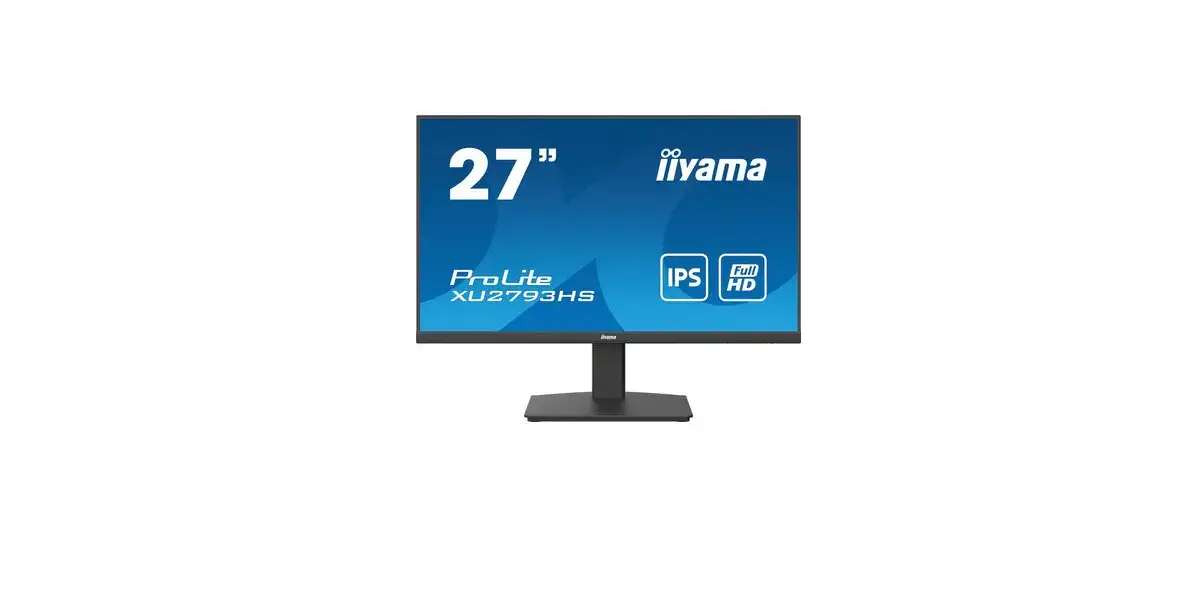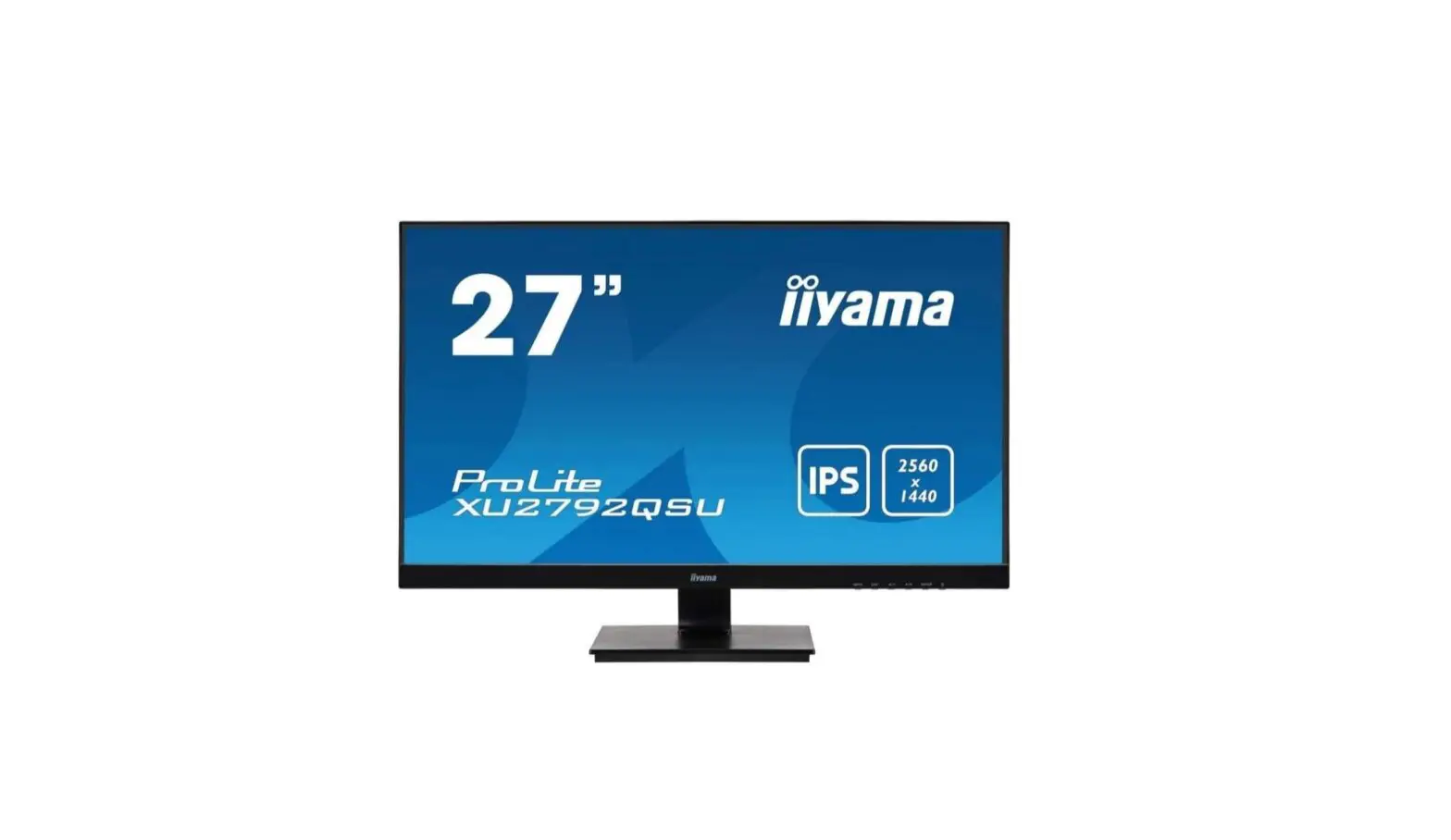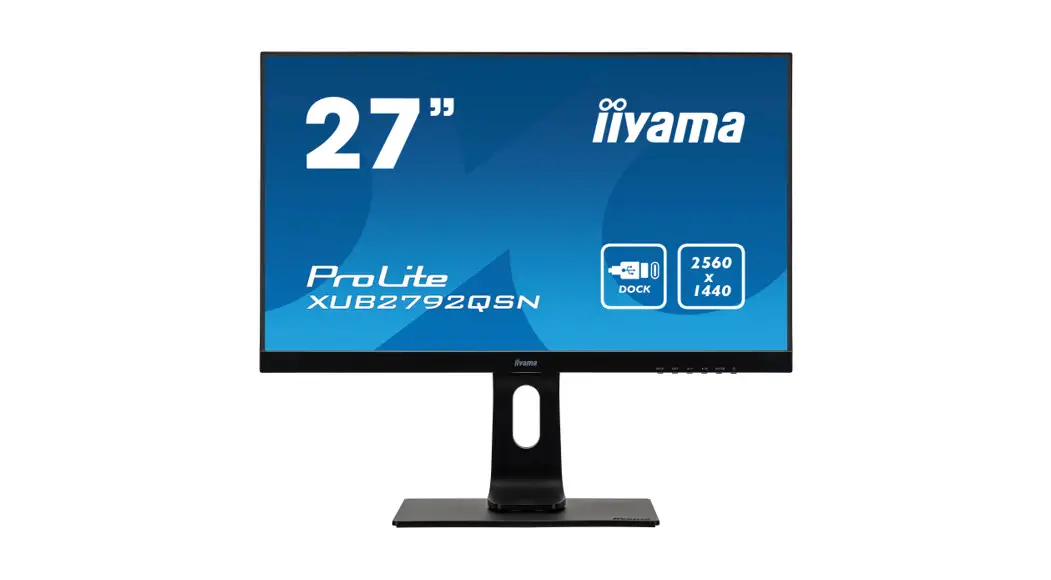
 PROLITE XUB2792QSN-B1
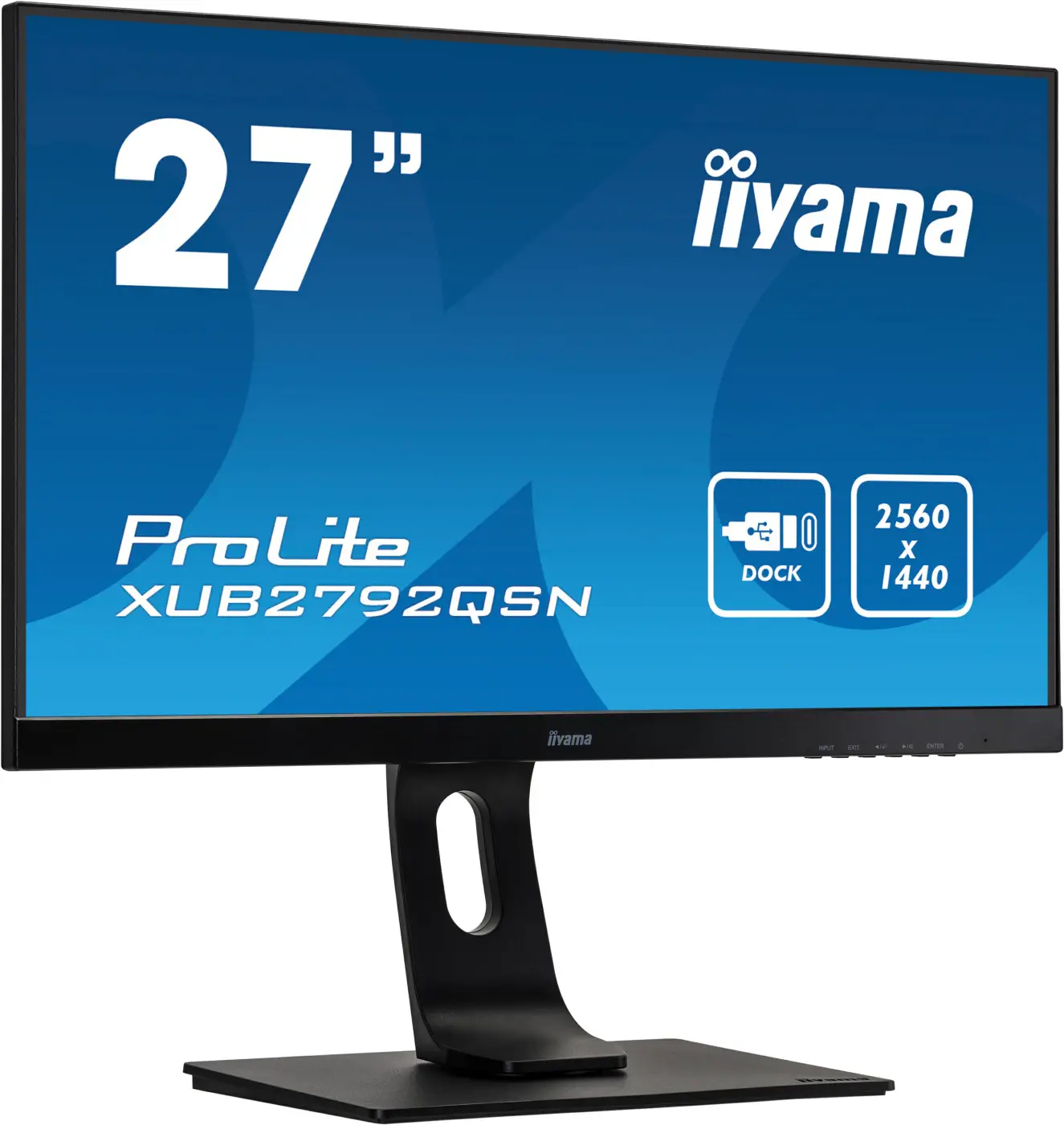

27” WQHD IPS technology panel with USB-C dock and RJ45 (LAN)
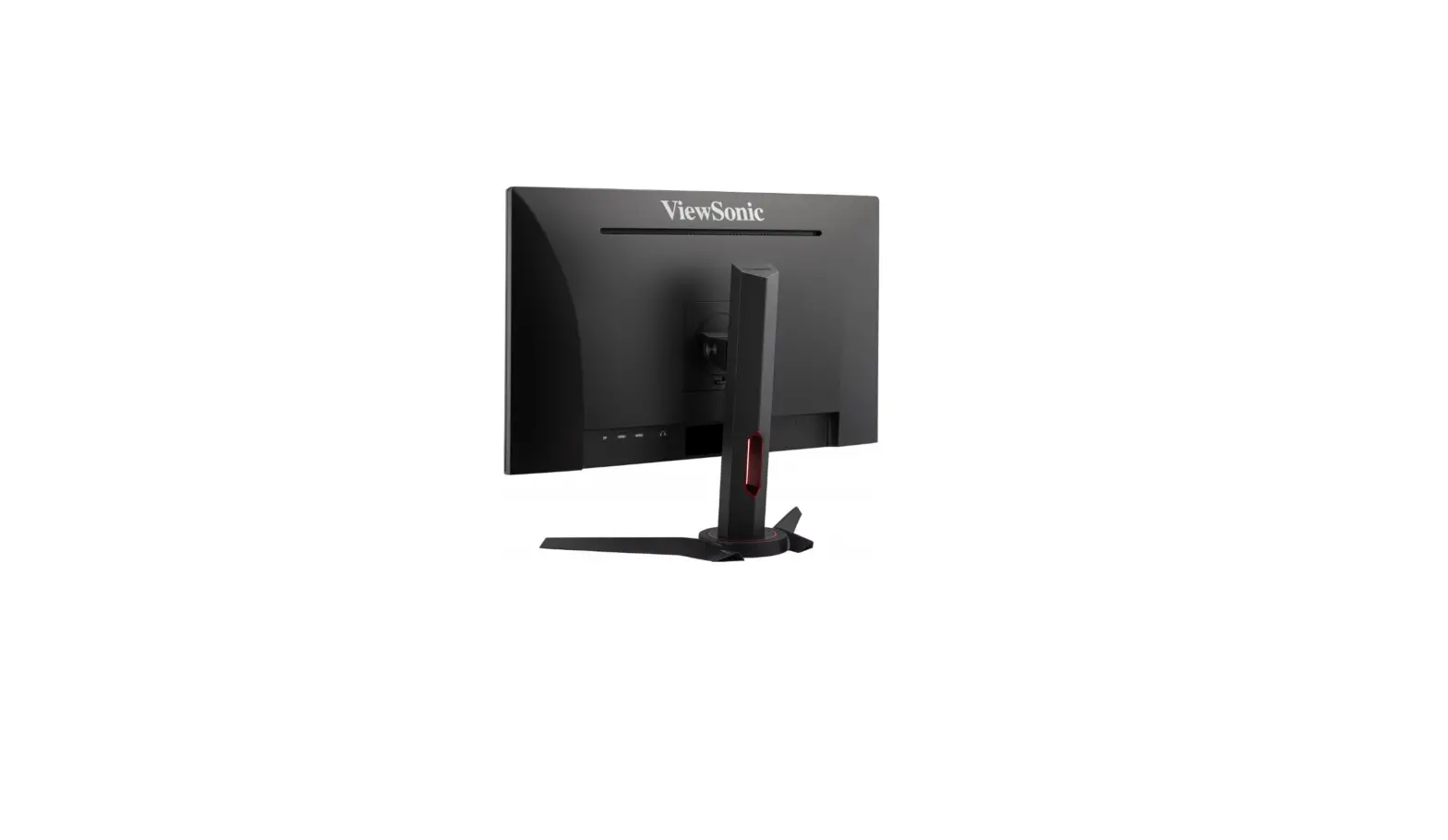
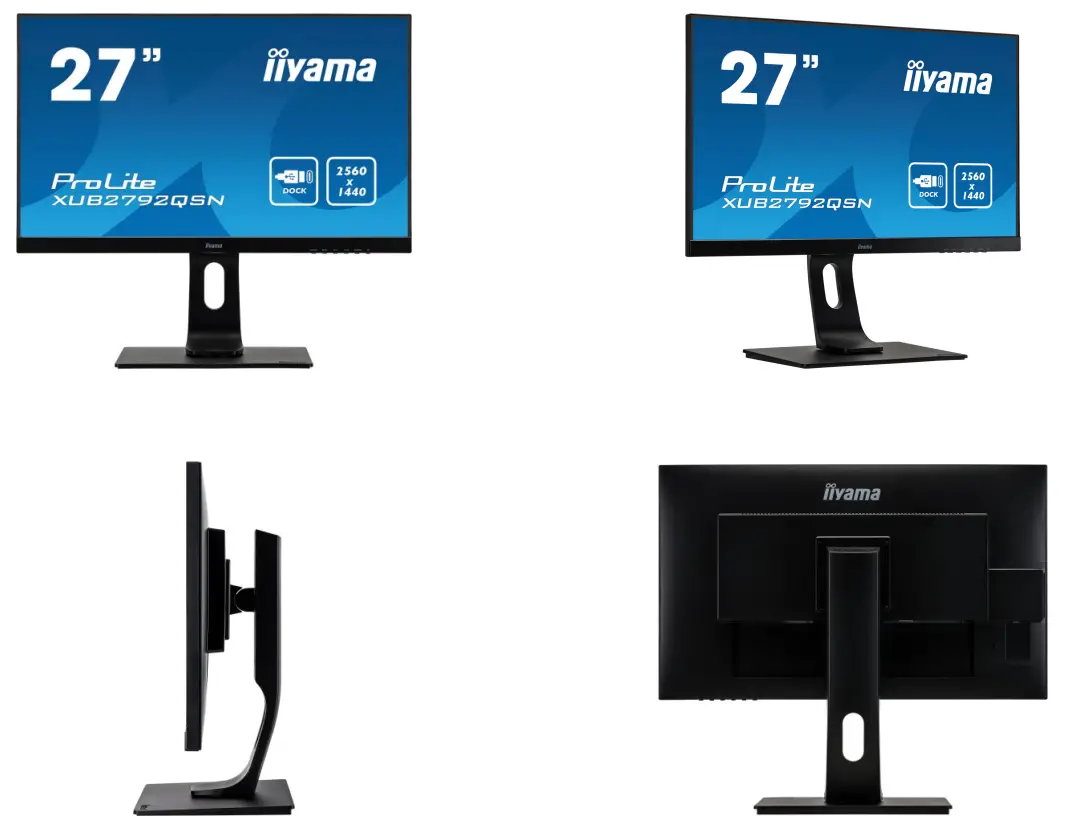
Equipped with a USB-C dock connector, the XUB2792QSN-B1 allows you to simplify your workspace by using a single cable to both send signals (audio, video and touch) from your notebook to your monitor whilst providing power and charge to the notebook. Additionally, if your monitor is connected to the Internet with a LAN cable, your notebook will automatically be connected to the network as well. Thanks to a DisplayPort output you can easily extend your desktop by creating a double monitor set-up. The IPS panel assures rich and accurate colours with wide viewing angles. WQHD resolution, high contrast and brightness values mean the monitor provides excellent performance for photographic and web design. The ergonomic stand offers a height adjustment of 13cm and with the tilt and swivel mechanisms, you can easily turn the monitor into portrait mode for more comfort while working on large datasheets.
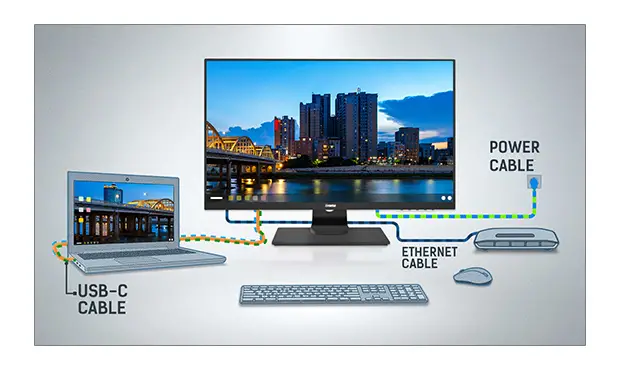
USB-C Dock
The dock allows you to connect your laptop with a single cable to the monitor to both make sure it is charged and connected to a wired network and signal from the laptop is sent to the monitor. A second monitor can be connected to the DisplayPort (MST) output to create a multi-monitor set-up. With additional USB ports, your mouse, keyboard or webcam can also be connected to the monitor. All thanks to a single cable connecting your laptop* to the USB C dock in the monitor.
*Functions vary depending on your laptop USB-C support.
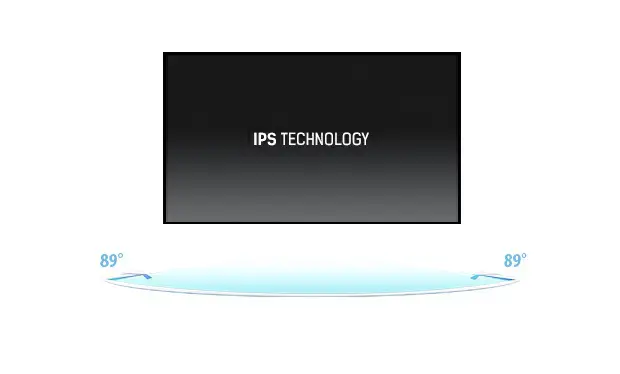
IPS Technology
IPS displays are best known for wide viewing angles and natural, highly accurate colours. They are especially suited for colour-critical applications.
DISPLAY CHARACTERISTICS
| Design | ultra slim |
| Diagonal | 27″, 68.5cm |
| Panel | IPS Panel Technology LED, matte finish |
| Native resolution | 2560 x 1440 @75Hz (3.7-megapixel WQHD) |
| Aspect ratio | 16:09 |
| Brightness | 350 cd/m² typical |
| Static contrast | 1000:1 typical |
| Advanced contrast | 80M:1 |
| Response time (GTG) | 4ms |
| Viewing zone | horizontal/vertical: 178°/178°, right/left: 89°/89°, up/down: 89°/89° |
| Colour support | 1.07B 10bit (8bit + Hi-FRC) (sRGB: 99%; NTSC: 72%) |
| Horizontal Sync | 30 – 120kHz |
| Viewable area W x H | 596.7 x 335.7mm, 23.5 x 13.2″ |
| Pixel pitch | 0.233mm |
| Colour | matte, black |
INTERFACES / CONNECTORS / CONTROLS
| Signal input | HDMI x1 (2560 x 1440@ 75Hz) DisplayPort x1 (2560 x 1440@ 75Hz) |
| Signal output | DisplayPort x1 (Daisy Chain MST max. 2560 x 1440) |
| USB HUB | x2 (v.3.0) |
| USB-C dock | x1 (Power delivery 65W, LAN, DP out, USB 3.0) |
| HDCP | yes |
| Headphone connector | yes |
| RJ45 (LAN) | x1 |
FEATURES
| Blue light reducer | yes |
| Flicker-free | yes |
| OSD languages | EN, DE, FR, ES, IT, RU, JP, CZ, NL, PL |
| Control buttons | Power, Menu/ Select, Up/ Volume, Down/ ECO, Exit, Input |
| User controls | picture adjust (brightness, contrast, Eco, blue light reducer, ACR, OD), colour settings (colour temp., user preset, i-Style colour), OSD (OSD H. position, OSD V position, OSD rotate, OSD time), language, recall, miscellaneous (sharp and soft, video mode adjust, opening logo, MST, USB, RGB Range, information), input select, audio settings (volume, mute) |
| Speakers | 2 x 2W |
| Convenience | Kensington-lock™ prepared, DDC2B |
MECHANICAL
| Display position adjustments | height, swivel, tilt, pivot (rotation both sides) |
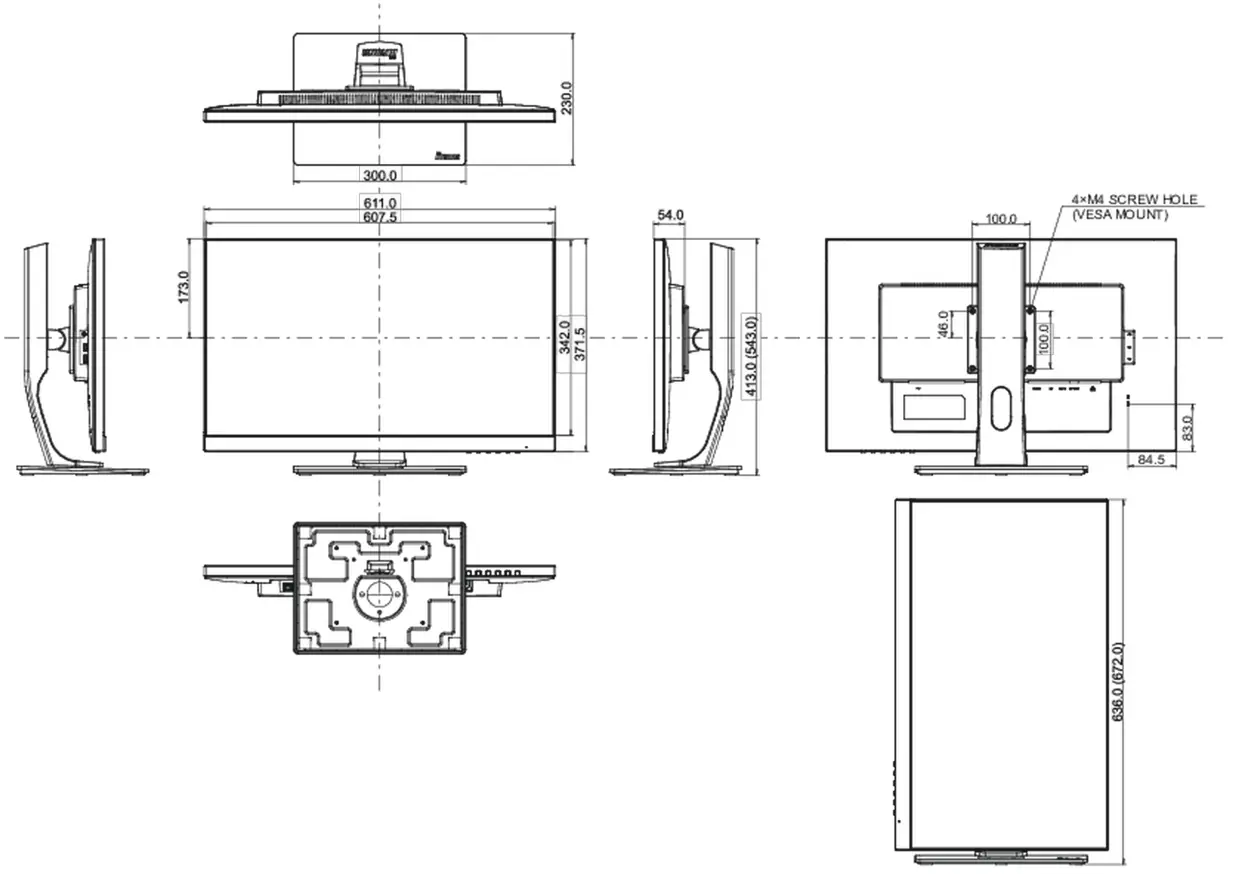
| Height adjustment | 130mm |
| Rotation (PIVOT function) | 90° |
| Swivel stand | 90°; 45° left; 45° right |
| Tilt angle | 22° up; 5° down |
| VESA mounting | 100 x 100mm |
| Cable management system | yes |
ACCESSORIES INCLUDED
| Cables | power, HDMI, DP, USB-C |
| Other | quick start guide, safety guide |
POWER MANAGEMENT
| Power supply unit | internal |
| Power supply | AC 100 – 240V, 50/60Hz |
| Power usage | 33W typical, 0.5W stand by, 0.5W off mode |
SUSTAINABILITY
| Regulations | TCO, CE, TÜV-GS, EAC, VCCI-B, PSE, RoHS support, ErP, WEEE, REACH, UKCA |
| Energy efficiency class (Regulation (EU) 2017/1369) | F |
| Other | REACH SVHC above 0.1%: Lead |
DIMENSIONS / WEIGHT
| Product Dimensions W x H x D | 611 x 413 x 543mm |
| Box dimensions W x H x D | 745 x 207 x 455mm |
| Weight (without box) | 7.8kg |
| Weight (with box) | 9.6kg |
| EAN code | 4.95E+12 |
All trademarks and registered trademarks are acknowledged. E & O E.
The specification is subject to change without notice.
All LCD’s comply with ISO-9241307:2008 in connection with pixel defects.
© IIYAMA CORPORATION. ALL RIGHTS RESERVED
01.03.2021 15:08:01