 Sunhans Technology
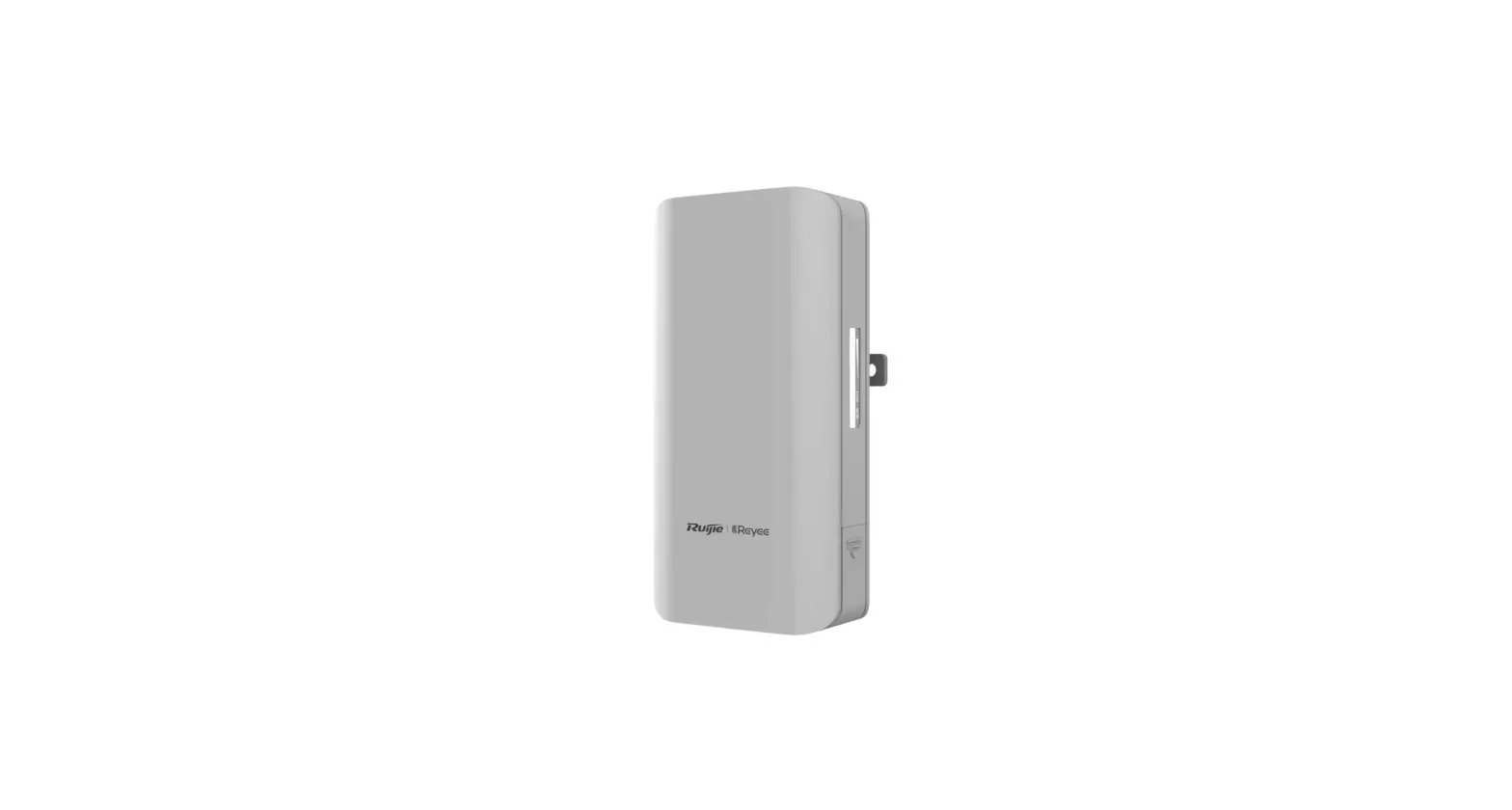
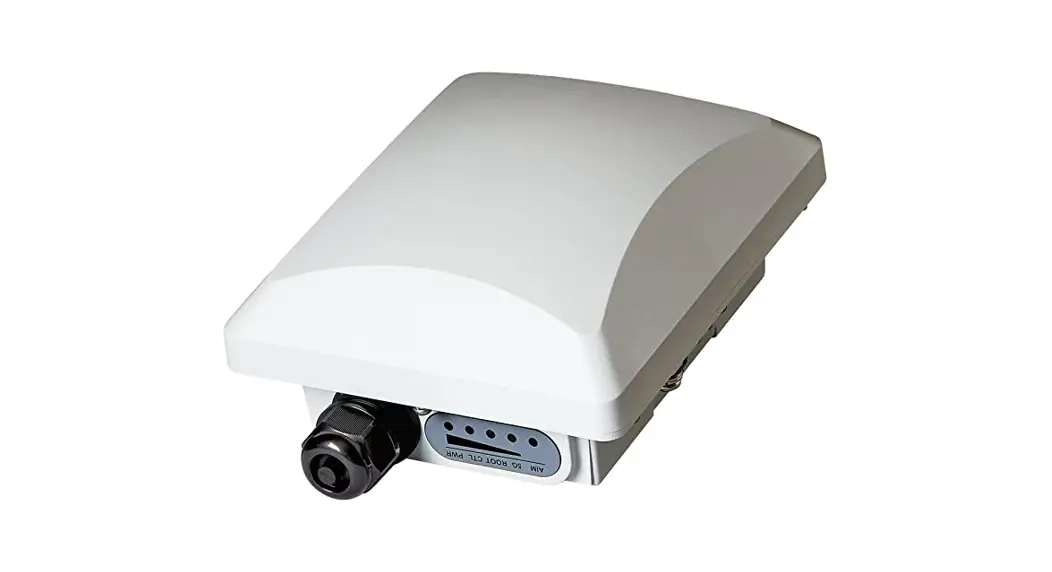
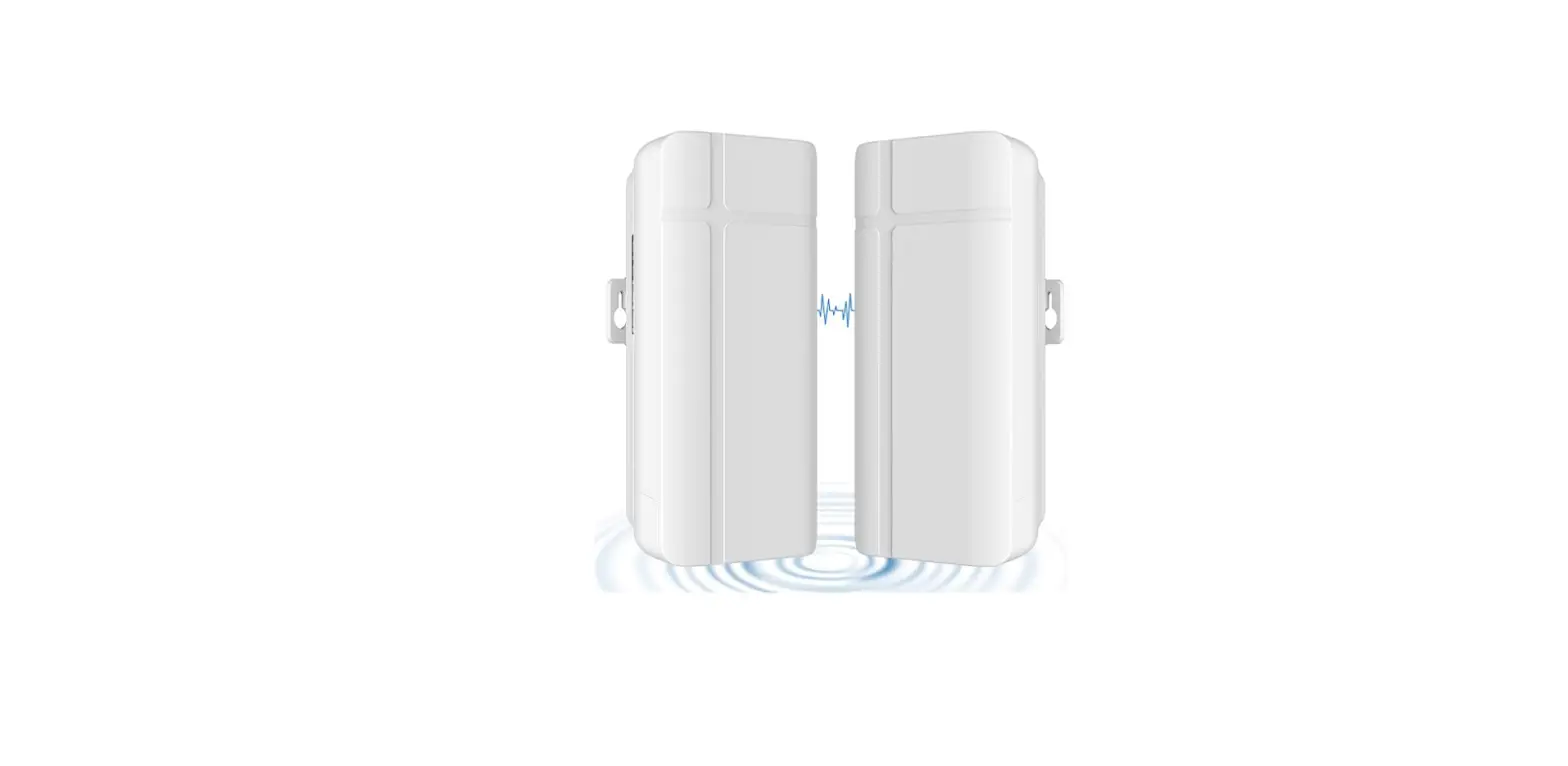
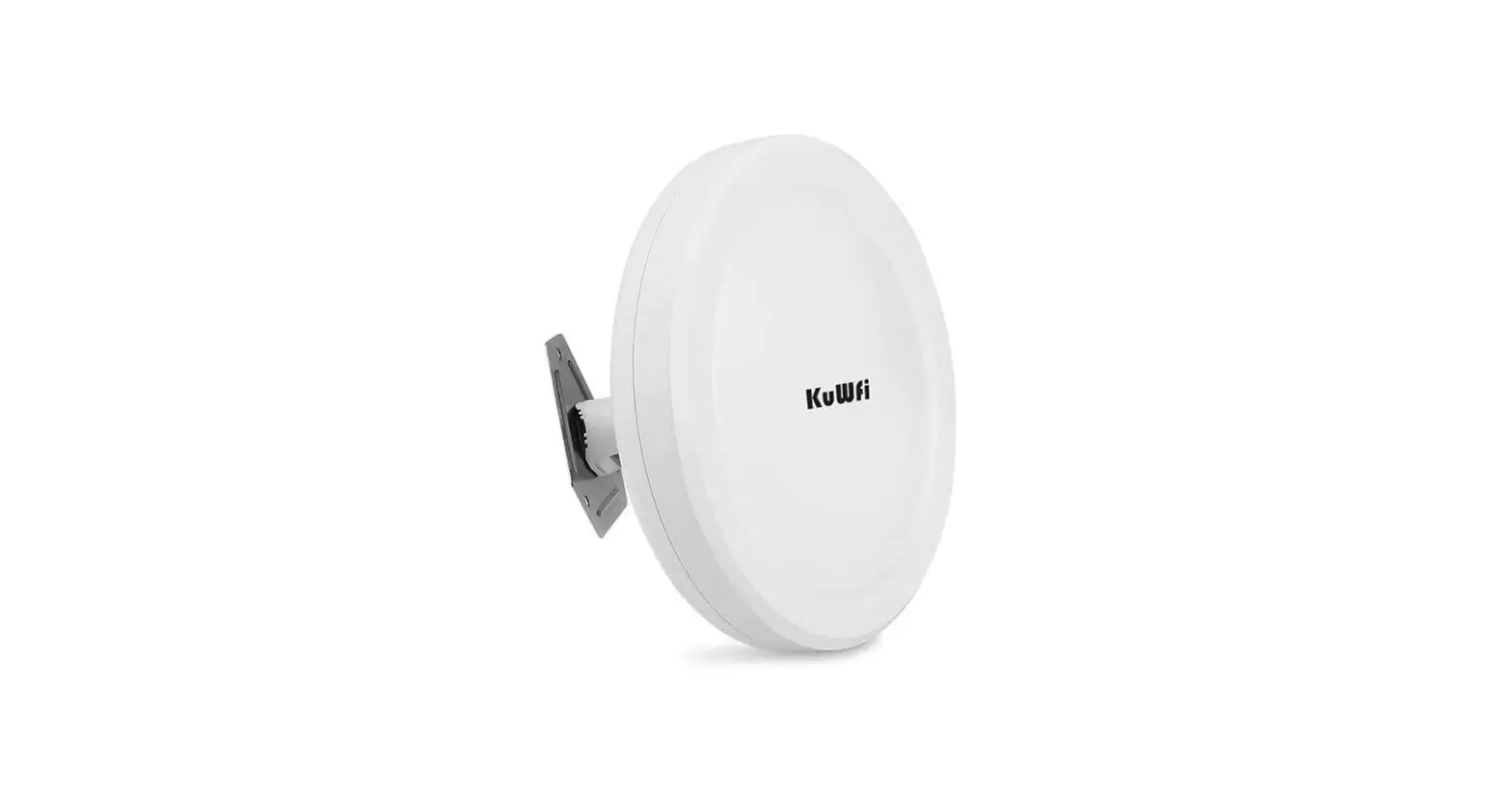
SHPRO24G10WANT Outdoor
Wireless Bridge System
Installation Guide
Issue 01
Date 2021-6-22
Part List
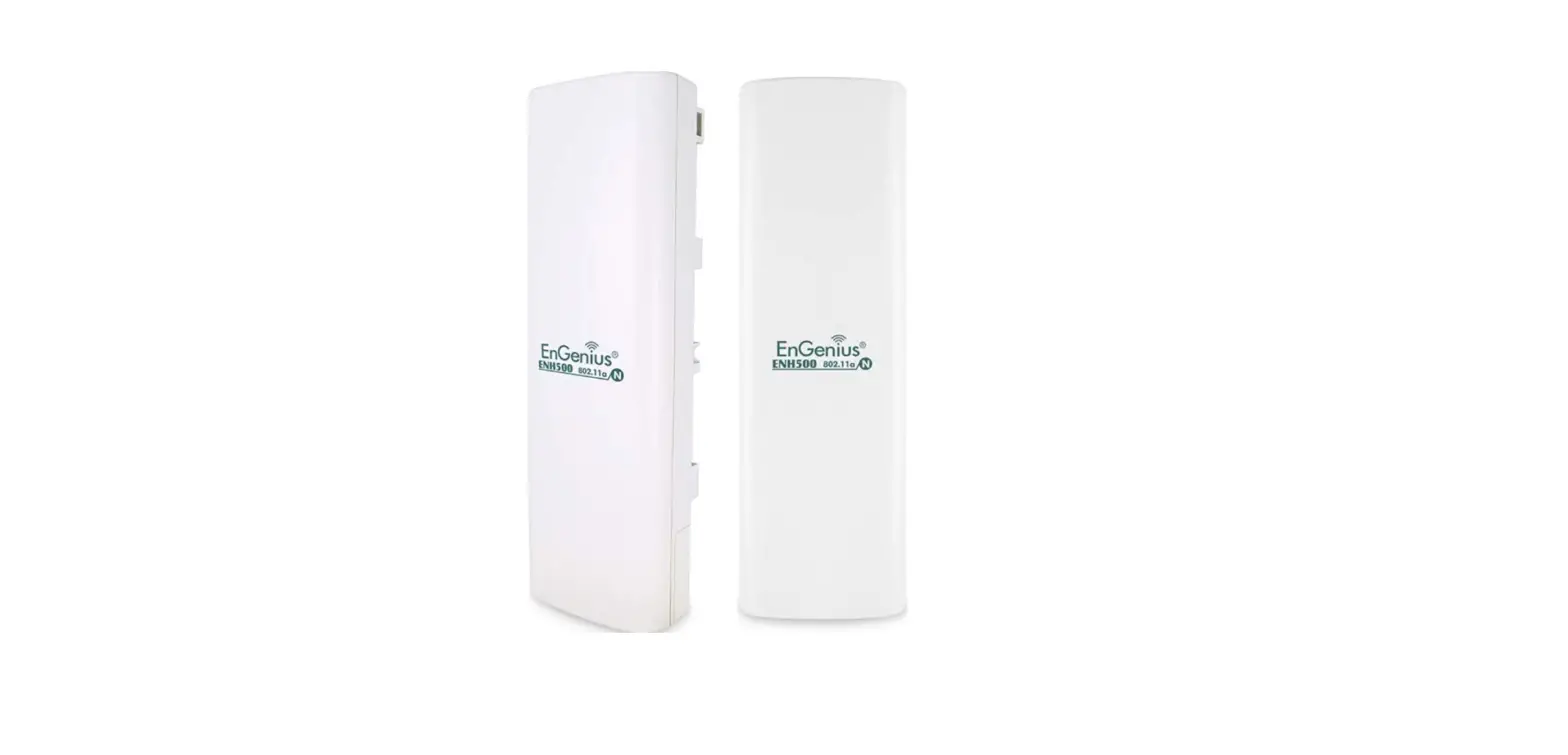
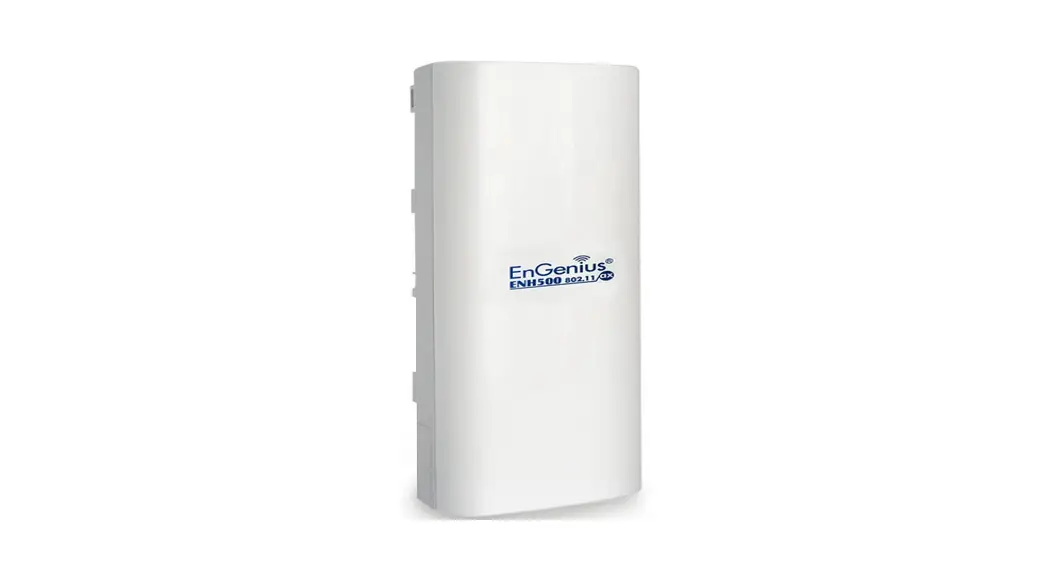
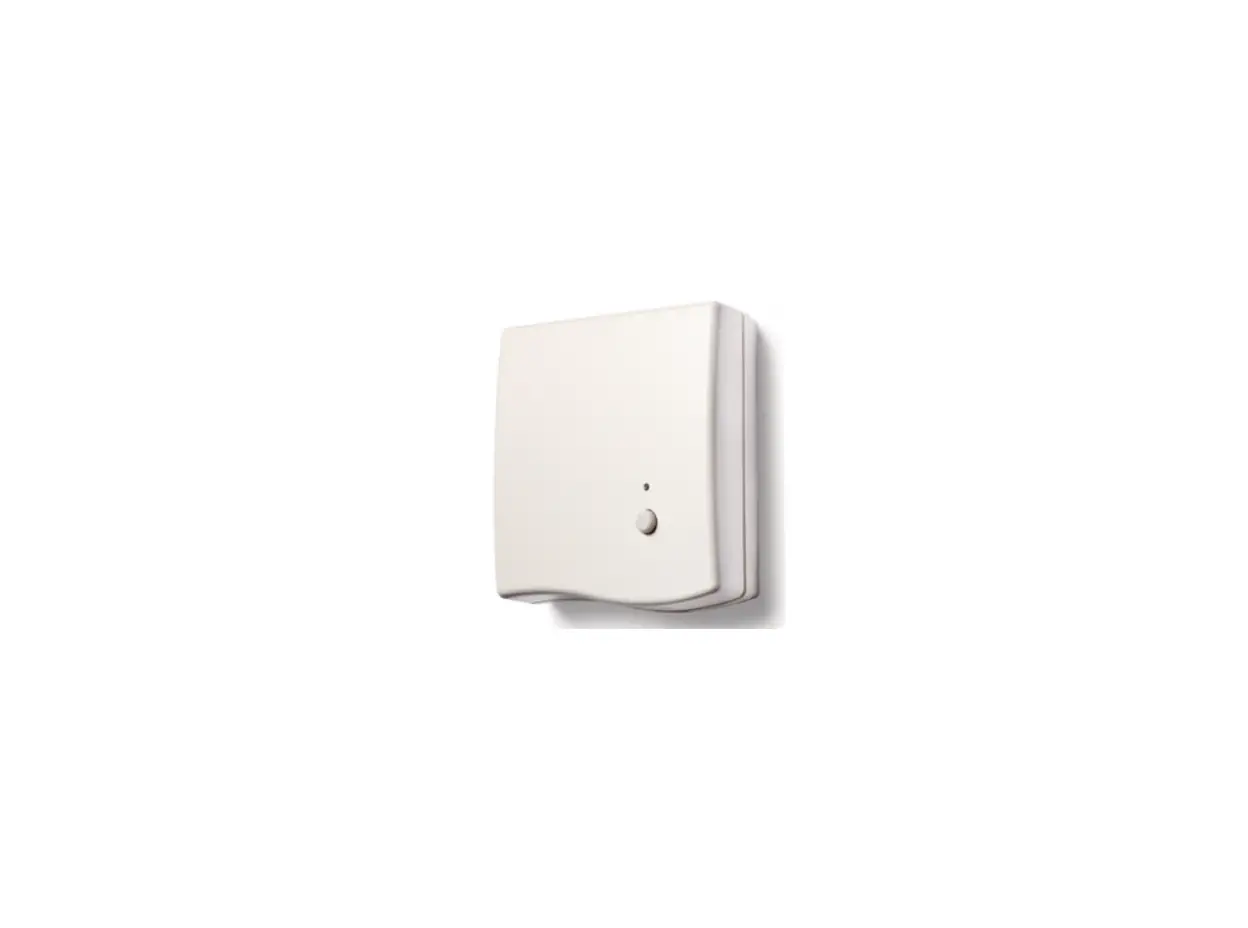
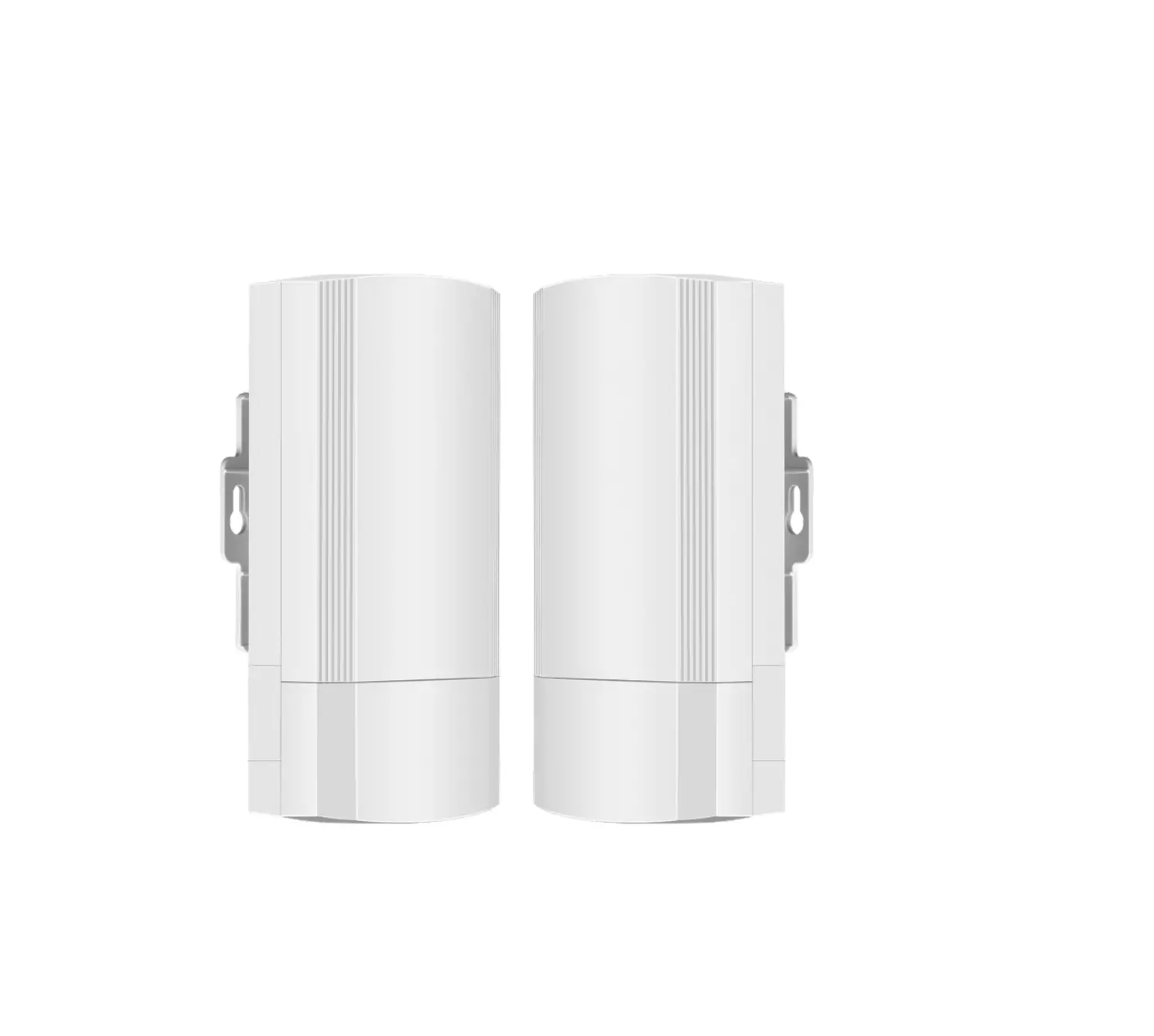
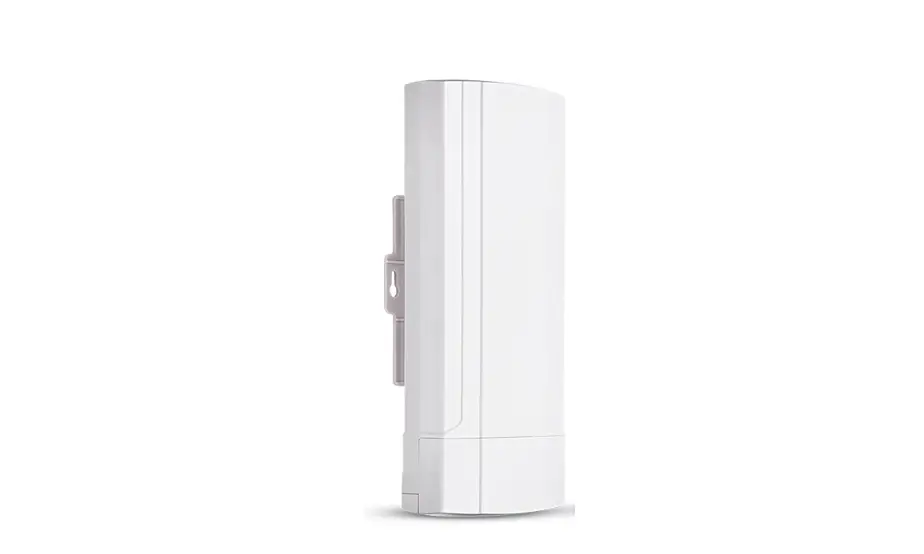
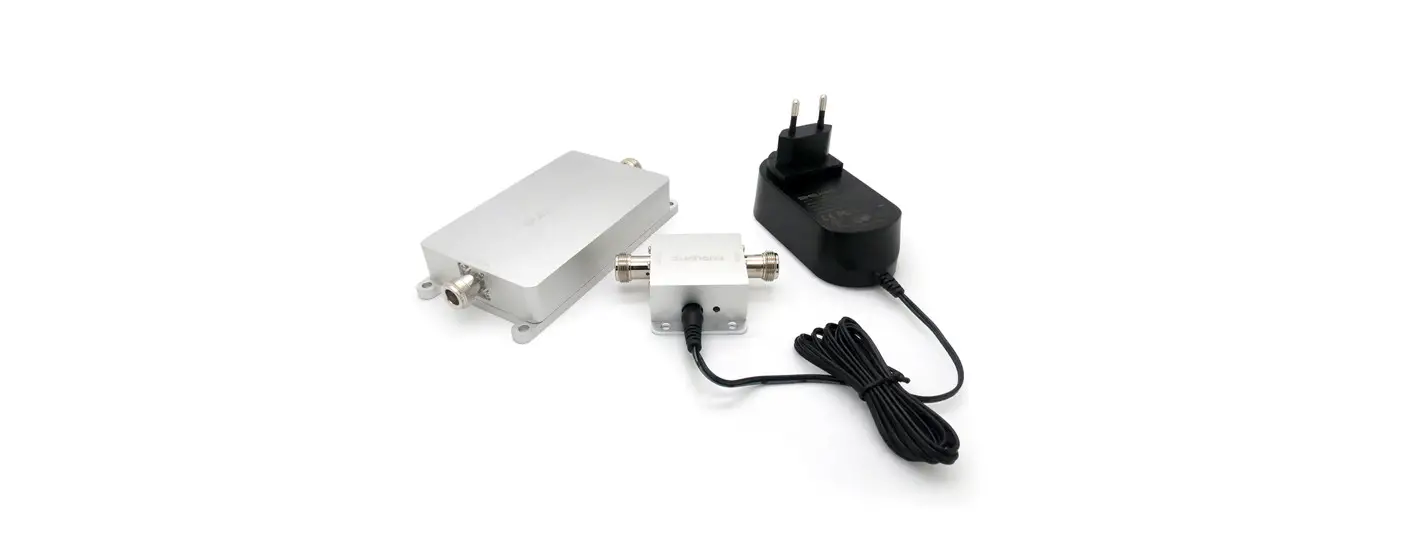
Please check the part list before the installation: Wireless AP
- Power Adapter for AP
- Network Cable
- Quick Installation Guide
- Tie
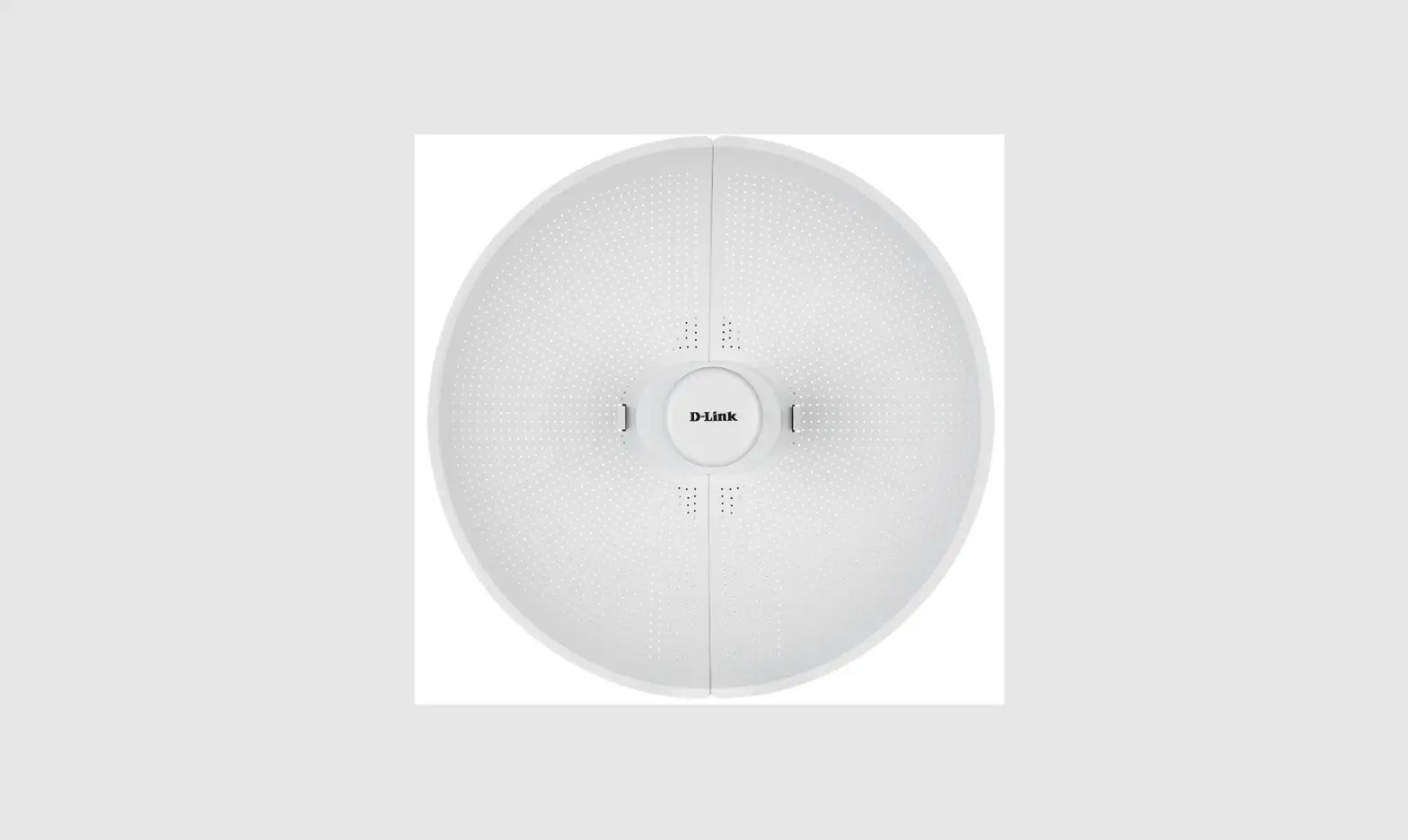
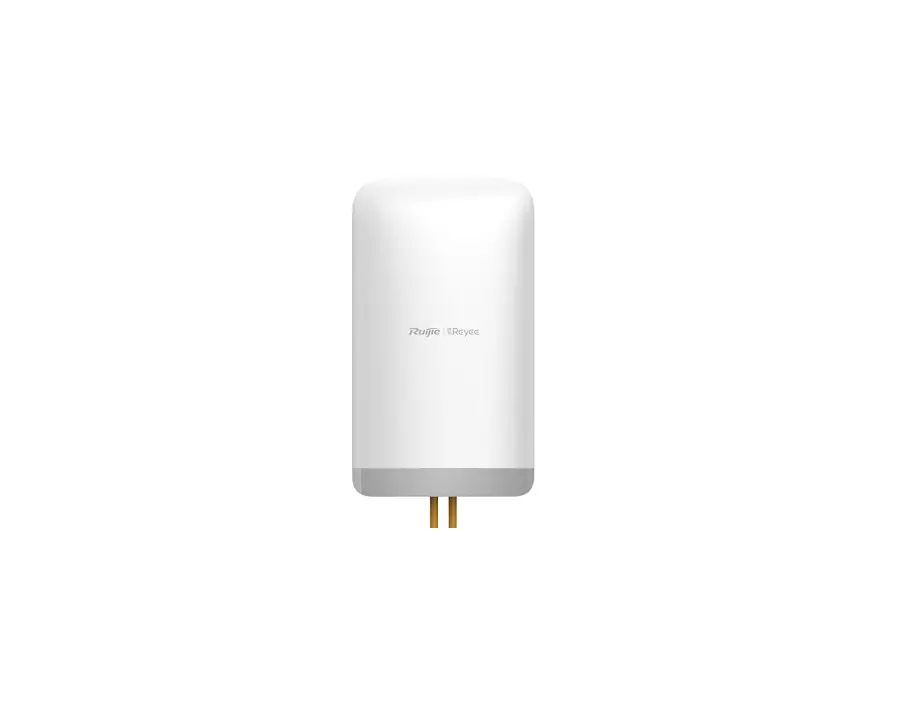
Active Antenna
- DC injector
- 24V DC adapter for Antenna
- Outdoor wall fixing accessories
NOTE
All connected cables need to be customized because the application scenarios of different customers are different, so the required cable types and lengths are also different.
If find any missing or damaged, please contact your local vendor.
Hardware Installation Diagram
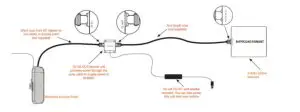 Step 1 Connect DC injector to AP
Step 2 Connect DC injector to the active antenna
Step 3 Connect DC injector to the power adapter
Step 4 Power on the AP and active antenna system
NOTE
When the active antenna system is activated, the power indicator on the DC injector will be steady green.
Turn the plastic shell of the active antenna towards the WiFi transmission area
Software Configuration
Log in to the management interface
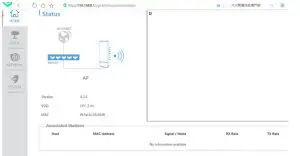
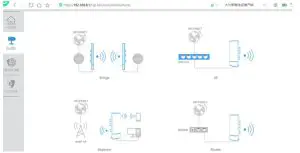
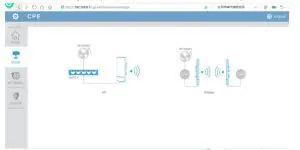
Before logging in to the management interface, first set the computer’s local connection IP to 192.168.8.X, X is an integer from the 2-253, the subnet mask is set to 255.255.255.0. Refer to the figure below Open the browser, visit http://192.168.8.1, log in to the management interface, the original log-in password is admin. Click the Chinese or EN icon in the upper right corner to switch between Chinese and English languages.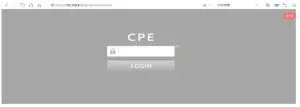 After successfully logging in, you will enter the main menu of the system, as shown in the figure below.
 Bridge mode configuration
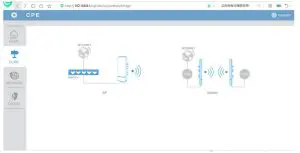
- Enter “Configuration Wizard” and select “Bridge” mode

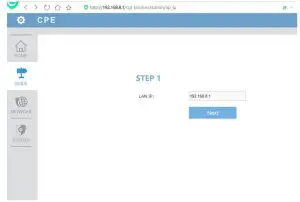
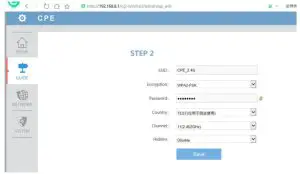
- Click “AP Mode” to set according to the prompt steps and click “Save” after the setting is completed


- Take another APG721 and enter the setting interface according to the above steps, click “Station” to set according to the prompt steps, and click “Save” after the setting is complete

 Note: the IP address of the Station needs to be different from the IP address of the main AP Click “Scan” and select the main AP for bridging settings.
 After the bridge is successfully connected, the main AP can perform a point-to-point WiFi signal transmission with the Station AP
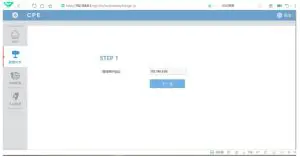 Note: the IP address of the Station needs to be different from the IP address of the main AP Click “Scan” and select the main AP for bridging settings.
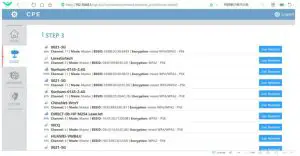 After the bridge is successfully connected, the main AP can perform a point-to-point WiFi signal transmission with the Station AP
AP mode configuration instructions
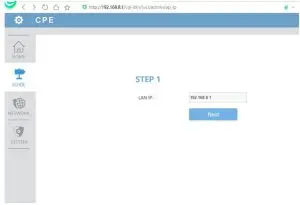
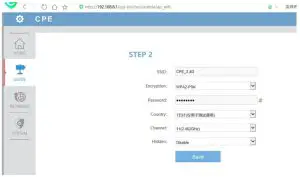
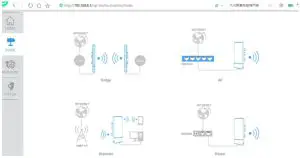
- Enter “Configuration Wizard” and select “AP” mode
- Follow the steps prompted to set the AP mode, and click “Save” after the setting is complete


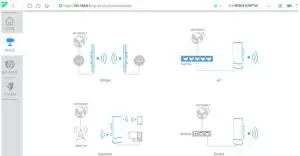
Repeater mode description
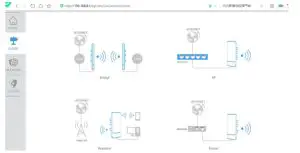
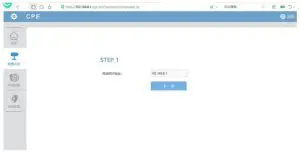
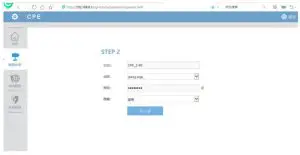
- Enter “Configuration Wizard” and select “Repeater” mode
- Follow the steps prompted to set the Repeater mode, and click “Save” after the setting is complete


Router mode configuration
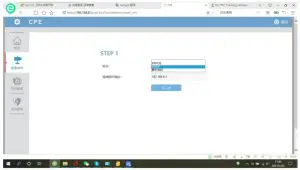
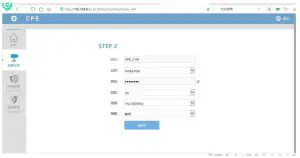
- Enter “Configuration Wizard” and select “Router” mode
- Follow the steps prompted to set the router mode, and click “Save” after the setting is complete

FCC Compliance Statement
This device complies with Part 15 of the FCC Rules. Operation is subject to the following two conditions: (1) this device may not cause harmful interference, and (2) this device must accept any interference received, including interference that may cause undesired operation.
changes or modifications not expressly approved by the party responsible for compliance could void the user’s authority to operate the equipment.
This equipment has been tested and found to comply with the limits for a Class B digital device, pursuant to Part 15 of the FCC Rules. These limits are designed to provide reasonable protection against harmful interference in a residential installation. This equipment generates, uses and can radiate radio frequency energy and, if not installed and used in accordance with the instructions, may cause harmful interference to radio communications. However, there is no guarantee that interference will not occur in a particular installation. If this equipment does cause harmful interference to radio or television reception, which can be determined by turning the equipment off and on, the user is encouraged to try to correct the interference by one or more of the following measures:
- Reorient or relocate the receiving antenna.
- Increase the separation between the equipment and receiver.
- Connect the equipment into an outlet on a circuit different from that to which the receiver is connected.
- Consult the dealer or an experienced radio/TV technician for help.
This equipment complies with FCC radiation exposure limits set forth for an uncontrolled environment. This equipment should be installed and operated with a minimum distance of 20cm between the radiator and your body. This transmitter must not be co-located or operating in conjunction with any other antenna or transmitter.