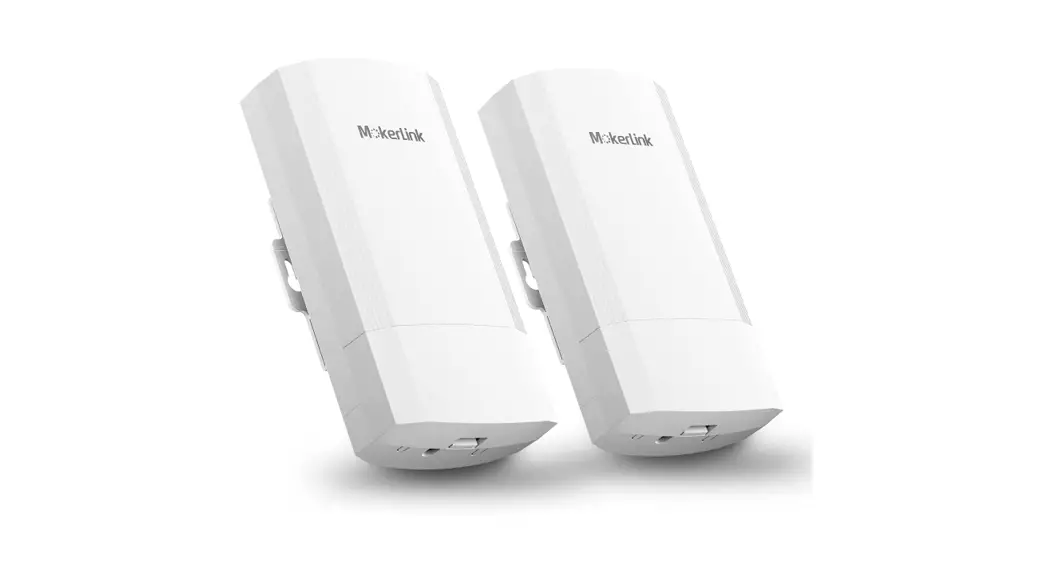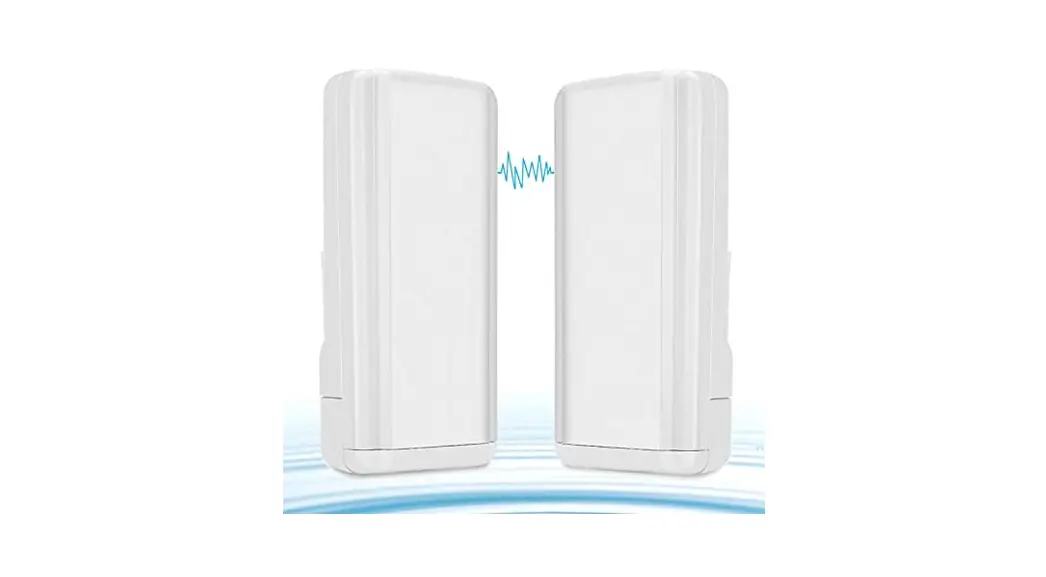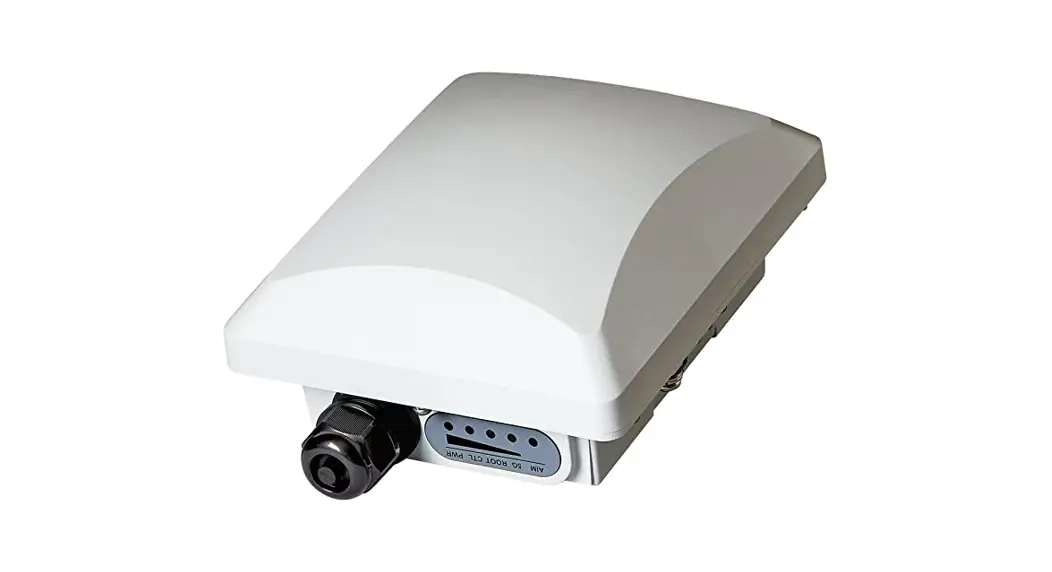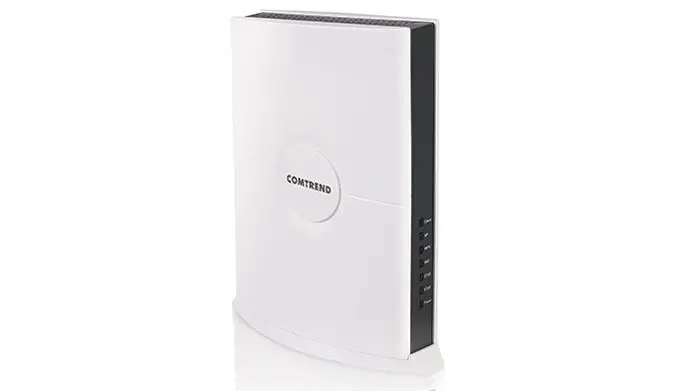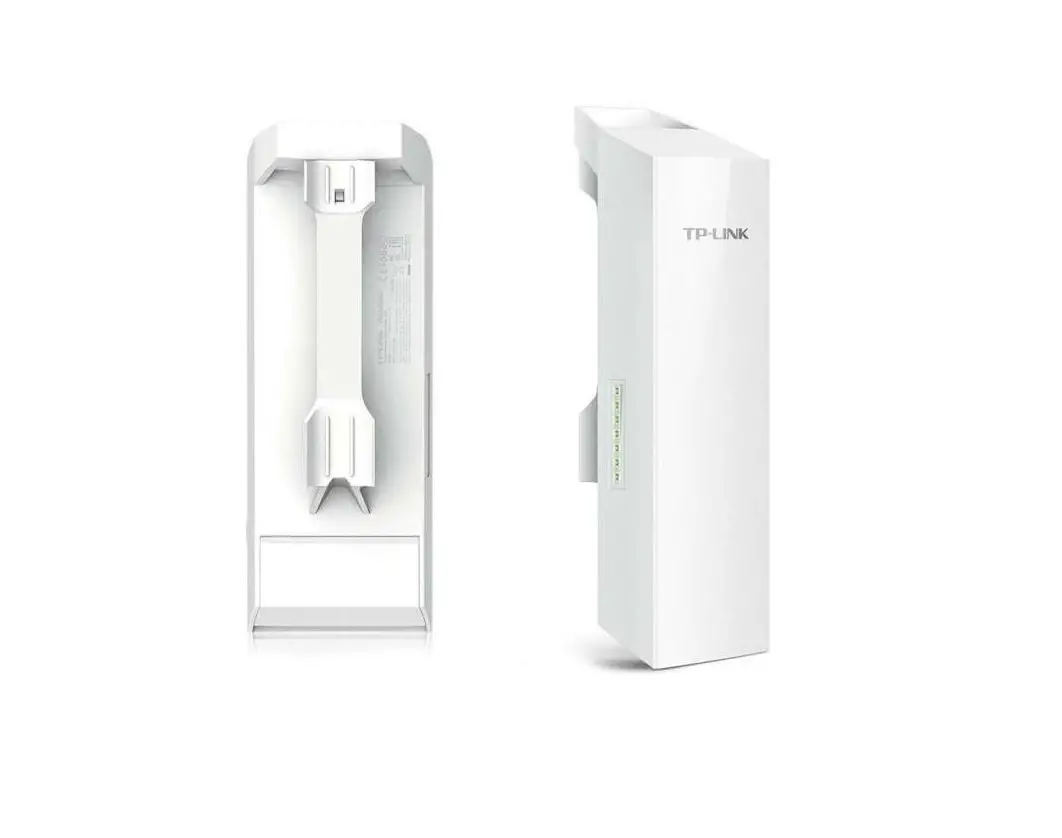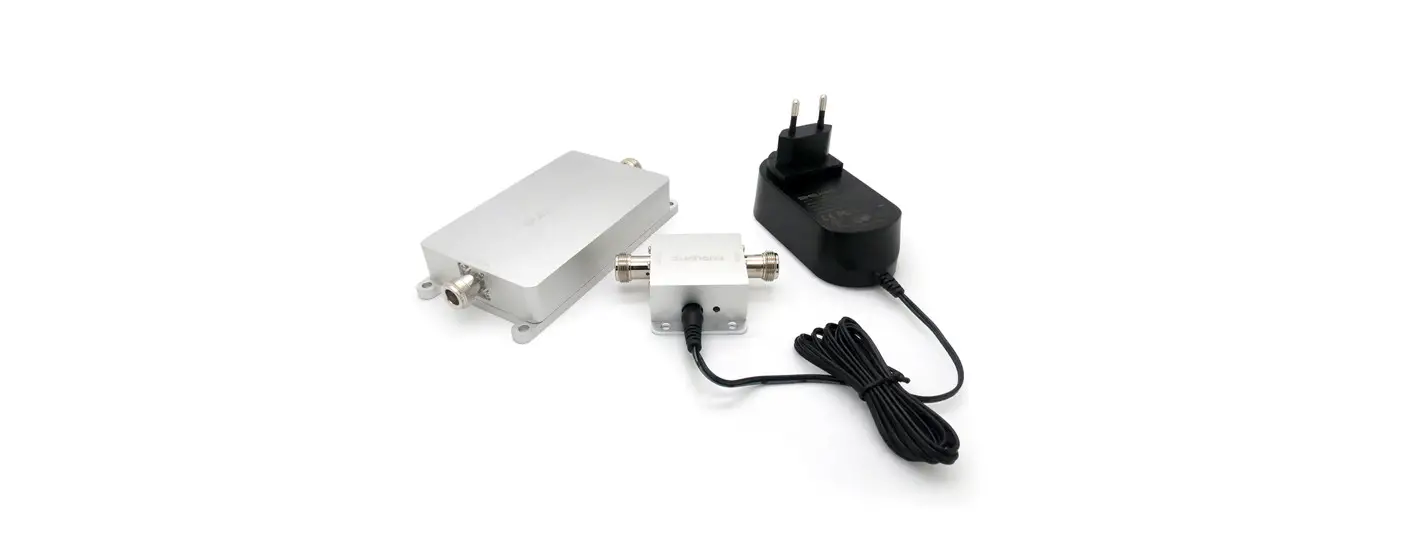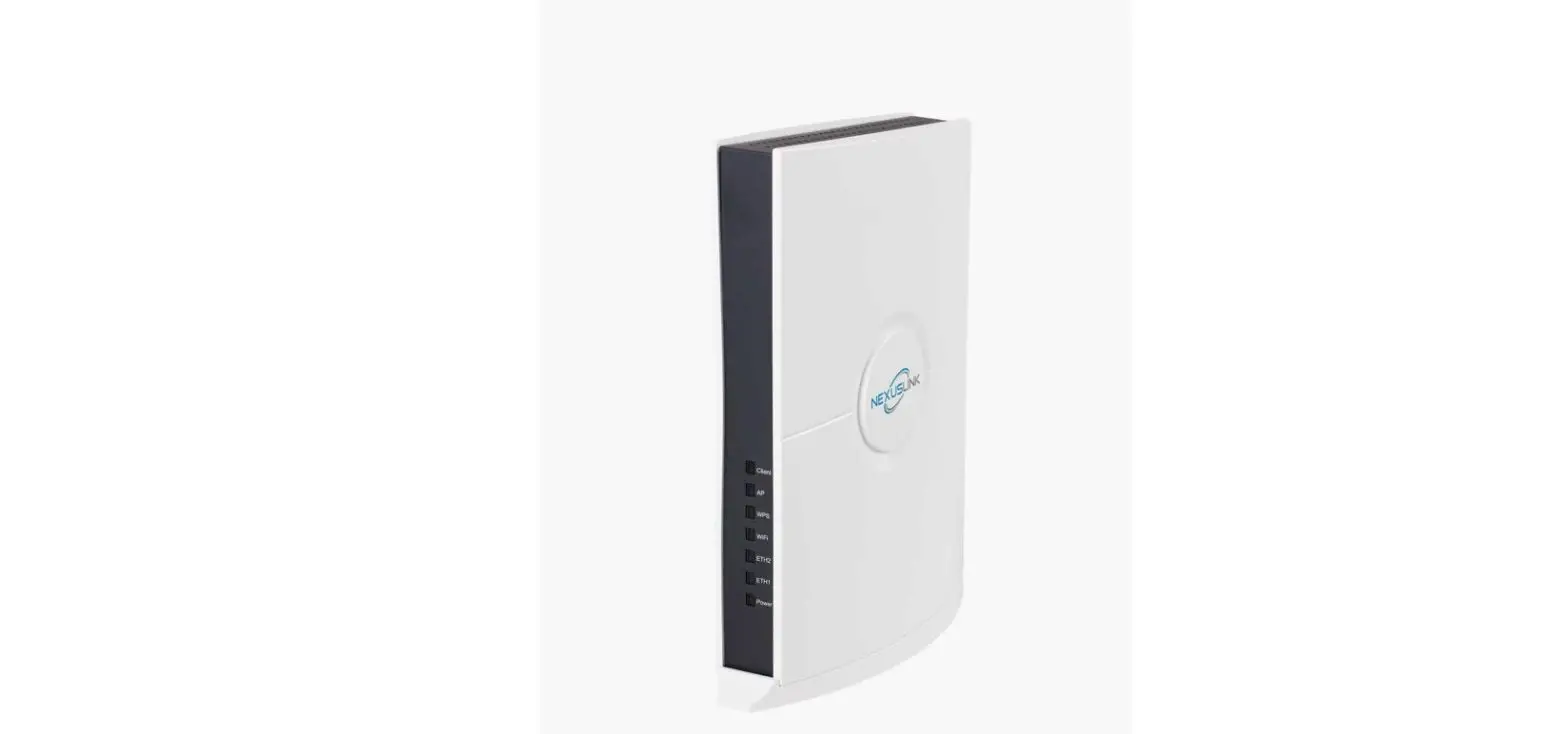

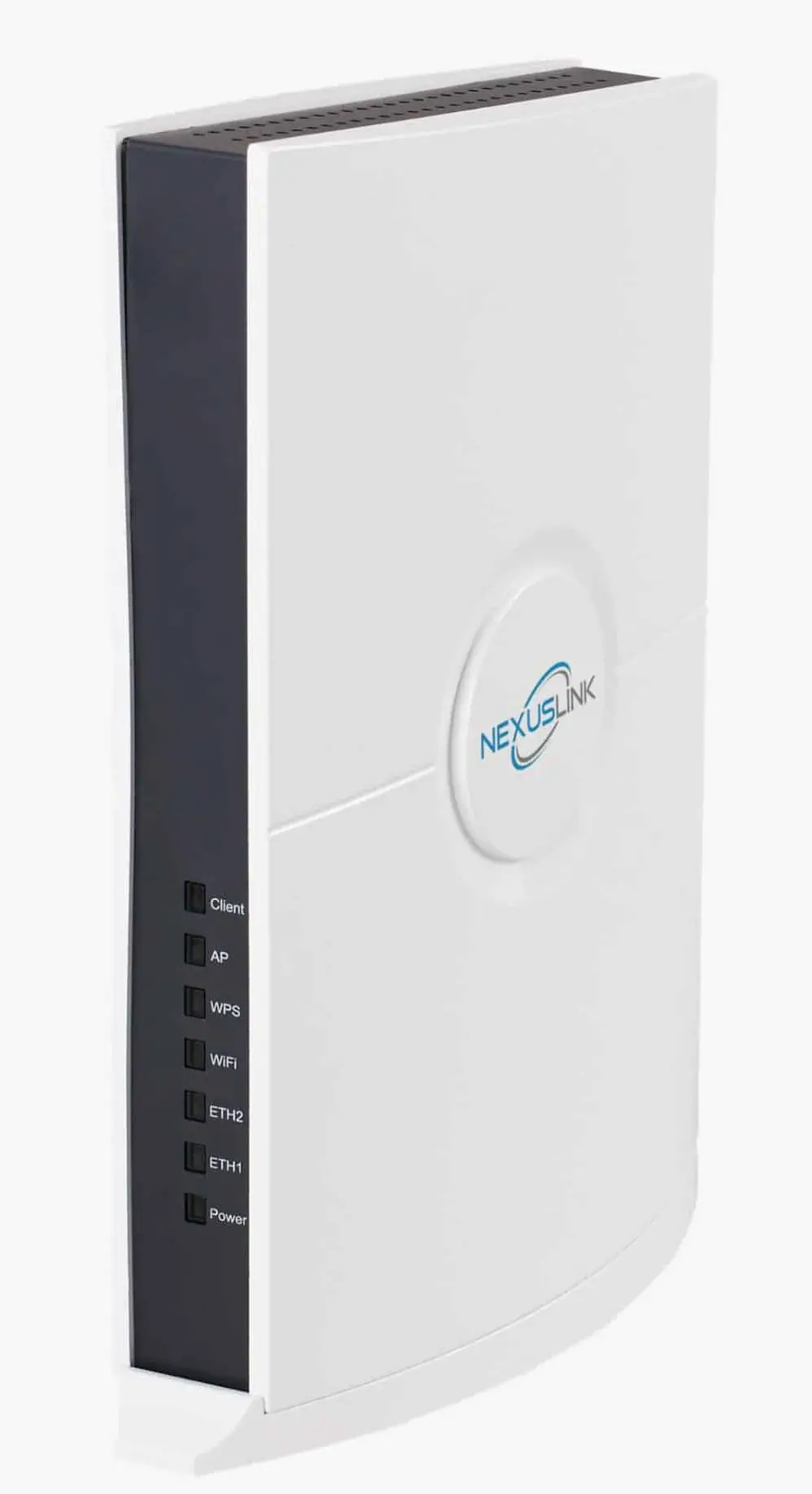
NEXUSLINK WB-1750 AC1750 Wireless Gaming Bridge
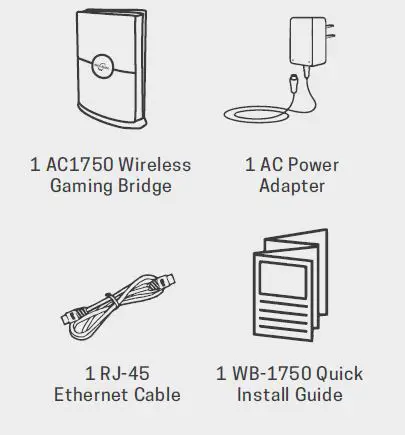
PACKAGE CONTENTS
Before you start:
This is the correct Quick Install Guide for you if you are connecting a WiFi device, like a VR Headset! Visit nexuslinkusa.com/product/wb-1750 to find out what more you can do with NexusLink’s Wireless Bridge!
Initial Wireless Bridge Set Up
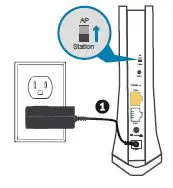
Note: The Wireless Bridge should already be set to AP mode. If it is not, please slide the AP/Station Switch to the AP upward position.
- Plug the Power Adapter into the Wireless Bridge and press the Power Button to the ON position (IN).
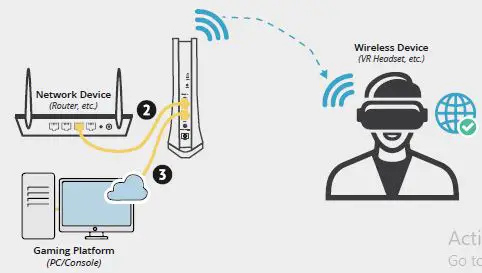
- Connect the Wireless Bridge to your Network via a Router, etc. with an Ethernet (RJ-45) cable. You can use either Ethernet port on the Wireless Bridge to make this connection.
Note: Is your Wireless Device setup in a remote location away from the router? You can use an additional WB-1750 to connect from remote locations. Visit nexuslinkusa.com/product/wb-1750 to learn more!
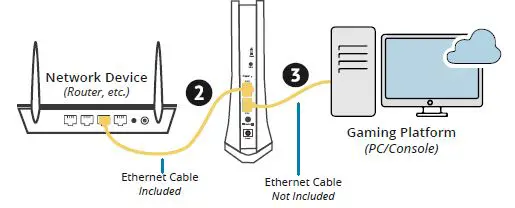
- Connect your wireless bridge to your Gaming Platform (PC/Console) via Ethernet (RJ-45) cable.
Connecting Your Wireless Device to the Wireless Bridge
- Find the network name (SSID) and Password (WiFi Key) at the bottom of the WB-1750.
Example:
SSD: NEXUS LINKE221 WIFI KEY: 265940E221
- On your wireless device (VR Headset, etc.), select the WB-1750’s network name from your wireless device’s standard list and enter the WiFi Key.
- You’re all done! You have successfully connected your Wireless Device to the WB-1750 Wireless Bridge.
LEARN MORE ABOUT YOUR WB-1750
Visit the WB-1750, Wireless Gaming Bridge Product Page online to find:
- Instructions for Different Set Up Scenarios
- Frequently Asked Questions
- Product User Manual
- How to Access the Web User Interface
- How to change your SSID & Password
- And More!
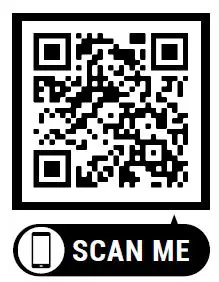
To visit the WB-1750 Product Page scan the QR Code or visit:
www.nexuslinkusa.com/product/wb-1750
HAVE QUESTIONS?
We’re Here to Help!
http://nexuslinkusa.com/support
Support: (855) 313-4433
Remember to connect with us on social media for product updates, giveaways, and new releases!
- twitter.com/nexuslinkusa
- facebook.com/nexuslinkusa
- instagram.com/nexuslink_us
- youtube.com/nexuslinkusa
 Log into Facebook
 Login • Instagram
 twitter.com/nexuslinkusa
 NexusLink - YouTube