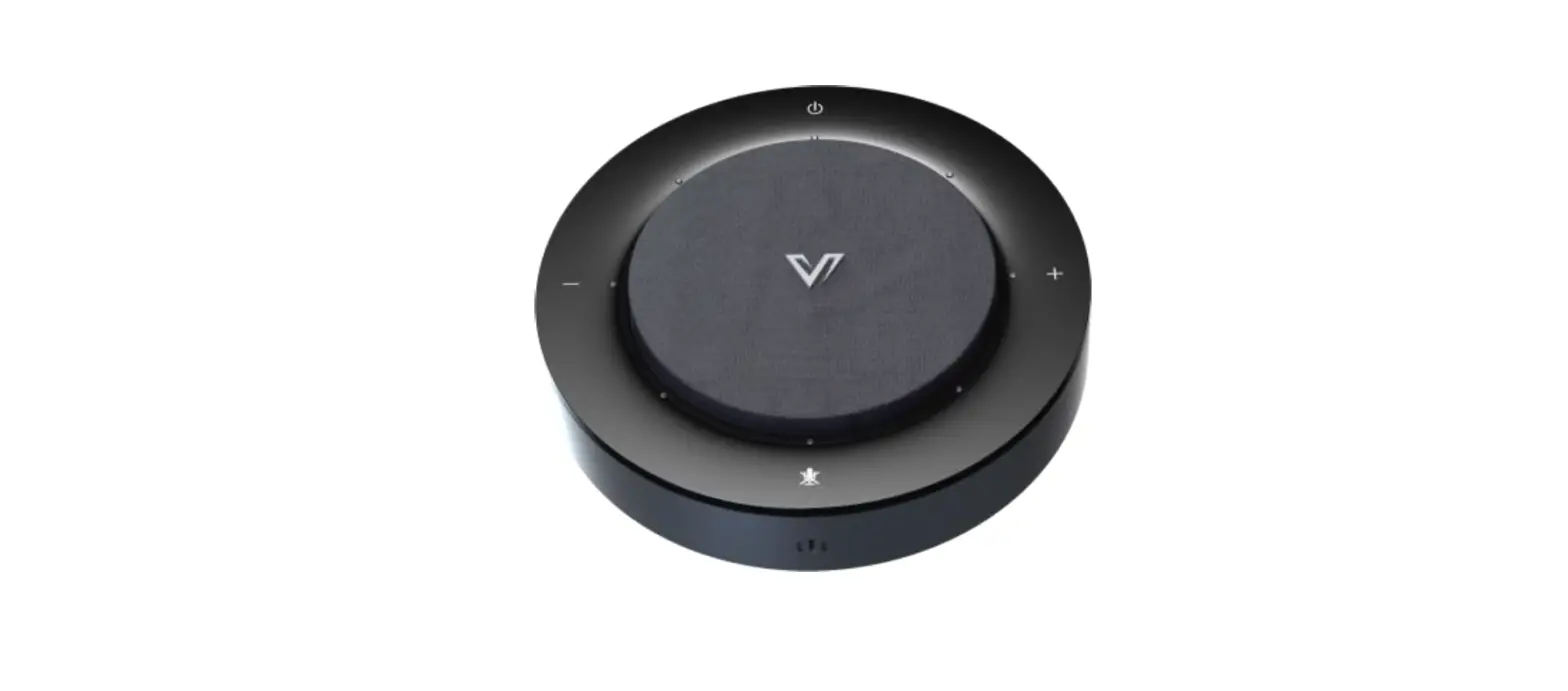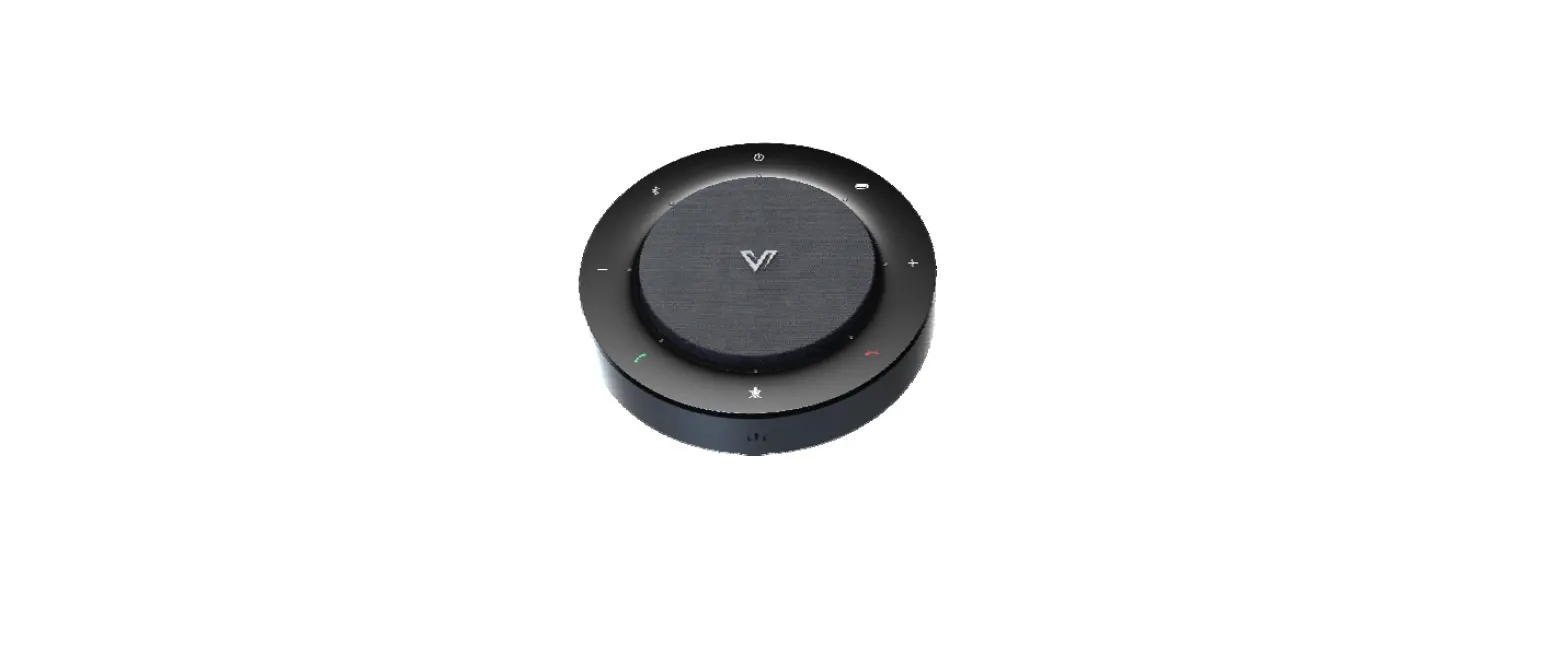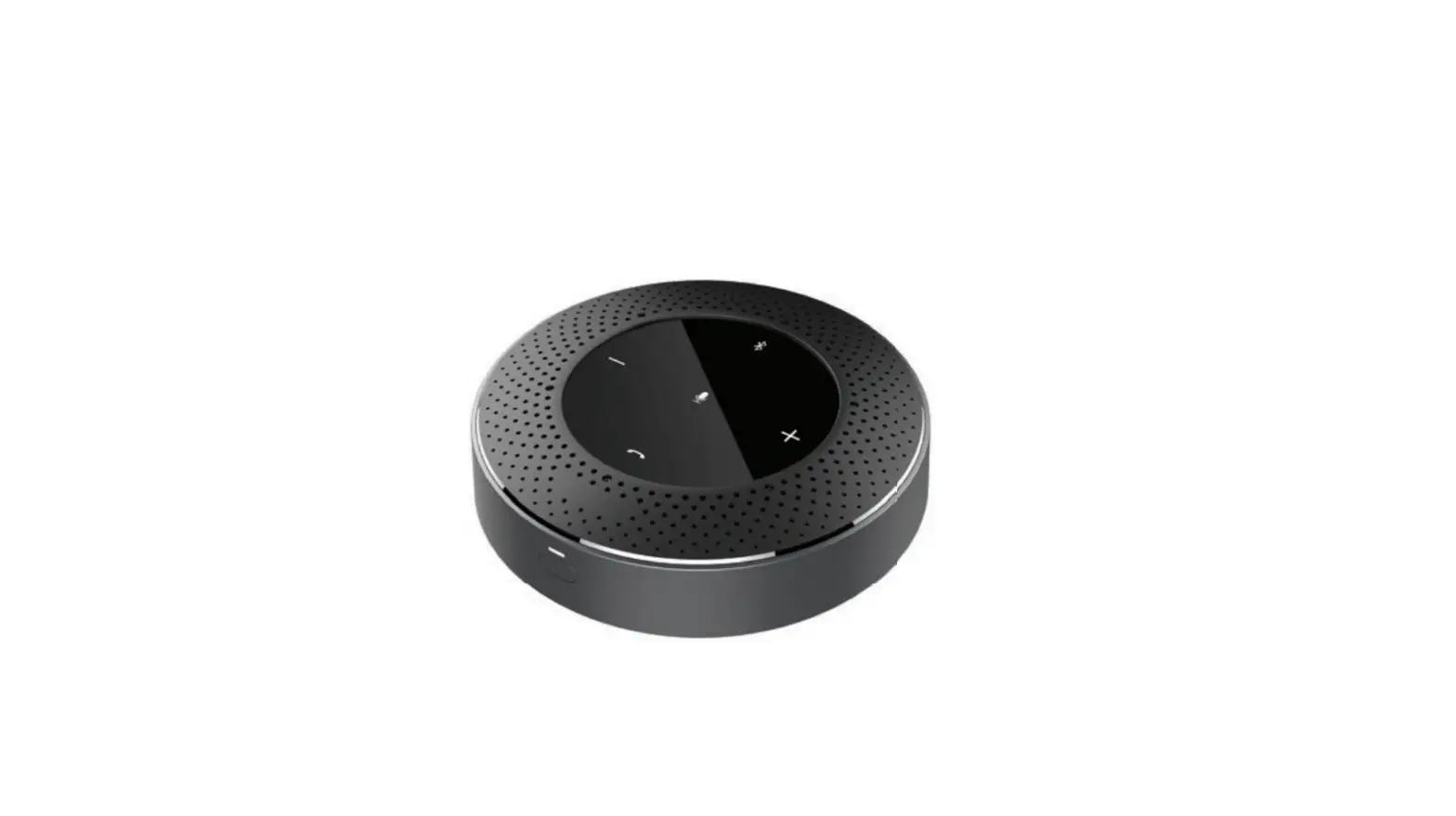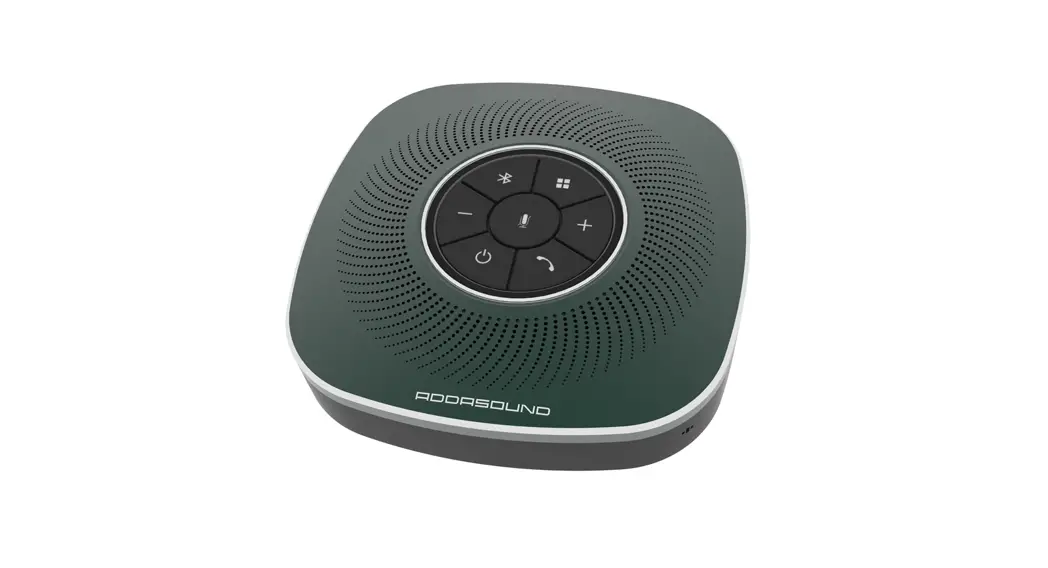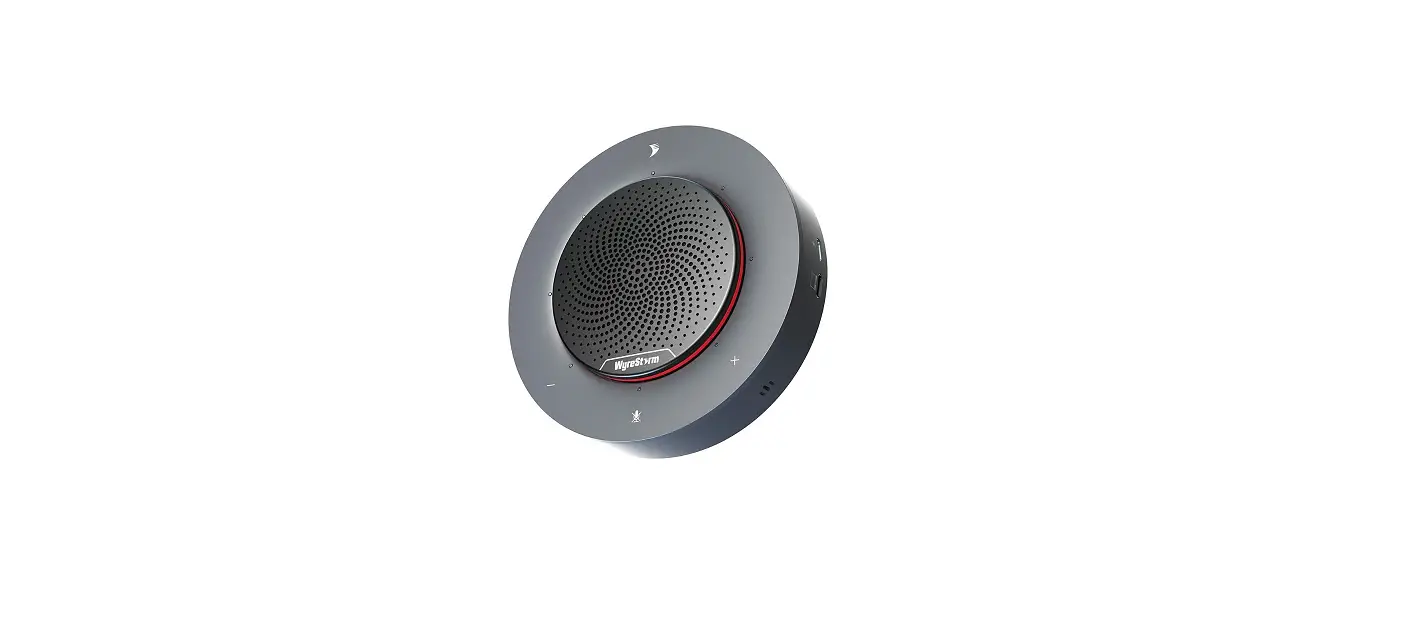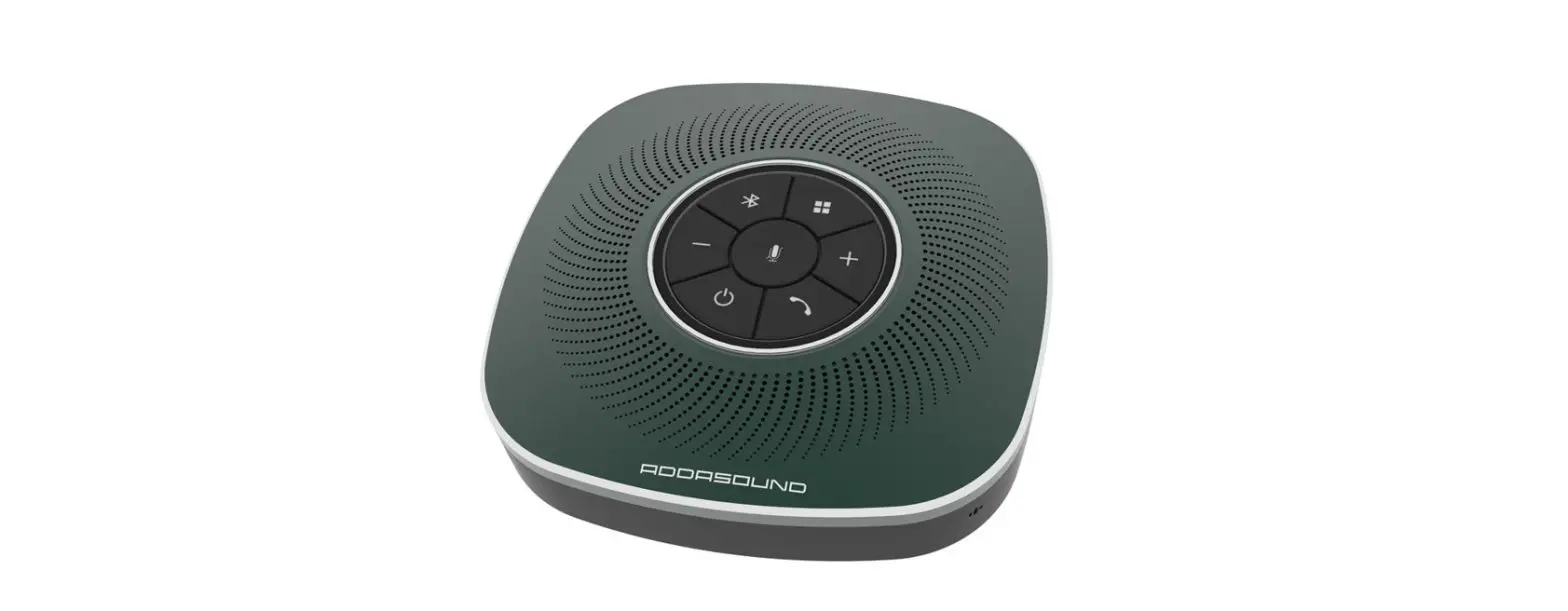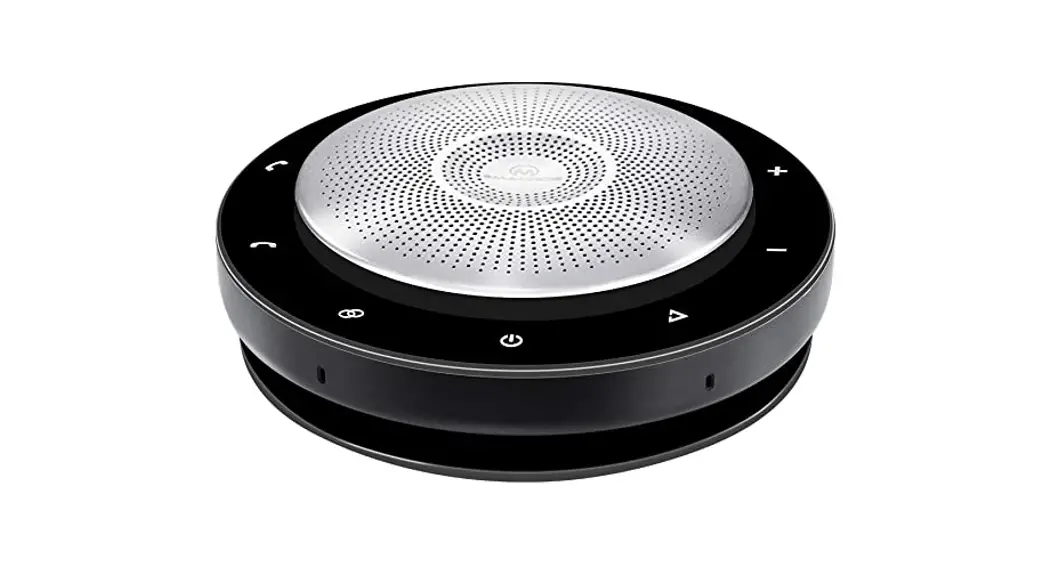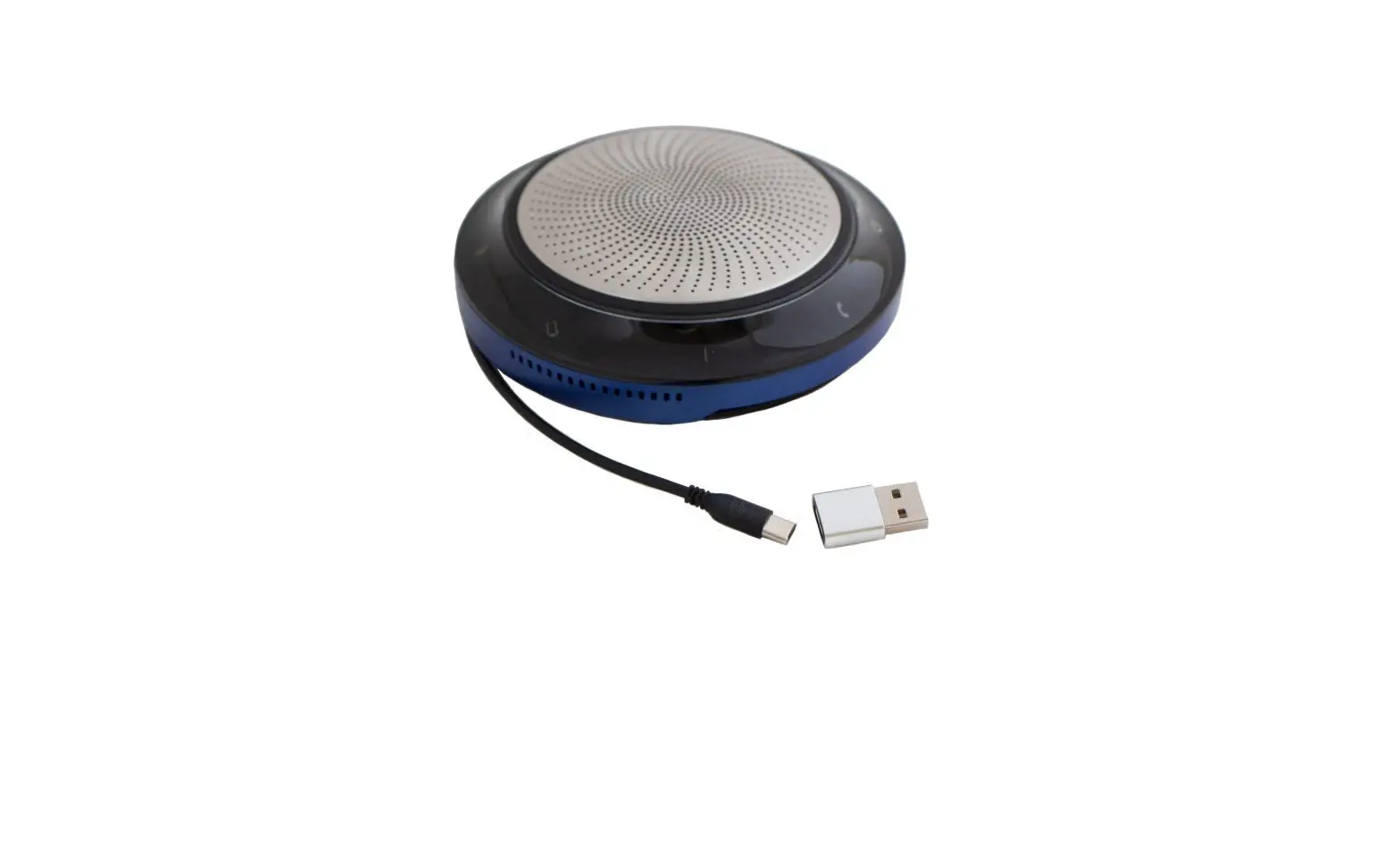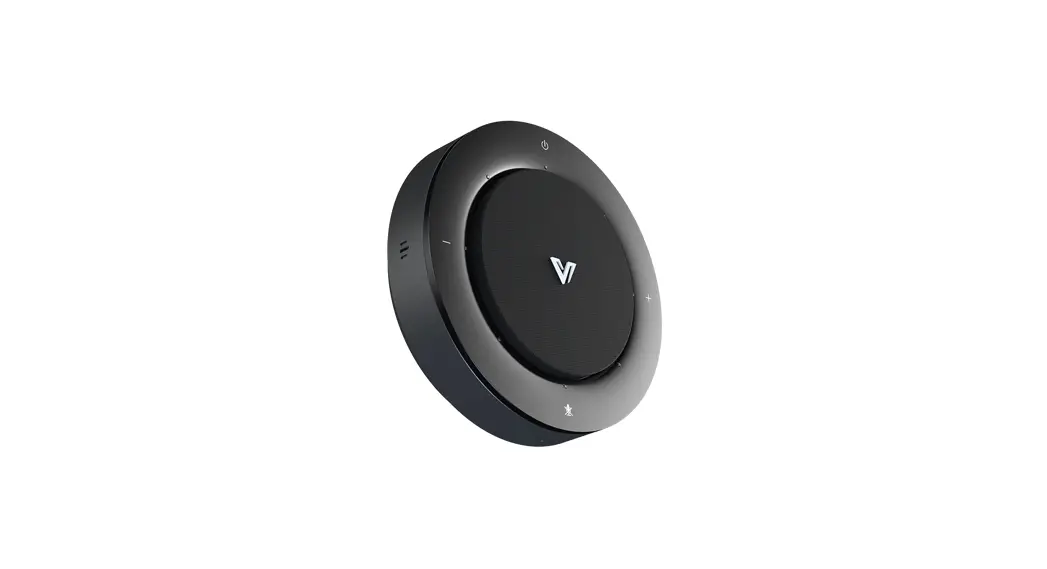
 Access AnyCo USB-C
Conference Speakerphone
User Guide
Package Contents
- Speakerphone x 1
- USB 2.0 Type-A to USB Type-C Cable x 1
- Quick Start Guide x 1
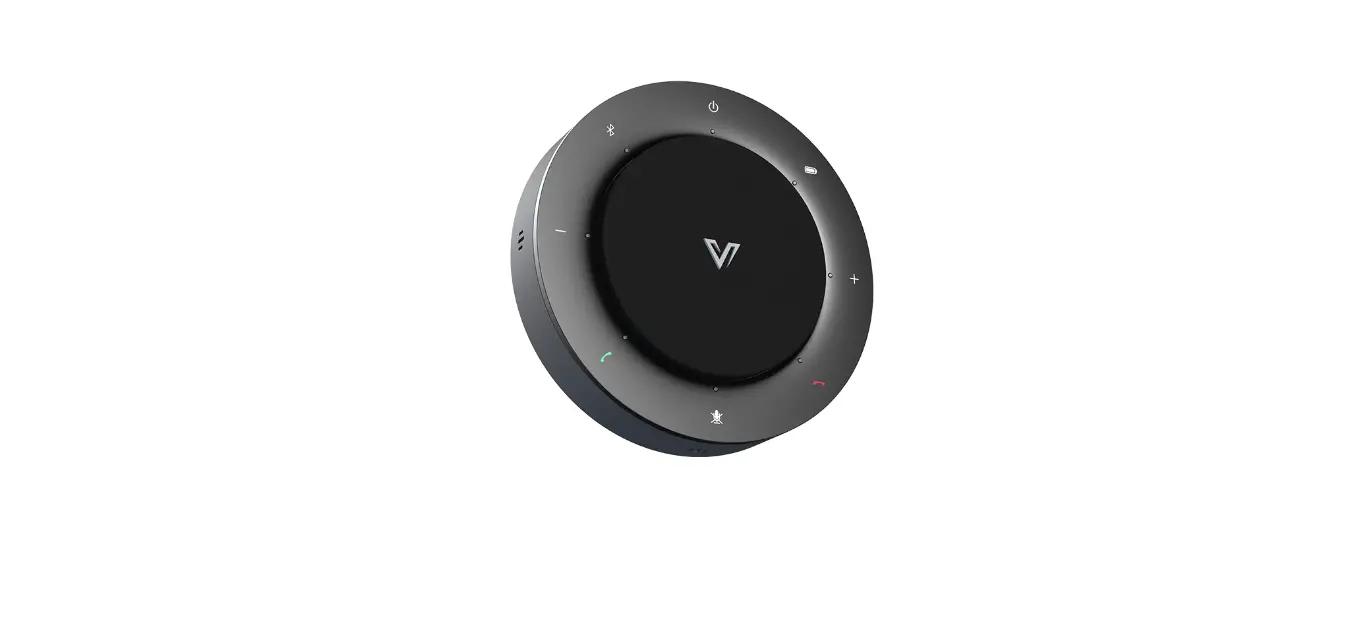
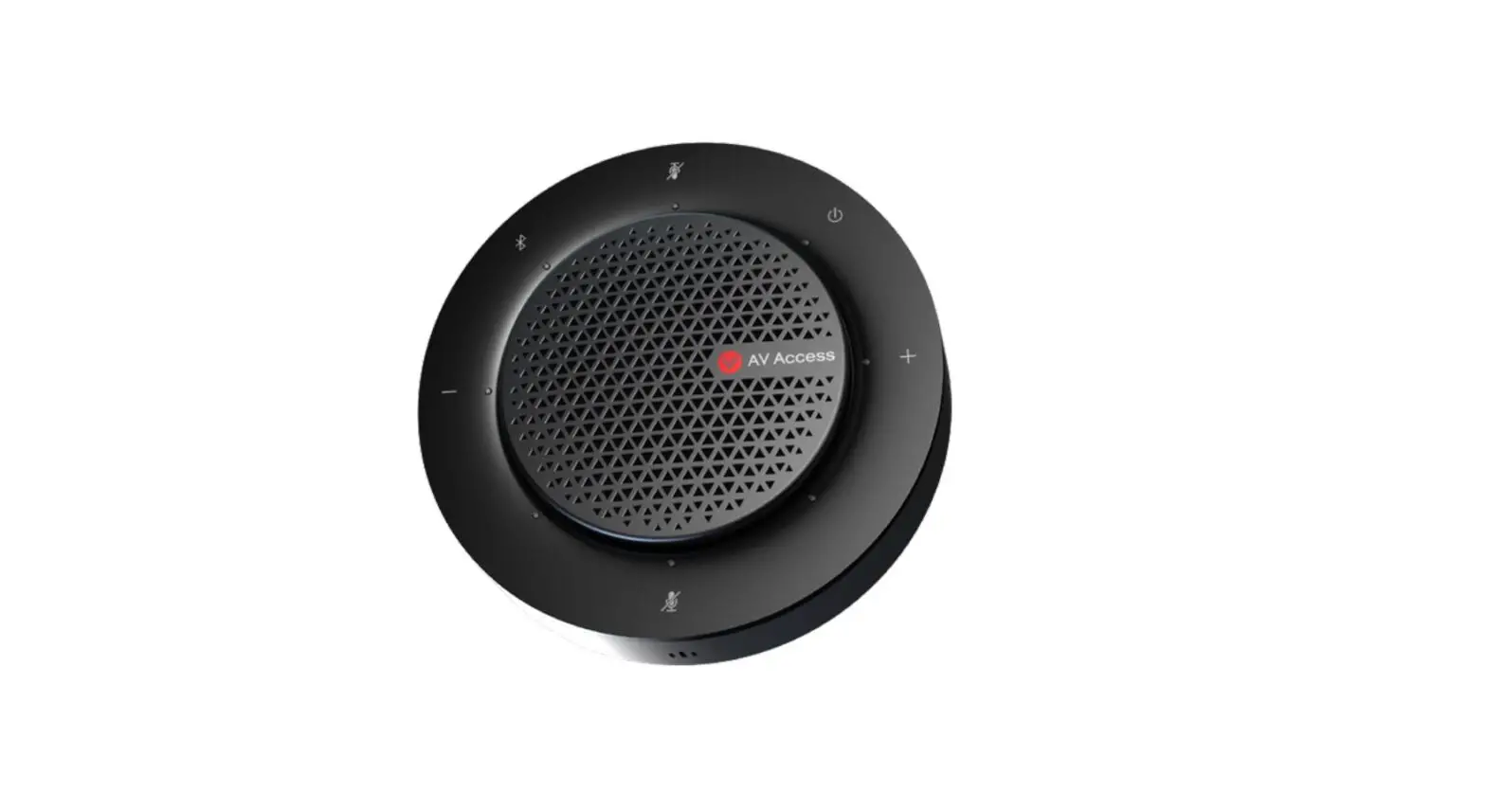
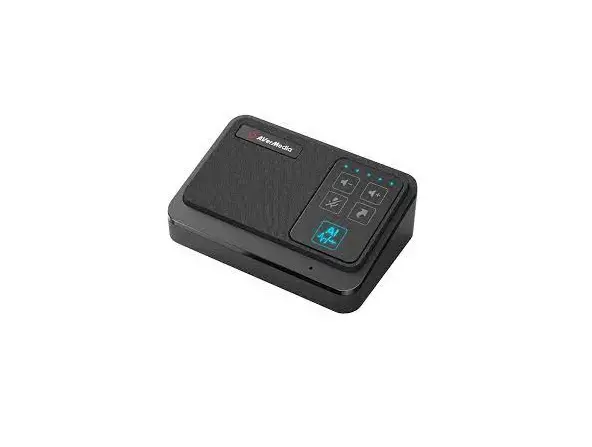
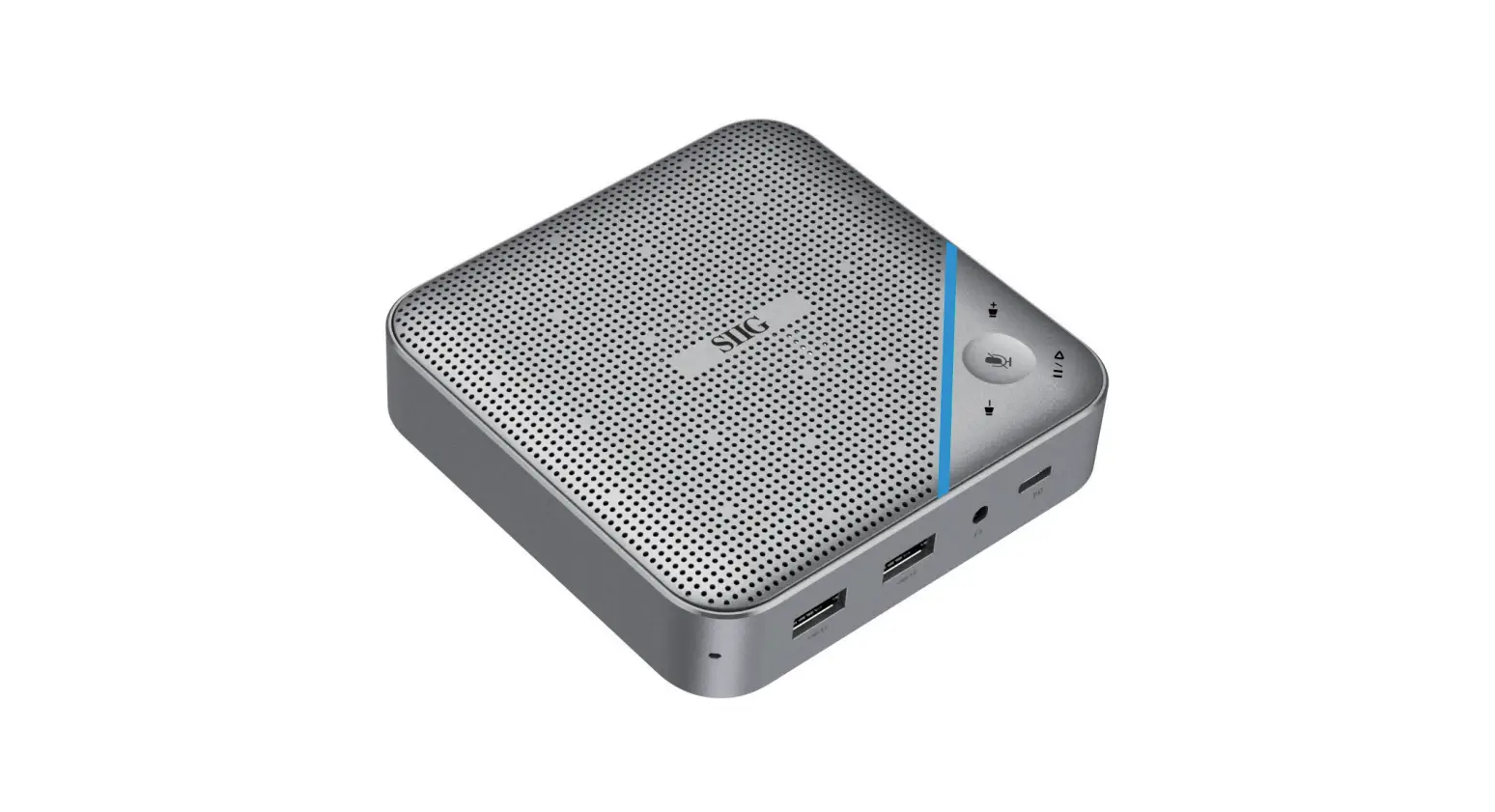
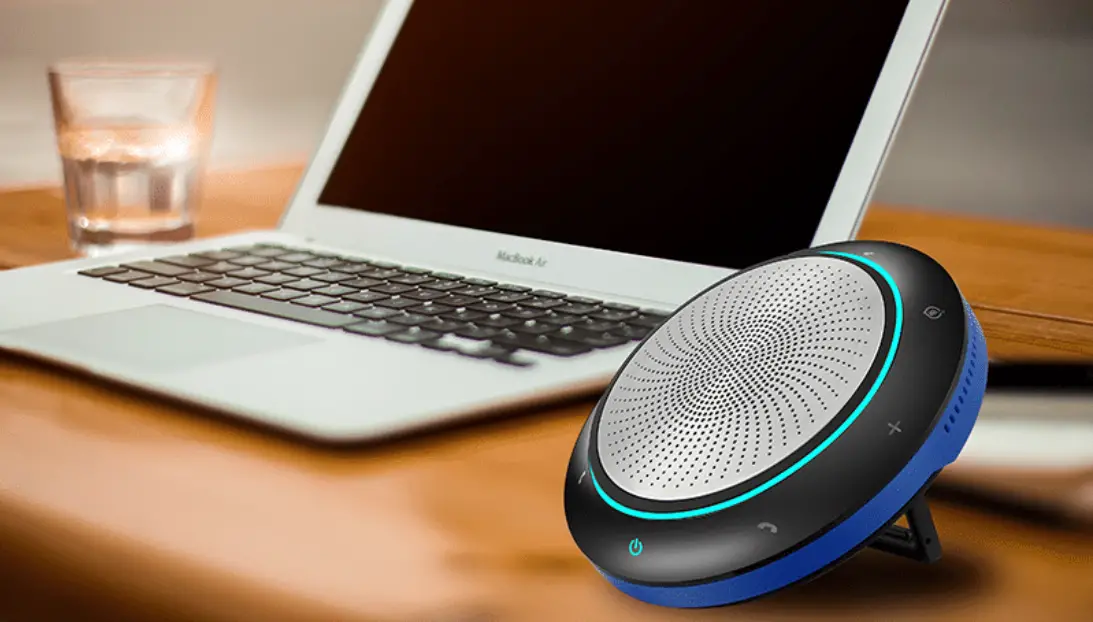
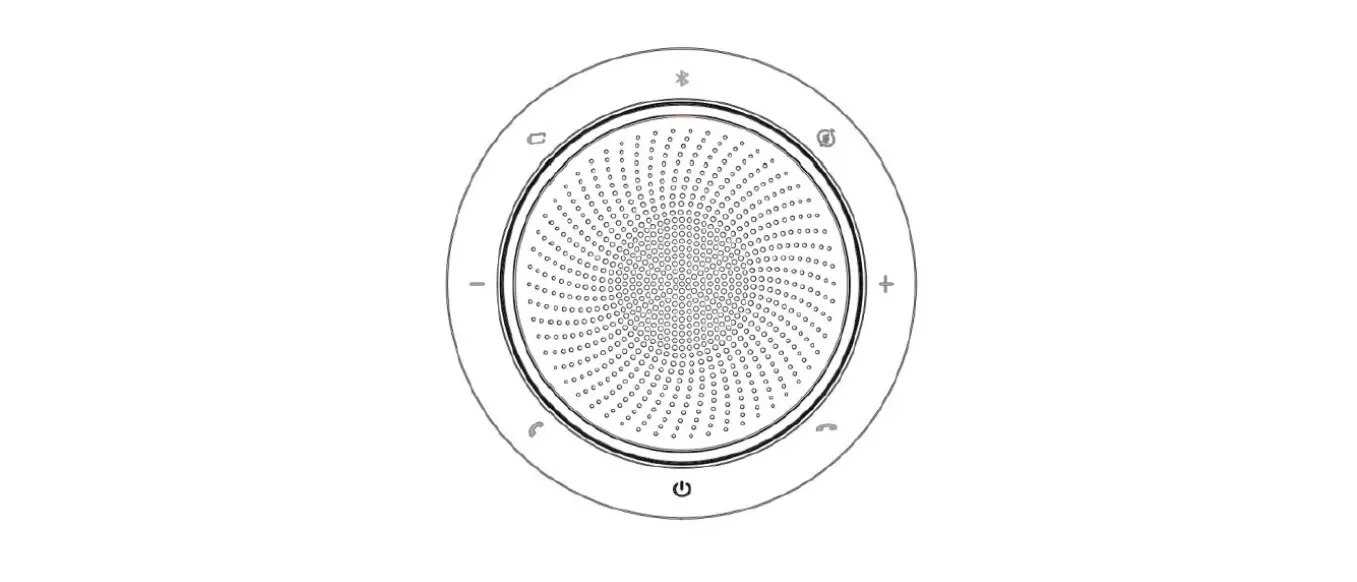
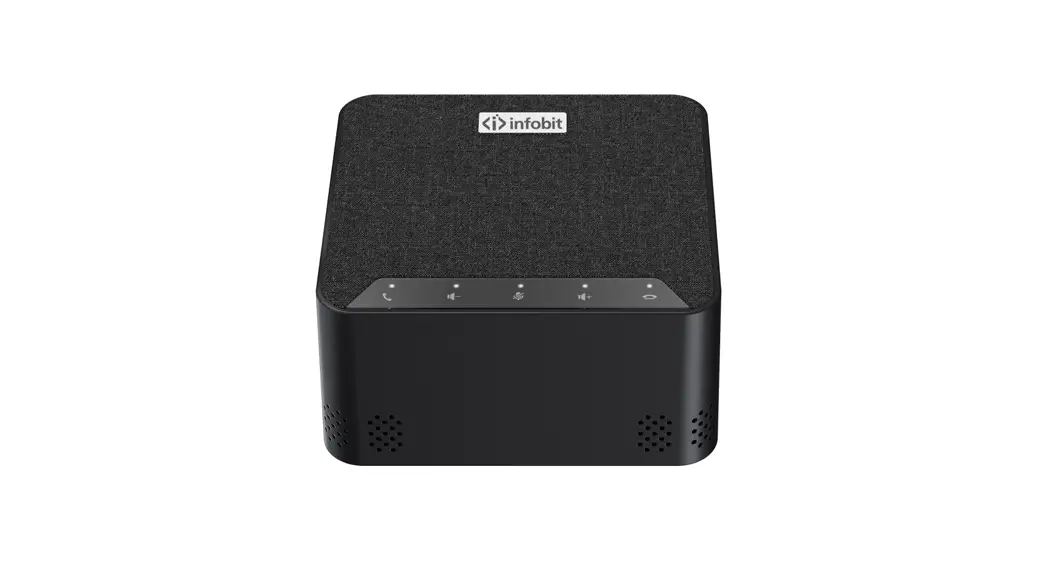
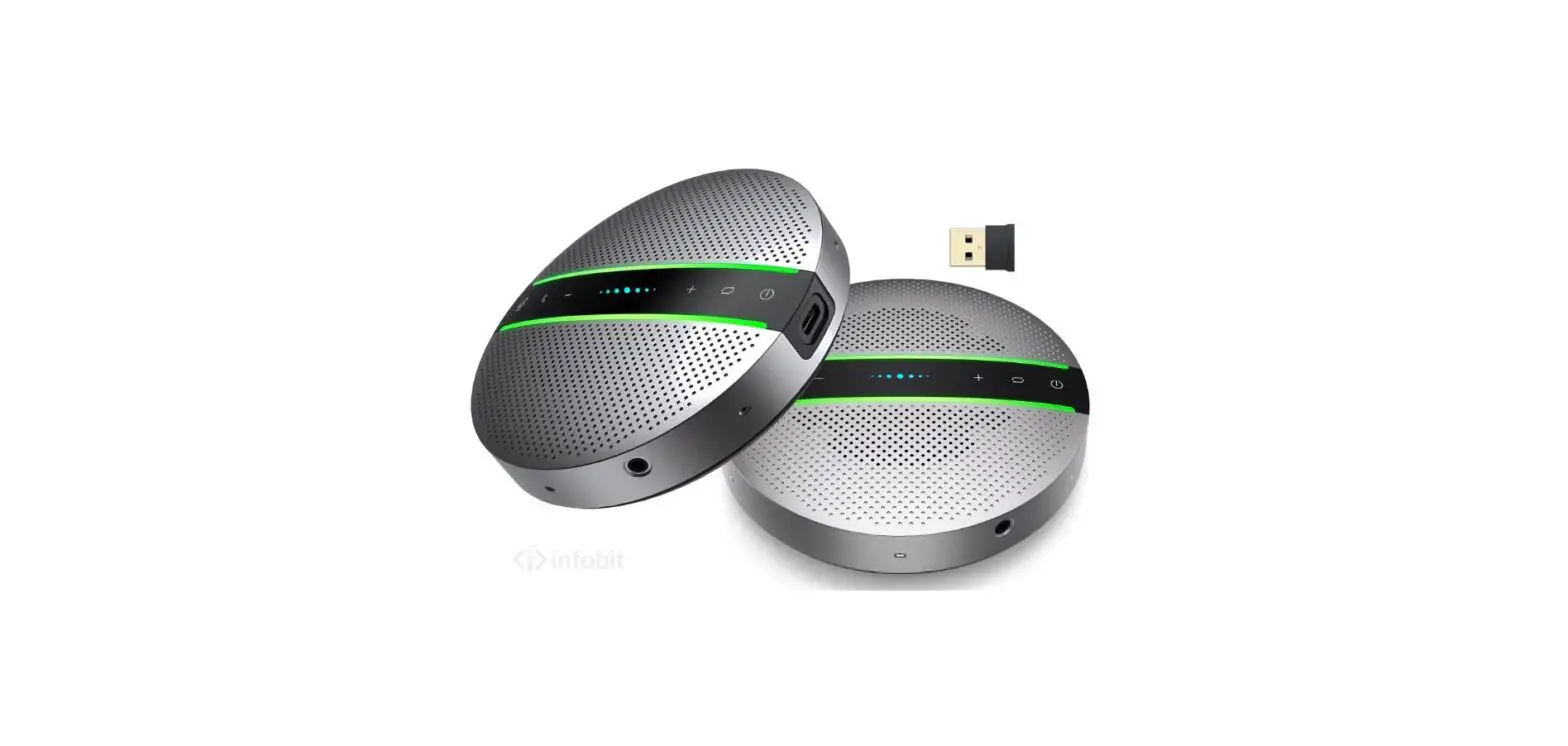
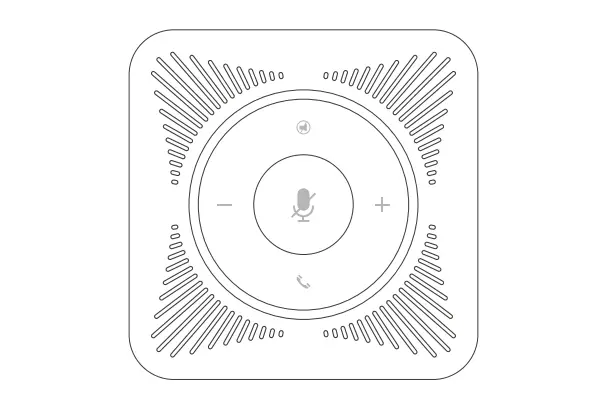
Panel
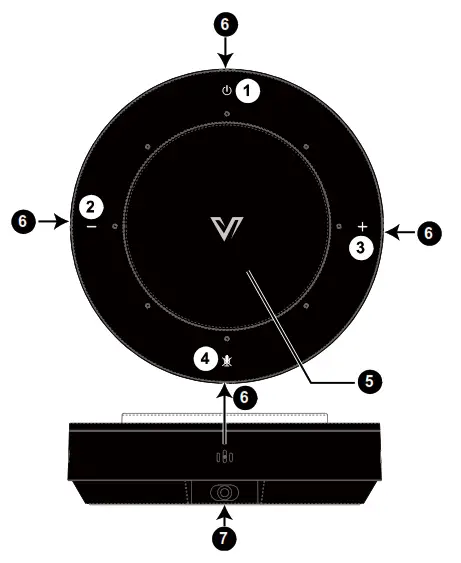
| No. | Name | Description |
| 1 | Power | Hold the button for about 1-2s to power On/Off the speakerphone. |
| 2 | Volume Down | Decrease the volume. |
| 3 | Volume Up | Increase the volume. |
| 4 | Mute/Unmute | Mute/Unmute the microphones. |
| 5 | Speaker | Output the audio from the connected source. |
| 6 | Mic | Four microphones on side panel. For mic input. |
| 7 | USB | USB Type-C port (USB 2.0). The following cables are recommended: USB Type-A to USB Type-C cable (USB 2.0 and above) Co inect to the source using the provided USB cable, for playing media (or voice call) and supplying power for the speakerphone. |
LED Indicator Status
| No. | Status | Description |
| 1 | Showing Talker direction | The LEDs will show the direction when the Mics receives the sound. |
Connection
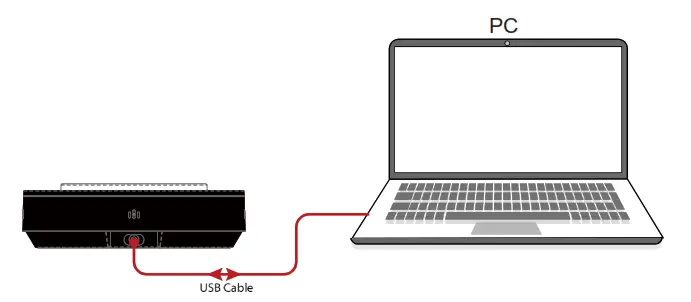
Note: After the speakerphone is connected to a computer, its speaker and mics can be detected by the system and specific application in the name of the following: Speaker Name: AVA AnyCo A3
MIC Name: AVA AnyCo A3
https://cdn.shopify.com/s/files/1/0260/4934/7646/files/UM_USP-G006-B60_AnyCo_A3_V1.0.4_EN.pdf?v=1625017334
Scan QR code with your smart-phone for complete user manual.
www.avaccess.com
[email protected]
 AV Access | Quality & Budget Assured Pro AV Product Provider