SPRACHT MCP-BT-USB Aura Conference Speaker User Guide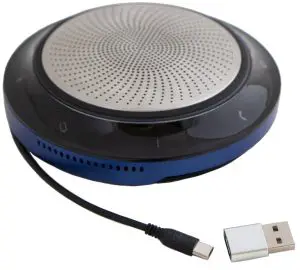
FEATURES
Thanks for choosing Aura Conference Speaker™. It’s important to read this User Manual: it will help you maximize your speaker usage experience.
- Immersive sound for calls and music
- Intuitive plug and play connectivity – connect to laptop, smartphone and tablet via USB or Bluetooth
- Integrated busy light
- Flexible and scalable for small meetings
- Interact with your voice assistant with the one-touch voice assistant button
PRODUCT OVERVIEW
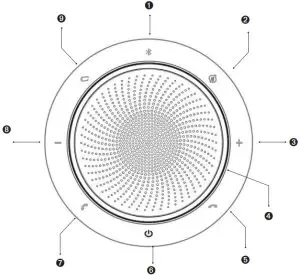
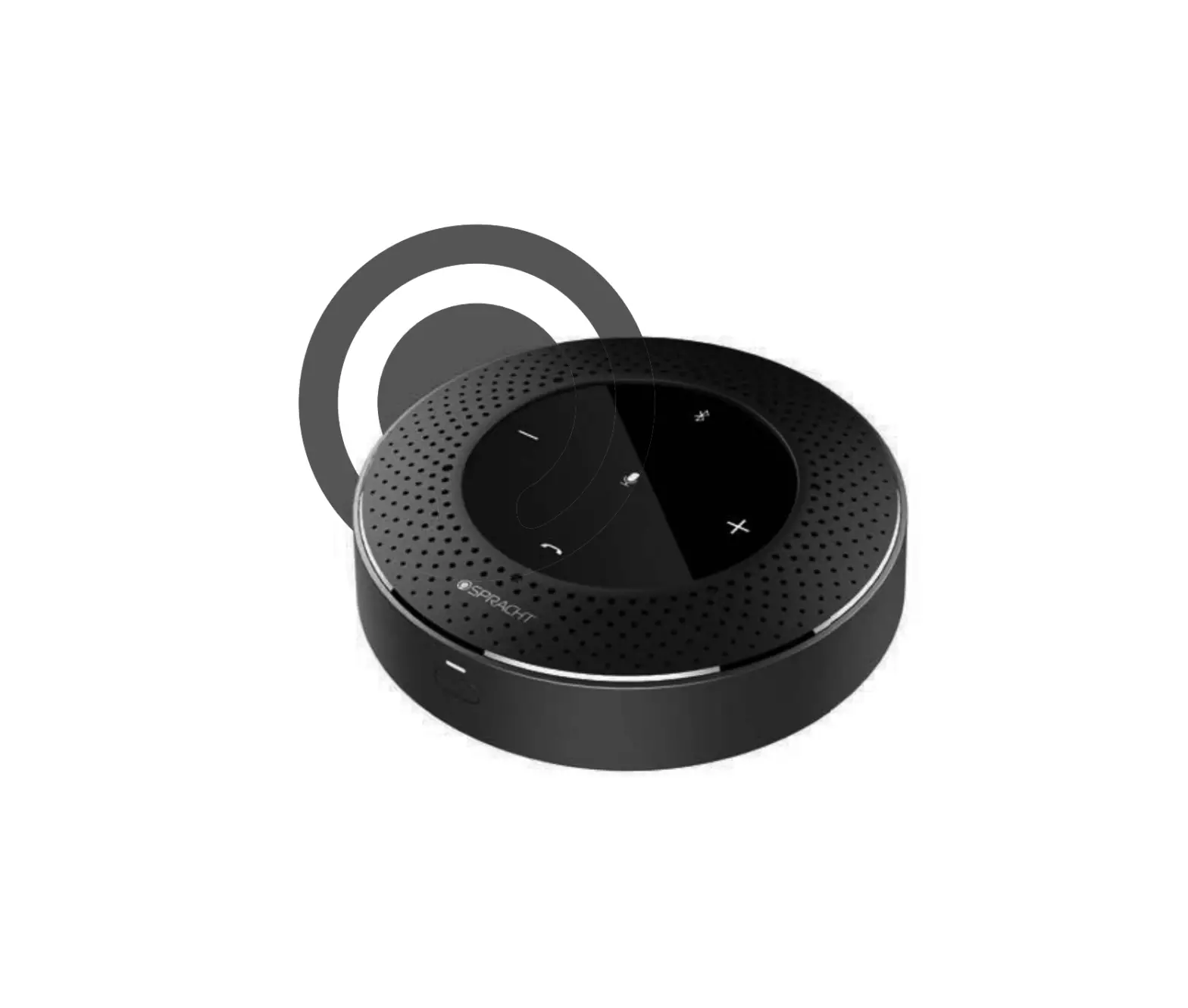
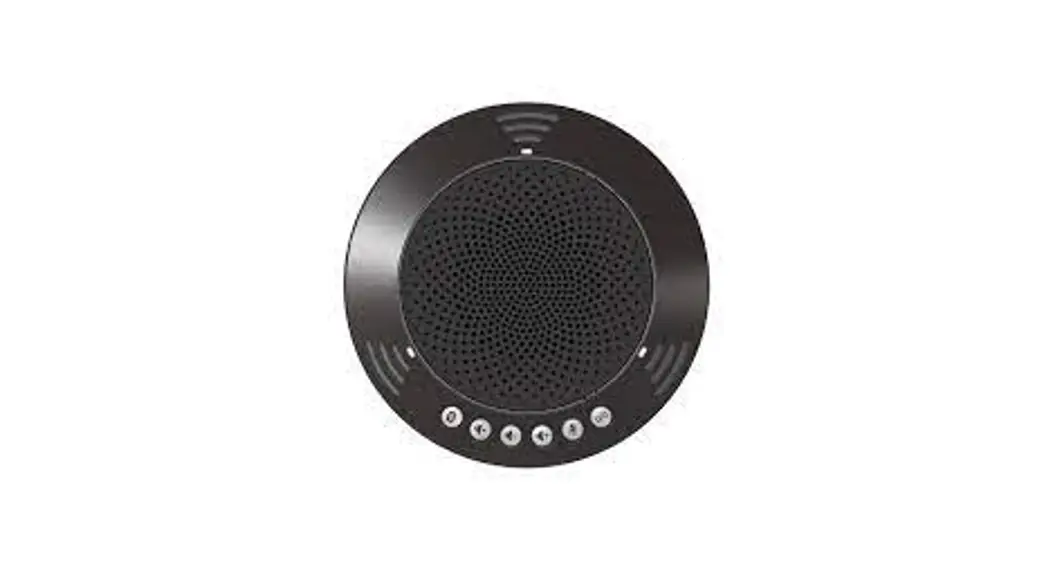
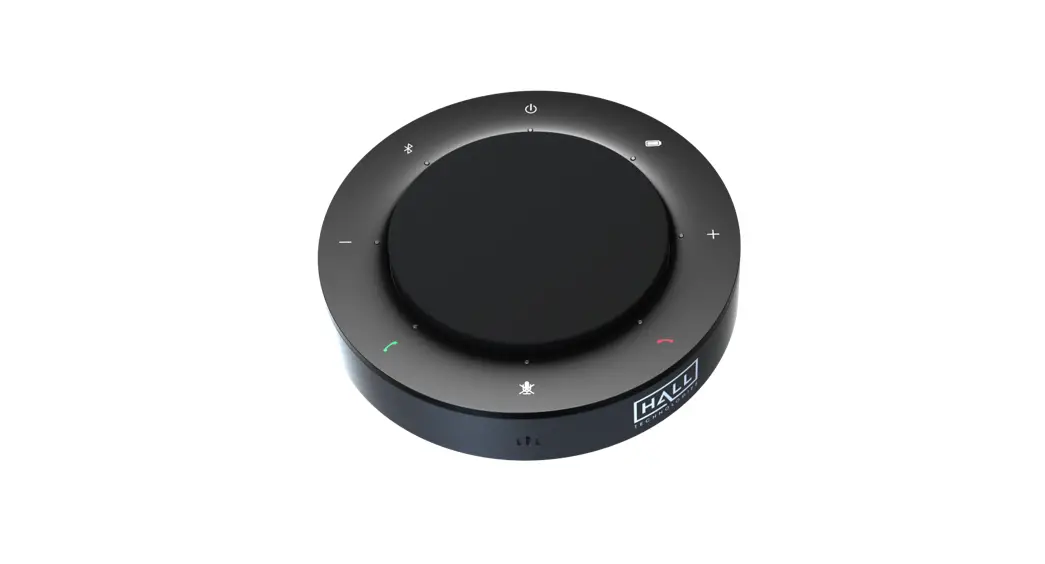
- Bluetooth Indicator
- Mute/Voice Assistant
- Volume Up
- Busy Light
- End Call
- Power On-Off switch
- Answer Call
- Volume Down
- Battery Status
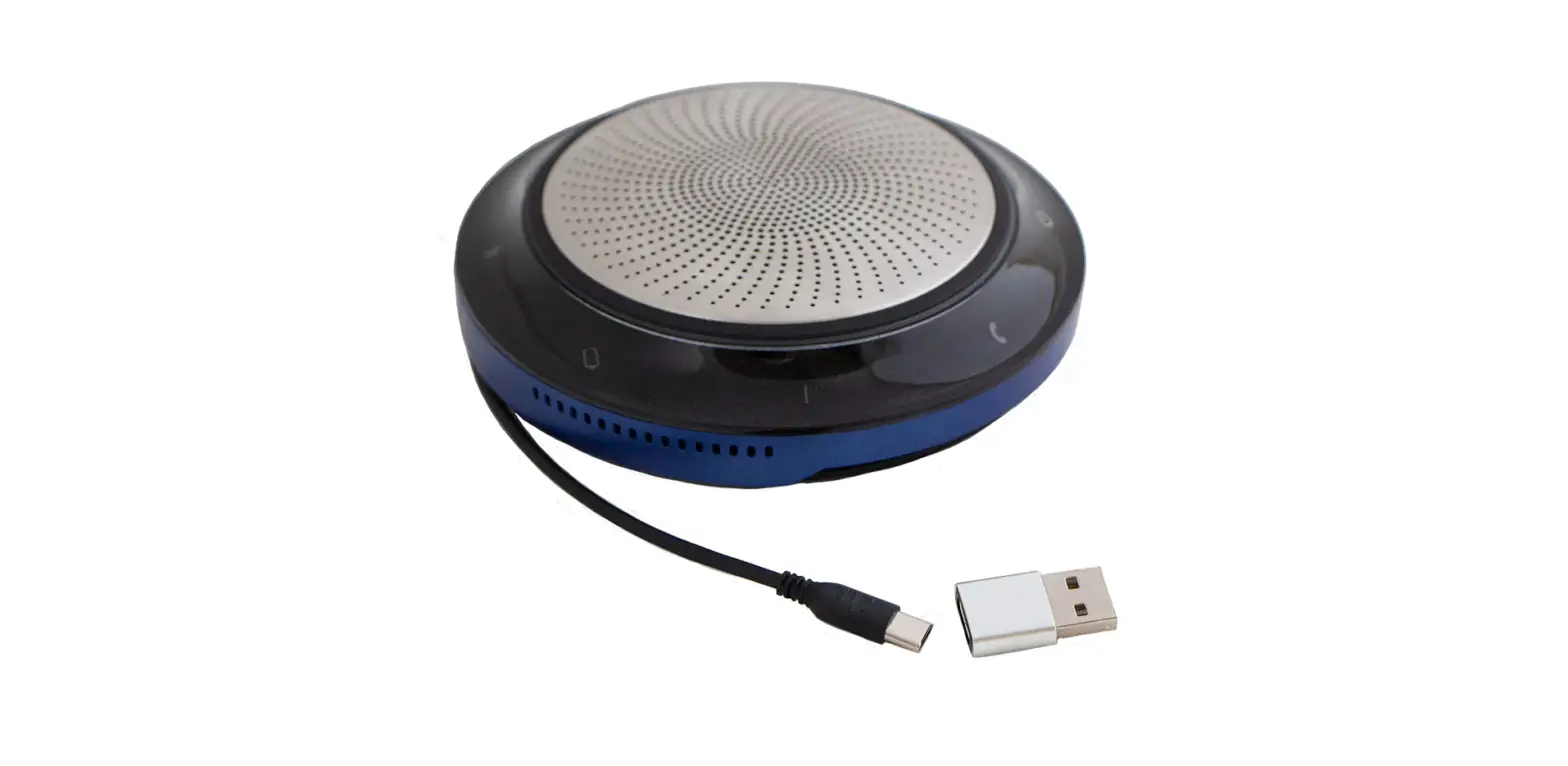
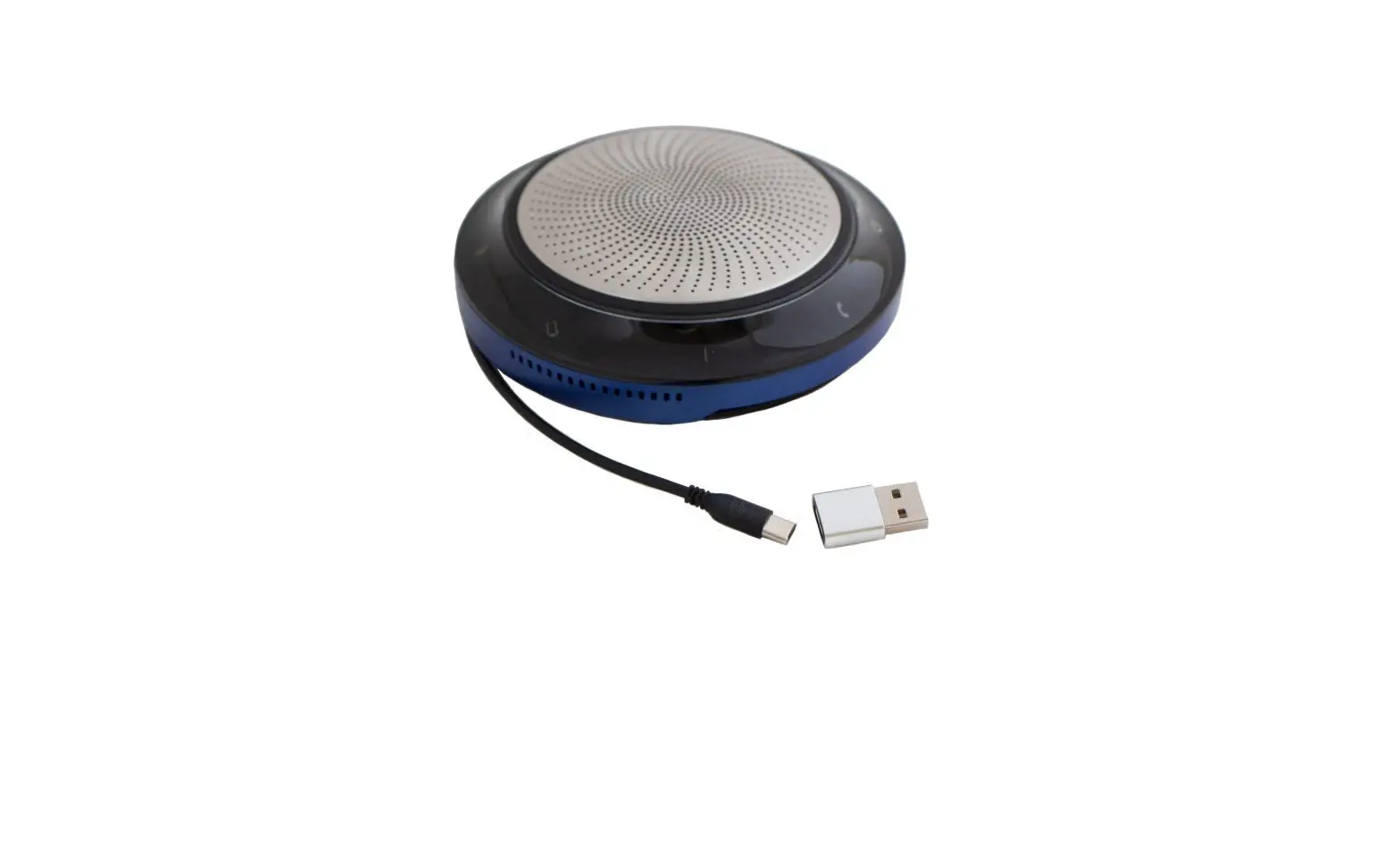
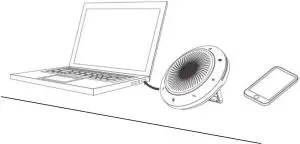
Showing USB Cable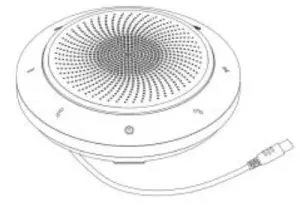
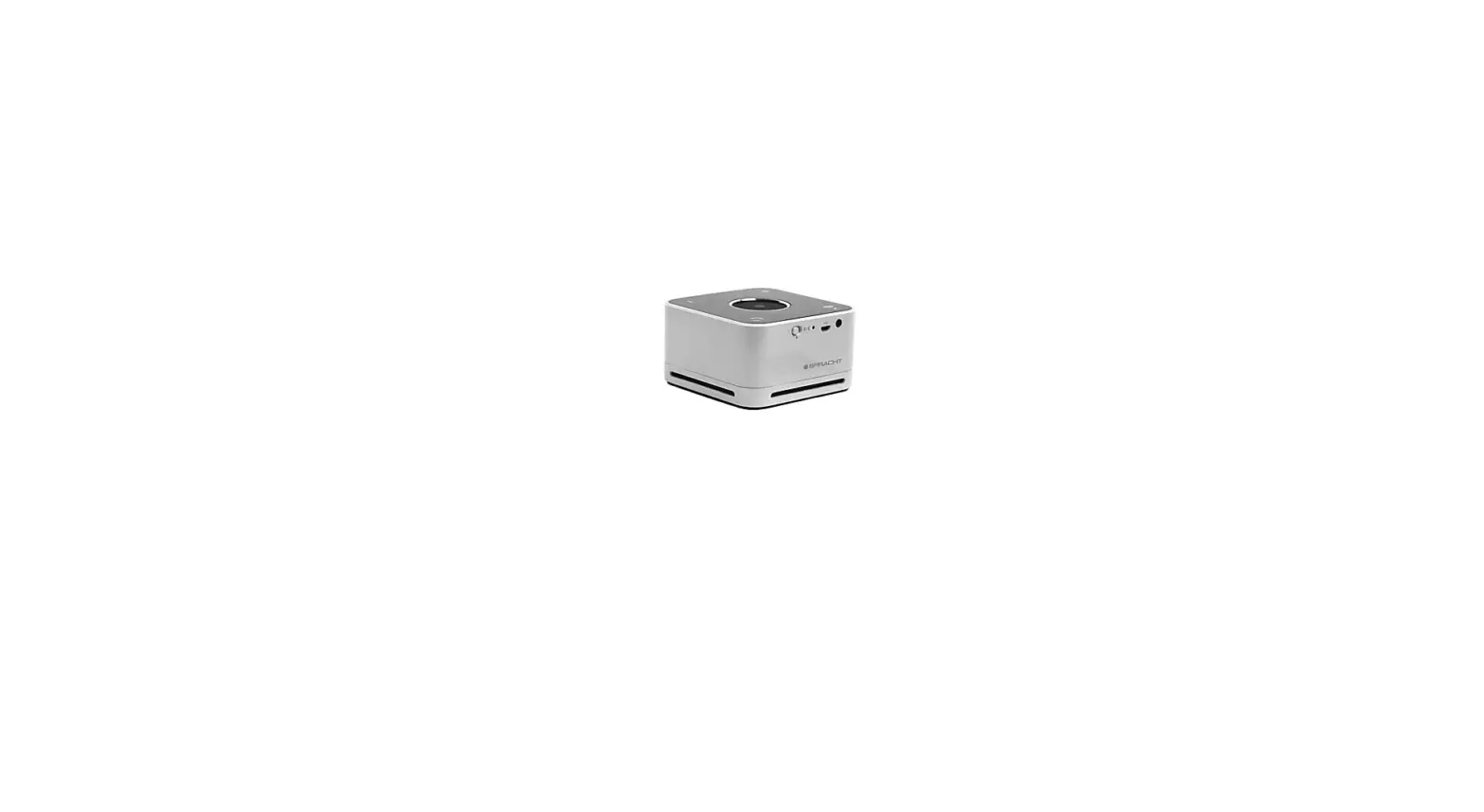
Showing Stand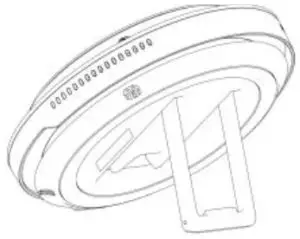
PLACEMENT
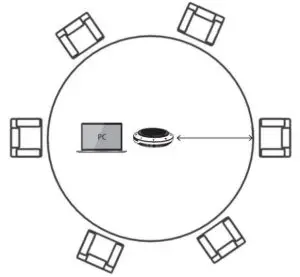
Small Conference Room
Position the speaker in the center of the table, up to a distance of 6’/ 2m from each participant. A single Aura Conference Speaker is ideal for up to 6 people.
On a Desk
When using the speaker at your desk we recommend you use the stand on the underside of the unit. This will better direct the sound towards you and will provide more low-end audio.
CHARGING
USB Charging
Plug the Speaker into a USB power source using the attached USB cable. The battery supplies up to 15 hours of talk time and takes about 3 hours to fully charge.
Automatic Power Off
To preserve battery life while the unit is unplugged, the Speaker will automatically power off when it has not been connected to a power source for 15 minutes.
Battery Status
To view the current battery status, press the Battery Status button. This will turn on the LED light. When the battery is full, the LED lights Green; when the battery is medium, the Blue LED lights; when the battery is low, the Red LED shows. The Red LED will flash in the case of a very low battery.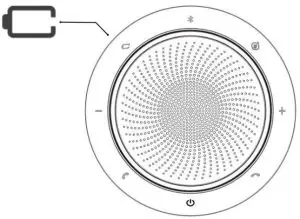
CONNECTING
Connect to a Computer – PC/Mac
Using the cable on the Speaker, plug the Speaker into a USB port on your PC/Mac. You may have to select the Speaker as the speaker as the output device and the mic as input device.
Connect to a Smartphone
Hold the Bluetooth button for 2 seconds and follow the voice-guided instructions to pair to your smartphone. The Bluetooth range is about 33’ (10m).
To disconnect or reconnect, double tap the Bluetooth button again.
The buttons are backlit and only visible when the Speaker is powered on. After 20 seconds of inactivity the buttons will fade, and can be reactivated by tapping the area where the buttons are located.
The Voice assistant button and Mute button will only be visible under certain conditions (such as: the Voice assistant button is only visible when the Speaker is connected to a smartphone and not on call).
| Button | Button | Use |
| Power On/Off | Press/hold 2s |
| Answer Call | Press Answer Call Button |
| End or Reject Call | Press End Call Button |
+ / – | Volume Up or Down | Press Volume Up or Volume Down Button |
 | Mute/ Unmute Microphone | Press Mute Button |
 | Battery Status | Press Battery Status Button |
| Pairing, Connect Bluetooth Device | Press Bluetooth Button |
| Voice Assistant for Smartphone | Press Voice Assistant Button – only visible when paired with smartphone |



| The LED Light Ring | |
| Activity | Result |
| Power On or Off | LED Light Ring flashes Green, Blue, and Red |
| Incoming Call | LED Light Ring shows pulsing Green |
| On Call | LED Light Ring glows Red |
| Mute | LED Light Ring shows pulsing Red |
| Low Battery | LED Light Ring flashes Red |
By default, the voice assistant button will activate your smartphone’s voice assistant (Siri®, Google Now™, Cortana™, or other).
When you press the voice assistant button, the button will change to Green light , and it will wake the voice assistant.
FCC Statement
This device complies with Part 15 of the FCC Rules. Operation is subject to the following two conditions:
(1) This device may not cause harmful interference, and
(2) this device must accept any interference received, including interference that may cause undesired operation.
NOTE 1: This equipment has been tested and found to comply with the limits for a Class B digital device, pursuant to part 15 of the FCC Rules. These limits are designed to provide reasonable protection against harmful interference in a residential installation. This equipment generates, uses, and can radiate radio frequency energy and, if not installed and used in accordance with the instructions, may cause harmful interference to radio communications. However, there is no guarantee that interference will not occur in a particular installation. If this equipment does cause harmful interference to radio or television reception, which can be determined by turning the equipment off and on, the user is encouraged to try to correct the interference by one or more of the following measures:
- Reorient or relocate the receiving antenna.
- Increase the separation between the equipment and receiver.
- Connect the equipment to an outlet on a circuit different from that to which the receiver is connected.
- Consult the dealer or an experienced radio/TV technician for help.
NOTE 2: Any changes or modifications to this unit not expressly approved by the party responsible for compliance could void the user’s authority to operate the equipment.
Warranty Information
Spracht warrants its products against defects or malfunctions in material and workmanship under normal use and service, with the exceptions stated below. This warranty lasts for one year from the original date of purchase. Coverage terminates if you sell or otherwise transfer the product. In order to keep this warranty in effect, the product must have been handled and used as prescribed in the instructions accompanying the product.
Spracht shall (at its option) repair or replace a defective unit covered by this warranty, or shall refund the product purchase price. Repair, replacement with a new or reconditioned unit, or refund, as provided under this warranty, is your exclusive remedy. This warranty does not cover any damages due to accident, misuse, abuse, or negligence. Spracht shall not be liable for any incidental or consequential damages. Some states do not allow limitation or exclusion of incidental or consequential damages, so the above limitation or exclusion may not apply to you.
To make a warranty claim, the purchaser must obtain a return authorization number (RA) from Spracht (serial number and purchase date required), and then return the product to Spracht at purchaser’s expense. A copy of the original dated receipt or shipping document must accompany the product. To obtain a return authorization, see “Warranty” on our website at www.spracht.com, send an e-mail to [email protected], or contact us at:
Spracht
974 Commercial Street, Suite 108
Palo Alto, CA 94303 USA
Ph: 650-215-7500
Fx: 650-485-2453
For repair or replacement of a failed product, allow 4 to 6 weeks for processing and shipment. This warranty gives you specific legal rights, and you may also have other rights which vary from state to state.
Spracht
974 Commercial Street, Suite 108
Palo Alto, CA 94303
© Copyright 2020 Spracht®. All rights reserved. Spracht® and the logo, and Aura Conference Speaker are trademarks and registered trademarks of Spracht®. Any other trademarks are properties of their owners.