
User Manual
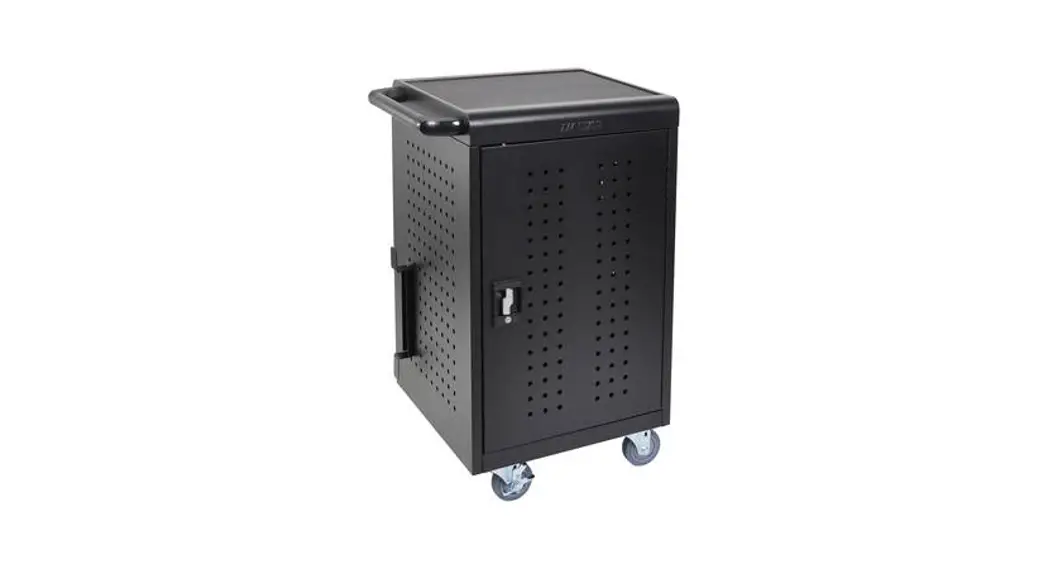
Charging Cart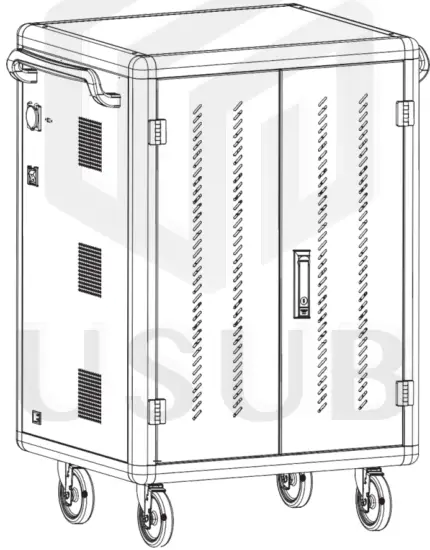
Copyright 2021 USub all rights reserved
 WARNING
ALWAYS FOLLOW SAFETY
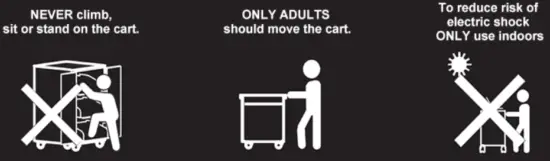
CAUTION
- This cart is intended for use only with loading as indicated. Use with loads greater than indicated may result in instability
- Please place the devices from the bottom to the top shelf to avoid the tilting
- Death or serious injury may occur when children climb on audio and/or video equipment furniture. Remote control or toys placed on the furnishing may encourage a child to climb on the furnishing and as a result the furnishing may tip over onto the child.
- Relocating audio and/or video equipment to furniture not specifically designed to support audio and/or video equipment may result in death or serious injury due to the furnishing collapsing or overturning onto a child.
- DO NOT allow anyone to sit, stand or climb on the cart.
- DO NOT lift the cart.
- DO NOT block the ventilation holes used for air circulation. When moving the cart,
- DO NOT put any devices (ex: TV, Monitor, Document’s camera…etc.) on top of the cart.
- No TV/monitor is to be used on top of the cart.
- Before moving the cart, disconnect the power from the wall outlet.
- While moving the cart, make sure the power cord is secured and tightly wrapped.
Introduction
Cart Dimensions
| Model | Description | Dimension W*D*H (mm) |
| Laptop & Tablet Charging Cart, Charging Type: AC + USB charging | ||
| SC01-30AU-LT-F SC01-40AU-LT-F | 30(10*3) devices, with fast charging 40(10*4) devices, with fast charging | 820*650*1257.5 820*650*1587.5 |
| Tablet Charging Cart, Charging Type: USB charging only | ||
| SC01-30A-T-B SC01-36A-T-B SC01-40A-T-B SC01-48A-T-B SC01-64A-T-B | 30(10*3) tablets, without fast charging 36(12*3) tablets, without fast charging 40(10*4) tablets, without fast charging 48(12*4) tablets, without fast charging 64(16*4) tablets, without fast charging | 620*600*1022.5 684*600*1022.5 620*600*1262.5 684*600*1262.5 812*600*1262.5 |
Note: This dimension includes casters and handles
Cart Diagram
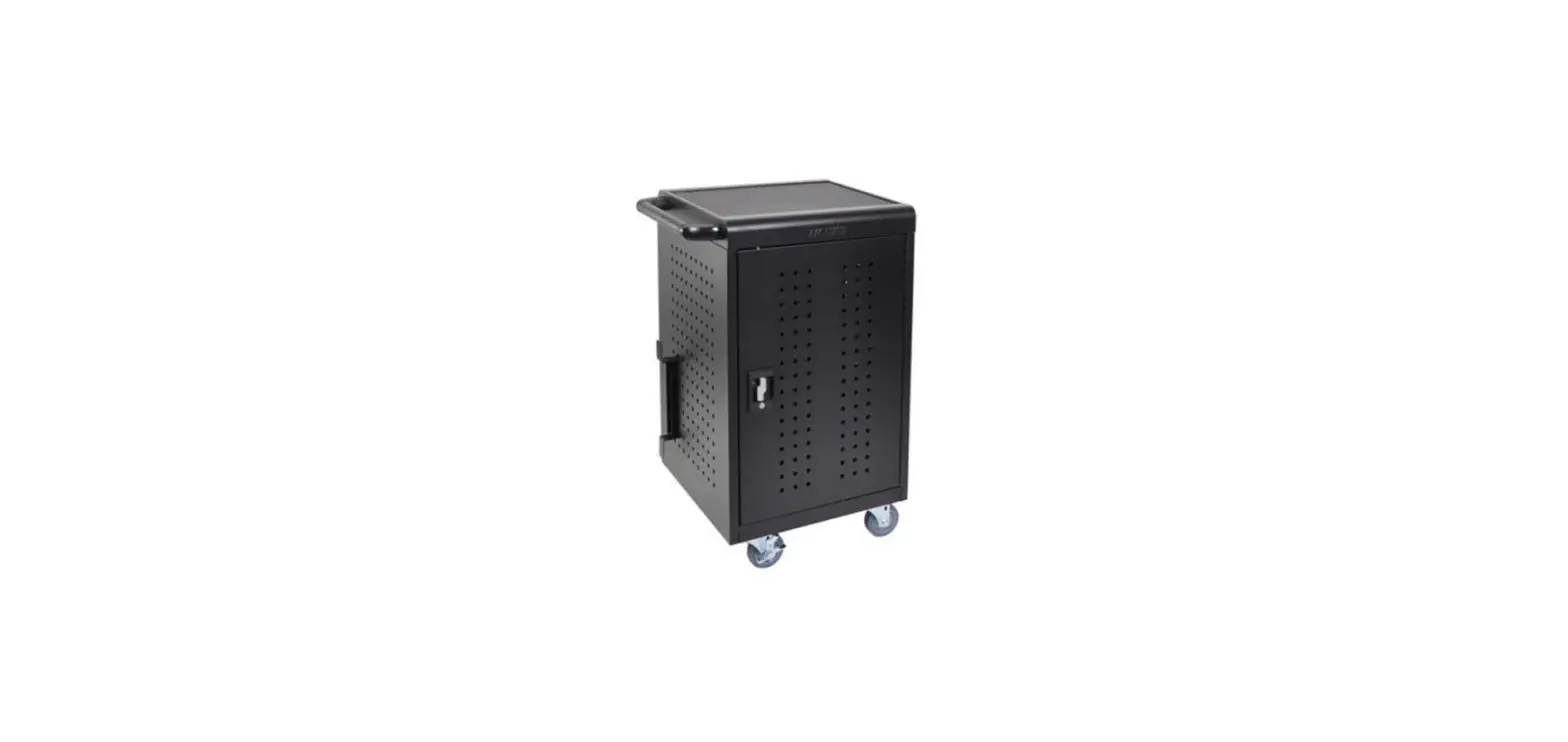
| Front | 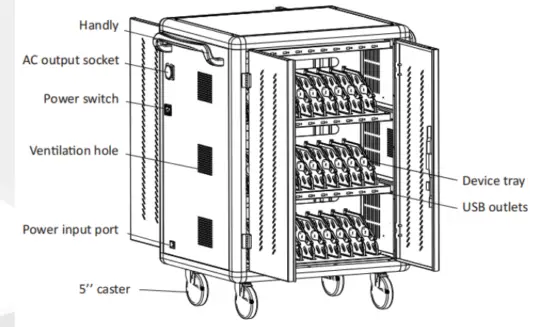 |
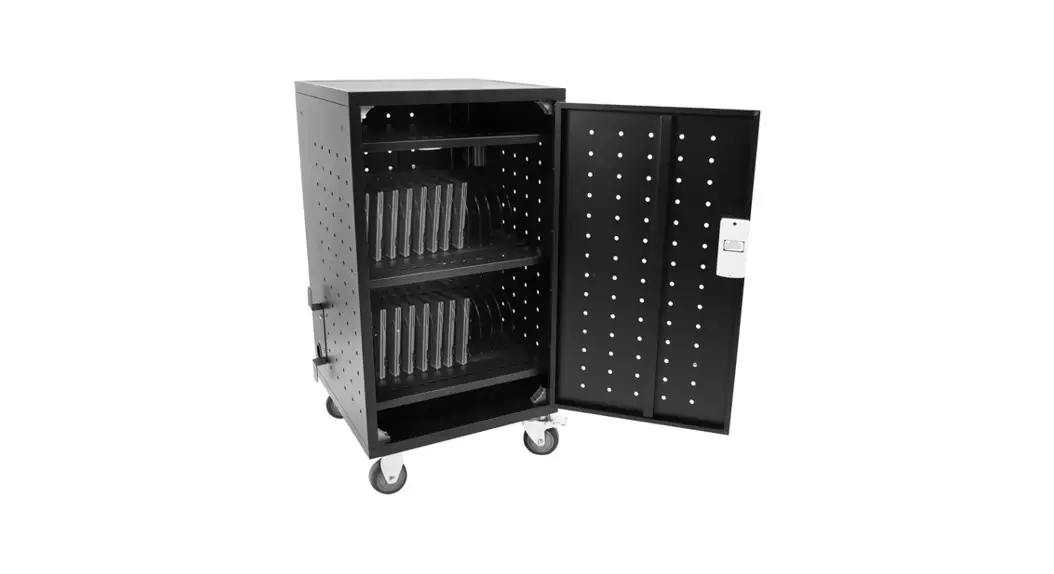
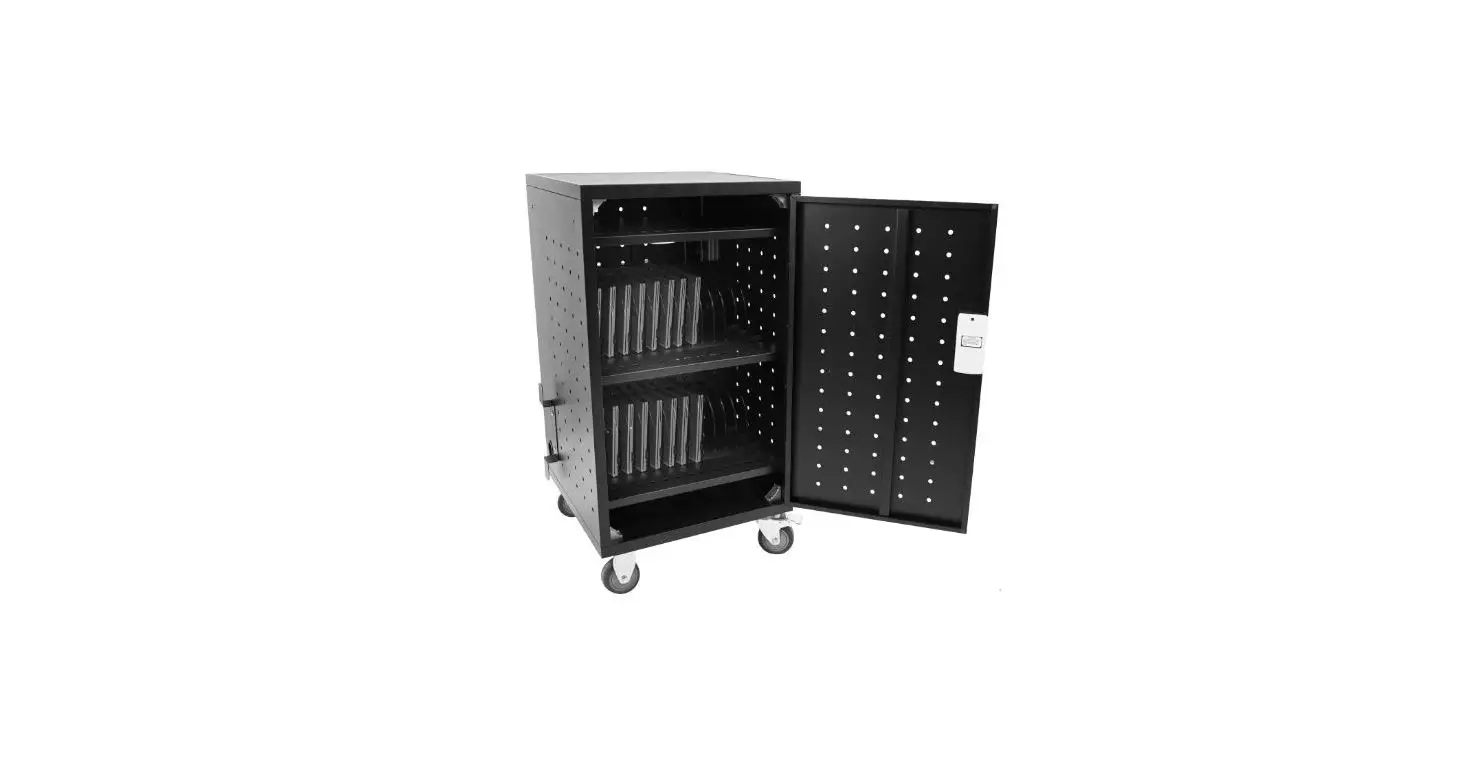
| Back | 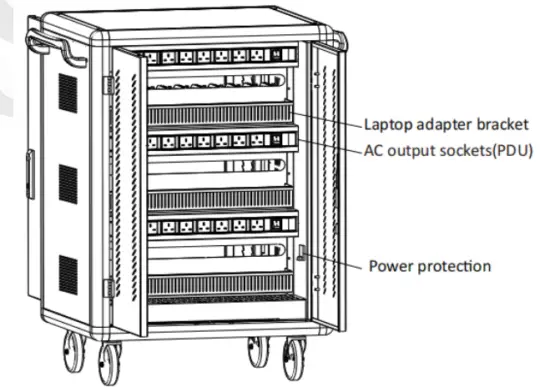 |
Setup
USB charging operation
- Disconnect the charger in advance and open the cabinet door.

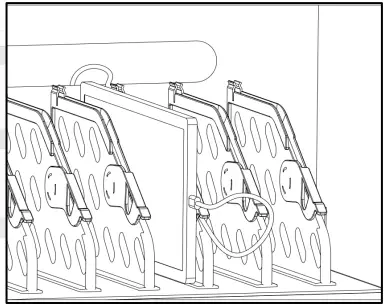
- According to the tablet number, put the tablets one by one into the tablet rotation slot corresponding to the number.

- The two ends of the USB cable are connected to the charging HUB port on the device and the tablet port respectively.

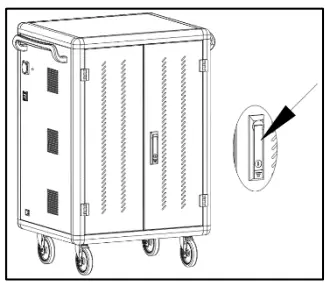
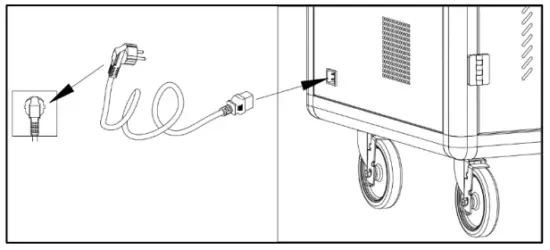
- After the connection is completed, lock the cabinet door and plug the power plug of the charging car into the main outlet for charging。

- Switch the main power switch to “ON”, and then all charging units’ LED charging status indicator lights up red, and the device is in a charging state.
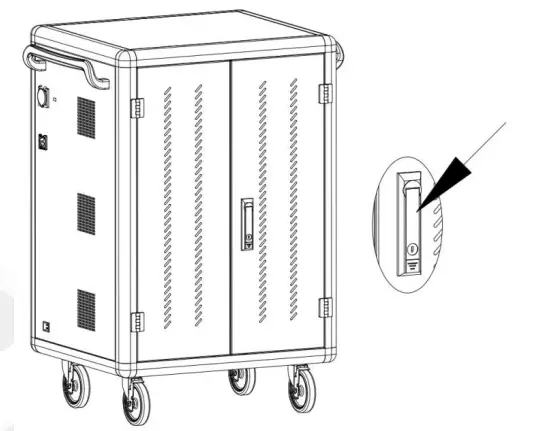
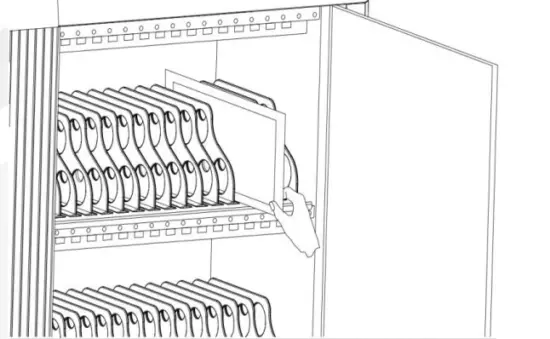
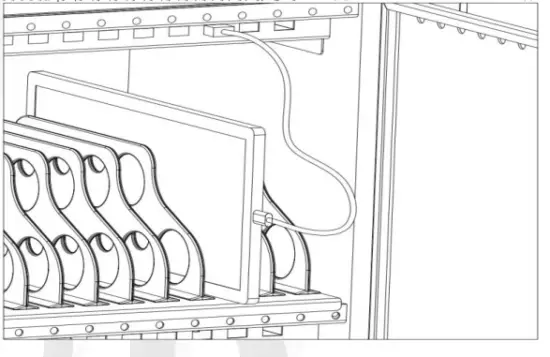
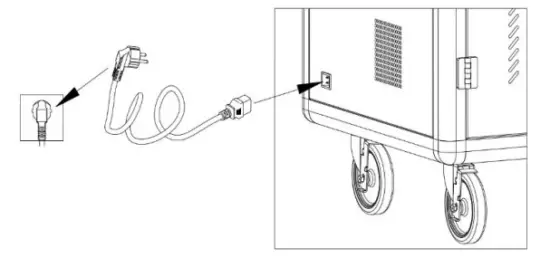
AC charging operation with adapter
- Disconnect the charger in advance and open the rear door.

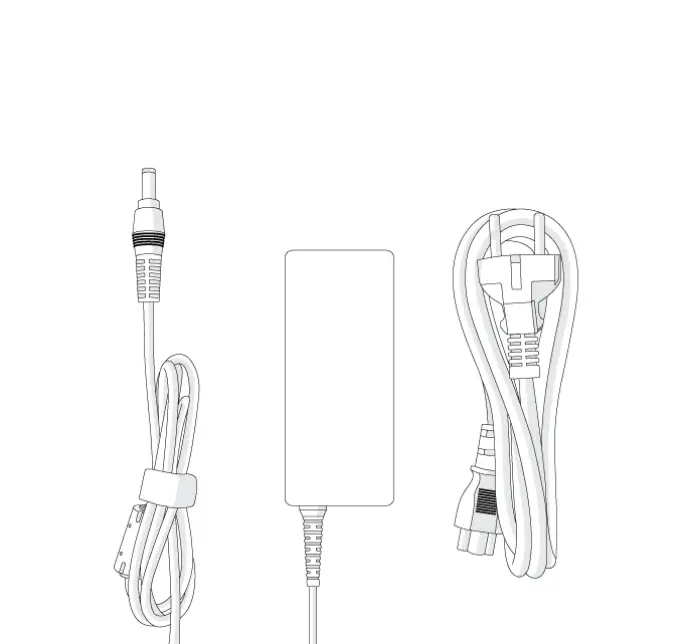
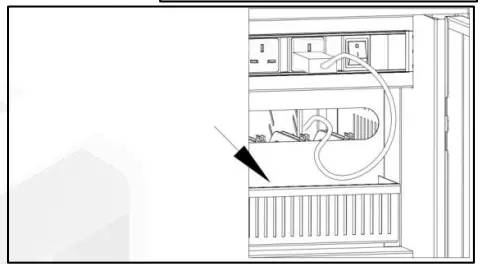
- Plug your tablet or laptop charger into the socket at the back of the car one by one, then thread the cable through the hole; For laptop charges, place the adapter in the bucket below the threaded hole.

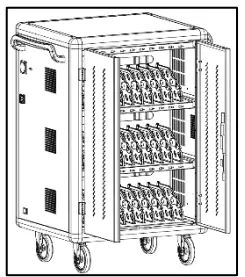
- Open the front door of the charging car.

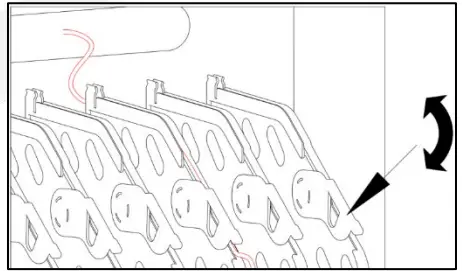
- Jam the data line with the buckle and arrange the data line.

- Place tablets or laptops one by one in the tablet (laptop) slot and connect to the corresponding data cable。

- After the connection is completed, lock the cabinet door, and plug the power plug of the charging car into the mains outlet for charging。

- Switch the main power switch to “ON”, and then all charging units are in charging state。
Specifications
Service environment
| Working temperature | 0 ℃~45 ℃ |
| Working environment humidity | 20%~80% |
| The humidity of storage environment | -15 ℃~45 ℃ |
| The machine has passed CE certification and RoHS certification | |
Product Parameter
| Main material | The main body adopts a 1.0mm-1.5mm cold-rolled steel plate. The mainframe adopts high strength aluminum profiles, the cabinet is provided with ABS engineering plastic partition layer, layering the tablet is effective in preventing scratches |
| Input | AC 220-240V 50Hz 16A |
| Product power | 3500W |
| Cooling system | Forced air cooling |
| Output | USB: 5V 2.1A AC: 220-240V 50Hz 13A |
| Status indicator light | Red light: in charging state; Greenlight: full/disconnected |
| External AC socket | Standard: BS1363 socket*1pc |
| System compatibility | Android system, iOS system, Windows System |
| Super compatible | 1. Other Android devices 2. Other mobile terminals 3. V+/V-No agreement class |

Contact Us
Email: [email protected]
Phone/WhatsApp: +852 62545444
Address: Flat E, 14/F Century Industrial Building,
1 Tsing Yeung Circuit, Tuen Mun, N.T. Hong Kong
Working hours: 9 am-6 pm, Monday to Friday (except public holidays)
 USUB 雲斯 - 科技智能產品網購 各弱電系統工程