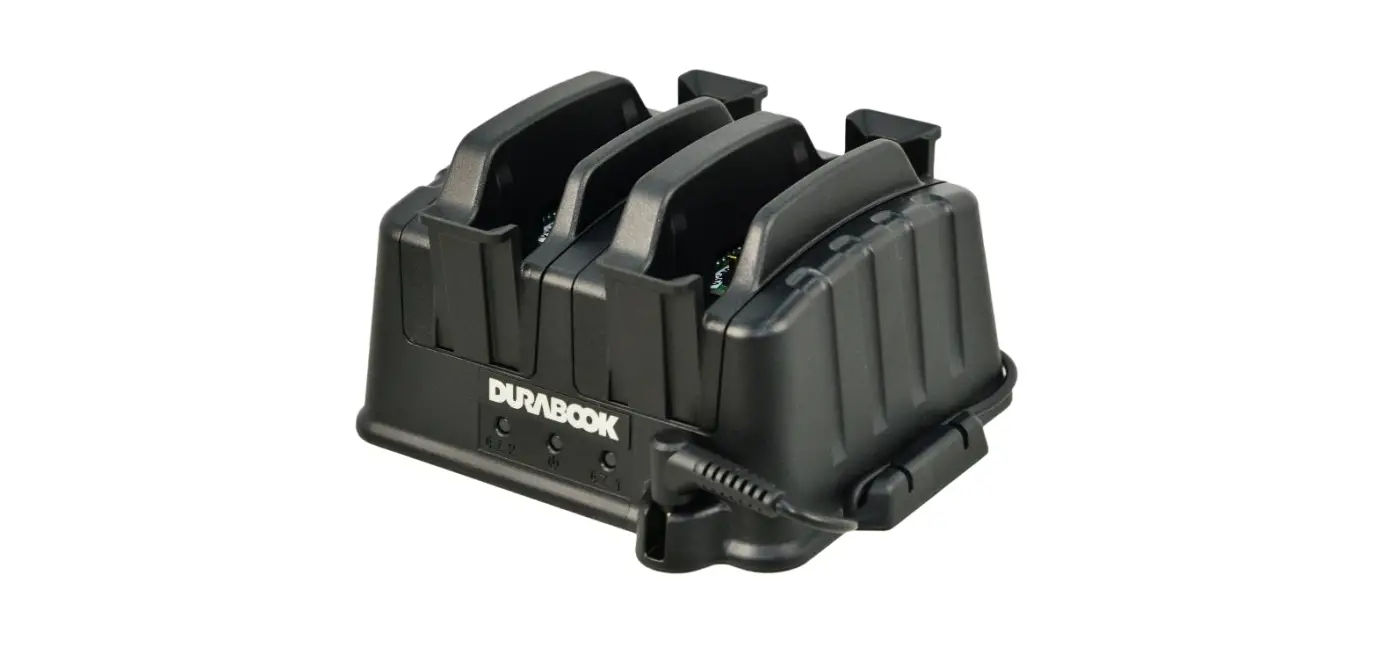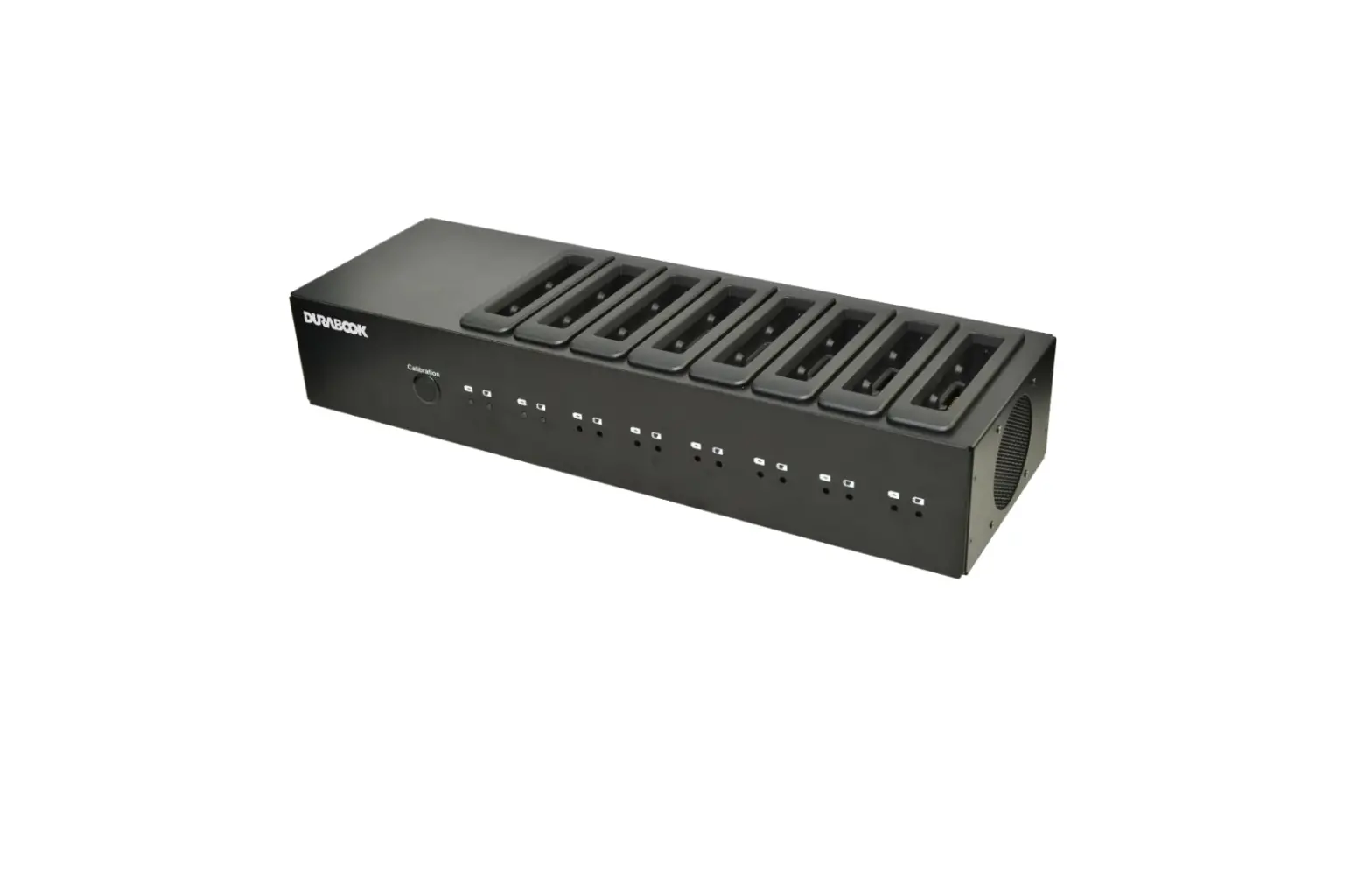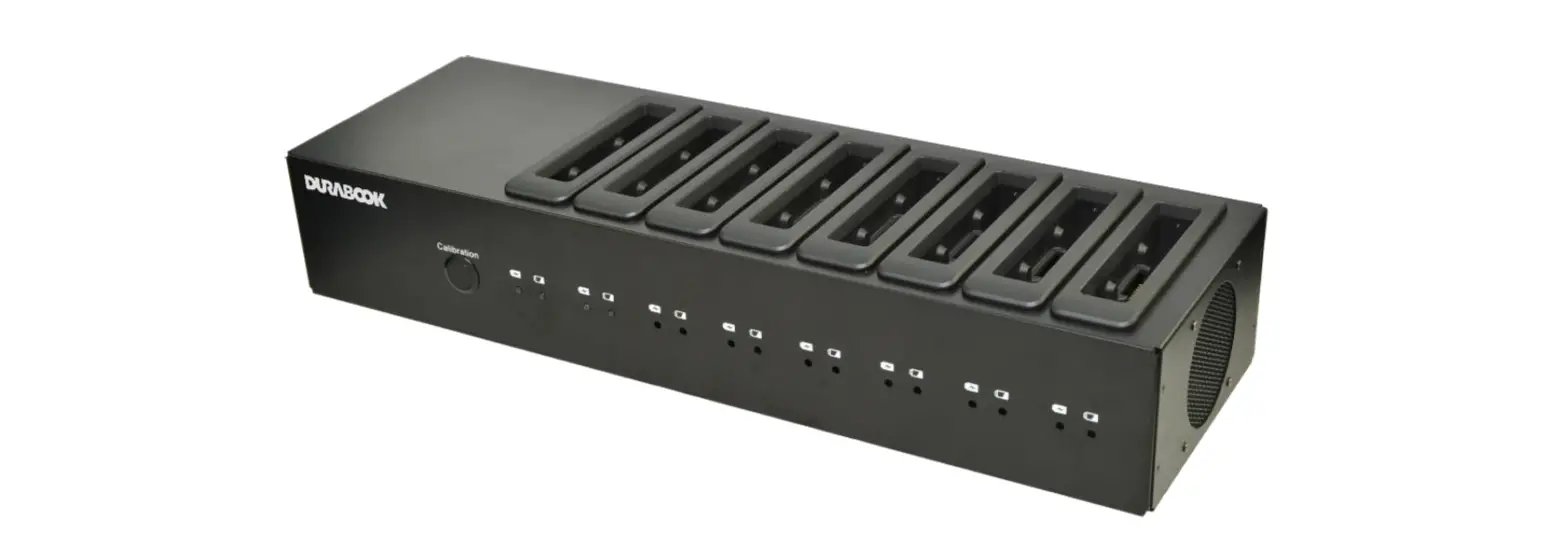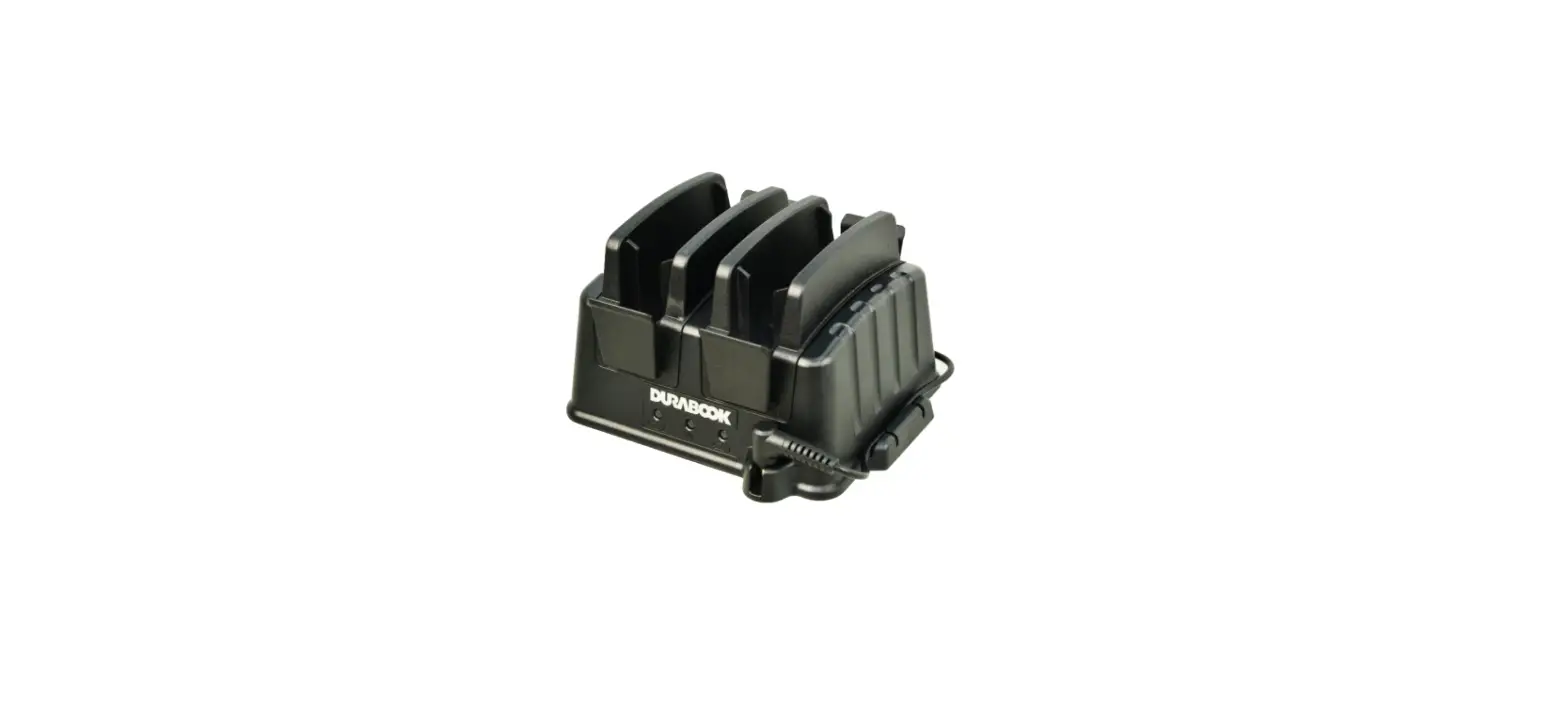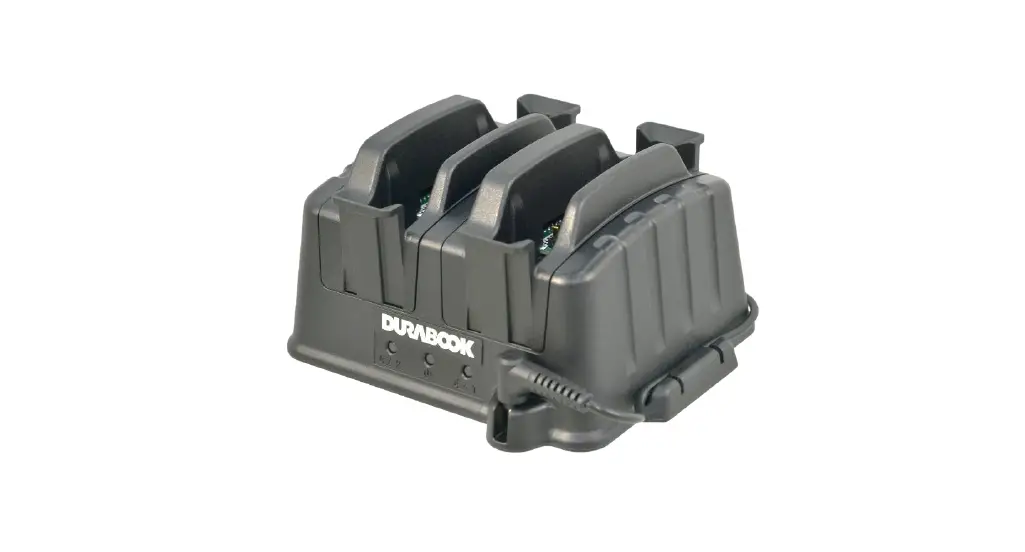

DURABOOK R8 Rugged Tablet 2Bay Battery Charger
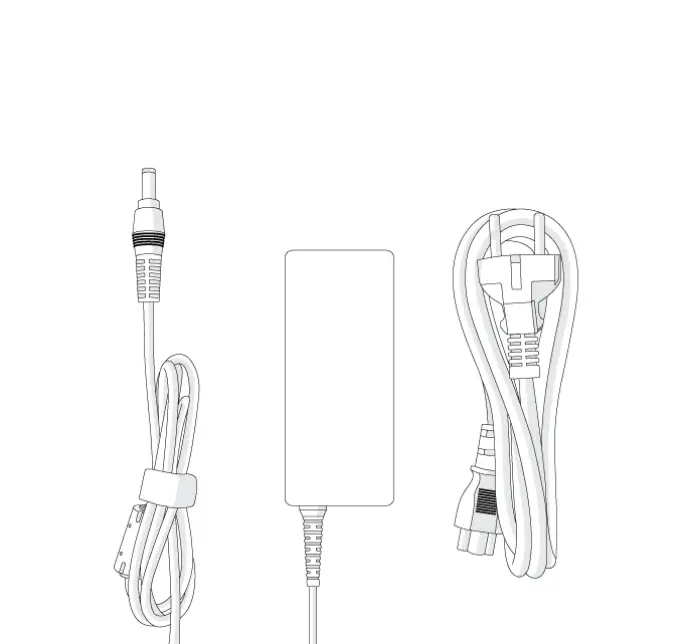
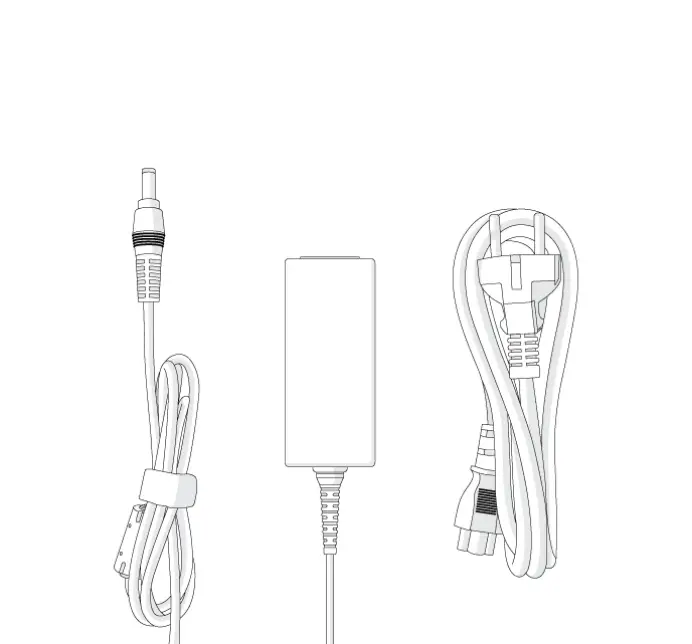
Package Contents
If any of following items is damaged, please contact your retailer.
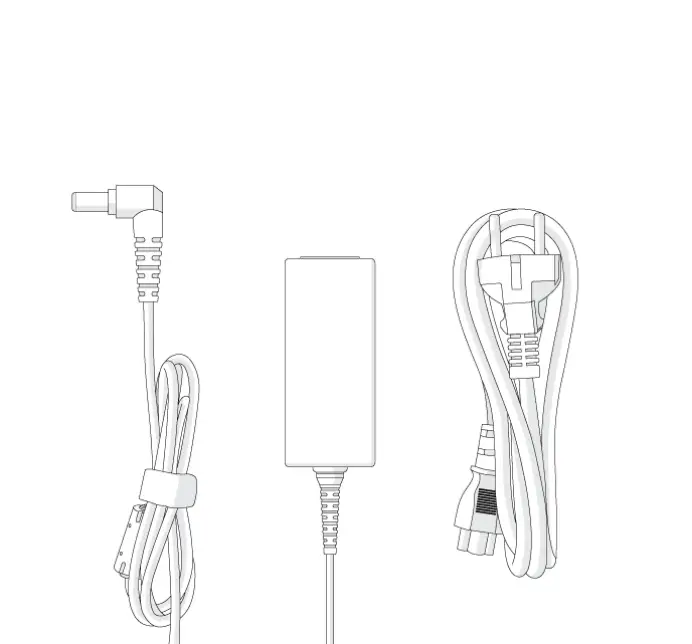
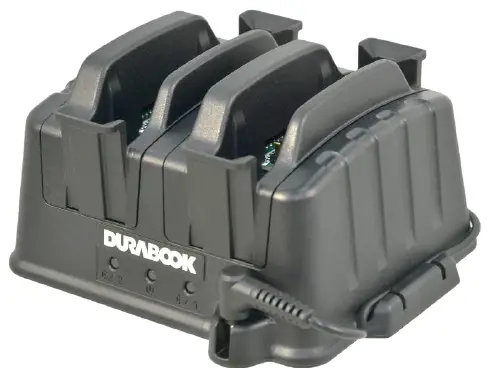
- Battery Charger

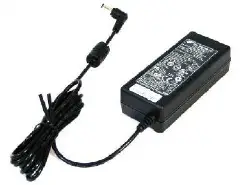
- Adapter

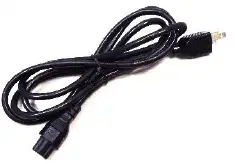
- Power cord

NOTE
The pictures are for reference only, actual items may slightly differ.
BATTERY CHARGER
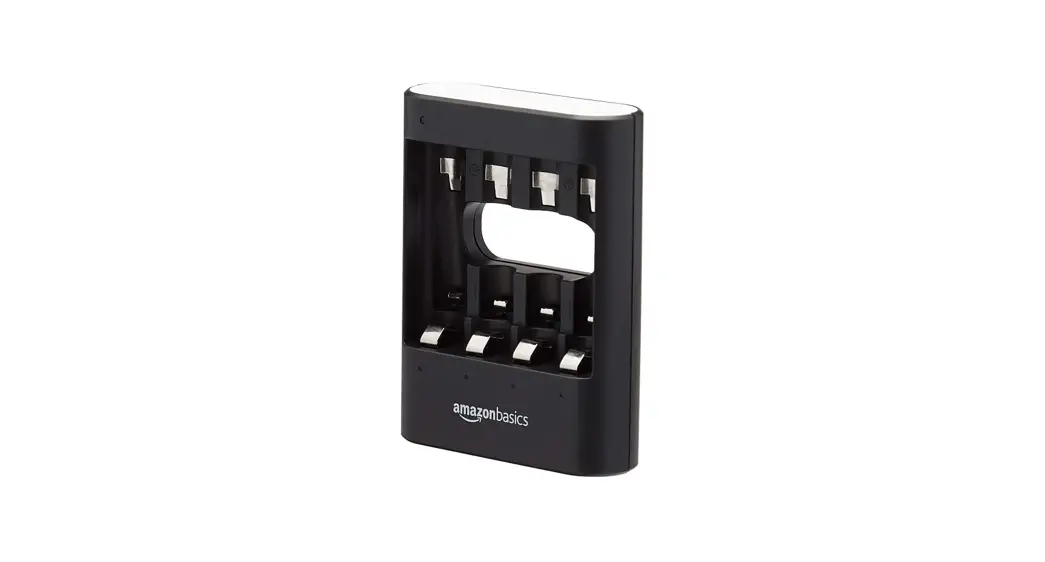
With this external 2-bay battery charger, you can charge the approved batteries directly without plugging them into the tablet.
About the Battery Charger
- FRONT VIEW

- REAR VIEW

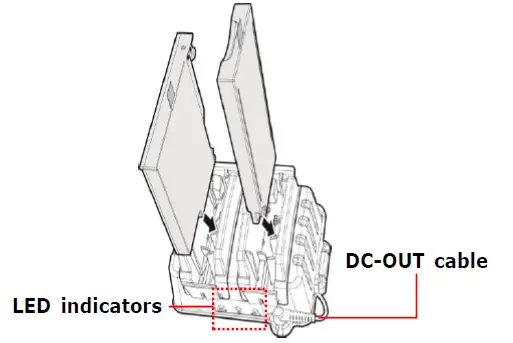
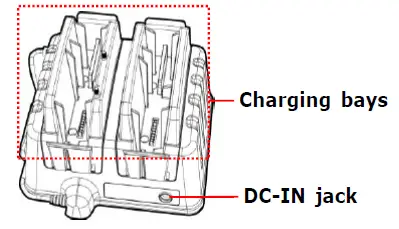
LED Indicators
| Icon | Item | LED Color and Status | |
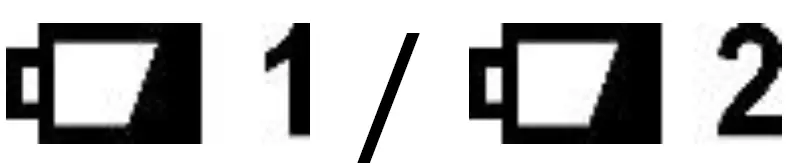 | Battery indicator | Green | Charging complete |
| Orange | Battery charging | ||
| Red | Charging error | ||
| Off | No battery is inserted | ||
 The Green LED lights up when the battery is at 95% charged. For 100% fully charged pack, user will need to leave the pack to be charged for longer. The Green LED lights up when the battery is at 95% charged. For 100% fully charged pack, user will need to leave the pack to be charged for longer. | |||
 | Power indicator | Green | 19V DC power is supplied |
| Off | No power supply | ||
Using the Battery Charger
CHAIN CONNECTION
(Charging sequence)
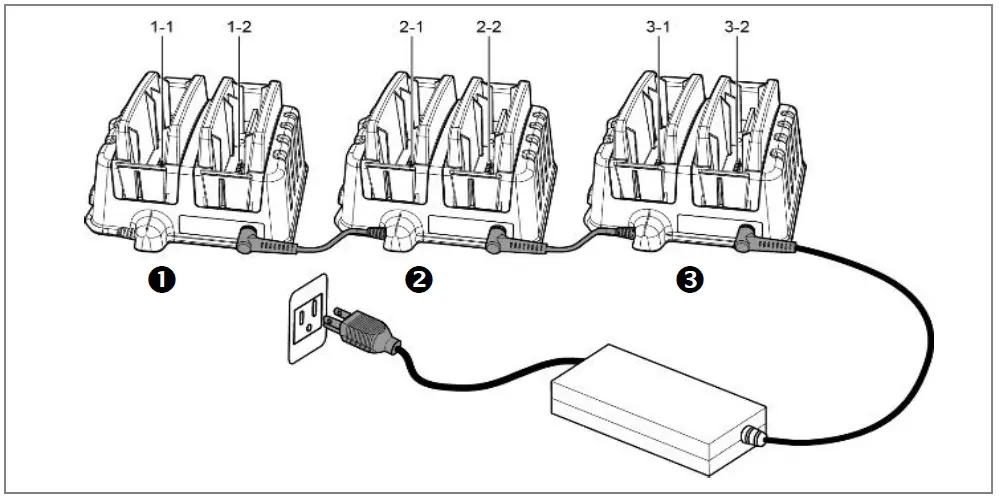
- Connect the charger unit to an electrical outlet using the power adapter.
- Insert battery into the designated charging bay.
- The charger bay supports both main and second batteries. Once seated, it can automatically determine the battery specification.
Charger has two charging bays and can support chain connection to another charger using the attached DC-OUT cable, for at most up to total of 3 chargers.
When chargers are connected, the charging starts from the last charger of the chain. (The charging sequence is shown in the right figure: 1-1, 1-2, 2-1, 2-2, 3-1, 3-2)
Normal charging time will vary by the capacity of the battery pack.
- When charging the standard battery pack(s) on a single charger, the charging time is approximately 2.5 hours.
- When charging two high-capacity battery packs on a single charger, the charging time is approximately 3.5 hours for the first battery and 5 hours for the second battery.
NOTE
Use only the designated power adapter (19V/65W) to avoid damage to the charger.
Charging time may vary depending on the remaining battery capacity.
Federal Communications Commission
Statement
This equipment has been tested and found to comply with the limits for a Class A digital device, pursuant to part 15 of the FCC Rules. These limits are designed to provide reasonable protection against harmful interference when the equipment is operated in a commercial environment. This equipment generates, uses, and can radiate radio frequency energy and, if not installed and used in accordance with the instruction manual, may cause harmful interference to radio communications. Operation of this equipment in a residential area is likely to cause harmful interference in which case the user will be required to correct the interference at his own expense.
Warning: Operation of this equipment in a residential environment could cause radio interference.
IC Regulations
This device complies with Industry Canada’s licence-exempt RSSs. Operation is subject to the following two conditions: (
- This device may not cause interference; and
- This device must accept any interference, including interference that may cause undesired operation of the device.
This Class A digital apparatus complies with Canadian ICES-003.
Twinhead International Corp.
11F, No.550, Ruiguang Rd., Neihu, Taipei 11492, Taiwan, R.O.C.