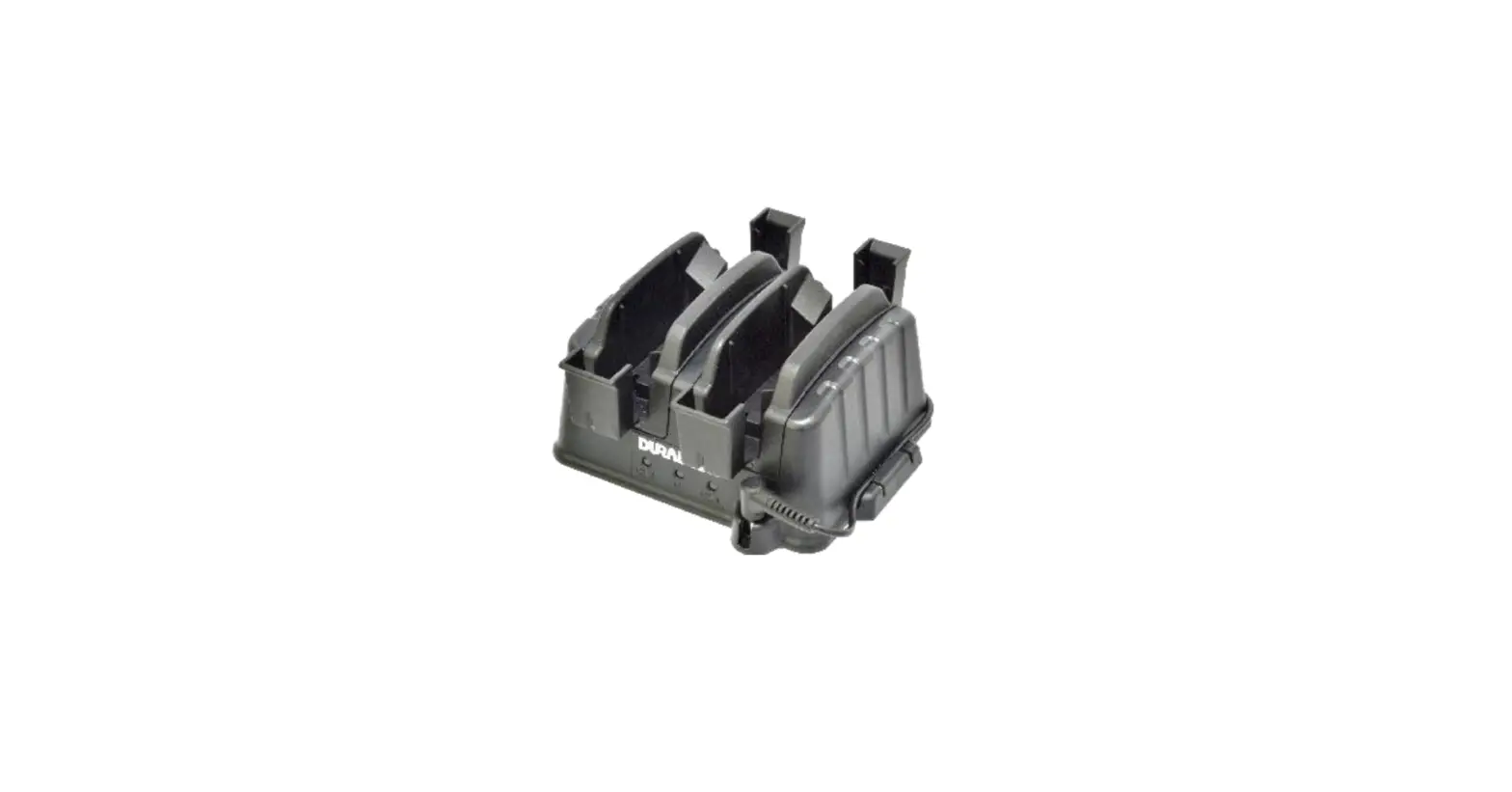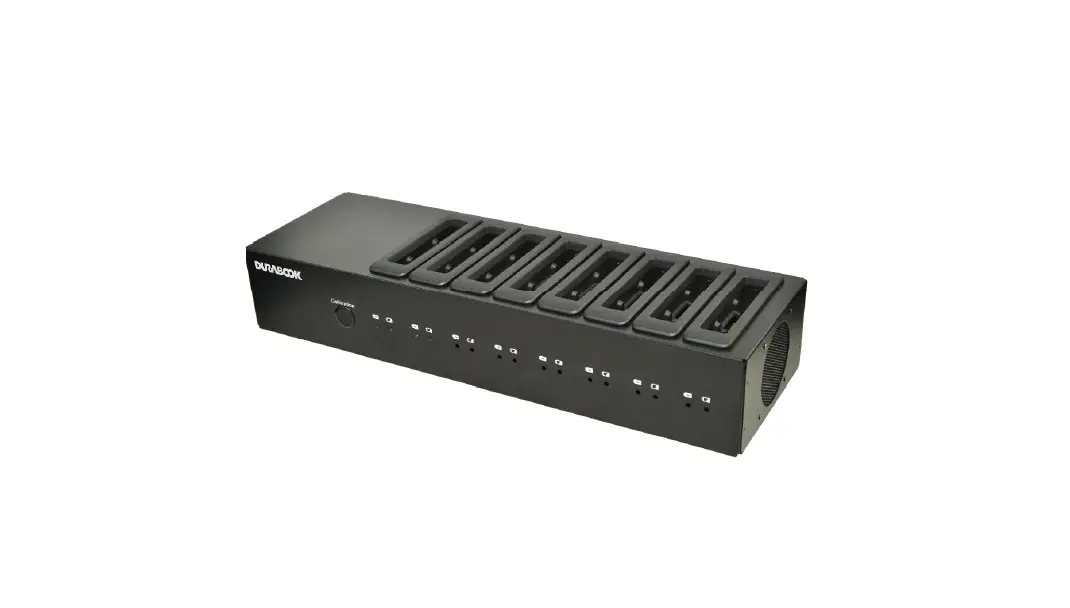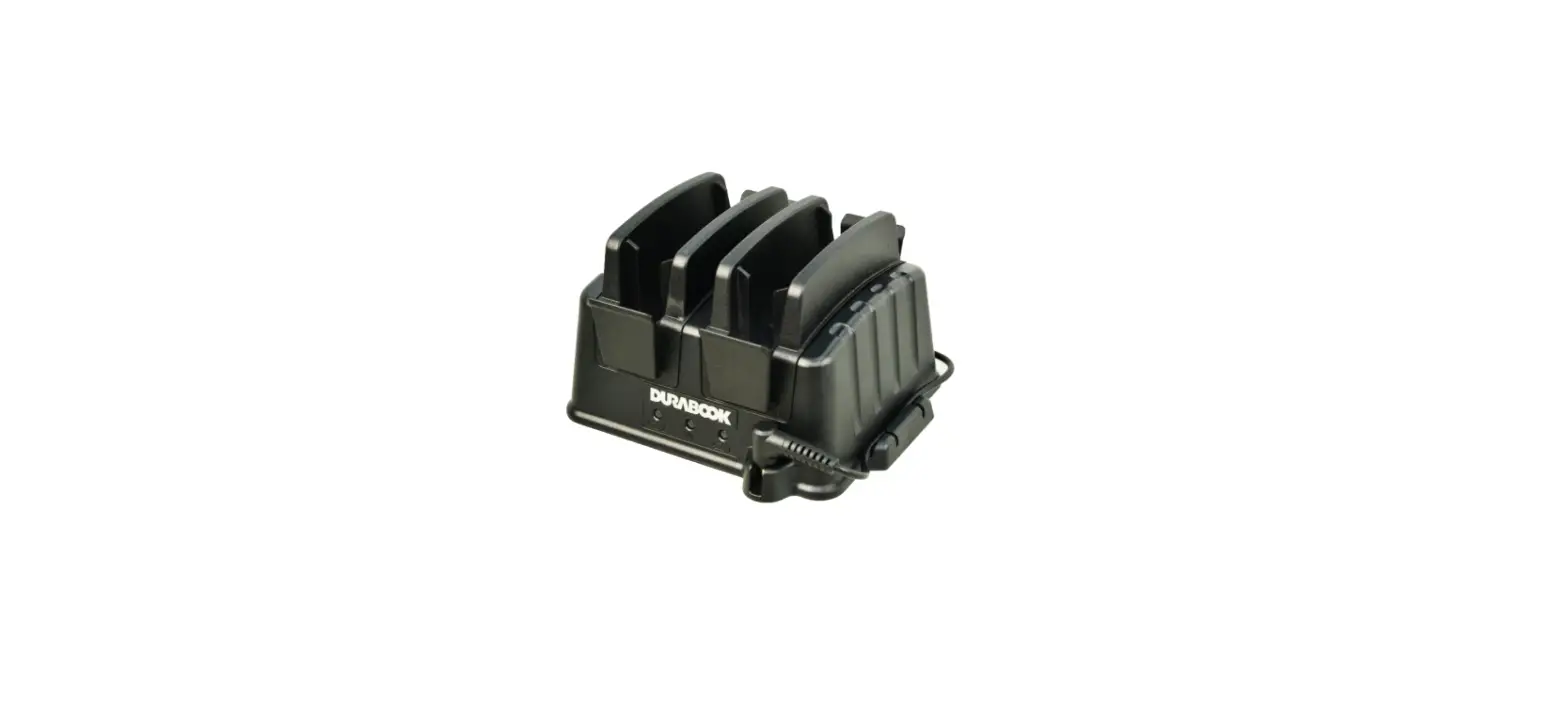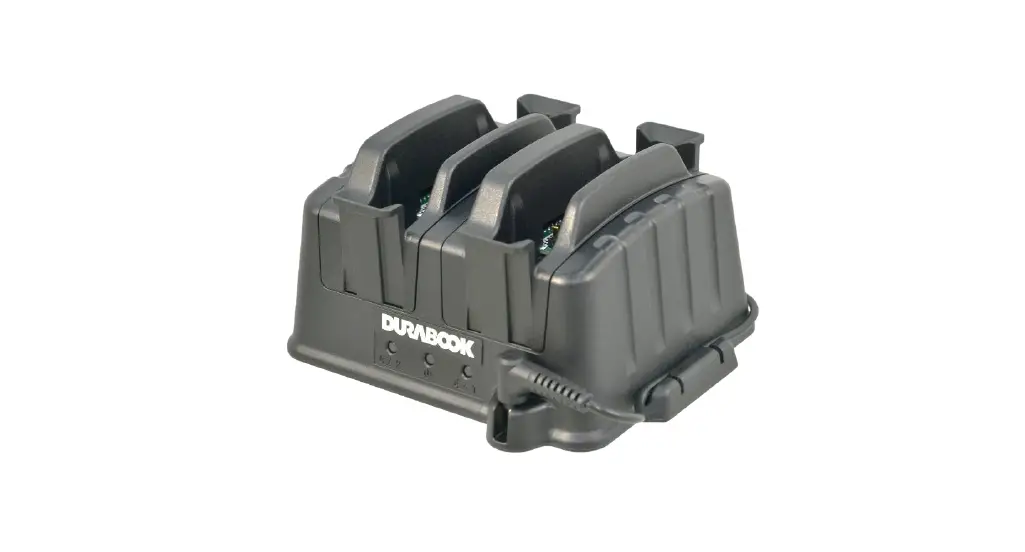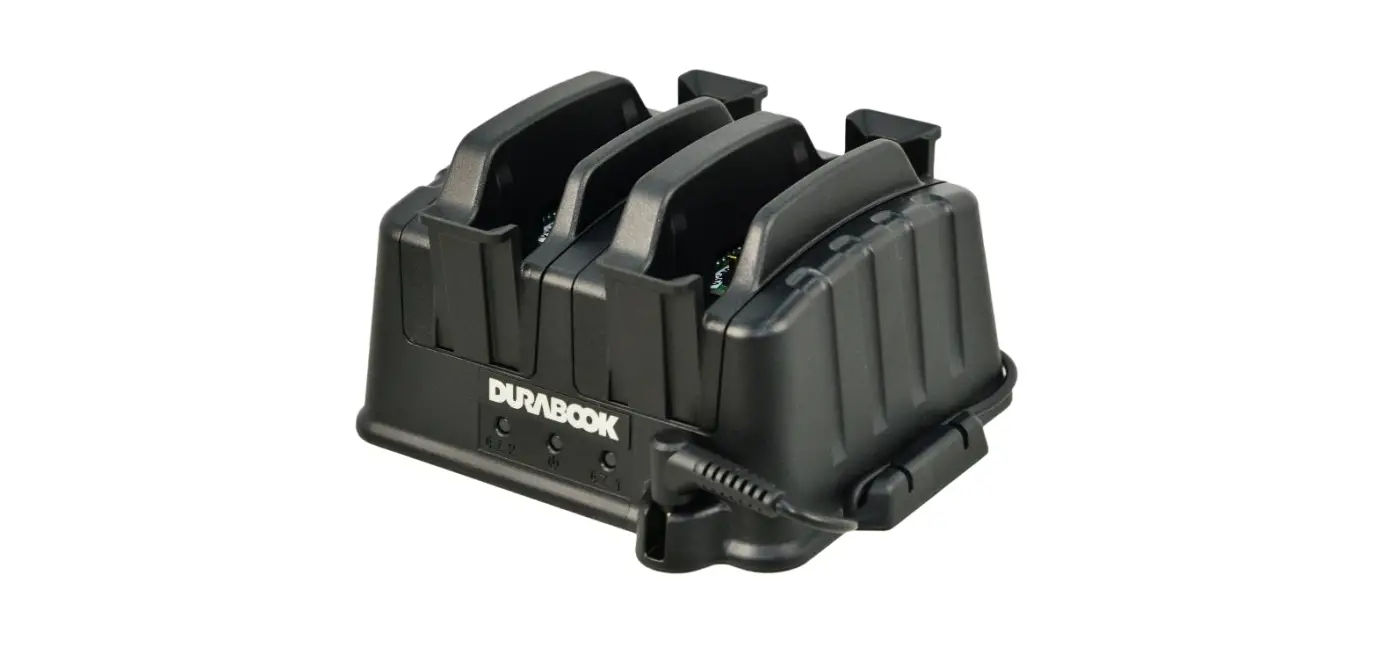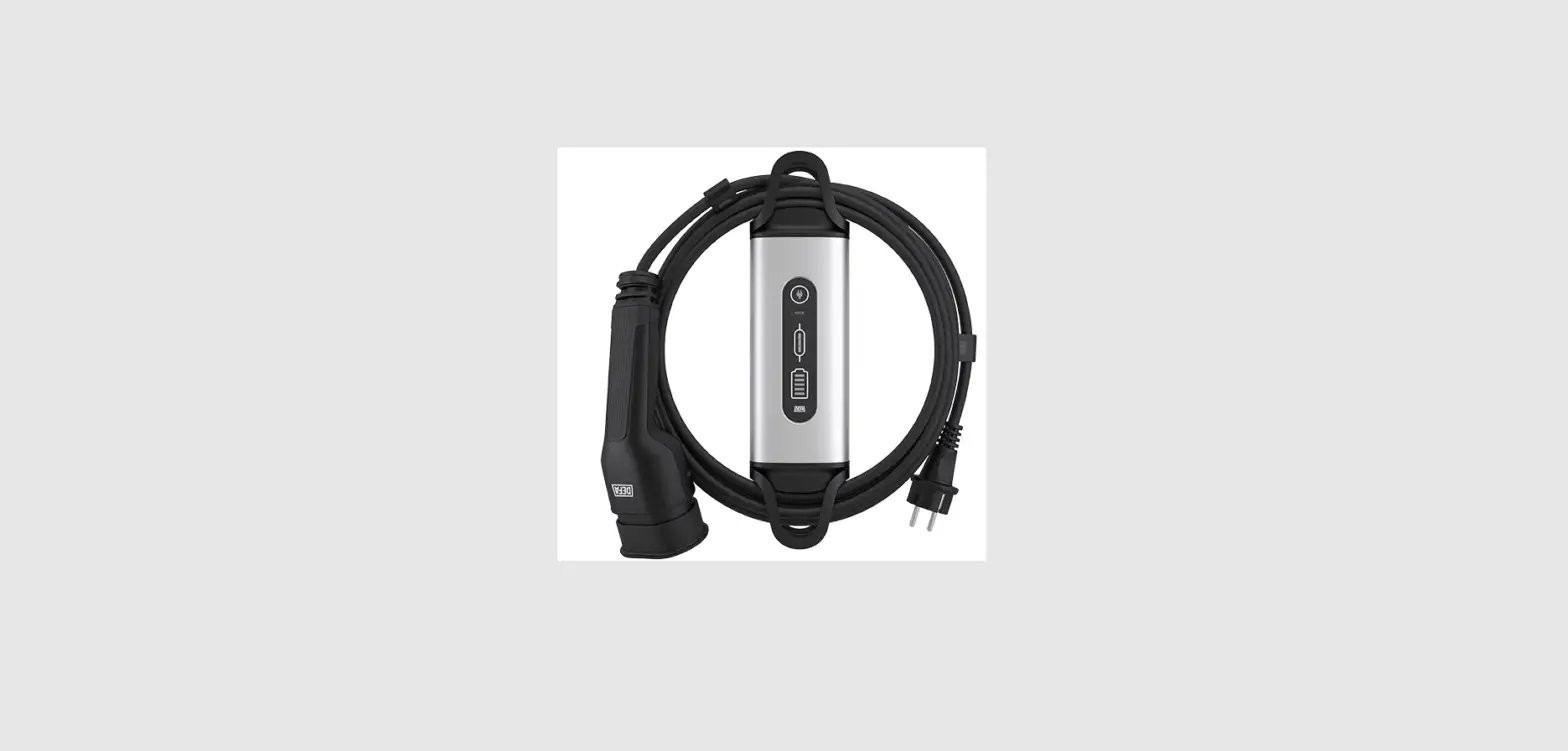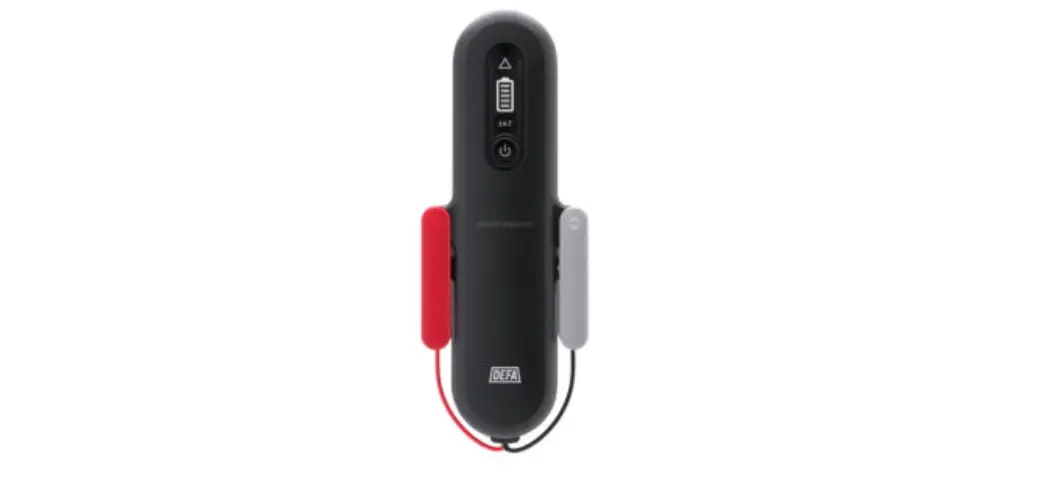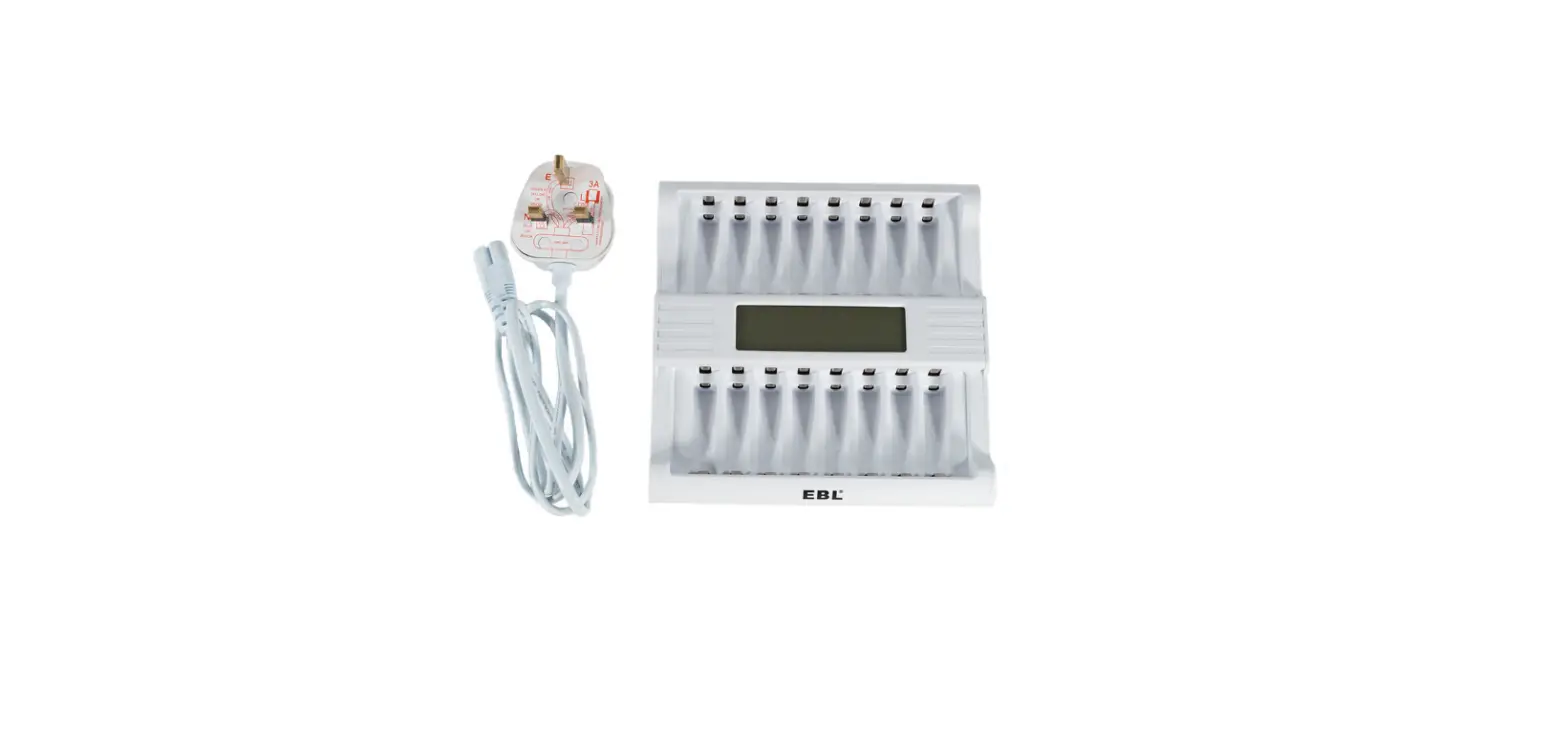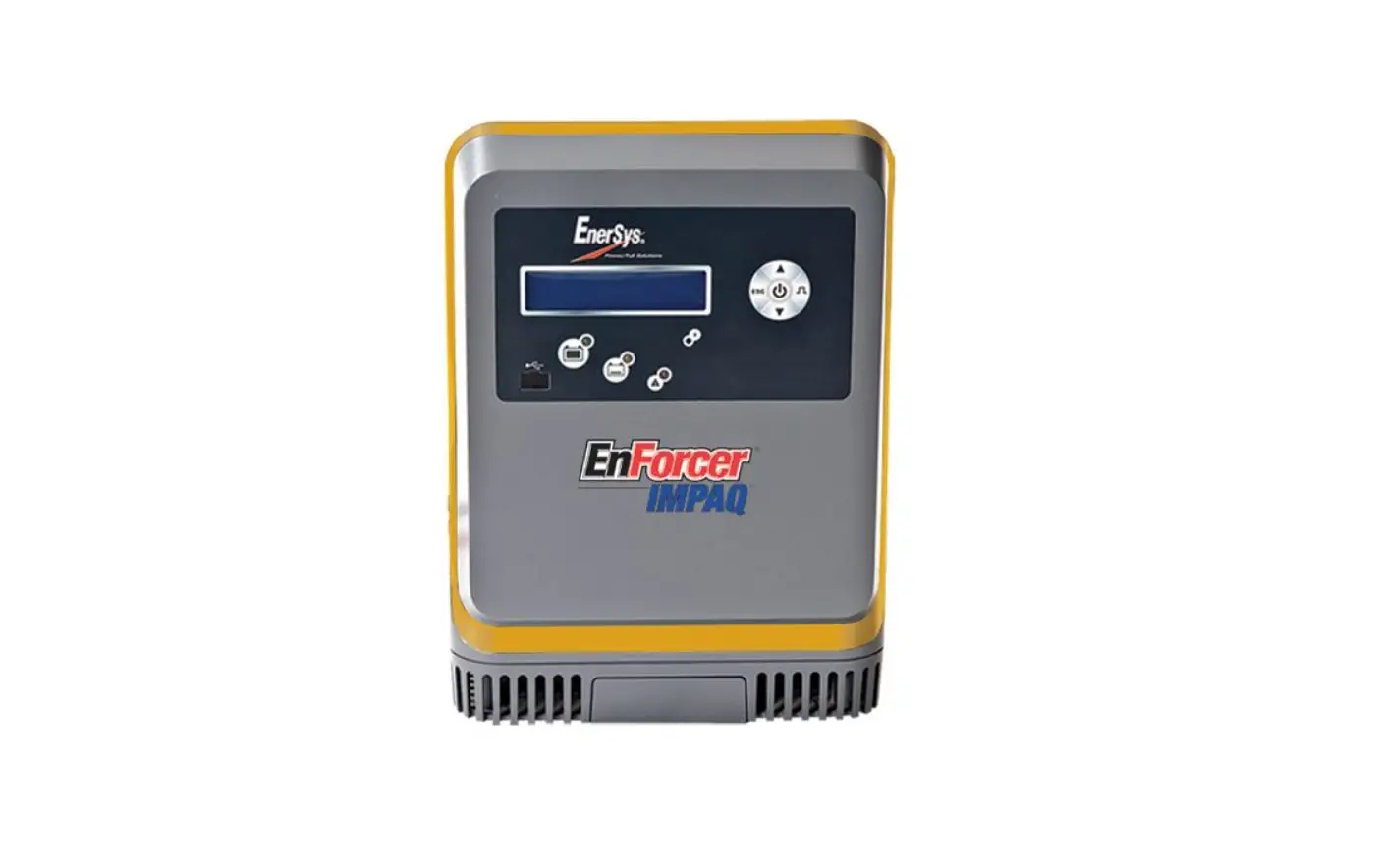

DURABOOK Z14I Rugged Laptop 8-Bay Battery Charger
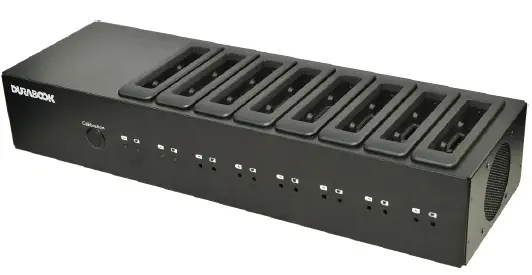
Package Contents
If any of following items is damaged, please contact your retailer.
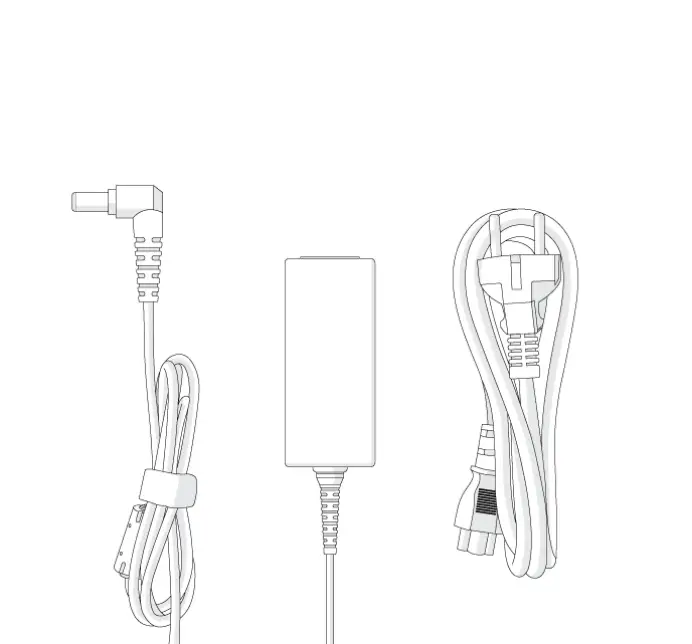
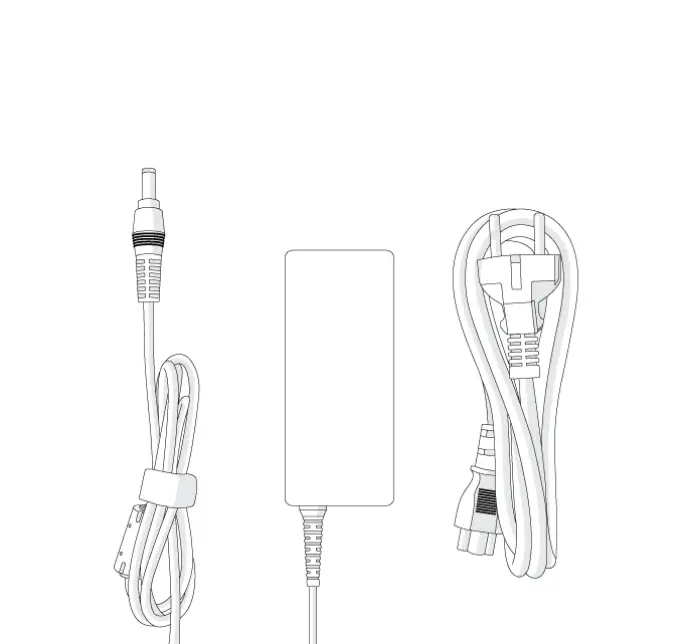
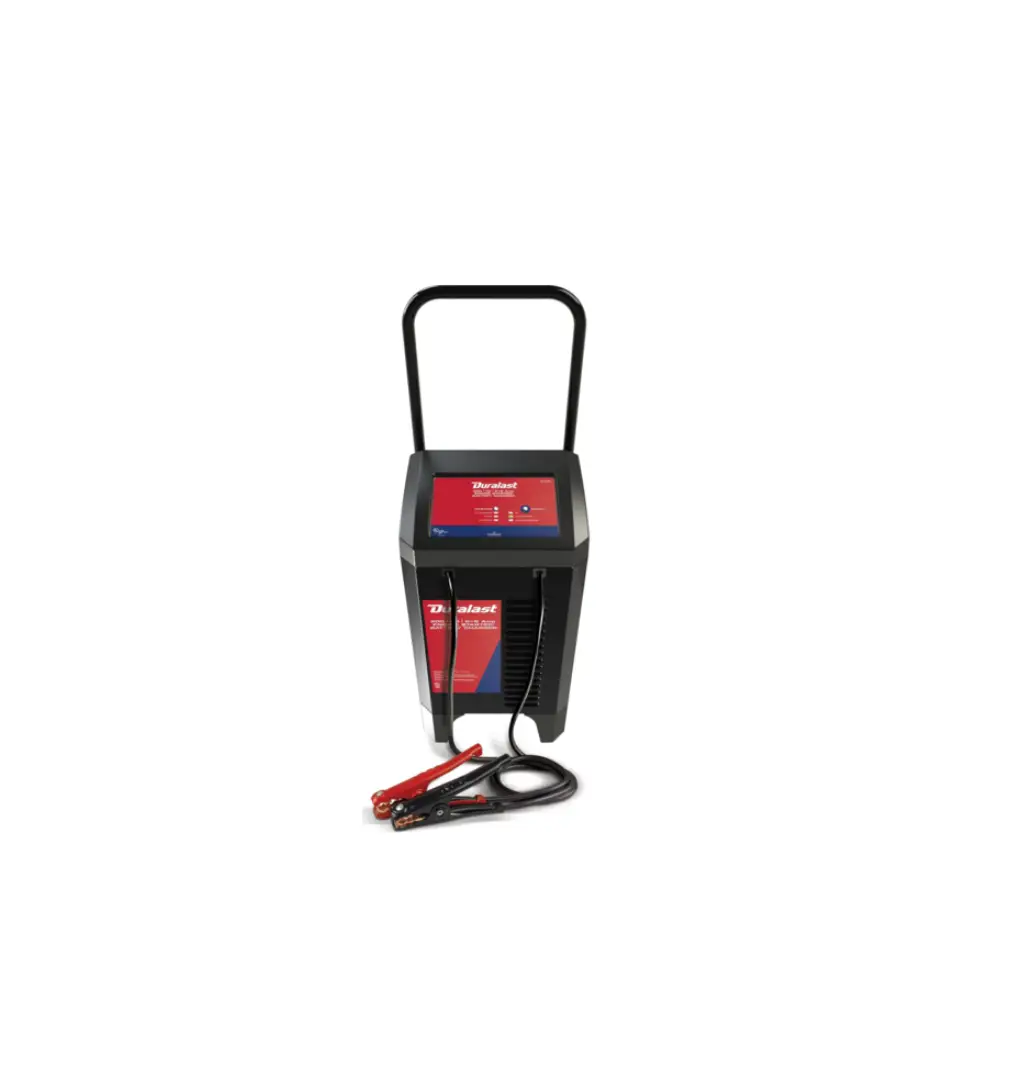
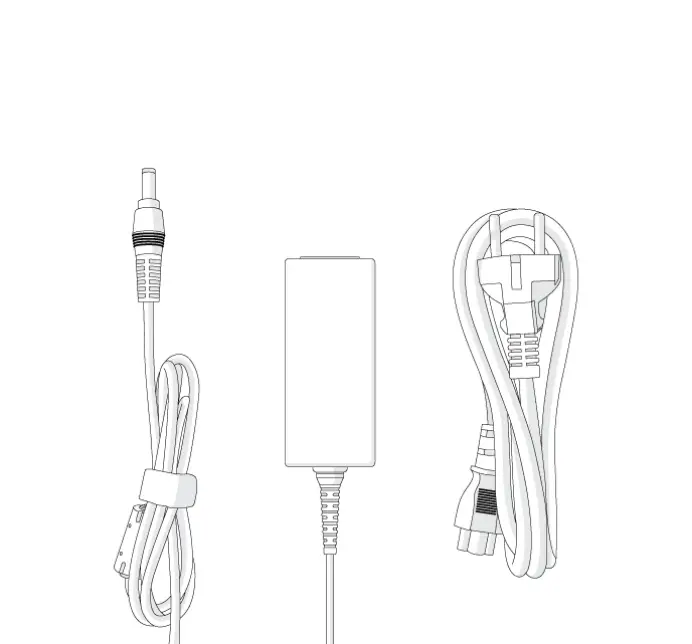
Battery Charger
Power code

NOTE
The pictures are for reference only, actual items may slightly differ.
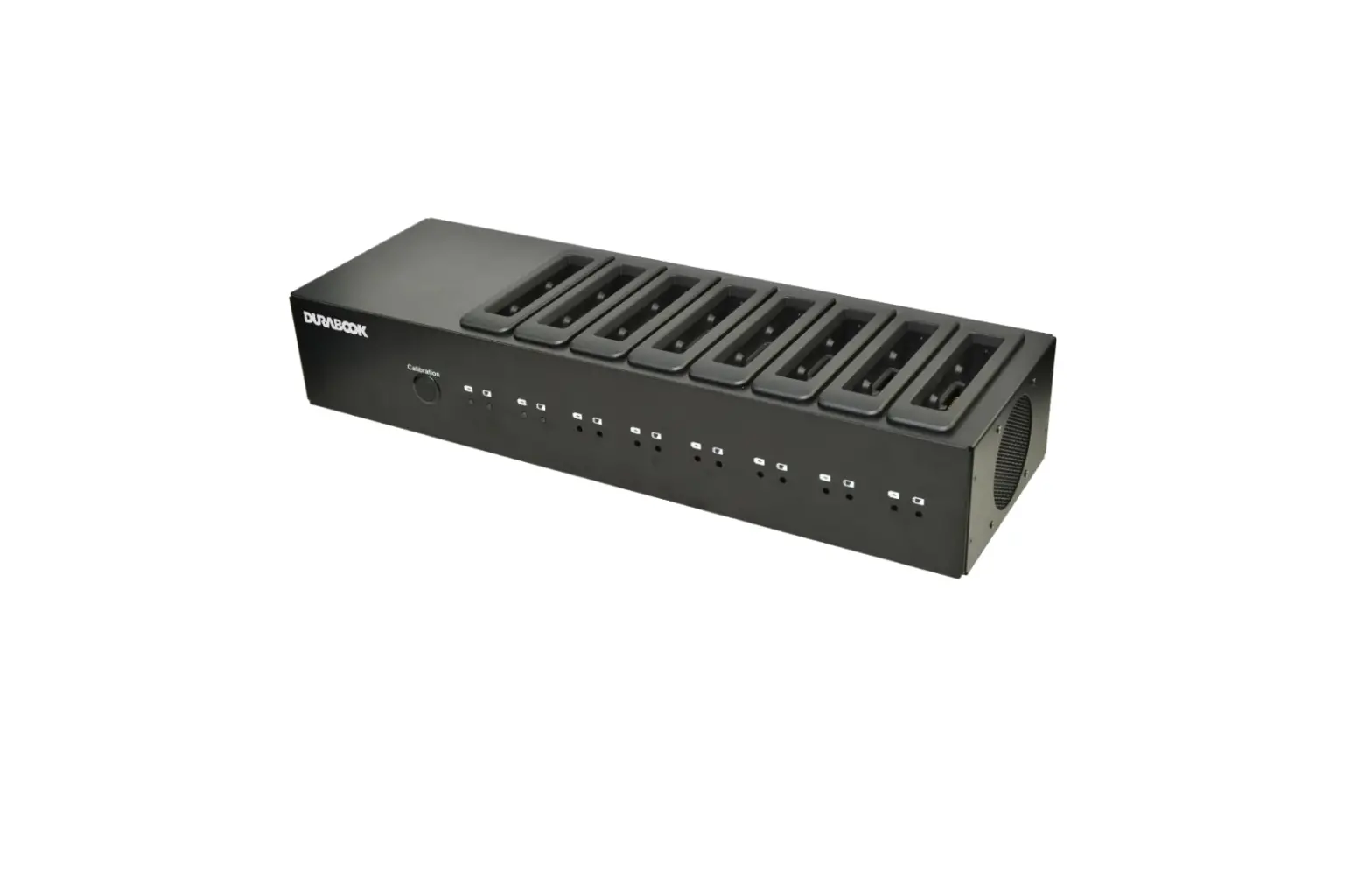
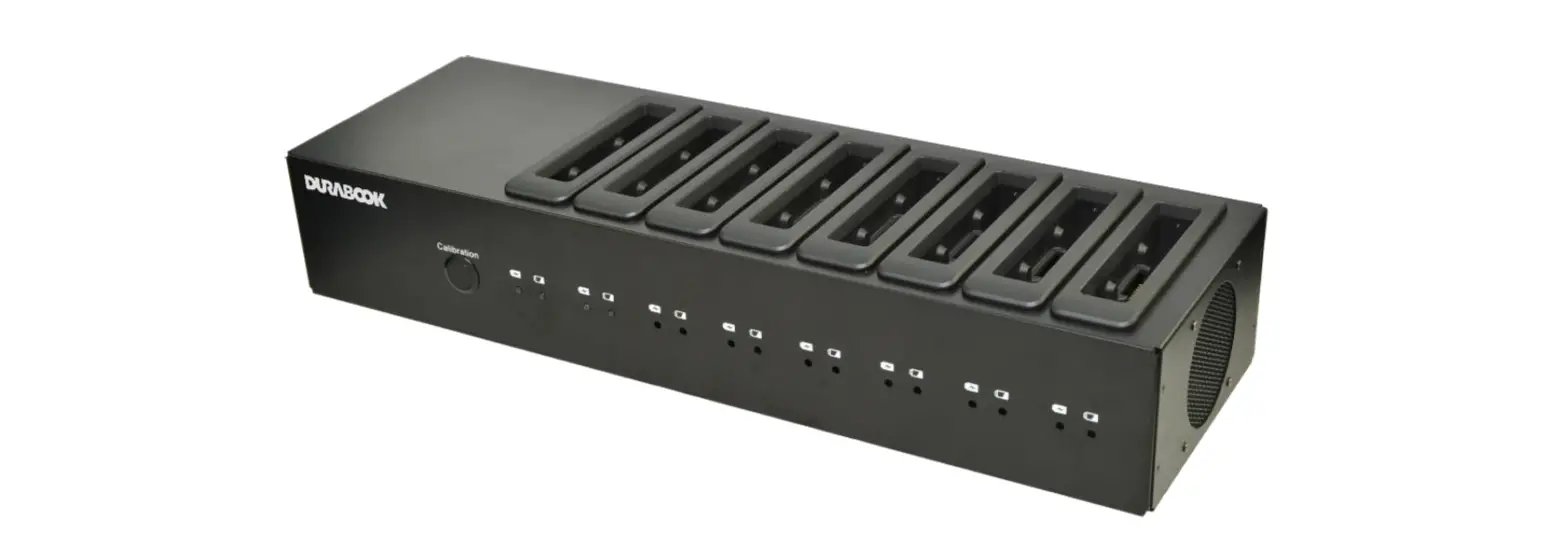
BATTERY CHARGER Model: CH-Z14I 8 BAY
With this external 8-bay battery charger, you can charge the approved batteries directly without plugging them into the notebook.
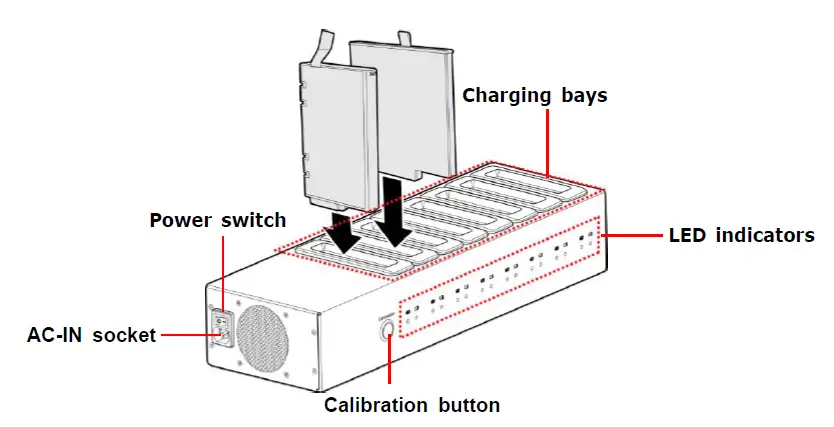
About the Battery Charger
CAUTION
To avoid overheating, do not obstruct the ventilation slot.
LED Indicators
| Icon | Item | LED Color and Status | |
|
|
Power/Charging indicator | Green | Charging complete |
| Orange | Battery charging | ||
| Off | No charging or calibration when battery is discharging | ||
|
| Calibration indicator | Blue | Battery calibration |
| Off | Calibration complete | ||


Using the Battery Charger
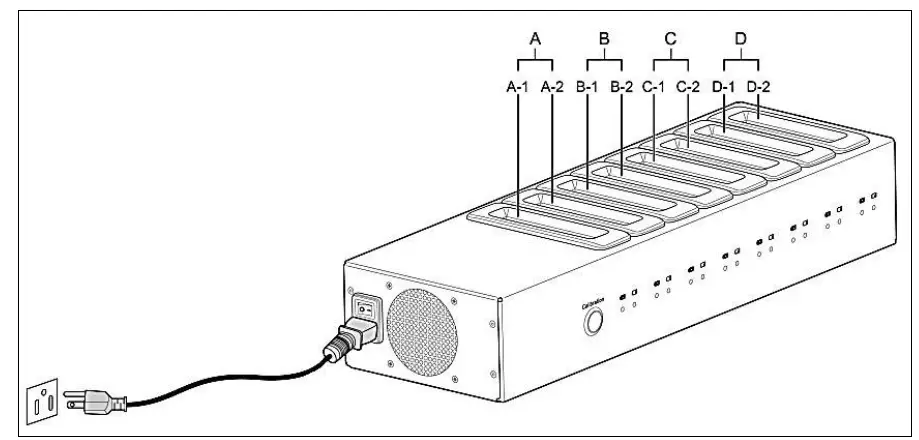
- Connect the charger unit to an electrical outlet using a power cord.
- Switch the Power switch to On position.
- Insert the battery into the designated charging bay.
- Charge the battery or press the Calibration button to calibrate the battery.
The eight bays of the charger are divided into four sets A, B, C, and D. Each set has two bays: A-1, A-2, B-1, B-2, C-1, C-2, D-1, and D-2 respectively.
NOTE
Charging time and calibration time may vary depending on the remaining battery capacity.
Twinhead International Corp
11F, No.550, Ruiguang Rd., Neihu, Taipei 11492, Taiwan, R.O.C.