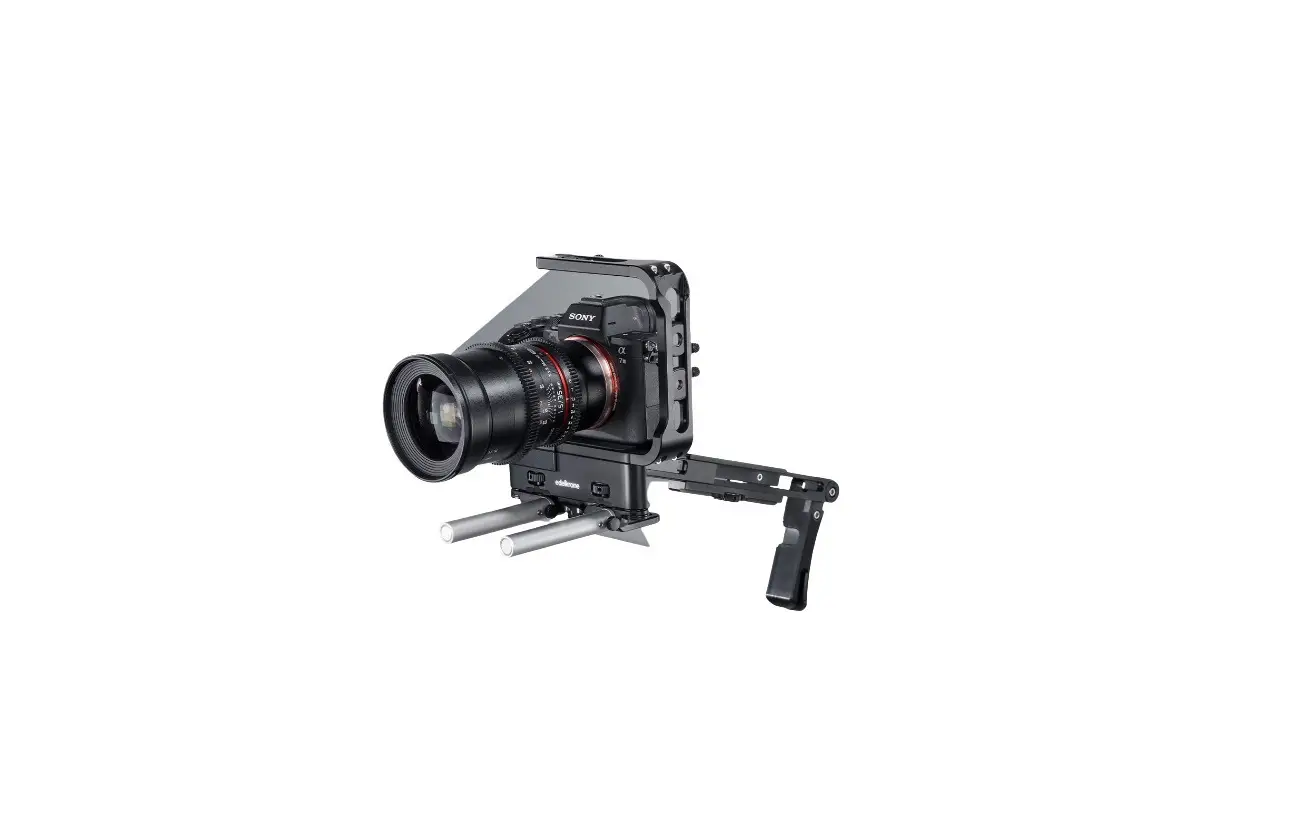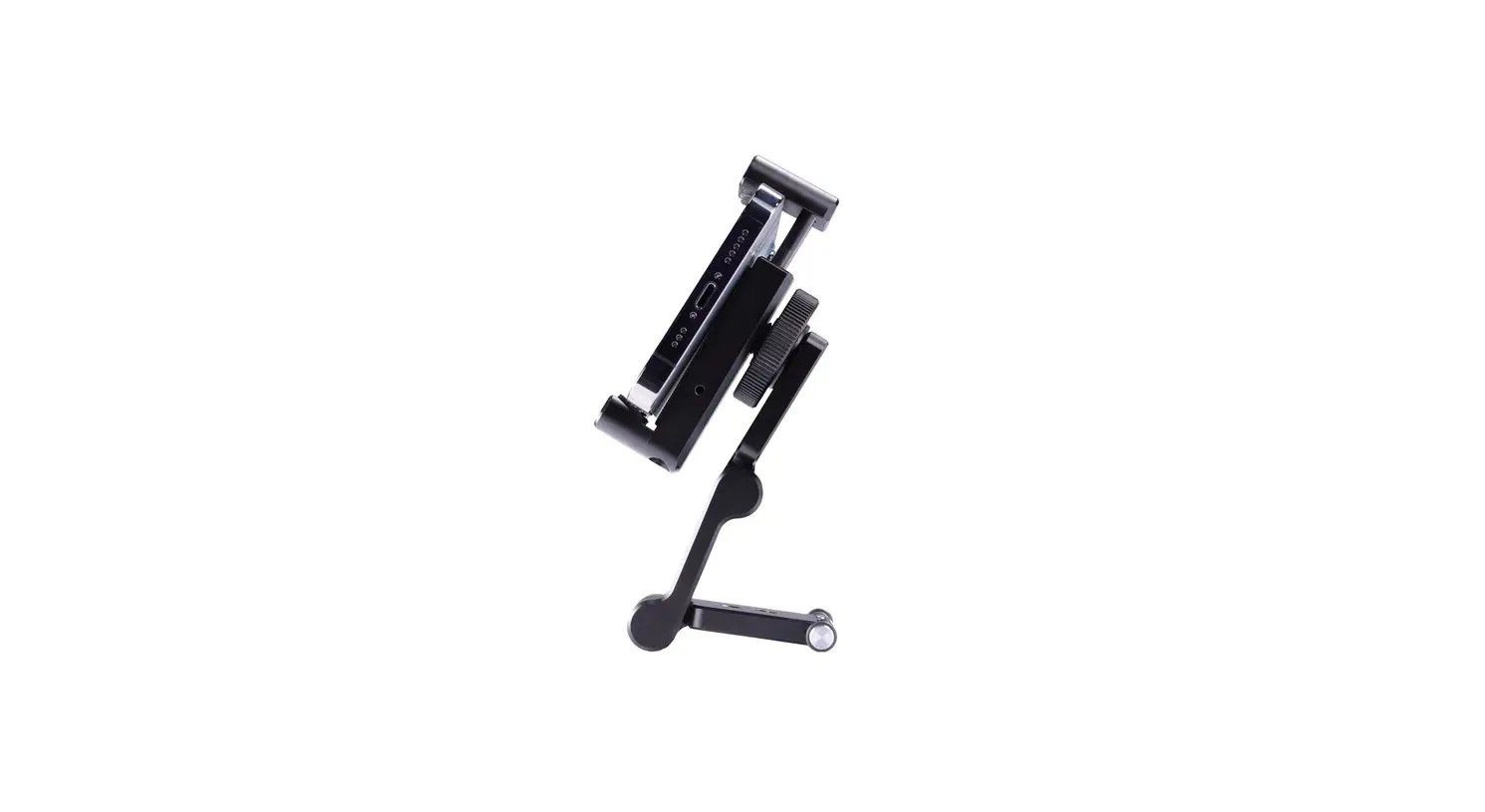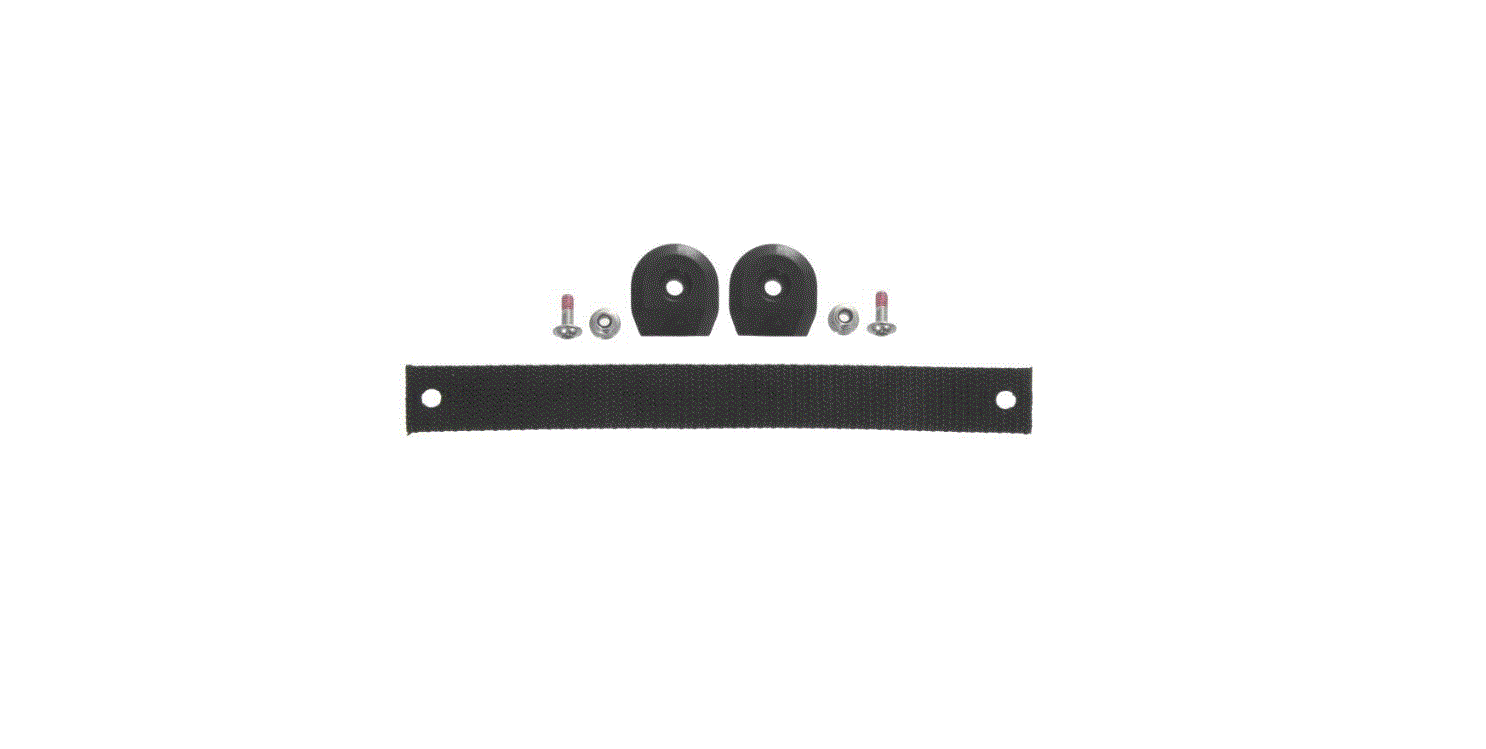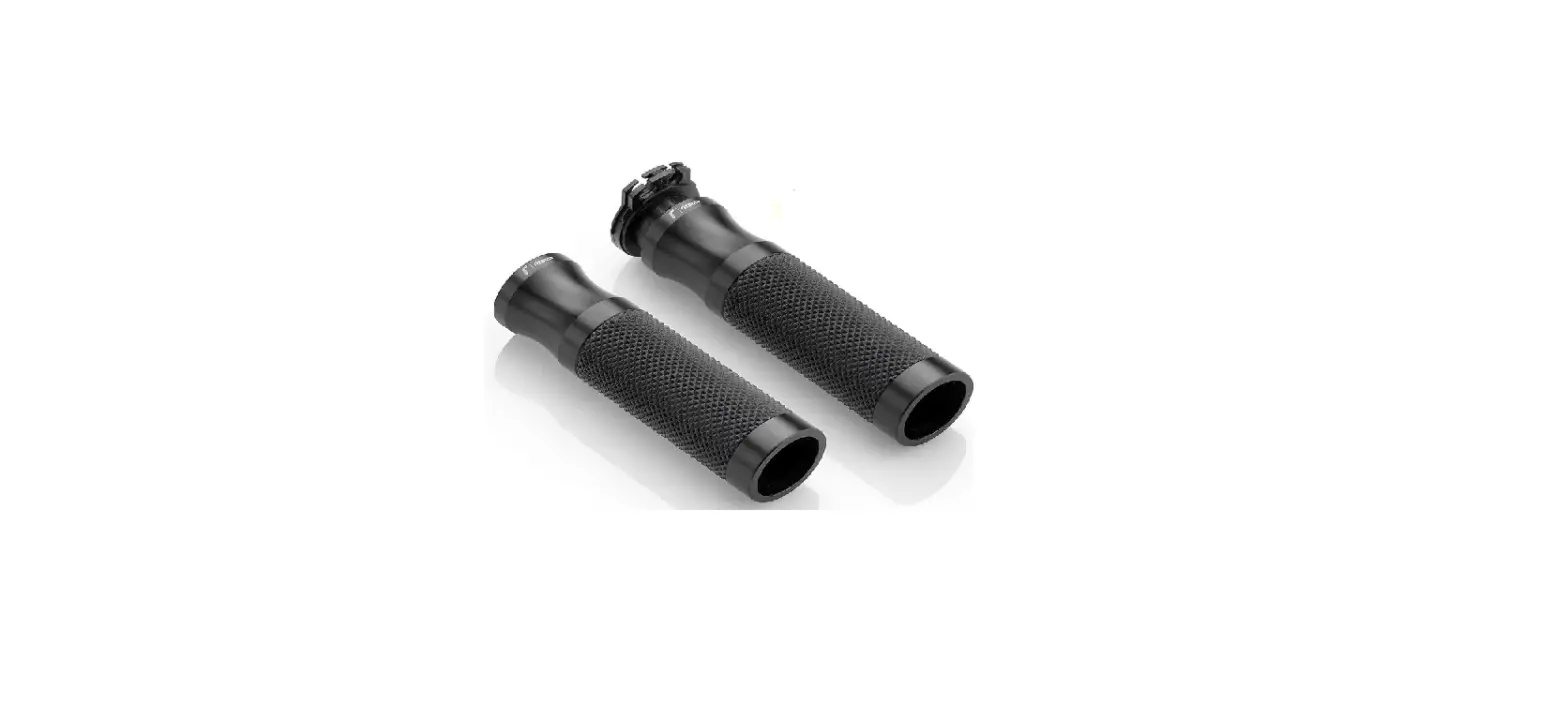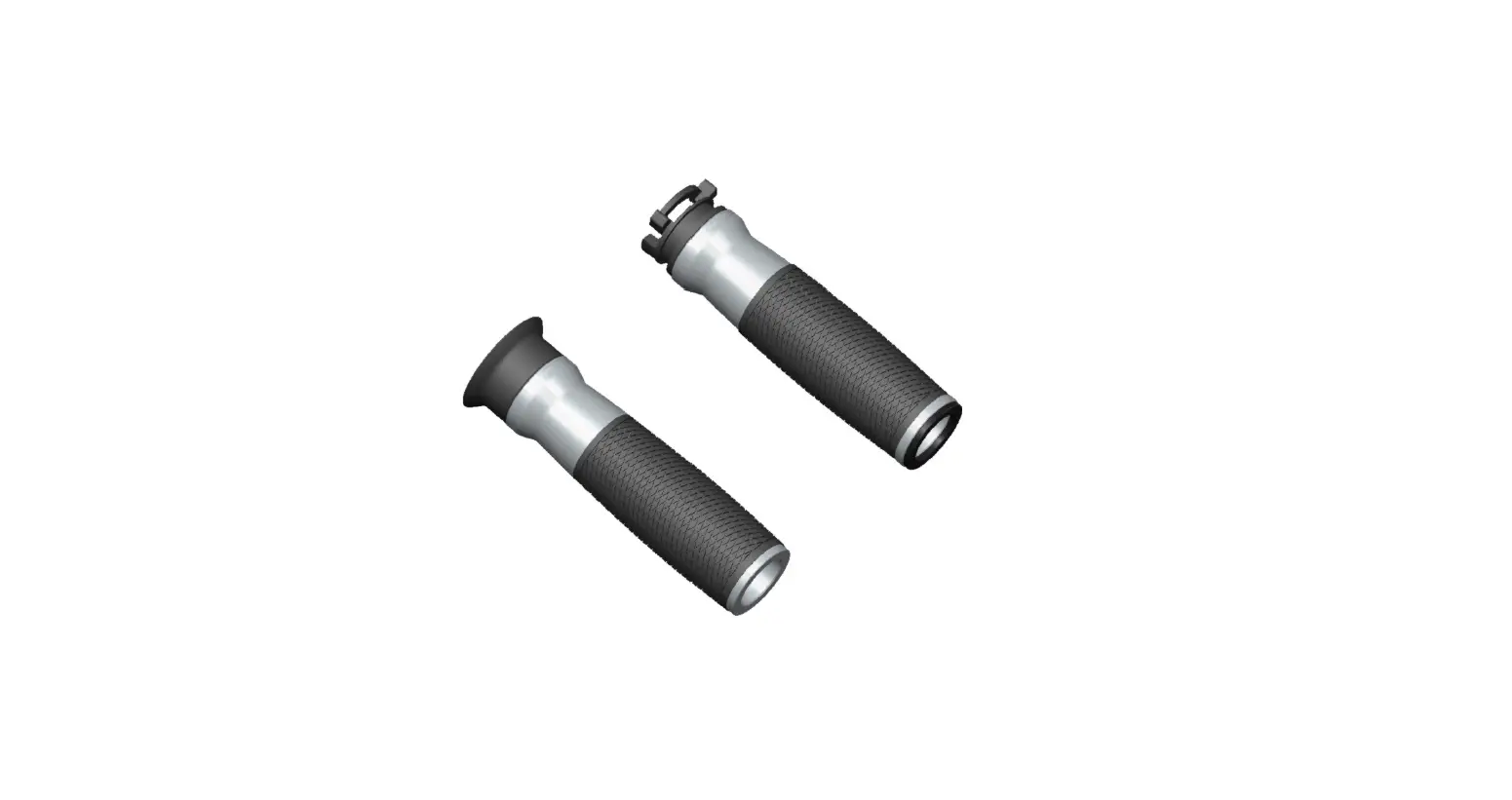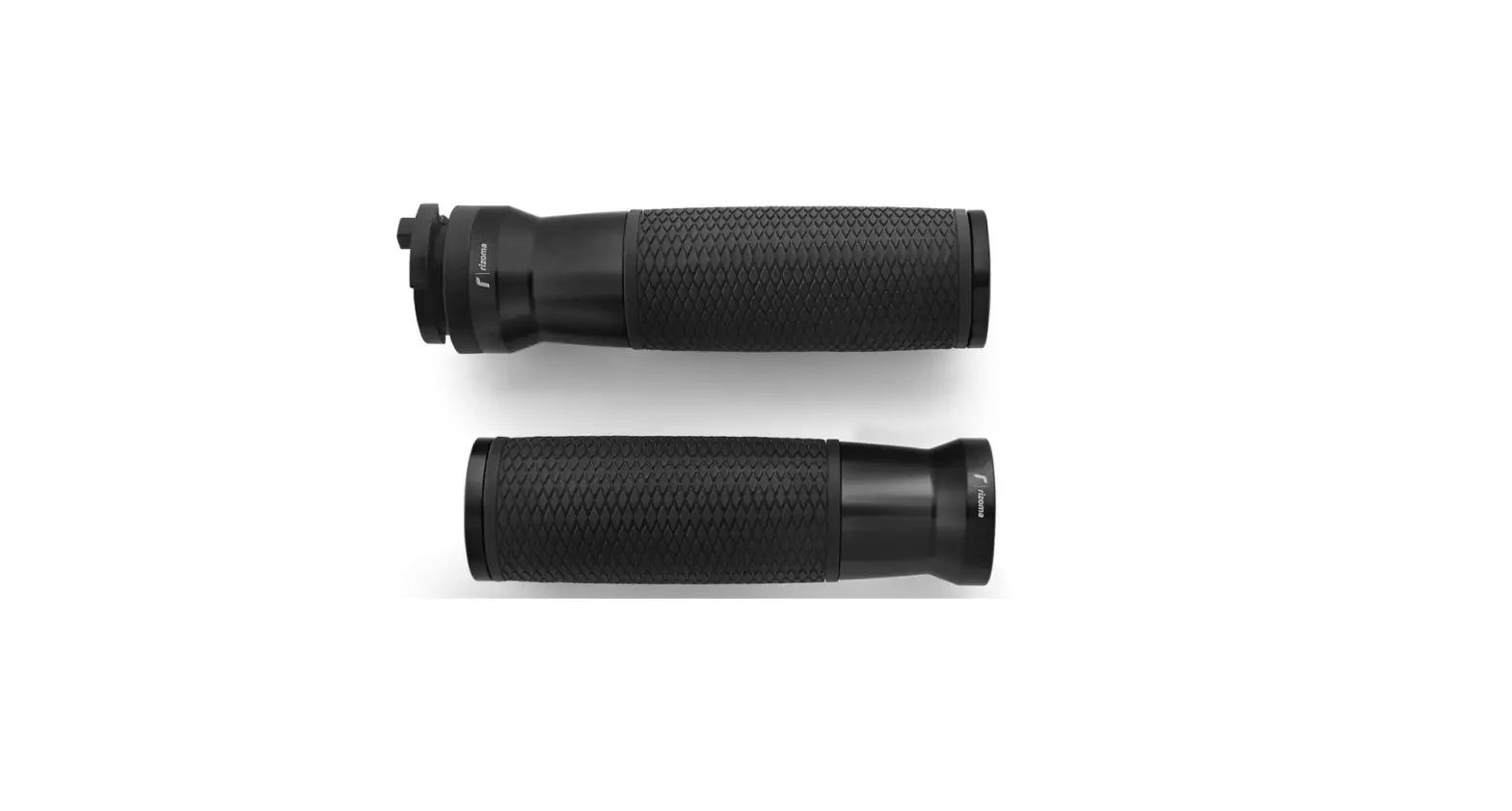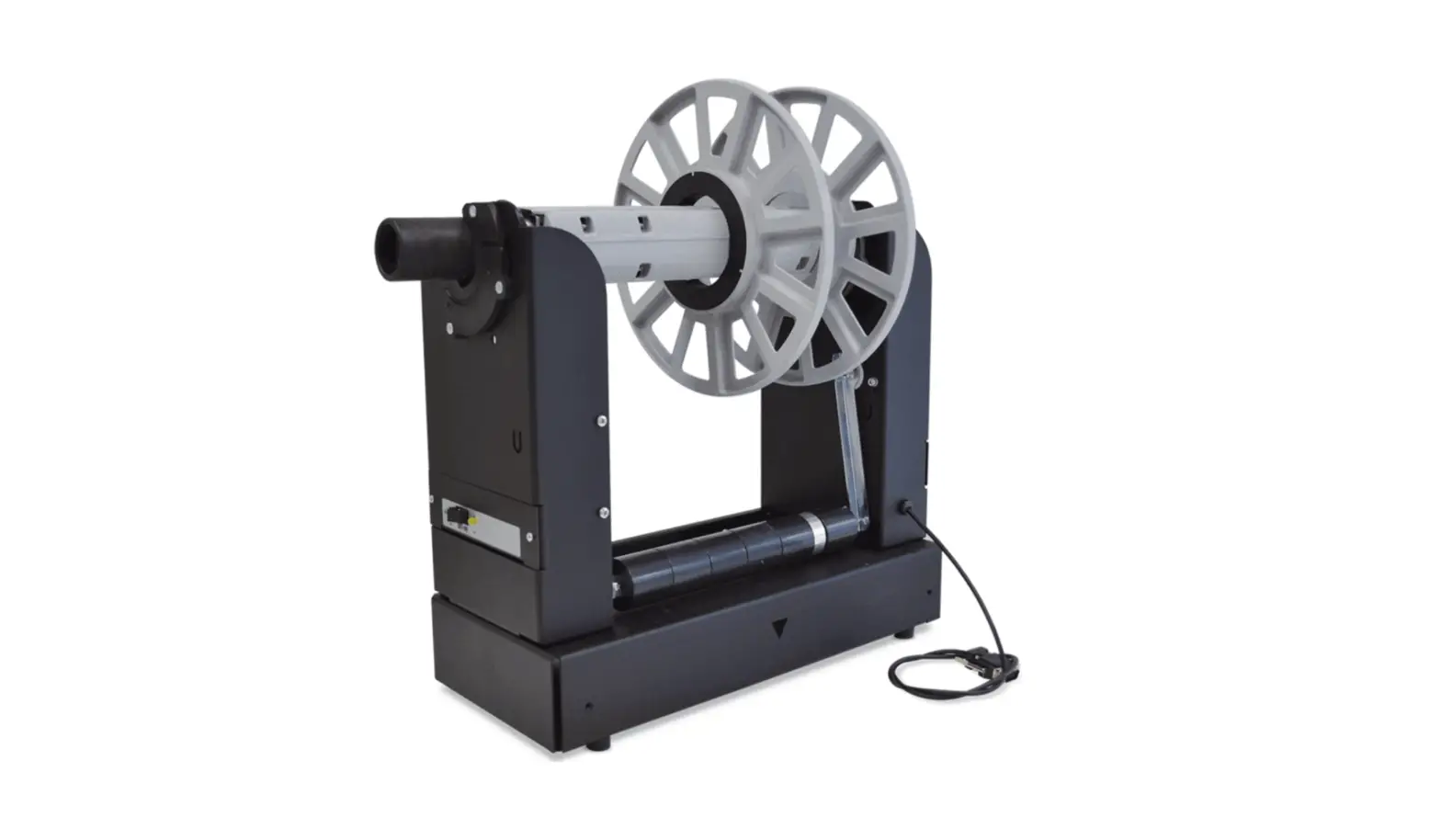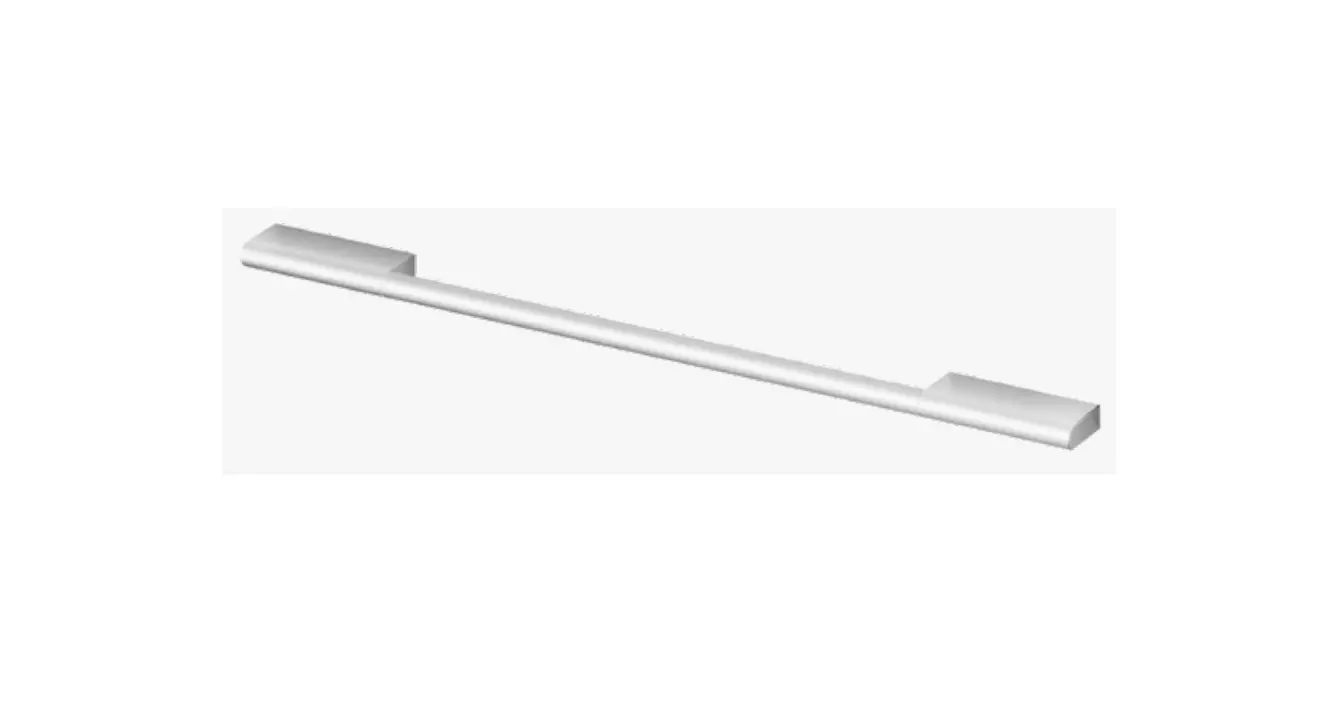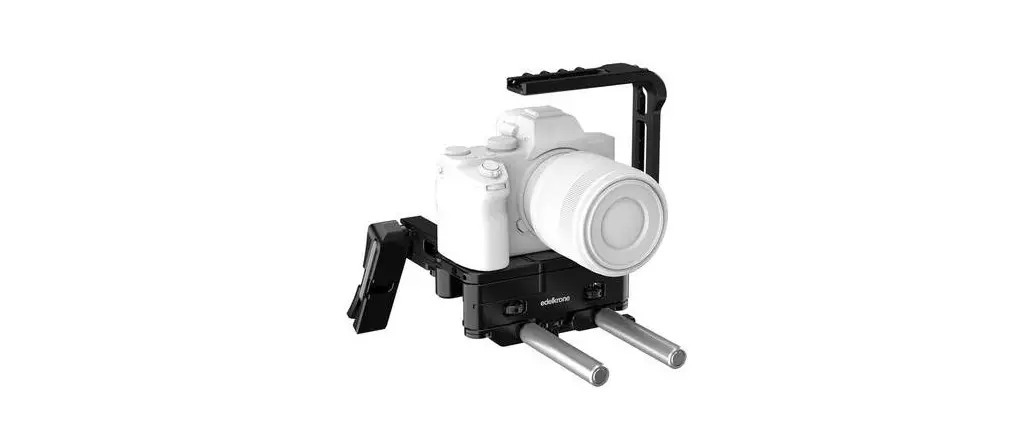

81723 Handle Pack for Pocket Rig 3 B and H Photo Video
User Manual
Before operating your edelkrone, please watch the user’s manual video from the link below.
http://edel.kr/hndp

Contents hide
WHAT’S IN THE BOX & THE BASICS
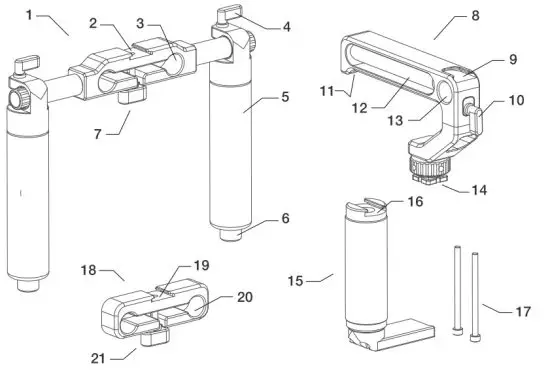
| 1. Dual handle | 12. Additional rod (15 mm) |
| 2. Cold shoe port | 13. 15 mm rod clamp |
| 3. 15 mm rod ports | 14. Top-handle mount mechanism |
| 4. Handle thumb screw | 15. Right side handle |
| 5. Handle grip | 16. Cold shoe port |
| 6. Additional rod (15 mm) | 17. M4x60 SHCS (2 pcs.) |
| 7. Thumbscrew | 18. Battery holder |
| 8. Top handle + | 19. Cold shoe port |
| 9. Cold shoe port | 20. 15 mm rod ports |
| 10. Rod clamp thumb screw | 21. Thumbscrew |
| 11. Additional rod lock screw |
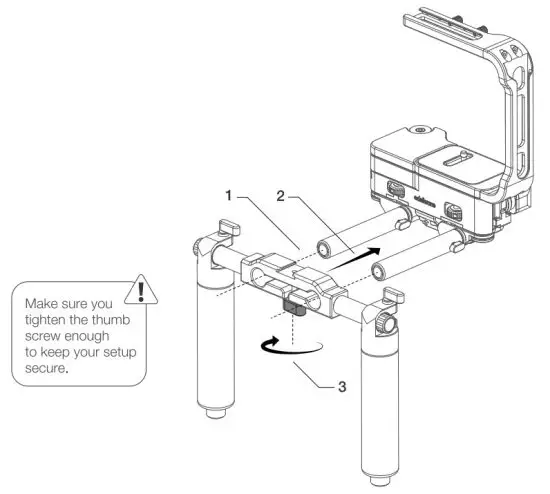
ATTACHING THE DUAL HANDLE TO POCKETRIG vV3
- Align your dual-handle rod ports with PocketRIG V3 rods.
- Slide your dual-handle through the rods.
- Tighten the thumbscrew.
ADJUSTING THE DUAL HANDLES’ ANGLE
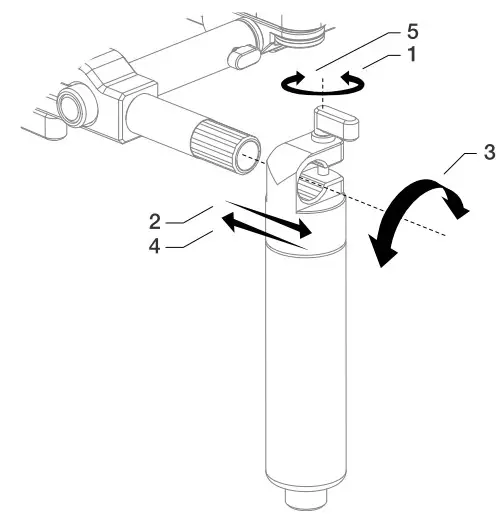
- Loosen the thumbscrew.
- Remove the handle from the dual handle holder.
- Adjust the angle of the handles so it feels comfortable to you.
- Attach it back to the dual handle holder.
- Tighten the thumbscrew.
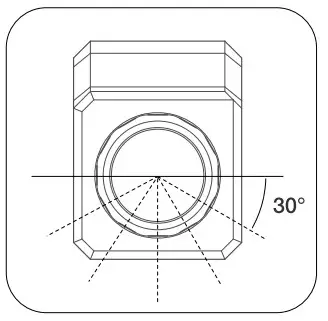
The two ends of the dual handle holder are 12-sided polygon. You can adjust the angle of the handles in 12 different positions.
ATTACHING THE RIGHT SIDE HANDLE
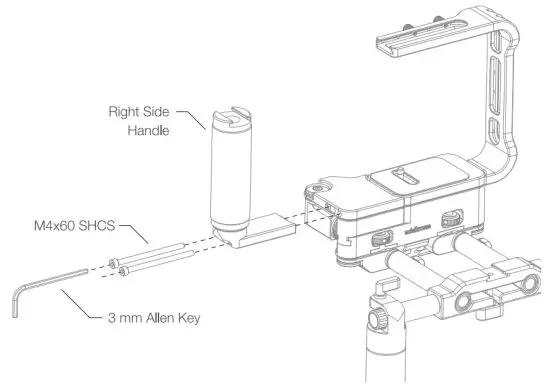
Simply align the right side handle with PocketRIG v3 as shown.
Tighten the screws with the help of a 3 mm Allen key.
ATTACHING THE BATTERY HOLDER
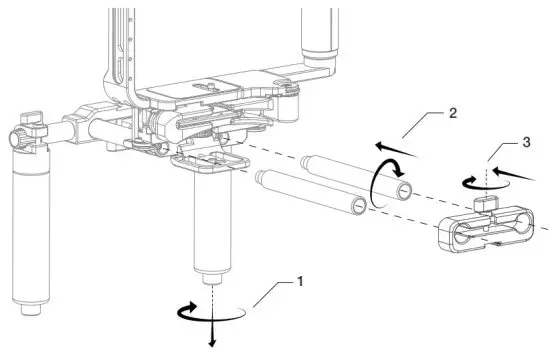
- Loosen the hidden rods on both handles and remove them.
- Align with PocketRIG 3 as shown and screw the hidden rods.
- Align the battery holder with the hidden rods, slide it, and tighten the thumb screw. You can also attach the battery holder upside down.
ATTACHING YOUR BATTERY TO THE BATTERY HOLDER
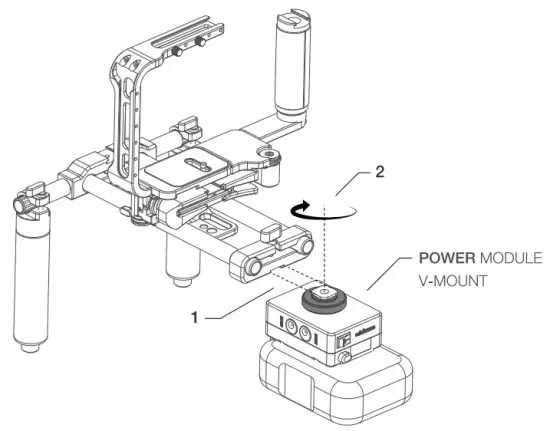
- Align your Power Module V-mount / Gold Mount with the battery holder’s cold shoe.
- Slide it all the way and tighten the knob. (Power Module V-Mount / Gold Mount sold separately.)
ATTACHING THE TOP HANDLE
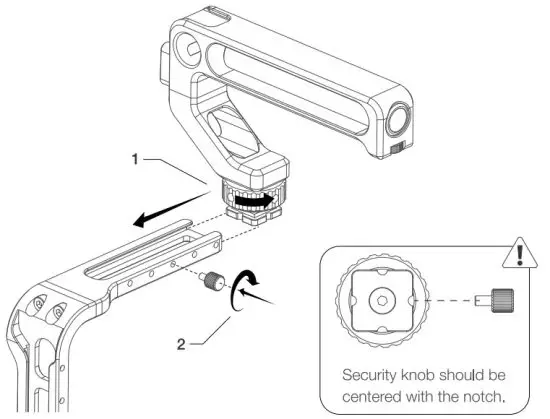
- Align the top handle with PocketRIG v3 half cage and slide it where you want to place it. Align the top handle with the holes. Then tighten the knob.
- Screw the security knob to the center of the notch of the top handle.
HOW TO USE THE TOP HANDLE
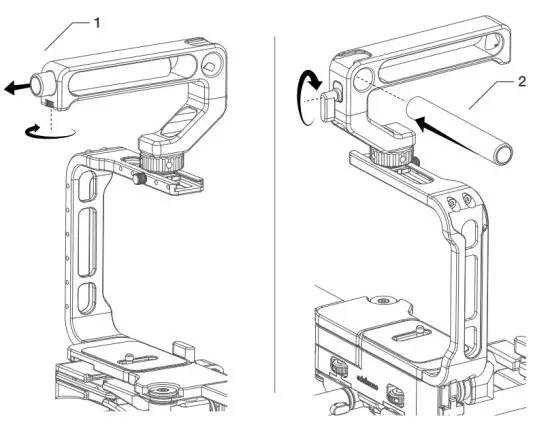
- Loosen the knob and remove the hidden rod.
- Align the hidden rod with the rod clamp and tighten the rod clamp knob.
DISCLAIMER
edelkrone cannot be held responsible for damage caused by improper use or modification of the product
For more information and tips on Handle Pack for Pocket8RIG v3, please watch the user’s manual videos at: https://edel.kr/hndp