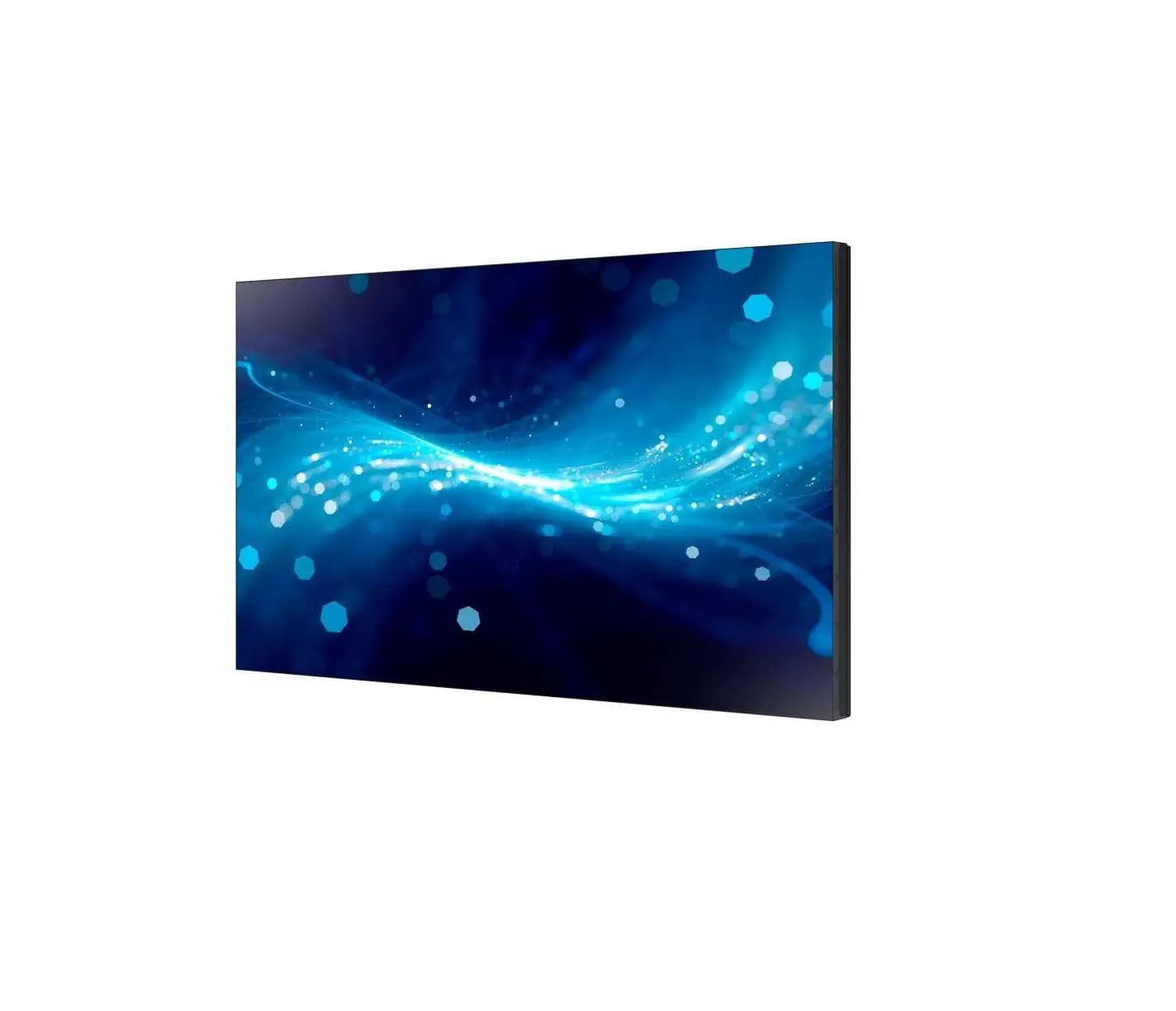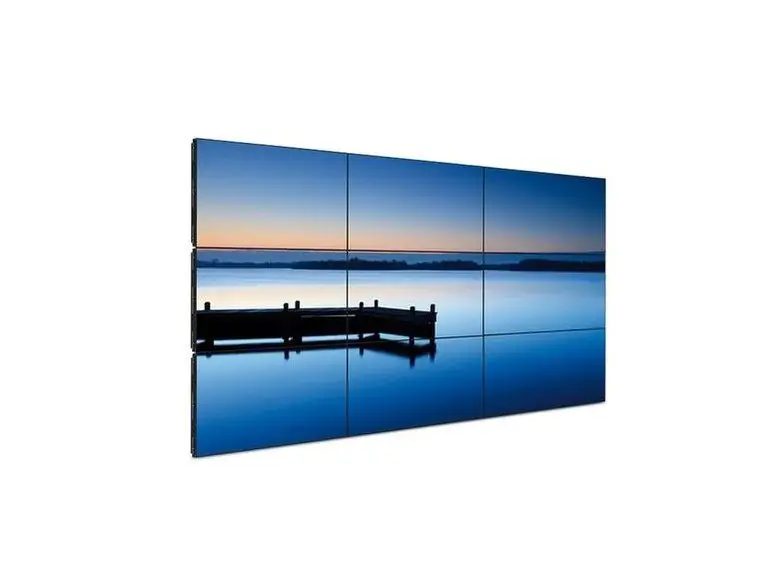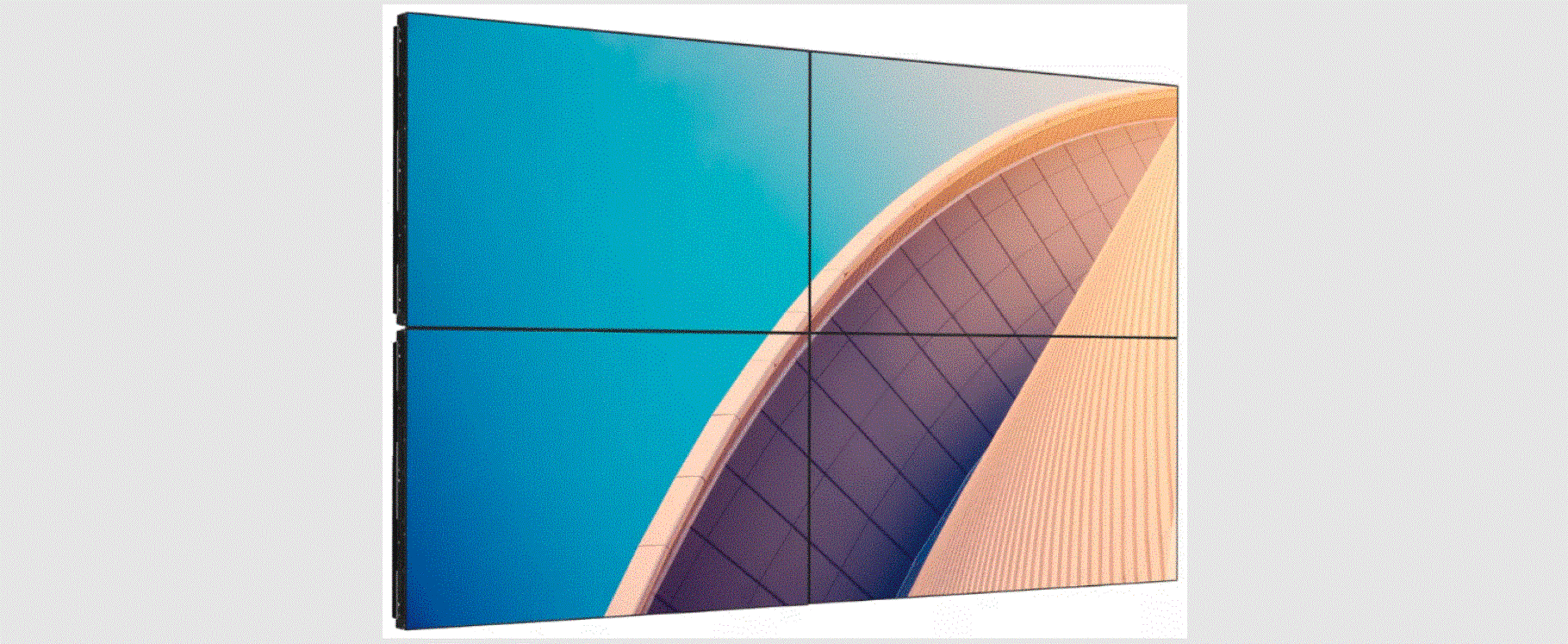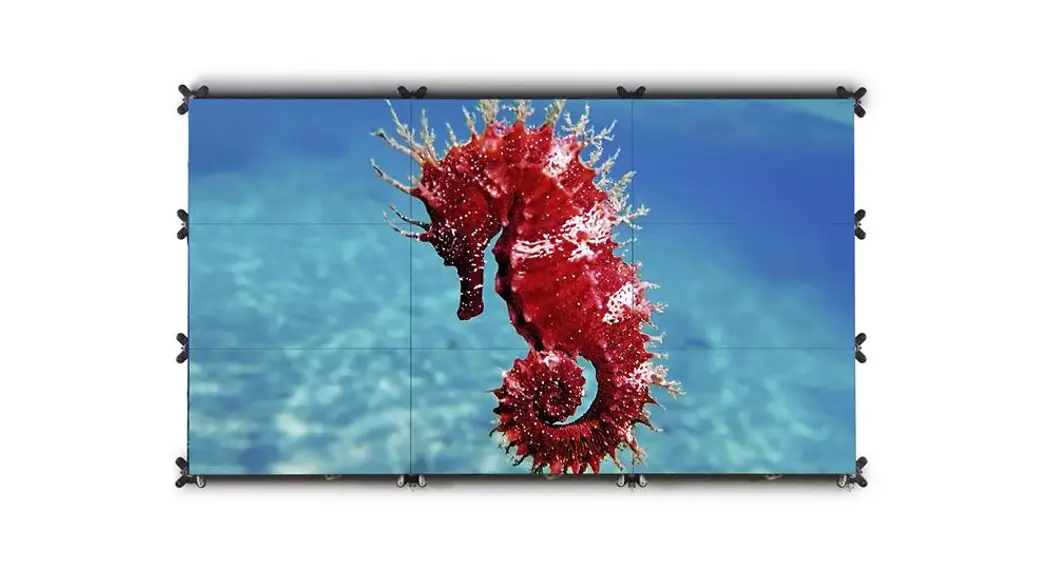

 UNI-0005 55 Inch Bezel-less Tiled LCD Video Wall Platform
Instructions
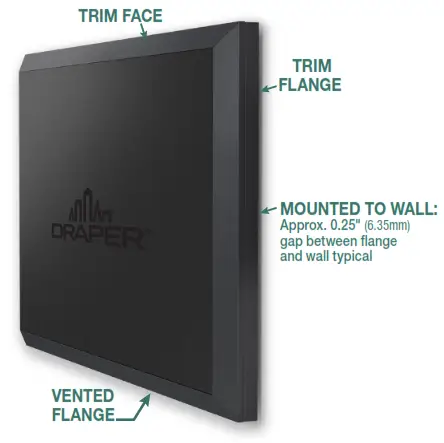
If you have difficulties installing or servicing your SmartTrim, call your dealer or Draper, Inc.
Important Safety Information
 WARNING
Improper installation and use of SmartTrim can result in serious injury or death. Primarily, injuries can occur when the SmartTrim falls due to imprecise installation, mishandling of the SmartTrim during installation, or installation on an insufficient wall or ceiling structure. Please use extreme care.
- Please read the following installation guidelines thoroughly and follow them carefully. Failure to do so may cause the product to fall or otherwise fail, and could result in serious injury.
- Installation and calibration of the SmartTrim should only be performed by an authorized, qualified, and experienced professional. In particular, electrical work and wiring [indicated in the diagram by dashed lines] must be completed only by a qualified professional electrician who has read this manual completely and is familiar with the construction and operation of this equipment and the hazards involved.
- Turn off the power and any nearby equipment or cables carrying electricity before connecting switches, wires, controls, or electrical components.
- Do not affix the unit to walls or ceilings that have inadequate strength to permanently hold the unit during use. It is the owner’s and installer’s responsibility to confirm the wall to which the unit attaches is sufficient to permanently hold the weight and stress loads of the unit at all times. Draper, Inc., is not responsible for improper installation, application, testing, or workmanship related to the product at the place of installation.
- It is the installer’s responsibility to make sure appropriate fasteners are used for mounting.
- All brackets and other hardware must be installed level. SmartTrim must be level and square.
- Never leave the area while operating the SmartTrim during installation, maintenance, or normal operation, unless it is secure and safe.
- Before testing or operation, carefully inspect the entire area and areas underneath to be sure no persons or objects are in the area.
- During testing or operation, carefully watch the surrounding area for any potential safety concerns including nearby persons or objects.
- After installation, the entire system should be carefully tested to ensure safe and normal operation.
Extreme care should be taken during testing to remain clear of moving parts to avoid possible injury. - Installation and maintenance of SmartTrim should be performed only by authorized and qualified personnel, who have been trained in the safe and effective operation of the SmartTrim & understand its safety features.
- The safety features of the SmartTrim should never be disabled, bypassed, or overridden.
The system should not be operated until all safety features are properly and completely installed, calibrated, and tested. - SmartTrim may need to comply with local, state, or district rules and regulations, in particular when installed in schools.
All applicable rules and regulations should be reviewed before installation and use. - Failure to precisely follow installation guidelines invalidates all warranties.
- Custom products/installations may not be reflected in this manual.
Call Draper, Inc., if you have questions about the installation of custom products or any questions about your installation.
Before Beginning Installation
- Look for any job site conditions that could interfere with the installation or operation of the system.
- Read carefully and be sure to understand all installation instructions and all related operations manuals. These instructions are intended to as a guide for the installer and owner. They should be followed closely and combined with the expertise of experienced qualified installers. Draper, Inc., is not responsible for improper installation, application, testing, or workmanship related to the product at the place of installation. Please retain all instructions for future use.
- Open cartons lengthwise.
- Locate and lay out all pieces.
- Inspect all boxes to make sure you have received the proper SmartTrim and parts.
- If you have any difficulties with installing, servicing, or operating your SmartTrim, call your dealer or Draper, Inc., 765 987-7999.
Section 1 – Personnel and Tools Required
| PERSONNEL REQUIRED | TOOLS REQUIRED |
 | 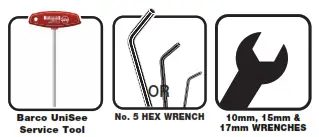 |
Section 2 – SmartTrim Components List
Standard Parts for all installations
| Top Left Trim – (1x) CC287.291SA | Top Right Trim – (1x) CC287.293SA |
 |  |
| Corner Vertical Trim A – (2x) CC287.296SA | Corner Vertical Trim B – (2x) CC287.294SA |
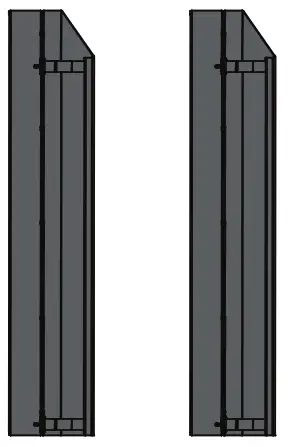 | 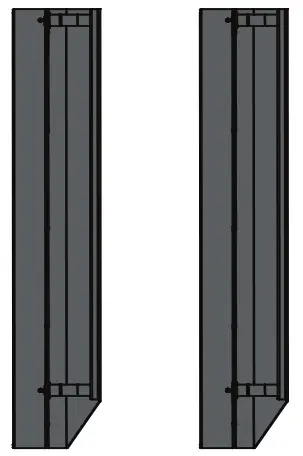 |
| Bottom Left Trim – (1x) CC287.410SA | Bottom Right Trim – (1x) CC287.408SA |
 |  |
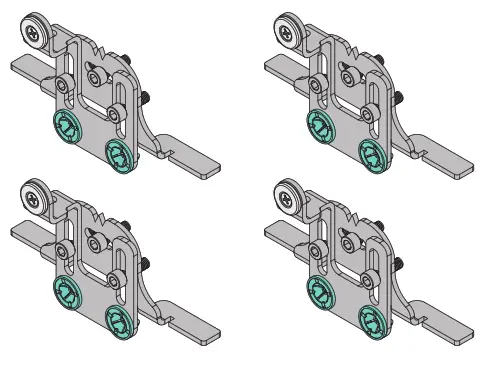
| Corner Trim Brackets – (4x) C002.1553SA | Corner Trim Brackets – (4x) C002.1552SA |
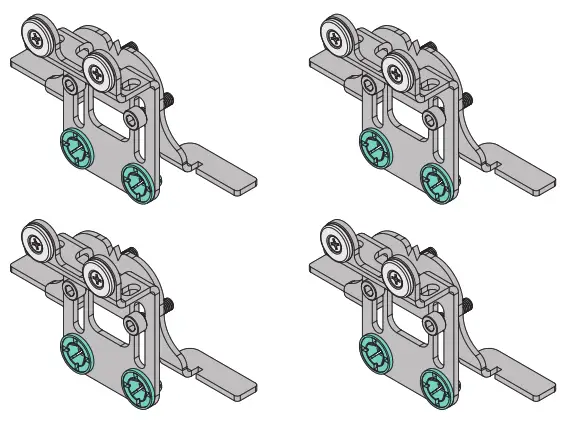 |  |
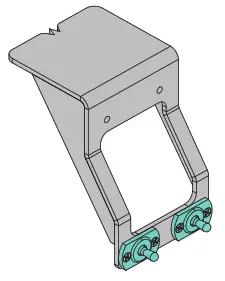
| Bracket Alignment Tool – (1x) C002.1555SA | Bracket Fasteners [M6x20] – (12x) |
 | Bracket Washers – (12x) |
For installations larger than 2 x 2
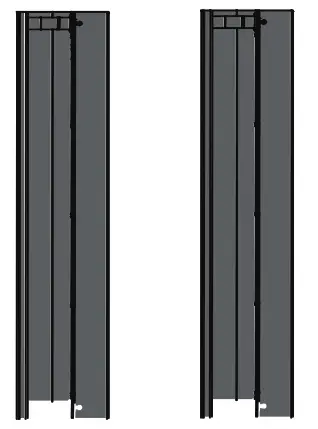
| Top Horizontal Trim – (varies) CC287.292SA | Middle Vertical Trim – (varies) CC287.295SA |
 |  |
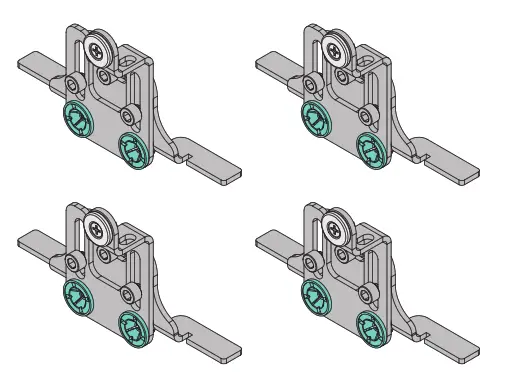
| Edge Trim Brackets – (varies) C002.1554SA | Bottom Horizontal Trim – (varies) CC287.409SA |
 |  |
Section 3 – SmartTrim Panel Map
Caution: UniSee LCD Display wall must be properly assembled, and aligned on all axes and levels.
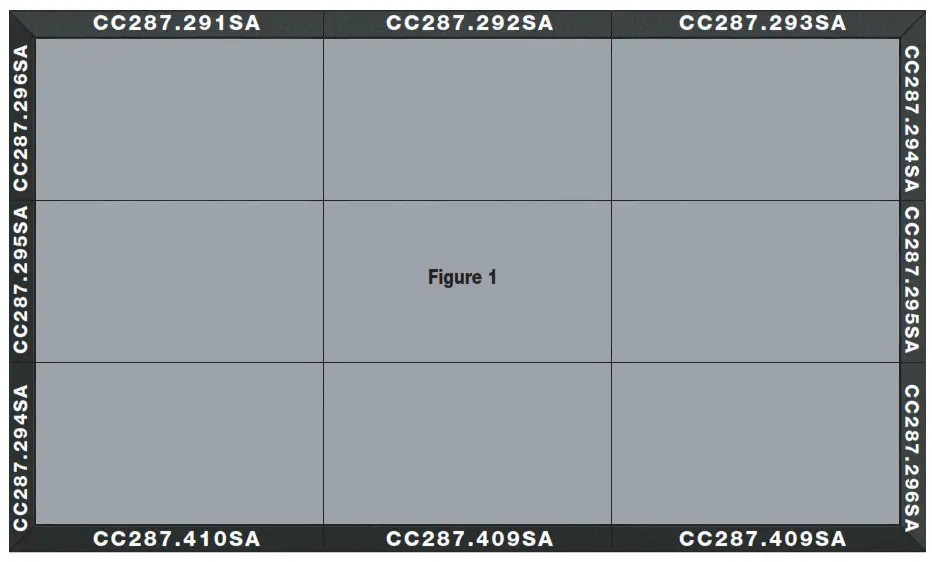
Section 4 – Attaching SmartTrim Brackets to Barco UniSee
Caution: UniSee LCD Display wall must be properly assembled, and aligned on all axes and levels.
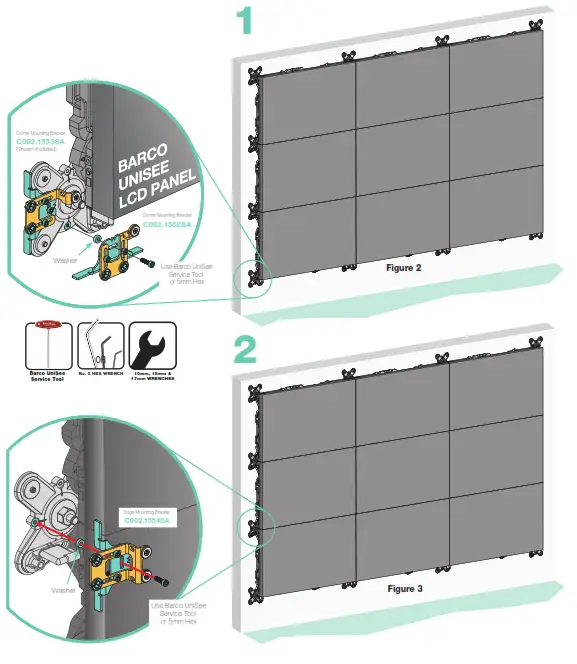
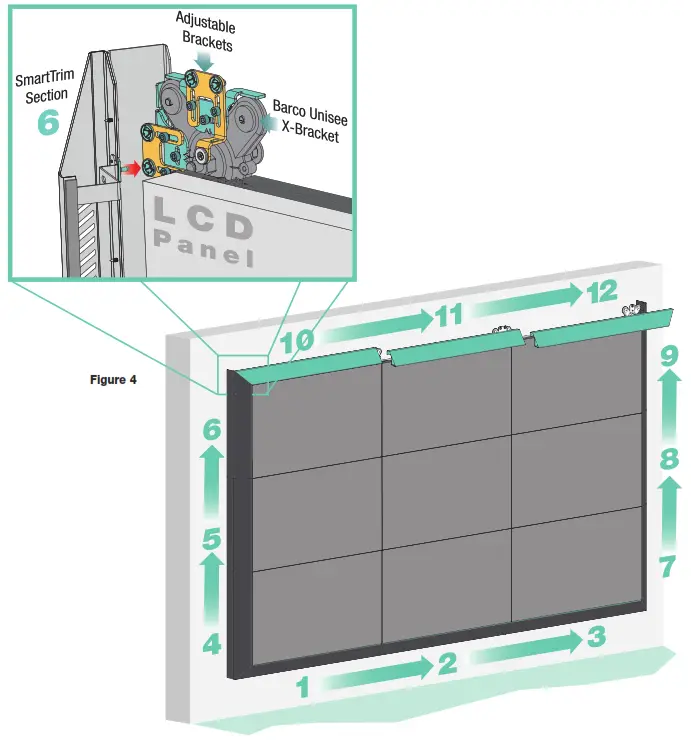
Section 5 – Attaching SmartTrim section to SmartTrim Brackets
- Insert the two (2) guide pins on the SmartTrim section into the receivers on the adjustable mounting brackets.
SmartTrim will snap into place against the side of the LCD panels.
Please Note: If there are any gaps between the SmartTrim and the LCD panels, or the SmartTrim section will not fit, refer to Section 6 – Adjusting SmartTrim Brackets on page 6.
Section 6 – Adjusting SmartTrim Brackets
Please Note: Figures 5-A thru 5-C below show an edge bracket on the side of the United.
The same procedure shown below should be used on the top and corners.
SmartTrim Adjustable Bracket is always aligned with the vertical center of the UniSee Wall Cross.
During the installation of the United Video Wall, the position of the LCD seam may have moved in relation to the Wall Cross.
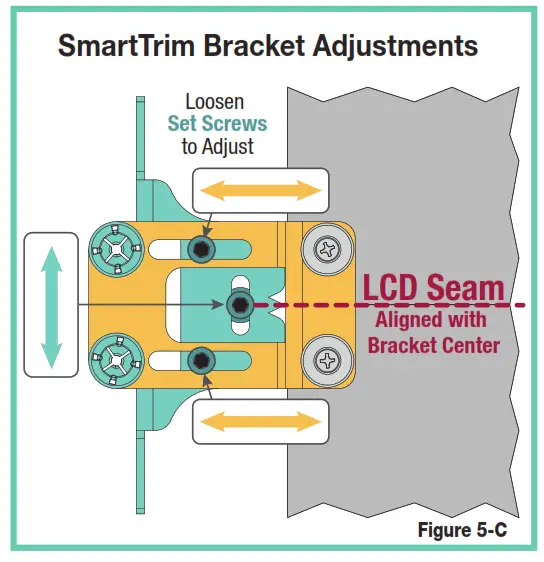
Draper SmartTrim adjustable brackets are designed to move both vertically and horizontally to ensure realignment with the LCD Panels.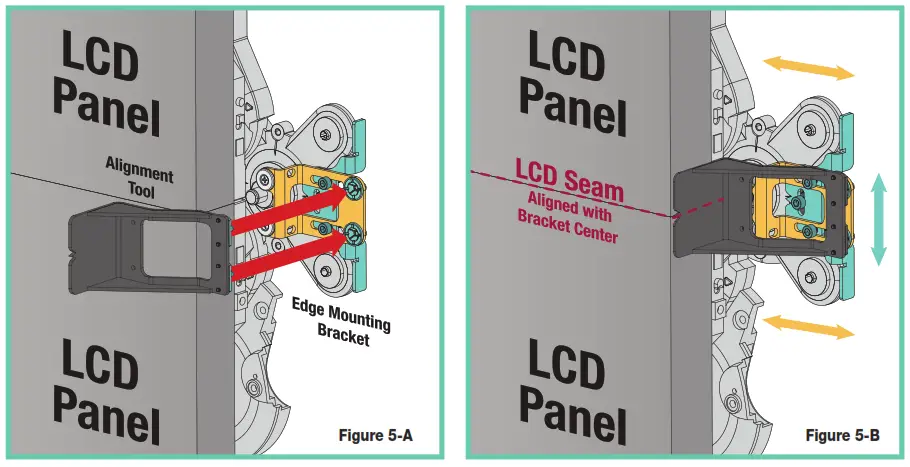
To adjust the SmartTrim Brackets:
- Attach the alignment tool to the SmartTrim Bracket (see Fig. 5-A).
- Ensure that the notch aligns with the seam of the LCD panel (see Fig. 5-B).
If the notch does not align with the seam, loosen the set screws in the bracket (see Fig. 5-C) and reposition the bracket until it is aligned (see Fig. 5-B). - Once aligned, retighten set screws.
- Repeat until all brackets are aligned with the closest LCD seam.
- Install the SmartTrim sections according to Section 5 – Attaching SmartTrim sections to SmartTrim Brackets

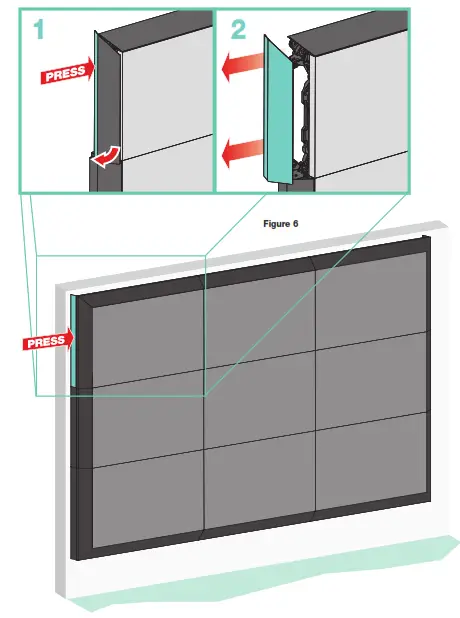
Section 7 – Removing SmartTrim Panels
If you have difficulties installing or servicing your SmartTrim, call your dealer or Draper, Inc.
Draper, Inc.
411 S. Pearl St. Spiceland, IN 47385
draperinc.com
765.987.7999 | 800.238.7999
© 2021 All Rights Reserved
FORM: SmartTrim_BarcoUnisee_500_700_Inst21
 Draper, Inc. - Innovative Solutions for You