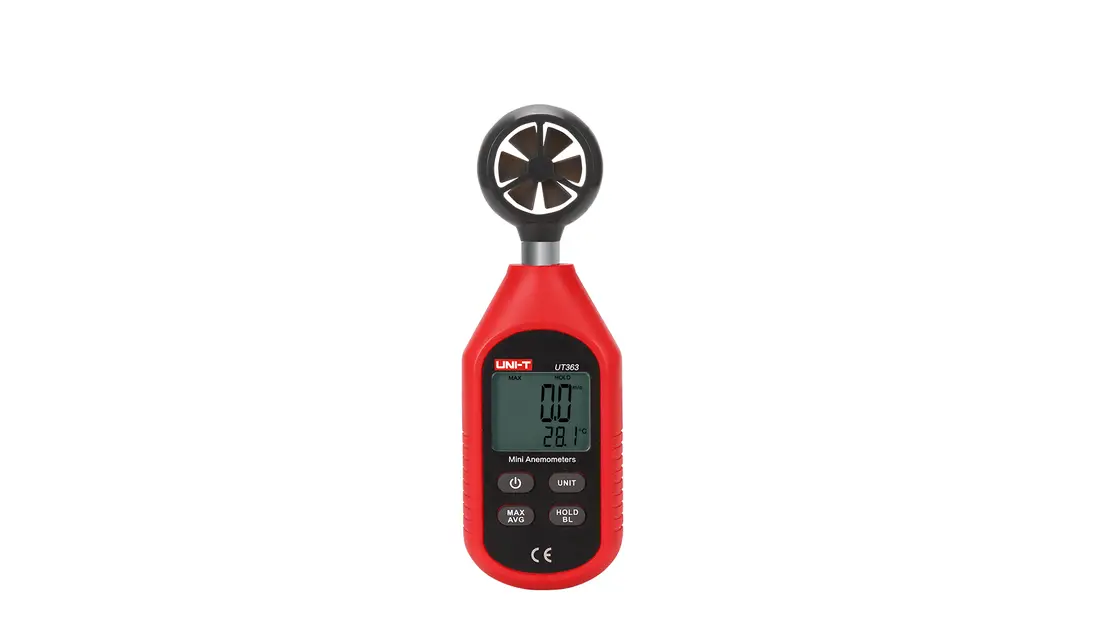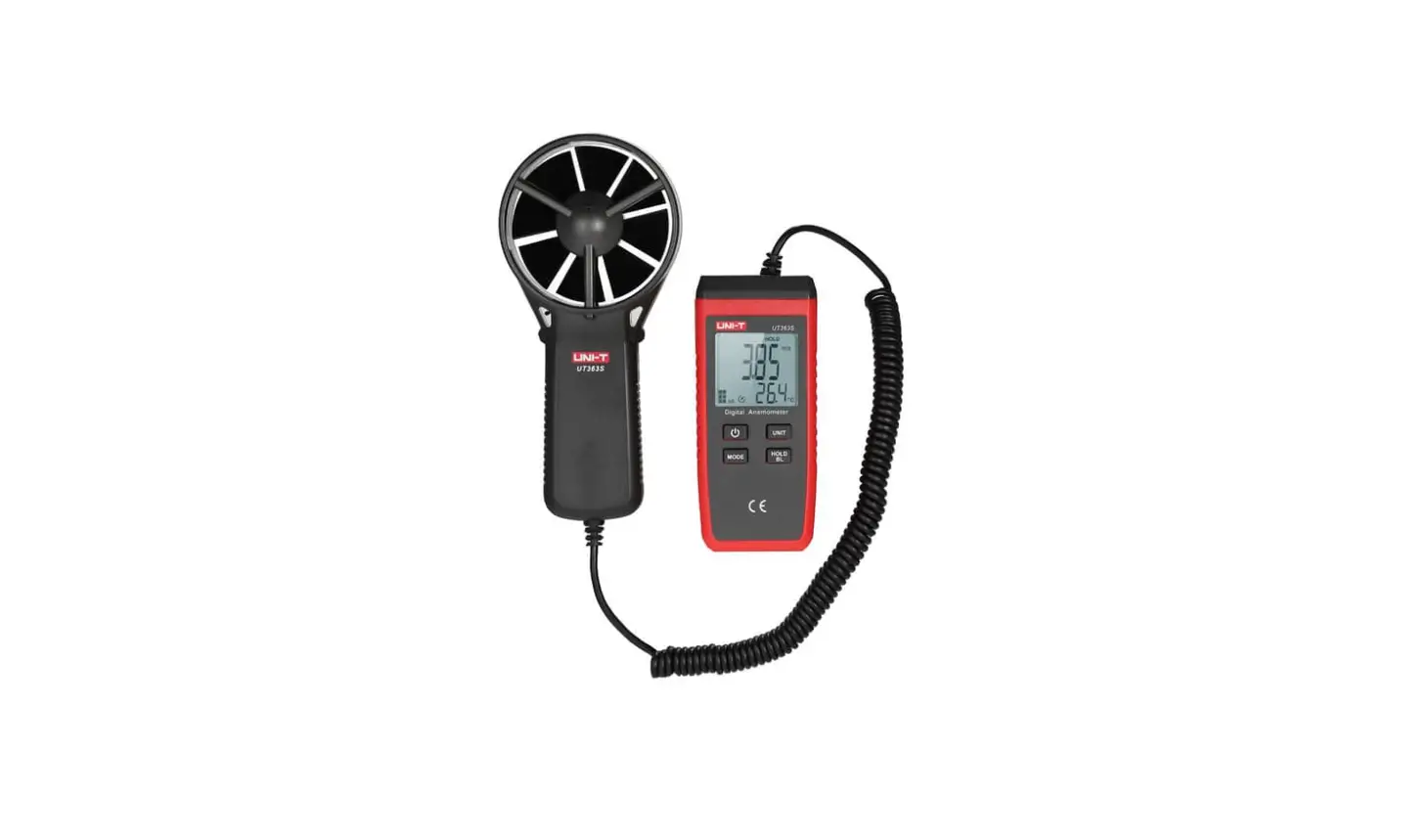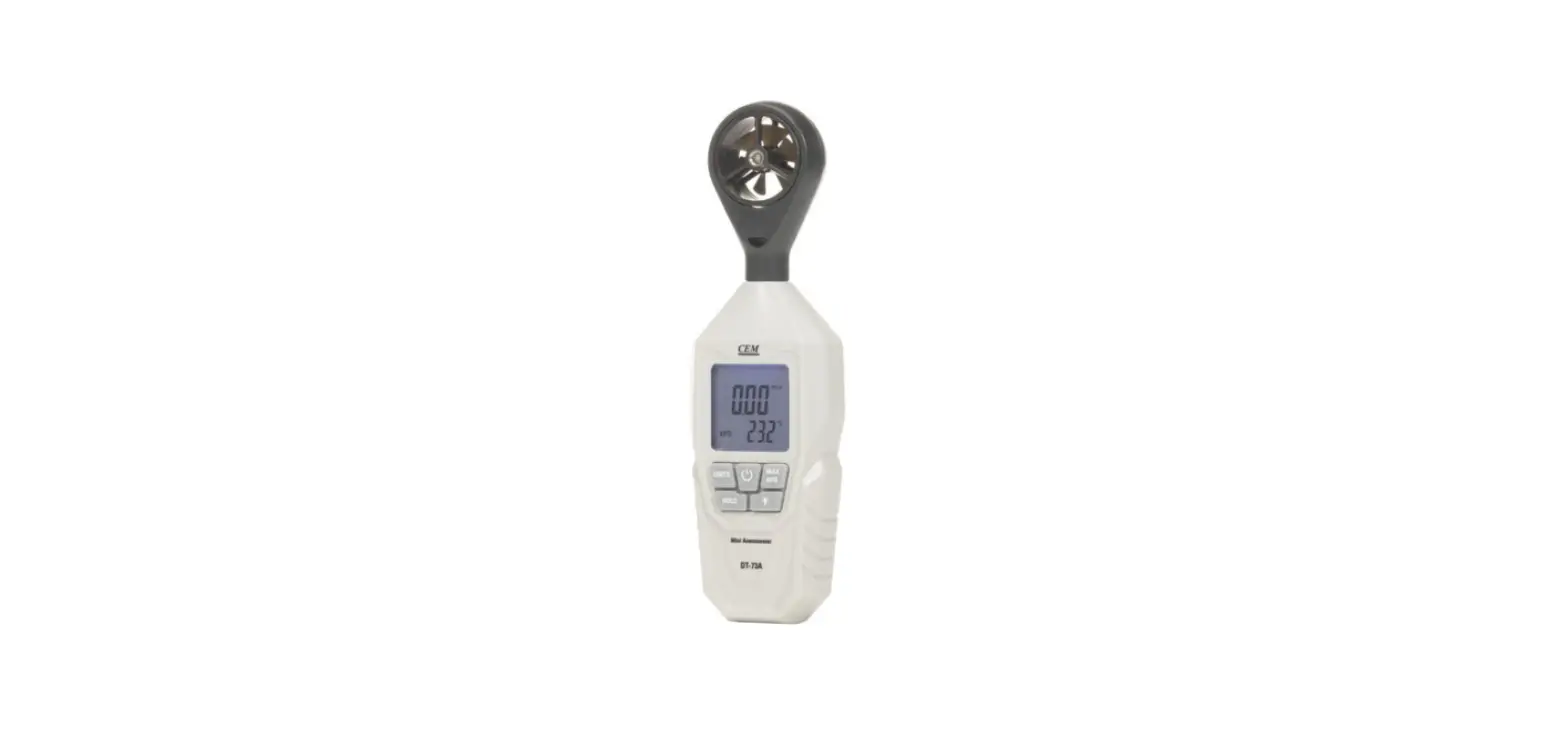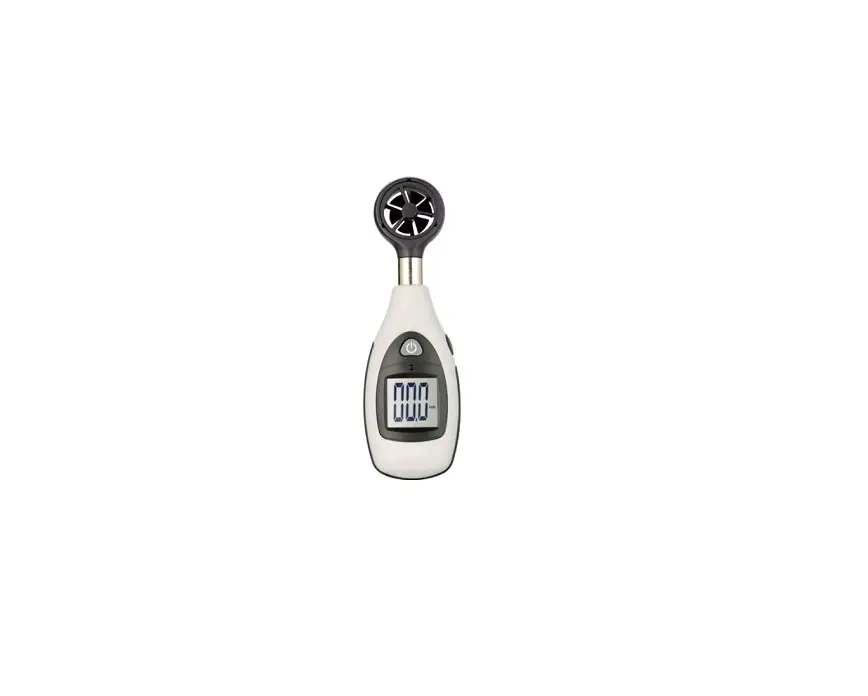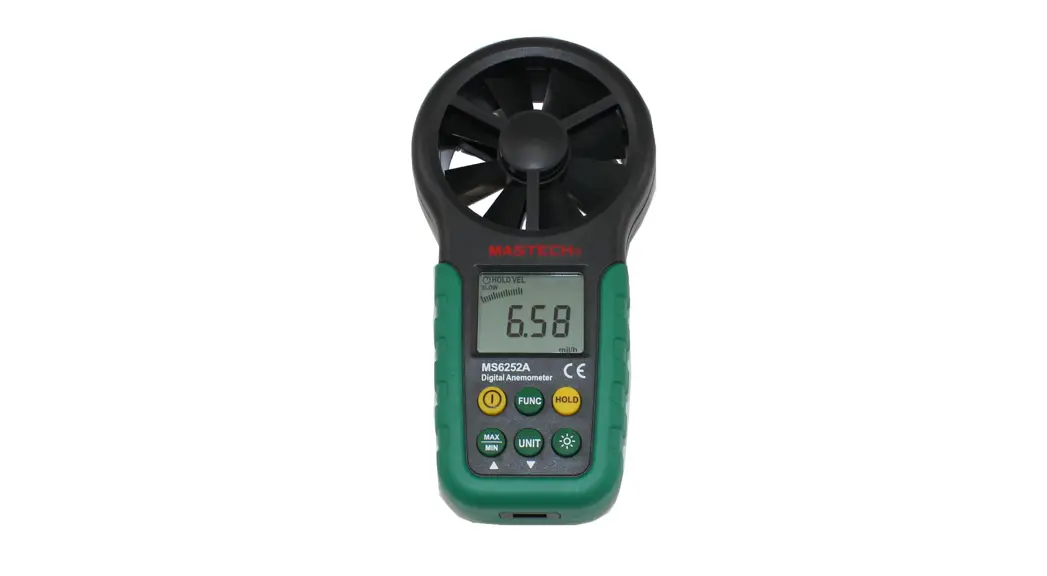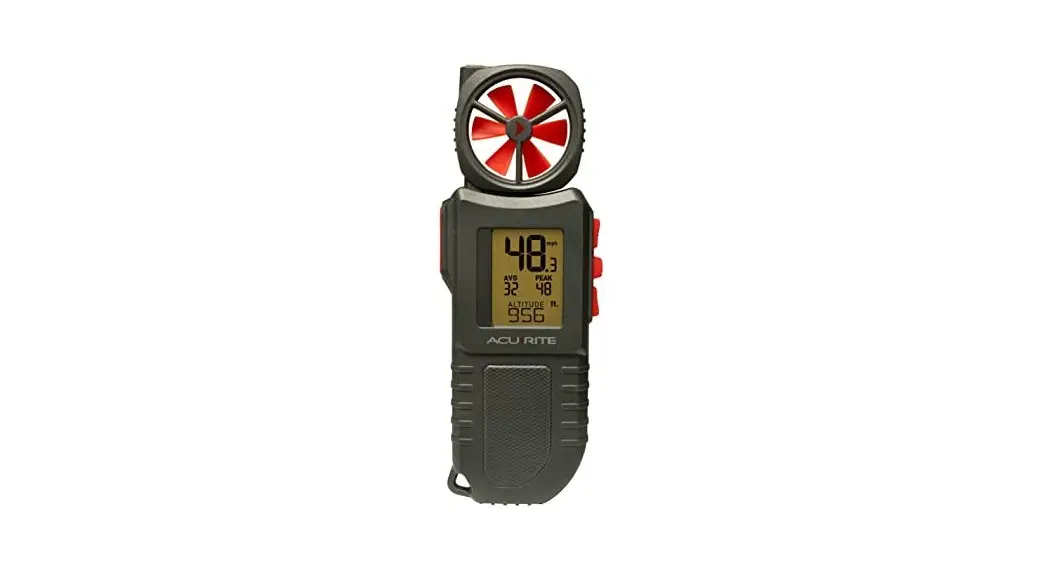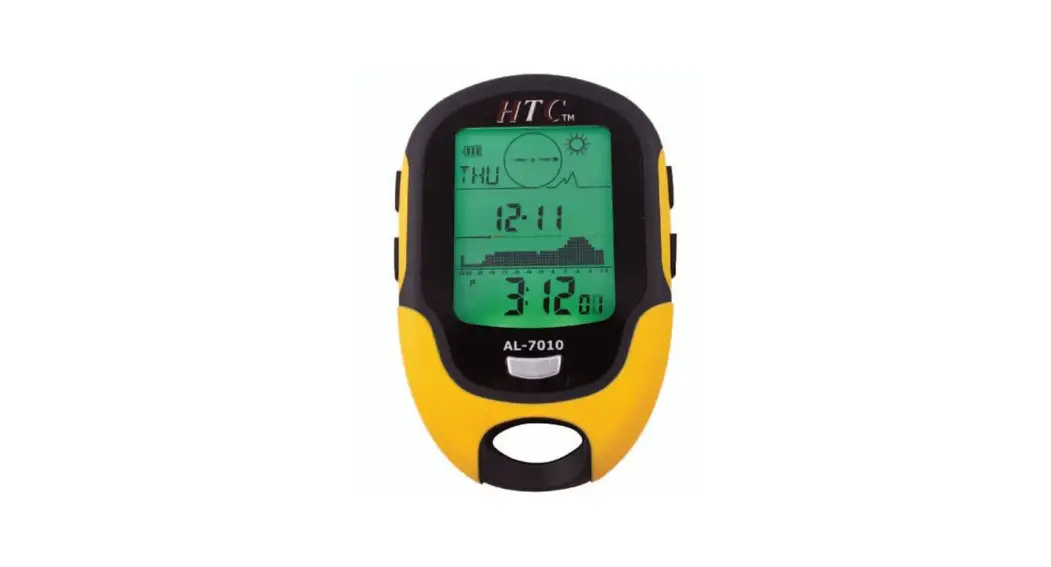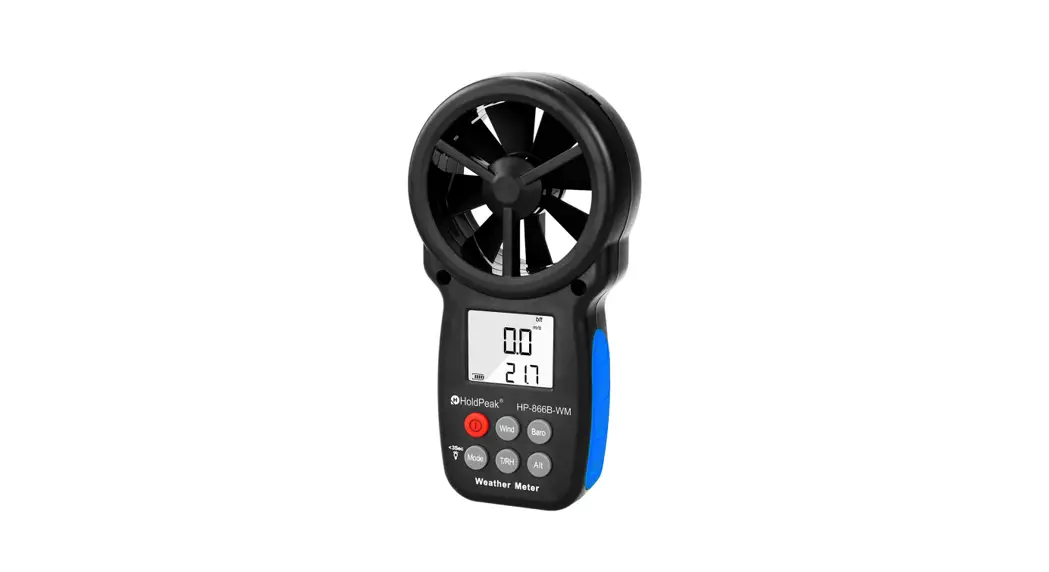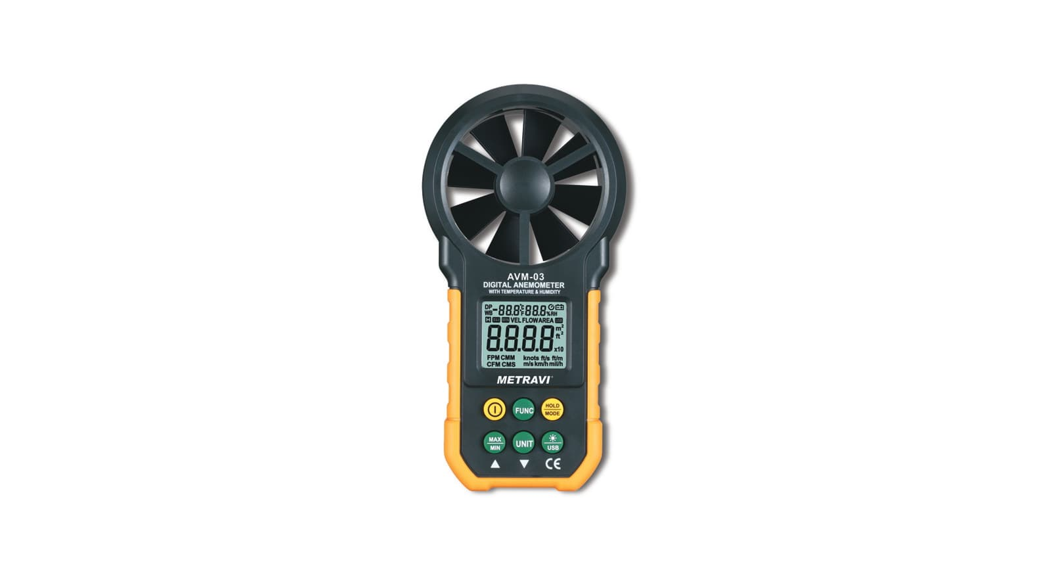
 Instrument AVM-06 Digital
Handheld Anemometer
User Manual
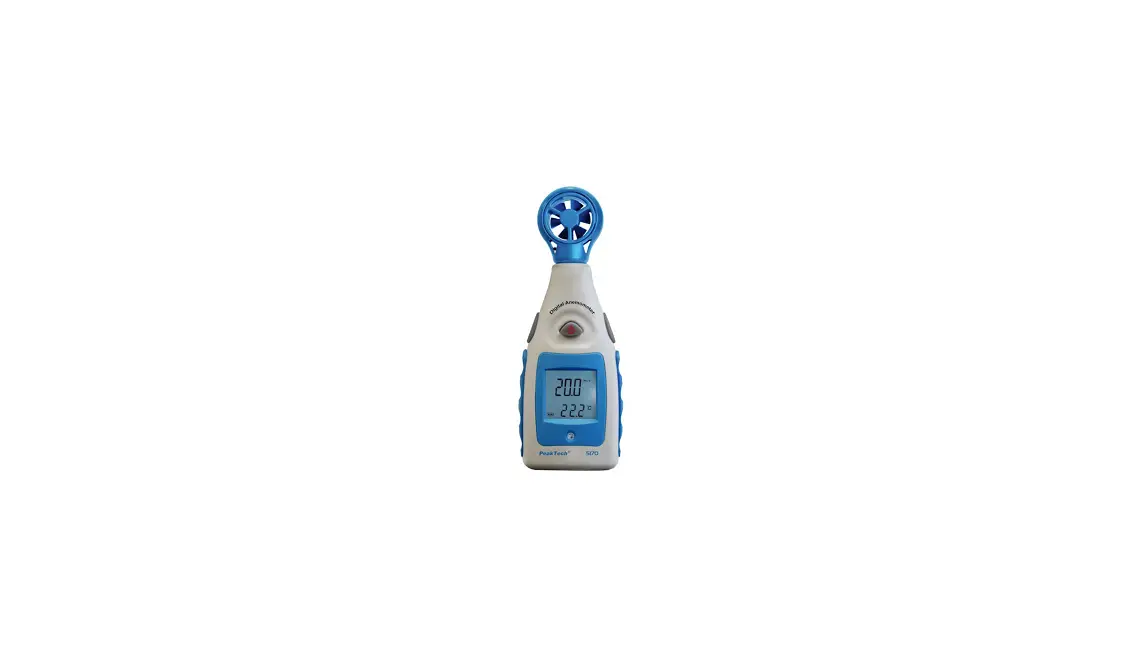
AVM-06 Digital Handheld Anemometer
Introduction AVM-06
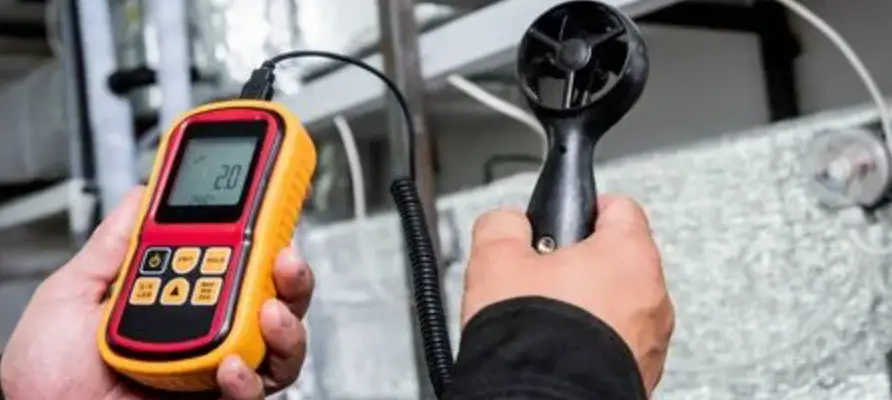
A professional digital anemometer with stable performance, safety and reliability. It can measure air velocity, air volume, Widely used in wind energy, meteorology, industry, agriculture, hydrology and water conservancy, environmental protection, highways, airports, etc.
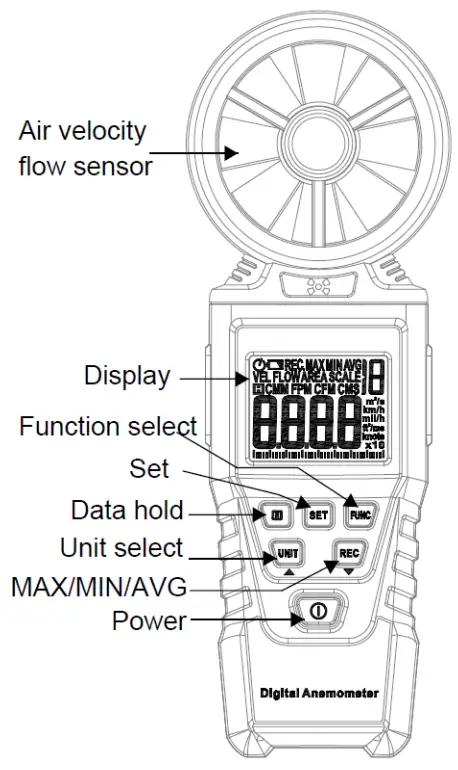
Display
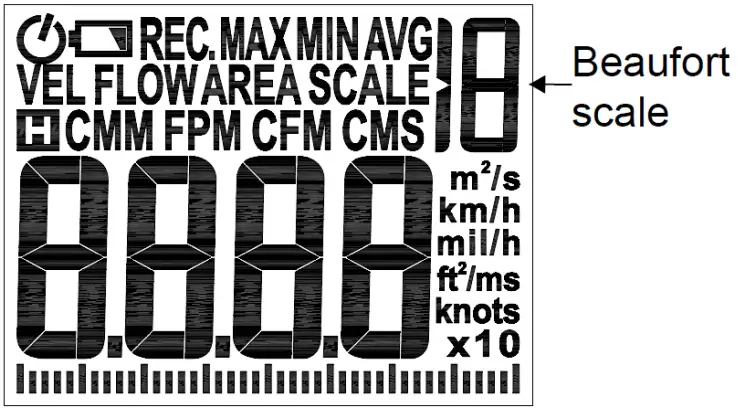
| symbols | description | symbols | description |
| H | Data hold | m/s | meter per second |
| MAX | Maximum value | Km/h | kilometers per hour |
| MIN | Minimum value | mil/h | Miles per hour |
| AVG | Average value | ft/m | Foot/minute |
| VEL | Air velocity | ft/s | Feet / sec |
| FLOW | Air flow | knots | nautical miles per hour |
| AREA | Air duct area setting | m2 | Square meter |
| CMM | Cubic meters per minute | ft2 | square foot |
| CMS | Cubic meters per second |  | Low battery |
| CFM | Cubic feet per minute |  | Automatic shutdown |
Measurement Considerations
- Do not touch the fan blade with force.
- Do not store or operate the instrument in areas with high temperature or humidity.
- In use, do not let the strong light directly shine on the fan, in order to avoid measurement errors.
- Avoid violent vibration。
- Remove the battery before storing the instrument for a long time。
Operation
Air velocity measurement
- Power the meter by pressing the
 power button, The “VEL” icon will appear in the display.
 - If the “VEL” icon disappears in the display, Press the FUNC button again until the “VEL” icon appear in the display.
- Hand-held anemometer let the fan plane of anemometer be vertically aligned with the wind direction of the airflow.
- View the measurement on the display
 power button, The “VEL” icon will appear in the display.
Air duct area setting
- Power the meter by pressing the power button, Press the SET button until the “AREA” icon appear in the display
- A data bit is flickering, indicating that this value can be modified.
- Press the REC button to set the scintillation digit to the desired value。
- Press the UNIT button to select the next digit to be adjusted.
- After adjusting all the digits, it will jump to the adjusting unit. The unit will flicker. Press REC button to change the unit.。
- After setting up, press the SET button to exit the setting state and return to the airflow measurement; the set data will be automatically saved.
Airflow measurement
- Power the meter by pressing the power button, The “VEL” icon will appear in the display
- Press the FUNC button again, the “FLOW” icon will appear in the display
- Hand-held anemometer let the fan plane of anemometer be vertically aligned with the wind direction of the airflow.
- View the measurement on the display
Note: To measure the airflow, the cross-sectional area of the tested air duct must be determined and input into the anemometer.
Data hold
To freeze a displayed reading, press the button. The “H” icon will appear and the most recent reading will appear in the display. Press the button to exit the mode and return to normal operation
MAX/MIN/AVG function
- Press the button once to put the meter in MAX/MIN/AVG mode. The meter will now display the highest reading that occurs while the function is enabled. The “MAX” icon will appear in the display.
- Press the button again to display the lowest reading that occurs while the function is enabled. The “MIN” icon will appear in the display.
- Press the button again to display the average reading that occurs while the function is enabled. The “AVG” icon will appear in the display.
- Press again to toggle between the MAX 、 MIN and AVG readings.
- To exit the MAX/MIN/AVG mode and return to the normal real time display, press and hold the button (2 seconds).
Units of measure
Air velocity unit selection
Press the UNIT button to select unit(m/s、km/h、mill/h、ft/m ft/s、knots),when measuring air velocity.
Airflow unit selection
Press the UNIT button to select unit(CMS 、 CMM 、CFM),when measuring airflow.
Meter Power and Automatic Power Off
- Press the button to turn the meter on.
- Press the button again to turn the meter off.
- The meter has an automatic power off feature that conserves battery energy. After 10 minutes the meter automatically shuts off.
- To press and hold the button to turn the meter on, the auto power off function will be cancelled. And the icon disappears.
Specifications
| Display | LCD, Max display 9999 |
| Air velocity | 0.40 ~ 30.00 m/s |
| Sampling rate | Approx. One reading per second |
| Sensor | Air velocity/flow sensor: angled vane arms with bearing |
| Beaufort Wind scale | 0~12 |
| Max/Min/Avg | Record and view minimum, maximum, average |
| Data hold | Freeze reading |
| Operating conditions | Temperature : 0~40°C,Humidity:<80%RH Altitude :<2000m |
| Storage conditions | Temperature : -10~50°C,Humidity:<80%RH |
| Auto power off | 10 minutes |
| Power | 3 x 1.5VAAA(LR03) batteries |
Accuracy Specifications
The accuracy applies within one year after the calibration.
Reference condition: the environment temperature 18°C to 28°C, the relative humidity is no more than 80%,
| Air Velocity Measurements | Range | Resolution | Accuracy |
| m/s (meters per second) | 0.40 ~ 30.00 | 0.01 | ±(2.0%+ 0.5m/s) |
| km/h (kilometers per hour) | 1.40~108.0 | 0.01~0.1 | ±(2.0%+ 1.8km/h) |
| ft/s (feet per second) | 1.30 ~ 98.50 | 0.01 | ±(2.0%+ 1.6ft/s) |
| ft/m (feet per minute) | 78 .00~ 5900 | 0.01~1 | ±(2.0%+ 10ft/m) |
| knots (nautical miles per hour ) | 0.80 ~ 58.30 | 0.01 | ±(2.0%+ 1.0knots) |
| mile/h(miles per hour) | 0.90 ~ 67.10 | 0.01 | ±(2.0%+ 1.1mile/h) |
| Air Flow Measurements | Range | Resolution | Area |
| CFM (cubic feet per minute) | 0-9999 | 0.01 to 1 | 0 – 9.999 |
| CMM (cubic meters per minute) | 0-9999 | 0.01 to 1 | 0 – 9.999 |
| CMS (cubic meters per second) | 0-9999 | 0.01 to 1 | 0 – 9.999 |
Maintenance
Battery Replacement
When the battery voltage is low the ‘ ’ symbol will appear on the display.
Replace the three (3) 1.5 ‘AAA’ batteries by removing the rear (center) battery compartment screw and accessing the battery compartment. Observe polarity when placing the batteries in the compartment. Ensure that the compartment cover is securely fastened when finished. Cleaning and storage
 Caution
To avoid damaging the instrument housing, do not use corrosive or solvent to clean the instrument.
Periodically wipe the case with a damp cloth and mild detergent; do not use abrasives or solvents.
Store the meter in an area with moderate temperature and humidity (refer to the operating and storage range in the specifications chart earlier in this manual).
 Buy Testing & Measuring Equipments Online | HTC Instrument