
User’s Manual
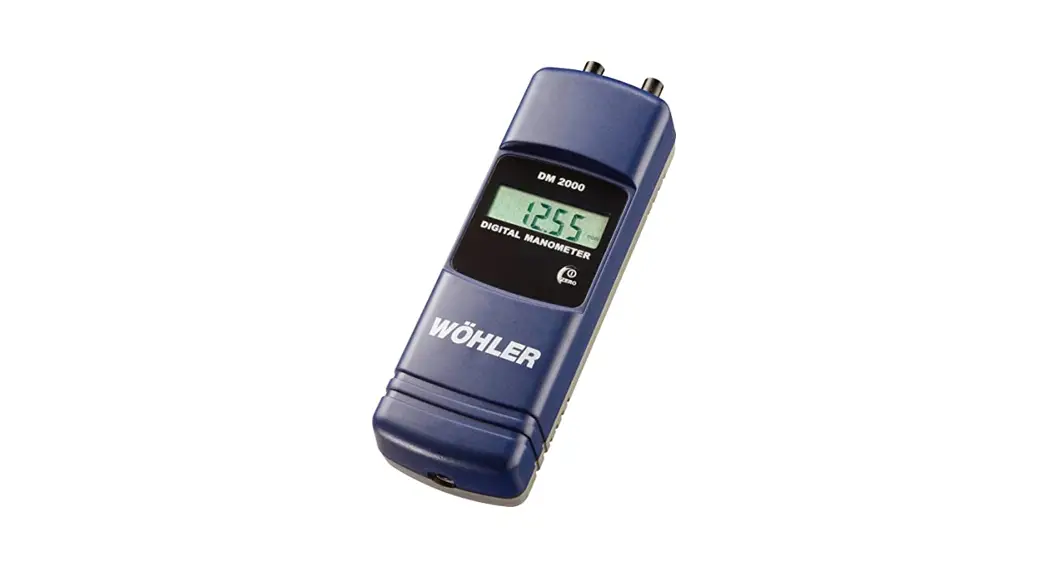
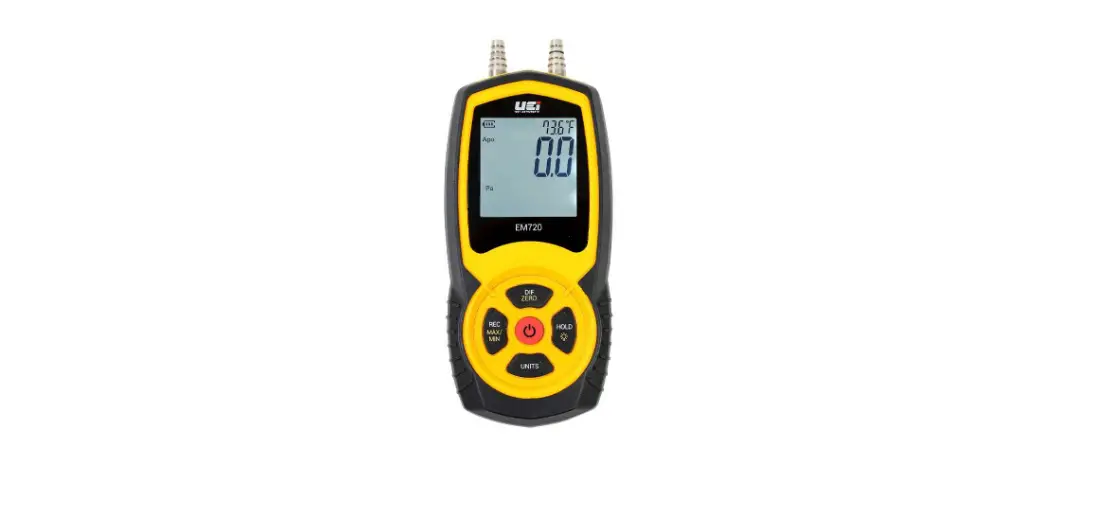
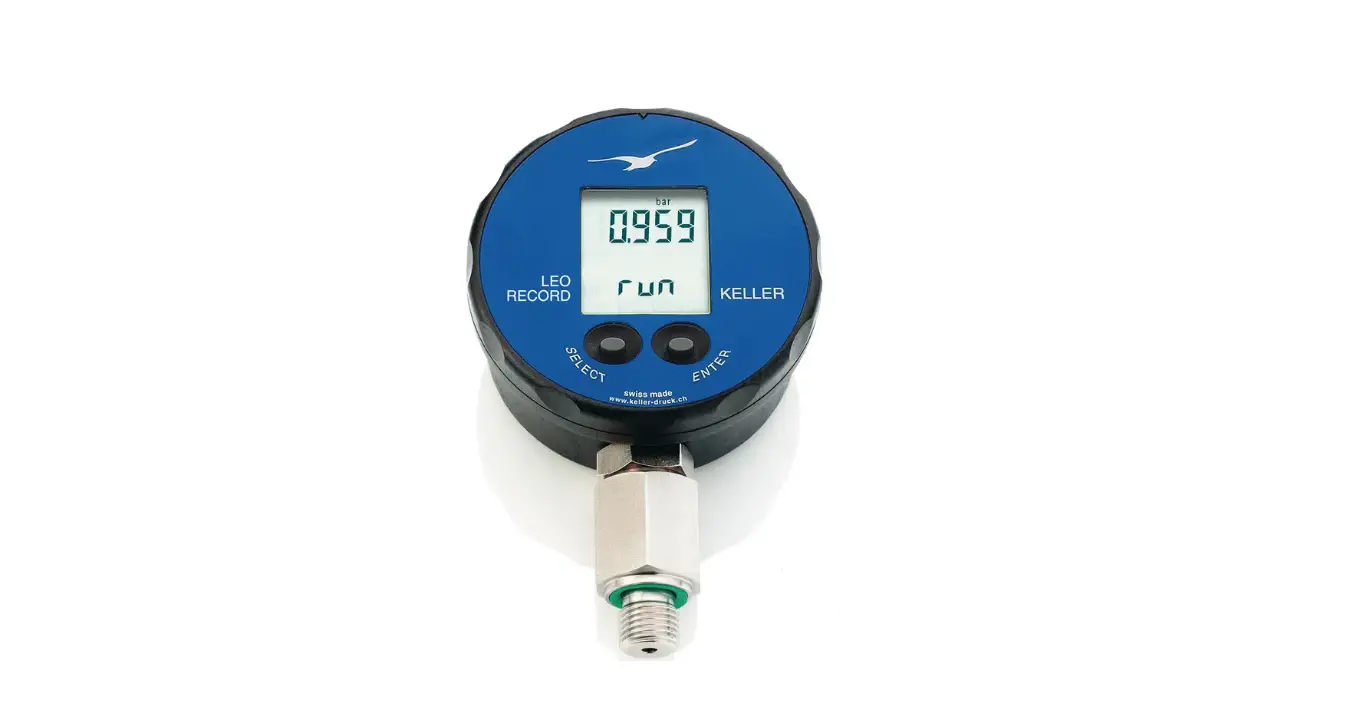
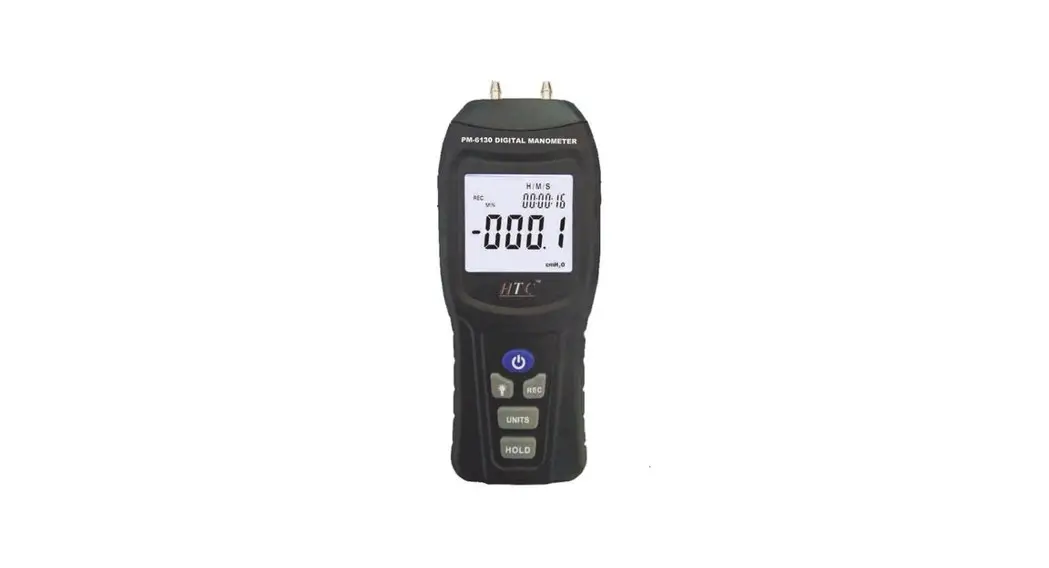
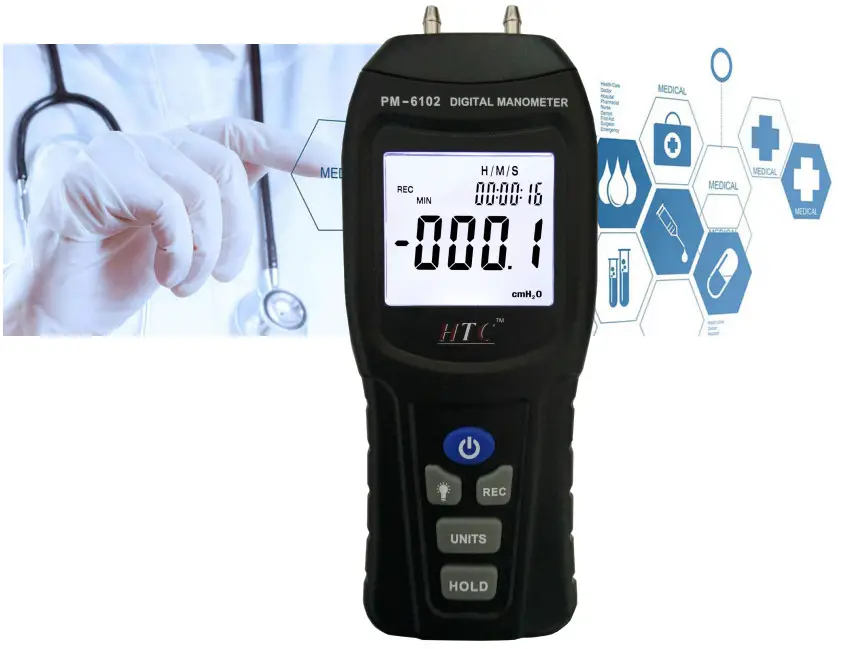
HTC Manometer
Please read this user’s manual thoroughly before using this unit and keep it properly for your future reference.
 Safety
 Safety
Read the following safety information carefully before attempting to operate or service the meter.
Use the meter only as specified in this manual; otherwise, the protection provided by the meter may be impaired.
▲ Environment conditions:
- RH≤90%(Non-Condensation)
- Operating Temperature-0~40℃
Maintenance and cleaning
- Repairs or services not covered in this manual should only be performed by qualified personnel.
- Wipe the unit with a dry soft cloth. Do not use solvents or detergents on this instrument.
Safety Symbol
 Comply with EMC
Introduction
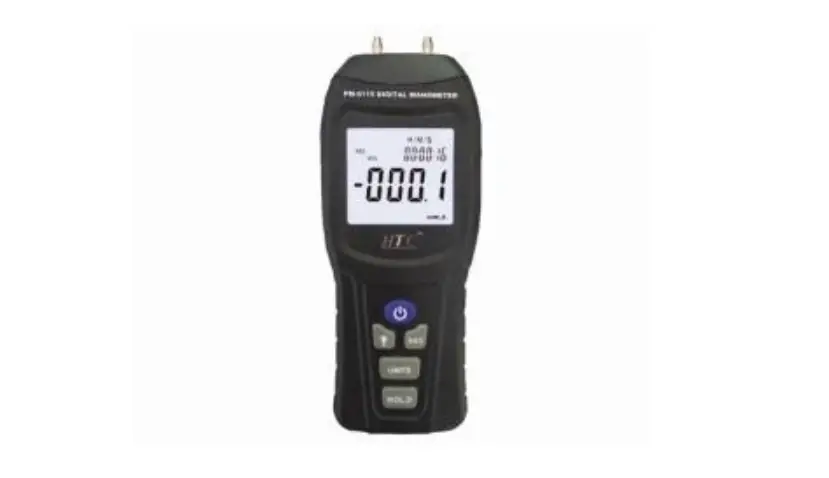
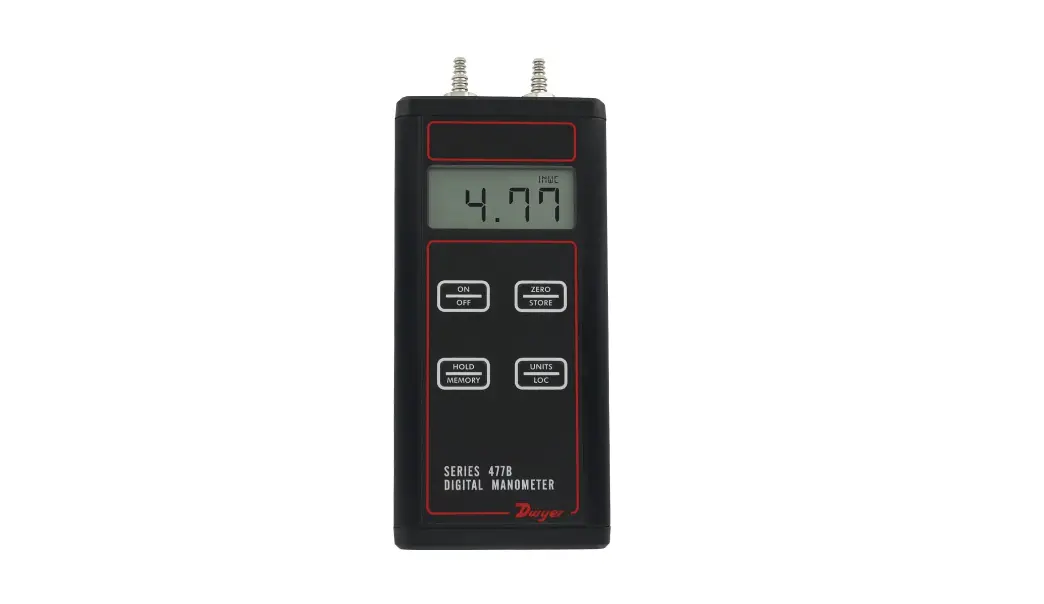
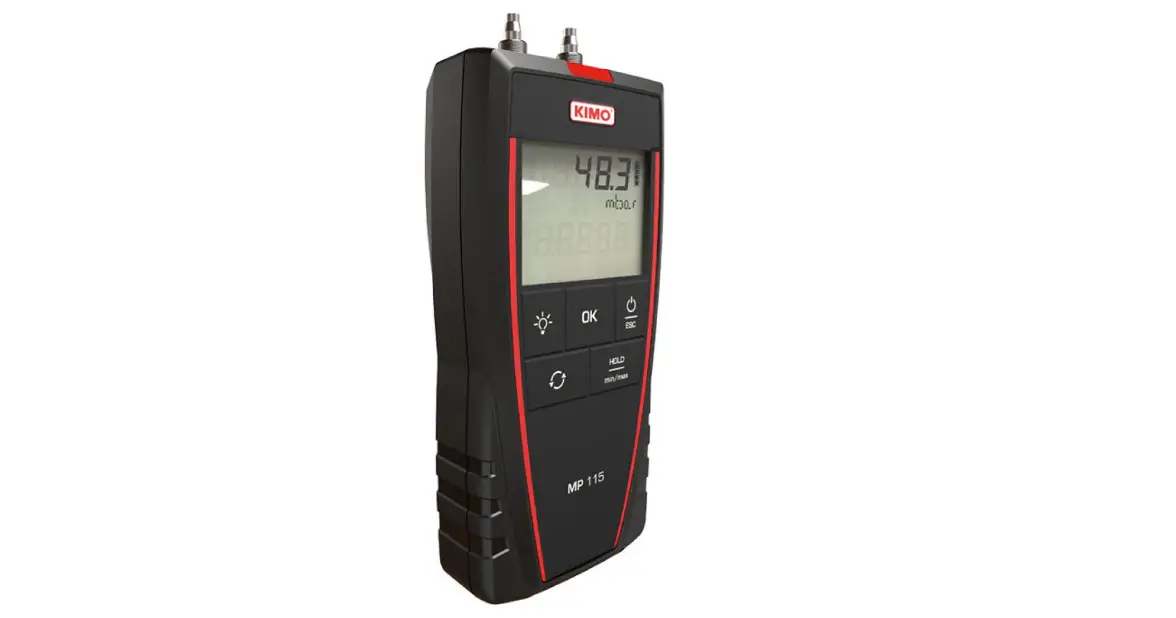
This product is aimed to measure different pressure values, here are some units for Choice: inH2O, psi, bar, bar , kPa, inHg, mmHg ,ozin2, ftH2O, cmH2O,kgcm2 .equipped with a simple Tube connection. It is widely used in the measurement of ventilation and air conditioning systems, clean rooms,s or any gas pressure system troubleshooting. Easy operation and clear reading.
Error Warning
When an internal diagnostic test fails, an error message will appear on the LCD display.
error1: max pressure
error2: below min pressure
Specification
| unit | PM-6102 | PM-6105 | PM-6115 | |||
| Range | Resolution | Range | Resolution | Range | Resolution | |
| inH2O | ±55.40 | 0.01 | ±138 | 0.1 | ±415.2 | 0.1 |
| Psi | ±2.000 | 0.001 | ±5.000 | 0.001 | ±15.00 | 0.01 |
| Mbar | ±137.8 | 0.1 | ±344.7 | 0.1 | ±1034 | 1 |
| KPa | ±13.79 | 0.01 | ±34.47 | 0.01 | ±103.4 | 0.1 |
| inHg | ±0.407 | 0.001 | ±1.018 | 0.001 | ±30.54 | 0.01 |
| mmHg | ±103.4 | 0.1 | ±258.5 | 0.1 | ±775.7 | 0.1 |
| ozin² | ±32.00 | 0..01 | ±80 | 1 | ±240.0 | 0.1 |
| ftH2O | ±4.612 | 0.001 | ±11.53 | 0.01 | ±34.60 | 0.01 |
| cmH2O | ±140.6 | 0.1 | ±351.5 | 0.1 | ±1055 | 1 |
| kgcm² | ±0.140 | 0.001 | ±0.351 | 0.001 | ±1.055 | 0.001 |
| bar | ±0.137 | 0.001 | ±0.344 | 0.001 | ±1.034 | 0.001 |
| Maximum Pressure Psi | 10 Psi | 20 Psi | 100 Psi | |||
| Accuracy | ±0.3%FS | |||||
| Linearity/Hysteresis | ±0.1%FS | |||||
| Repeatability | ±0.25%FS | |||||
| Pressure connector | 1/8〞(3.18mm)quick connector | |||||
| Working temperature | 0~40℃/32~104℉ | |||||
| Storage temperature | -10~60℃/14~140℉ | |||||
| Over range indication | ERR1 or ERR2 | |||||
| Work current | 9V battery | |||||
| unit | PM-6102 | PM-6105 | PM-6115 | |||
| Range | Resolution | Range | Resolution | Range | Resolution | |
| inH2O | ±55.40 | 0.01 | ±138 | 0.1 | ±415.2 | 0.1 |
| Psi | ±2.000 | 0.001 | ±5.000 | 0.001 | ±15.00 | 0.01 |
| Mbar | ±137.8 | 0.1 | ±344.7 | 0.1 | ±1034 | 1 |
| KPa | ±13.79 | 0.01 | ±34.47 | 0.01 | ±103.4 | 0.1 |
| inHg | ±0.407 | 0.001 | ±1.018 | 0.001 | ±30.54 | 0.01 |
| mmHg | ±103.4 | 0.1 | ±258.5 | 0.1 | ±775.7 | 0.1 |
| ozin² | ±32.00 | 0..01 | ±80 | 1 | ±240.0 | 0.1 |
| ftH2O | ±4.612 | 0.001 | ±11.53 | 0.01 | ±34.60 | 0.01 |
| cmH2O | ±140.6 | 0.1 | ±351.5 | 0.1 | ±1055 | 1 |
| kgcm² | ±0.140 | 0.001 | ±0.351 | 0.001 | ±1.055 | 0.001 |
| bar | ±0.137 | 0.001 | ±0.344 | 0.001 | ±1.034 | 0.001 |
| Maximum Pressure Psi | 10 Psi | 20 Psi | 100 Psi | |||
| Accuracy | ±0.3%FS | |||||
| Linearity/Hysteresis | ±0.1%FS | |||||
| Repeatability | ±0.25%FS | |||||
| Pressure connector | 1/8〞(3.18mm)quick connector | |||||
| Working temperature | 0~40℃/32~104℉ | |||||
| Storage temperature | -10~60℃/14~140℉ | |||||
| Over range indication | ERR1 or ERR2 | |||||
| Work current | 9V battery | |||||
Meter Description
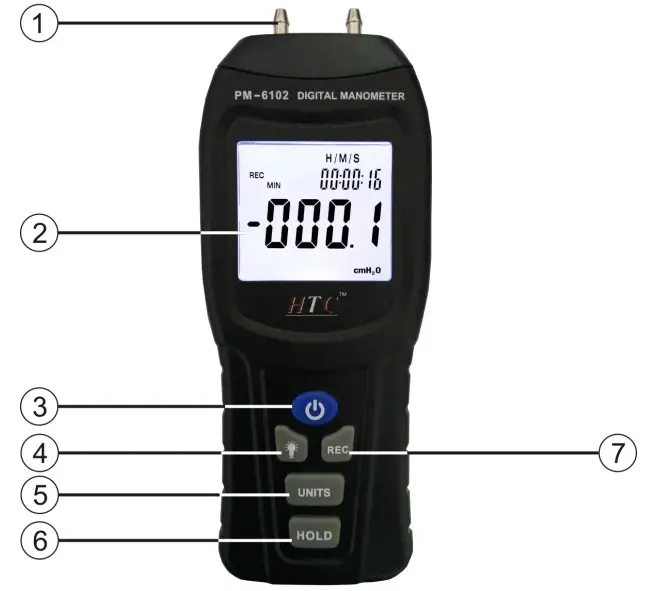
| 1. Air intake | 5. Unit key |
| 2. LCD Display | 6. Hold button |
| 3. Power key | 7. record key |
| 4. Backlight key | |
LCD display
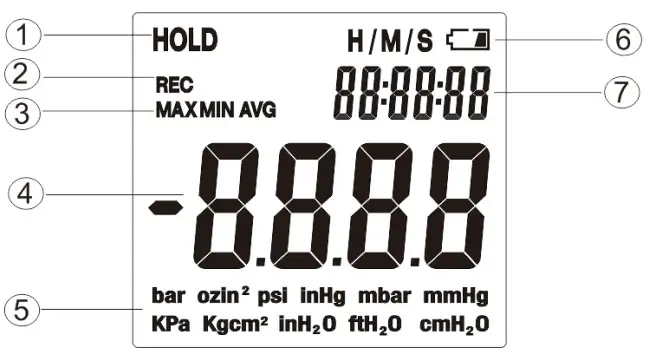
| Data record | Unit |
| Record mode | Low battery indication |
| Max-Min, Avg | Memory time |
| Readings |
Operation steps
- Open the battery cover and install a 9-volt battery in the battery compartment.
Press the power key to start measuring - press UNITS key,choosing proper unit
- connect Tube
- read the testing values on the LCD display
Note: when the meter is on, no gas pressure input, the meter will not necessarily be zero, you need to reset by yourself.
 Key: it can turn on and turn off the meter,press“ ”, open manometer, the screen will display about 2 seconds, and then enter normal measurement model.
 Key: after powering on the meter,pressing this button can turn on and turn off the backlight.
 Key: in measurement mode,press“”, it can review Max, Min, Avg values. In this mode, other button functions are locked not operated. Press “ ”for three seconds,the meter exits the record model.
 key: after power on the meter,press,it can convert the units of measurement:bar,mmHg,Ozin2,Kgcm2,psi,inH2O,Kpa,ft H2O,inHg, cmH2O,mar.
 key:
key:
After the meter power on,press“”button once,the screen will be locked, press“ ”again,it will cancel this function.
After power on the meter,no gas pressure input,press“”for three seconds,
LCD screen display“—-”,the meter reset.
Automatically power on/off; the meter will automatically turn off after approx. 25 minutes of inactivity. It can save the battery’s life. If you do not want to turn off, first press, then press,” ON “will appear on the LCD display, it indicates that power off function is disabled.
Notes
- Do not use it in high temperatures and humidity。
- Remove the battery when the meter is to be stored for long periods of time to avoid battery leakage.
- Replace new batteries when the low battery icon “
 ” appears.
 ” appears.
Accessories
- Manual
- Canvas ba
- 6F22 9V battery
- ∮4.5mm mental gas mouth 2 PCS
- ∮5.0mm*30mm soft Tube 2PCS
- ∮5.0mm*30mm hard Tube 2PCS
 Buy Testing & Measuring Equipments Online | HTC Instrument