Webasto ChargeConnect App User Guide
Get the free Webasto ChargeConnect mobile app
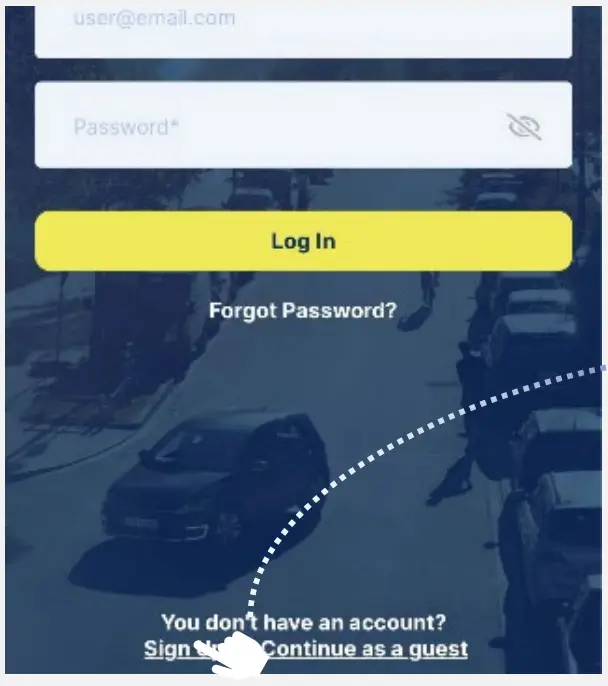
- Download the app



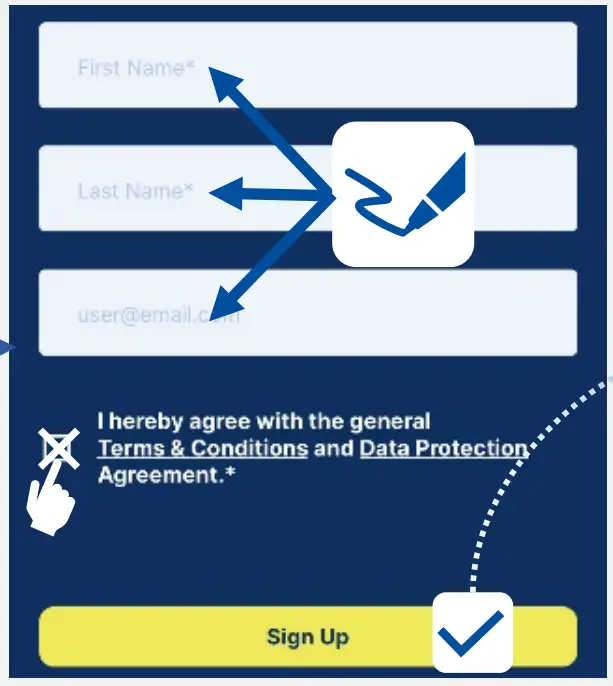
- Do the registration

- Fill out the form

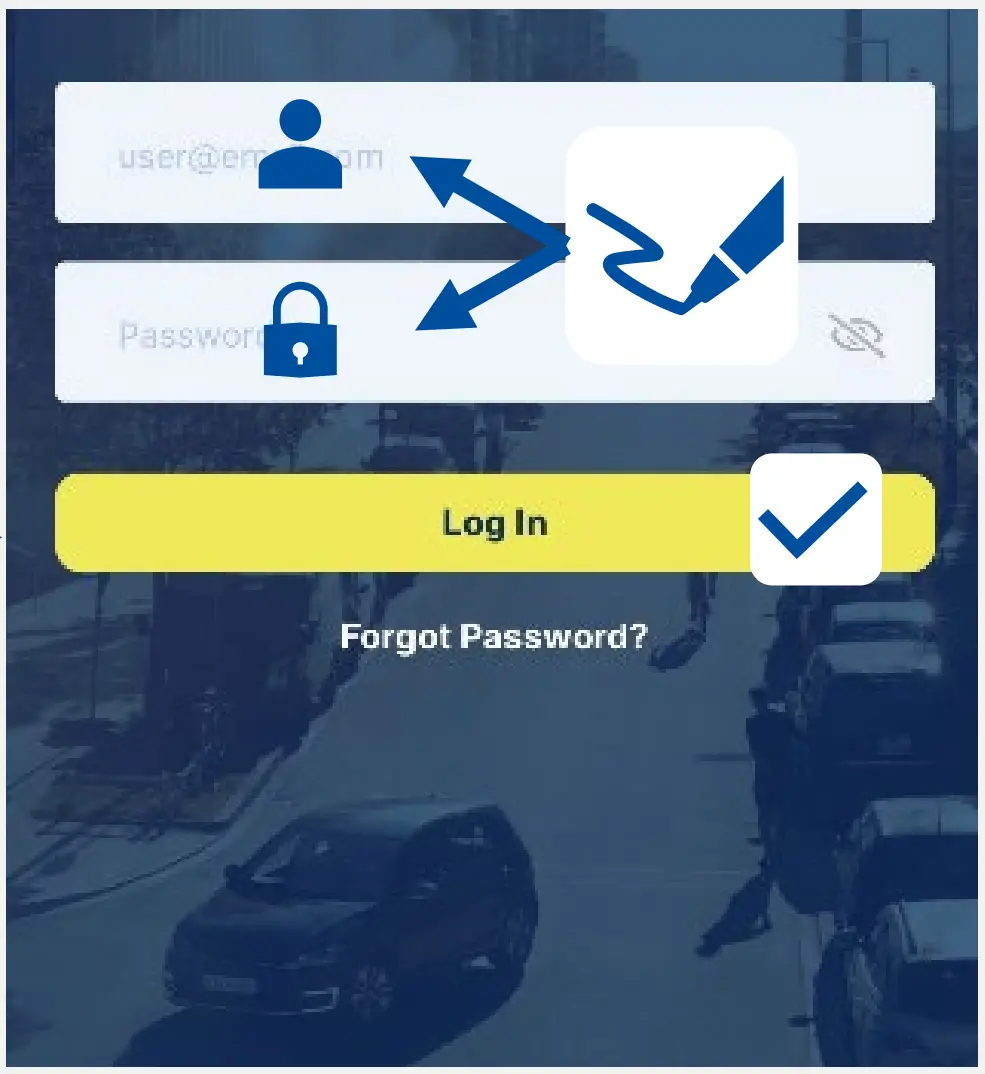
- Log in with your data



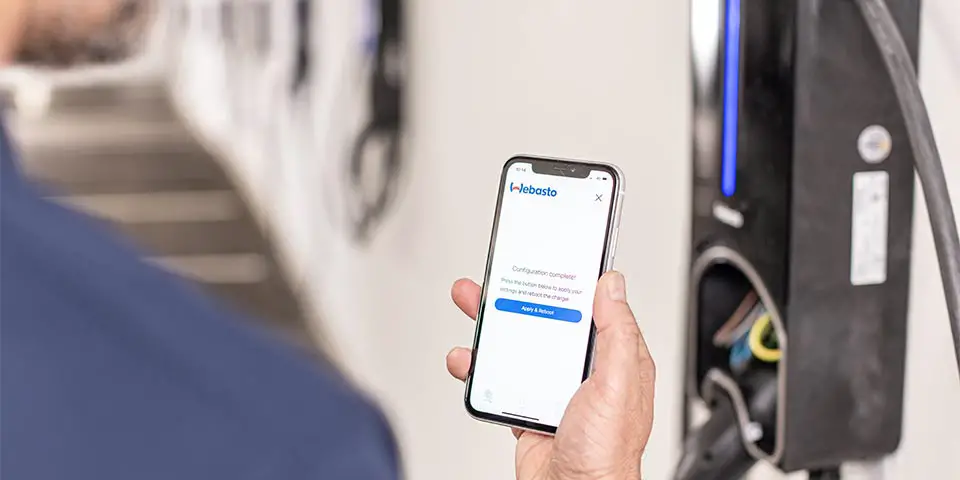
Add a new Webasto charger to your account
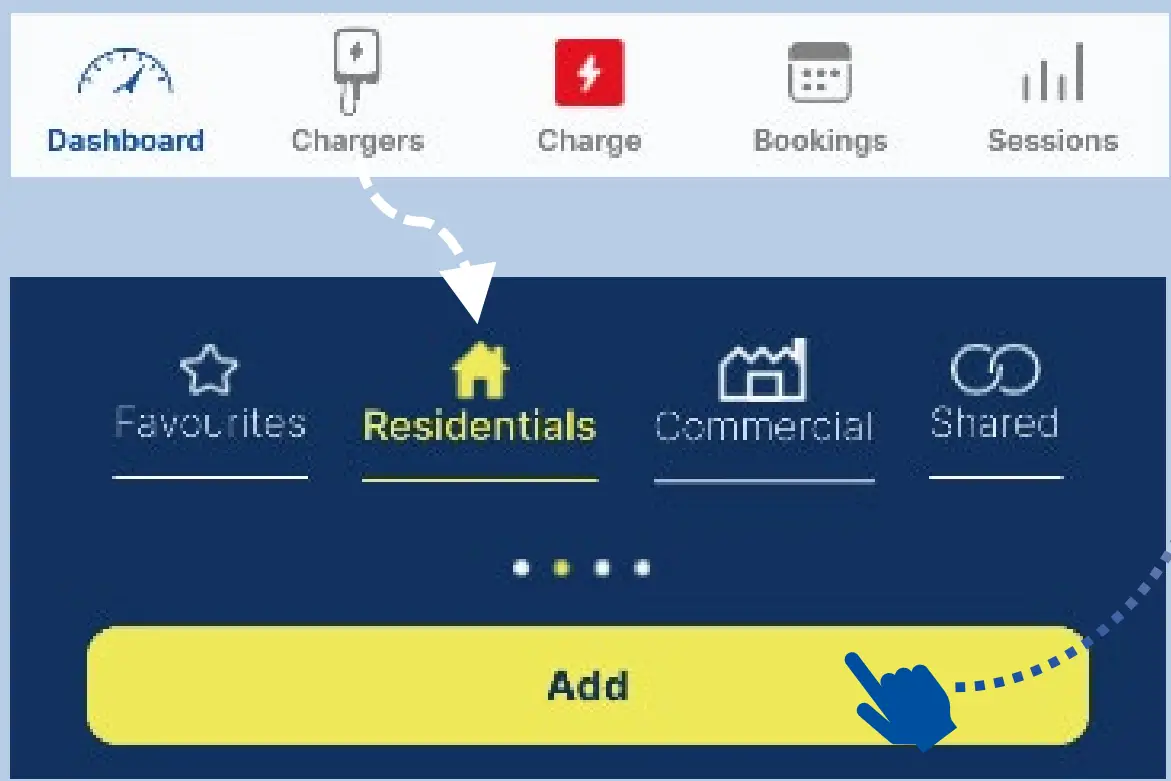
- Open Chargers select Residentials & click on Add

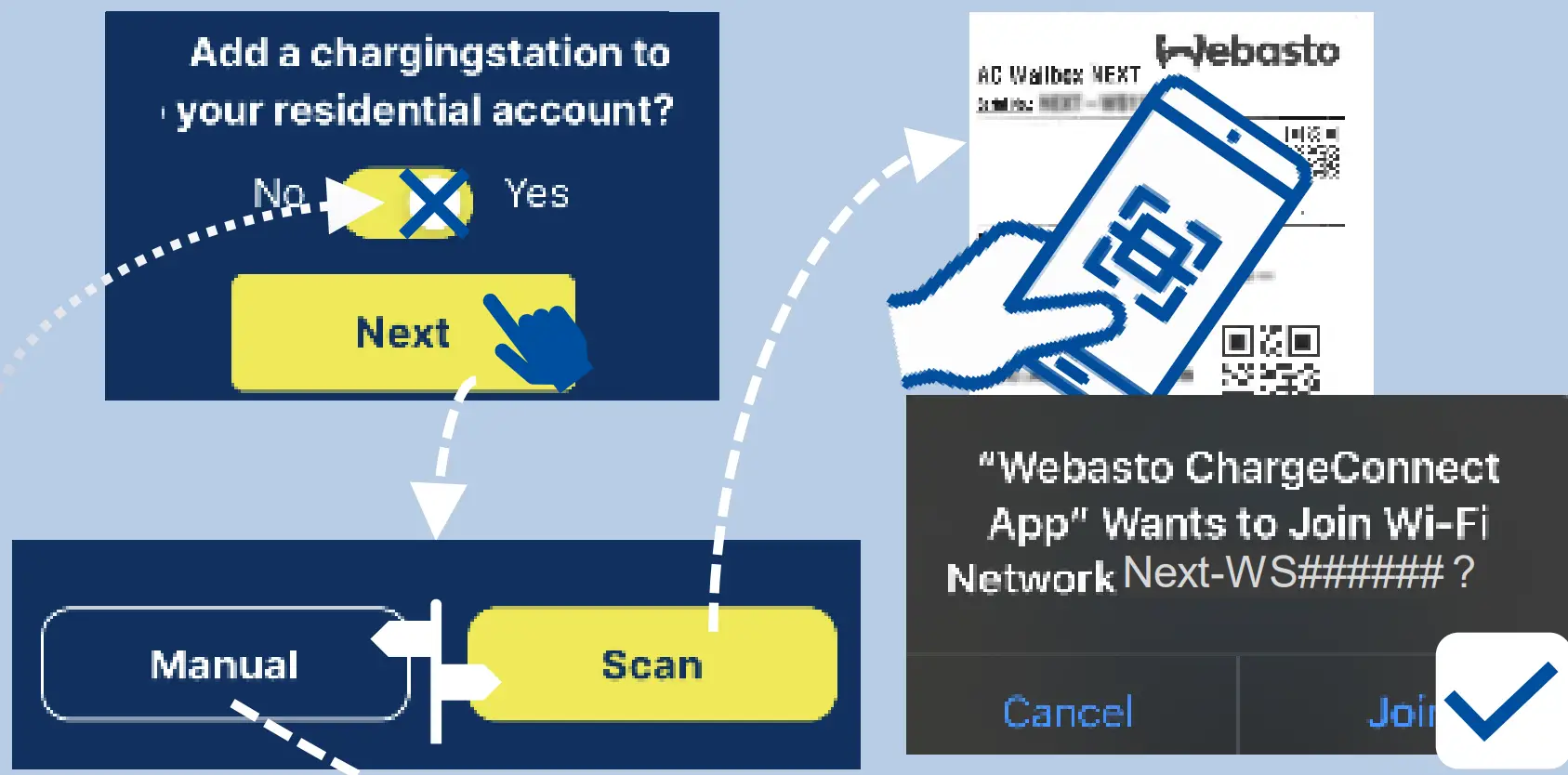
- Confirm the process

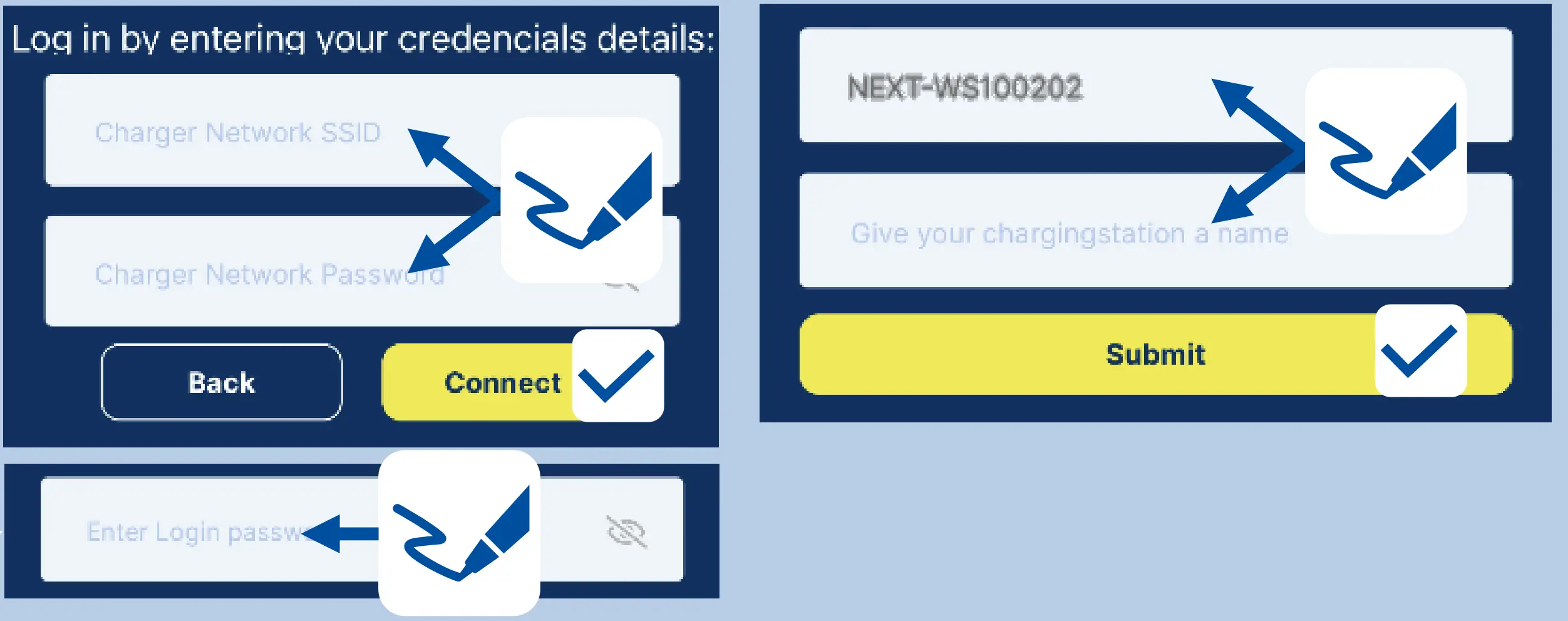
- (1) Scan (scan QR code) or
(2) Manual (entering credentials) Credentials from the user manual - Enter a name and complete the adding.
Start a charging session by QR code scanning
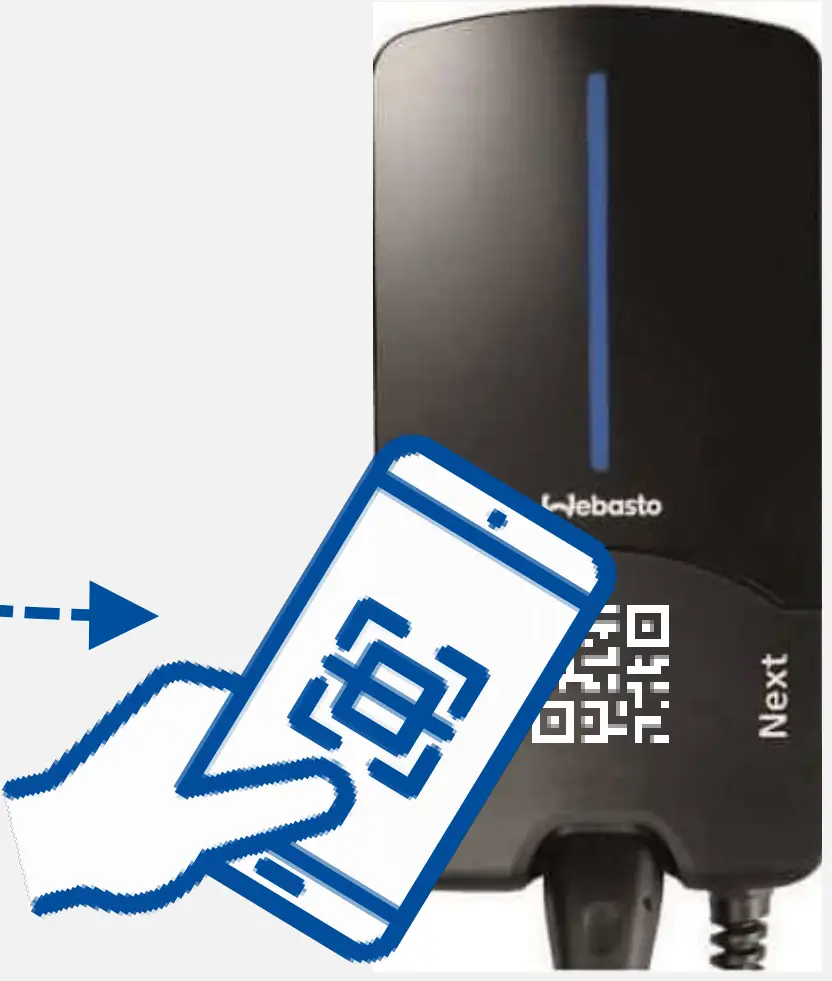
- Open Charge

- Scan the QR Code

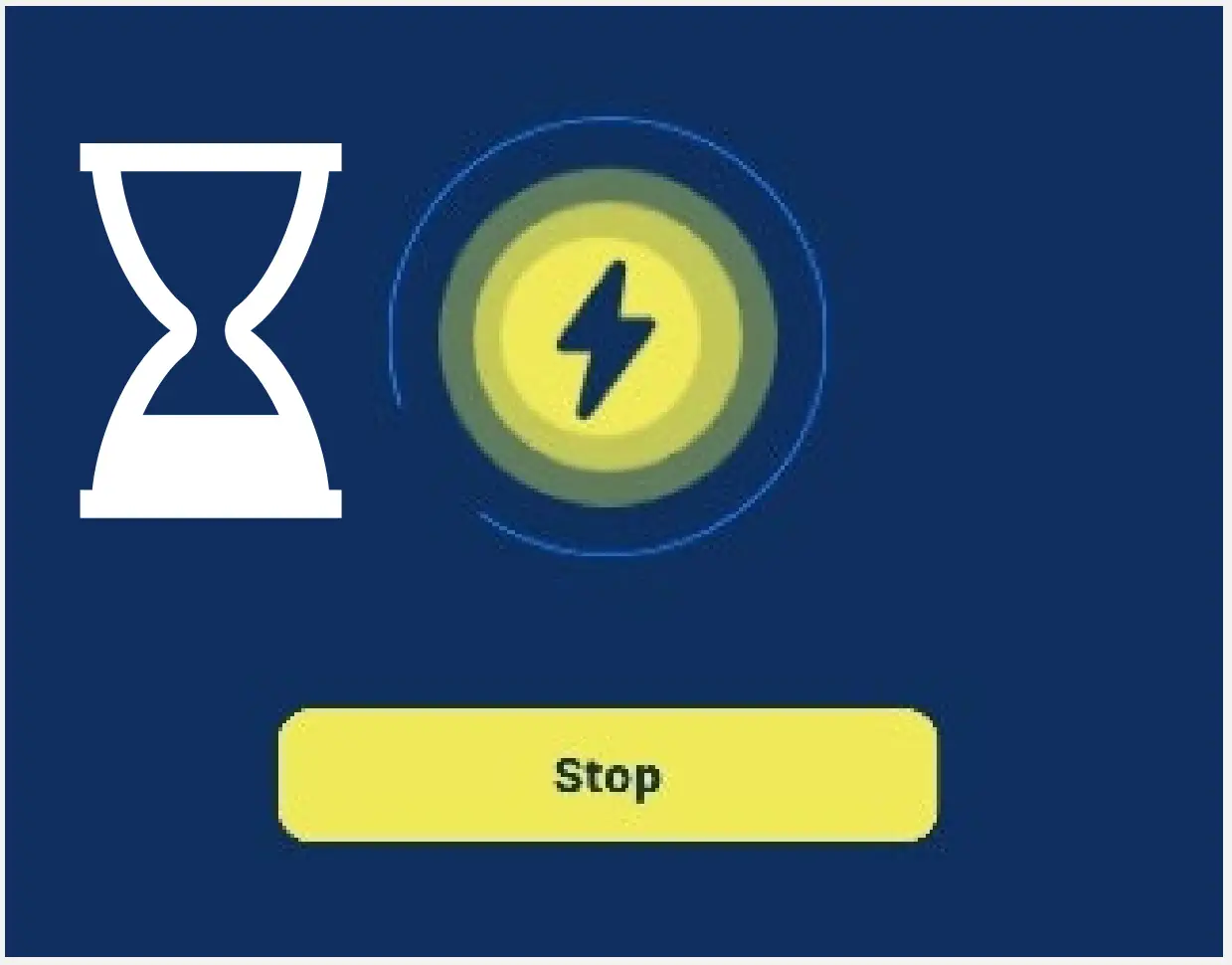
- Wait a moment

- Charging process is displayed on dashboard


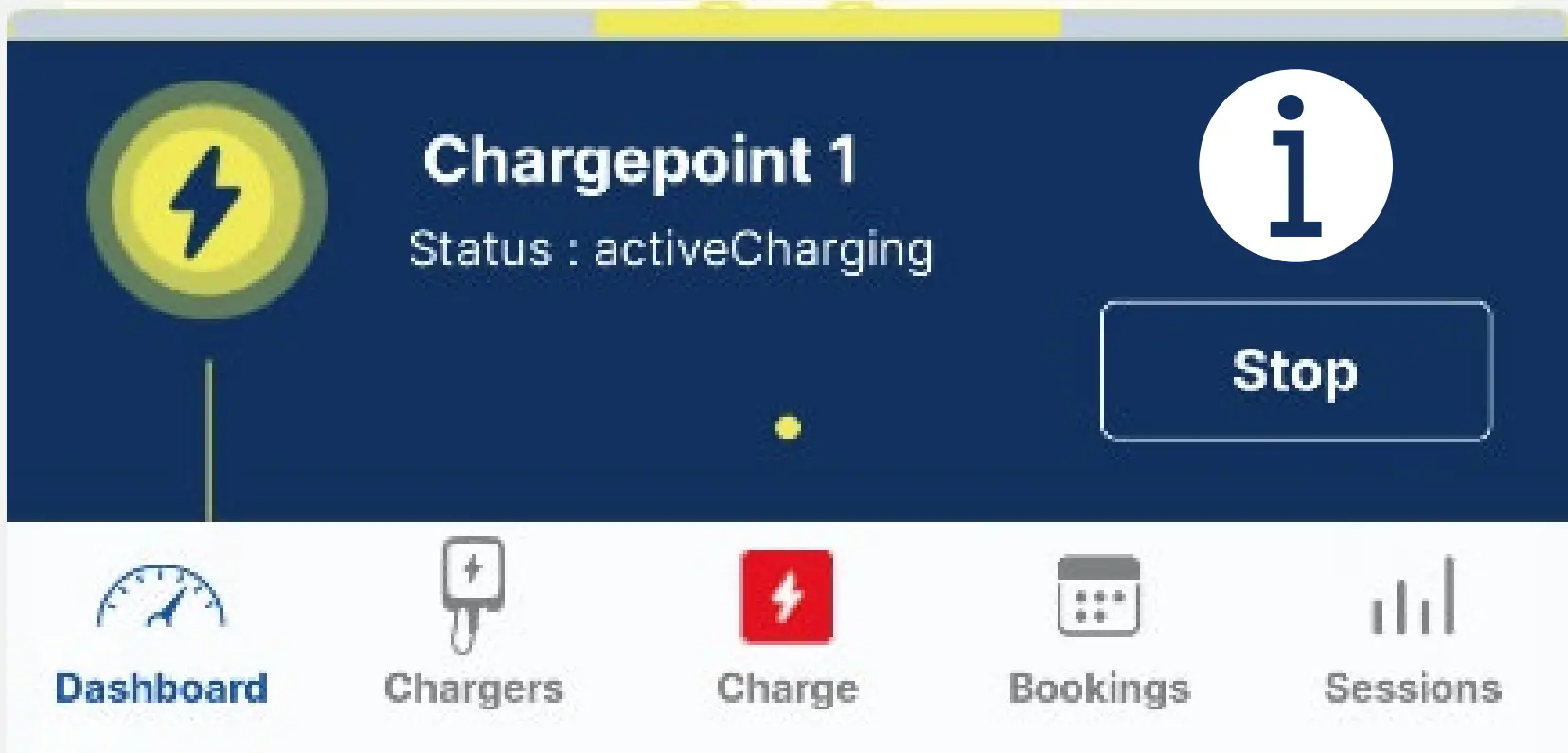
Start a charging session by 1-cick remote command
- Open Charge

- Select your charging station

 The charging station must be set as a favorite in the Chargers menu under the Residentials tab
 - Confirm the start and wait a moment

- Charging process is displayed on dashboard


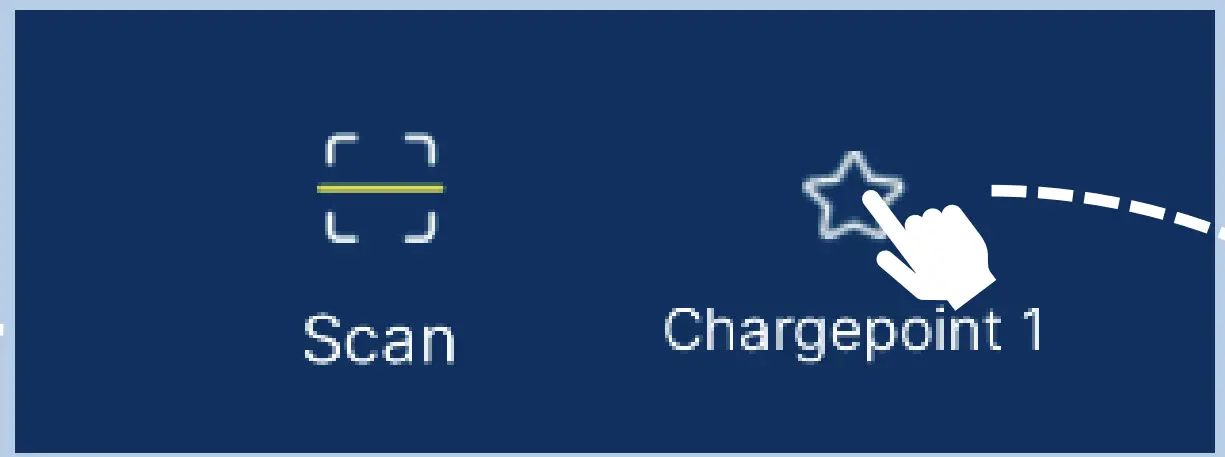
 The charging station must be set as a favorite in the Chargers menu under the Residentials tab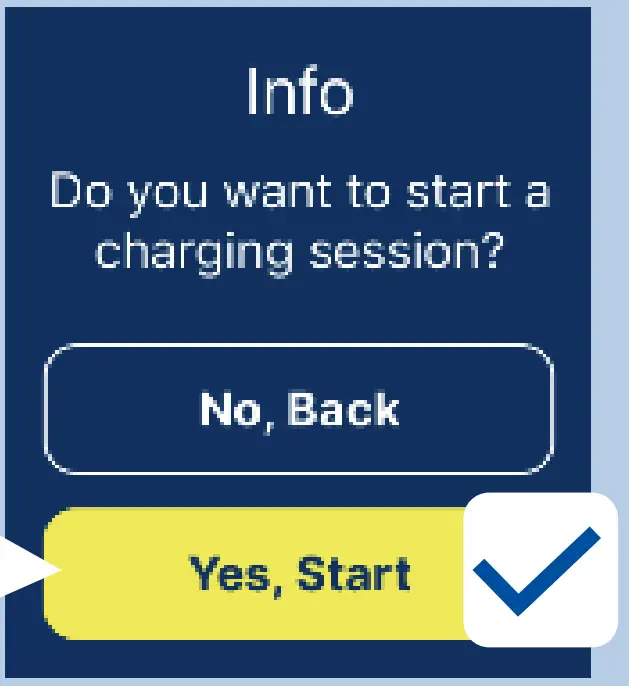
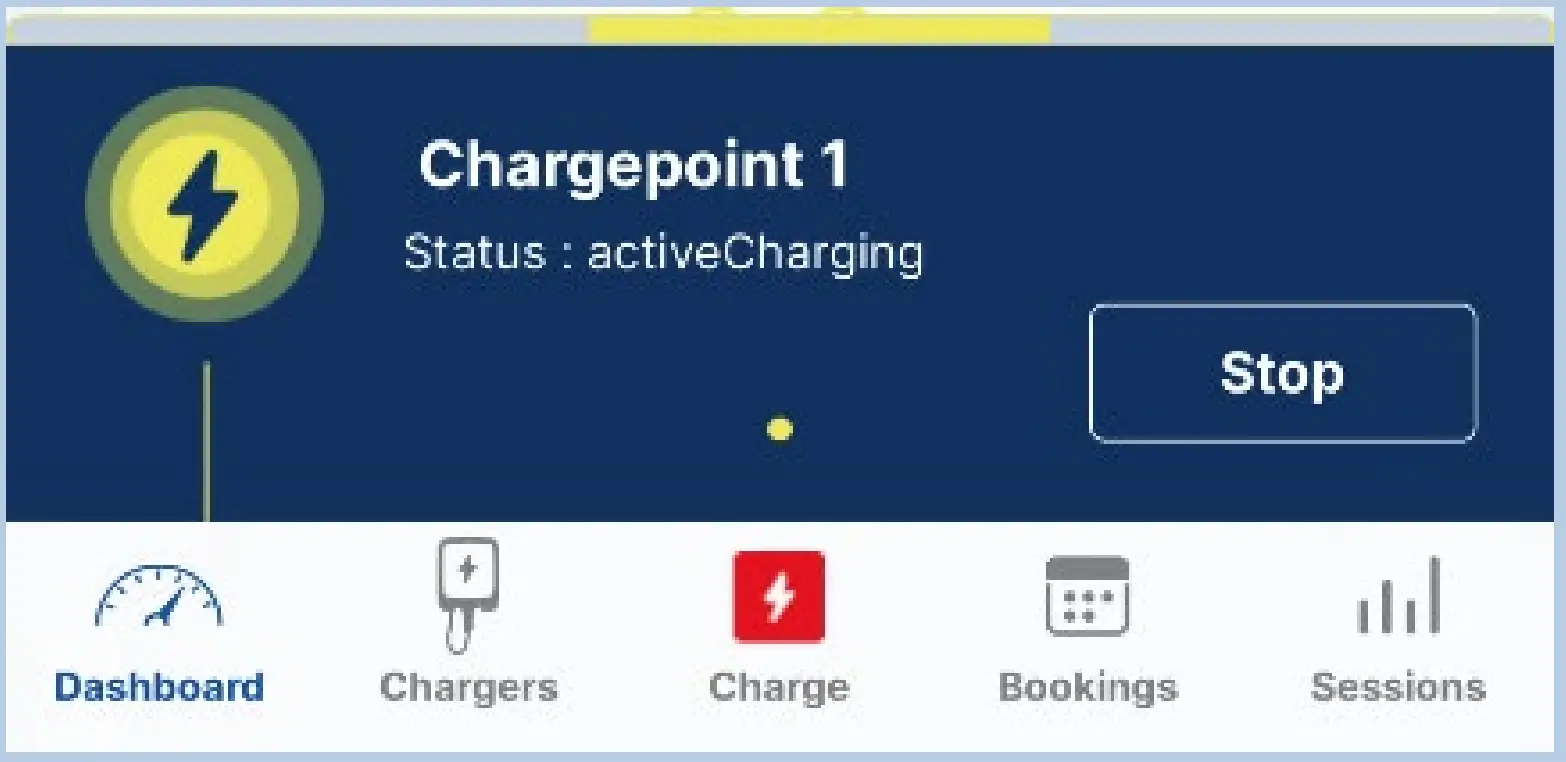
Support
Webasto Thermo & Comfort SE
Friedrichshafener Str. 9
82205 Gilching
webasto-charging.com
 EV Solutions | Electric Vehicle Charging Products & Services