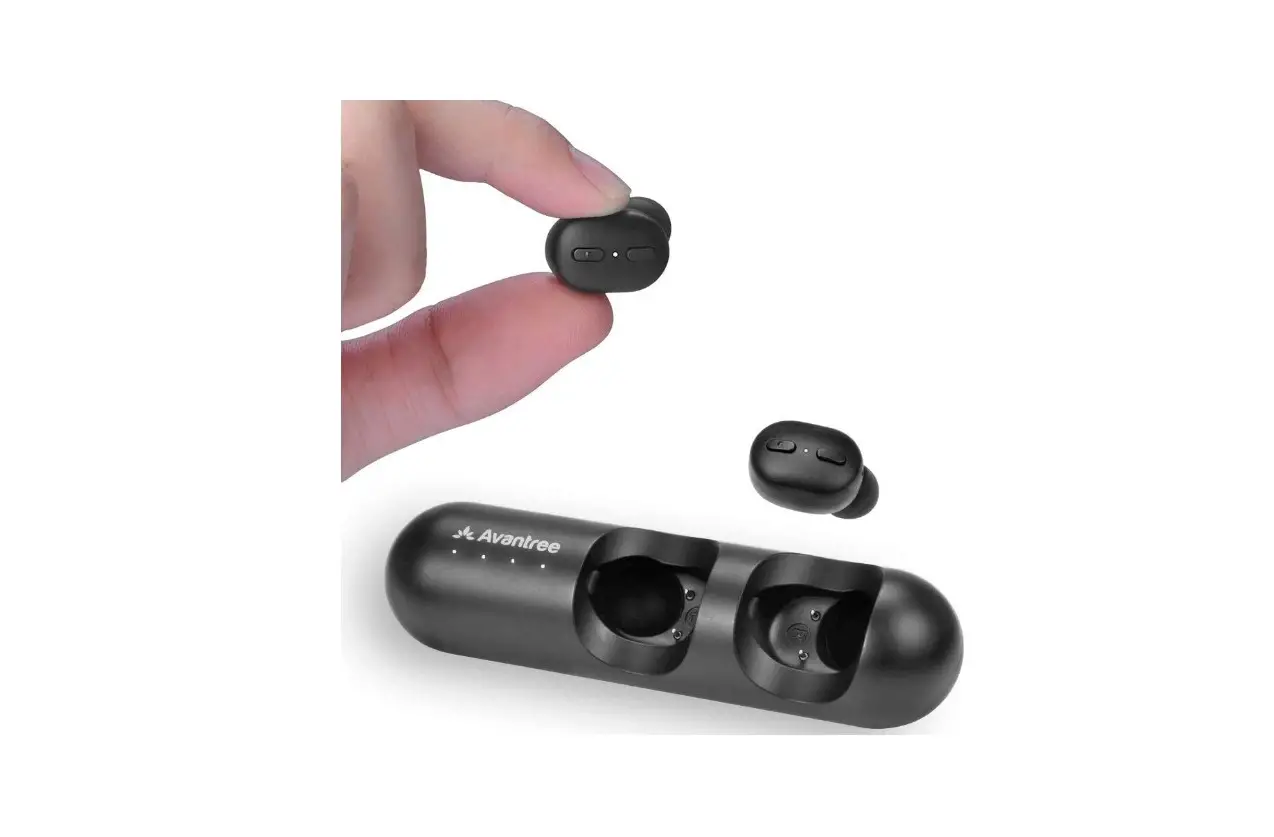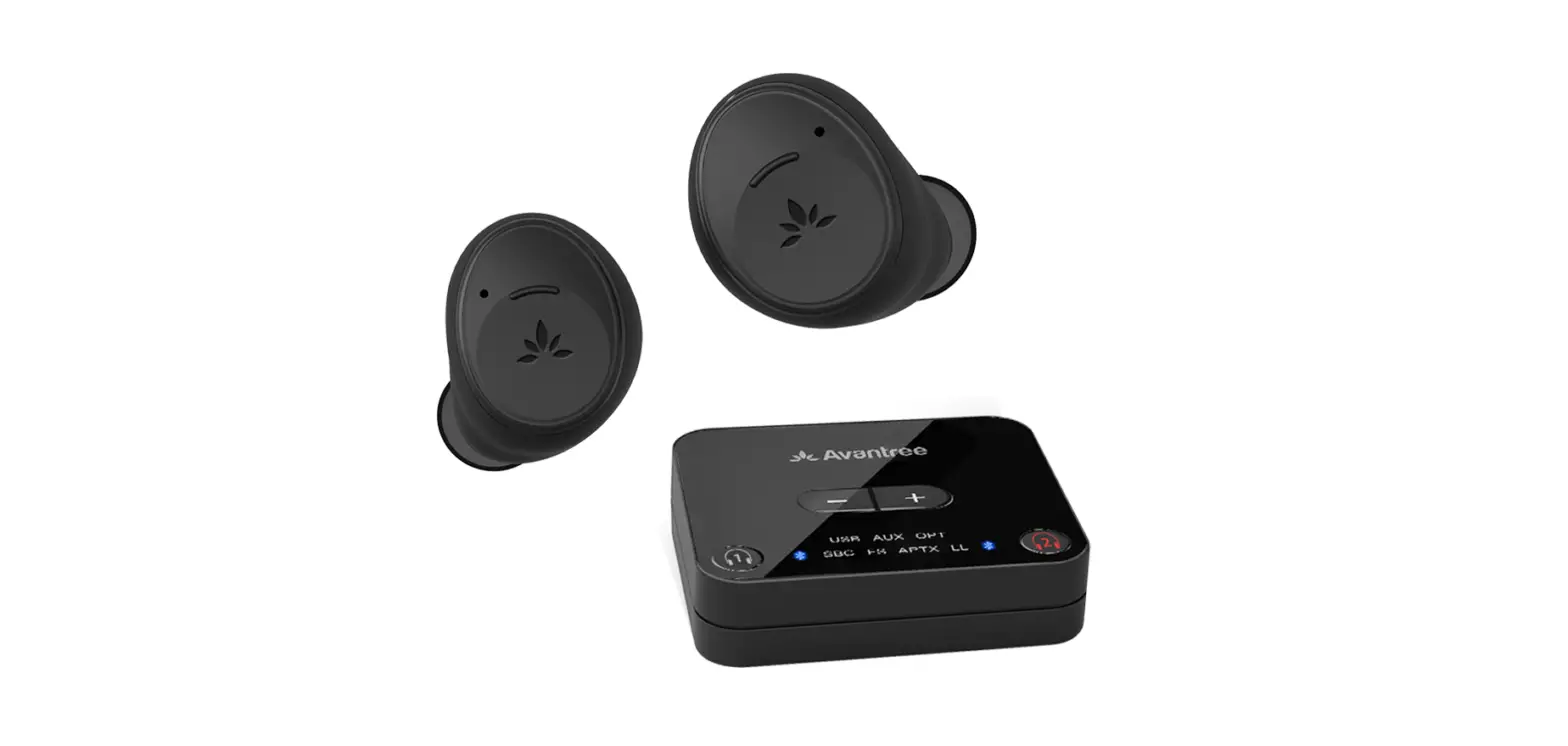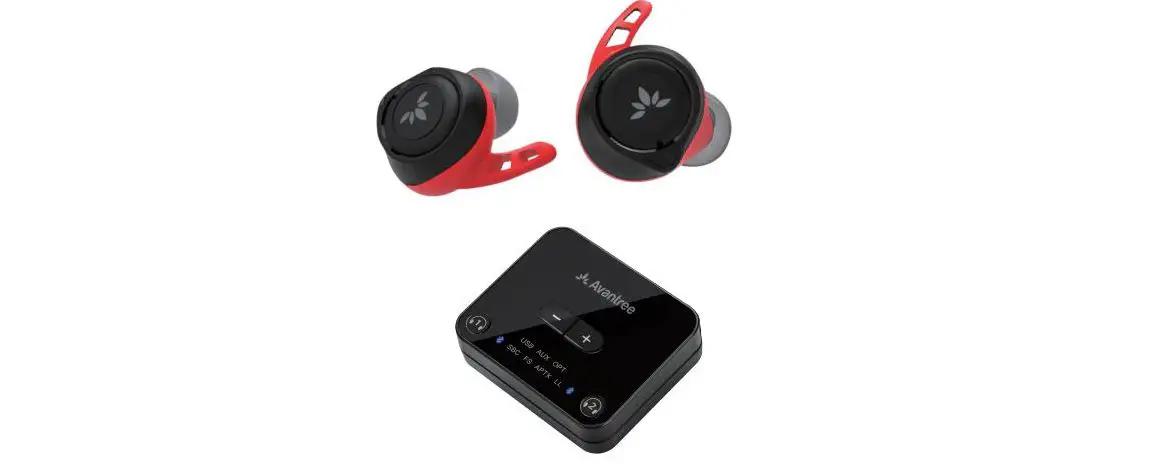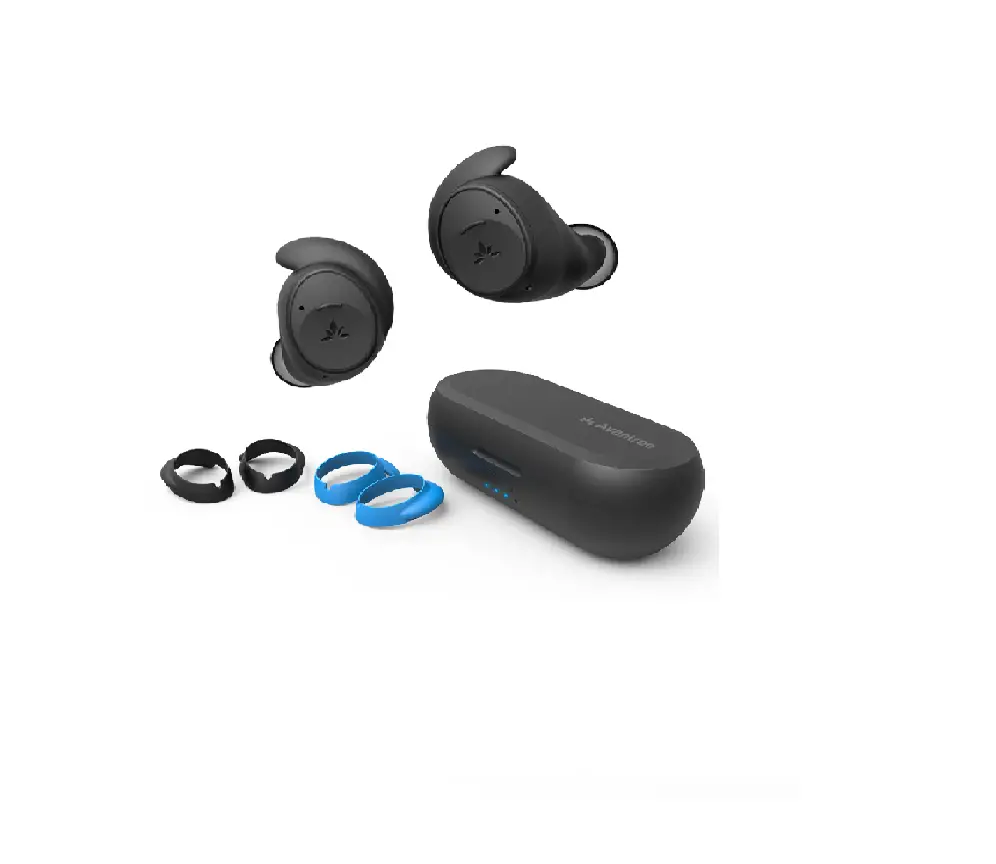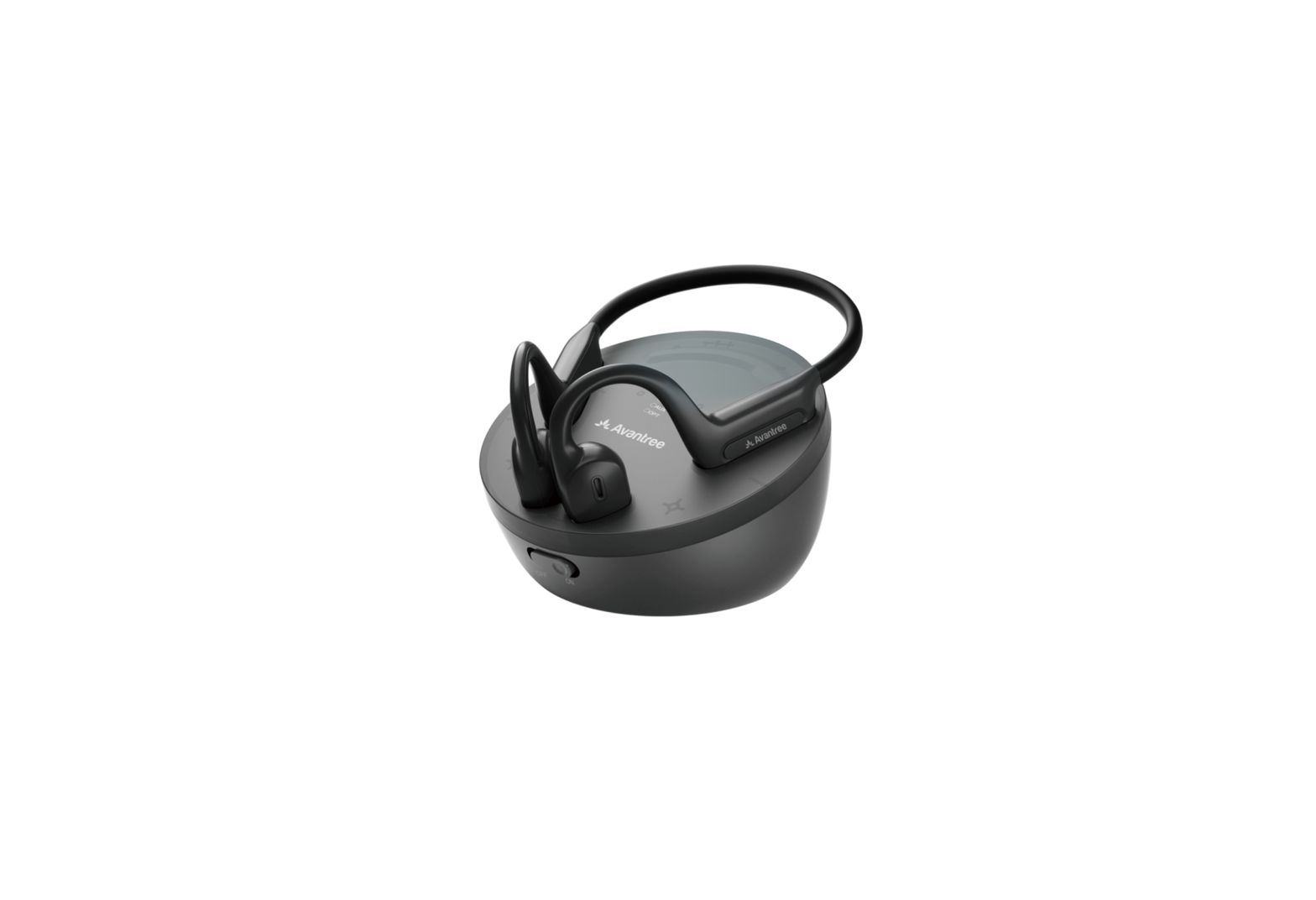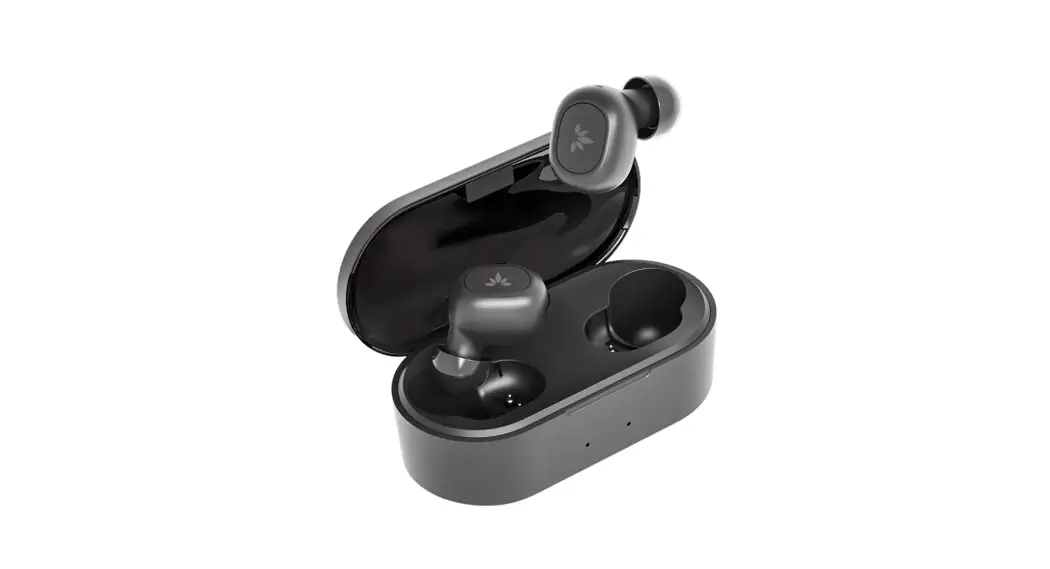

Avantree BTHT-TW130T Ace 130T Wireless USB Adapter Earbud Set
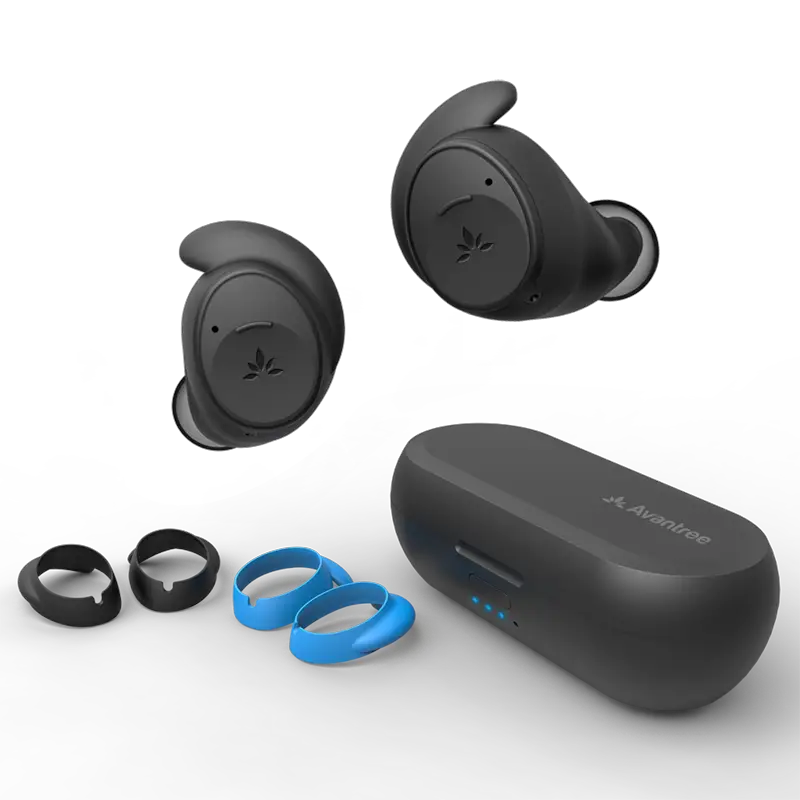
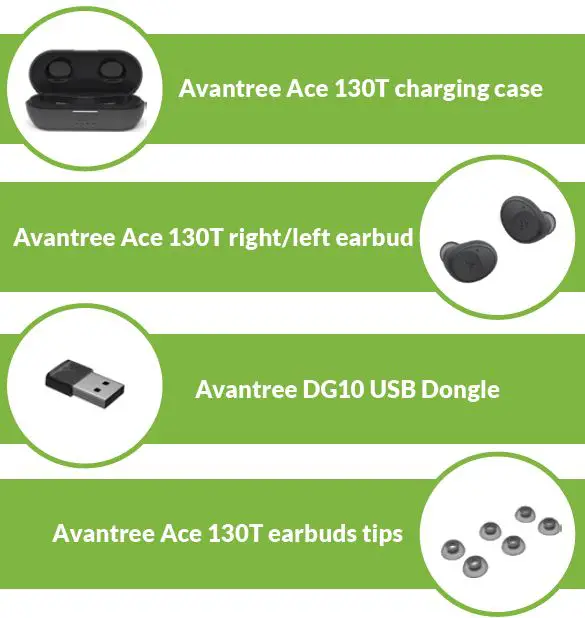
Box Contents
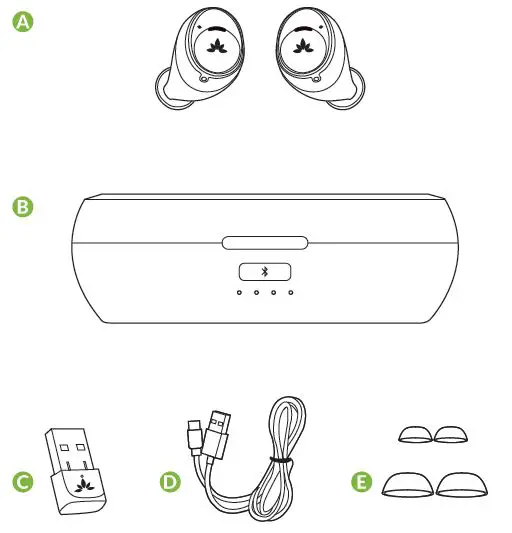
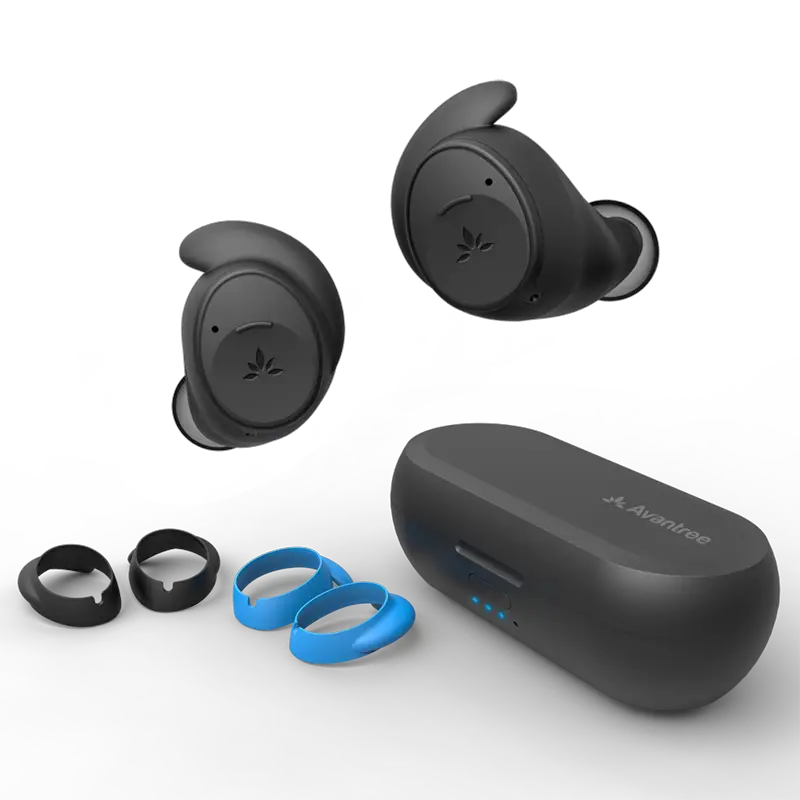
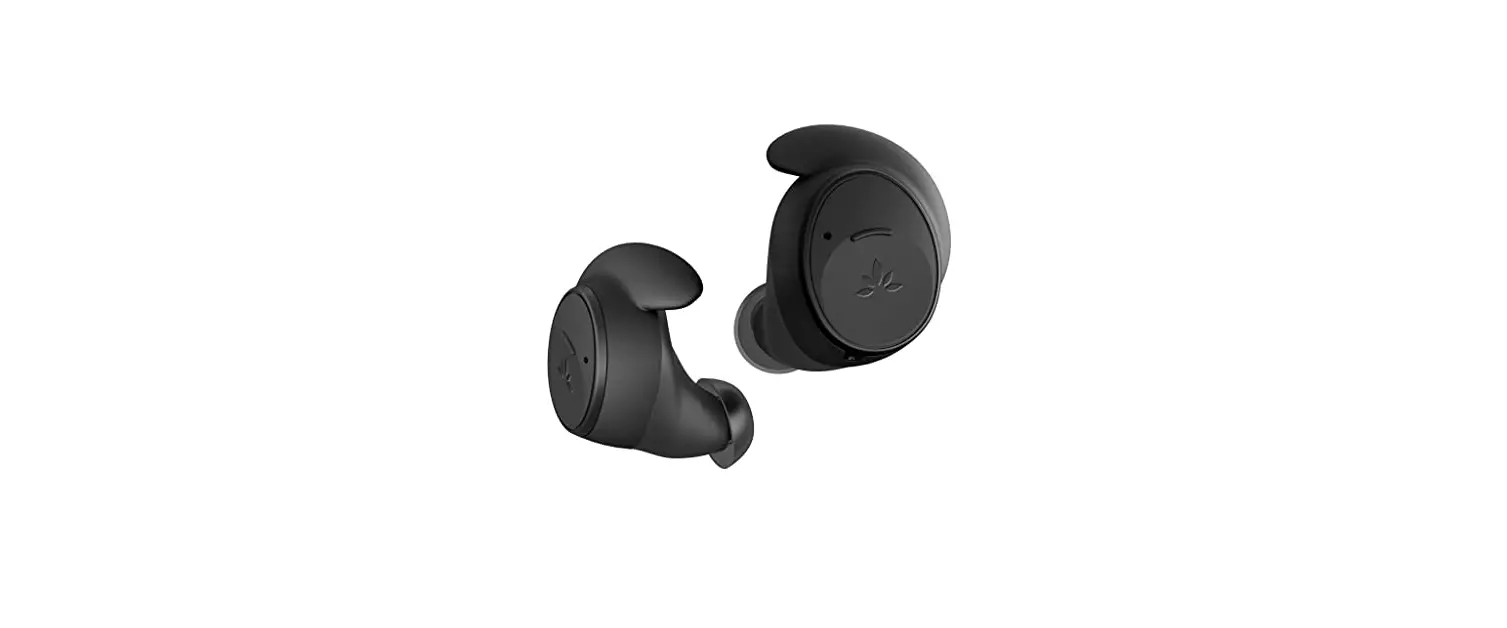
- A. Ace 130 Earbuds
- B. DG10 USB Dongle
- C. 2 Sets of Earbud Tips (L/S)
- D. Charging Case
- E. USB Type C charging cable
Charge
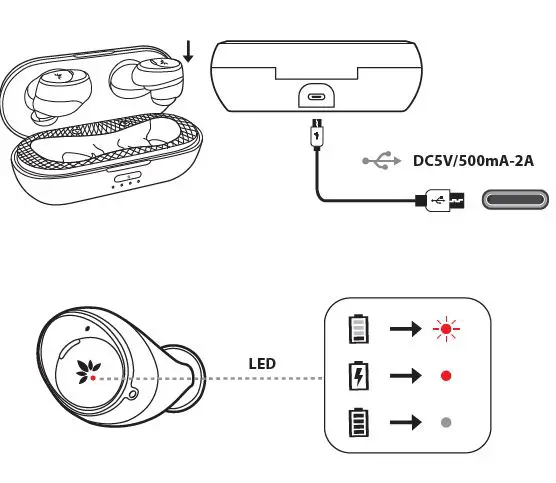
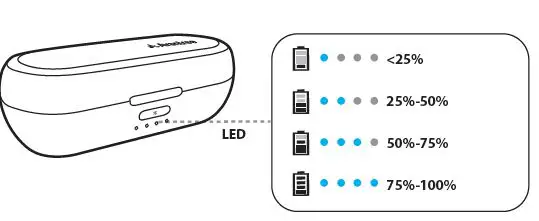
It takes about 1 hour to fully charge the earbuds and 1.5 hours for the case.
Set Up
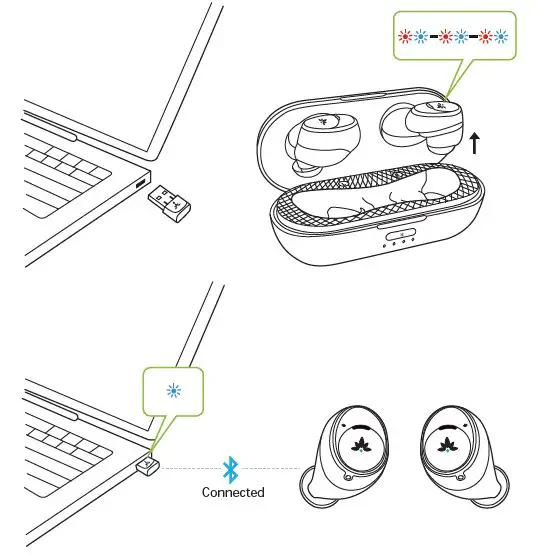
For first-time use, plug in the DG10 dongle to your PC and remove the earbuds from the charging case; they will enter pairing mode automatically. Wait for them to connect to each other; the LED on the DG10 will turn solid BLUE, and you will hear the voice prompt from the earbuds say, “connected.”
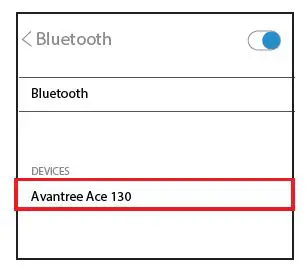
Using your Ace 130 earbuds with other mobile devices
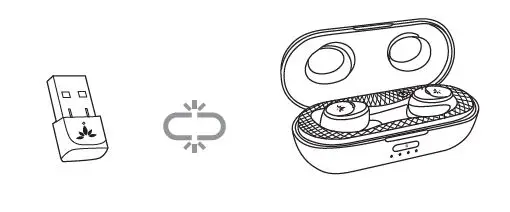
First ensure Ace 130 earbuds are disconnected from the dongle e.g. unplug the dongle from the computer.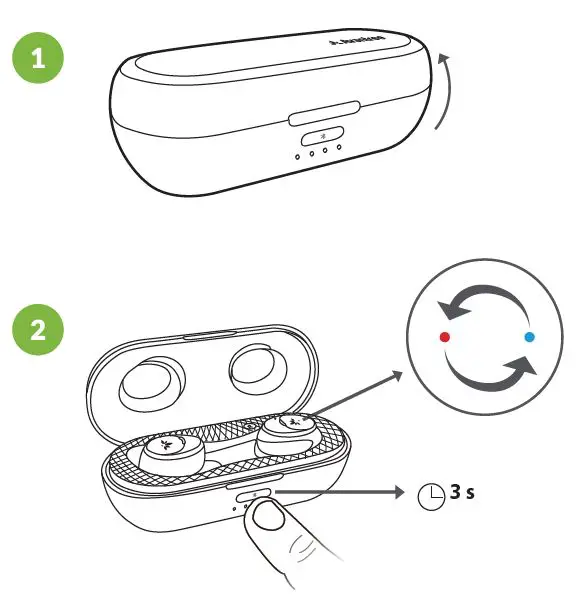
Accessories
Have Questions?We’re Here to Help.
- www.avantree.com/support
- [email protected]
- USA/CA: 1-800-232-2078
Check your warranty card for your local region - Ask us about getting a free charger
 Support Center | Avantree