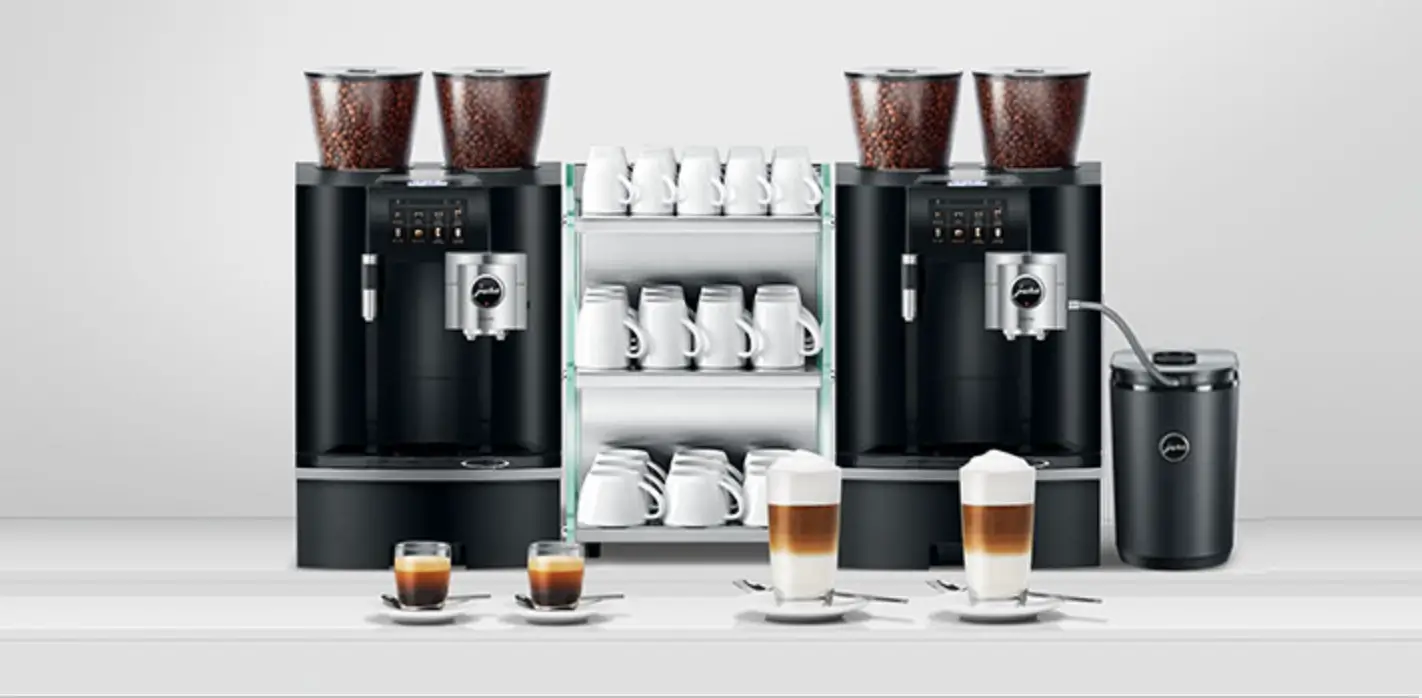
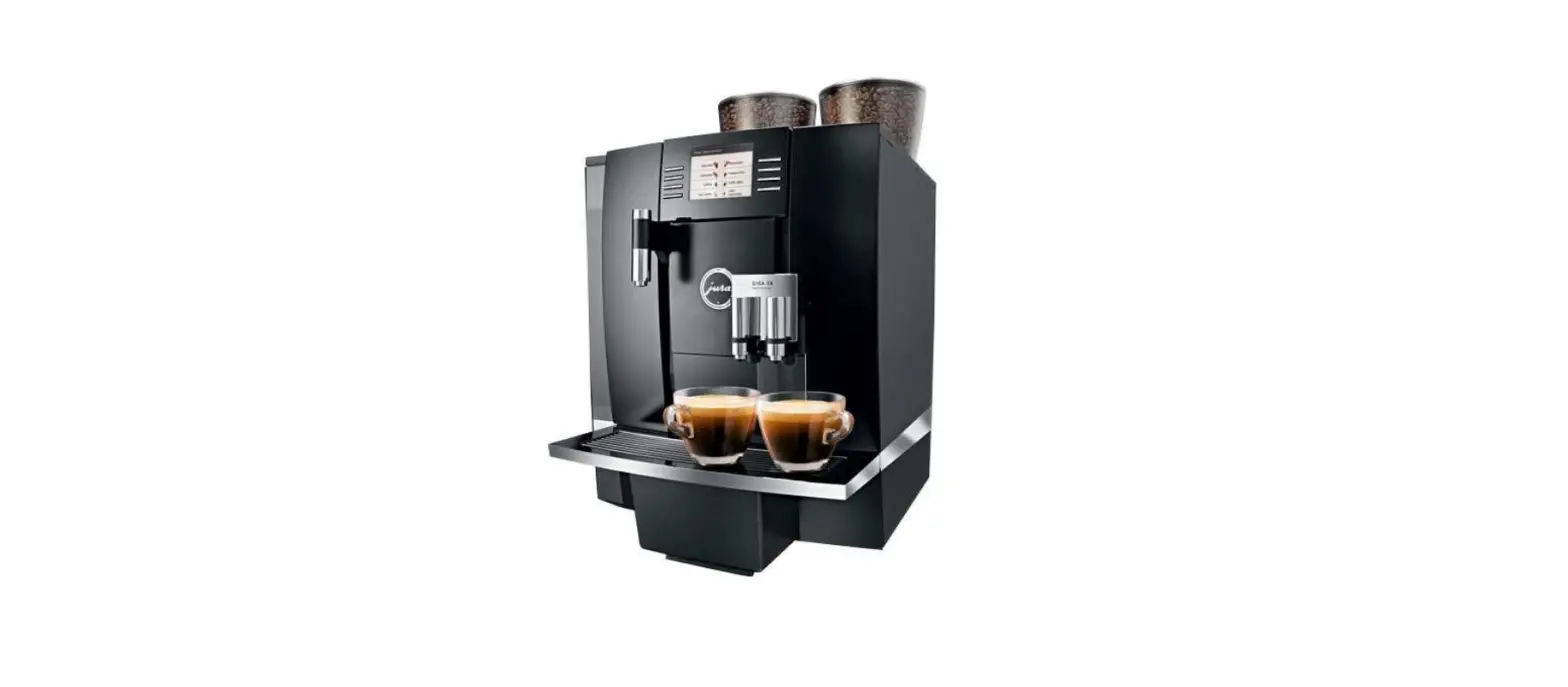
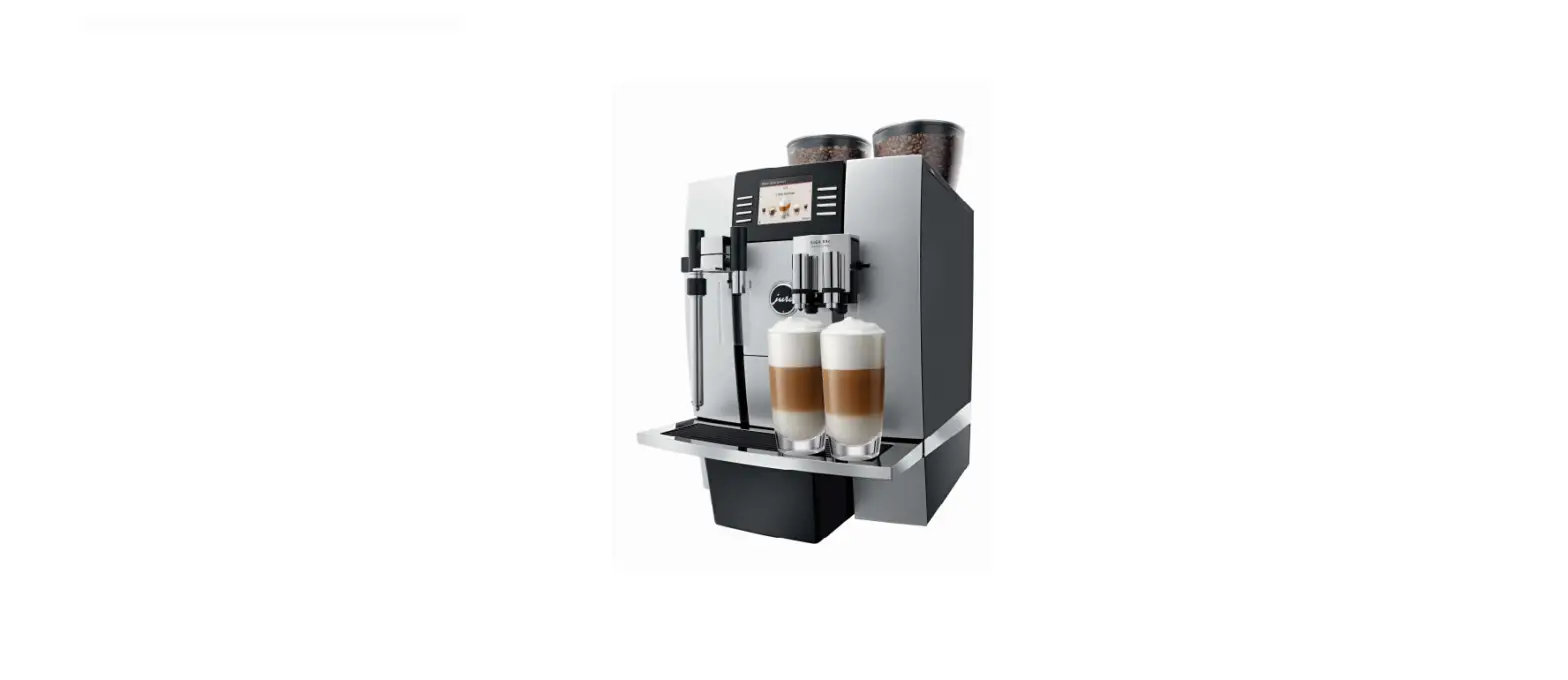
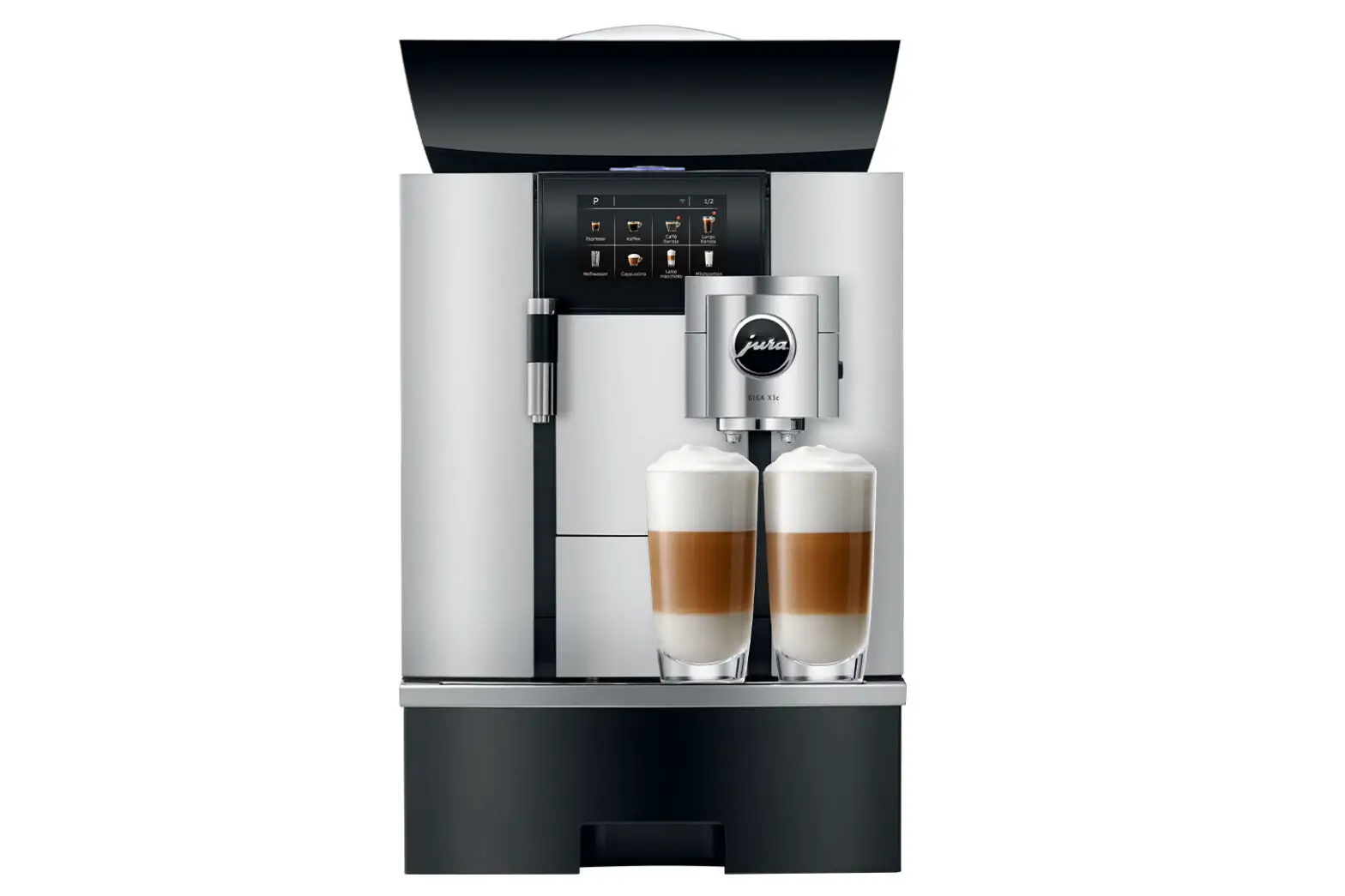
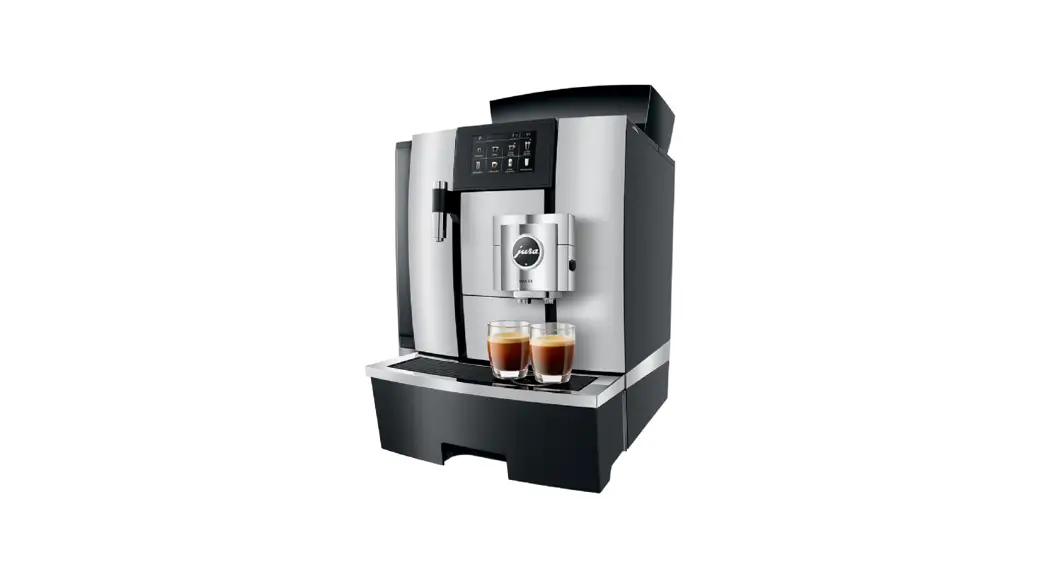
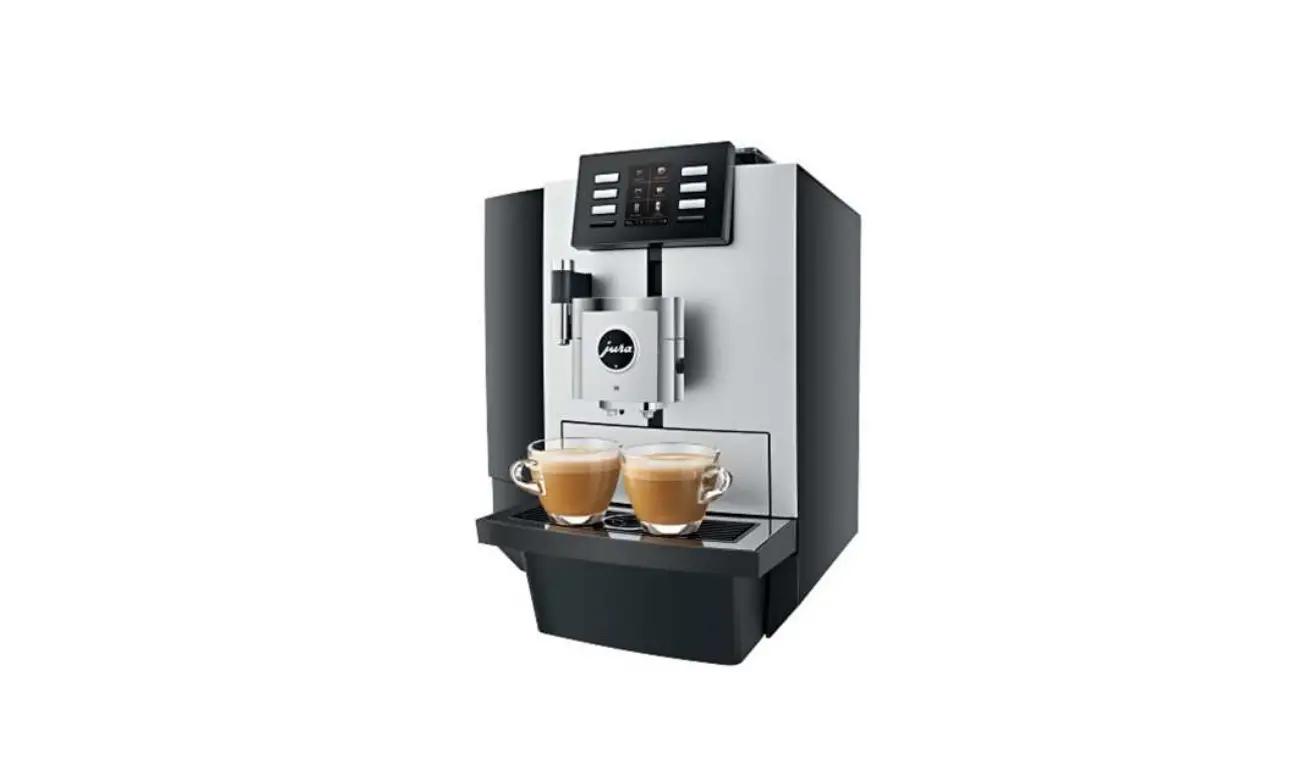
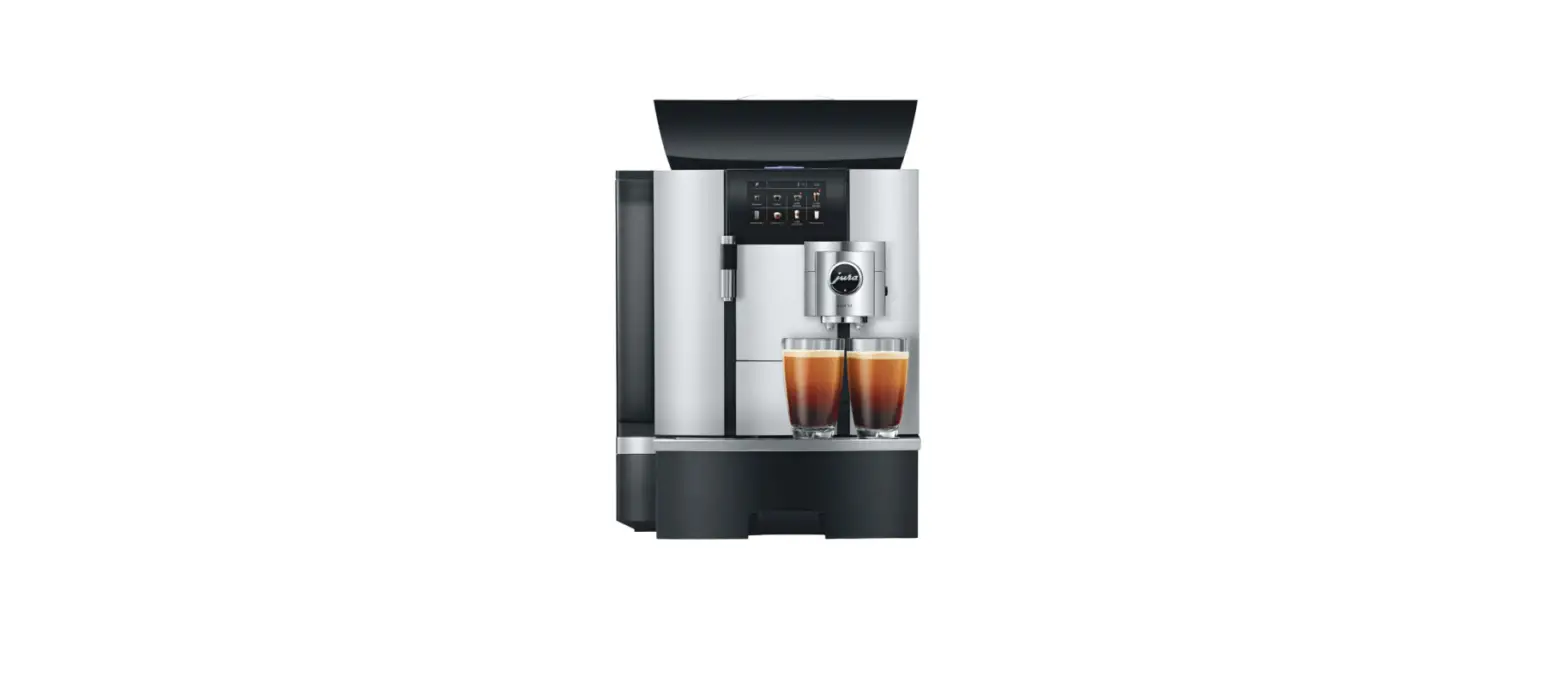
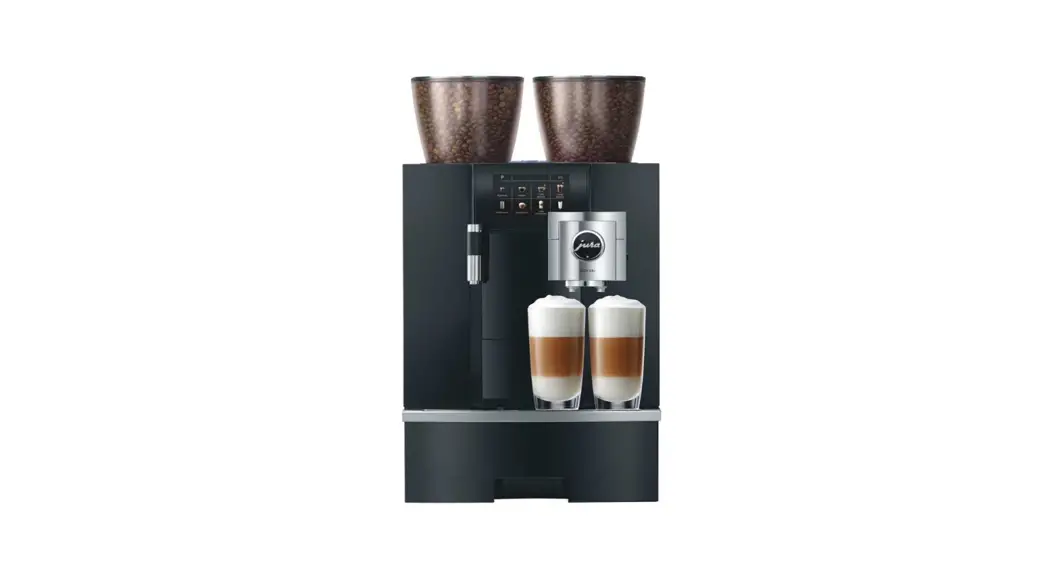
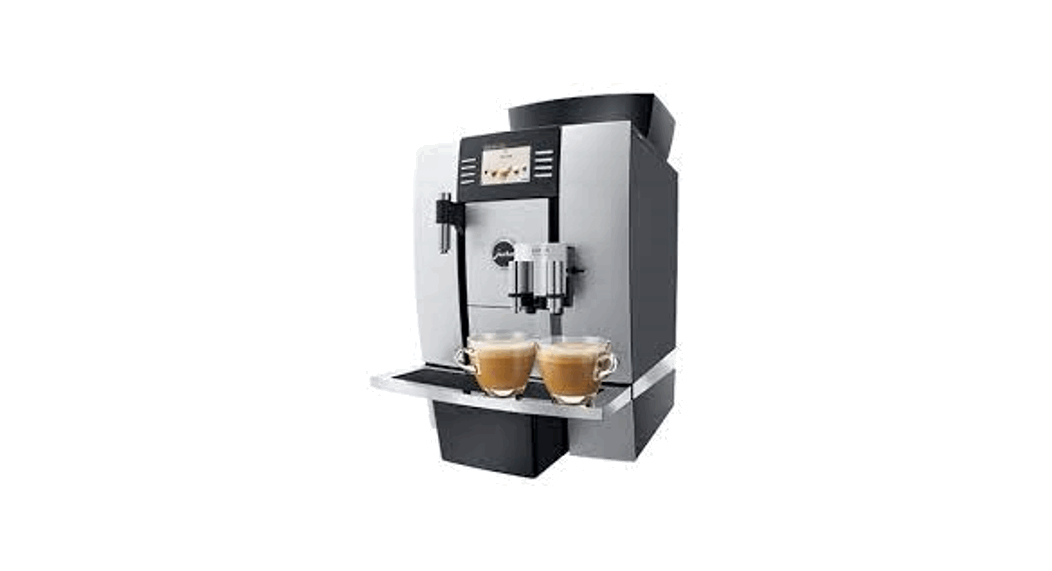
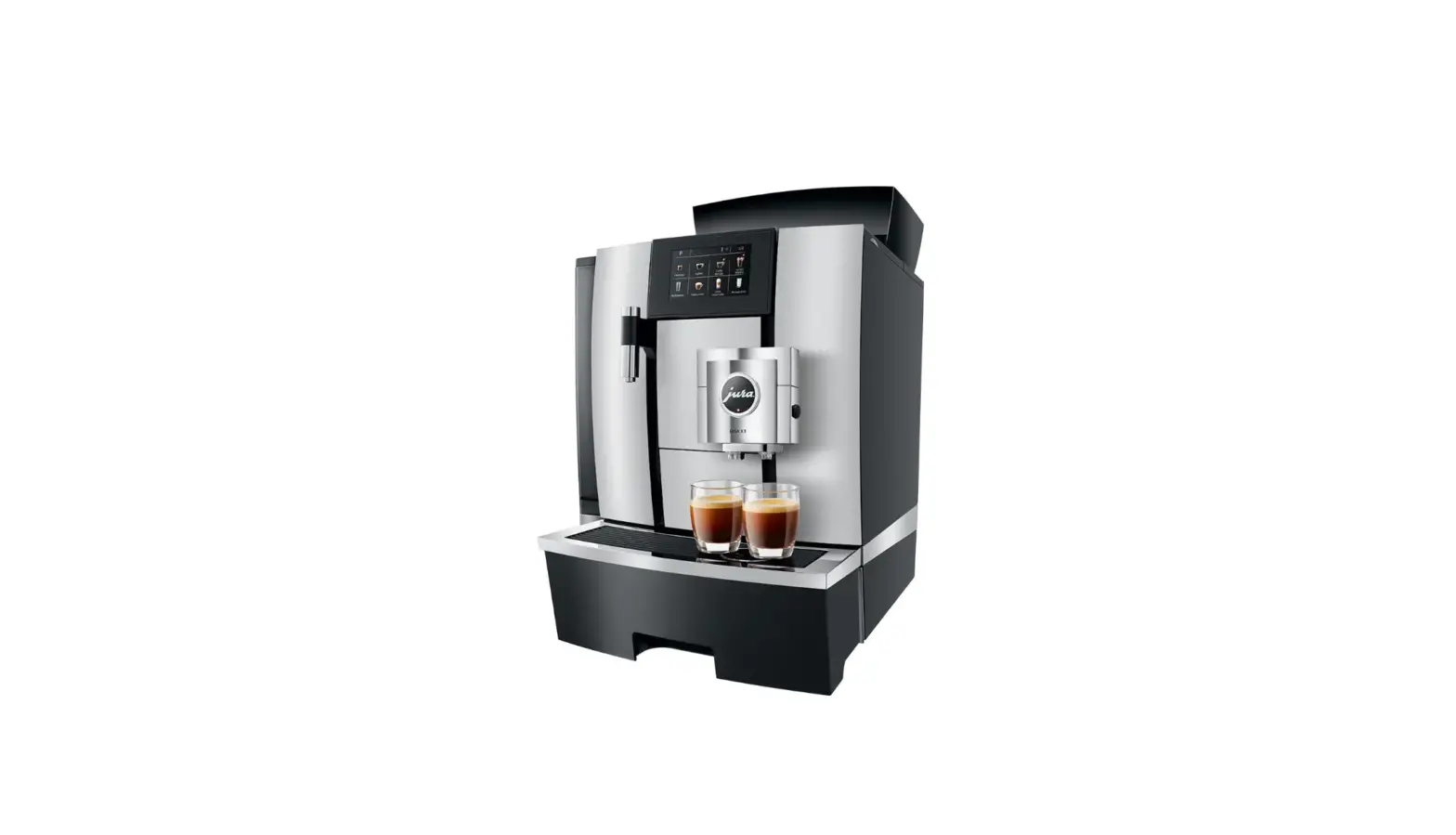
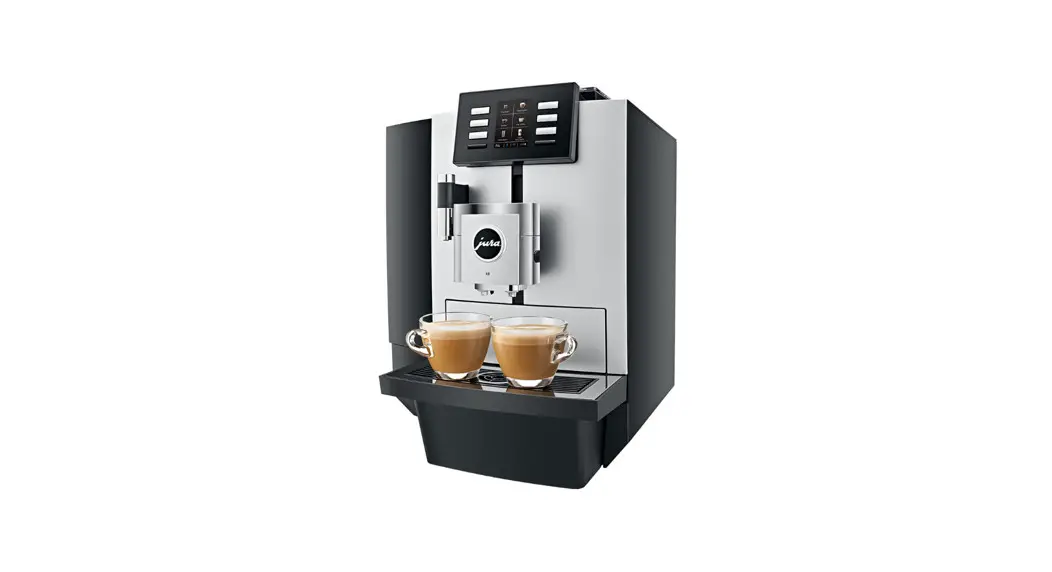
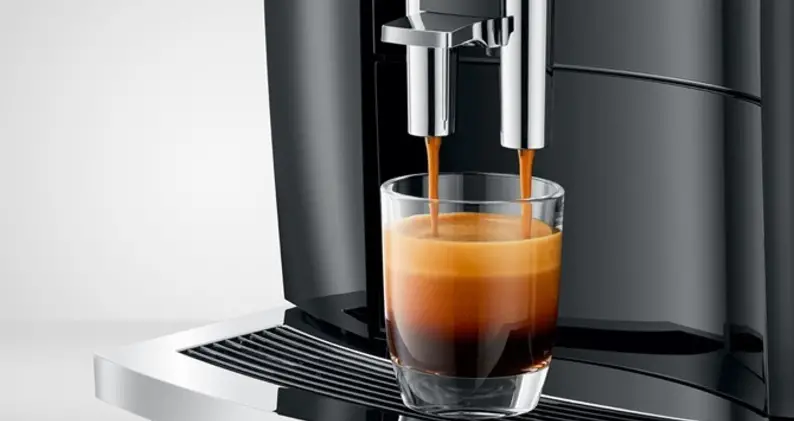
GIGA X8 Coffee Machine
Product Information: GIGA X8
The GIGA X8 is an advanced coffee machine that requires a filter
cartridge for optimal performance. The filter cartridge recommended
for this machine is the CLARIS Pro Smart (Art. 72819).
It is important to note that these short instructions provided
do not replace the full ‘GIGA X8 Instructions for Use’ manual. It
is crucial to read and observe all safety information and warnings
before using the product to avoid any hazards.
When it comes to changing the filter, it is recommended to
follow the below steps:
- Ensure you have the required equipment: Filter cartridge CLARIS
Pro Smart 1 item (Art. 72819) - Precondition: ‘Change the filter’ 7 11 2 21 J (not sure what
this means, refer to the full manual for clarification) - Press the ‘Display’ button on the machine
- Click ‘Filter operation’ or ‘Saved’
- The machine will prompt ‘Filter is being rinsed’. Wait for this
process to complete - Once complete, the machine will prompt ‘Filter rinsing
complete’ - Ensure the drip tray is empty.
For any further assistance or troubleshooting, please refer to
the full ‘GIGA X8 Instructions for Use’ manual or contact customer
support.
JURA Elektroapparate AG, CH-4626 Niederbuchsiten,
www.jura.com
GIGA X8
Changing the filter
Equipment required: Filter cartridge CLARIS Pro Smart 1 item (Art. 72819)
Precondition: `Change the filter’ 7
11
2
21
J
These short instructions do not replace the `GIGA X8 Instructions for Use’. Make sure you read and observe the safety information and warnings first in order to avoid hazards.
31 `Display’
41
8
2
9
2
click 10
2
`Filter operation’ / `Saved’ `Filter is being rinsed’ `Empty drip tray.’
5
`Filter operation’ / `Filter rinsing complete’
61
2
201804
JURA Elektroapparate AG, CH-4626 Niederbuchsiten, www.jura.com
 JURA Coffee Machines: Latte Macchiato, Cappuccino, Espresso and Coffee - JURA USA