Multi-Use USB Temp Data Logger
User Manual
Product Introduction
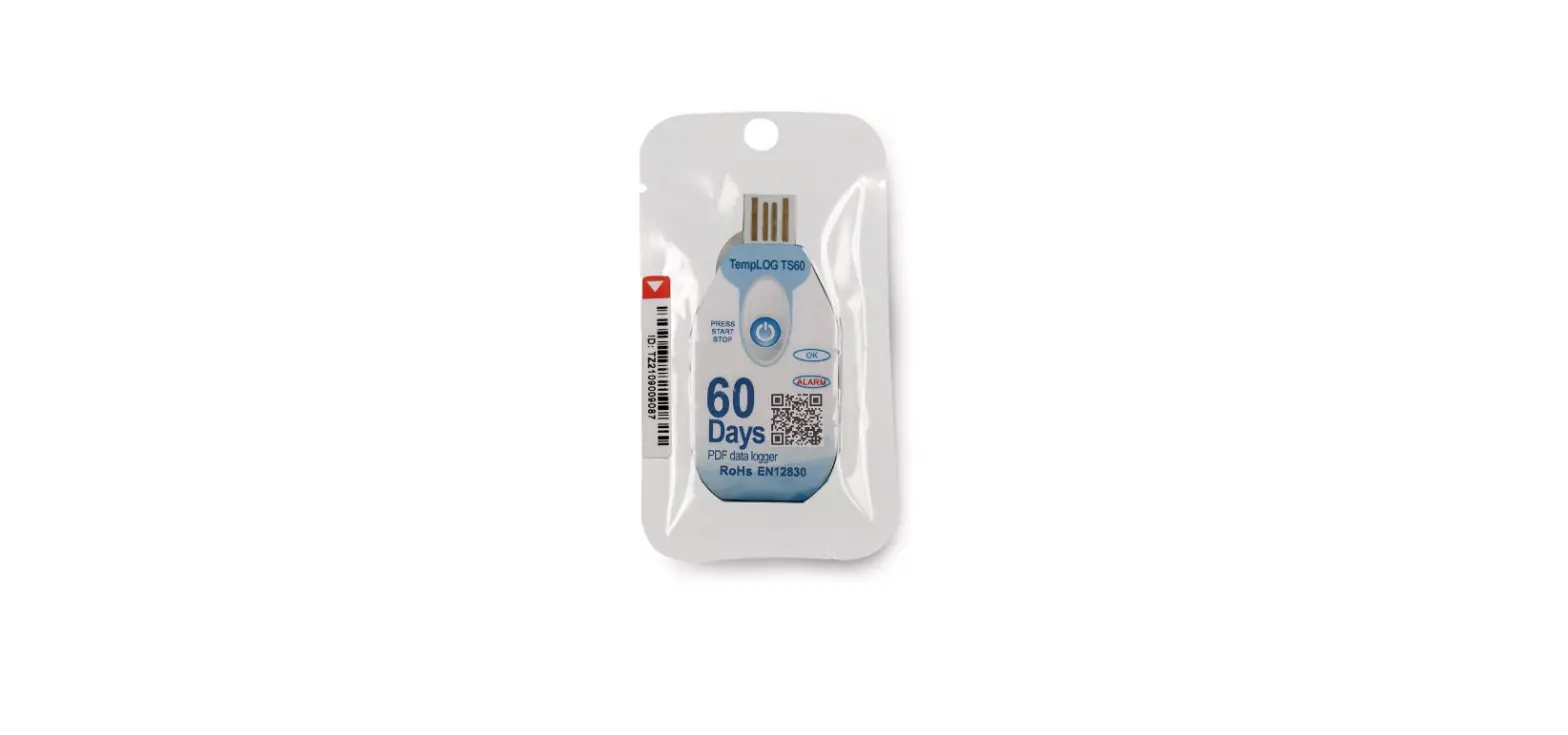
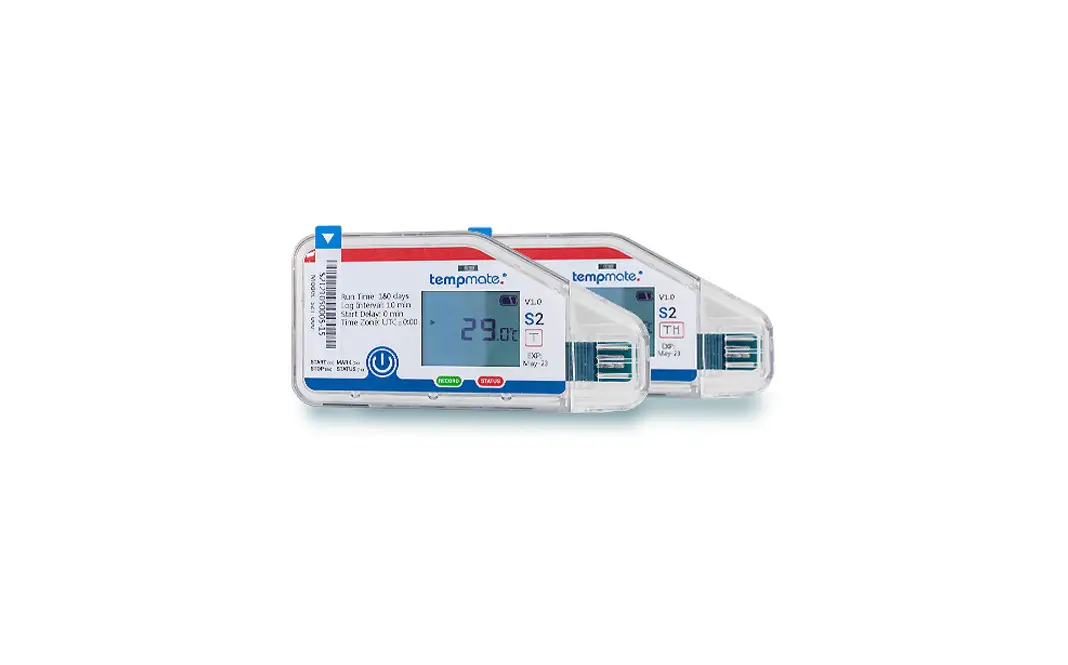
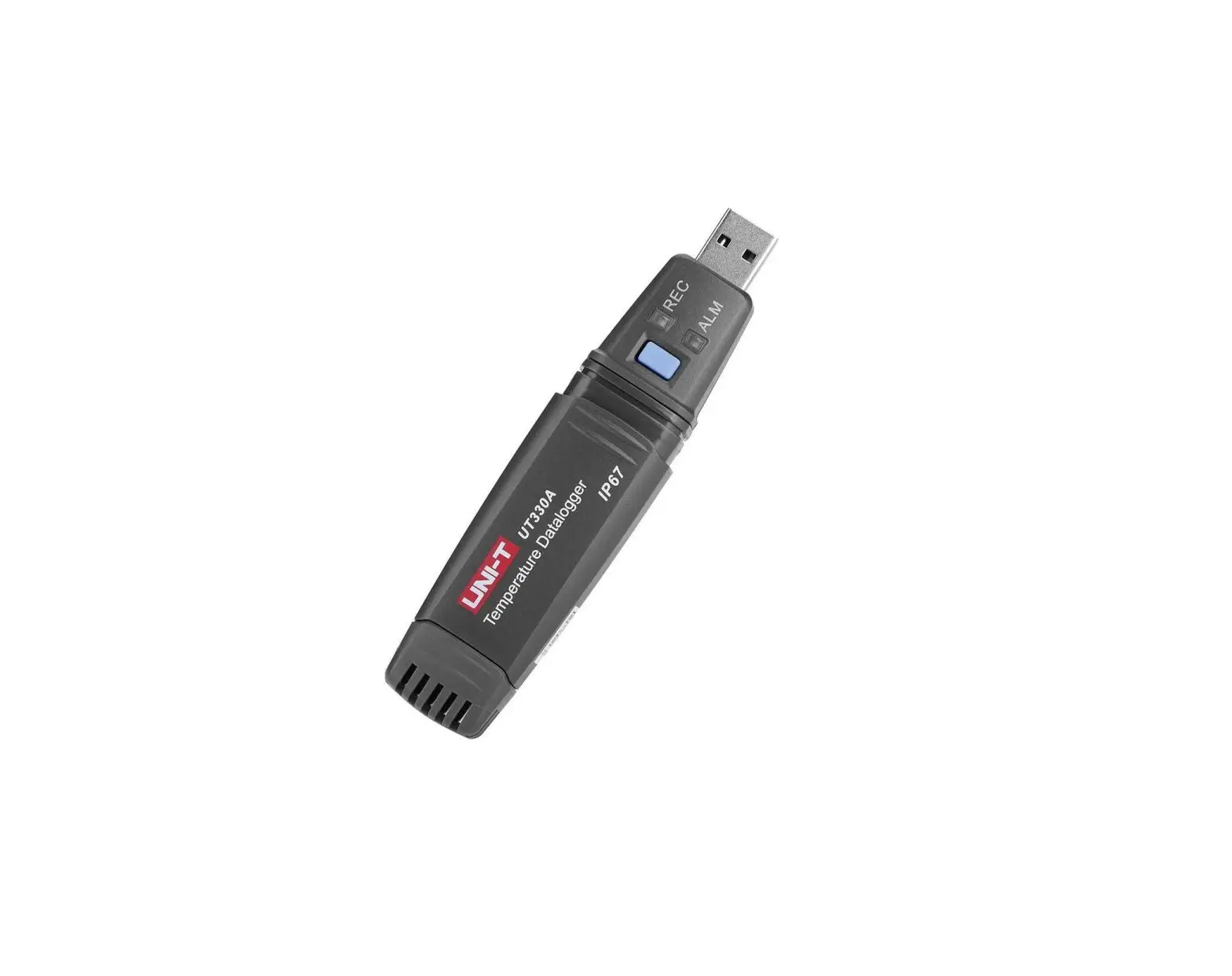
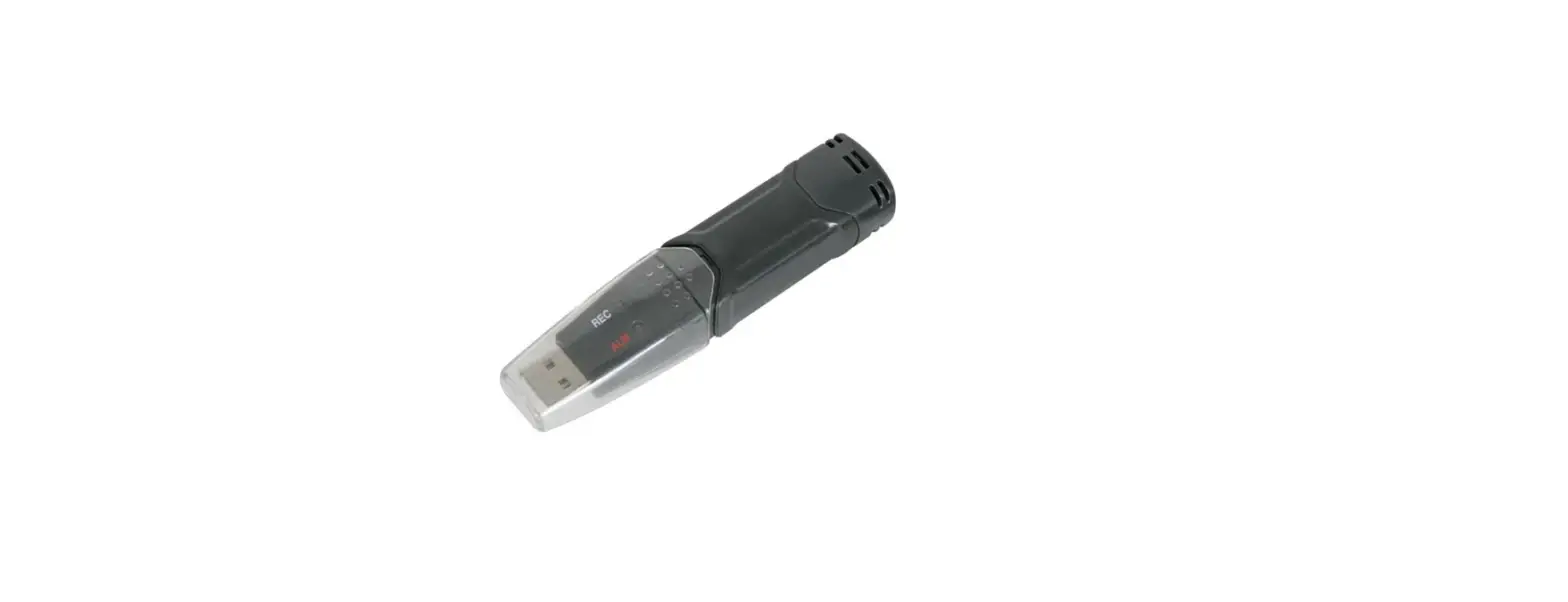
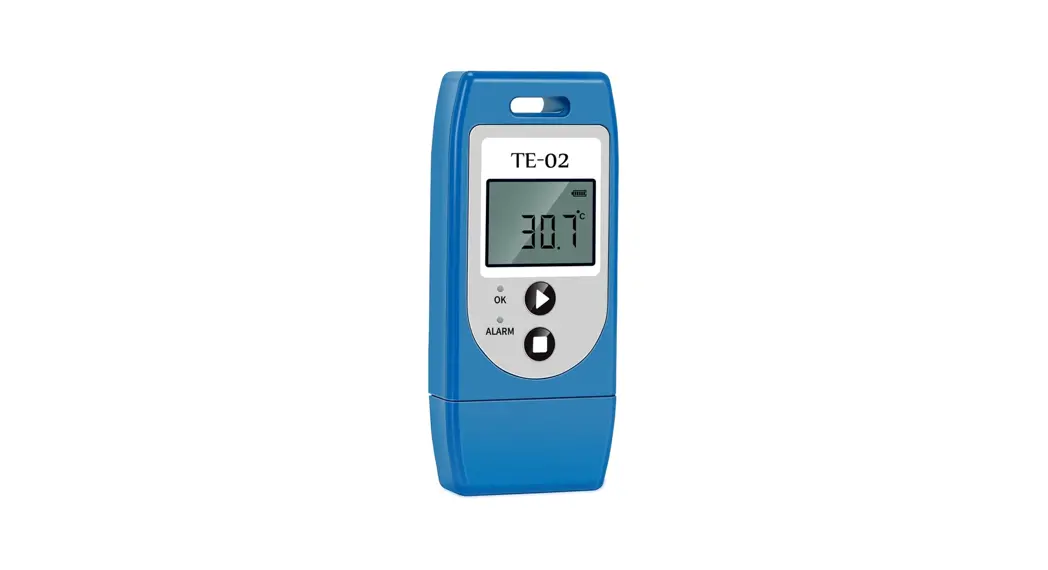
The device is mainly used to monitor the temperature of food, medicine, and other products during storage and transportation. After recording, insert it into the USB port of PC, it will automatically generate reports without any driver.
Main Features
- Multi-use temperature measuring and recording
- Widely measuring range, high accuracy, and large data memory
- Statistics available on the LCD screen
- No software is needed to generate PDF and CSV temperature report
- Parameter programmable by configuring software
Specification
| Item | Parameter |
| Temp Scale | ℃ or ℉ |
| Temp Accuracy | ±0.5℃(-20℃ ~ +40℃), ±1.0℃(other) |
| Temp Range | -30℃ ~ 60℃ |
| Resolution | 0.1 |
| Capacity | 32,000 readings |
| Startup Mode | Button or software |
| Interval | Optional Default: 10 mins |
| Start Delay | Optional Default: 30 mins |
| Alarm Delay | Optional Default: 10 mins |
| Alarm Range | Optional Default: <2℃ or >8℃ |
| Shelf Life | 1 year (replaceable) |
| Report | Automatic PDF and CSV |
| Time Zone | UTC +0:00 (Default) |
| Dimensions | 83mm*36mm*14mm |
| Weight | 23g |
How to use
a. Start Recording
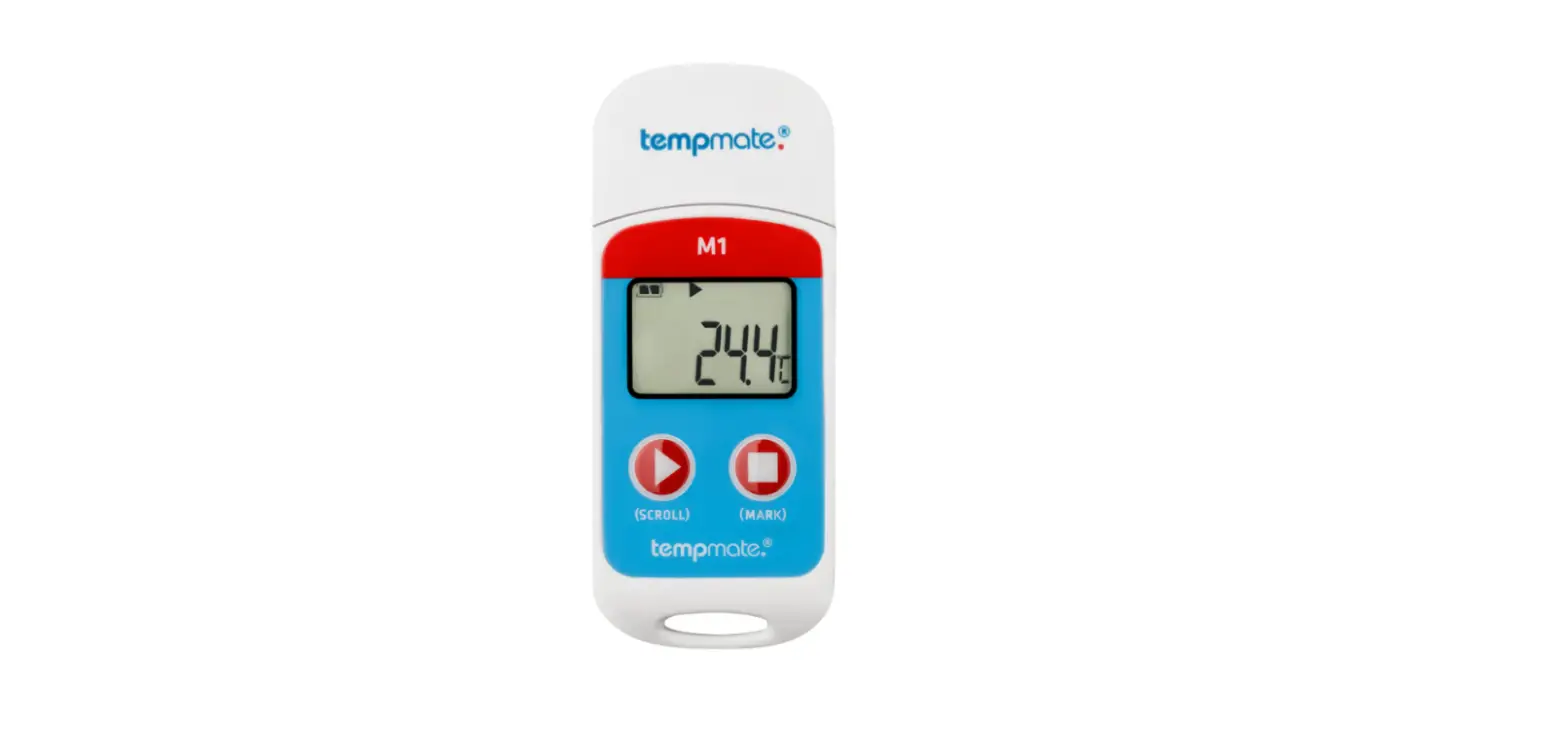
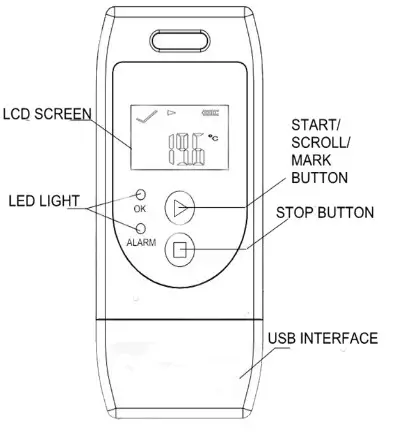
Press and hold the “▶ ” button for more than 3s until the “ OK” light is on and the “▶ ” or “WAIT” displays on the screen, which indicates the logger is started.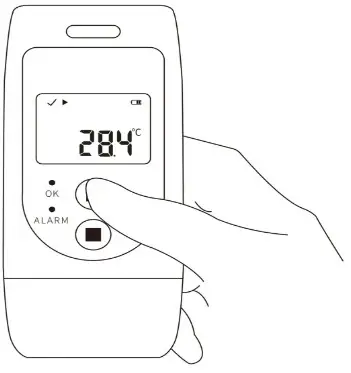
b. Mark
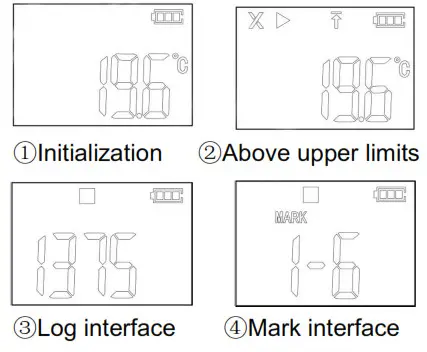
When the device is recording, press and hold the “▶ ” button for more than 3s, and the screen will switch to the “MARK” interface. The number of “MARK” will increase by one, indicating data was marked successfully.
(Note: One record interval can mark one time only, the logger can mark 6 times in one recording trip. Under the status of start delay, the mark operation is disabled.)
c. Page Turning
Shortly press “▶ ” to switch to a different display interface. The interfaces shown in sequence are respectively:
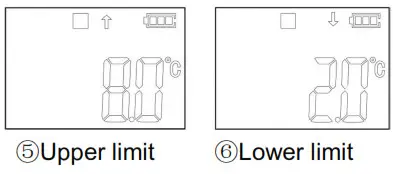
Real-time Temperature → LOG → MARK →Temperature Upper Limit →Temperature Lower Limit.
d. Stop Recording
Press and hold the “■” button for more than 3s until the “ALARM” light is on, and the “■” displays on the screen, indicating stopping recording successfully.
(Note: If the logger is stopped during the status of start delay, a PDF report is generated when inserted into PC but without data.)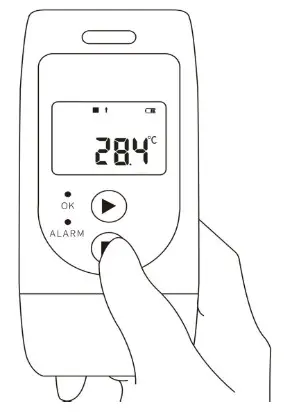
e. Get Report
After recording, connect the device with USB port of PC, it will automatically generate PDF and CSV reports.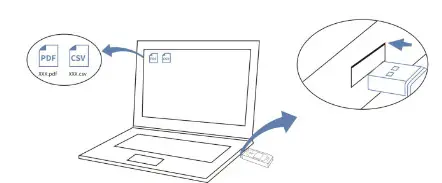
f. Configure The Device
Before start using the device, you also can connect it with a computer, and use configure the software to program it.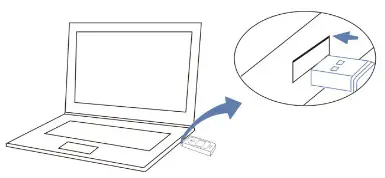
LCD Display Instruction
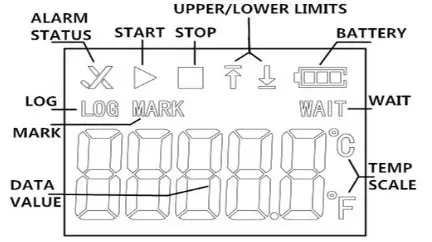
Note:
a. If the device is used for the first time or after re-configuration, the real-time temperature interface will be the initialization interface.
b. Real-time temperature interface is updated every 10s.
Real-time temp interface
| ▶ | Data logger is recording |
 | Data logger has stopped recording |
| WAIT | Data logger is in the status of start delay |
| √ | Temperature is within the limited range |
| “×” and “↑” light | Measured temperature exceeds its temperature upper limit |
| “×” and “↓” light | Temperature exceeds its temperature lower limit |
Battery Replacement
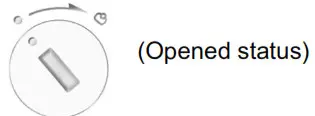
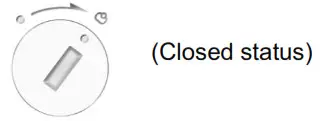
- Turn the battery cover counterclockwise to open it.

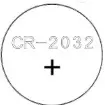
- Put in a new CR2032 button battery, with the negative inward.

- Turn the battery cover clockwise to close it.

Battery Status Indication
| Battery | Capacity |
 | Full |
 | Good |
 | Medium |
 | Low(please replace |
Precautions
- Please read the manual carefully before using the logger.
- It is recommended to check the battery status before restarting the logger to ensure that the remaining battery capacity could finish the recording task.
- The LCD screen will be off after 10 seconds of inactivity. Please press the “▶ ” button to lighten it.
- Never dismantle the battery. Do not remove it if the logger is running.
- Replace old battery with a new CR2032 button cell with the negative inward.