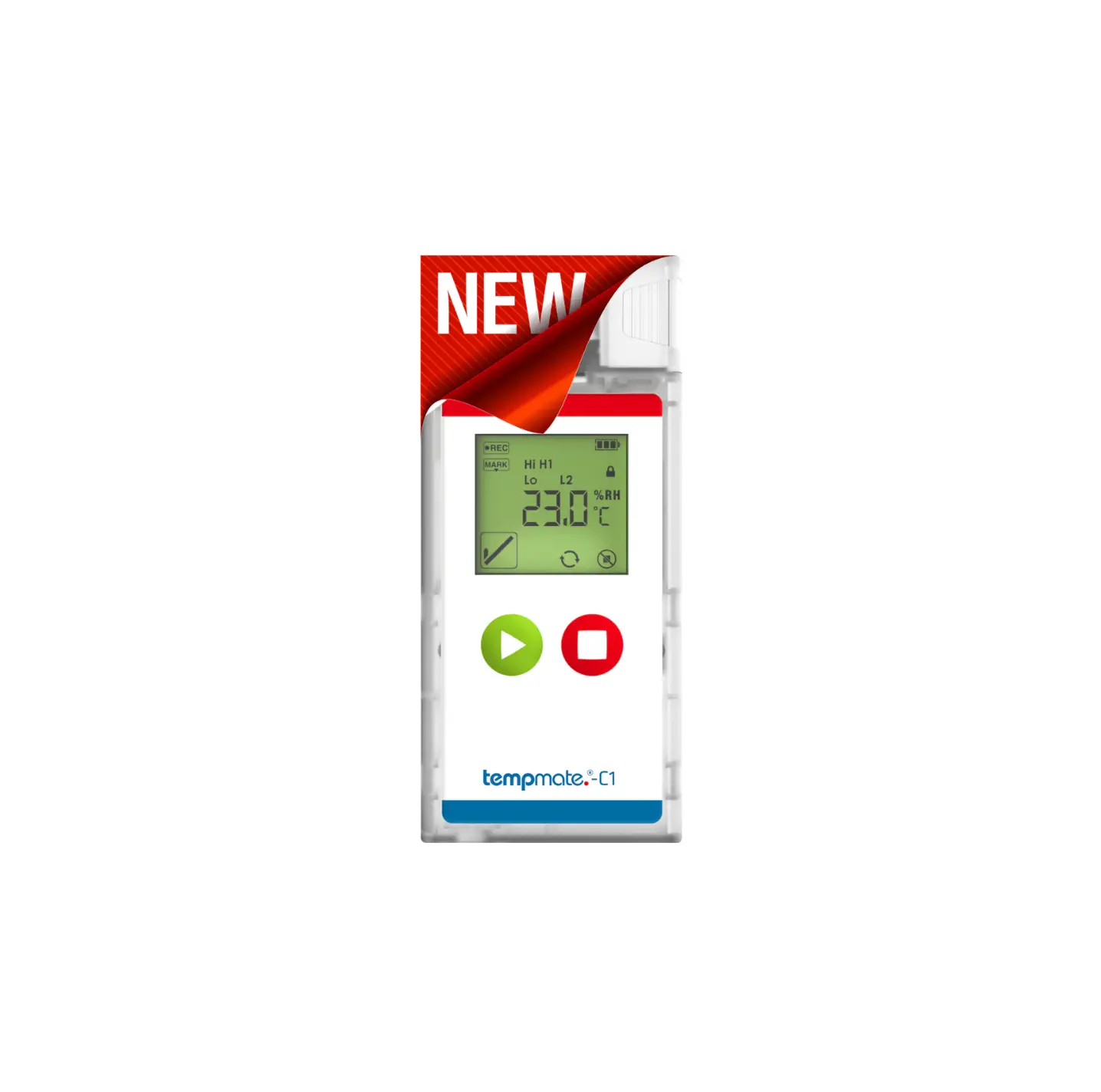
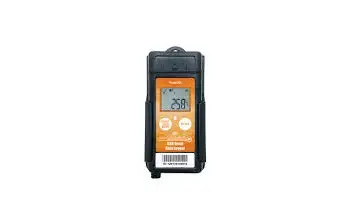
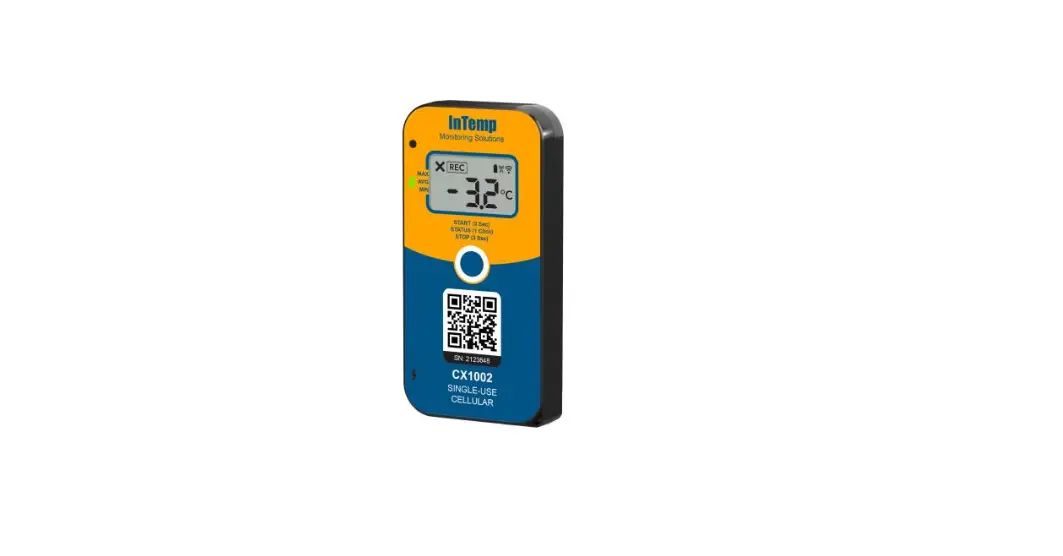
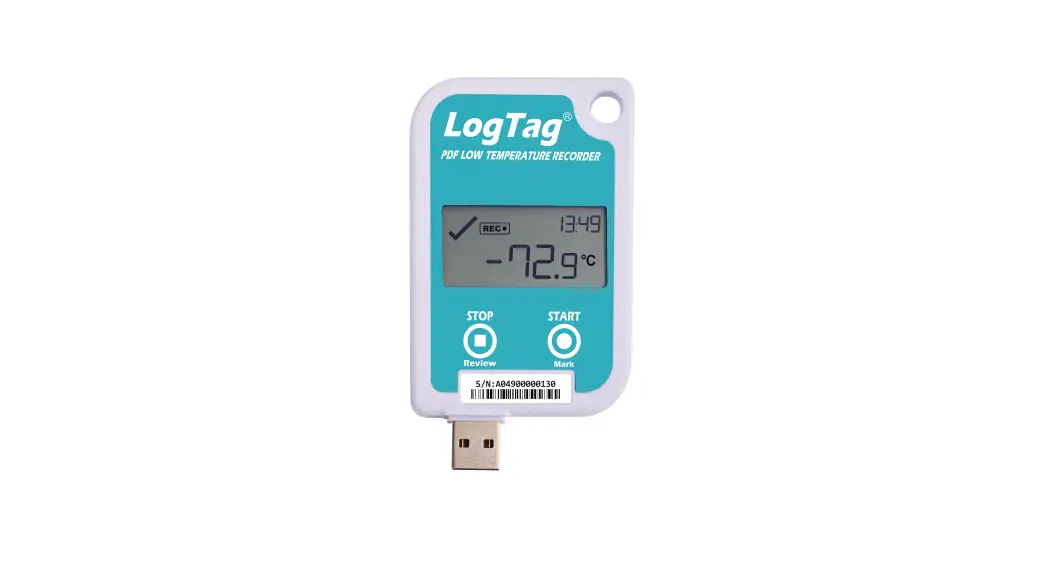
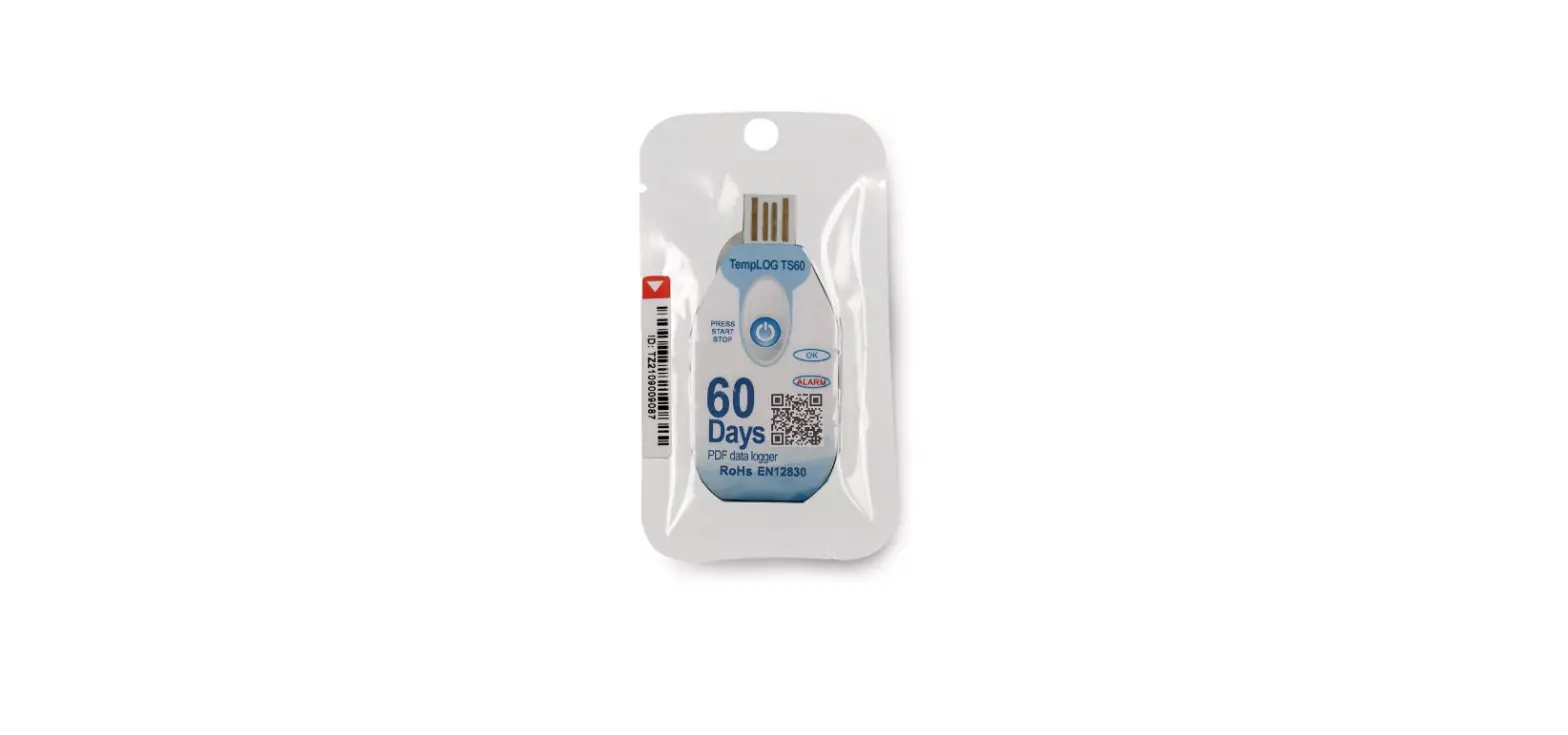
tempmate.-C1 Single Use Temperature Data Logger
Product Information
The product is designed to empower your supply chain. It is a
device with a USB port, start button, and stop button. It features
a display for menu navigation and temperature recording.
Intended Use
The product is intended for use in supply chain management.
Device Description
- USB Port
- Start Button
- Stop Button
Display
The display allows for menu navigation and shows temperature
recordings. It has the following functionalities:
- To scroll through the menu, press the green start button
several times in quick succession. - The display changes from the current temperature display to the
maximum recorded temperature value, then to the minimum, and
finally to the average value of the current recording. - Pressing the button again takes you back to the current
temperature display. - To display the remaining usage time of the device, press the
red stop button. The effective recording time depends on the
selected measuring interval. - Important: The total running time of 90 days with 24 hours each
will be deducted per hour after the start.
Operation and Use
STEP 1 Configuration (optional)
This step is only necessary if you want to adjust the
pre-installed configuration to your application. Follow these
steps:
- Download the free tempbase.-Cryo software from https://www.tempmate.com/de/download/.
- Install the tempbase.-Cryo software on your PC.
- Remove the cap and connect the unbooted logger to your PC.
- Open the tempbase.-Cryo software. The configuration screen is
displayed directly. - Make the desired settings and save them via the menu item “Save
Parameter (1)” onto your device. - Remove the logger from your PC and replace the cap
securely.
STEP 2 Start logger (manually)
To manually start the logger, follow these steps:
- Press and hold the green start button for 5 seconds.
- A successful start is indicated by “bEGn” on your device
display. - Important: If a different signal or no signal appears, do not
use the logger and contact our support via [email protected].
The device display is disabled until the device has been
successfully started.
Alternative start modes:
- Start via software (optional): This setting
can be made in the tempbase.-Cryo software. The start is triggered
automatically as soon as the device is disconnected from the PC.
Important: A manual start is not possible with this
configuration. - Timed start (optional): This setting can be
made in the tempbase.-Cryo software. The device will start
according to the time set in the configuration software. Important:
A manual start is not possible in this configuration. Important:
When setting a start delay, the display shows a countdown of the
selected time period.
STEP 3 Set mark
To set a mark during the recording process, follow these
steps:
- Press the green start button twice in quick succession.
- As soon as the device records the marking, the symbol
appears. - Once the symbol disappears, the marking process is
completed. - Important: Only one mark is possible per measuring
interval.
STEP 4 Temporary Evaluation
To perform a temporary evaluation of the recorded data, follow
these steps:
- Connect your started or paused device to your PC.
- A temporary report will be generated automatically.
- Save your report and remove the logger from your PC again.
- Important: If you connect the logger to your PC in the started
mode, the recording will continue also in this moment. In order to
be able to assign any fluctuations in your measurement results, we
advise you to set a mark before and after the temporary readout
(see STEP 3).
empower your supply chain.
Contents
1. Intended Use …………………………………………………………………………………………………………………………………………………………………….3 2. Device Description …………………………………………………………………………………………………………………………………………………………..4 3. Display ……………………………………………………………………………………………………………………………………………………………………………… 5 4. Operation and Use …………………………………………………………………………………………………………………………………………………………..6
Configuration…………………………………………………………………………………………………………………………………………………………..6 Start logger …………………………………………………………………………………………………………………………………………………………….6 Set mark ……………… …………………………………………………………………………………………………………………………………………………7 Temporary evaluation ……………………………………………………………………………………………………………………………………………8 Stop logger ………………………………………………………………………………………………………………………………………………………………8 Evaluation ………………………………………………………………………………………………………………………………………………………………..8 5. Important Notes ………………………………………………………………………………………………………………………………………………………………9 6. Main Technical Specifications tempmate.®-C1 ………………………………………………………………………………………………………10 7. Contact Information………………………………………………………………………………………………………………………………………………………12
V1.0-08/2023-EN · Technical Changes and Errors excepted
1. Intended Use
The tempmate.®-C1 is a single-use temperature data logger specifically designed to monitor temperature during transportation of products that must be stored at extremely low temperatures. Any use or operation that requires specific requirements and standards not specifically mentioned in the data sheet must be validated and tested at the customer`s own responsibility.
3
empower your supply chain.
2. Device Description
USB Port Start Button
V1.0-08/2023-EN · Technical Changes and Errors excepted
Stop Button
3. Display
Menu navigation
1 Recording Status 2 Mark 3 Battery Level 4 Alarm Level 5 Password Protection 6 Measurement Value 7 Temperature Unit, Time Unit 8 Max. Value, Min. Value, Average Value 9 Alarm Status 10 Start Delay 11 Reuse can be used for several campaigns 12 Stop Button Invalid
–
To scroll through the menu, press the green start button
several times in quick succession.
–
The display changes from the current temperature display first to the maximum recorded
temperature value, then to the minimum and finally to the average value of the current recording.
–
Pressing the button again takes you back to the current temperature display.
–
To display the remaining usage time of the device, press the red stop button. The effective
recording time depends on the selected measuring interval.
Important: The total running time of 90 days with 24 hours each will be deducted per hour after the start
5
empower your supply chain.
4. Operation and Use
STEP 1 Configuration *optional
This step is only necessary if you want to adjust the pre-installed configuration to your application.
–
Download the free tempbase.-Cryo software.
–
Install the tempbase.-Cryo software on your PC.
–
Remove the cap and connect the unbooted logger to your PC.
–
Open the tempbase.-Cryo software. The configuration screen is displayed directly.
–
Make the desired settings and save them via the menu item ,,Save Parameter” (1) onto your device.
–
Remove the logger from your PC and replace the cap securely.
STEP 2 Start logger (manually)
–
Press and hold the green start button
for 5 seconds.
–
A successful start is indicated by bEGn on your device display.
Important: If a different signal or no signal appears, do not use the logger and contact our support via [email protected]. The device display is disabled until the device has been successfully started.
V1.0-08/2023-EN · Technical Changes and Errors excepted
Alternative start modes
Start via software (optional)
o
This setting can be made in the tempbase.-Cryo software.
(see STEP 1)
o
The start is triggered automatically as soon as the device is disconnected from the PC.
Important: A manual start is not possible with this configuration.
Timed start: (optional)
o
This setting can be made in the tempbase.-Cryo software.
(see STEP 1)
o
The device will start according to the time set in the configuration software.
Important: A manual start is not possible in this configuration.
Important: When setting a start delay, the display shows a countdown of the selected time period.
*Example
STEP 3 Set mark
–
Press the green start button
twice in quick succession .
–
As soon as the device records the marking, the symbol
appears.
.
–
Once the symbol
disappears, the marking process is completed.
Important: Only one mark is possible per measuring interval.
7
empower your supply chain.
STEP 4 Temporary Evaluation
–
Connect your started or paused device to your PC.
–
A temporary report will be generated automatically .
–
Save your report and remove the logger from your PC again.
Important: If you connect the logger to your PC in the started mode, the recording will continue also in this moment. In order to be able to assign any fluctuations in your measurement results, we advise you to set a mark before and after the temporary readout (see STEP 3).
STEP 5 Stop Logger (manual)
–
Press and hold the red stop button for 5 seconds.
–
The display switches off after a successful stop.
Important: In the stopped state, a short press of any key is sufficient to view the max., min. and average value of the last recording.
Important: The device stops automatically when the memory is full.
Alternative stop modes
Stop by Software (optional)
o
Open the tempbase.-Cryo software and connect your unstopped tempmate.®-C1 to your PC.
(see STEP 1)
o
Select the ,,Stop recording” menu item to stop the device.
STEP 6 Evaluation
–
Connect the stopped logger to your PC.
–
The display will show PdF and/or CSu to indicate that the respective reports are being generated.
–
Once the report is generated, the display will show USb .
–
The logger can now be disconnected from the PC.
Important: Always make sure that this step is performed before restarting the device. If the device is restarted, all old data will be overwritten.
5. Important Notes
–
If the icon
is displayed on the screen, the logger needs to be reconfigured
–
When
is displayed on the screen, it means that the battery level of the logger is too low to record
for more than another 10 days.
–
If the icon
is displayed, the logger`s battery is too low to record.
–
The configuration of your device cannot be changed during recording.
–
Always dispose of batteries according to your country`s regulations.
–
Do not place the device in corrosive liquids or expose it to direct heat.
V1.0-08/2023-EN · Technical Changes and Errors excepted
9
empower your supply chain.
Main Technical Specifications tempmate.®-C1
Model Part Number Usage Temperature Range Accuracy Resolution
Memory Capacity
Connection Indication Battery Runtime Dimensions IP Protection Mark Alarm Logging Interval Start Delay Report Format Software Certifications Shelf-Life
Dry Ice / Low Temperature Data Logger TC1-000 Single-Use / Multi Start/Stop within 90 days possible -90°C to +70°C ±0.5°C (-30°C to +70°C) ±1.0°C (others) 0.1°C
20.000 Readings using PDF & CSV (default) 35.000 Readings using PDF only (optional)
USB LCD 3.6V Lithium Battery Max. 90 days 96mm(L) * 44mm(W) * 15mm(H) IP65 Max. 9 points Max. 6 points 1 minute – 24 hours 1 minute – 24 hours PDF/CSV Free tempbase-Cryo Software for Windows systems CE, RoHs, EN12830, RTC-DO160 2 Years
V1.0-08/2023-EN · Technical Changes and Errors excepted
11
empower your supply chain.
Contact Information
V1.0-08/2023-EN · Technical Changes and Errors excepted
Do you have any questions? Please contact us – our experienced team will be happy to support you.
[email protected] +49 7131 6354 0
13
tempmate GmbH Wannenäckerstr. 41 74078 Heilbronn, Germany
Tel. +49-7131-6354-0 [email protected] www.tempmate.com