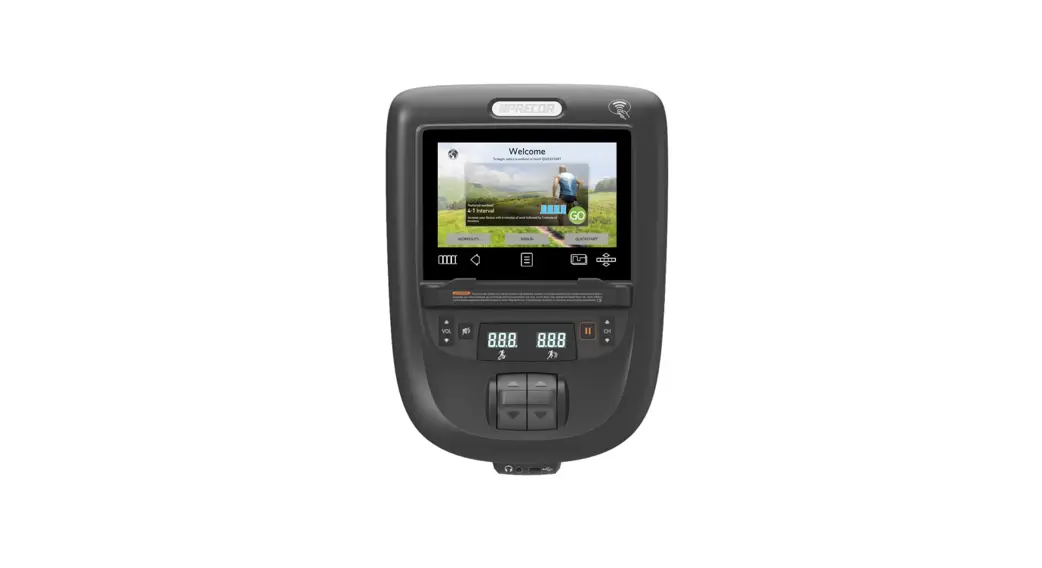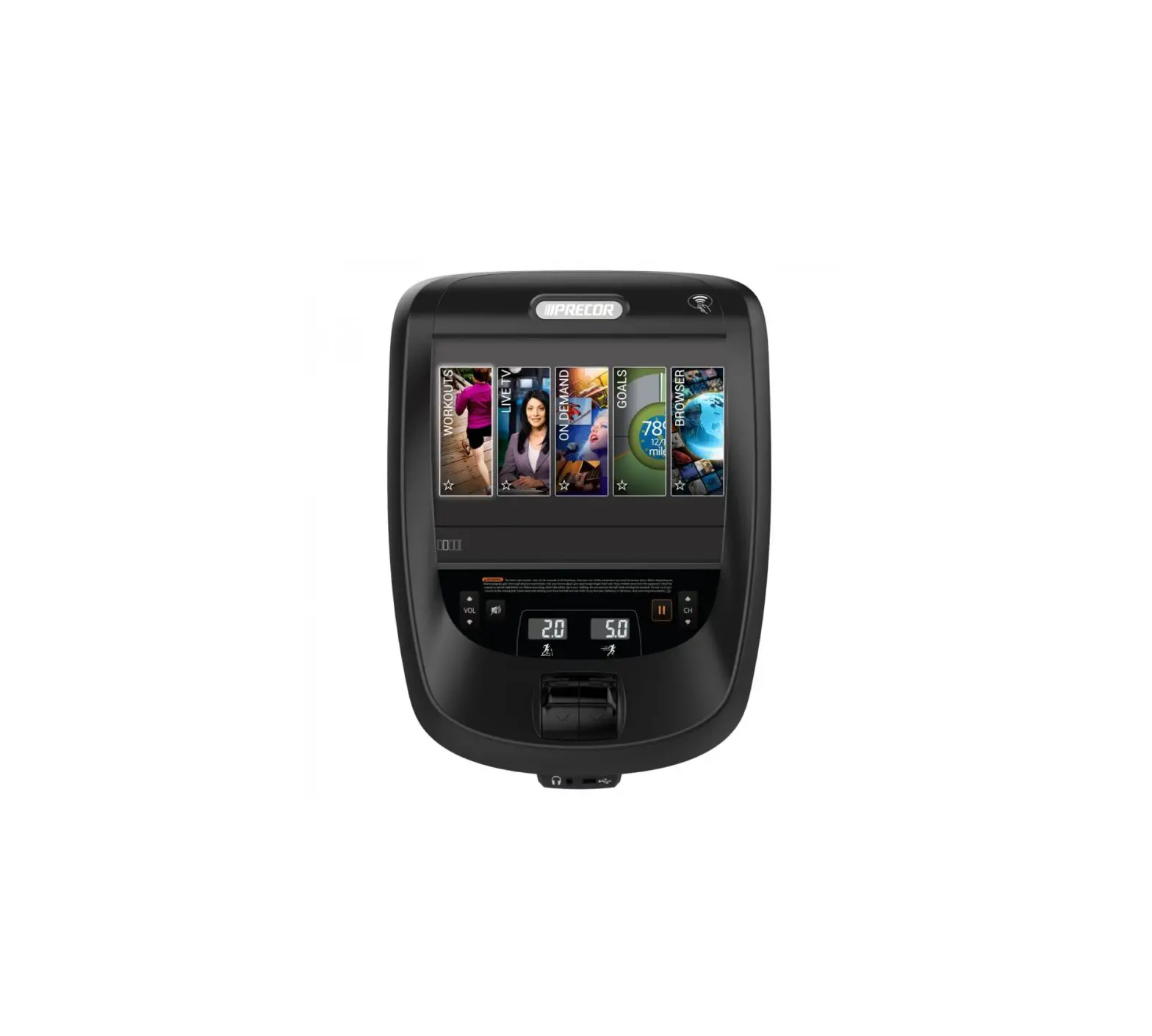
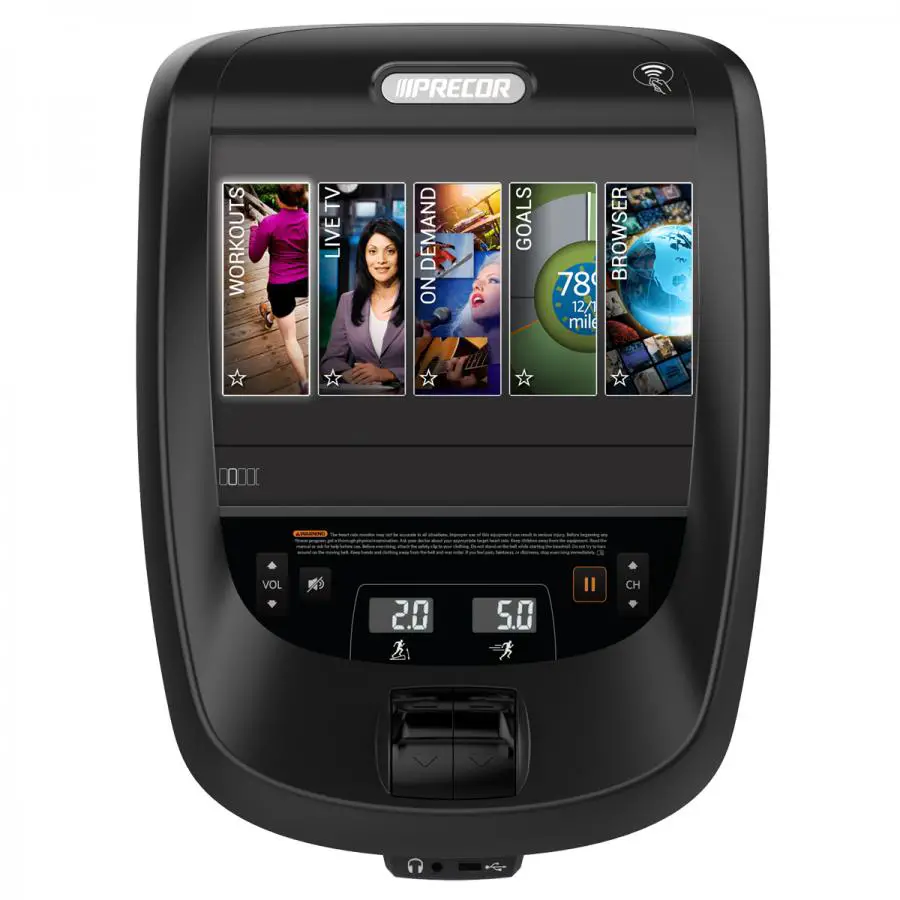
PRECOR P82 880 Line Cardio Console
 | WARNING Before you connect any cables to the console, make sure that the equipment is not connected to any external power sourc |
Overview
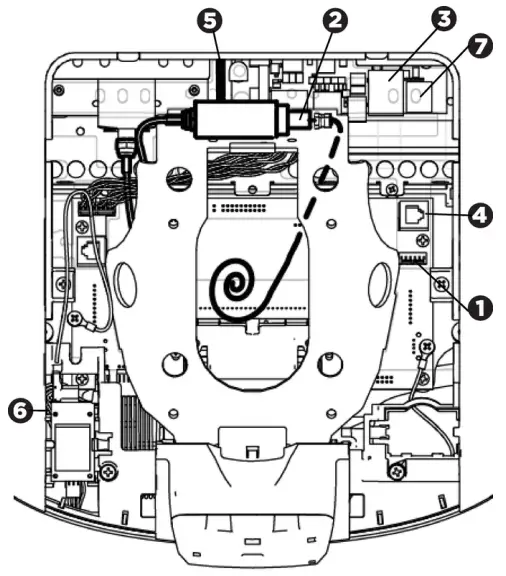
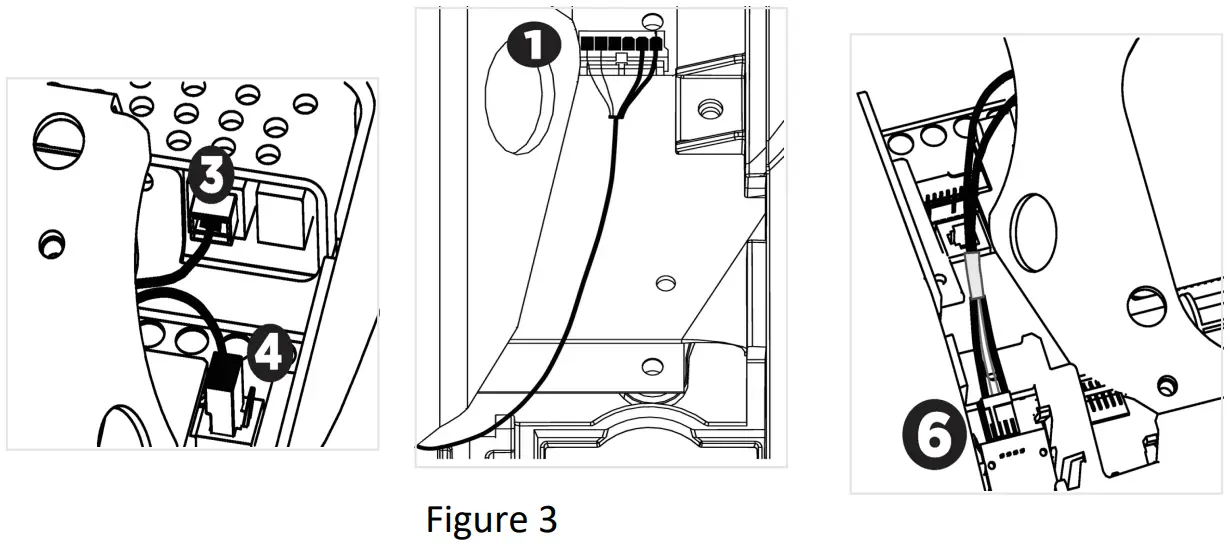
| Connector Location | Cable | Connector Type |
 | Safety key (TRMs only) | Six-contact strip, keyed |
 | TV, when installed | F-type coaxial (isolator extender for outside North America only) |
 | Ethernet (LAN) | Eight-contact modular on round black cable |
 | Data from base unit | Eight-contact modular on flat gray cable |
 | Power | Two-contact plug, polarized and latched |
 | Heart rate sensor | Four-contact strip, keyed |
 | microSD slot | Eight-contact strip |
Attach and Wire the Console
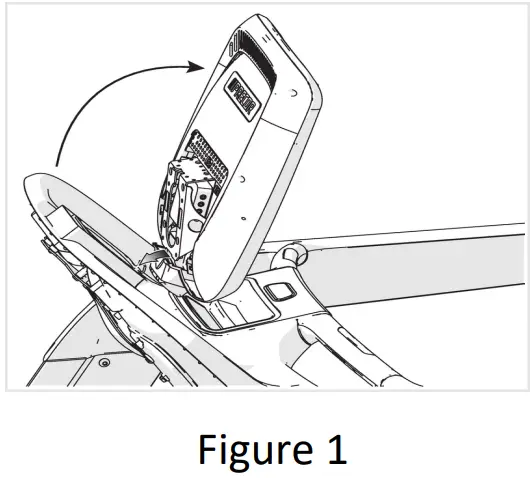
- Set the console on the rectangular hook at the bottom of the console mount and hold it in place (Figure 1).
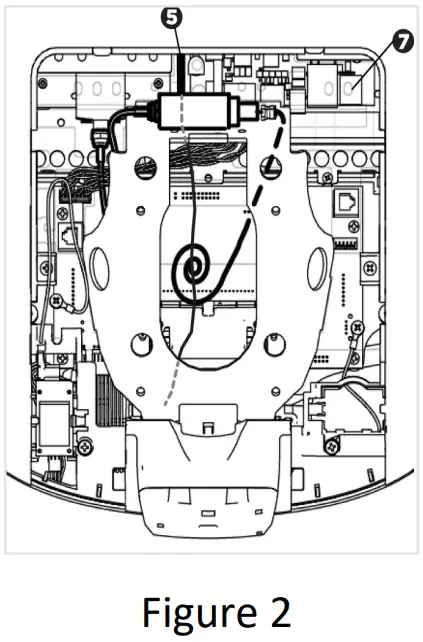
- Connect the TV coaxial cable (isolator is used only outside of the US). Make sure it is securely installed by using a 7/16 open wrench to fully tighten the cable to the console.

- Connect the power cable , then pass them through the semi circularopening just above the console mount (Figure 2).
- Verify the microSD card is securely mounted (see above).
- Connect the cables as shown below. DO NOT attempt to route any cables through other openings or through the steel channel above the mount.

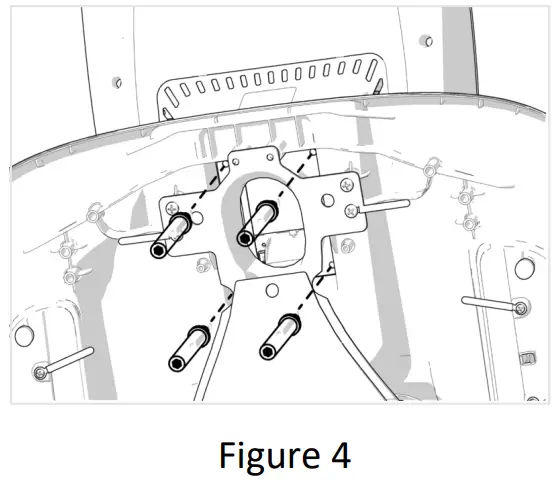
- Tilt the console back onto the mounting bracket and secure it with the mounting bolts, making sure to fully tighten the bolts (Figure 4)

- Follow the checklist and set of instructions on the next page to test that the console and equipment are working.
- Attach the fasteners to reinstall the console rear cover after you finish the tests.

To connect to a network:
- Go to Settings > System Settings > Connectivity.
- Touch Network Type > Wired (or Wi-Fi) > Go.
- Touch Configure. From the list select a network and enter your access credentials for that network.
- Touch the Back button to return to the Connectivity screen. Your settings will automatically be saved.
 | NOTE To set up and configure a media adapter, go to www.precor.com and enter P82 Console Media Adapter Guide in the Search field to get instructions. |
Checklist
When testing console and equipment performance, use this checklist of procedures for testing and follow each step in order:
| Install the console based on the information on the other side of this sheet. | |
| Verify that the Ethernet patch cables from the floor or wall cannot become caught othe equipment’s moving components (Not applicable for wireless connections). | |
Verify these motion control operations work:
| |
Scan TV channels.
| |
Touch GO, then verify these operations:
| |
| |
| Verify IP connectivity. Go to System Settings > Connectivity. The IP address field should be populated (10.15.80.90, for example). | |
Verify network connectivity:
| |
Register the equipment. Make sure you have this info:
To complete registration for Preva-networked facilities:
| |
| Ask the facility’s Preva administrator to log on to Preva Business Suite and confirm that all networked fitness consoles appear there. |
©2021 Precor Incorporated | P82 Console Installation Guide | PN 304008-103 Rev. D ENU | 11 November 2021.
 Precor - Fitness Equipment - Commercial Exercise Equipment - Home Gym - Precor (United States)