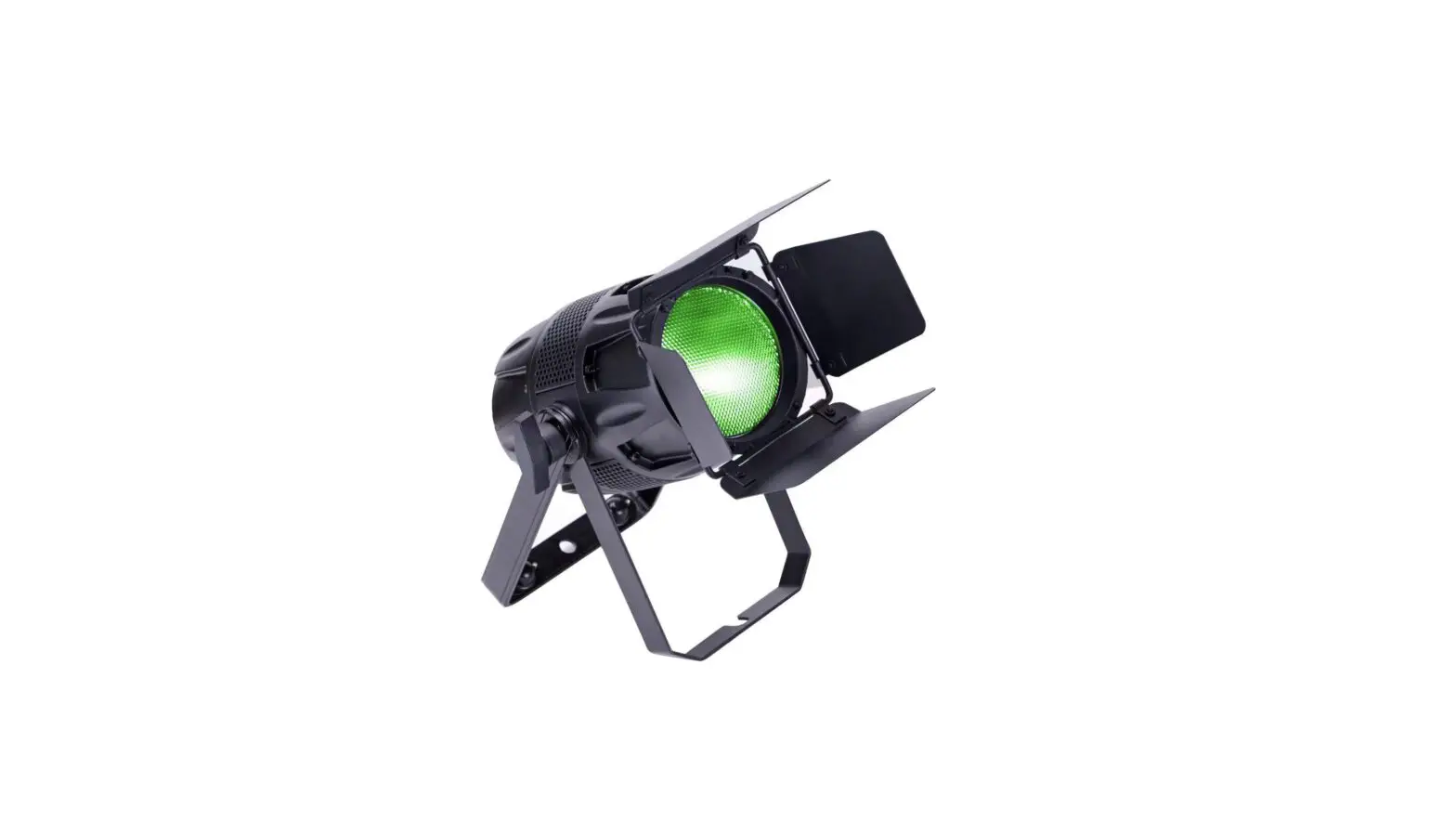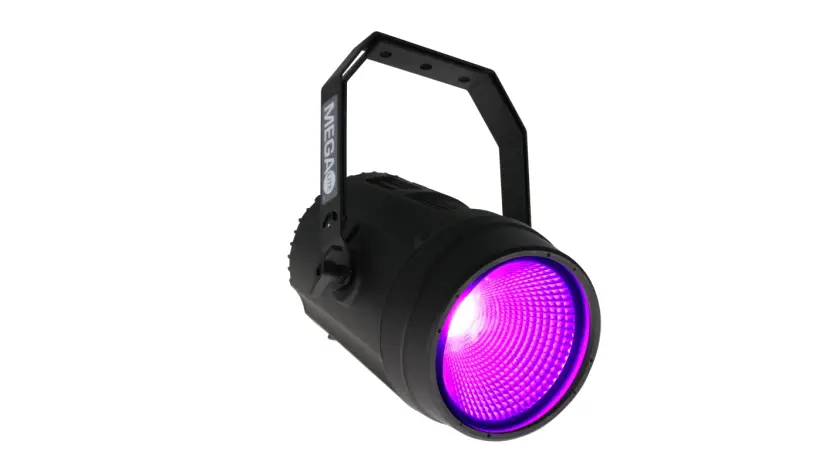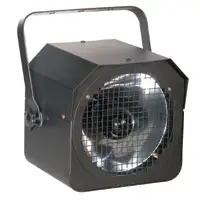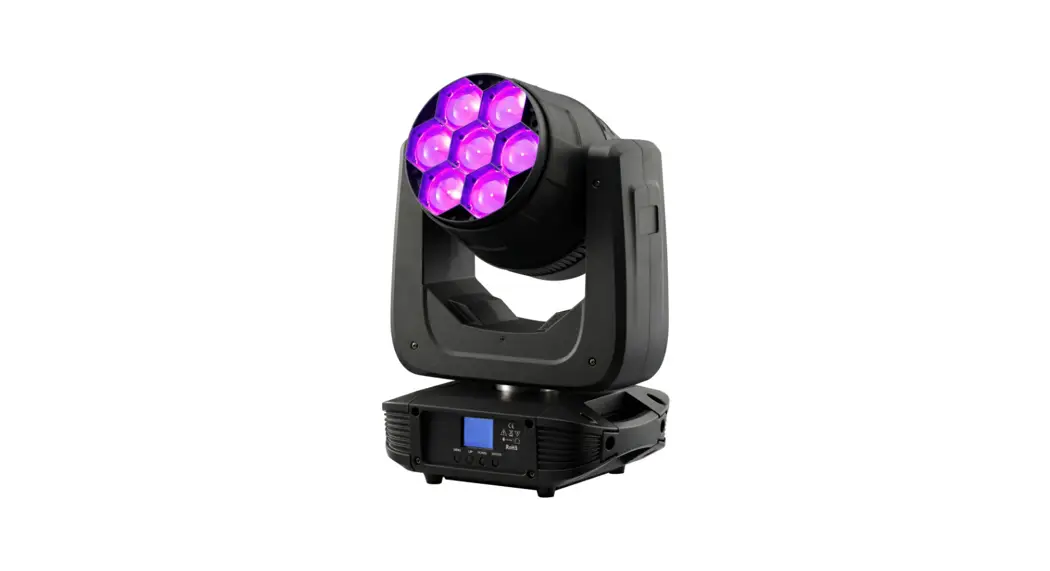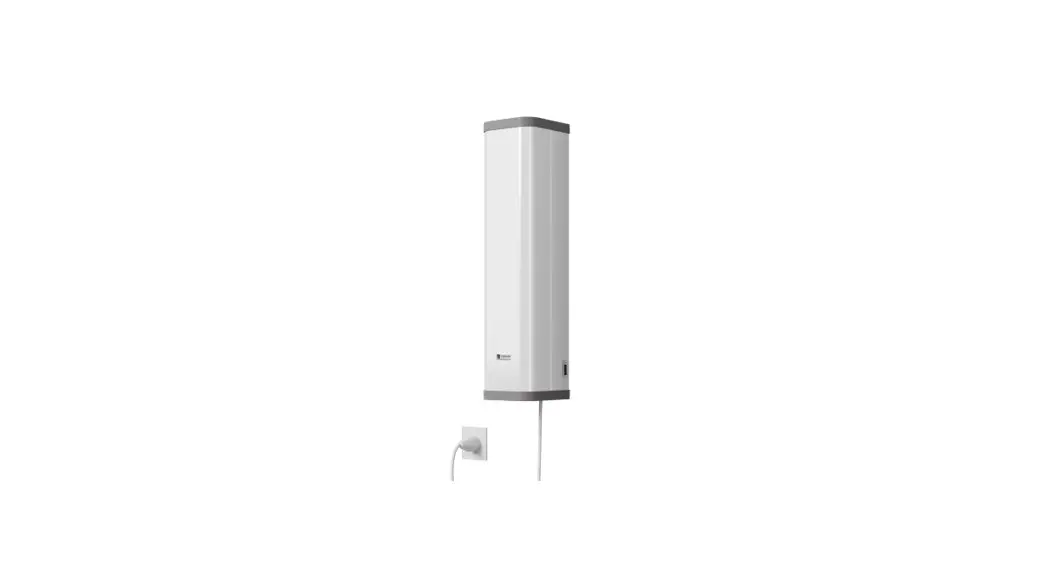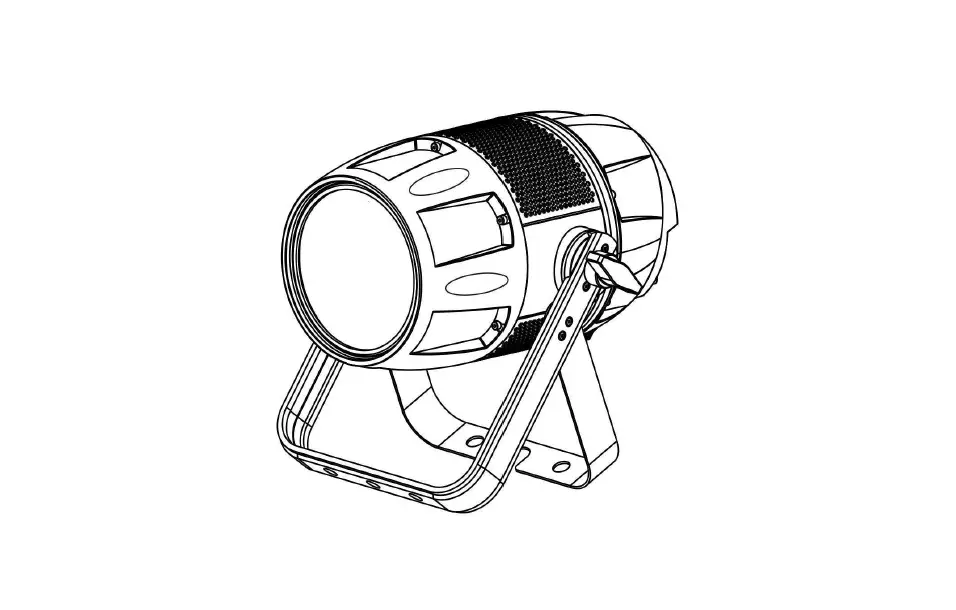

Viking VK150 Parco UV STAGE LIGHTING
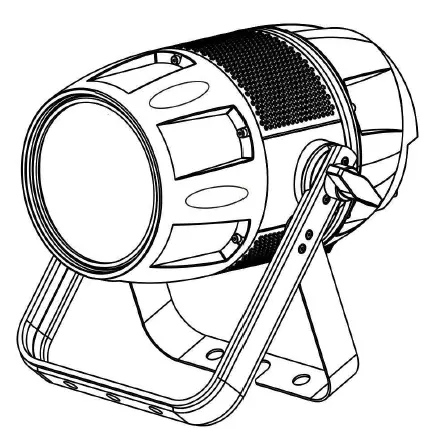
Specifications and Features
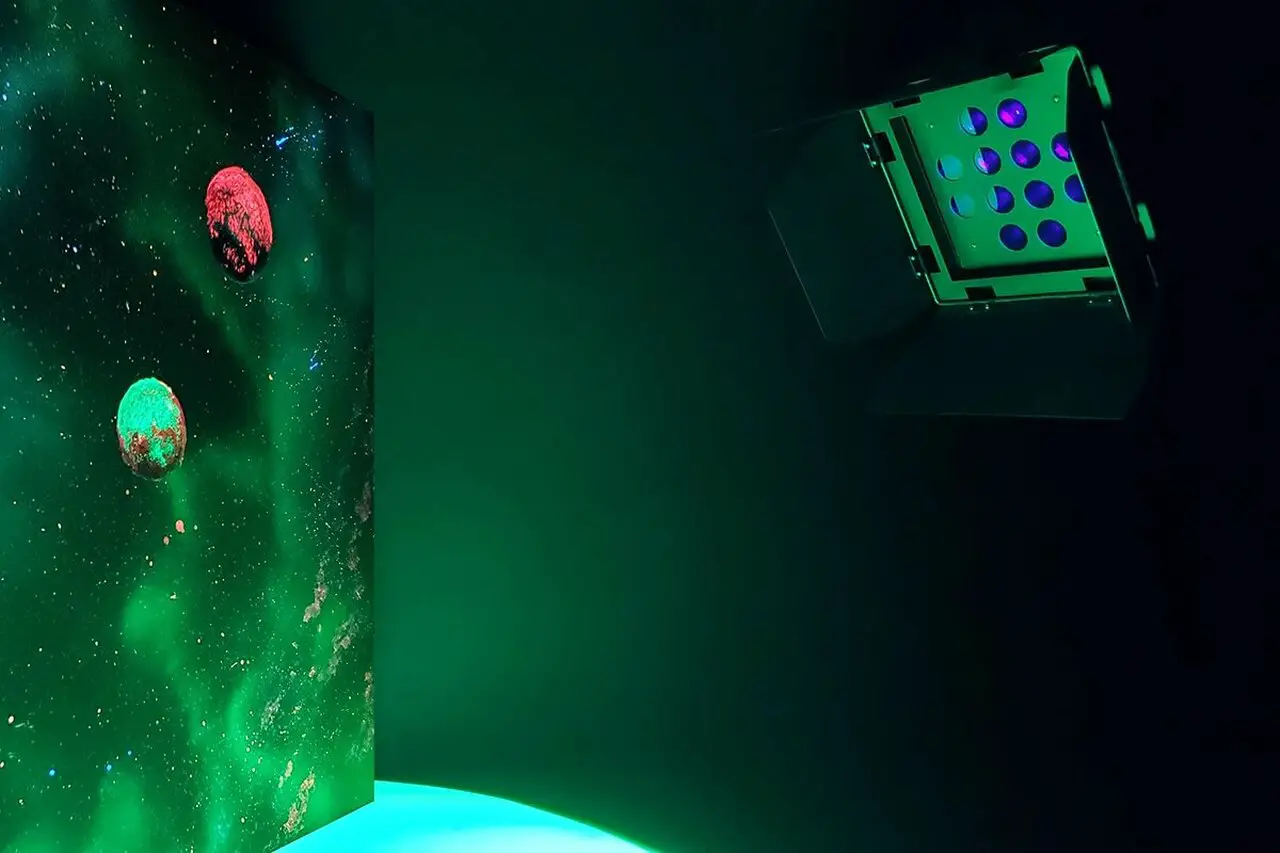
- LEDs: 100W UV LED
- Power Consumption:150W
- Refresh Rate: 900Hz~10000Hz
- Dimmer Curve: 4 dimmer curve mode
- DMX Channels Mode: 1CH,2CH,3CH,5CH
- Control Protocol: DMX
- Support RDM
- Color: White and black
- Each LED can pixel control.
- Built-in dynamic auto run effect.
- Touch OLED display
- XLR Connectors: Seetronic IP65 3pin&5pin XLR Connector
- Powercon True1 in/out
- Barndoor optional
- Work mode: Auto, DMX, Master/Slaver
- With handle and safe
- Power input:110~240V,50/60Hz
- Size: 307x234x247mm
- Net Weight: 3.5KG
Product View
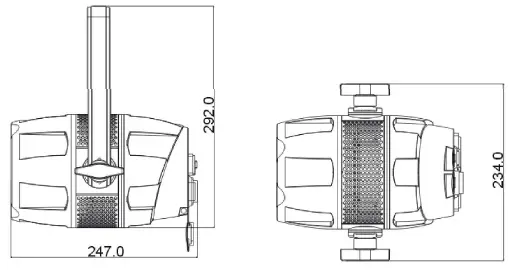
Product Description
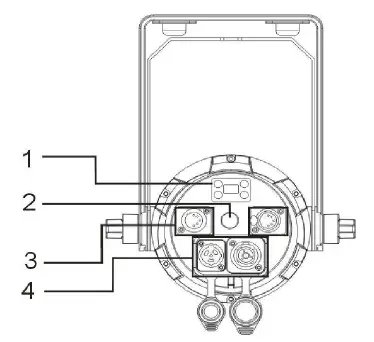
- 1: Menu
- 2: Pressure valve
- 3:DMX IN/ DMX OUT
- 4:POWER IN/POWER OUT
VK150 Parco UV
| 1 CH | 2CH | 3CH | 5CH | VALUES | FUNCTION |
| 1 | 1 | 1 | 1 | 000-255 | MASTER DIMMER 0%-100% |
| 2 | 2 | 2 | 000-255 | DIMMER FINE 0%-100% | |
|
3 |
3 | SHUTTER & STROBING | |||
| 000-031 | LED Off | ||||
| 032-063 | LED On | ||||
| 064-095 | Strobing Slow – Fast | ||||
| 096-127 | LED On | ||||
| 128-159 | Pulse Strobing | ||||
| 160-191 | LED On | ||||
| 192-223 | Random Strobing Slow – Fast | ||||
| 224-255 | LED On | ||||
|
4 | DIMMER MODES | ||||
| 000-020 | Standard | ||||
| 021-040 | Stage | ||||
| 041-060 | TV | ||||
| 061-080 | Architectural | ||||
| 081-100 | Theatre | ||||
| 101-120 | Stage 2 | ||||
| DIMMER DELAY TIME | |||||
| 121 | 0.1Sec. | ||||
| 122 | 0.2Sec. | ||||
| 123 | 0.3Sec. | ||||
| 124 | 0.4Sec. | ||||
| 125 | 0.5Sec. | ||||
| 126 | 0.6Sec. | ||||
| 127 | 0.7Sec. | ||||
| 128 | 0.8Sec. | ||||
| 129 | 0.9Sec. | ||||
| 130 | 1.0Sec. | ||||
| 131 | 1.5Sec. | ||||
| 132 | 2.0Sec. | ||||
| 133 | 3.0Sec. | ||||
| 134 | 4.0Sec. | ||||
| 135 | 5.0Sec. | ||||
| 136 | 6.0Sec. | ||||
| 137 | 7.0Sec. | ||||
| 138 | 8.0Sec. |
| 139 | 9.0Sec. | ||||
| 140 | 10Sec. | ||||
| 141-255 | Default to Unit Setting | ||||
|
5 | REFRESH RATE | ||||
| 000-015 | Default to Unit Setting | ||||
| 016-035 | 900HZ | ||||
| 036-055 | 1000HZ | ||||
| 056-075 | 1100HZ | ||||
| 076-095 | 1200HZ | ||||
| 096-115 | 1300HZ | ||||
| 116-135 | 1400HZ | ||||
| 136-155 | 1500HZ | ||||
| 156-175 | 2500HZ | ||||
| 176-195 | 4000HZ | ||||
| 196-215 | 5000HZ | ||||
| 216-235 | 6000HZ | ||||
| 236-255 | 10000HZ |
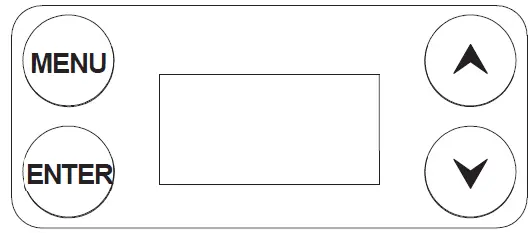
The fixture includes an easy to navigate system menu control panel display where all necessary settings and adjustments are made. (See image below) During normal operation, pressing the MENU button once will access the fixture’s main menu. Once in the main menu, you can navigate through the different menus with the UP, DOWN, and MENU buttons. When you reach a field that requires adjusting, press the ENTER button to access that field and use the UP and DOWN buttons to adjust the field. Pressing the ENTER button once more to confirm your setting. You may exit the menu’s
at any time without making any adjustments by pressing the MENU button. If there are no changes/ adjustments made within 10 seconds, the unit will revert back to the setting made under “No DMX State”.
| DMX Address | 001-512 |
0~255 0~255
0.5s~30s |
| DMX Mode | 1CH | |
| 2CH | ||
| 3CH | ||
| 5CH | ||
|
Stand Alone | Dimmer | |
| Strobe | ||
| Fader | ||
|
Settings | Display Reverse | On |
| Off | ||
| Display Backlight | On | |
| Off | ||
| DMX Fail | Hold | |
| Blackout | ||
| ManualMode | ||
|
Dimmer Curve | Standard | |
| Stage | ||
| TV | ||
| Architectural | ||
| Theatre | ||
| Stage2 | ||
| Dimmer Speed | 0.1-0.9s ~ 1-10s | |
|
AutoLock |
On | |
| Off | ||
| Fan Mode | Smart | |
| Silent | ||
| Max | ||
|
PWM Rate | 900Hz | |
| 1000Hz | ||
| 1100Hz | ||
| 1200Hz | ||
| 1300Hz |
Push UP and DOWN button together more than 5 seconds to unlock the display
| 1400Hz | ||
| 1500Hz | ||
| 2500Hz | ||
| 4000Hz | ||
| 5000Hz | ||
| 6000Hz | ||
| 10000Hz | ||
| Service | Reset | |
| Calibration | ||
| System Info | Firmwre | V1.0 |
| Operation Hours | xxxHrs | |
| Temperature | xxx°C | |
| RDM | RDM ID |
Passcode = 50
SET ADDRESS – In this menu you can find and set your desired DMX address.
DMX CHANNEL MODE – In this menu you can find and set your desired DMX channel mode.
NO DMX STATUS – This menu setting is used as a precaution mode in case the DMX signal is lost or interrupted. The operating mode chosen in this menu is the running mode the fixture will go into when the DMX signal is lost. Listed below are the 3 modes.
- Hold Last – This setting will have the fixture stay in the last DMX setup
- Blackout – This setting will have the fixture automatically go into standby mode.
- Manual – This setting will go into the current manual control set up. See MANUAL CONTROL.
DIM MODES – In this menu you are able to select your desired dimmer mode and adjust the dimming speed time.
LED REFRESH RATE – In this menu you are able to select your desired LED refresh rate.
DISPLAY – In this menu you are able to activate/deactivate the display blackout and activate/deactivate the display lock.
SERVICE – In this menu you are able to access and adjust/change: the calibration (effect adjust) and restore the factory settings.
MANUAL CONTROL – This menu is for manual testing and manual control. The dimmer and strobe can be tested/adjusted. The fixture must be set to “Manual” under “No DMX State”.
SOFTWARE VERSION – The current software version is displayed.
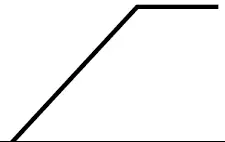
Dimmer Curve Chart
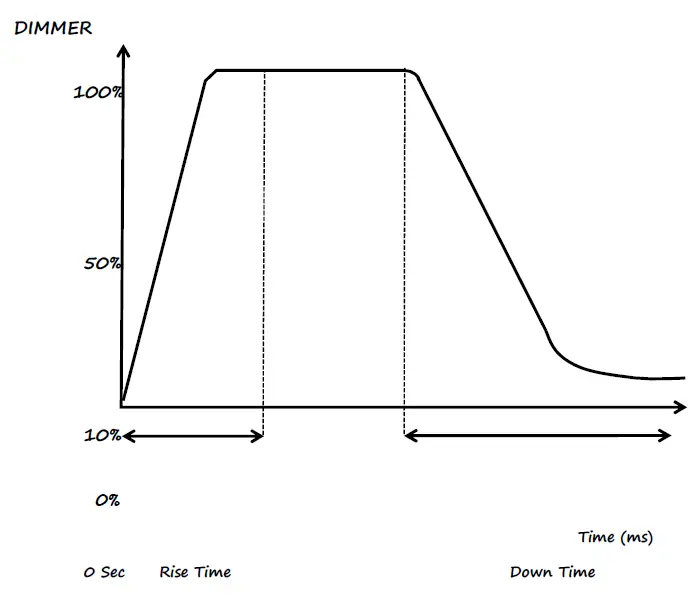
| Dimming Curve Ramp Effect | 0 sec Fade Time 1 sec Fade Time | |||||
| 255 | 255
0 | |||||
|
0 |  | |||||
| Rise Time (ms) | Down Time (ms) | Rise Time (ms) | Down Time (ms) | |||
| Standard (default) | 0 | 0 | 0 | 0 | ||
| Stage | 780 | 1100 | 1540 | 1660 | ||
| TV | 1180 | 1520 | 1860 | 1940 | ||
| Architectural | 1380 | 1730 | 2040 | 2120 | ||
| Theatre | 1580 | 1940 | 2230 | 2280 | ||
| Stage 2 | 0 | 1100 | 0 | 1660 | ||