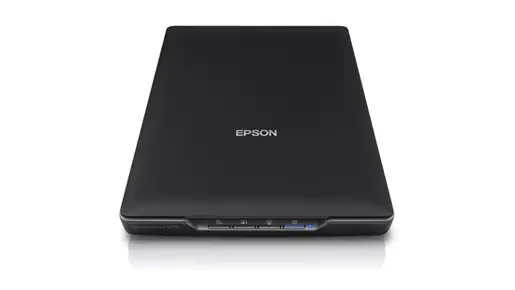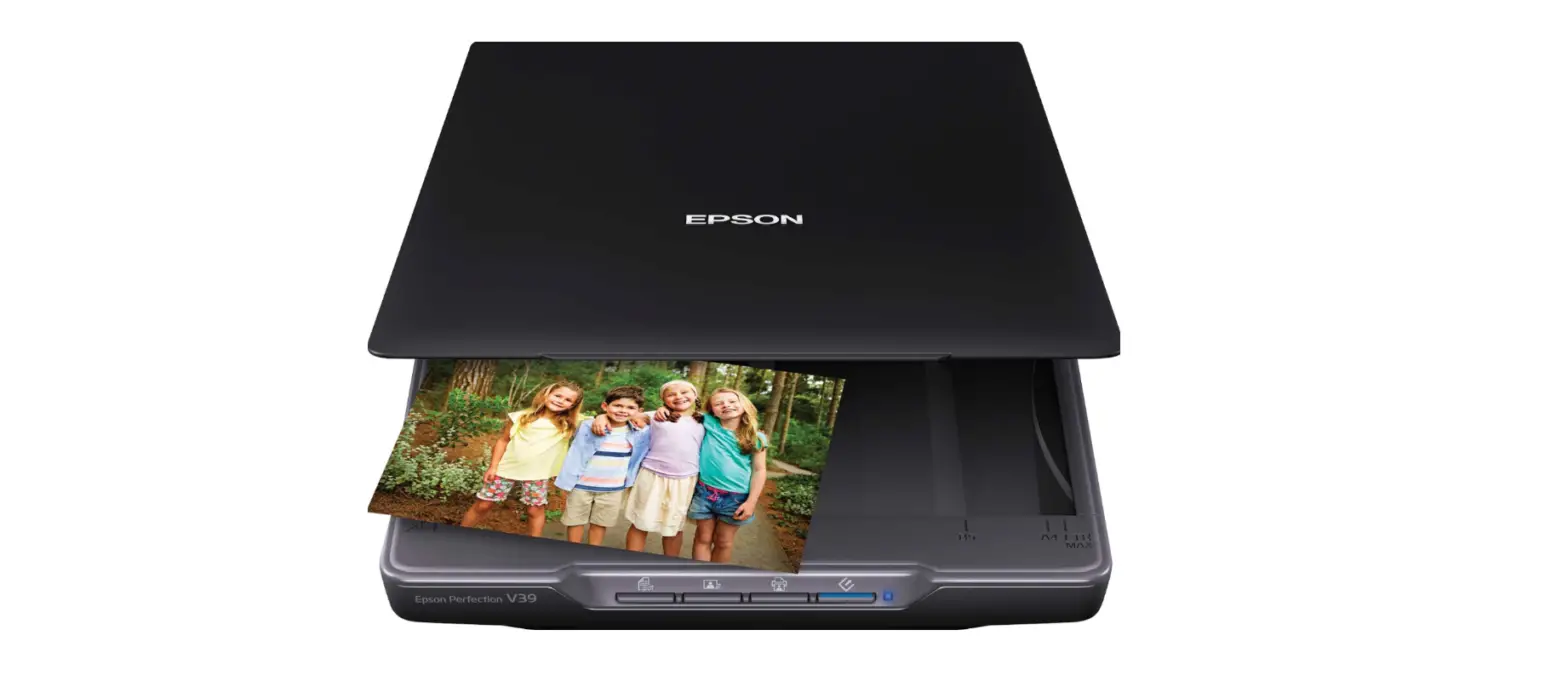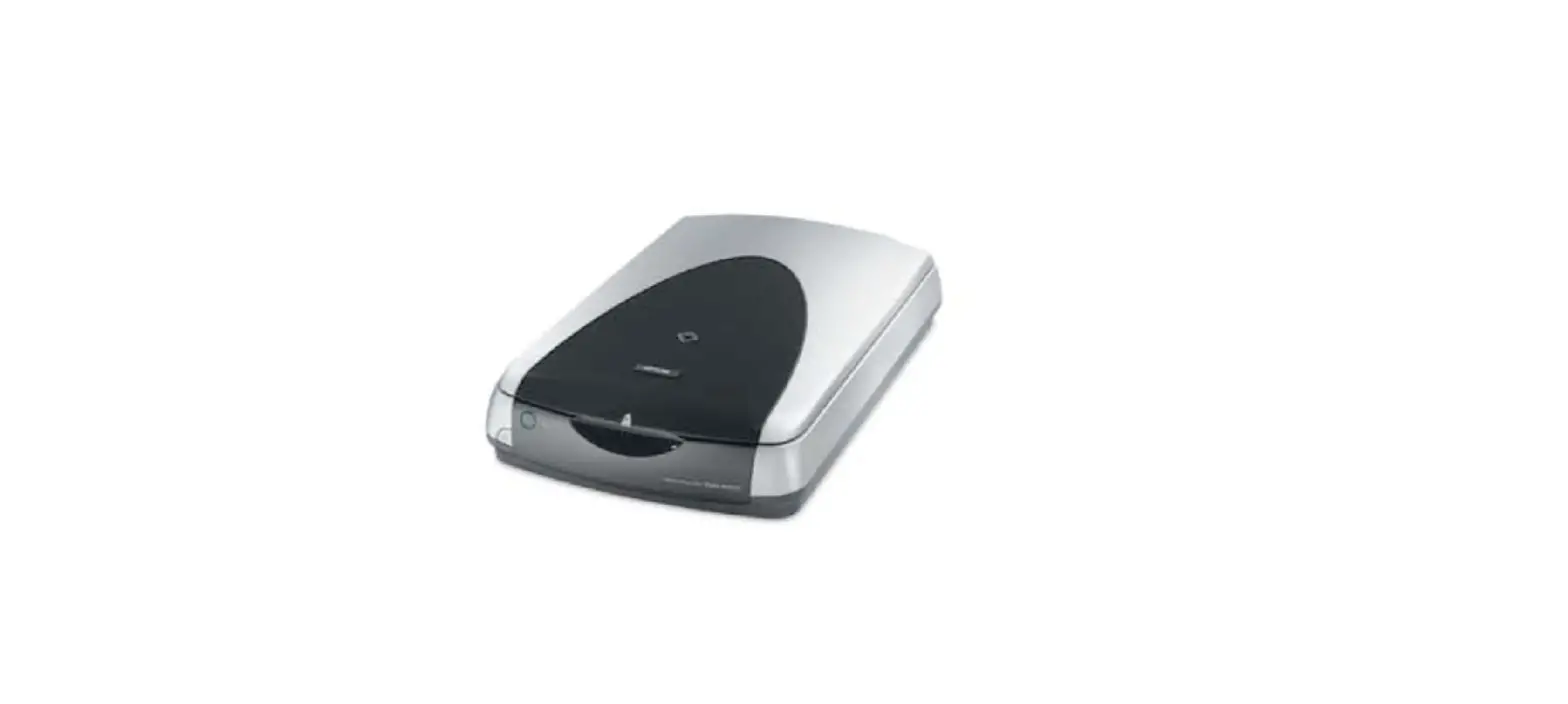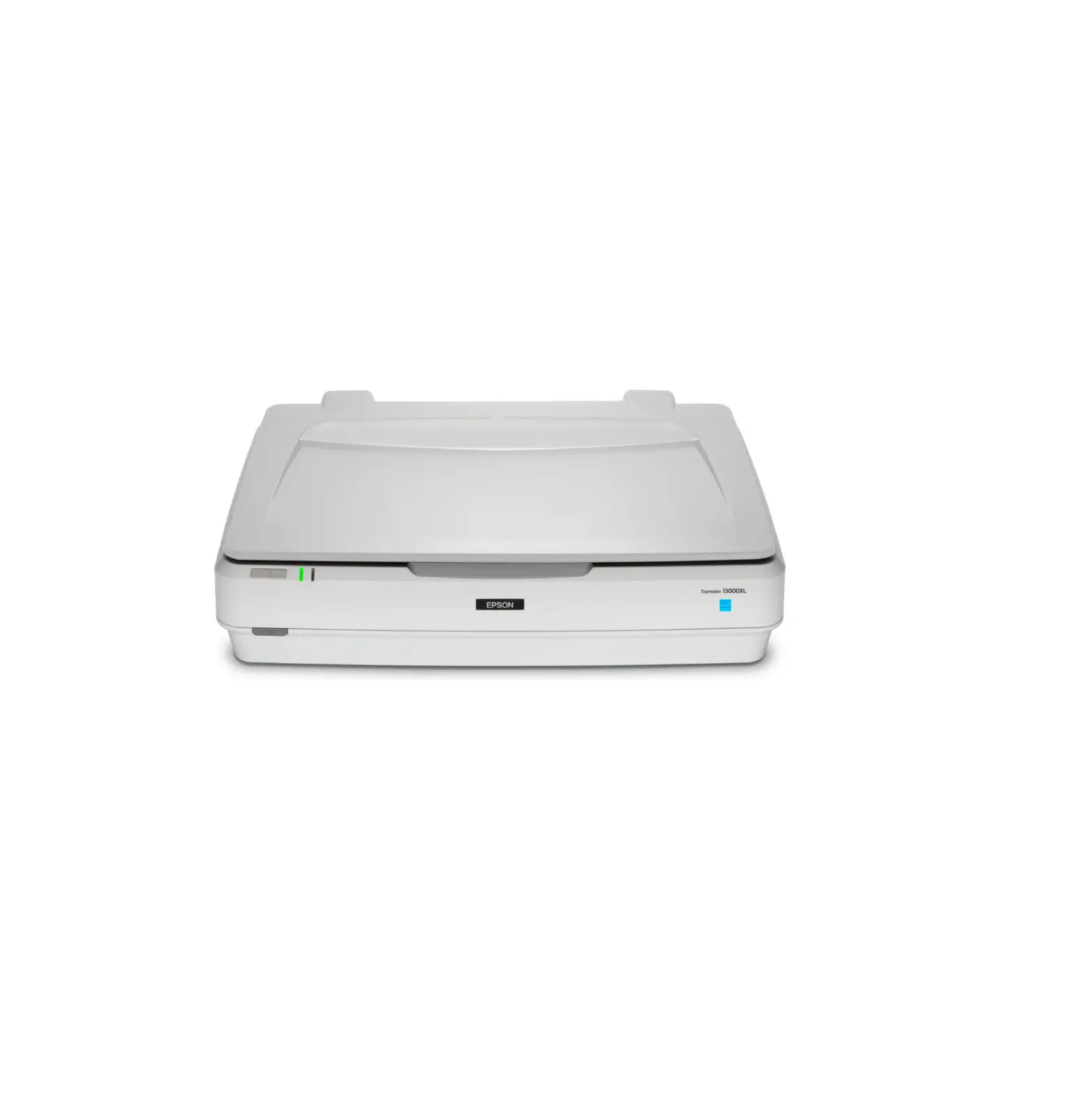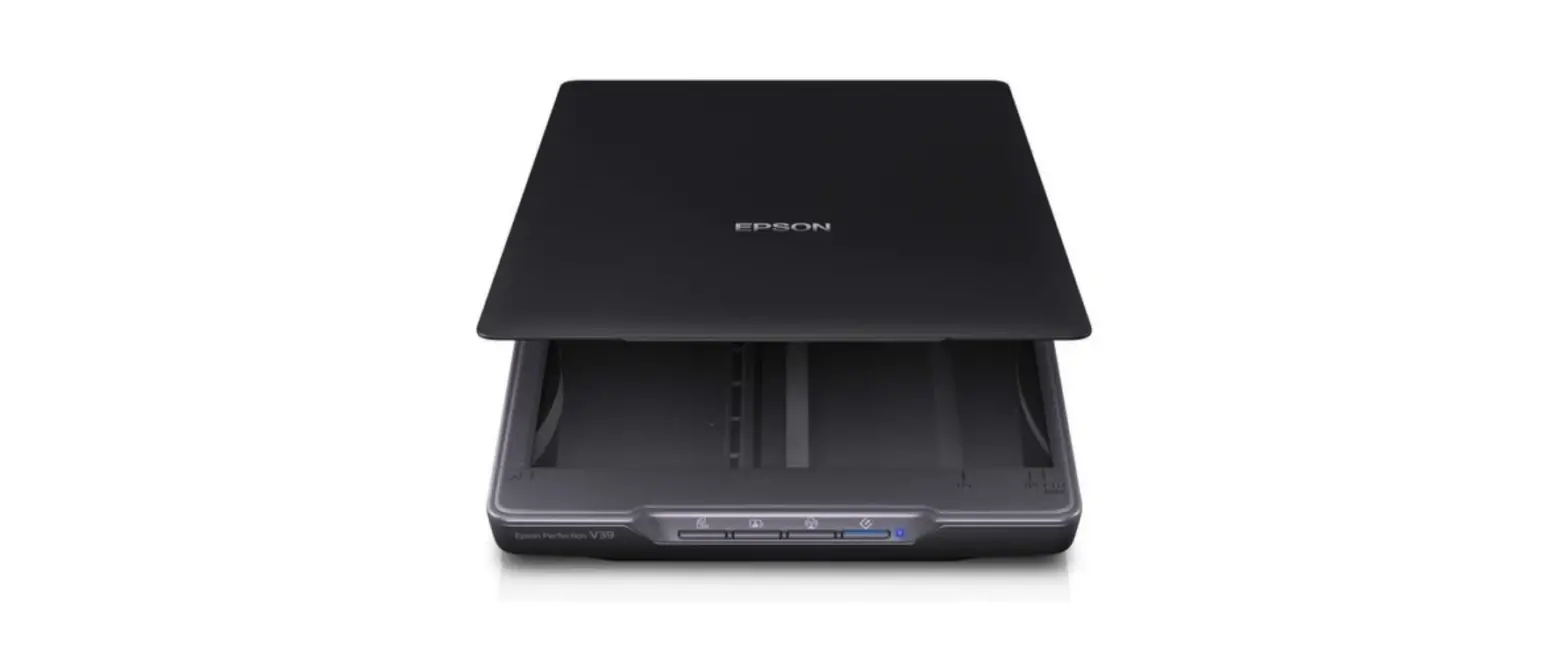
 EPSON Perfection V39 Photo Scanner
 EPSON Perfection V39 Photo Scanner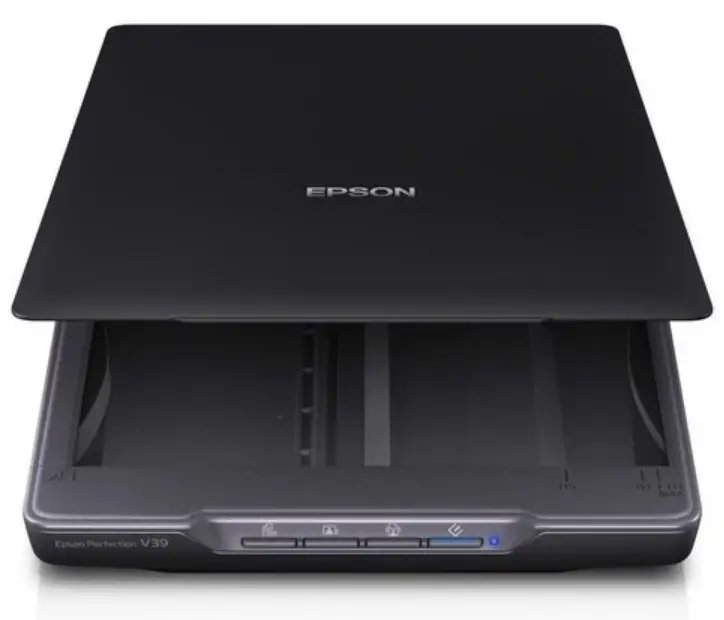
Setup Guide
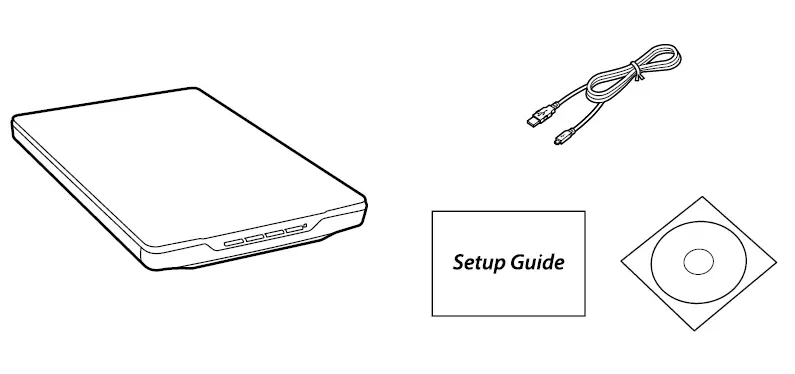
Remove all protective tape from the product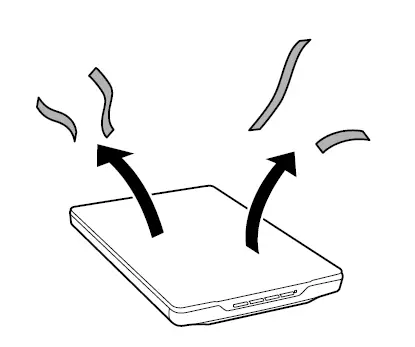
Do not connect a USB cable unless instructed to do so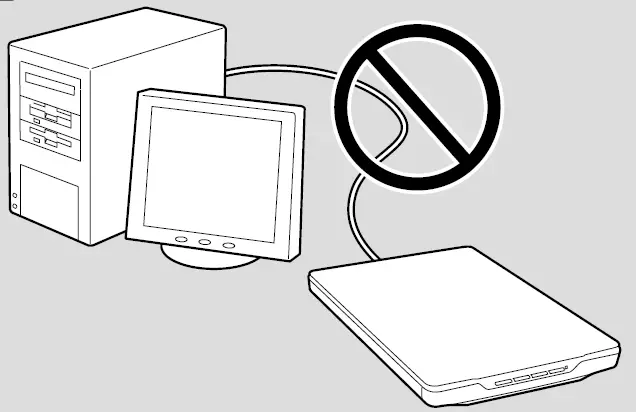
Windows
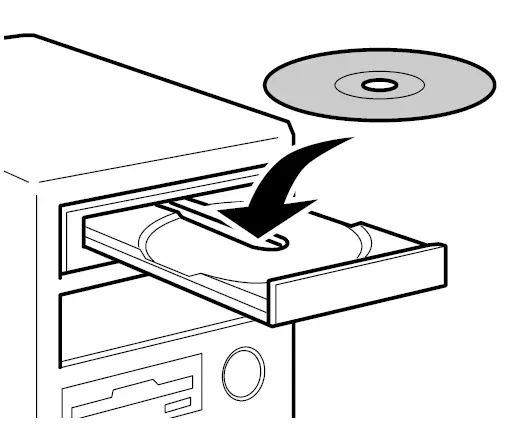
Insert the CD, and then follow the on-screen instructions. If the Firewall alert appears, allow access to Epson applications
No-CD/DVD drive Mac OS X
Visit the website to start the setup process and install the software https://epson.sn
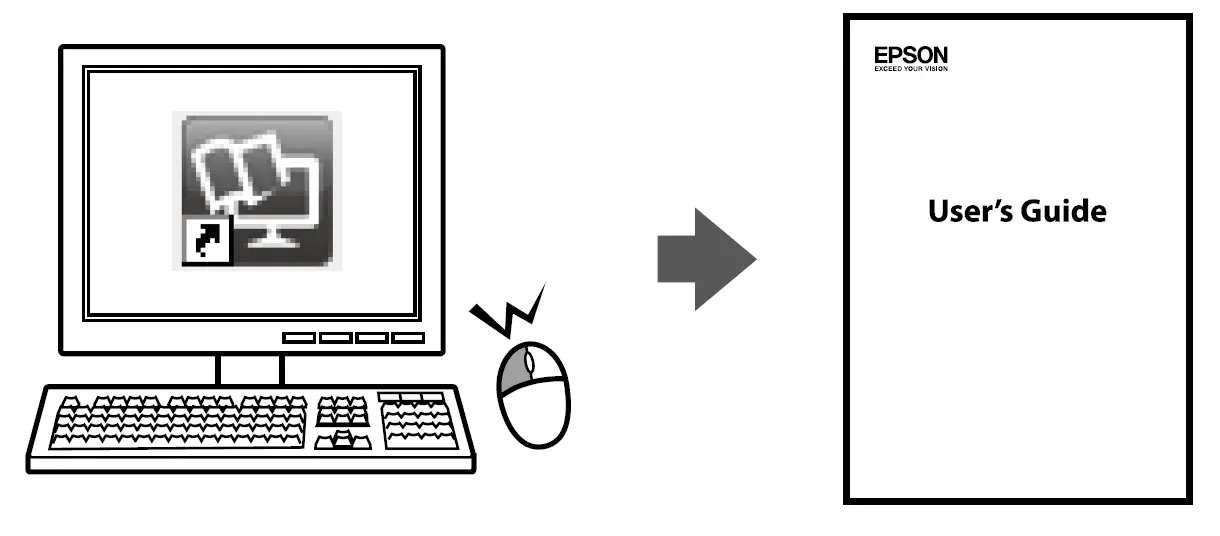
You can open the User’s Guide from the shortcut icon, or download the latest version from the website above.