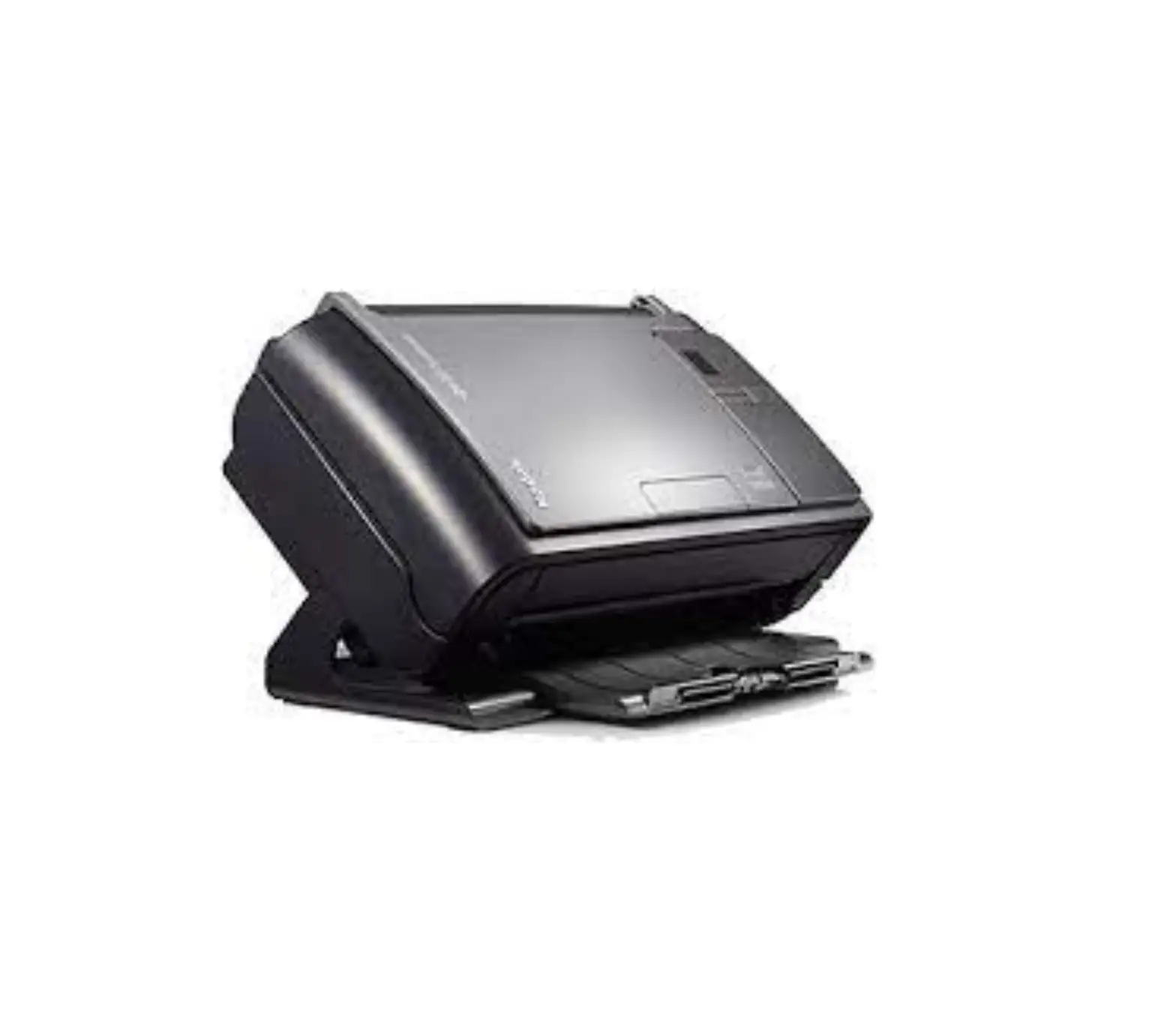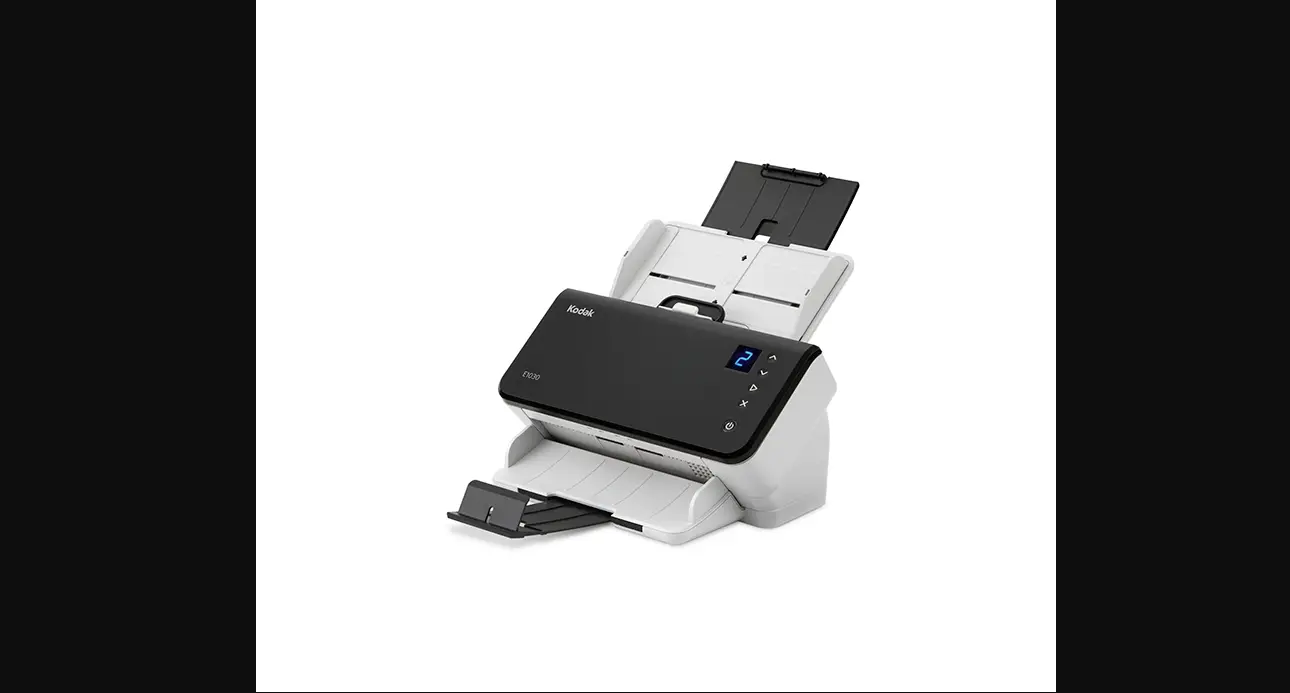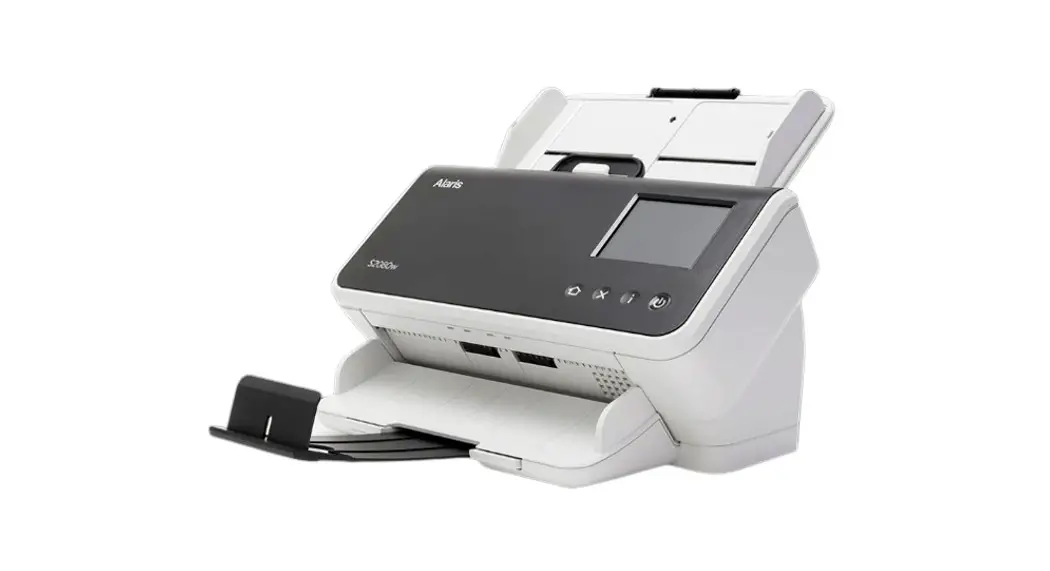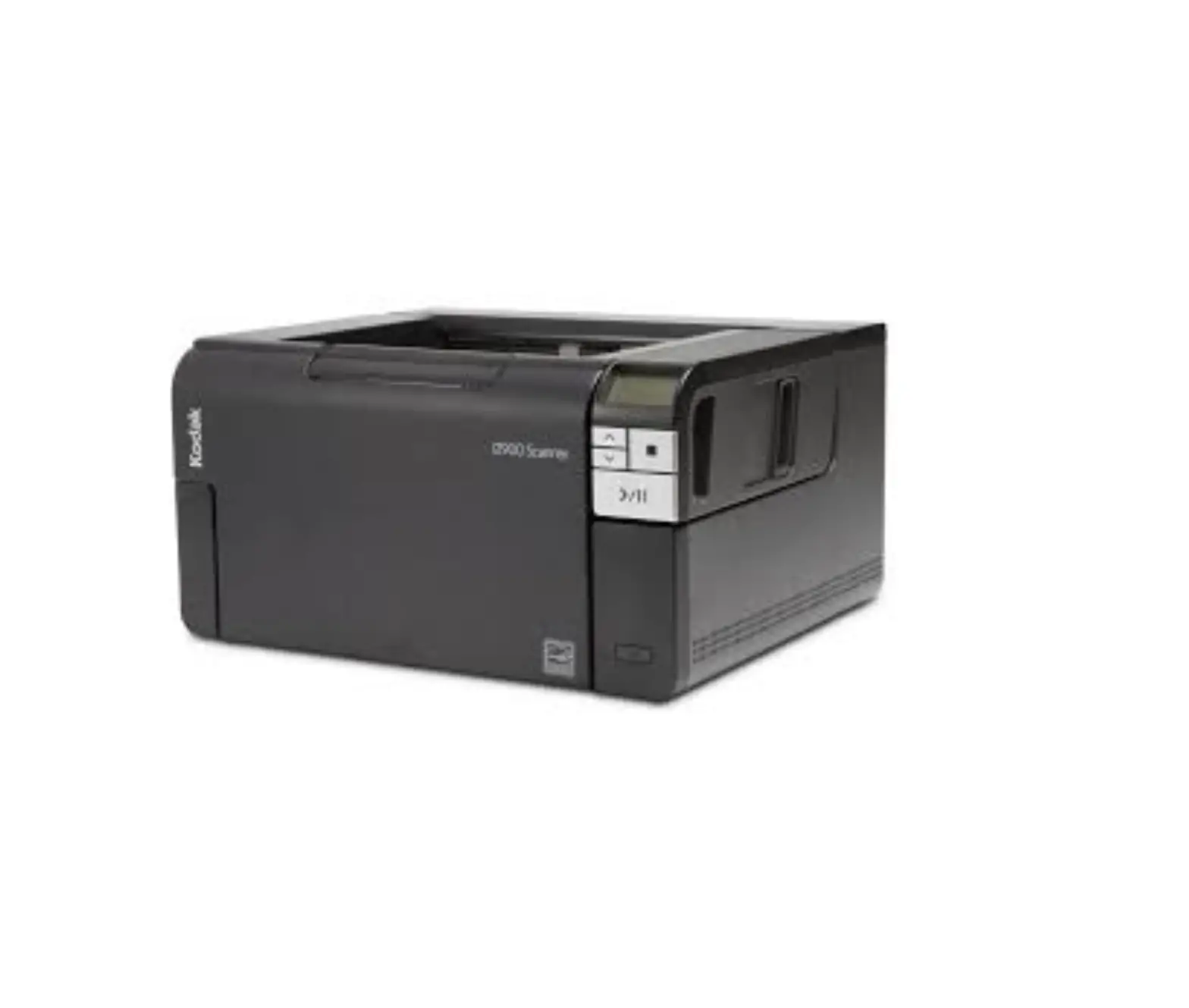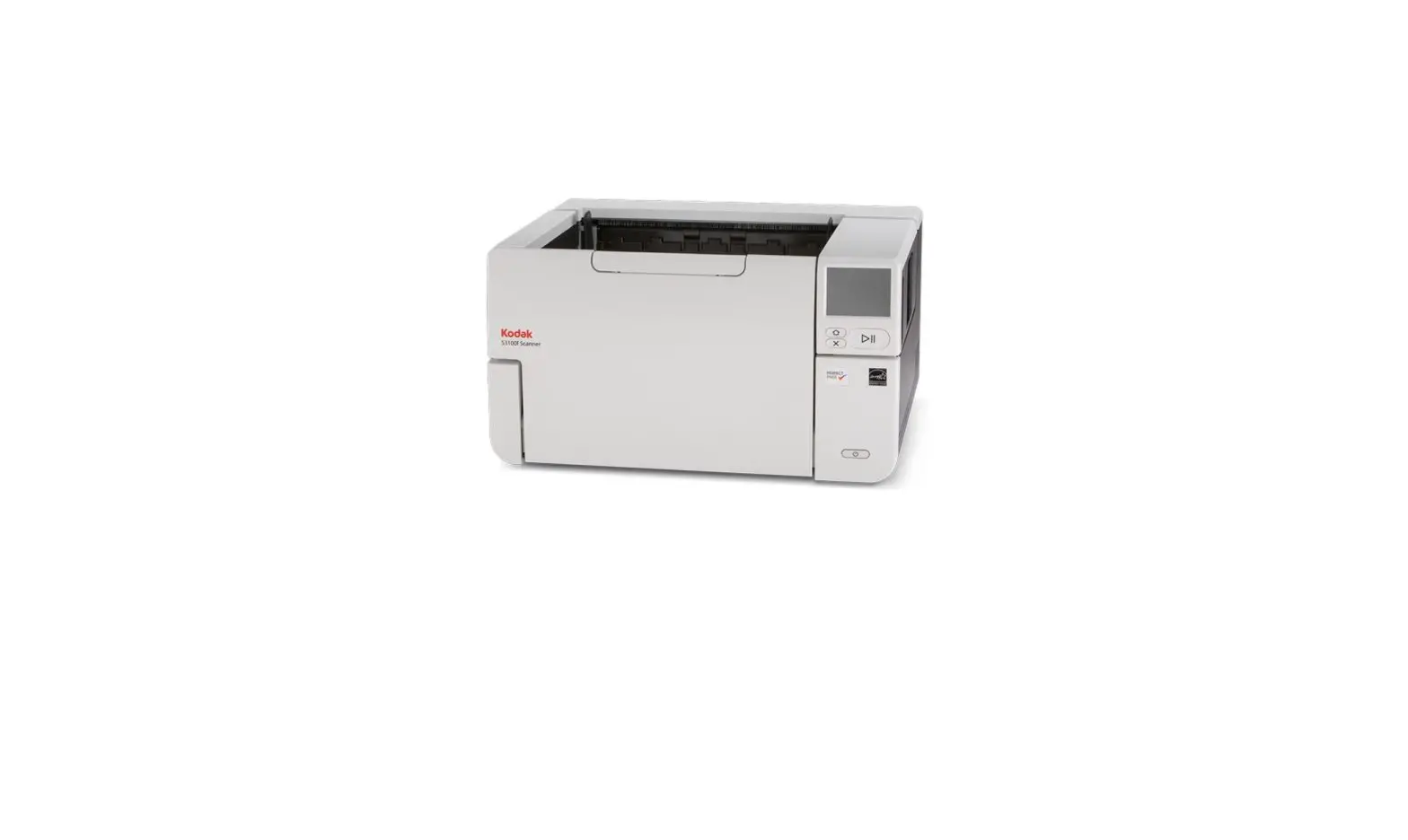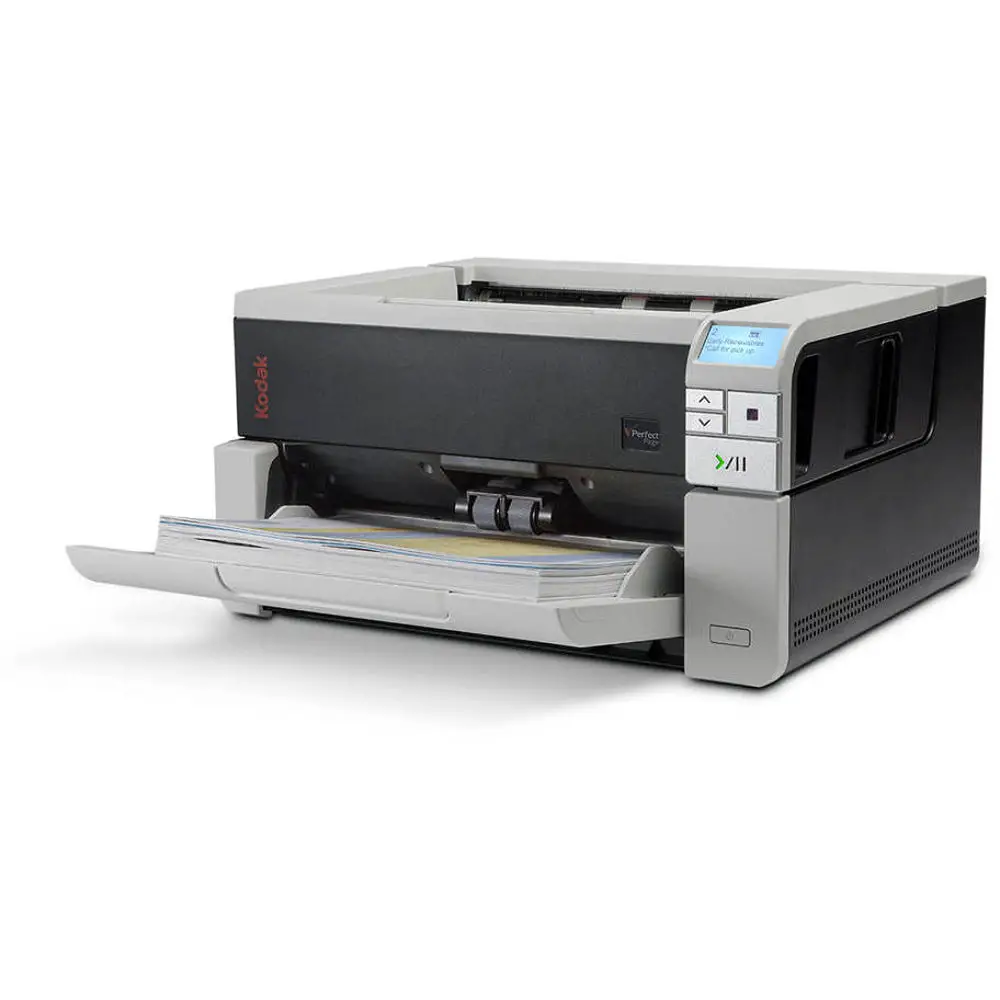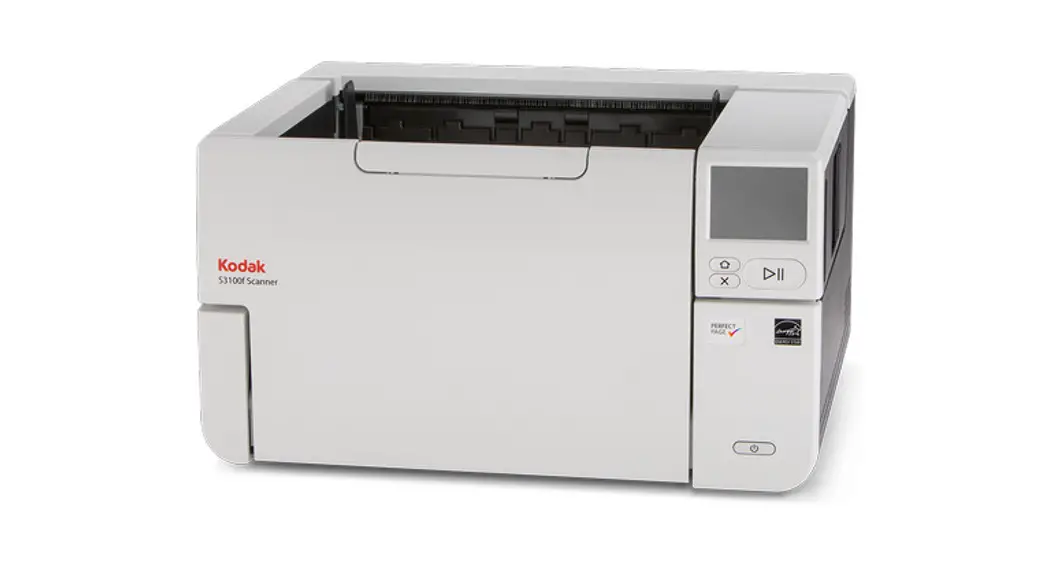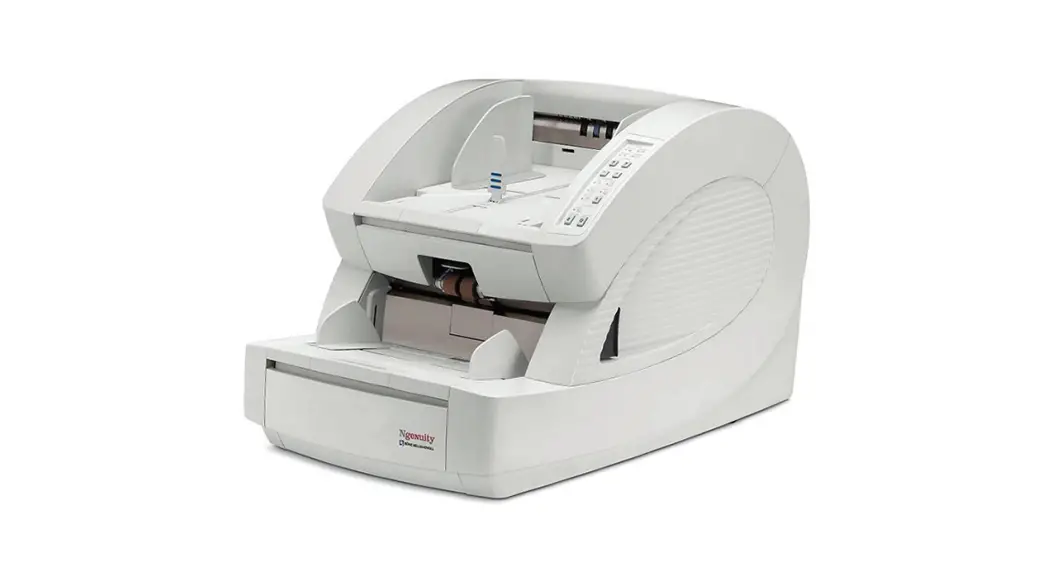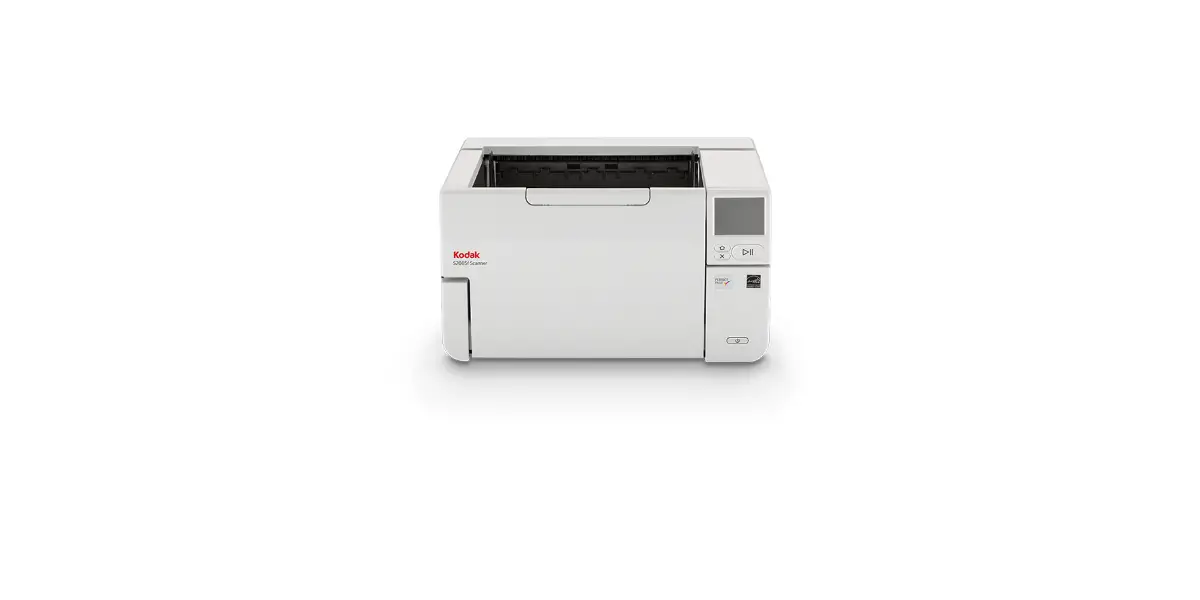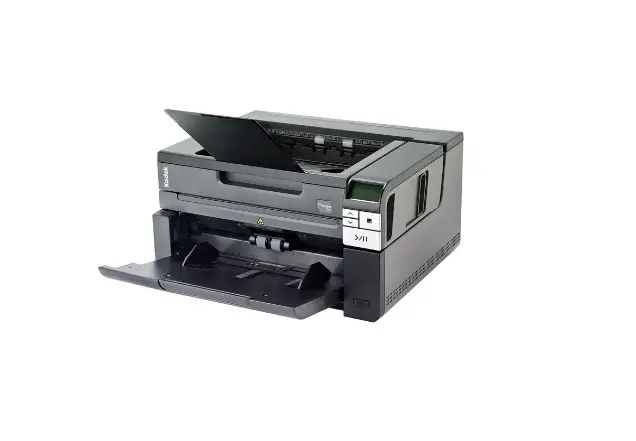
Kodak Scanner User Guide
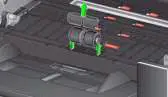
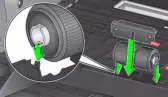
Replace Pre-Separation Pad Replace Separation Roller
- Pre-Separation Pad

- Separation Roller
See the User’s Guide for feed module and front transport roller replacement procedures.
Supplies and Accessories
| CAT No. | Description |
| 129 9676 | Feeder Consumables Kit |
| 136 4421 | Black Background Strip |
| 896 5519 | Staticide Wipes for Kodak Scanners |
| 169 0783 | Transport Cleaning Sheets |
| 853 5981 | Roller Cleaning Pads |
| 818 3386 | Black Ink Cartridge |
| 159 6832 | Red Ink Cartridge |
| 176 3325 | Flatbed Background |
| CAT No. | Accessories |
| 132 4391 | Printer Accessory |
| 189 4351 | A3 Flatbed Accessory |
| Part No | Accessories |
| 9E5146 | Printer Carrier |
IMPORTANT:
- The Roller Cleaning Pad contains sodium lauryl ether sulfate which can cause eye irritation. Refer to the MSDS for more information.
- Staticide Wipes contain isopropanol which can cause eye irritation and dry skin. Wash your hands with soap and water after performing maintenance procedures. Refer to the Material Safety Data Sheet (MSDS) for more information (www.kodak.com/go/MSDS).
Codes
| Code | LED | Explanation |
| U1 | Red | Check the imaging guides. |
| U2 | Red | Ink cartridge missing. |
| U3 | Red | Document too long. |
| U6 | Red | Scanner cover open. |
| U7 | Red |
|
| U8 | Red | Multifeed stop. |
| U8 | Green flash | Multifeed paused; waiting for user input. |
| U9 | Red | Document jam or the paper path is blocked. |
| U41, U42 | Red | Calibration failed. Try the calibration again. If it fails again, call Service. |
| U51 | Red | Timeout: USB disconnected while scanner was running. Rescan documents. |
| U52 | Red | Timeout. Rescan documents. |
| U53 | Red | USB speed is not supported. Be sure you are using a USB 2.0 (or higher) connection. |
| U55 | Red | USB events over threshold. Rescan documents. |
| U56 | Red | Image capture already started. Rescan documents. |
| U57 | Red | Image footer is missing. Rescan documents. |
| E | Red flash |
|
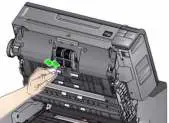
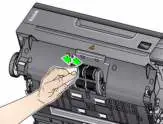
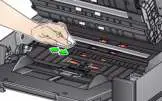
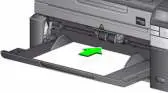
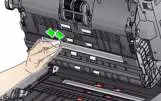
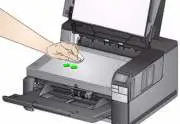
Clean the Transport, Rollers and Background Strips


Running a Transport cleaning sheet and Clean the Image Guide


Kodak Service & Support
Web: www.kodak.com/go/disupport
1.800.822.1414 (US & C only); all other regions, contact your local Kodak Support Center).
When contacting support, have the following available:
- A description of your problem
- Scanner model and serial number
- Computer configuration
- Software application you are using
To order supplies contact your reseller or go to: 90678 1 Kodak Alaris Scanners Supplies Consumables [PDF]
*Part numbers must be ordered from Parts Services.
In the United States Call:1-800-431-7278
References
 Commercial Printing Solutions & Technologies | Kodak Kodak Logo Open Kodak Logo Close Arrow Right Arrow Right Arrow Right Arrow Right Arrow Right Arrow Right Arrow Right Open Dropdown Open Dropdown Open Dropdown Open Dropdown Open Dropdown Facebook Logo Tw
-
Material Safety Data Sheets | Kodak Kodak Logo Open Kodak Logo Close Arrow Right Arrow Right Arrow Right Arrow Right Open Dropdown Open Dropdown Open Dropdown Open Dropdown Open Dropdown Facebook Logo Twitter Logo Instagram Logo Youtube Logo LinkedIn Logo
-
kodak.com/go/scannersupplies
 Commercial Printing Solutions & Technologies | Kodak Kodak Logo Open Kodak Logo Close Arrow Right Arrow Right Arrow Right Arrow Right Arrow Right Arrow Right Arrow Right Open Dropdown Open Dropdown Open Dropdown Open Dropdown Open Dropdown Facebook Logo Tw