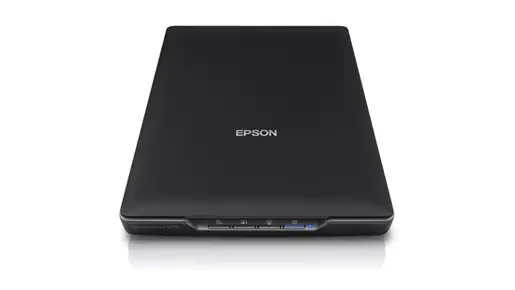
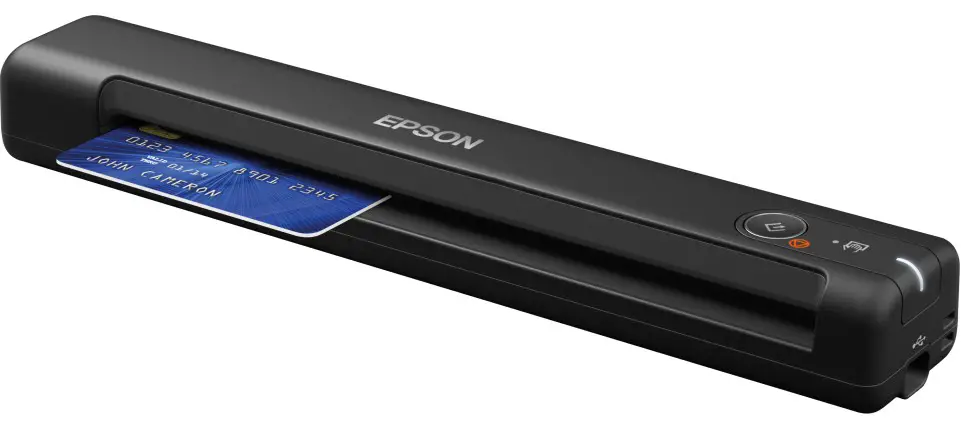
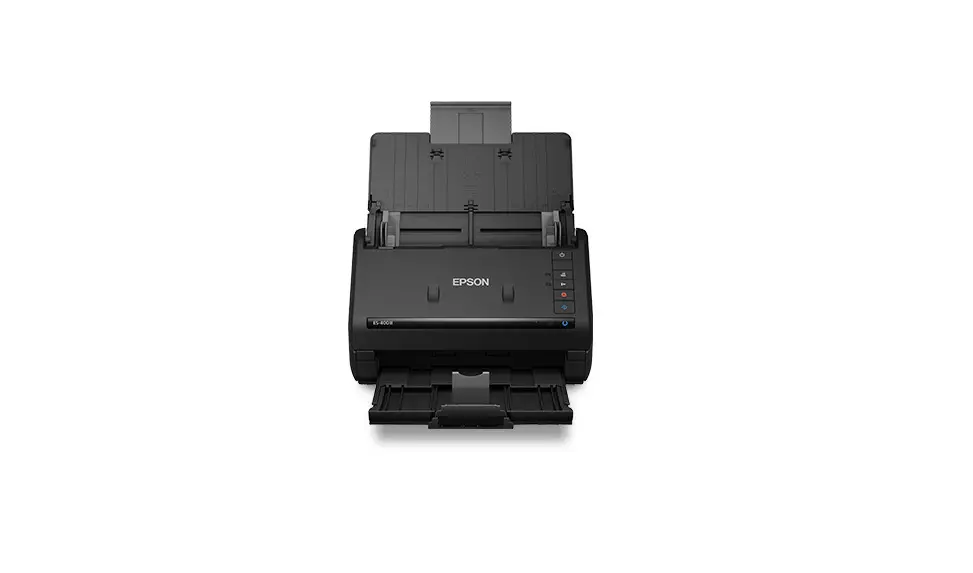
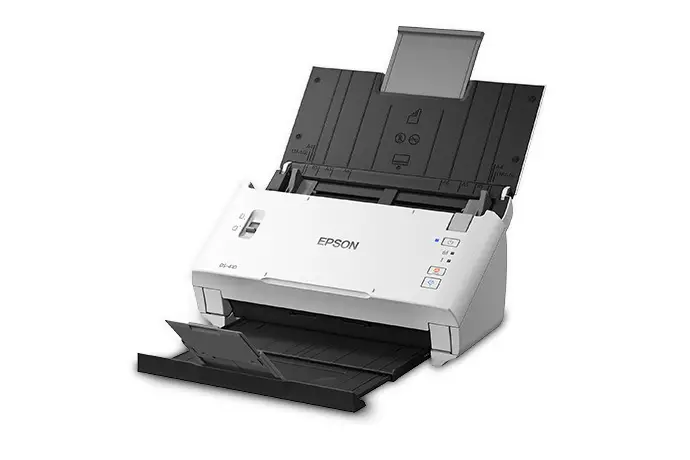
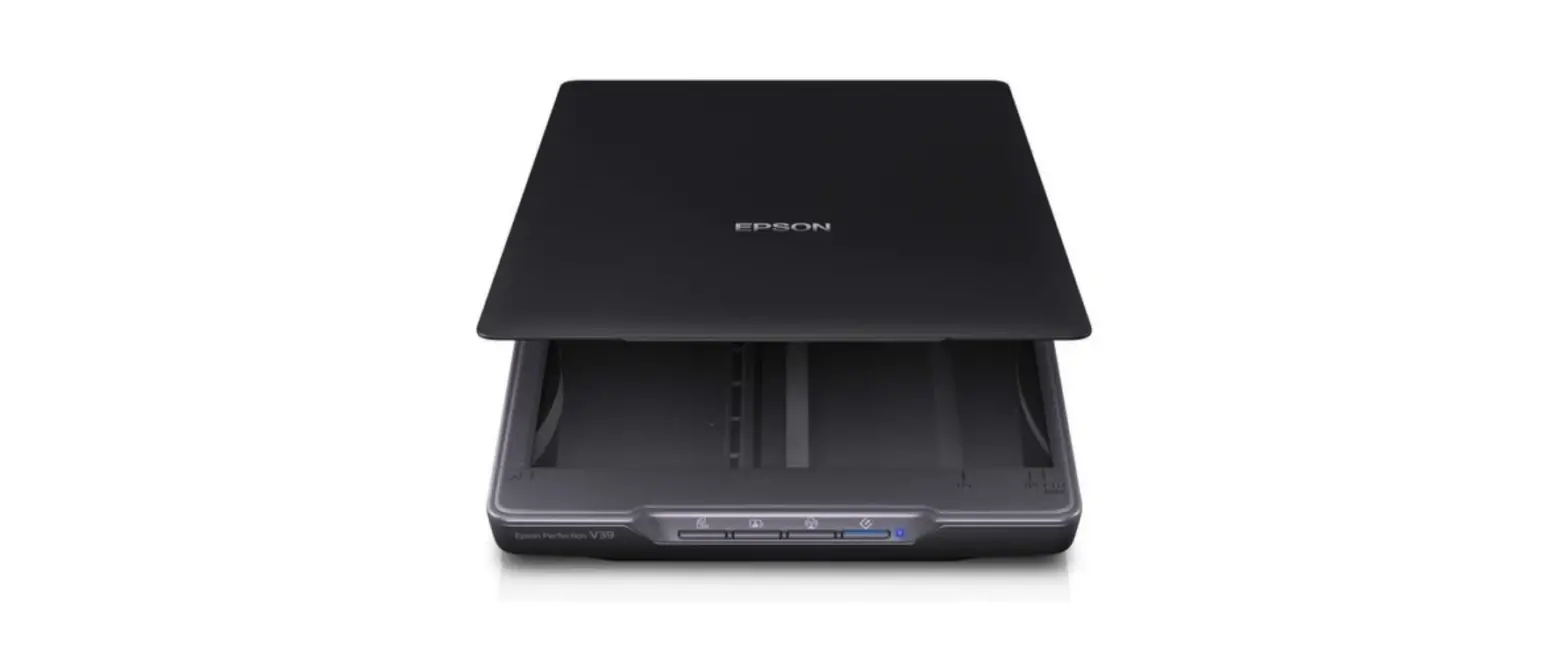
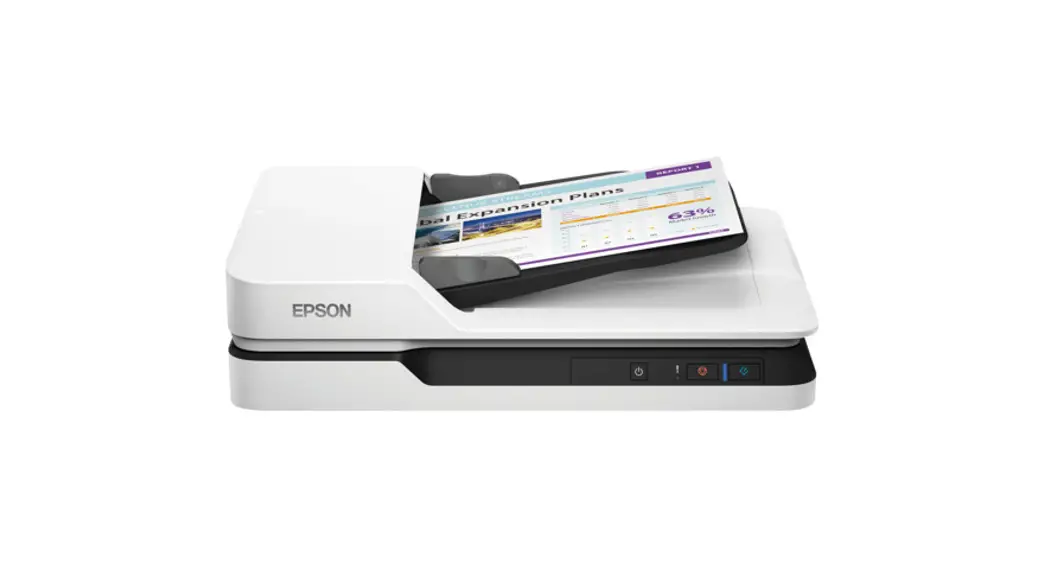
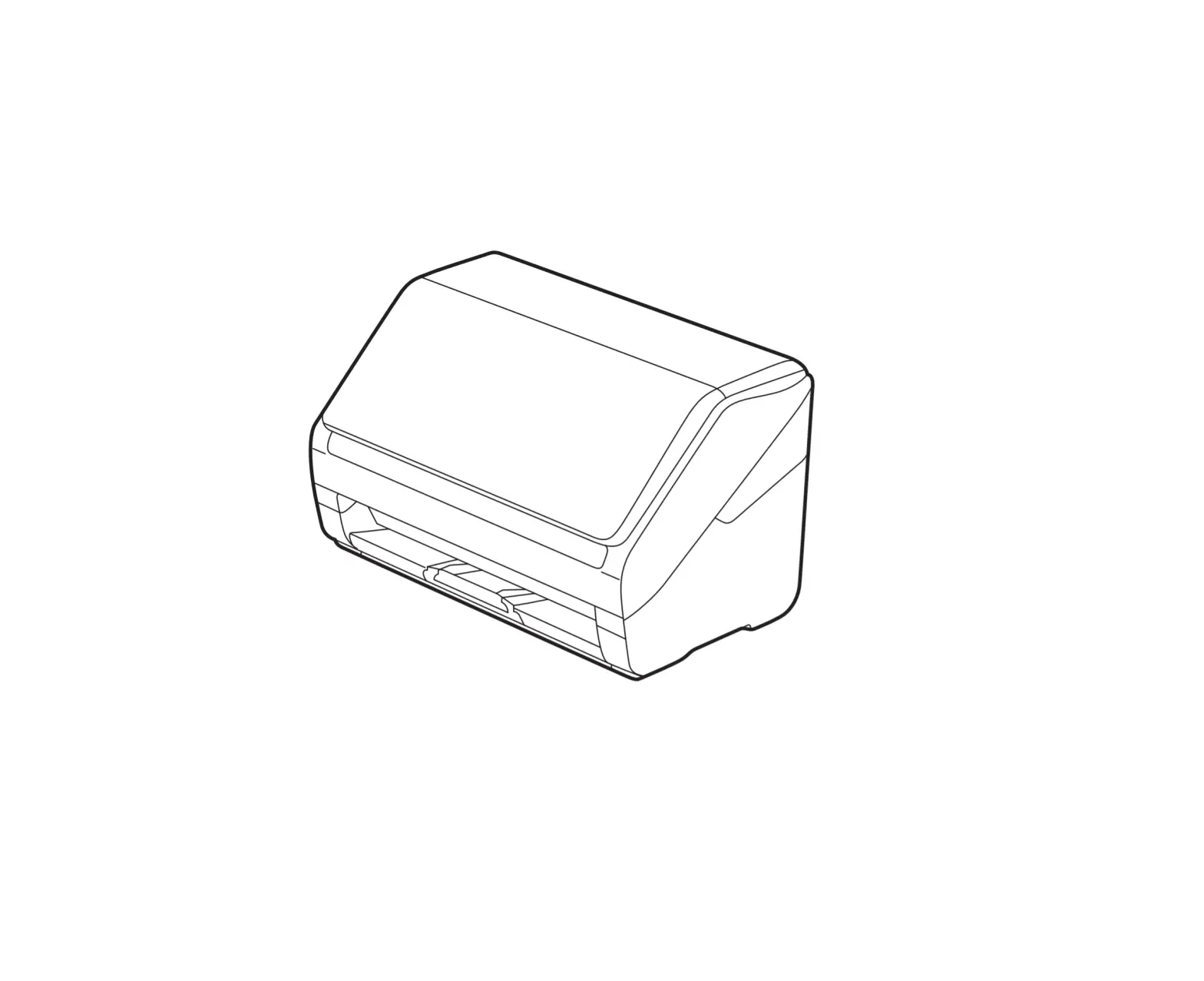
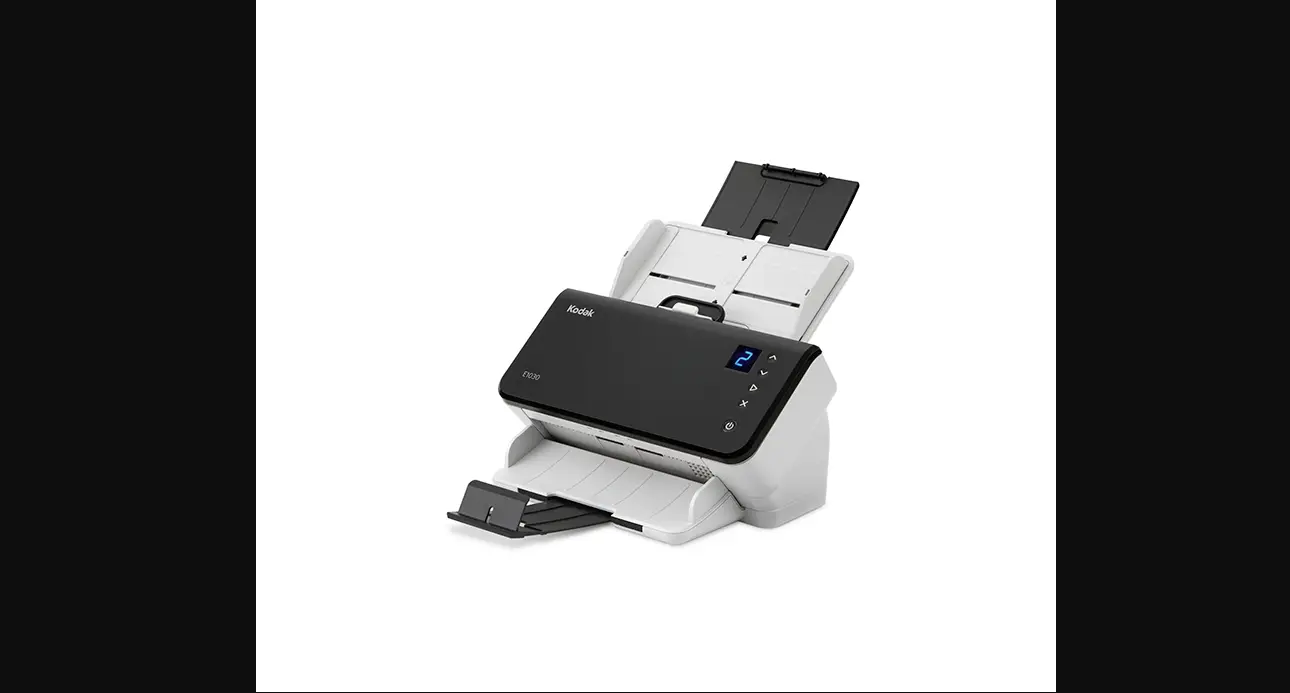
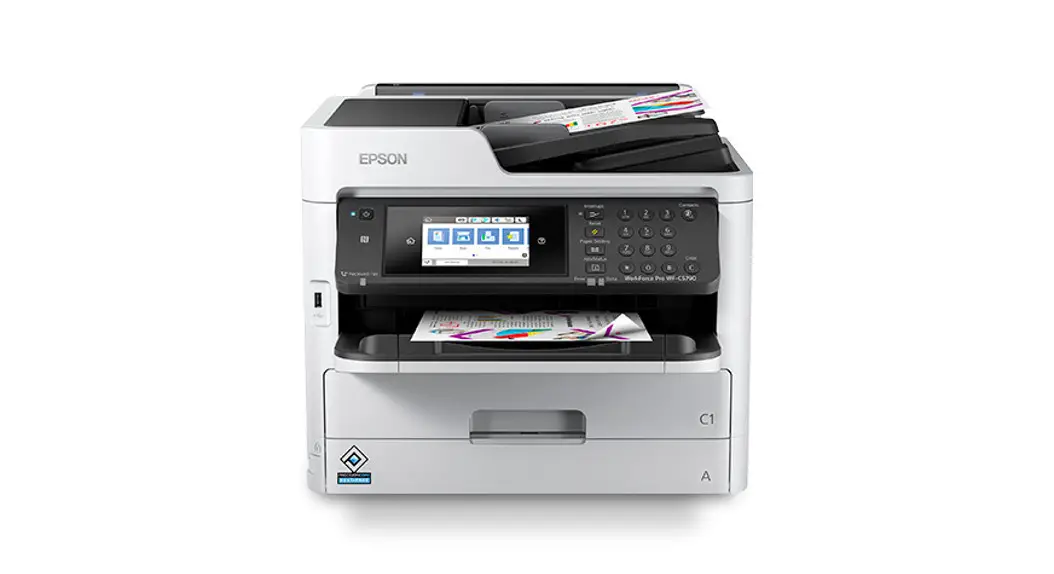
DS-C490 Business Scanner
Product Information
Product Name: ES-C380W
Compatible Models: DS-C490, DS-C330, ES-C320W
Language Options: English (EN), Hebrew (HE)
Placing Originals
This product supports scanning in two different positions,
depending on the type of document being scanned. For more details,
refer to the User’s Guide.
User’s Guide
The User’s Guide provides instructions on setting up the
scanner, scanning different document types, and utilizing various
features for improved work efficiency and scanning quality. It can
be accessed through the installed manual icon or the provided
website.
Important Note
Do not connect a USB cable unless instructed to do so.
Website and Software Setup
To set up the scanner, visit the provided website and follow the
instructions to download and install the necessary software.
Product Usage Instructions
Step 1: Language and Time Selection
1. Power on the scanner.
2. Select your preferred language and set the correct time.
Step 2: Placing Originals
1. Identify the type of document you want to scan (refer to the
User’s Guide for details).
2. Place the document in the appropriate position:
- – For vertical path scanning: [List of supported document
sizes] - – For straight path scanning: [List of supported document
sizes]
Step 3: Scanning and Sending
1. Open the User’s Guide for detailed scanning instructions.
2. Scan the document using the appropriate scanning position and
settings.
3. Send the scanned data to your computer or other specified
destinations (e.g., network folder, email address, Cloud, USB
drive) as per the User’s Guide instructions.
Note: Make sure to follow proper safety
precautions while handling the scanner and its accessories. Refer
to the User’s Guide for more information.
Important: The contents of this manual and the
specifications of this product are subject to change without
notice. Please refer to the latest version of the User’s Guide for
up-to-date information.
ES-C380W
Start Here
©2023 Seiko Epson Corporation Printed in XXXXXX
DS-C490 DS-C330 ES-C320W
EN Do not connect a USB cable unless instructed to do so.
HE
. USB-
1
3
ES-C380W
EN Select a language and time. HE
. ,
2
4
EN
Visit the website above, and follow the instructions to download and install the necessary software to setup the scanner.
HE
, .
Placing Originals
This product uses two different positions for scanning, depending on EN the document being scanned. See the User’s Guide for more details on
scanning.
Scanning in Vertical Path Position
HE
. , .
Scanning in Straight Path Position
~ A4 Receipt PostCard Business Card
1
ES-C380W: DS-C490 / DS-C330 / ES-C320W:
?/
Card Passport
B4 ~ A3 Long Paper Booklet Envelope
1
ES-C380W: DS-C490 / DS-C330 / ES-C320W:
?/
2
2
3
3
You can open the User’s Guide from the installed manual icon or the
website above.
This guide provides instructions and introduces product features. It
EN
also explains how to scan a variety of document types. You can send scanned data to the computer or specified destinations
(such as a network folder, an e-mail address, the Cloud, or a USB drive).
This scanner also has useful features to improve your work efficiency
and scanning quality. See “Product Features”.
.
. .
HE
, (
.)USB , ,”
.” ” .
The contents of this manual and the specifications of this product are subject to change without notice.