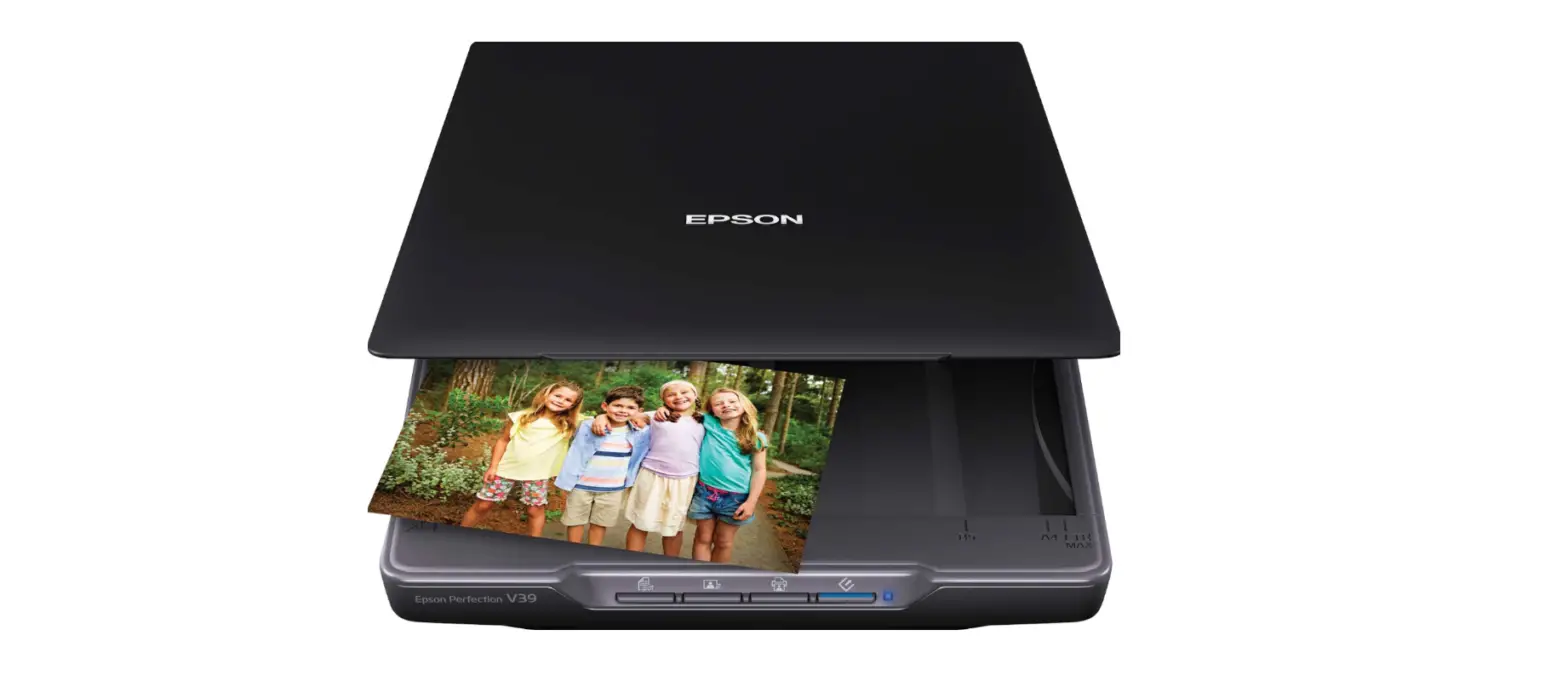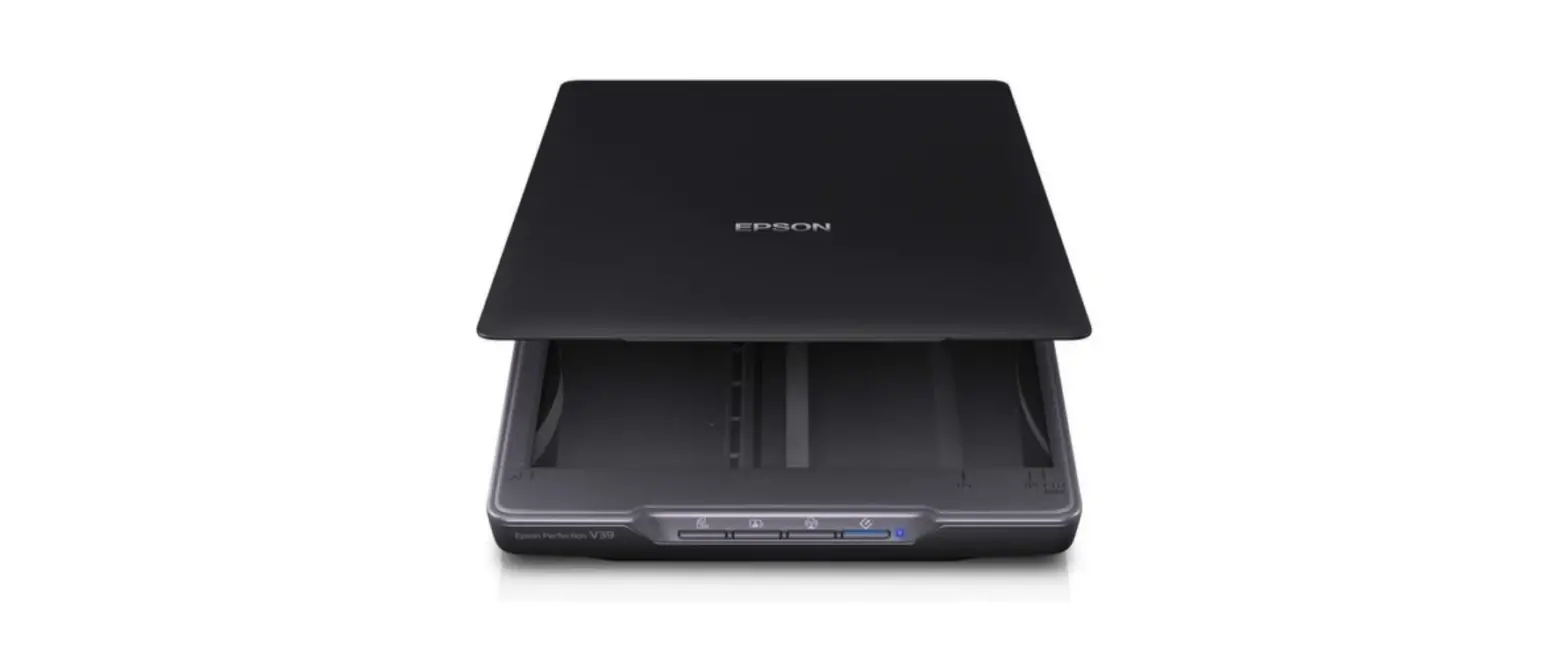
EPSON V39 II Perfection Scanner User Guide

1.

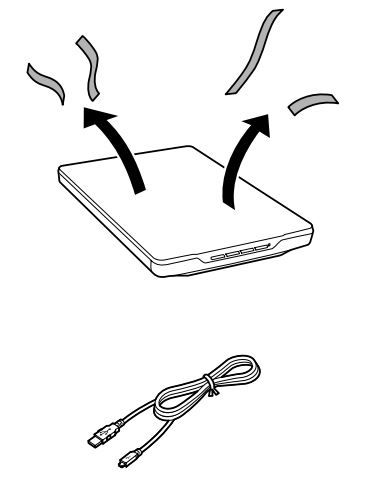
Visit the website above, and follow the instructions to download and install the necessary software to setup the scanner.
2.
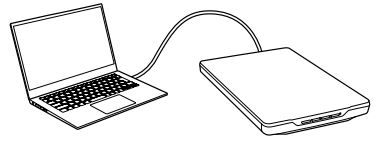
To turn the scanner on, connect the USB cable after the software is installed. The product does not have a power button.
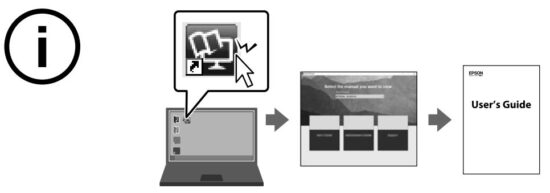
You can open the User’s Guide from the installed manual icon or the website above. This guide provides instructions and introduces product features. You can scan originals easily by using just four buttons on the scanner and using Epson ScanSmart. See “Product Features”.
Information for Users in Turkey Only
SEIKO EPSON CORPORATION
Adres: 3-5, Owa 3-chome, Suwa-shi, Nagano-ken 392-8502 Japan
Tel: 81-266-52-3131
Web: http://www.epson.com/

Windows® is a registered trademark of Microsoft Corporation.
macOS is a trademark of Apple Inc., registered in the U.S. and other countries.
The contents of this manual and the specifications of this product are subject to change
without notice.
Read More About This Manual & Download PDF: