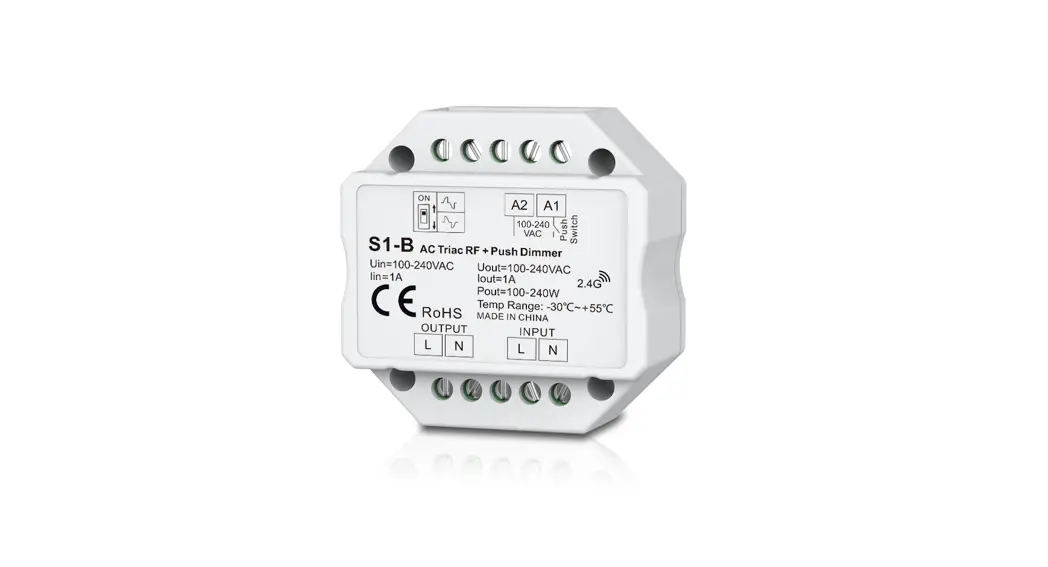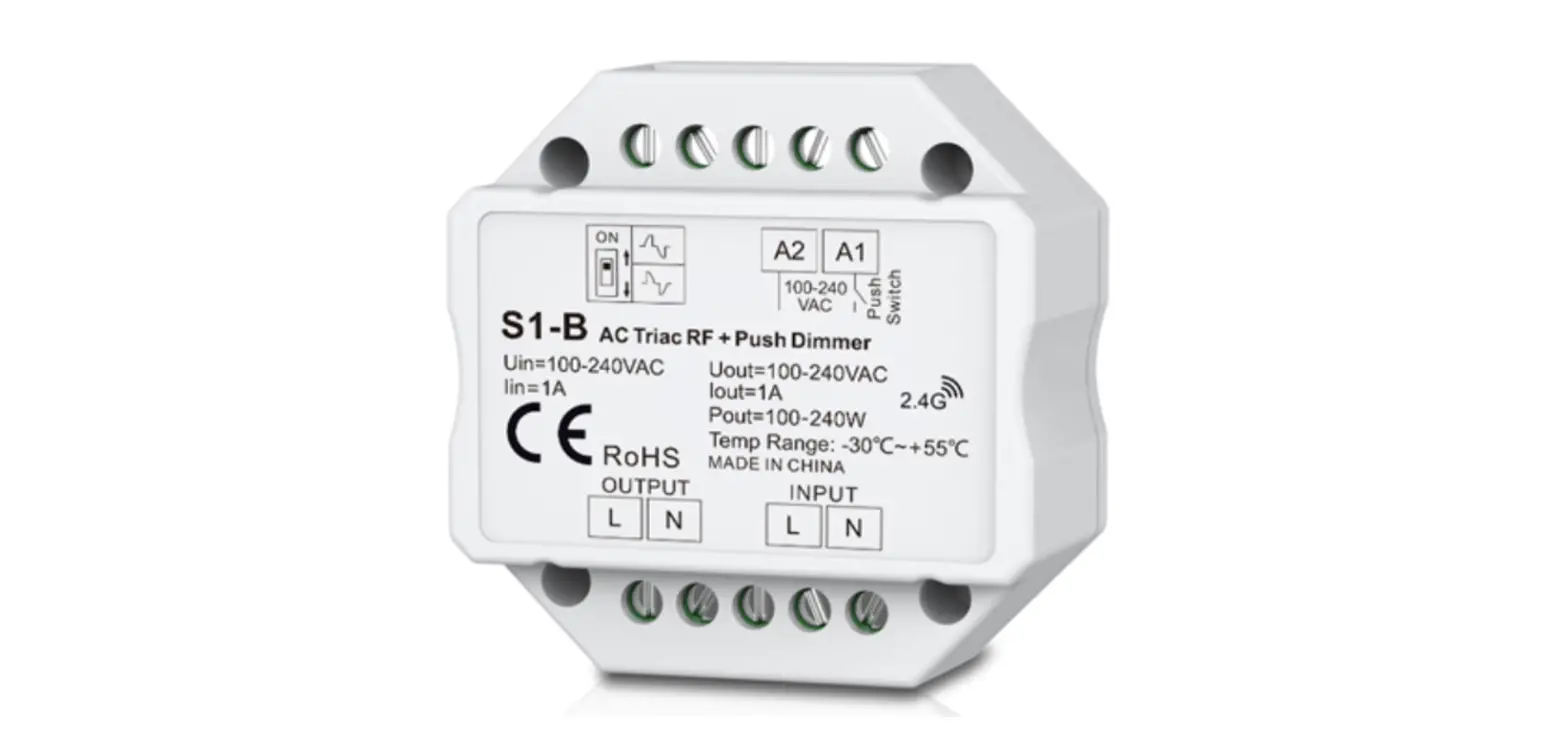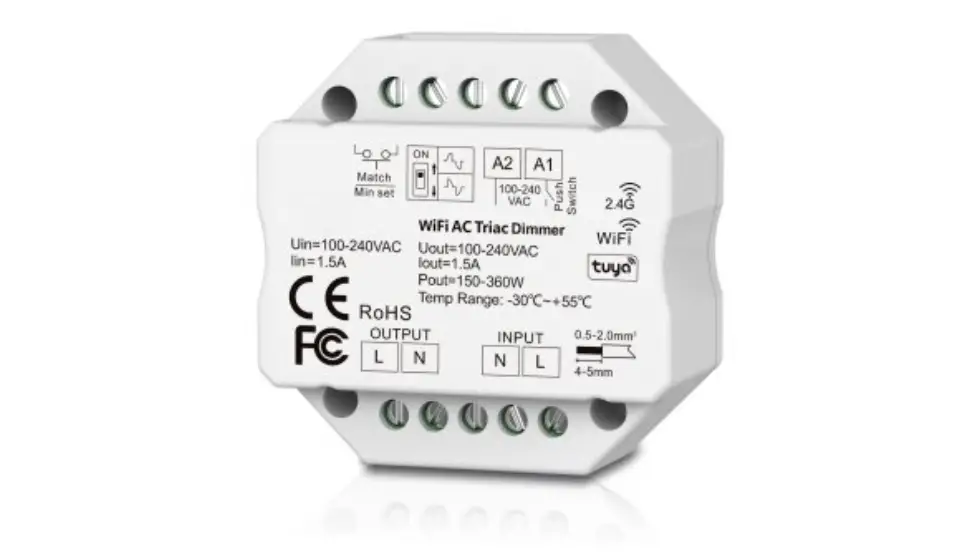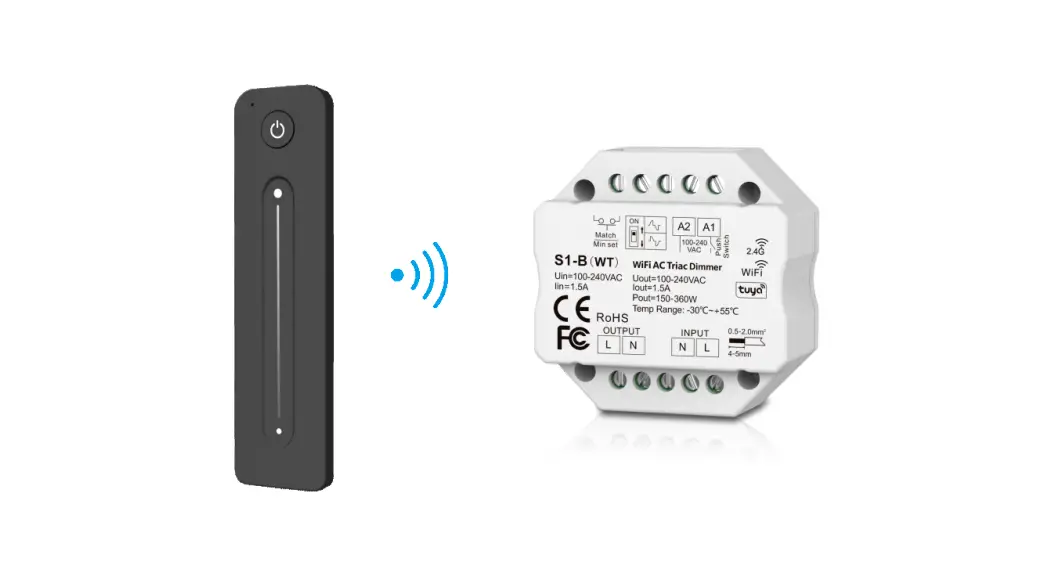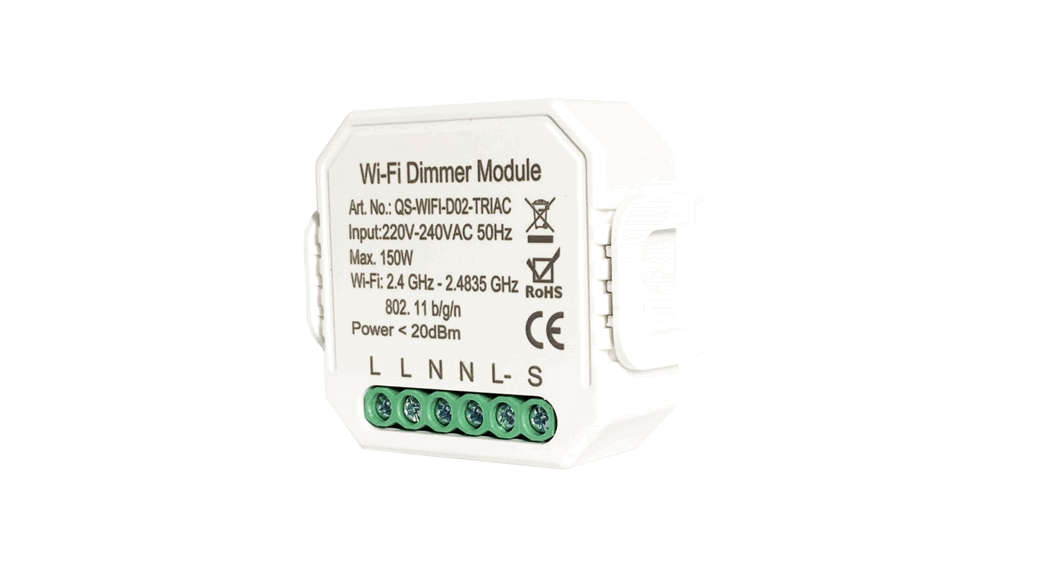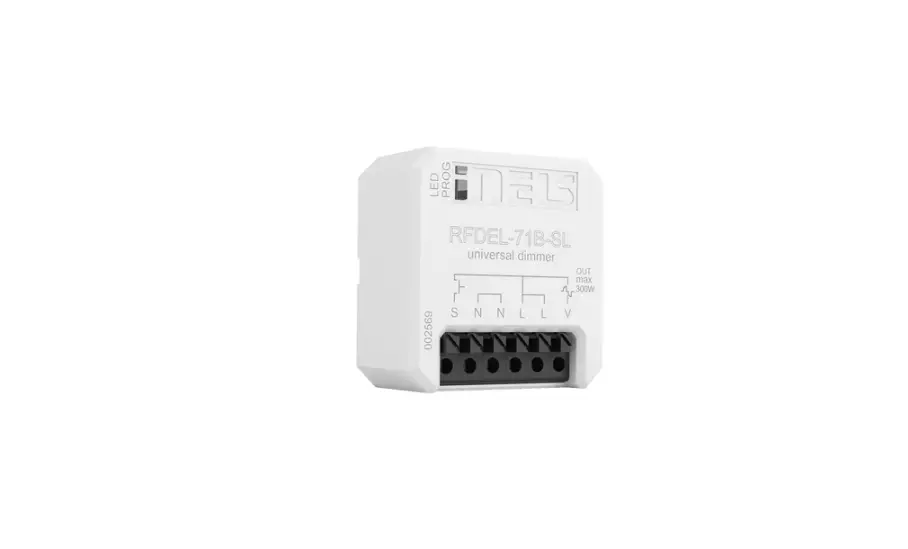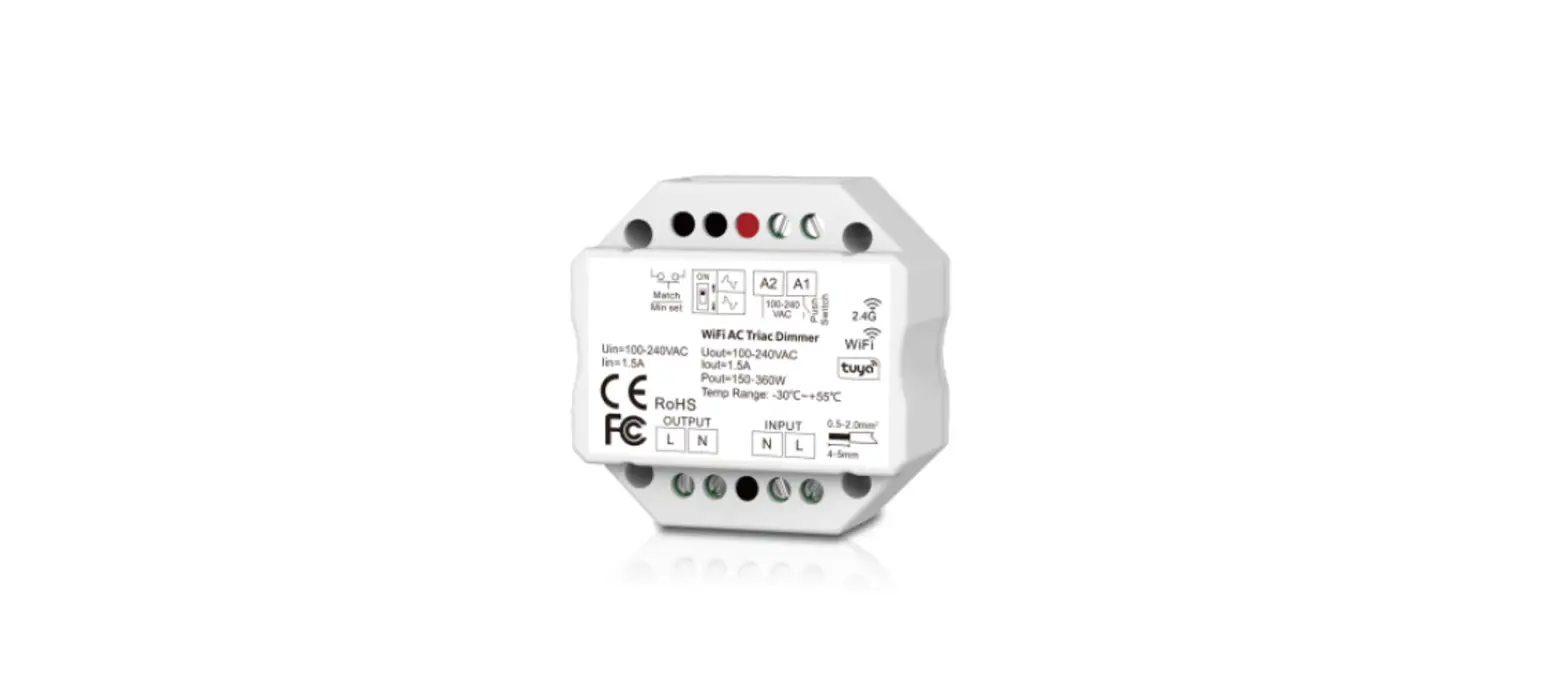
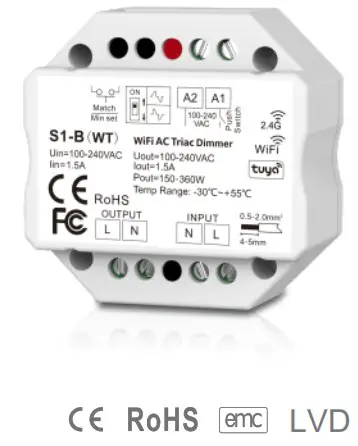
WiFi & RF AC Triac Dimmer
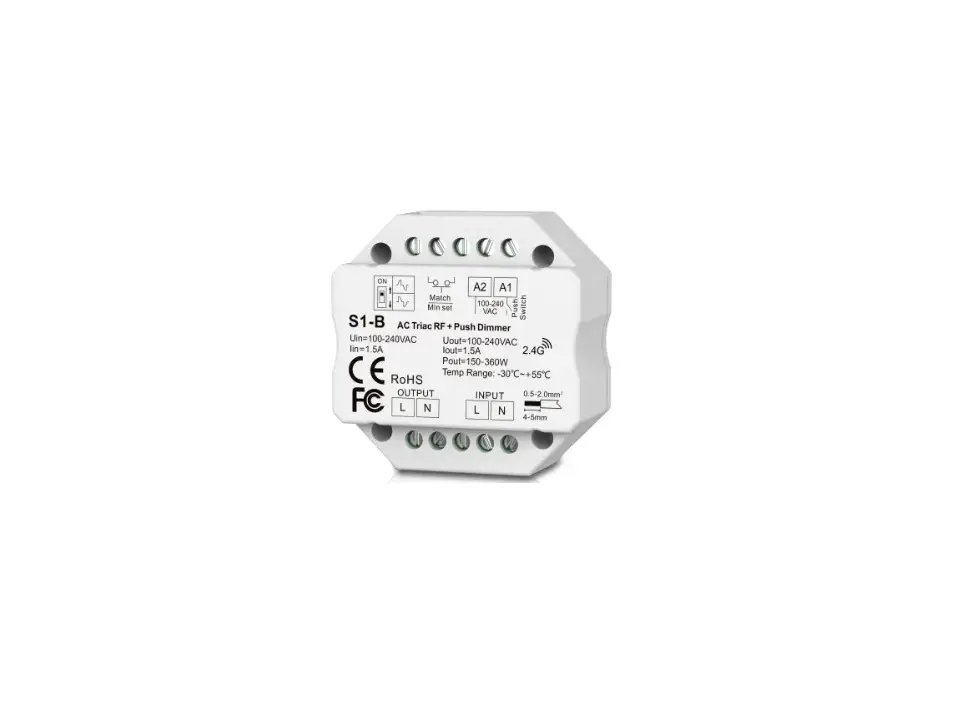
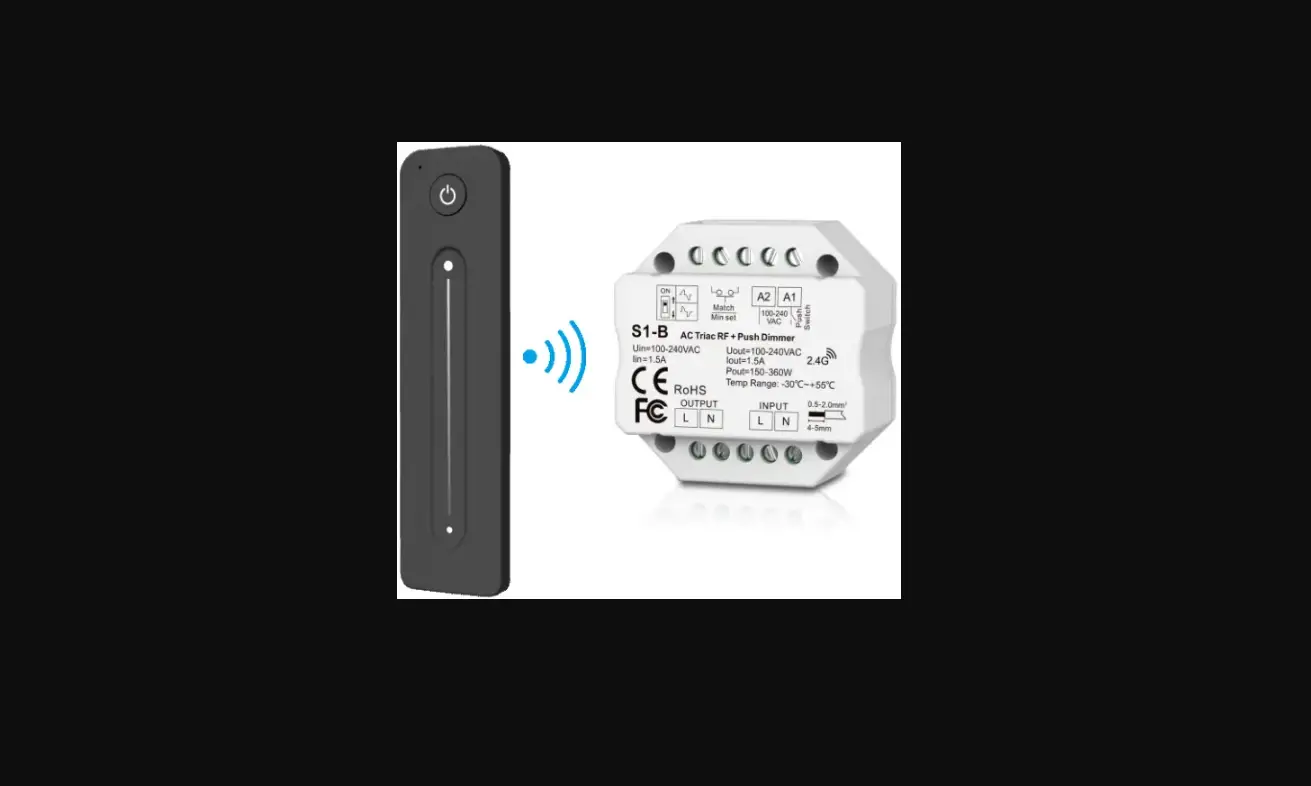
Model No.: S1-B(WT)
Tuya APP cloud control/Voice control/RF dimming/Push Dim/Leading edge or trailing edge/Wall junction box mounting
Features
- WiFi + RF + Push AC phase-cut dimmer, 1 channel output.
- To dim and switch single color dimmable LED lamps, traditional incandescent, and halogen lights.
- Tuya APP cloud control, support on/off, brightness adjust, delay turn on/off light, timer run, scene function.
- Voice control, support amazon ECHO and TmallGenie smart speaker.
- 256 levels 0-100% dimming smoothly without any flash.
- Leading edge dimming or trailing edge dimming set by dip switch. Min brightness can be set by key.
- Light on/off fade time 3s selectable. Compatibility with RF 2.4G single zone or multiple zone dimming remote control.
- Each S1-B(WT) controller can also work as WiFi-RF converter, then use Tuya APP to control one or more RF dimming LED controller or driver synchronously.
- Connect with external push switch to achieve on/off and 0-100% dimming function.
- Easy to be placed in standard wall junction box behind a push switch.
- Over-heat/Over-load protection, recover automatically.

Technical Parameters
| Input and Output | |
| Input voltage | AC100-240V |
| Output voltage | AC100-240V |
| Output current | Max 1.5A |
| Output power | 150-360W |
| Environment | |
| Operation temperature | Ta: -30ºC ~ +55ºC |
| Case temperature (Max.) | T c: +85ºC |
| IP rating | IP20 |
| Warranty | |
| Warranty | 5 years |
| Safety and EMC | |
| EMC standard (EMC) | ETSI EN 301 489-1 V2.2.3 ETSI EN 301 489-17 V3.2.4 |
| Safety standard(LVD) | EN 62368-1:2020+A11:2020 |
| Radio Equipment(RED) | ETSI EN 300 328 V2.2.2 |
| Certification | CE,EMC,LVD,RED |
| Dimming data | |
| Input signal | Tuya APP + RF + Push Dim |
| RF Control distance | 30m(Barrier-free space) |
| Dimming level | 256 levels |
| Dimming range | 0 -100% |
| Weight | Net weight | Gross weight |
| Weight unit(g) | 0.048kg | 0.061kg |
Mechanical Structures and Installations
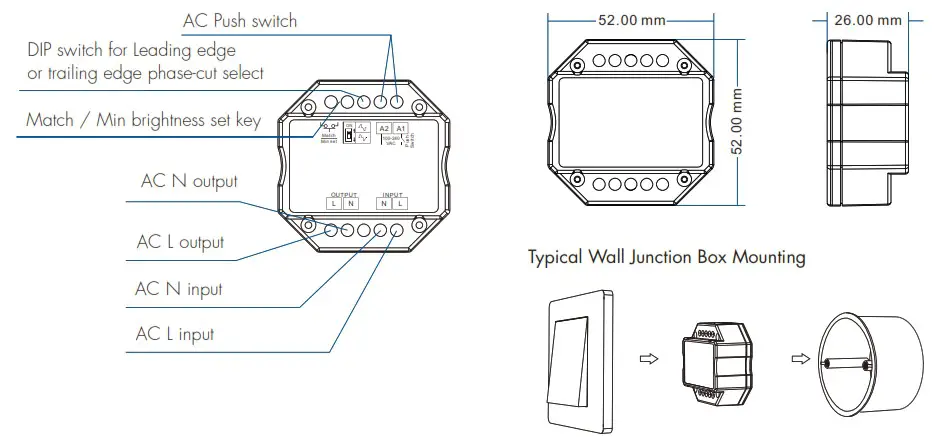
System wiring
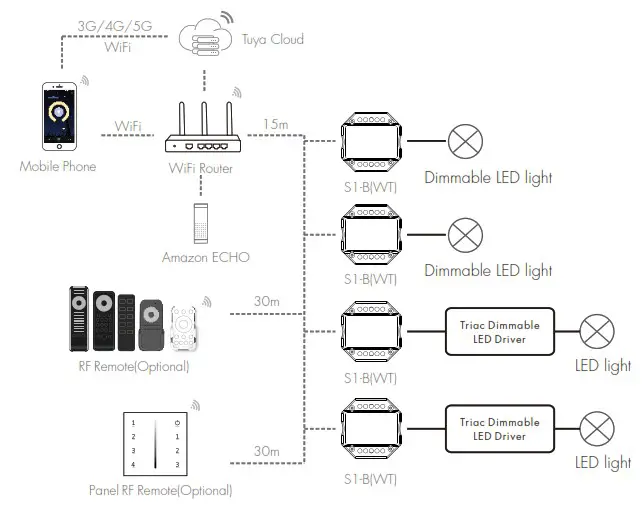
 Wired connection
 Wireless connection
Note:
- The above distance is measured in spacious(no obstacle) environment, Please refer to the actual test distance before installation.
- PleasecheckiftheWiFi routernetin2.4Gband, the5Gband is not available, and do not hide your router network.
- PleasekeepthedistancebetweenS1-B(WT) devices and router close, andchecktheWiFisignals.
Wiring diagram
 Caution: Please carefully ensure all wire connections and polarities are correct and secure before applying power, other wise this controller will be damaged.
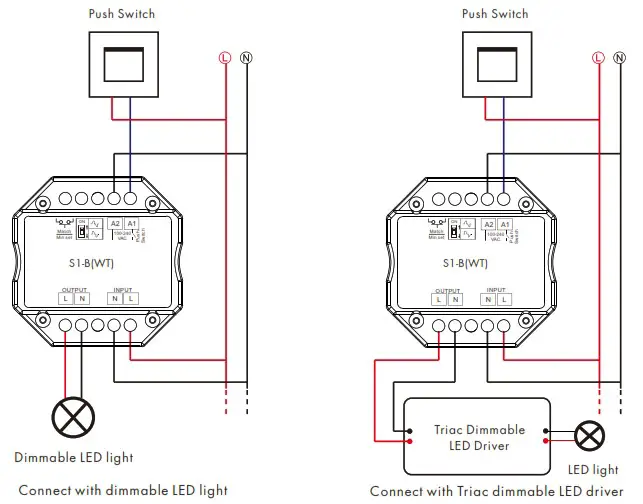
Note: When calculating the maximum number of load lamps or drivers, the input power or input current parameters of a single lamp or driver must be used, the output power parameters can not be used.
In addition, the maximum surge current of the dimmer is 65A, the sum of surge current of multiple dimmable LED drivers should not exceed 2 times. otherwise, the product will be overloaded and damaged.
Compatible Load Types
| Load Type | Maximum Load | Remarks |
| Dimmable LED lamps | 200W @ 220V 1 00W @ 1 1 OV | Due to variety of LED lamp designs, maximum number of LED lamps is further dependent on power factor result when connected to dimmer. |
| Triac Dimmable LED drivers | 200W @ 220V 100W @ 1 1 OV | Maximum permitted number of drivers is 200W divided by driver nameplate power rating, and make sure the surge current is no more than 2 times 65A. |
| Incandescent lighting, HV Halogen lamps | 400W @ 220V 200W @ 110V |
Leading edge or trailing edge dimming setting
Select leading edge(forward-phase) dimmer or trailing edge(reverse-phase) dimmer according to dimmable LED light or driver.
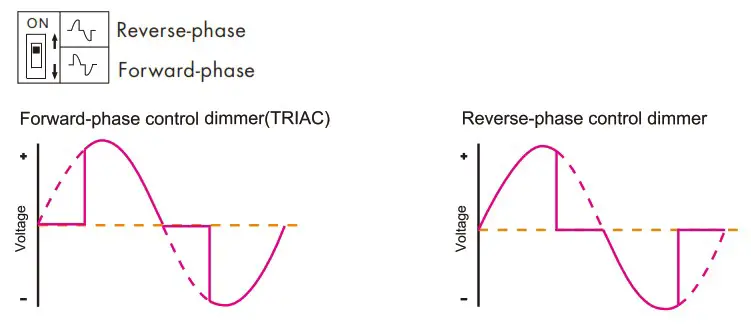
Caution: before power on, you must confirm the selection of dip switch.
Min brightness setting
Long press Min set key for 10s, the light blink 2 times, ready for min brightness set, then short press Min set key 1-6 times, to get 6 min brightness: 5%, 10%, 15%, 20%, 25% or 30%, the light will output the current min brightness immediately, Wait 8s, quit min brightness set automatically, the light will return output 100% brightness.
Tuya APP network connection and operation
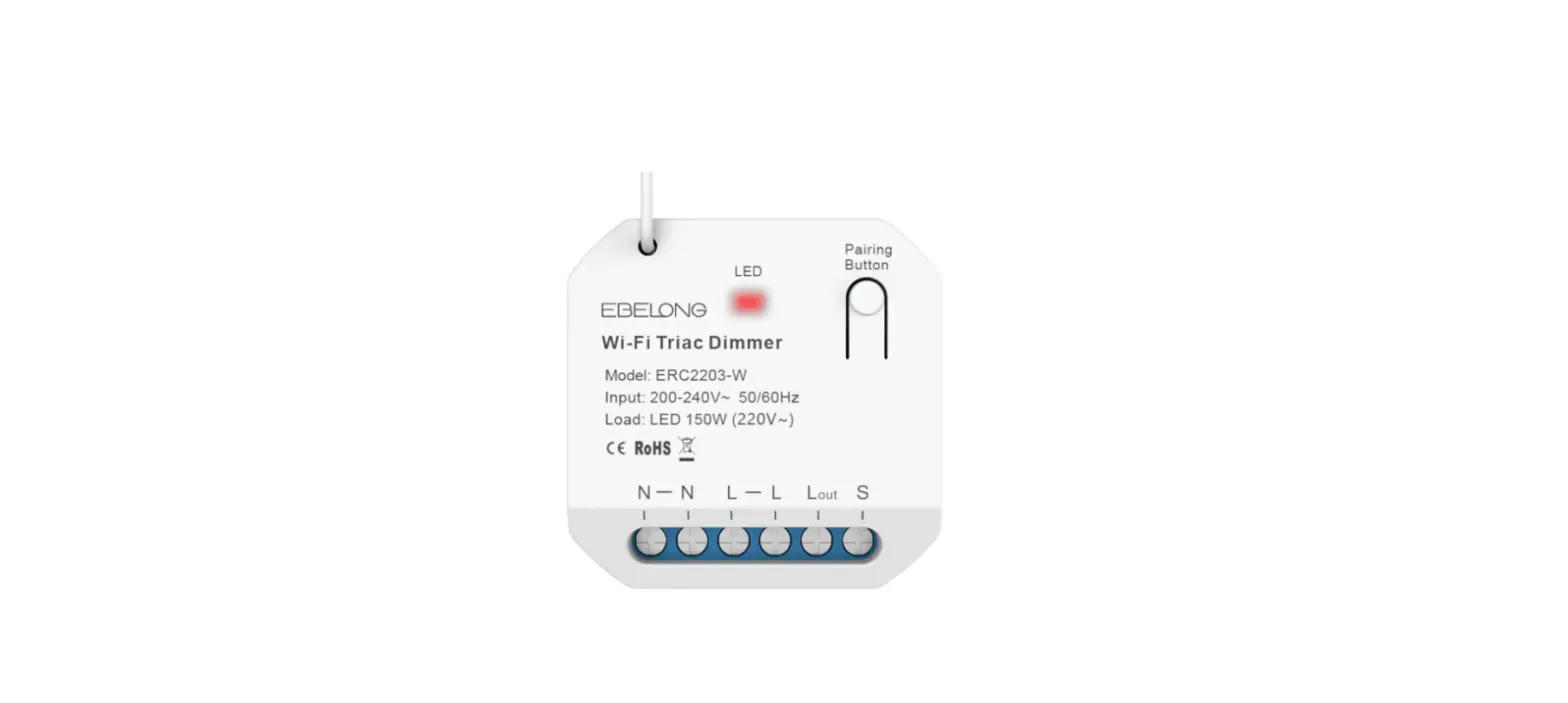
Press and hold Match/Set key for 2s, or push twice Match/Set key fastly, Clear previous network connection, enter Smart config mode, the blue LED indicator flash fastly.
Press and hold Match/Set key for 5s: Clear previous network connection, enter AP config mode, the blue LED indicator flash slowly. If smart config failed, please try AP config.
If Tuya APP network connection succeed, the blue LED indicator will stop flash, and in Tuya APP, you can find Triac dimmer device.
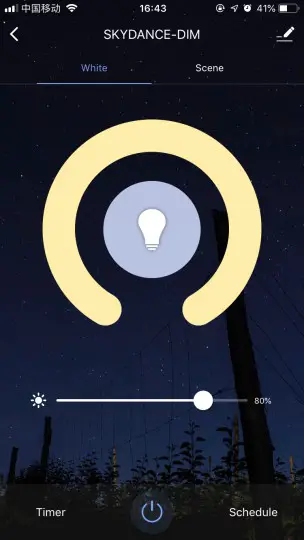
Tuya APP interface operation: Touch brightness slide to adjust brightness.
S1-B(WT) match RF remote control (Optional)
End user can choose the suitable match/delete ways. Two options are offered for selection:
Use the S1-B(WT)’s Match key
Match:
Short press match key of S1-B(WT), immediately press on/off key (single zone remote) or zone key (multiple zone remote) on the remote.
Delete:
Press and hold match key of S1-B(WT) for 15s to delete all match, The light blinks 5 times means all matched remotes were deleted.
Use Power Restart
Match:
Switch off the power of S1-B(WT), then switch on power, repeat again, Immediately short press on/off key (single zone remote) or zone key (multiple zone remote) 3 times on the remote. The light blinks 3 times means match is successful.
Delete:
Switch off the power of S1-B(WT), then switch on power, repeat again, Immediately short press on/off key (single zone remote) or zone key (multiple zone remote) 5 times on the remote. The light blinks 5 times means all matched remotes were deleted.
S1-B(WT) work as WiFi-RF converter to match other RF dimming LED controller or driver
End user can choose the suitable match/delete ways. Two options are offered for selection:
Use the controller’s Match key
Match:
Short press match key of the controller, immediately press on/off key on the Tuya APP. The LED indicator fast flash a few times means match is successful.
Delete:
Press and hold match key of the controller for 5s, The LED indicator fast flash a few times means match was deleted.
Use Power Restart
Match:
Switch off the power of the controller, then switch on power, repeat again, Immediately short press on/off key 3 times on the Tuya APP. The light blinks 3 times means match is successful.
Delete:
Switch off the power of the controller, then switch on power, repeat again, Immediately short press on/off key 5 times on the Tuya APP. The light blinks 5 times means match was deleted.
AC Push Dim Function (Optional)
- Short press: Turn on or off light.
- Long press (1-6s): Press and hold to step-less dimming, With every other long press, the light level goes to the opposite direction.
- Dimming memory: Light returns to the previous dimming level when switched off and on again, even at power failure.
Light on/off fade time
Switch off the power, then switch on power, repeat again. Immediately short press match key 3 times, the light on/off time will change between 3s and 0.5s.
S1-B(WT) WiFi & RF AC Triac Dimmer