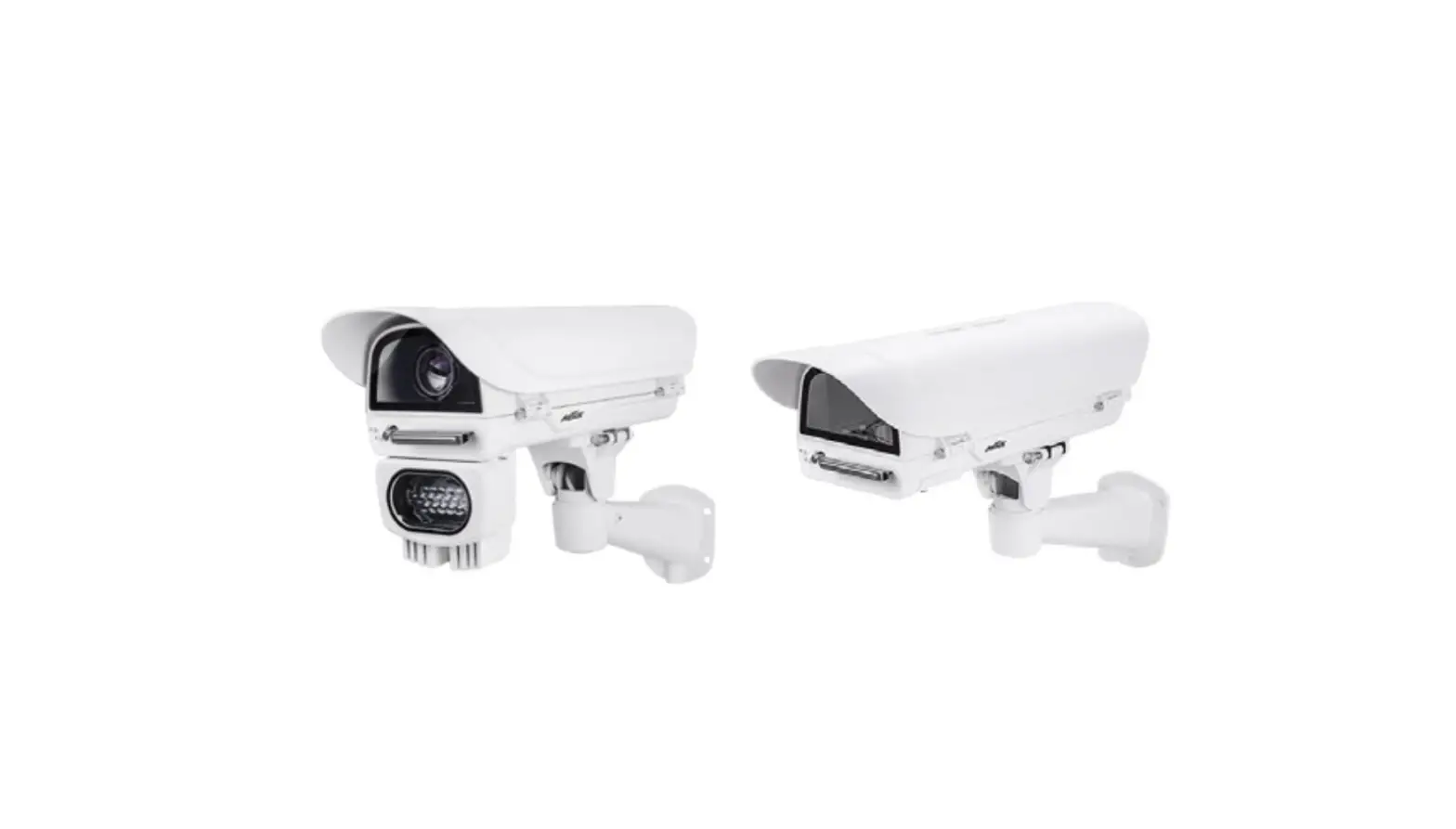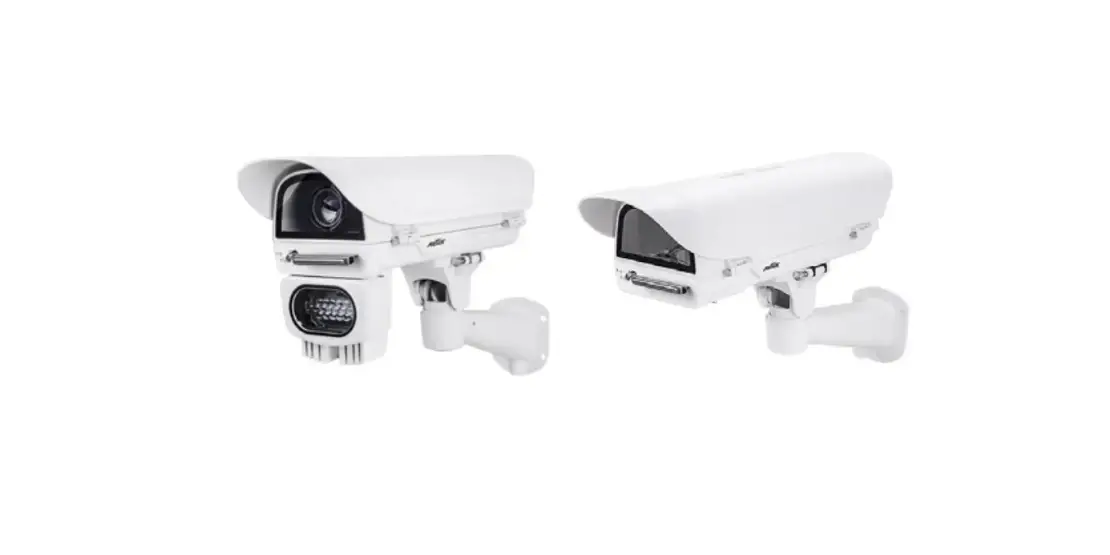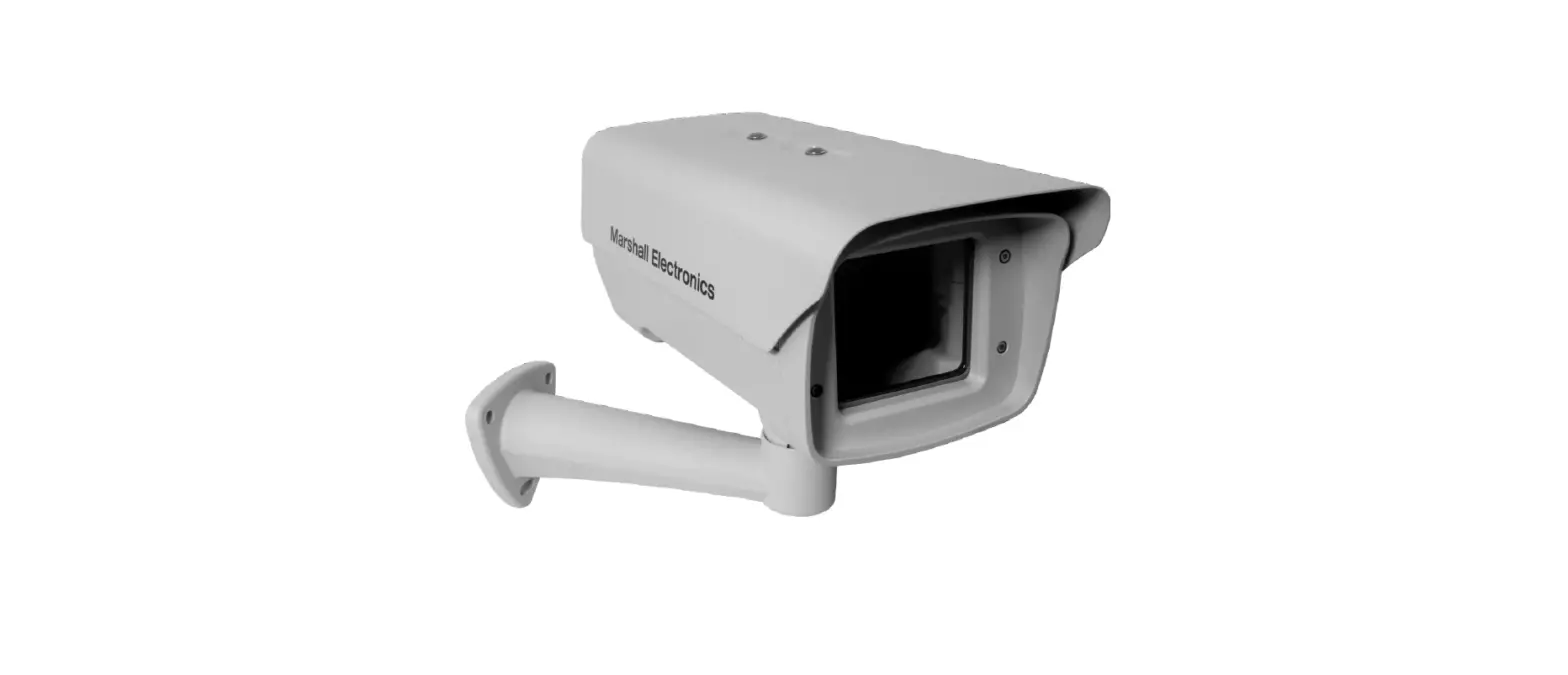

TKH SECURITY HSG04 All-Weather Outdoor Camera Housing
INSTALLATIONS
Unpack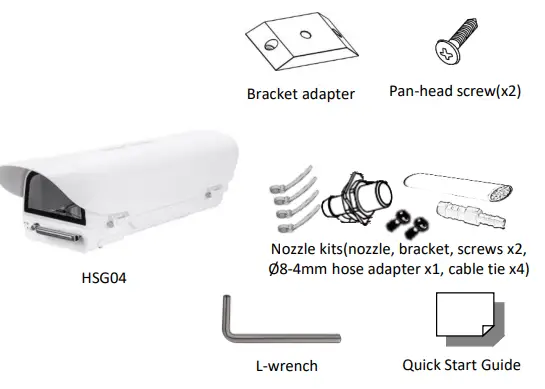
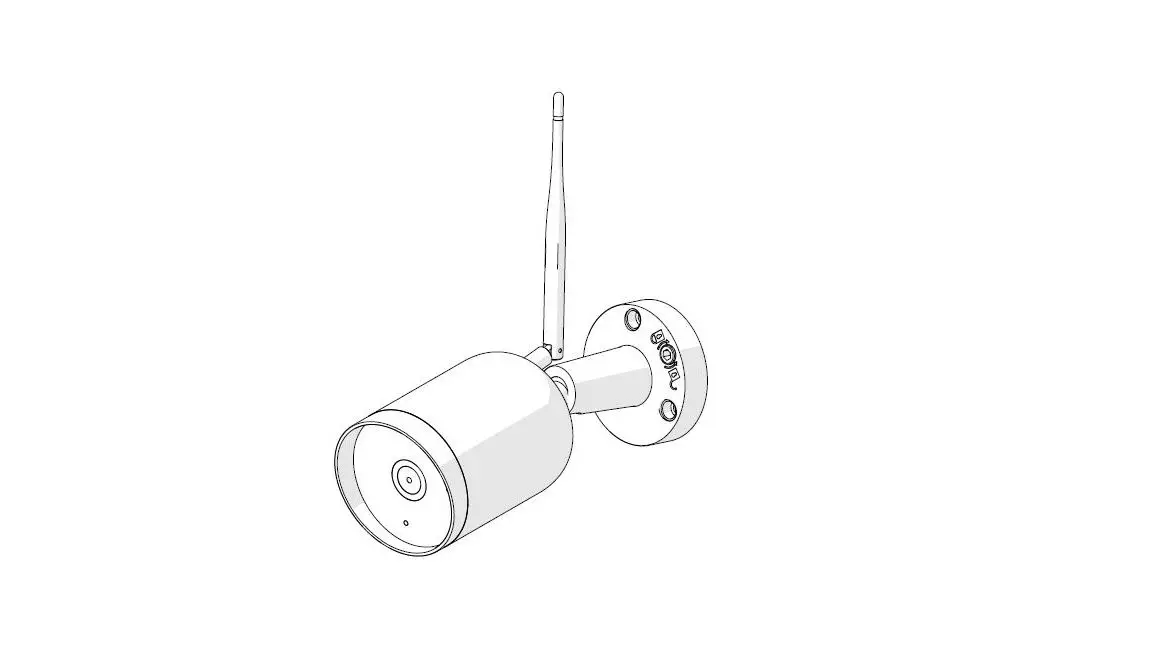
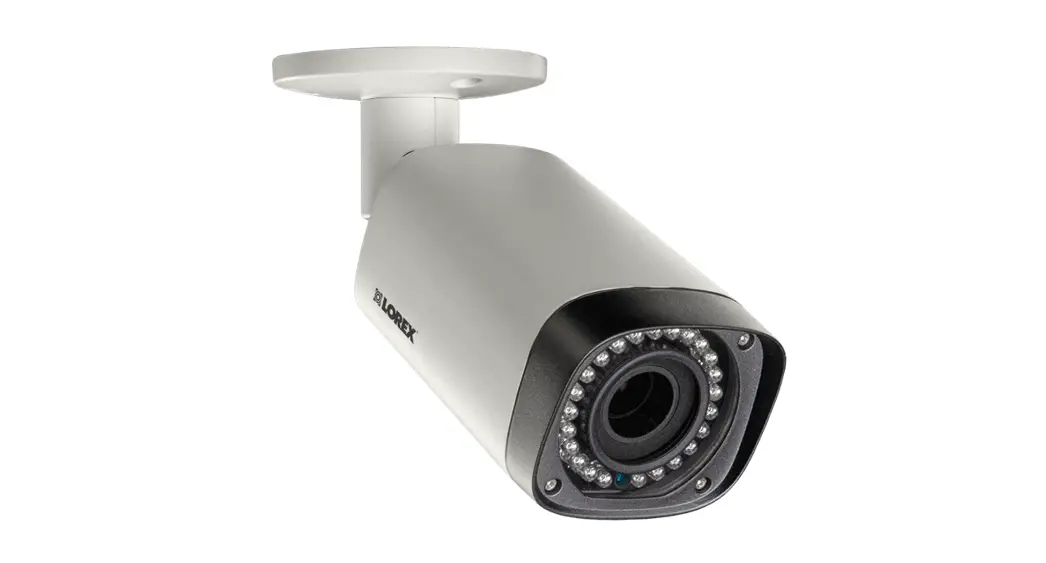
Note 1: Subject to modification. Actual product and accessories may differ in appearance.
Find additional manuals, the datasheet, the EU Declaration of Conformity, and the latest firmware for this product at: https://tkhsecurity.com/
Installation Notices
CAUTION:
INSTALLATION SHALL BE PERFORMED BY QUALIFIED PERSONNEL ONLY. INSTALLATION SHALL BE IN ACCCORDANCE WITH LOCAL PROCEDURES. IT’S NOT RECOMMENDED TO USE WIPER WITHOU WASHER TANK. IT WILL CAUSE THE UNREPAIRABLE SCRATCH ON THE GLASS. PLEASE APPLY APPROPRIATE PROTECTION TO THE EYES WHEN INSTALL IR MODULE ON THE HOUSING.
Connectors
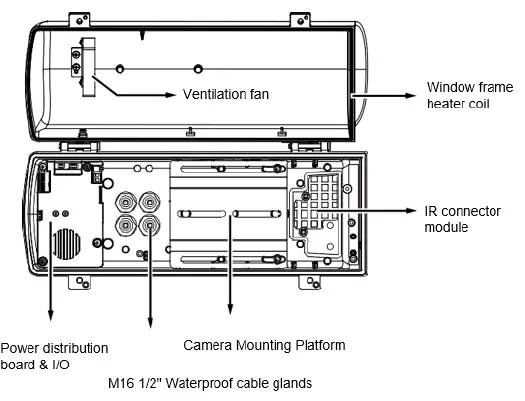
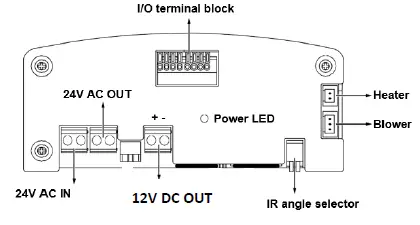
I/O Terminal Block Connection
| I/O | Description |
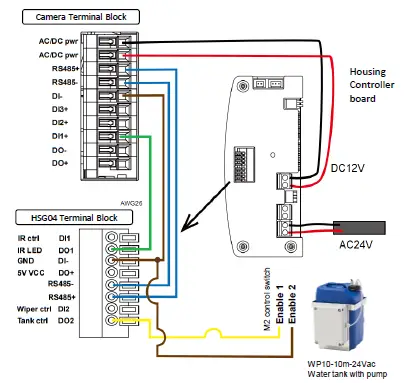
| DO2 | Connect to tank water pump. |
| DI2 | Wiper control, connects to IP camera’s DO for manually triggering washer. |
| RS485+ | Serial port to control IR, wiper and washer. |
| RS485- | |
| DO+ | +5V VCC |
| DI- | GND |
| DO1 | IR LED status, connect with camera input to control IR cut filter(default) |
| DI1 | IR control by camera |
Connection diagram
| RS485 Control |
| Configuration parameters Protocol Baud rate Data bits Parity Stop bit Pelco-D 2400 8 None 1 Pelco-D command Control Pelco-D Command Wiper On Aux 1 On Wiper Off Aux 1 Off Wiper and Washer On Aux 2 On Wiper and Washer Off Aux 2 Off IR Led Force On Aux 3 On IR Led Force Off Aux 3 Off HSG04-IR Wide Zoom Wide HSG04-IR Tele Zoom Tele HSG04-IR Stop Zoom Stop |
| Note 2: Once RS485 control the IR Led, the IR mode will be in RS485 control. Please switch to “Light Sensor mode” by “FF 01 00 18 02 02 1D” Pelco-D command. The Light sensor at lamp will control the lamp by the lighting condition. |
Complete HSG04 housing with accessories
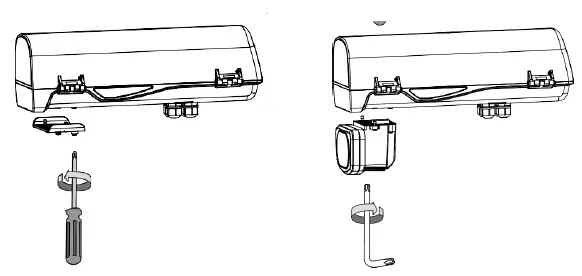
Optional Accessory – HSG04-IR
- Remove the metal cover from underneath the housing.
- nstall HSG04-IR module and ensure the rubber gasket is in place.

- Adjust the IR distance by DIP switch.

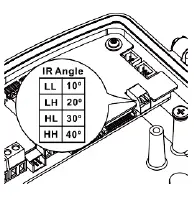
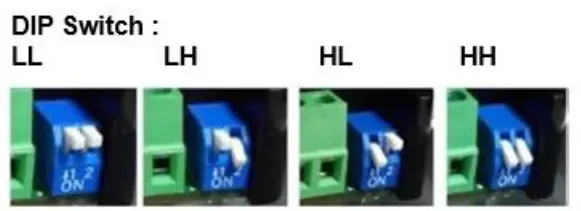
| DIP Switch | LL | LH | HL | HH |
| Beam angle | 10° | 20° | 30° | 40° |
| Distance (meter) | 140m | 110m | 80m | 50m |
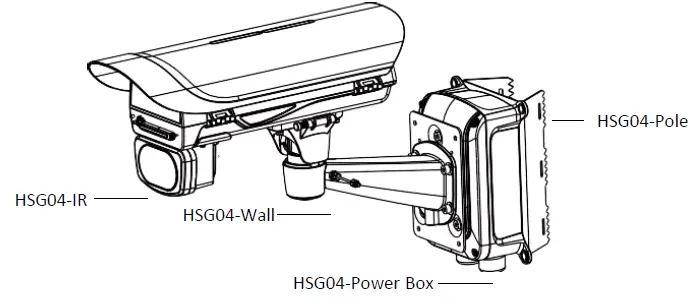
Optional Accessory – HSG04-Wall Mount
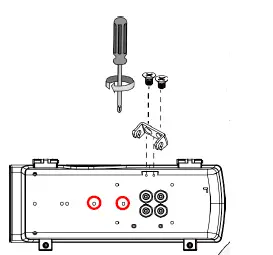
- Fasten 2 screws to secure the intersection bracket at the bottom of housing.

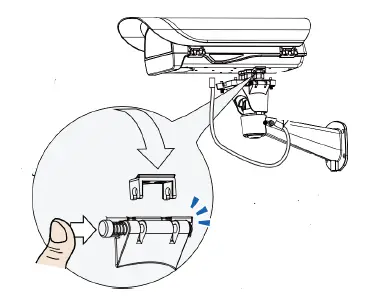
- Install the housing by pressing the spring mortise and hook the bracket onto the groove in the spring mortise. Fasten the screws on the side.

- Connect the safety wire between wall mount and the housing.
- Fasten the wall mount to the mounting holes as indicated above.
Optional Accessory – HSG04-Pole Mount
HSG04-pole mount can be used with HSG04-wall as well as HSG04-power box. The different mounting holes are indicated below.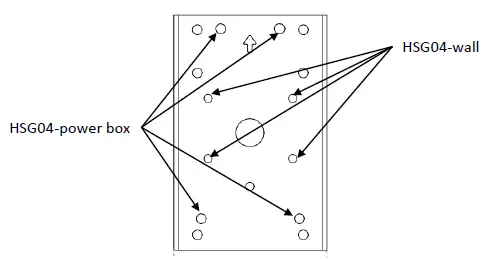
Optional Accessory – HSG04-Power Box
HSG04-Power box can be installed with HSG04-Wall as well as HSG04-Pole. The different mounting holes are indicated below.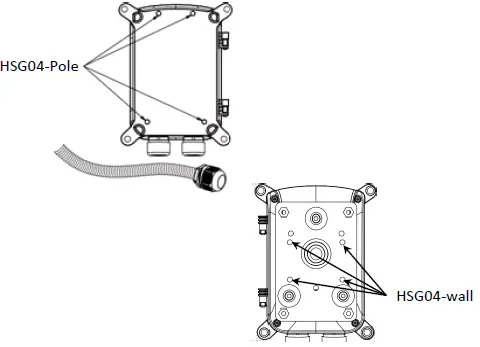
Optional Accessory –
Water Tank, WP10-10m-24Vac
Install the washer nozzle with bracket to the side of the HSG04. Connect a piece of Ø8mm hose to the nozzle and use Ø8-4 hose adapter as the bridge to the hose included in WP10-10m-24Vac. Secure each connections with cable tie.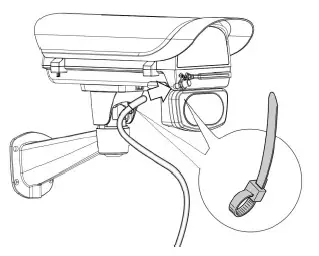
 TKH Security