AIPHONE MCW-S Desk Mount Stand for Intercom System
INSTRUCTIONS
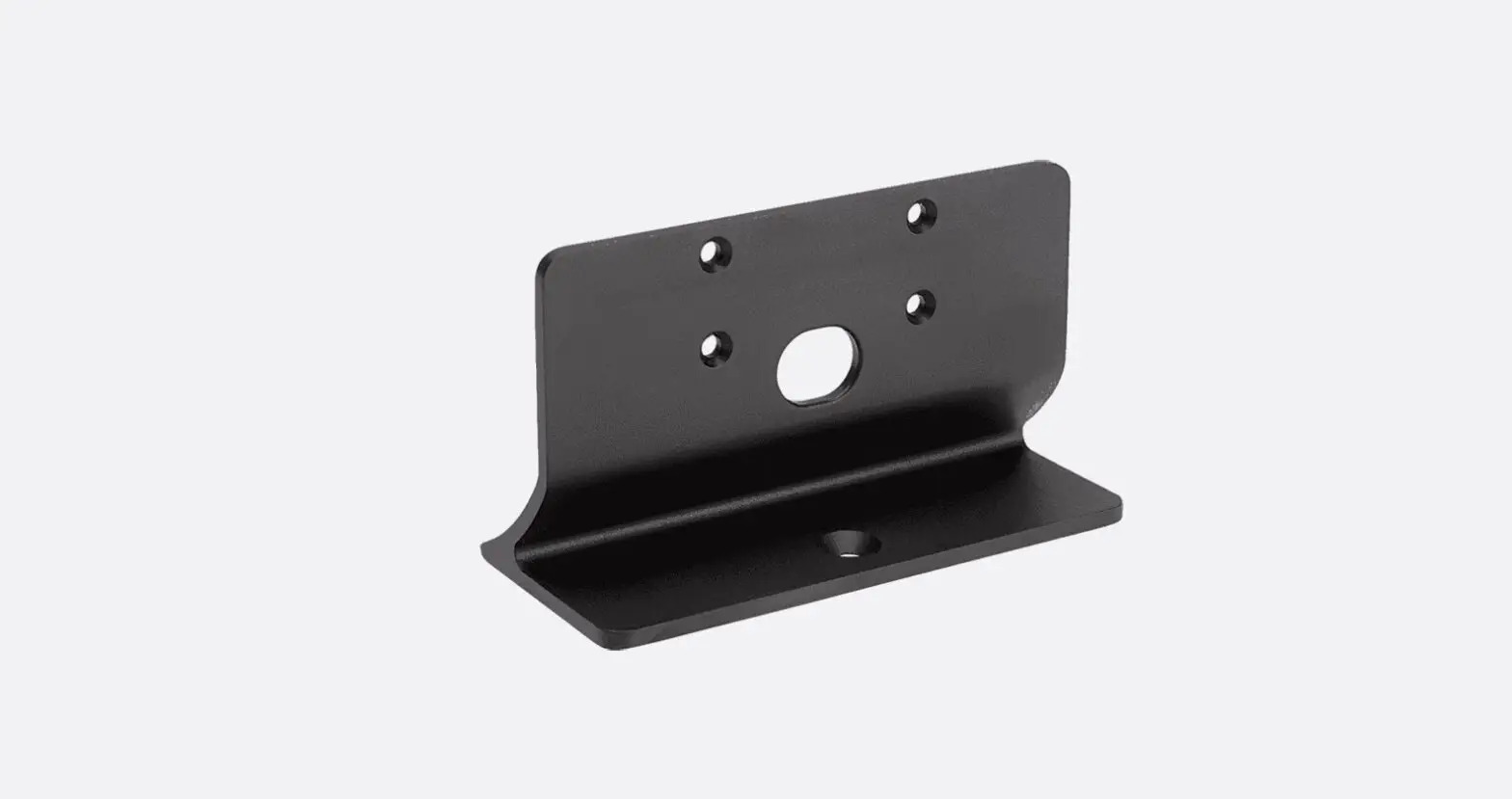
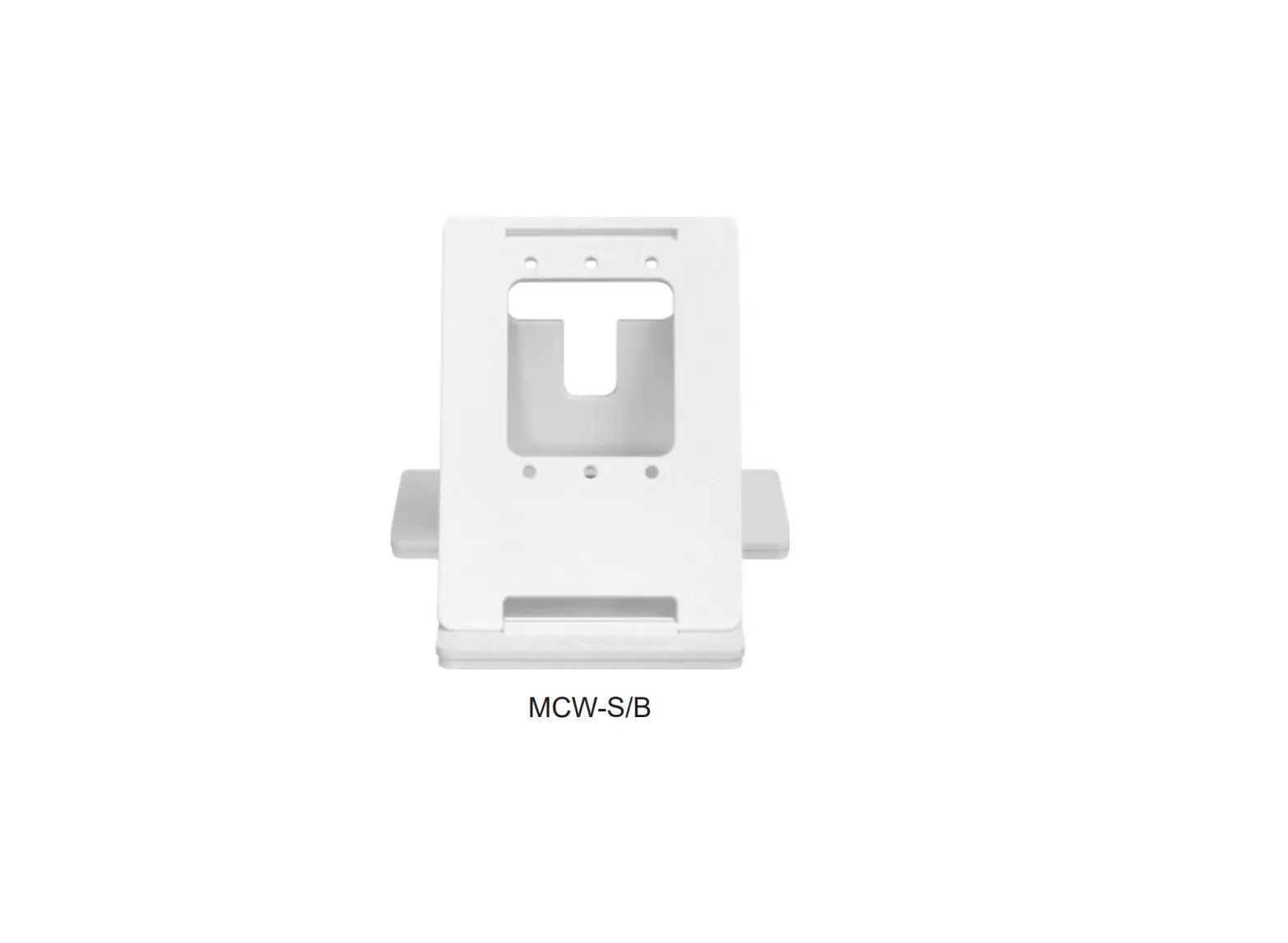
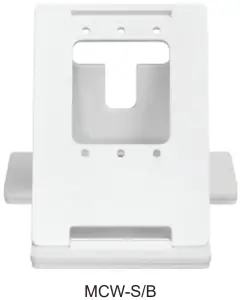
The MCW-S/B is a stand that will allow you to locate an Aiphone intercom station on a desk or tabletop.
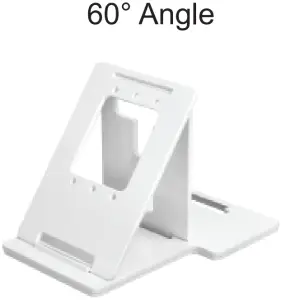
This stand has two angle settings, enabling the user to select the optimal mounting angle for the intercom station (45° or 60°).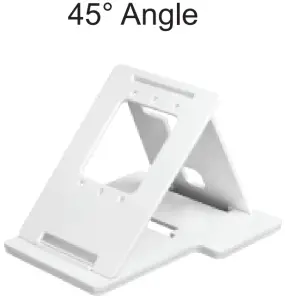
Dimensions
- Faceplate: 4½” W x 6½” H
- Base: 6½” W x 8″ D
- Height at 45°: 5¹/”
- Height at 60°: 5³/”
Contents
- Desk Stand
- Set of 4 each ³/” screws, washers and nuts
MOUNTING
- Use the supplied mounting hardware to attach the intercom’s mounting bracket to the MCW-S/B.
- Set the angle of the MCW-S/B by adjusting the rear support arm for either a 45° or 60° angle.
- Lock the rear support arm into position to prevent the MCW-S/B from collapsing.
- Feed the wires through the back of the MCW-S/B and attach to the intercom unit.
- Mount the station onto the mounting bracket.
Compatible Stations:
Video inside stations for AX, GT, IXG, JF, JO, JP, and KB.
Audio inside stations for AT, DB, IE, KB, MC, and TD.
Aiphone Corporation
www.aiphone.com
(800) 692-0200