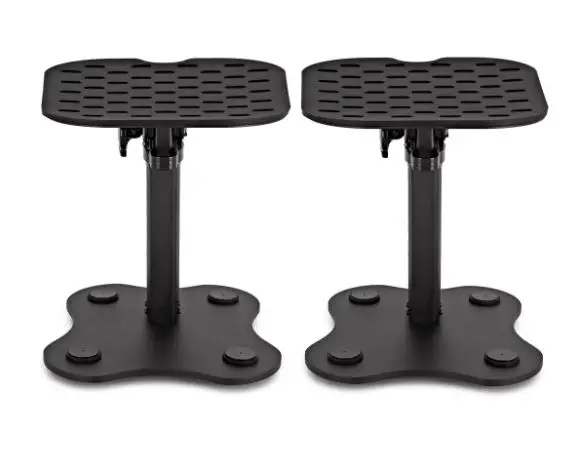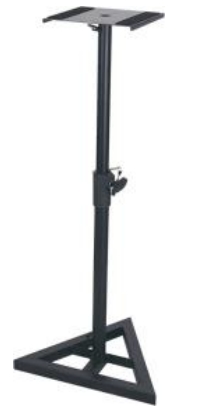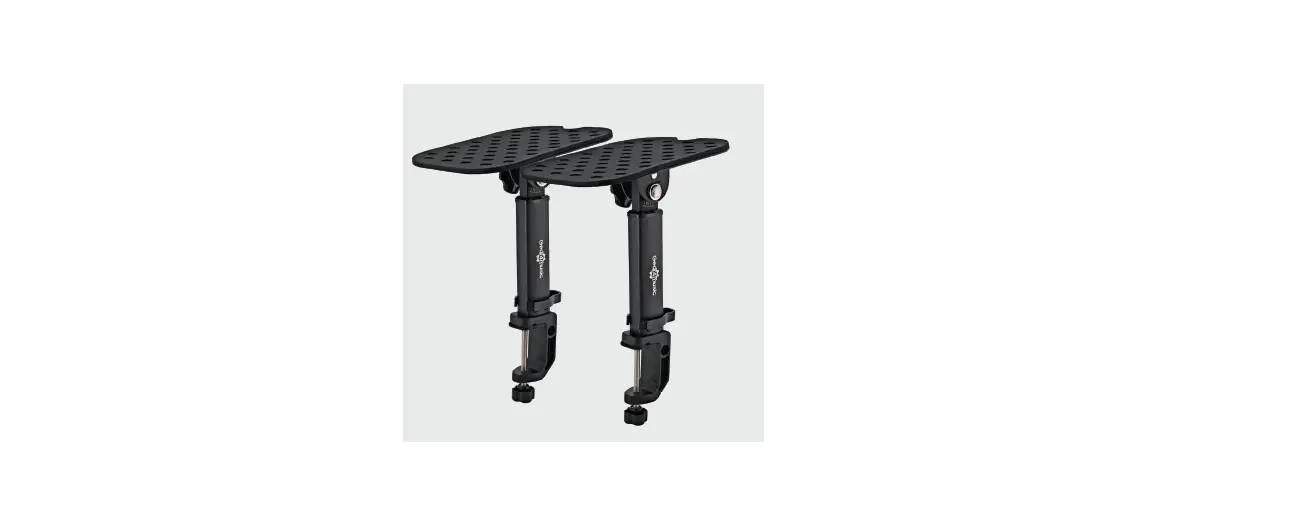

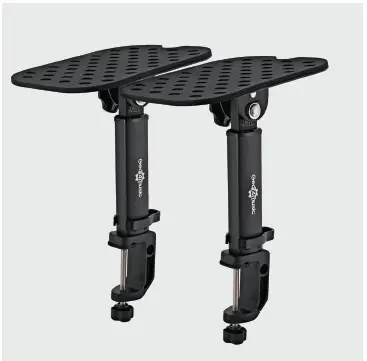
Gear4music MS-25 Desk Clamp Monitor Speaker Stands
INTRODUCTION
Thank you for purchasing the Desk Clamp Monitor Speaker Stands by Gear4music. To get the most out of your product, please read this manual carefully.
BOX CONTENTS
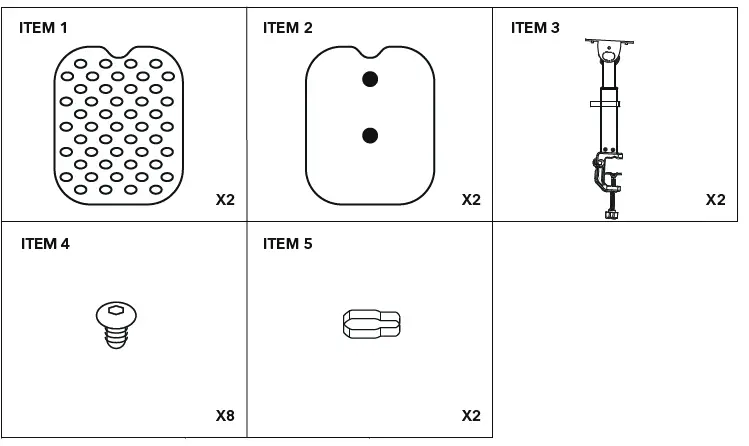
- 2 x Rubber cap (1)
- 2 x Top speaker plate (2)
- 2 x Stand (3)
- 2 x Clamp (3)
- 8 x Allen screw (4)
- 2 x Cable clip (5)
- 1 x Allen key (6)
FEATURES
- Effortlessly clamp your speakers to your desk or shelf.
- Vibration-reducing rubber pads ensure accurate monitoring.
- Long-lasting life via sturdy, all-metal construction.
- Instantly adjust the stands to the perfect listening angle.
CONTENTS CHECKLIST
TOOLS

ASSEMBLY INSTRUCTIONS
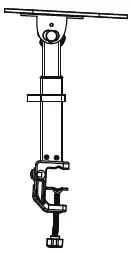
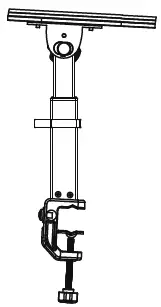
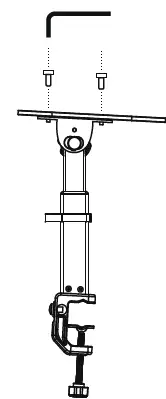
- Position the top speaker plate (2) on top of the stand (3).

- Use the Allen key (6) to fasten two Allen screws (4) on the top speaker plate (2).

- Position the rubber cap (1) on the top speaker plate (2) and attach the cable clip (5).

- Clip the clamp (3) on to the desk then place your speaker on top, pulling the speaker cable through the cable clip (5).

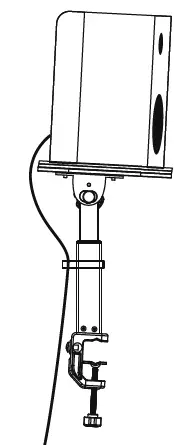
SETTING UP
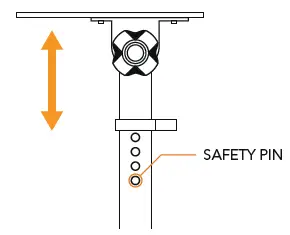
- Find the right height by pressing in the safety pin and choosing from one of the four options available.

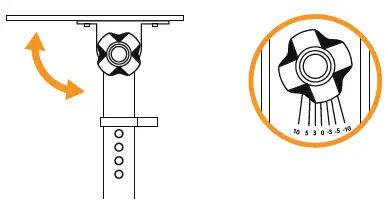
- Loosen the knob situated at the top of the stand to adjust the angle of the base plate. From here you’ll be able to position it anywhere between a 10° forwards tilt and a 10° backward tilt.

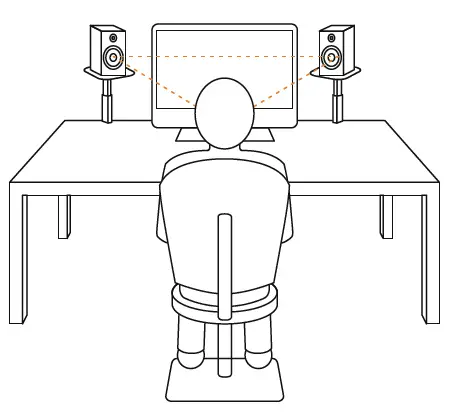
- For the finest listening experience possible, aim to have your speakers positioned at ear-level in an equilateral triangle formation as demonstrated below.

SPECIFICATIONS
- Top Speaker Plate 220mm x 180mm
- Tilt Angle ±10°
- Clamp Width 1mm – 50mm
- Height Adjustment 235mm – 280mm
- Weight 1.4kg
- Maximum Load. 100kg
Please Note: The load limit is dependent on the quality of the surface the stand is mounted to.