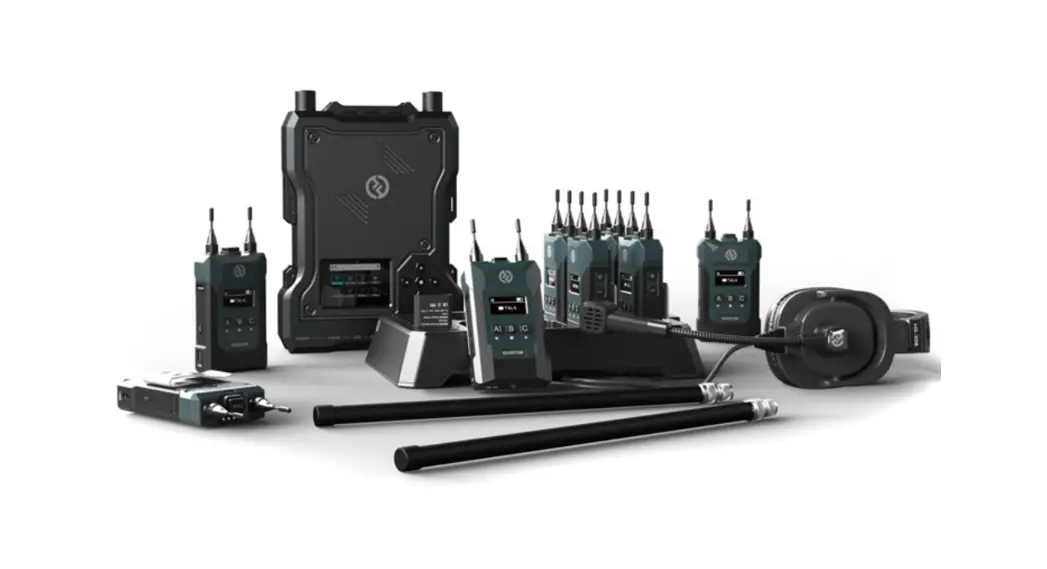
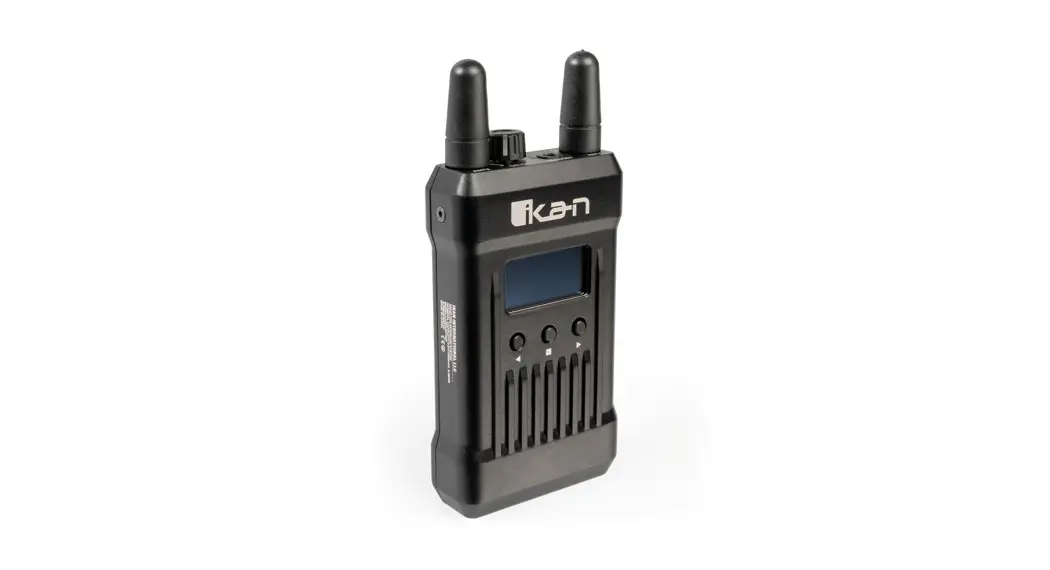
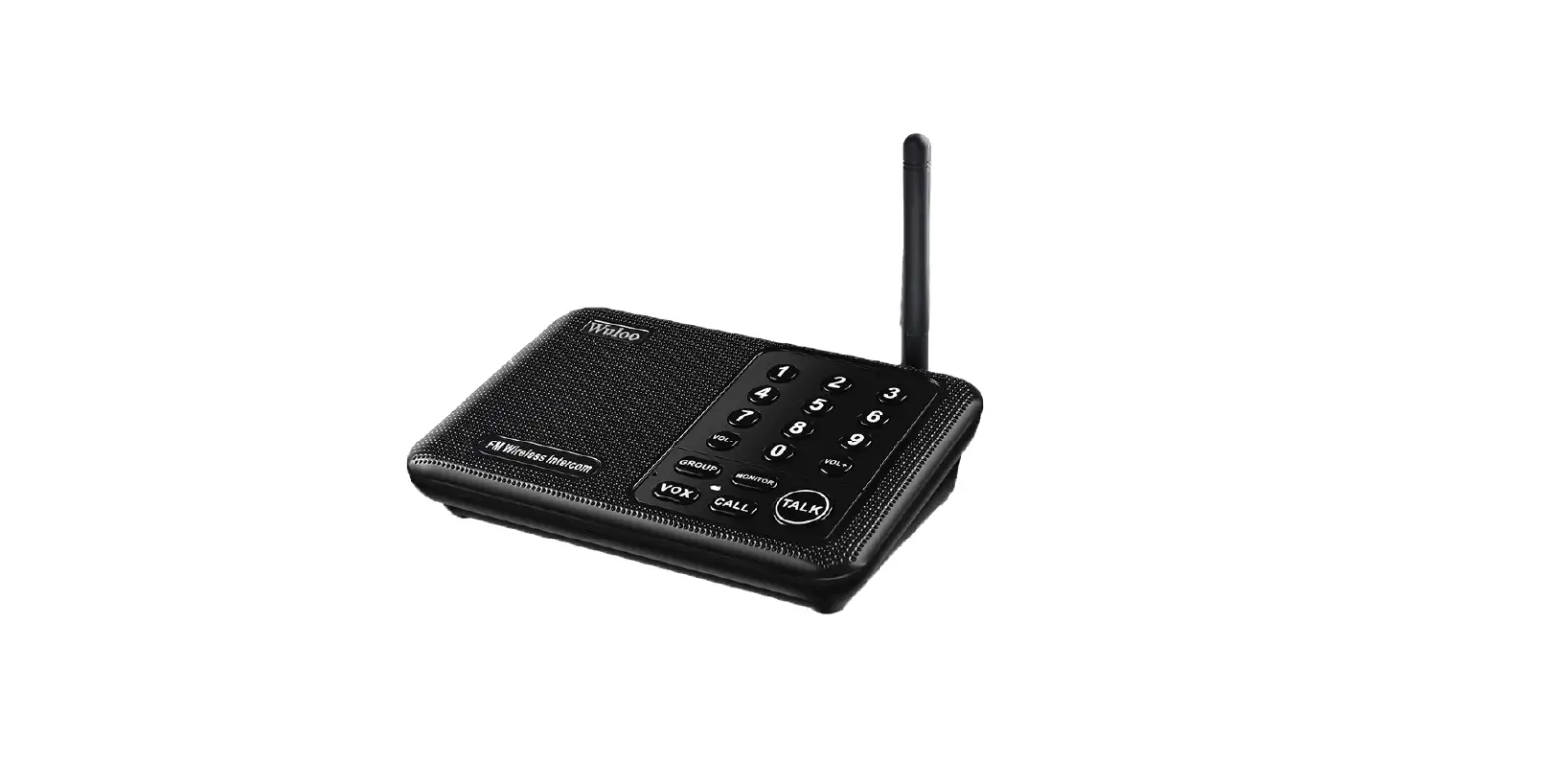
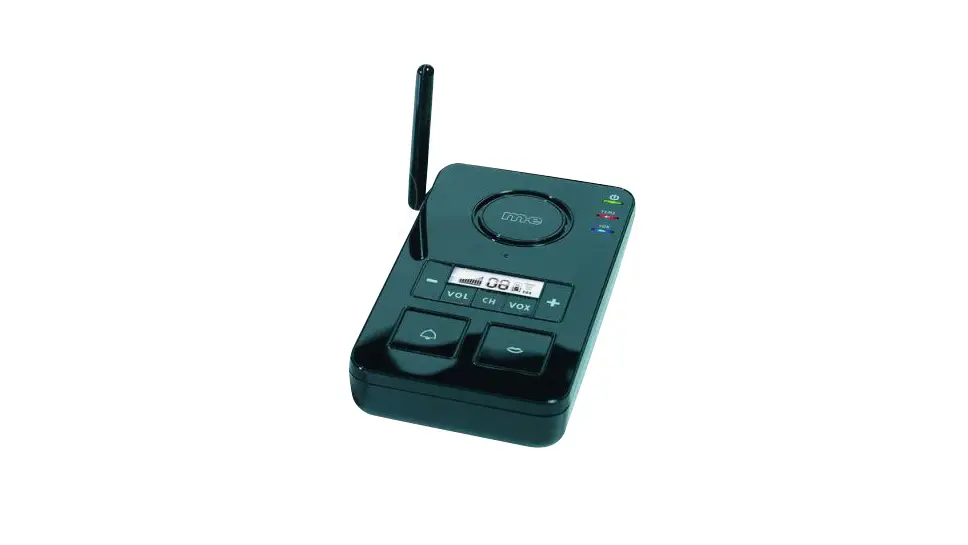
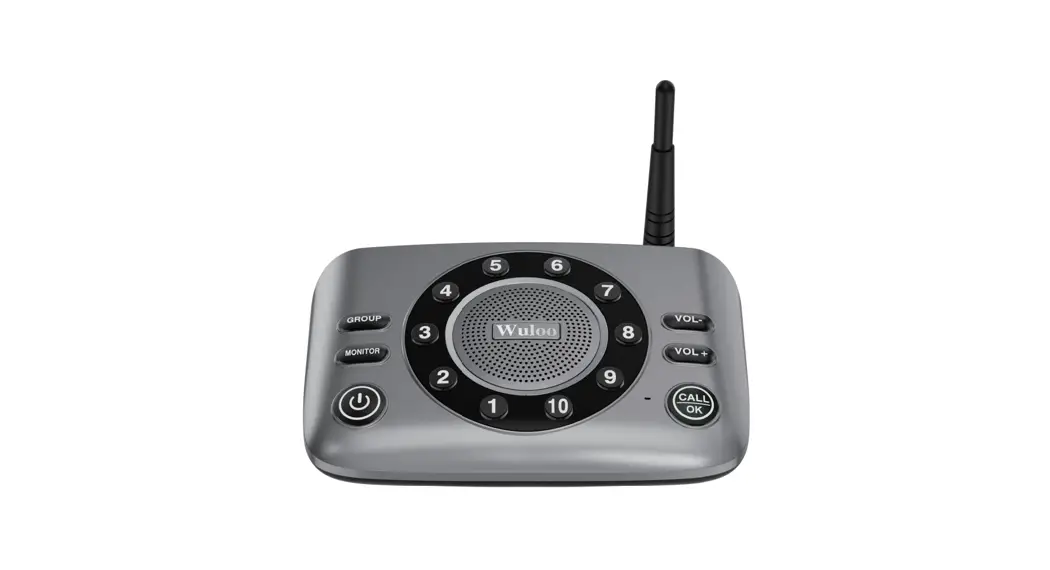
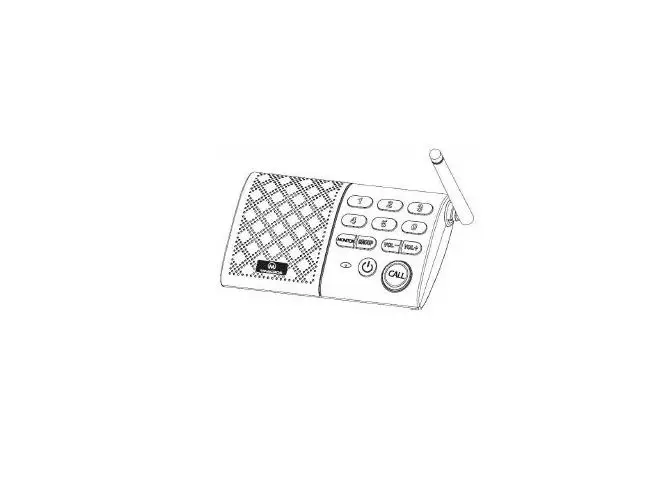
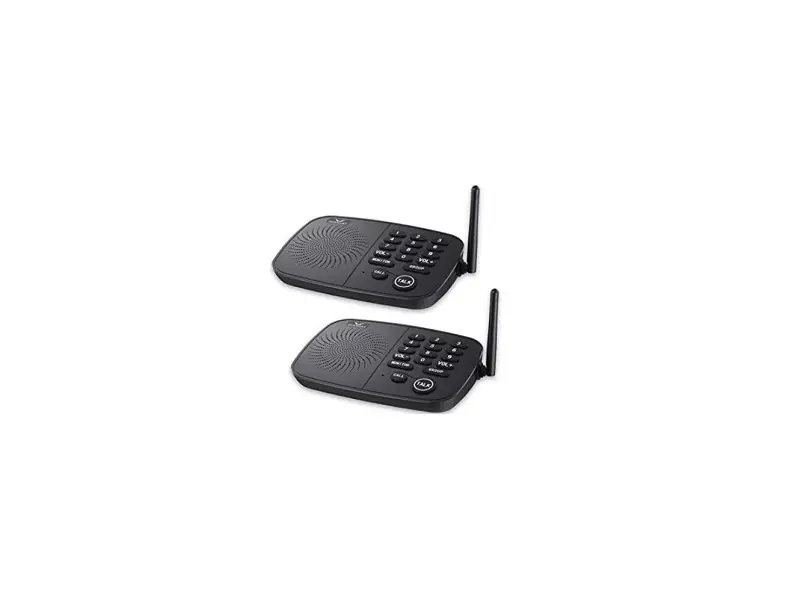
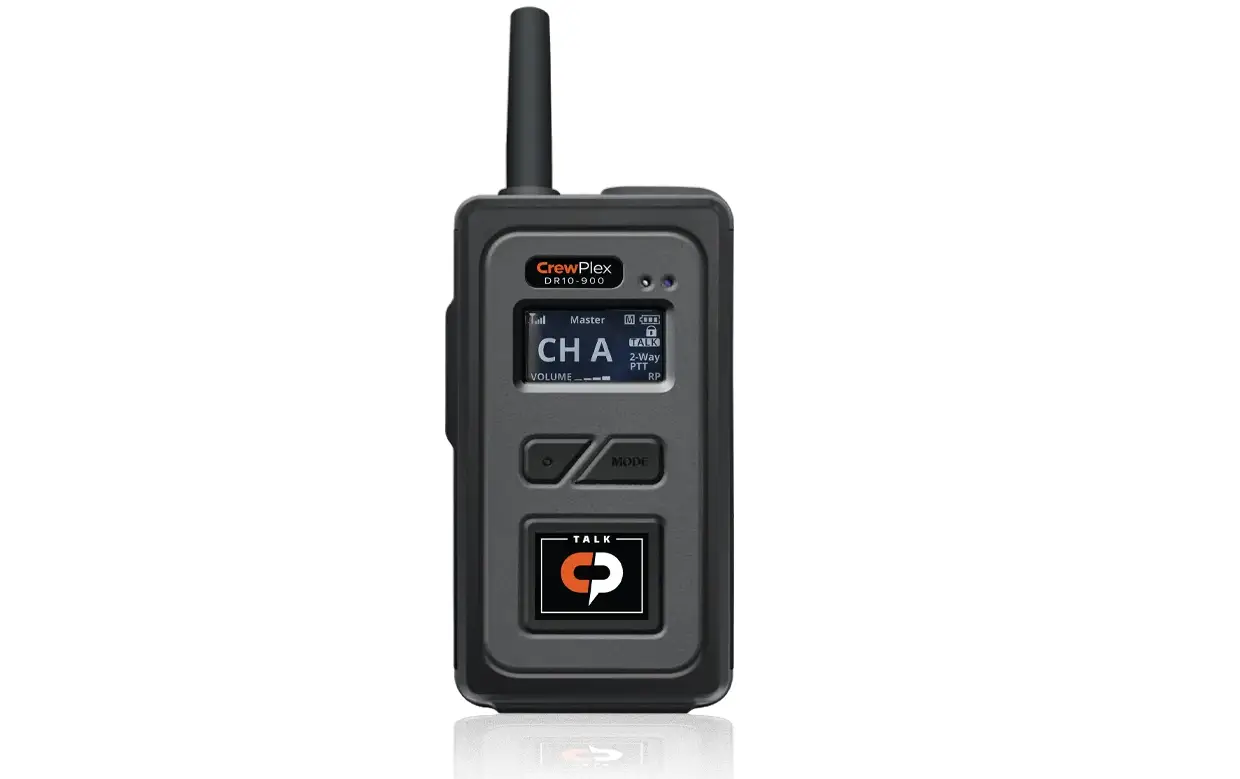
C800A Wireless Intercom System
Product Information
This product is identified by the following information:
- IC: 27400-C800A
- FCC ID: 2AZ6O-C800A
The product consists of an EUT (Equipment Under Test) with
internal components and an ANT port.
Product Usage Instructions
To use this product, please follow the steps below:
Step 1: Opening the EUT
Refer to Figure 1 and Figure 2 in the user manual for a visual
representation of the internal and open views of the EUT.
Step 2: Internal View of the EUT
Refer to Figure 1, Figure 2, Figure 3, and Figure 4 in the user
manual for detailed internal views of the EUT.
Step 3: Connecting to the ANT Port
The EUT is equipped with an ANT port. Use the appropriate cable
or connector to connect external devices to the ANT port for
communication or other purposes.
Please note that further instructions on specific usage
scenarios, troubleshooting, and safety precautions may be provided
in separate sections of the user manual. It is important to read
and understand the entire manual before operating the product.
Page 1 of 3
INTERNAL PHOTOS
OPEN VIEW OF EUT (FIGURE 1) ANT Port
IC: 27400-C800A FCC ID: 2AZ6O-C800A
OPEN VIEW OF EUT (FIGURE 2)
Page 2 of 3 INTERNAL VIEW OF EUT (FIGURE 1)
IC: 27400-C800A FCC ID: 2AZ6O-C800A
INTERNAL VIEW OF EUT (FIGURE 2) .
Page 3 of 3 INTERNAL VIEW OF EUT (FIGURE 3)
IC: 27400-C800A FCC ID: 2AZ6O-C800A
INTERNAL VIEW OF EUT (FIGURE 4)
****************************End of Report*******************************