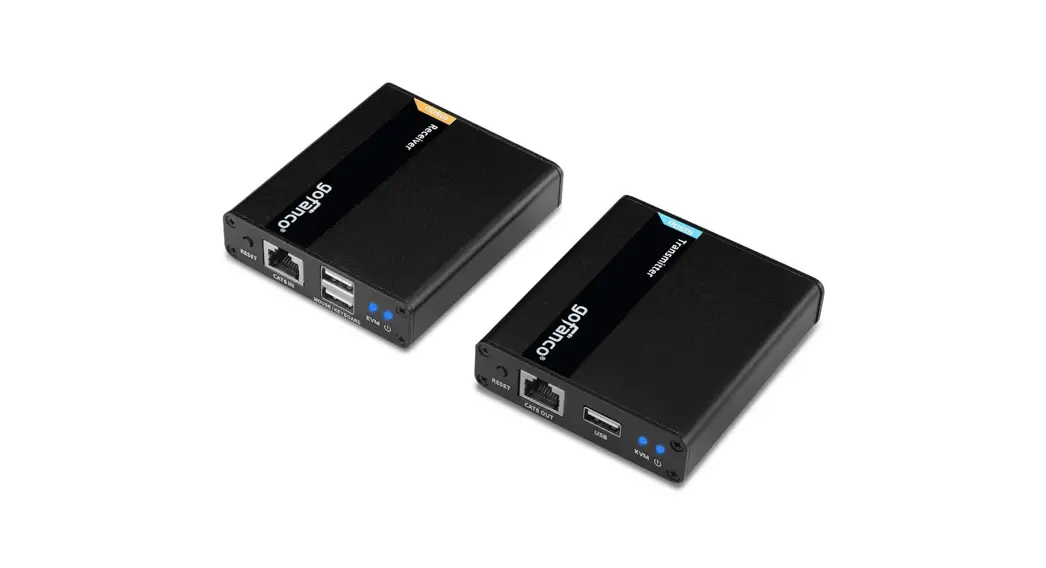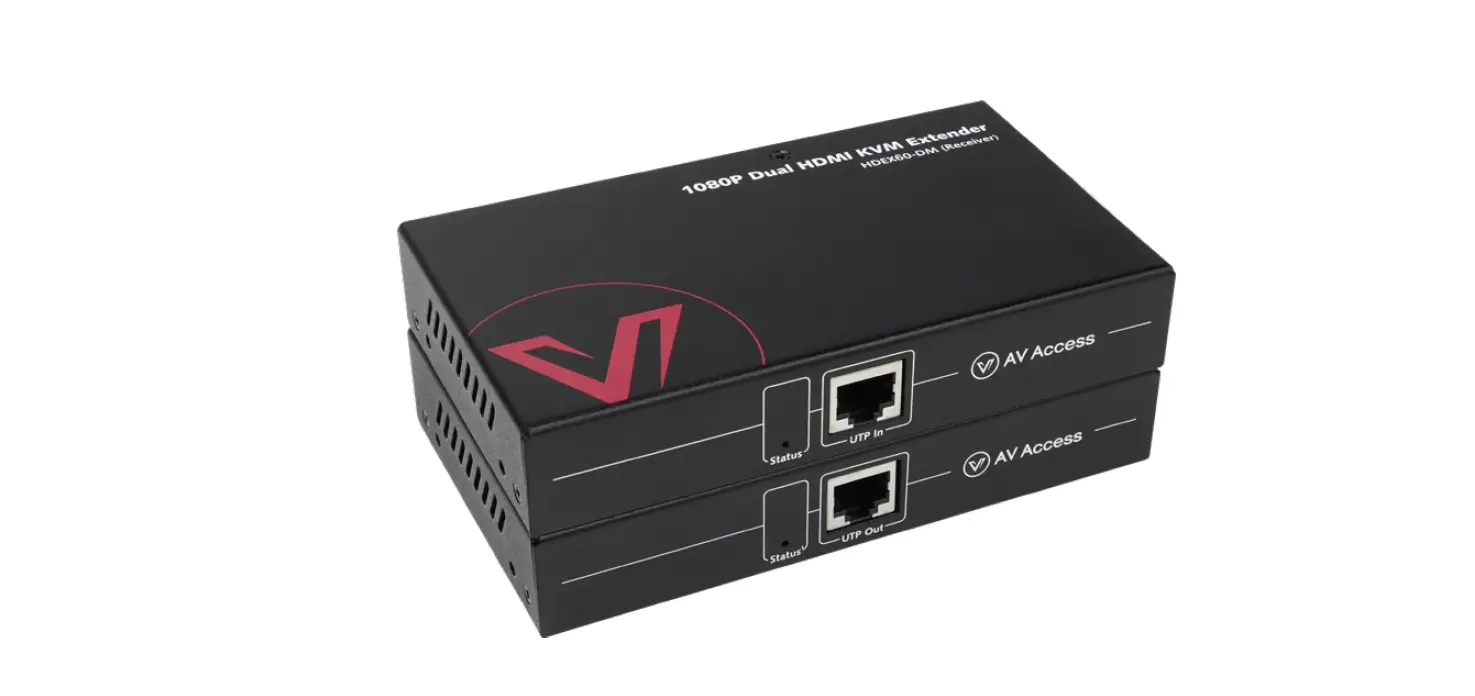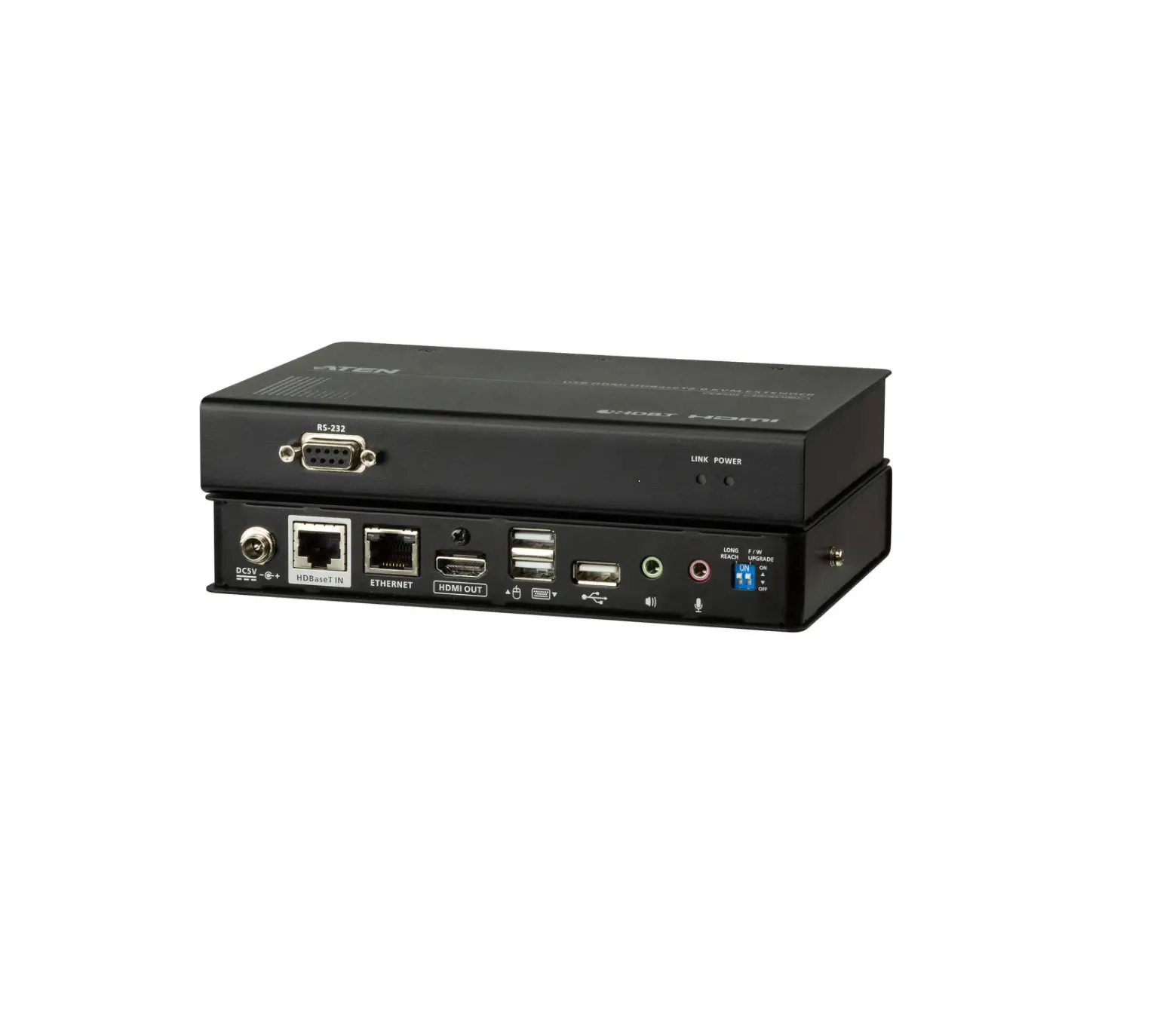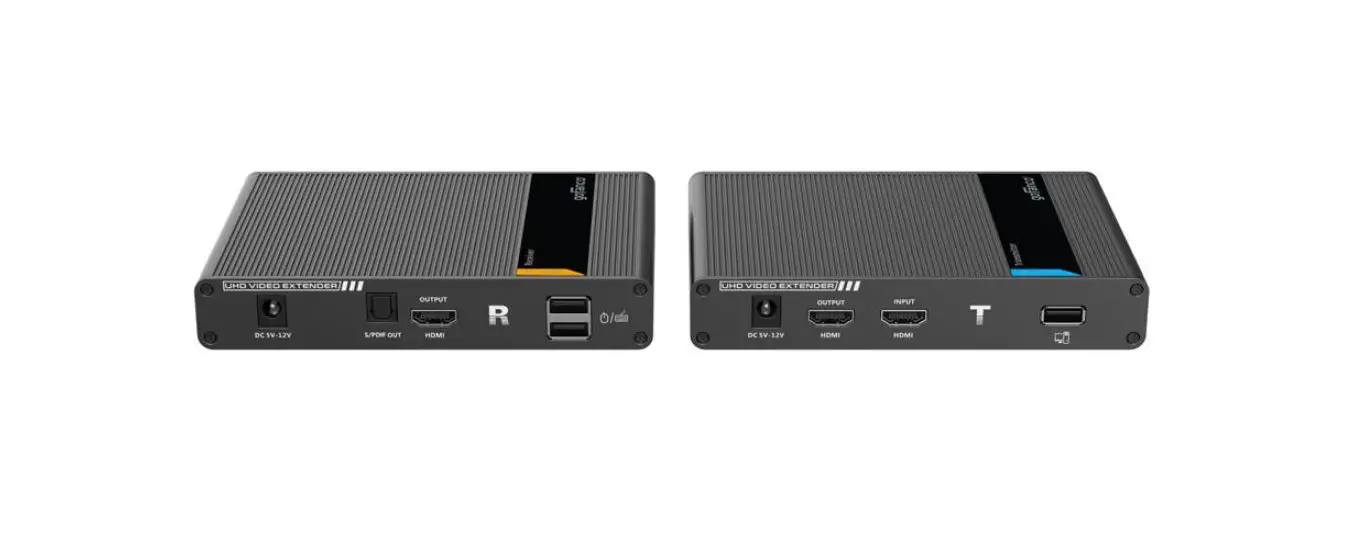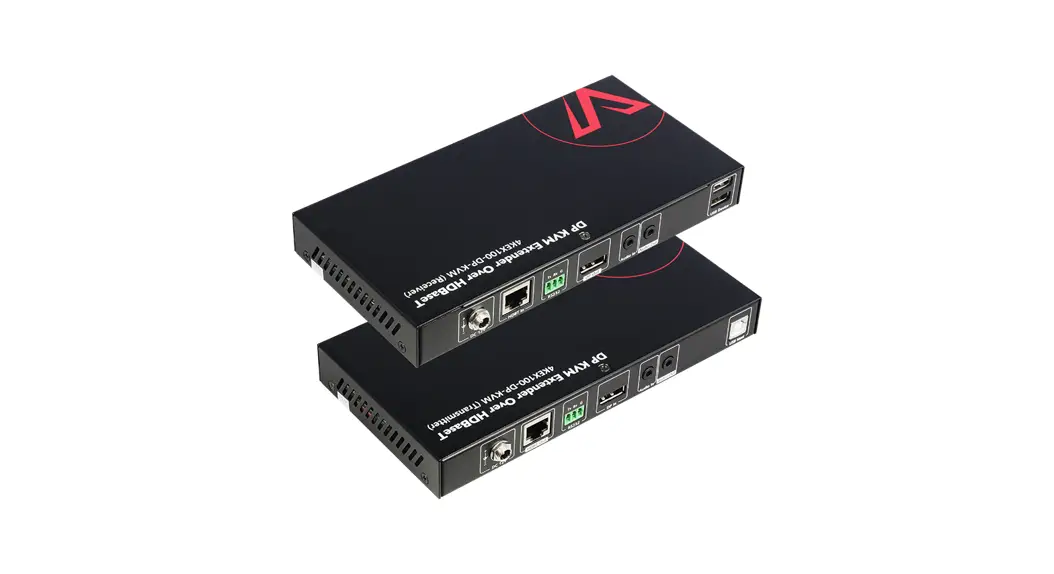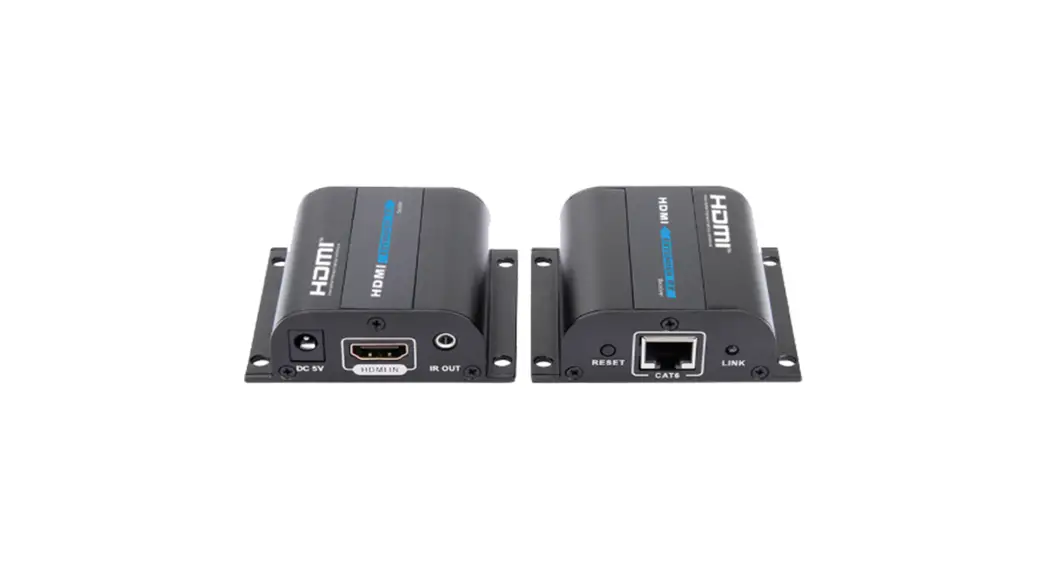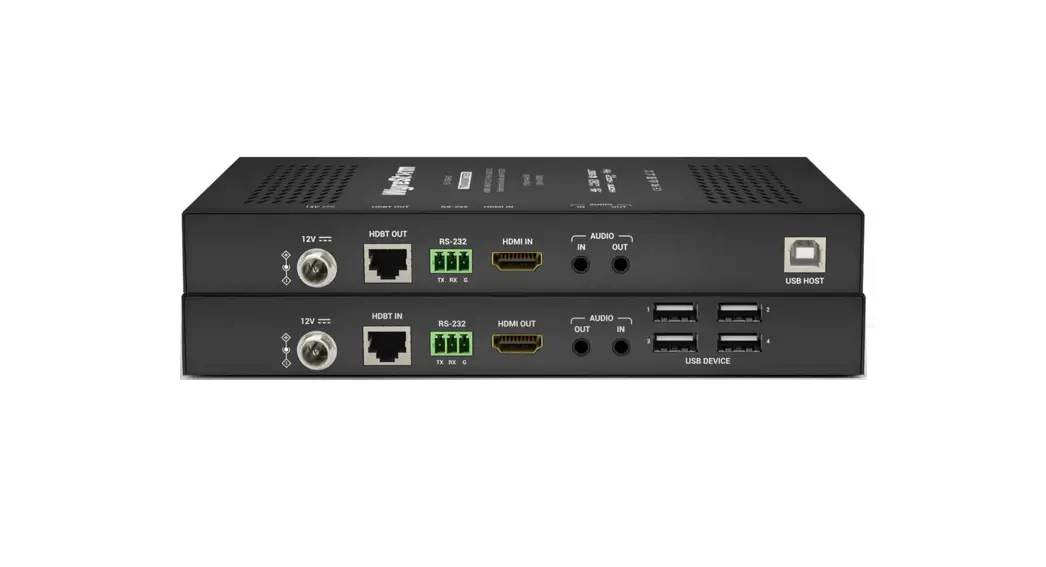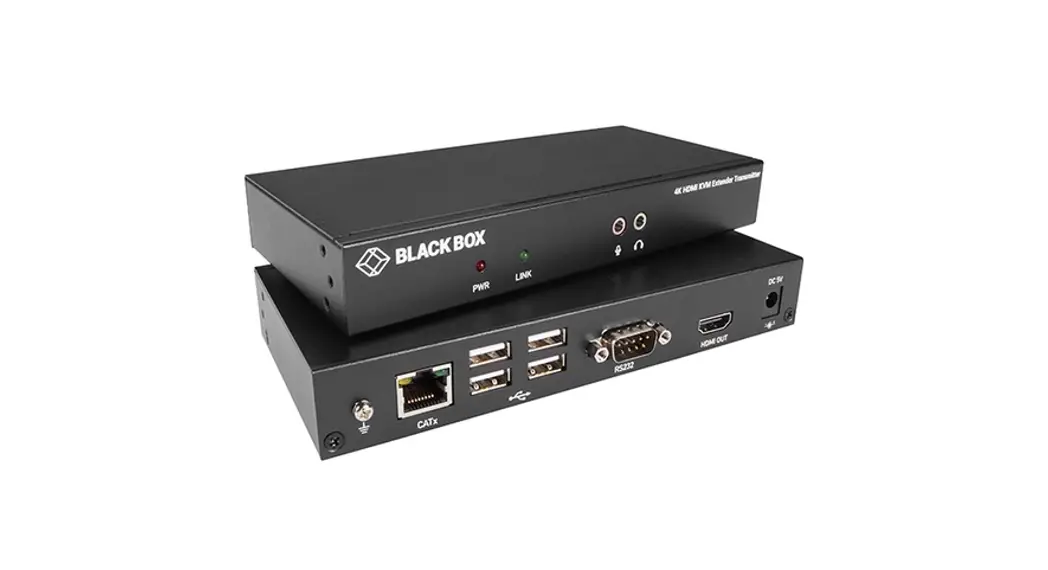

HDMI KVM Extender Set
with USB 2.0 Extension
EXP-EX-80-KVM
Quickstart Guide
 WyreStorm recommends reading through this document in its entirety to become familiar with the product’s features prior to starting the installation process.
 IMPORTANT! Installation Requirements
- Visit the product page to download the latest firmware, document version, additional documentation, and configuration tools.
- Read through the Wiring and Connections section for important wiring guidelines before creating or choosing premade cables.
In the Box
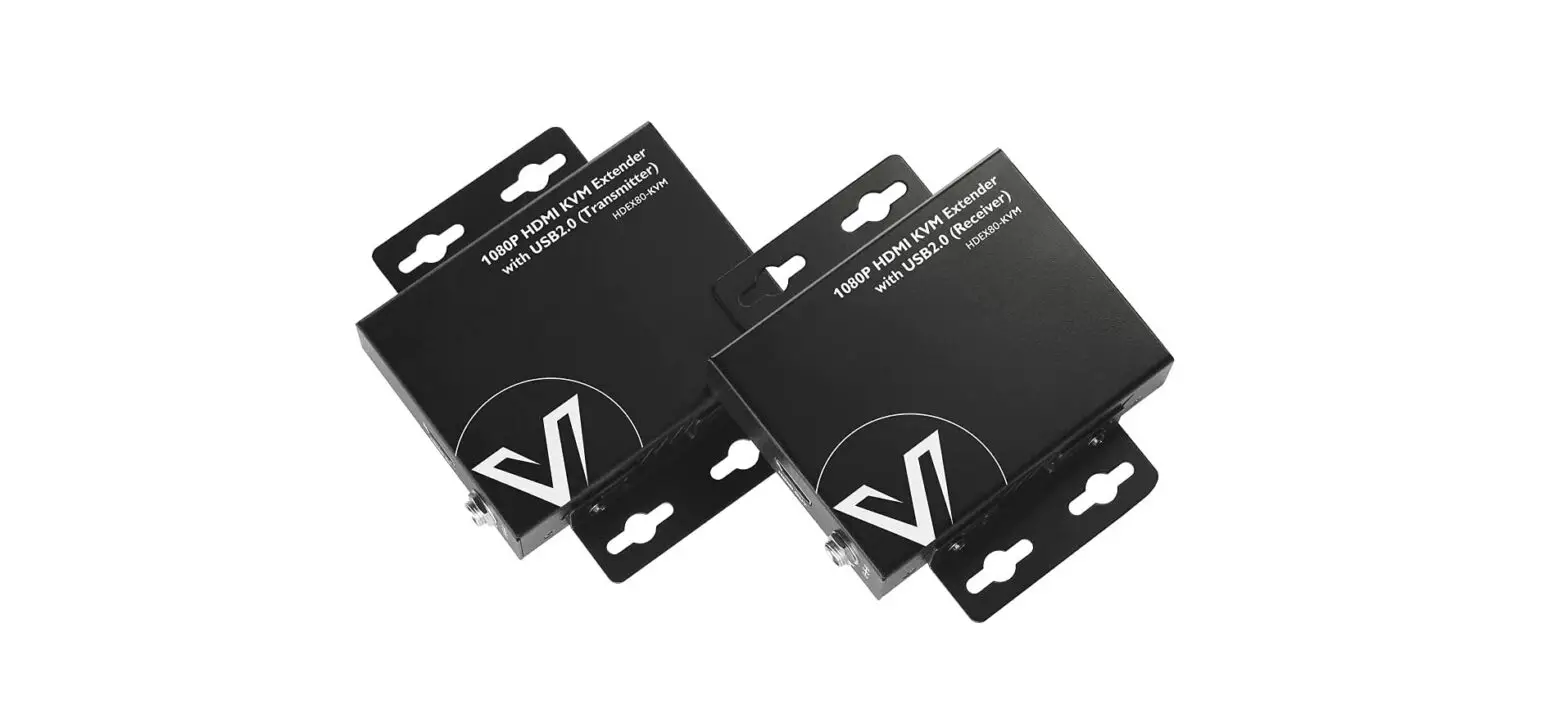
1x EXP-EX-80-KVM Transmitter
1x EXP-EX-80-KVM Receiver
1x 12V DC 2A Power Supply (US/UK/EU/AU)
1x USB Type B to Type-A Cable
4x Mounting Brackets
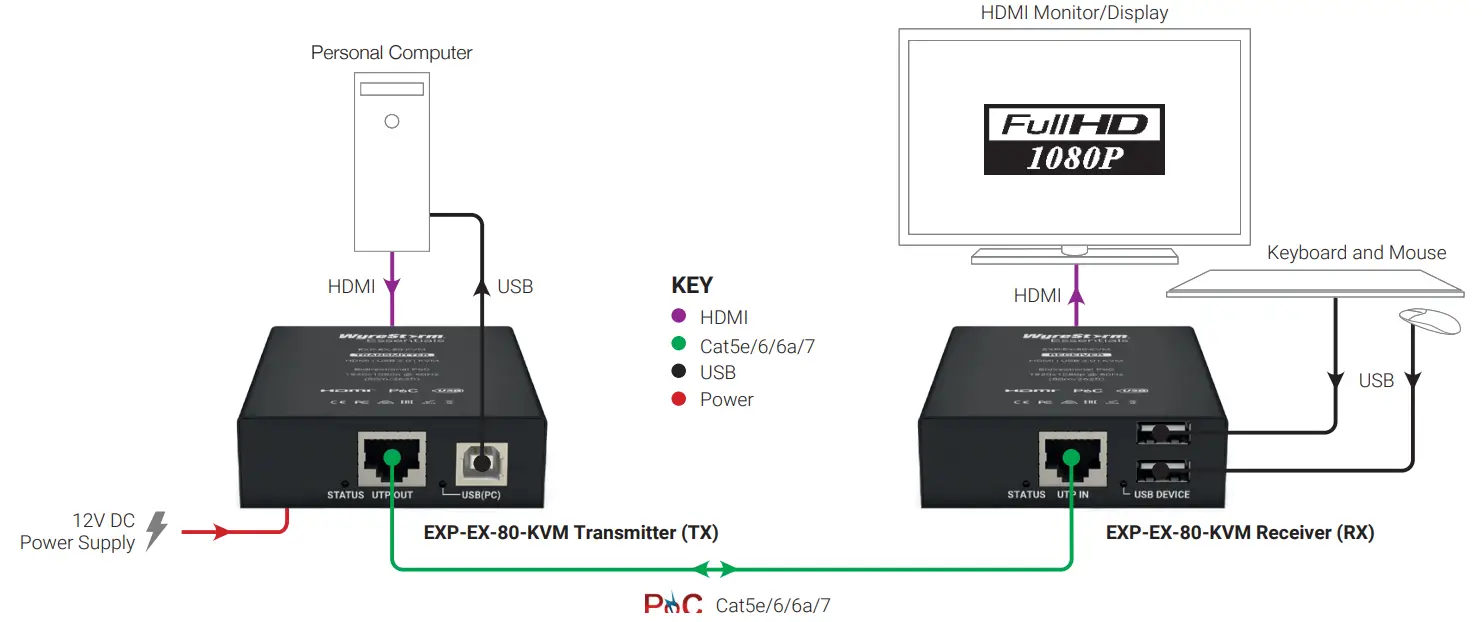
Basic Wiring Diagram
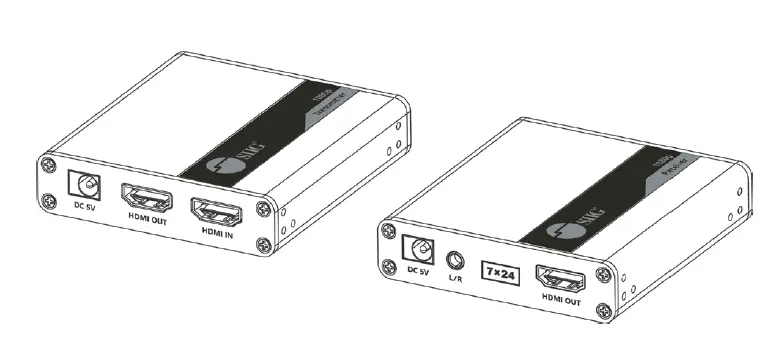
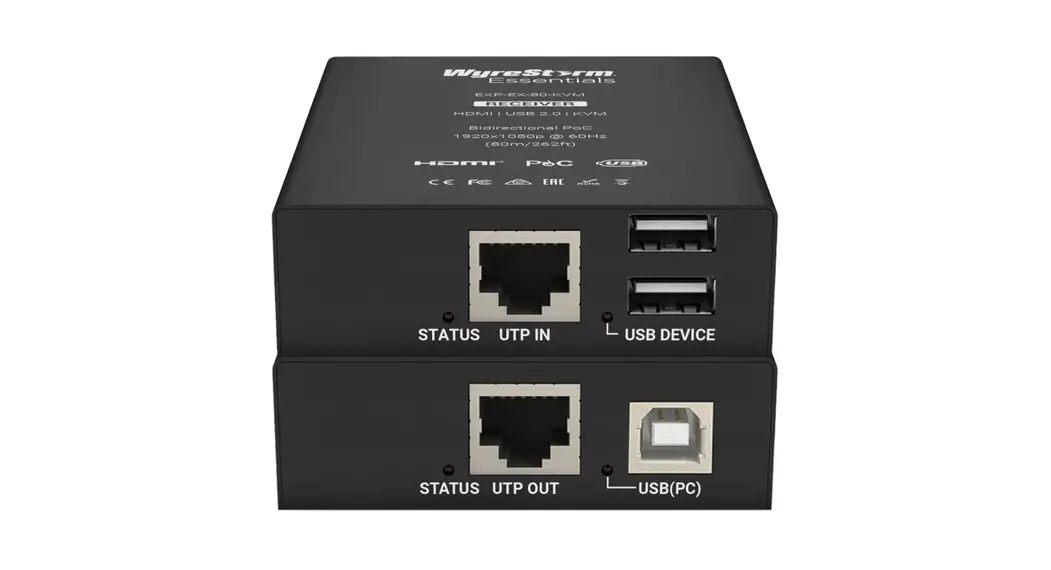
Transmitter (Front/Rear)
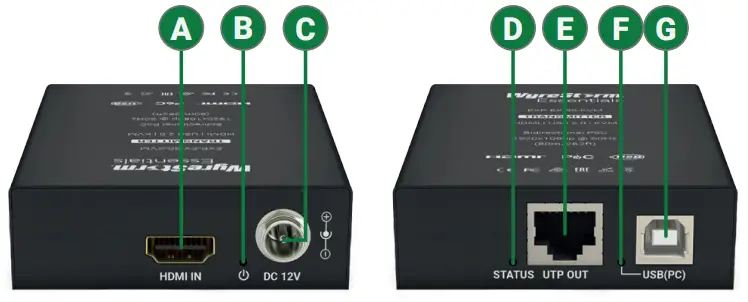
| A HDMI In | 19-pin type A HDMI female Supports HDMI and DVI/D with adapter |
| B Power LED | Solid: The unit is powered On Off: The unit is powered Off |
| C Power In | 5.5mm Screw Down Barrel Jack Connect to the included 12V DC 2A power supply to the transmitter. A power supply is not required on the other end as it will be powered using PoC. |
| D Status LED | Flashing: The receiver is operating normally. Off: The receiver is not operating normally. |
| E UTP Out | 8-pin RJ-45 female Connect the transmitters UTP OUT to receivers UTP IN. |
| F USB LED | Solid: USB linked Flashing: USB data transmitting Off: No USB device connected |
| G USB (PC) Host | USB Type B female Connection of USB Host device |
Receiver (Front/Rear)
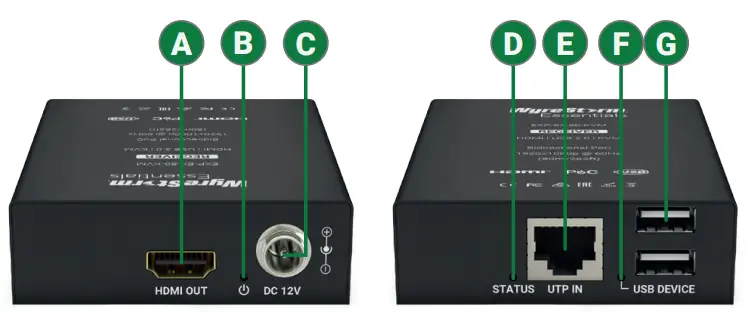
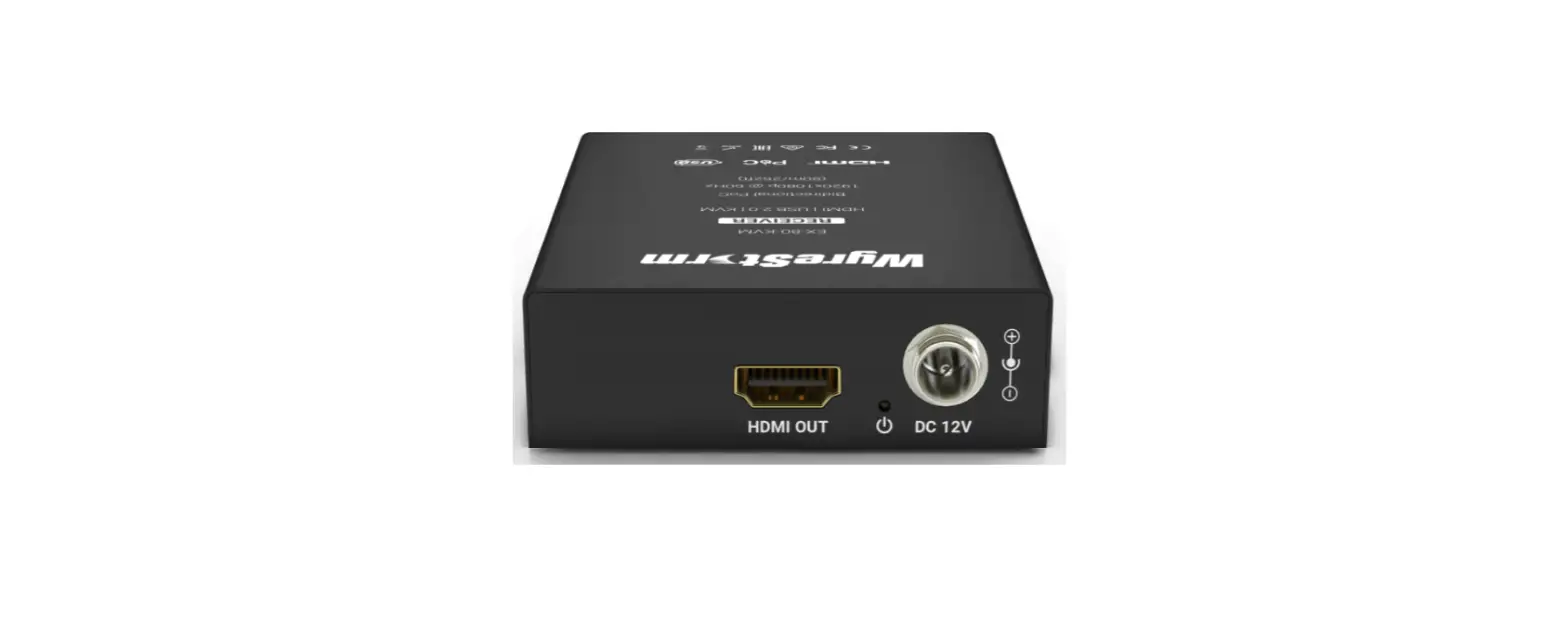
| A HDMI Out | 19-pin type A HDMI female Supports HDMI and DVI/D with adapter |
| B Power LED | Solid: The unit is powered On Off: The unit is powered Off |
| C Power In | 5.5mm Screw Down Barrel Jack Connect to the included 12V DC 2A power supply to the transmitter. A power supply is not required on the other end as it will be powered using PoC. |
| D Status LED | Flashing: The receiver is operating normally. Off: The receiver is Not operating normally. |
| E UTP In | 8-pin RJ-45 female Connect the transmitters UTP OUT to receivers UTP IN. |
| F USB LED | Solid: USB linked Flashing: USB data transmitting Off: No USB device connected |
| G USB Device | 2x USB Type-A female Connection of USB devices such as keyboards and mice. |
Wiring and Connections
WyreStorm recommends that all wiring for the installation is run and terminated prior to making connections to the switcher. Read through this section in it’s entirety before running or terminating the wires to ensure proper operation and to avoid damaging equipment.
IMPORTANT! Wiring Guidelines
- The use of patch panels, wall plates, cable extenders, kinks in cables, and electrical or environmental interference will have an adverse effect on the signal transmission which may limit performance. Steps should be taken to minimize or remove these factors completely during installation for best results.
- WyreStorm recommends the use of shielded category cable to minimize signal noise and interference.
- WyreStorm recommends using pre-terminated HDMI cables due to the complexity of these connector types. Using pre-terminated cables will ensure that these connections are accurate and will not interfere with the performance of the product.
Troubleshooting
No or Poor Quality Picture (snow or noisy image)
- Verify that power is being supplied to the transmitter and receiving device
- Verify that all HDMI and UTP connections are not loose and are functioning properly
- Verify that the UTP cable is properly terminated following EIA568B standard
- Verify that the output resolution of the source and display is supported by this extender
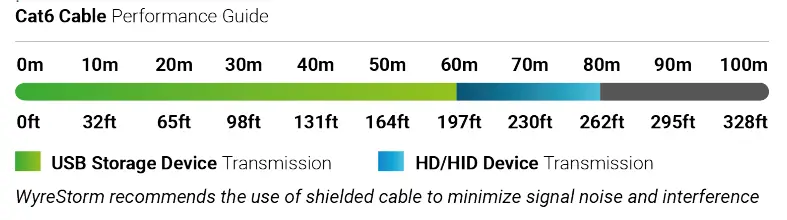
Failed USB Connection or Slow Transmission rate
- Ensure the category cable length is within the range of requirement, USB HID device is within 80m/260ft, USB storage device is within 60m/200ft.
Troubleshooting Tips:
- WyreStorm recommends using a cable tester or connecting the cable to other devices to verify functionality.
Specifications
Transmitter | Receiver | |||||
| Audio and Video | ||||||
| Inputs | 1x HDMI In: 19-pin type A 1x USB Type B | 1x UTP In: 8-pin RJ-45 Female 2x USB Type A | ||||
| Outputs | lx UTP Out: 8-pin RJ-45 Female | 1x HDMI Out: 19-pin type A | ||||
| Output Video Encoding | UTP | |||||
| Encoding Data Rate | 6.75Gbps | |||||
| End to End Latency (Max) | 10ps (microseconds) | |||||
| Audio Formats | 2ch PCM I Multichannel up to DTS-X and Dolby Atmos | |||||
| Video Resolutions (Max) | Video Resolution | HDMI | Cat6 | Cat6a/7 | ||
| 1920x1080p @60Hz 12bit | 15m/49ft | 80m/262ft | 80m/262ft | |||
| Note: WyreStorm recommends the use of shielded category cable to minimize signal noise and interference | ||||||
| Supported Standards | DCI 1 RGB | |||||
| Maximum Pixel Clock | 225MHz | |||||
| Communication and Control | ||||||
| HDMI | HDMI 1.3b I HDCP 1.41 EDID I DVI/D supported with adapter (not included) | |||||
| UTP | HDMI 1.3b 1 HDCP 1.41 EDID 12-way PoC | |||||
| USB | ||||||
| Power | ||||||
| Power Supply | ||||||
| PoC | IEEE 802.3af 48V 15.4W Max 12-way | |||||
| Max Power Consumption | 3.6W (per unit) | |||||
| Environmental | ||||||
| Operating Temperature | 0 to + 45°C (32 to + 113 °F), 10% to 90%, non-condensing | |||||
| Storage Temperature | -20 to +70°C (-4 to + 158 °F), 10% to 90%, non-condensing | |||||
| Maximum BTU | 12.28 BTU/hr | |||||
| Dimensions and Weight | ||||||
| Rack Units/Wall Box | <1U | |||||
| Height | 23mm/0.9in | |||||
| Width | 75mm/2.95276in | |||||
| Depth | 98.2mm/3.87in | |||||
| Weight | 0.22kg/0.48lb (each) | |||||
| Regulatory | ||||||
| Safety and Emission | CE | FCC | RoHS | RCM | EAC | |||||
Note: WyreStorm reserves the right to change product specification, appearance, or dimensions of this product at any time without prior notice.
Warranty Information

WyreStorm Technologies LLC warrants that its products to be free from defects in material and workmanship under normal use for a period of two (2) years from the date of purchase. Refer to the Product Warranty page on wyrestorm.com for more details on our limited product warranty.
UK: +44 (0) 1793 230 343 | ROW: 844.280.WYRE (9973)
[email protected]
Copyright © 2020 WyreStorm Technologies | wyrestorm.com
EXP-EX-80-KVM Quickstart Guide | 200330
 WyreStorm - Professional Audio Visual Solution Provider