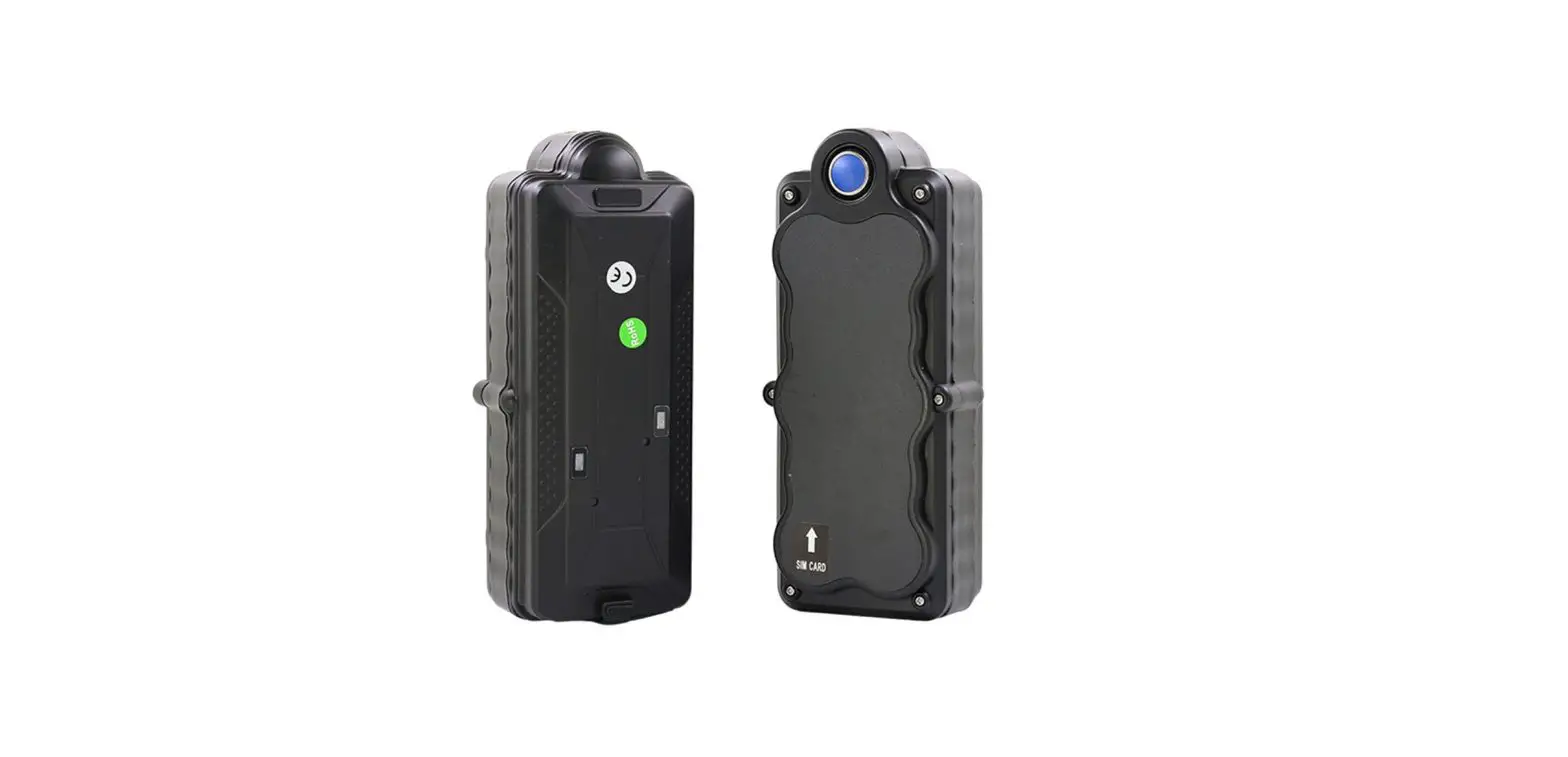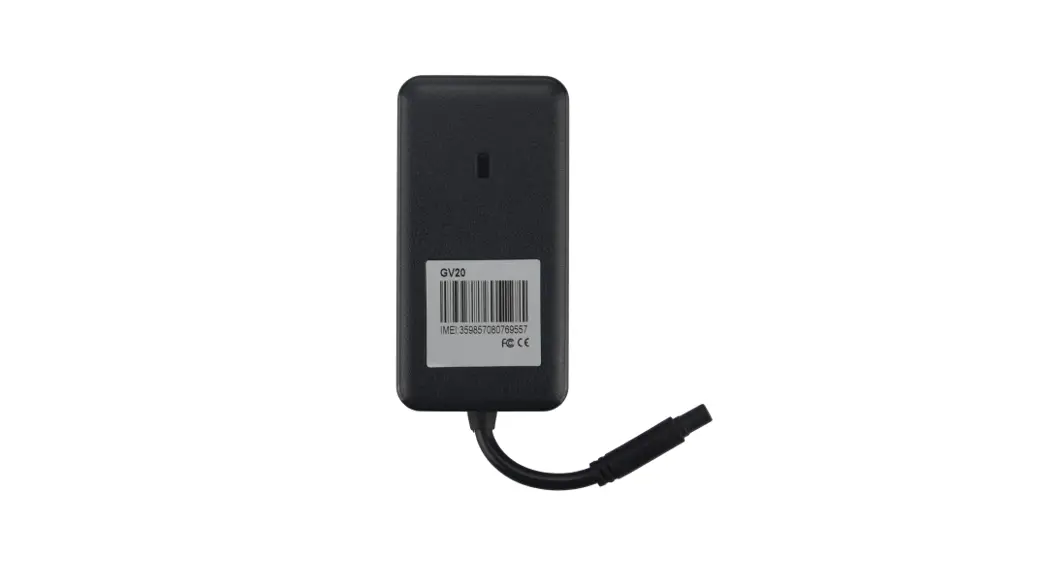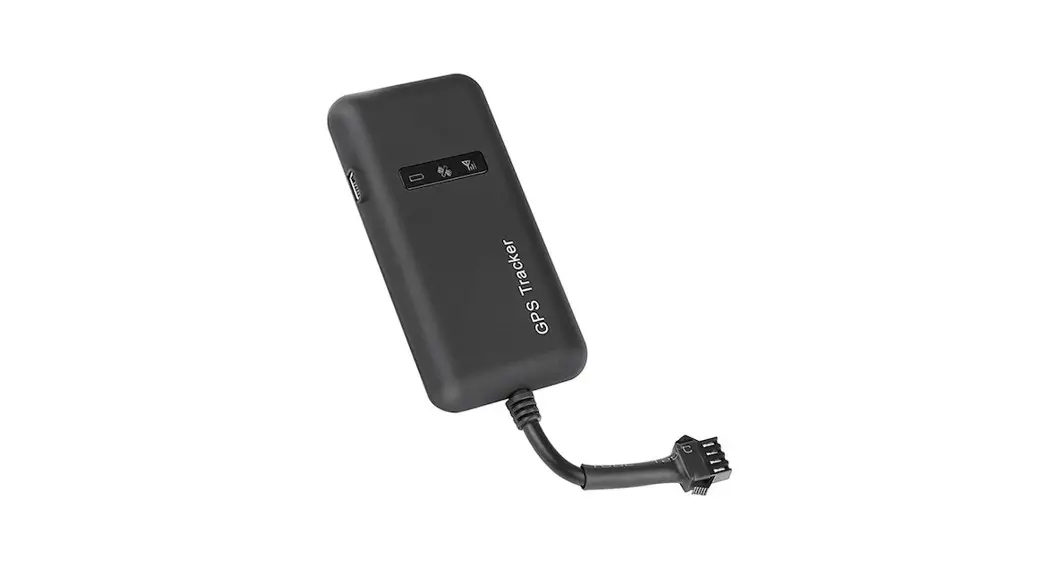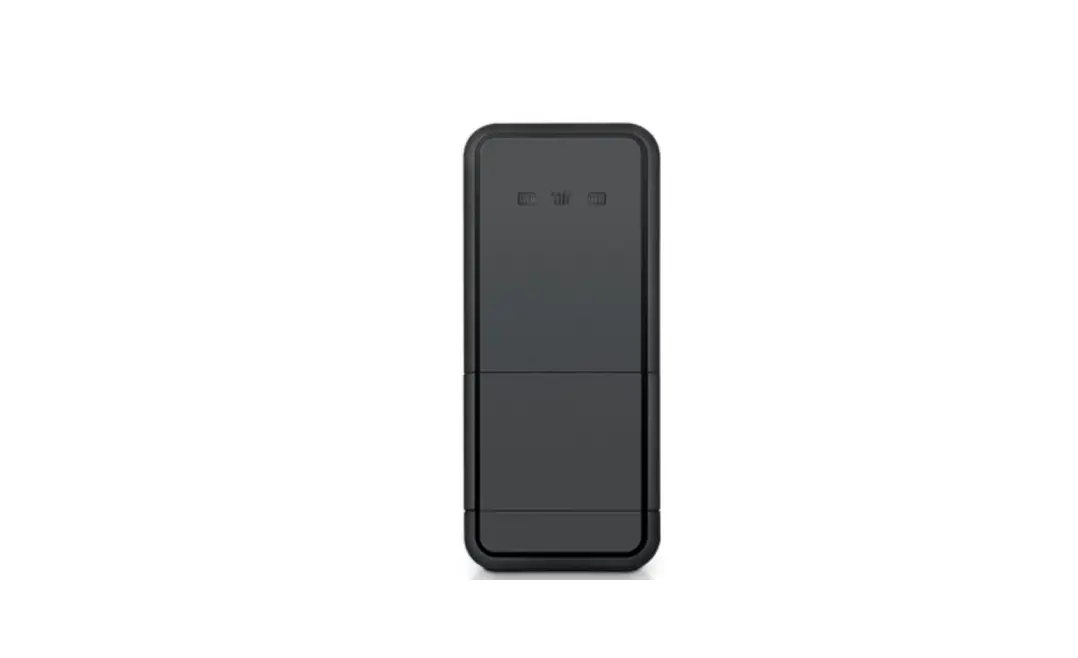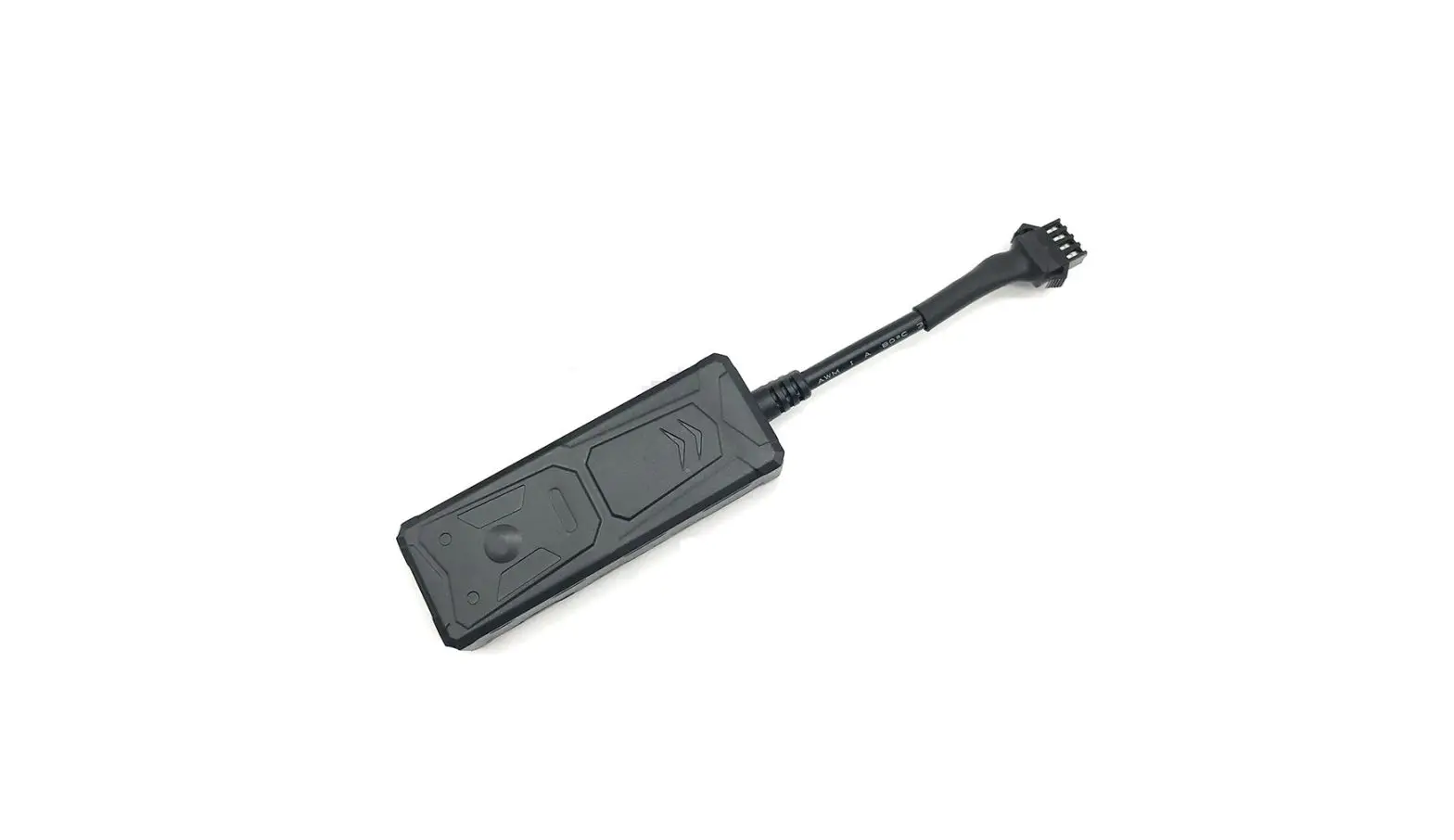
VJOY C30 Cheapest Vehicle GPS Tracker Installation Guide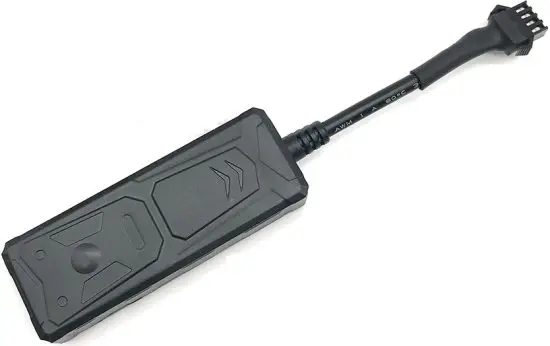
Features
- 9-36V Vehicle/scooter/motorcycle tracking
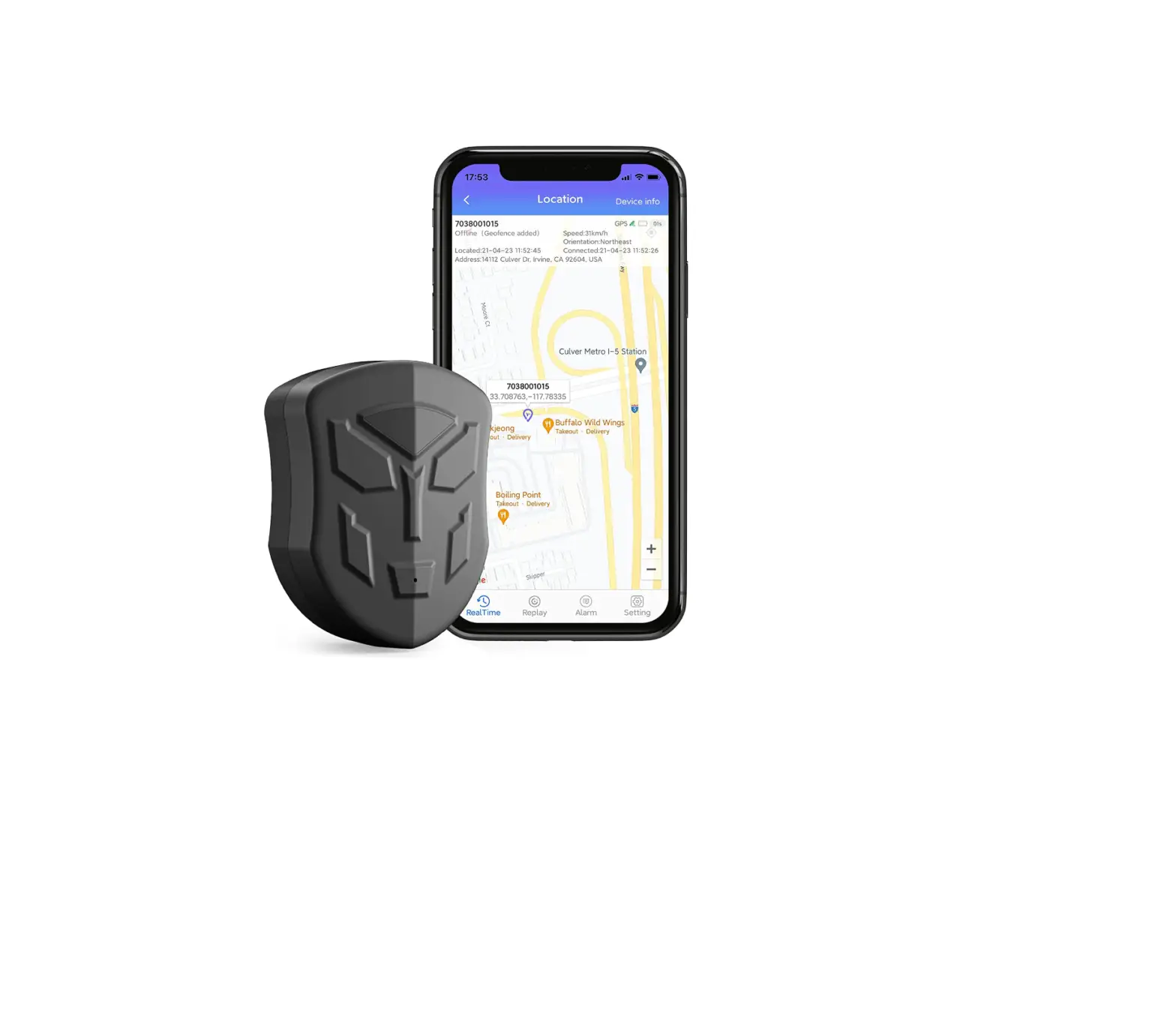
- Real-time tracking by SMS/Platform/APP
- Speeding/Geo-fence alarm
- Vibration alarm
- Power-saving mode during parking
- History trace playback
- Disable fuel or electricity (Optional)
- Power Cut alarm with built-in battery(Optional).
Install SIM Card
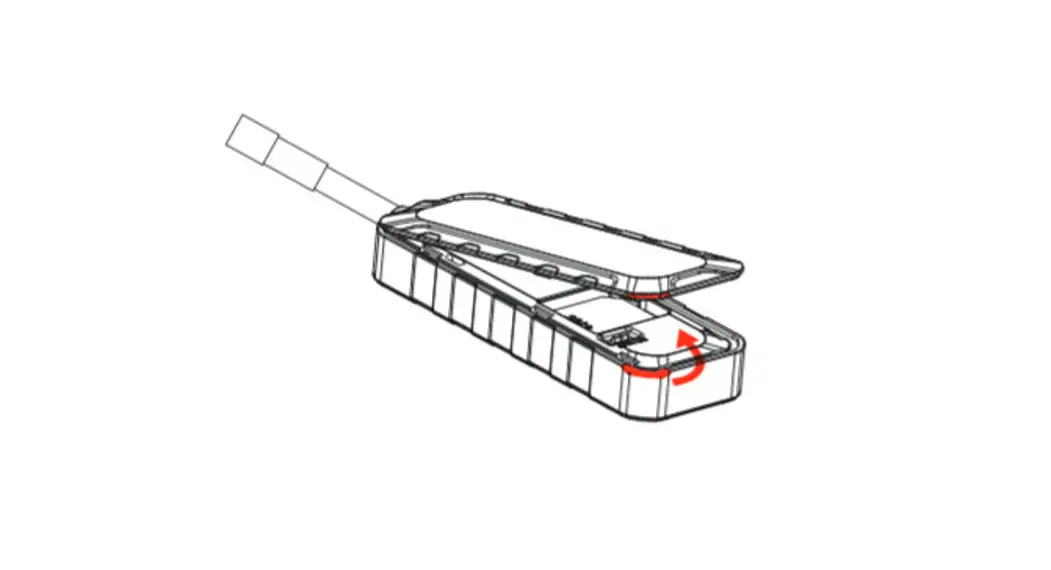
Insert 2G GSM SIM card with activated GPRS data; Make sure SIM card with full balance; If SIM card with PIN code, must remove it advance. Insert SIM to power on device, Take off SIM to power off device.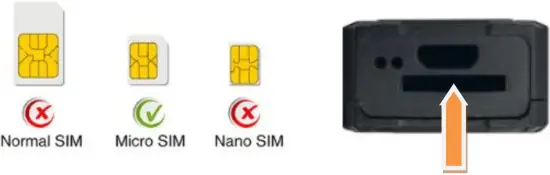
Specifications
Content | Specs |
Dim. | 77*28*15mm |
| Network | GSM/GPRS |
Frequency | 850/900/1800/1900 MHz |
| GPS chipset | MTK high sensitivity chip |
Location accuracy | <10 meters CEP |
| Time To First Fix(open sky) | Cold status <35s |
Working voltage | 9-36VDC |
| GPRS Protocol | TCP/IP |
Operating temp. | -20 °C to +70°C |
| Standby Be Working consumption | 5mA-50mA |
Device light description
| Light | Signal | Normal status | Abnormal status |
Yellow | GSM signal | Stable light on | Flashing: No SIM card |
| Blue | GPS signal | Stable light on | Flashing: searching GPS signal |
Note: Device will turn into sleep mode with lights off after around 3 minutes.
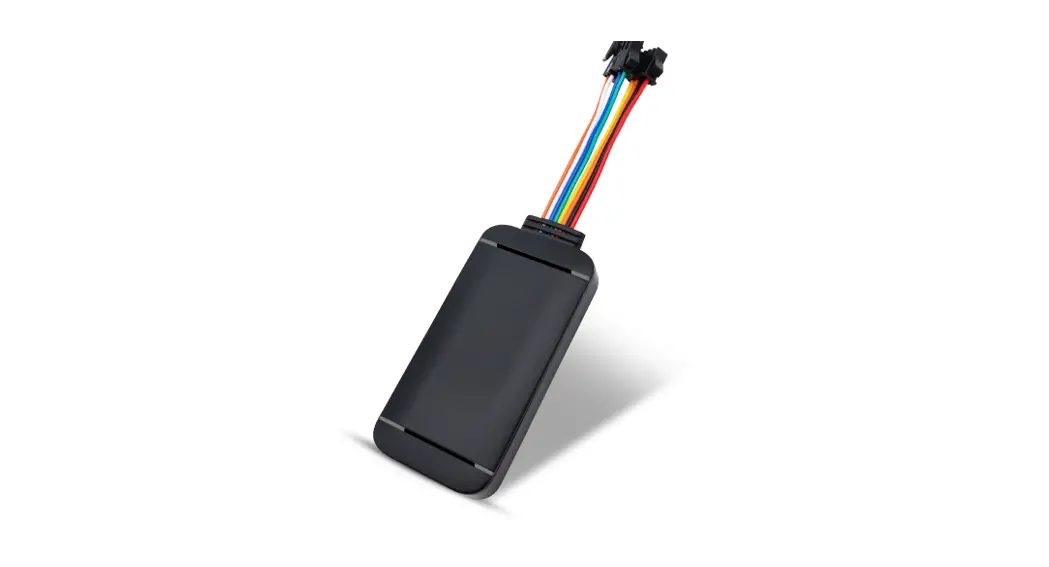
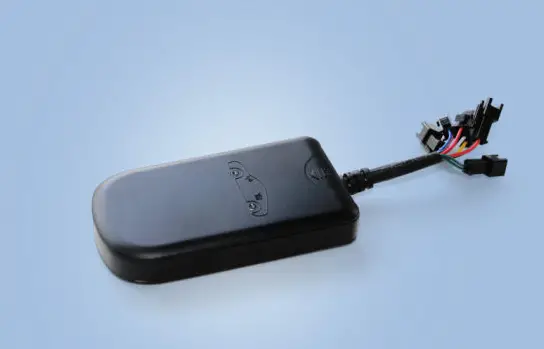
Wires connection
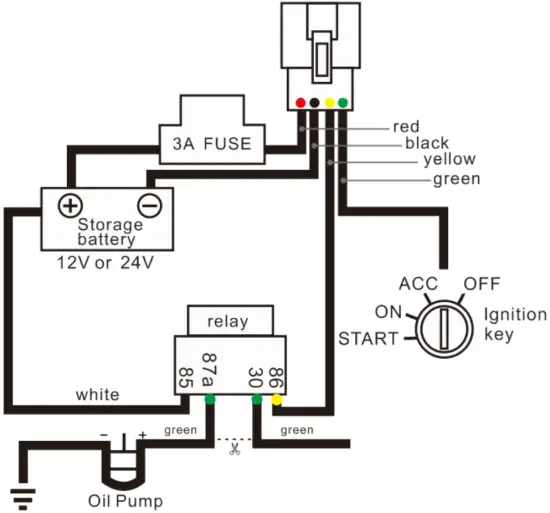
- Red: Battery positive
- Black: Battery negative
- Green: Ignition wire
- Yellow: Relay for cut fuel (optional)
SMS Commands
| Function | SMS Command |
| Step 1 Set APN | apn 123456 (space)local Apn(space)Apn Name(space) Apn Password |
| apn 123456 tim.br tim tim | |
| Step 2 SMS Locate | sms link 123456 |
| Set IP Port(default already) | adminip123456(space)www.gps2828.com(space)7018 |
adminip123456 www.gps2828.com 7018 | |
Cut off fuel or power | stop123456 |
| Resume fuel or power | resume123456 |
Set admin number receive alarm | admin123456 15018500598 |
| Cancel admin number | noadmin123456 15018500598 |
Activate ignition on alarm | accon123456 1 |
| Cancel ignition on alarm | accon123456 0 |
Activate ignition off alarm | accoff123456 1 |
| Cancel ignition off alarm | accoff123456 0 |
Check device status | check123456 |
Time Zone Setting | timezone123456(space)(timezone*60) Example, GMT-6, SMS “timezone123456 -360”. |
| Set Time Interval | ITV123456+space+upload time interval(s) |
Activate angle upload location | ANGLE123456 1 |
| Cancel angle upload location function | ANGLE123456 0 |
Set APP alarm (default) | KC123456(space)1 |
| Set APP+SMS alarm | KC123456(space)2 |
Set APP +SMS +Phone Call alarm | KC123456(space)3 |
| Set vibration level | vibrate123456(space)1 |
Cancel vibration alarm | vibrate123456(space)0 |
| Initialize factory setting | begin123456 |
- Web platform GPS tracking software.
Customer Support
Website: www.gps2828.com APP name: secumore
Default IMEI as user name, password 123456.
If failed to login, please contact supplier to register IMEI
Scan to download APP