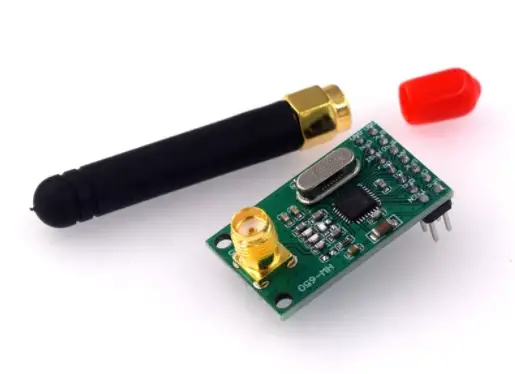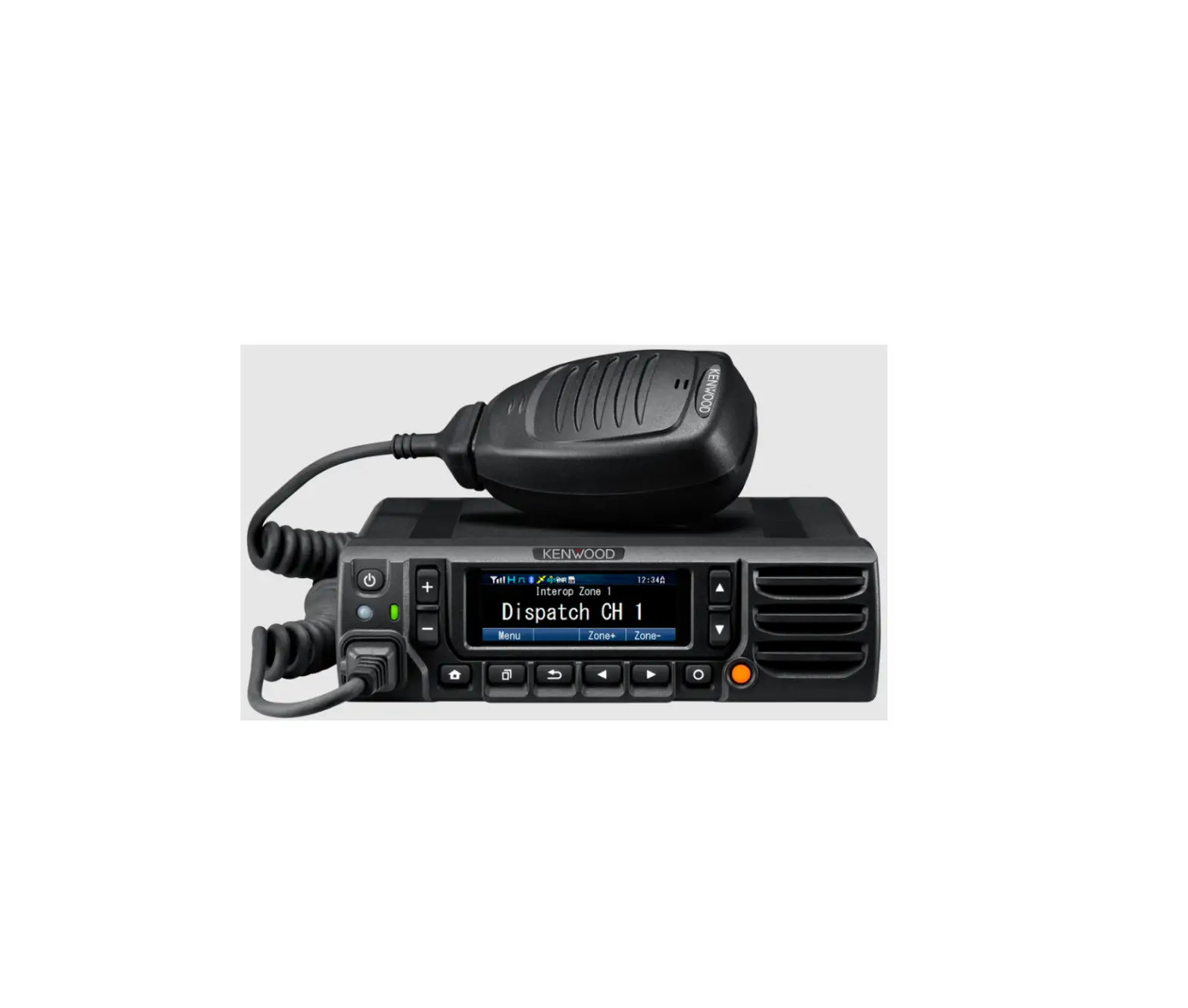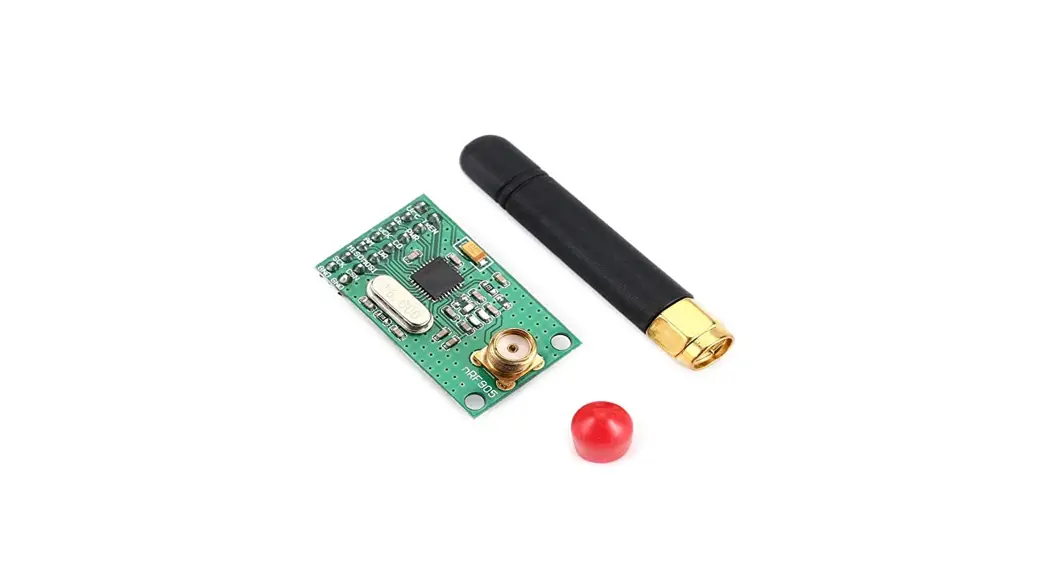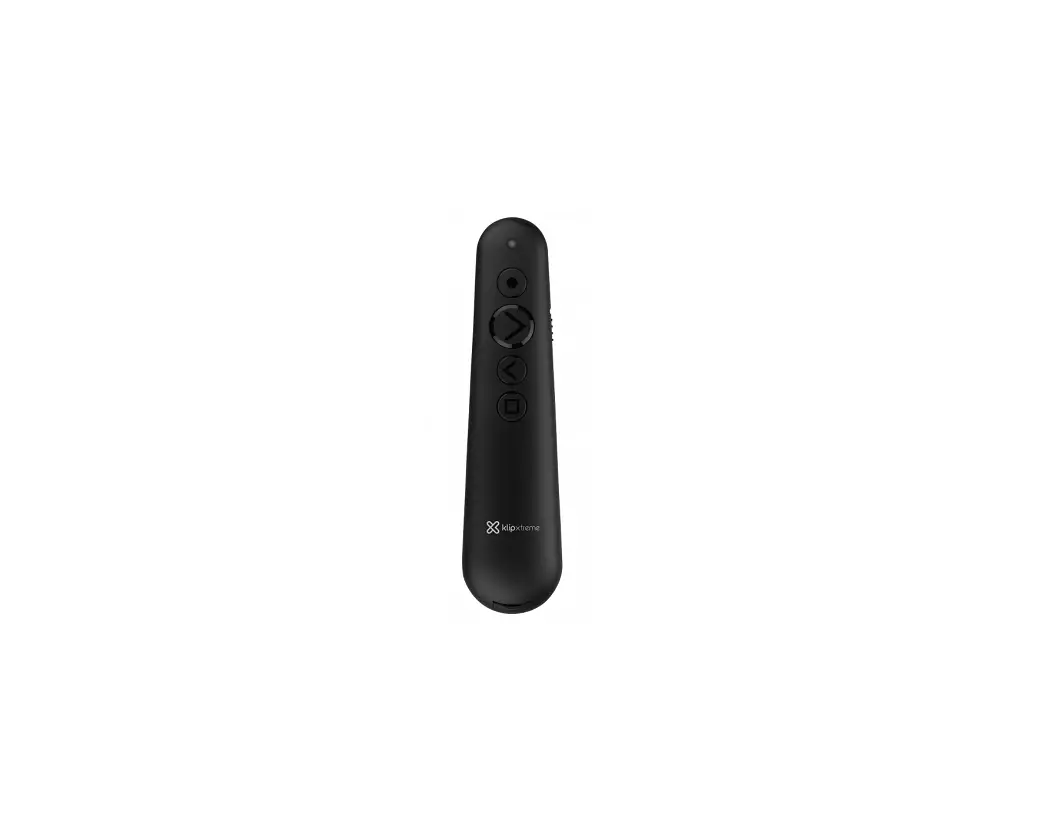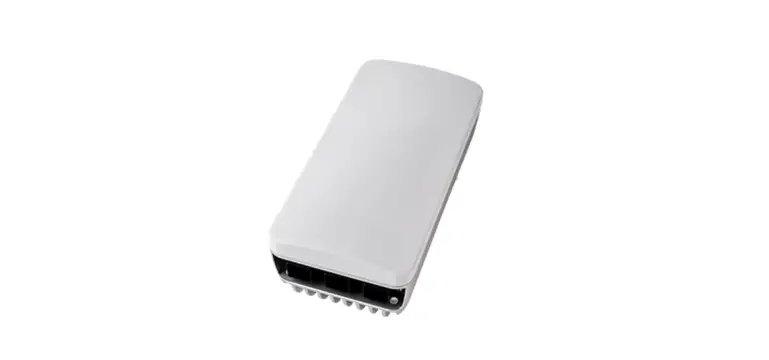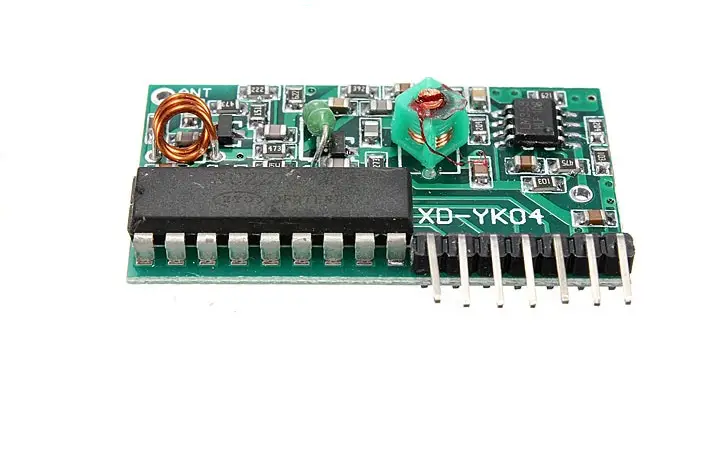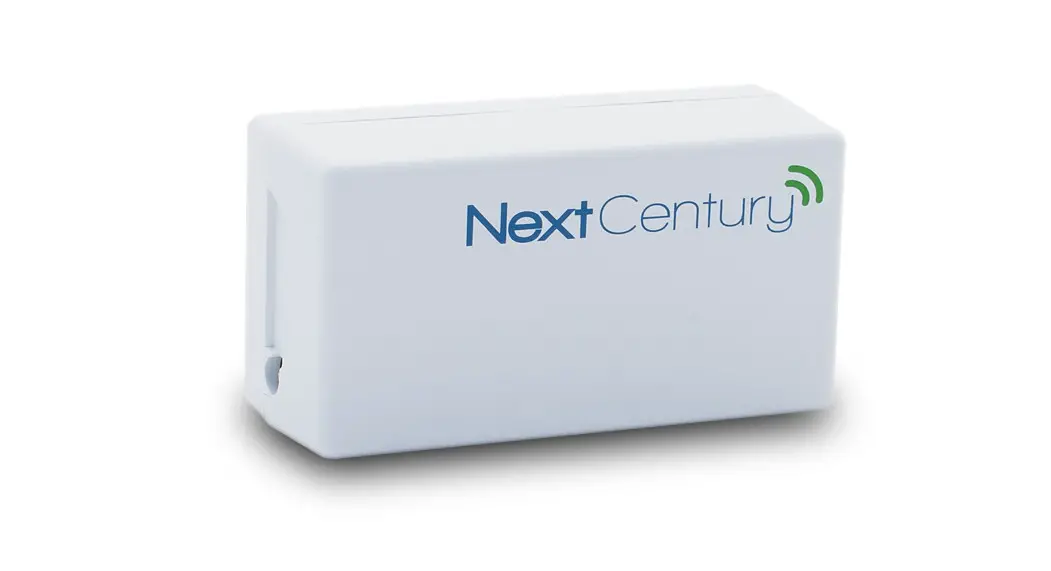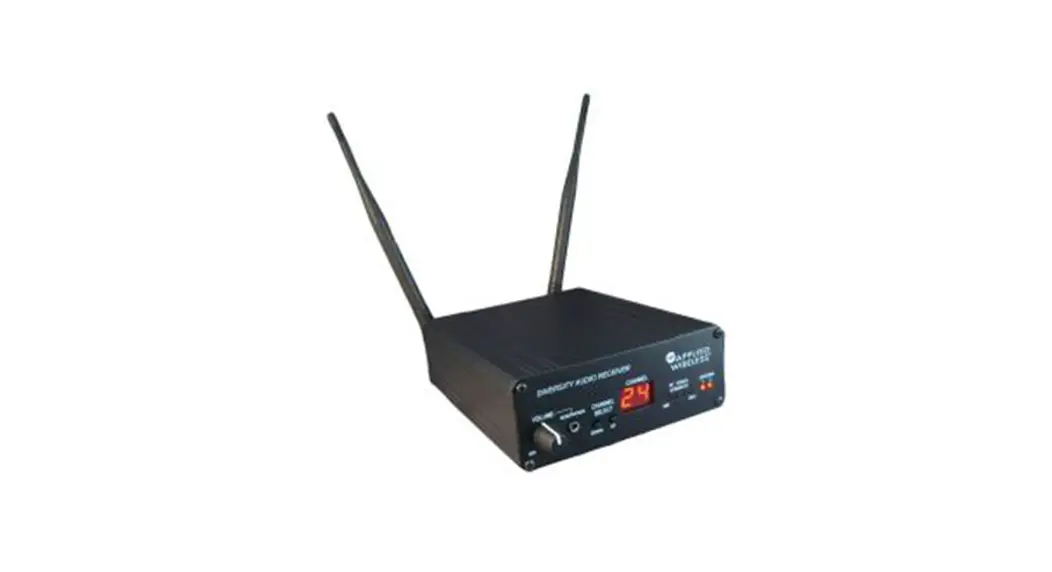

CM GLOBAL KTX900 Series Wireless Transceivers
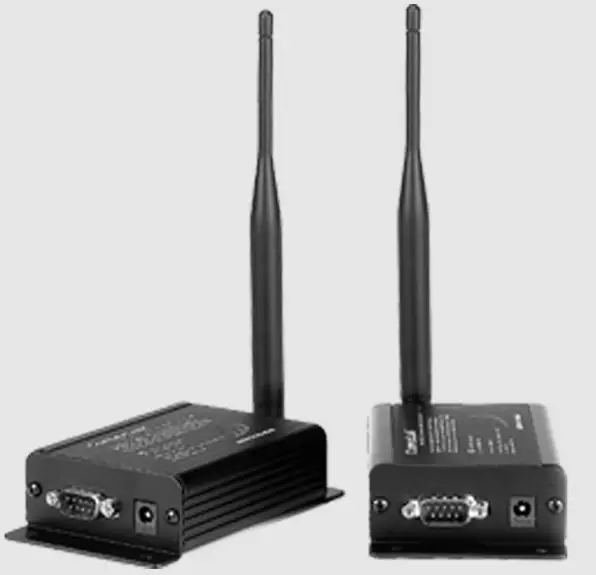
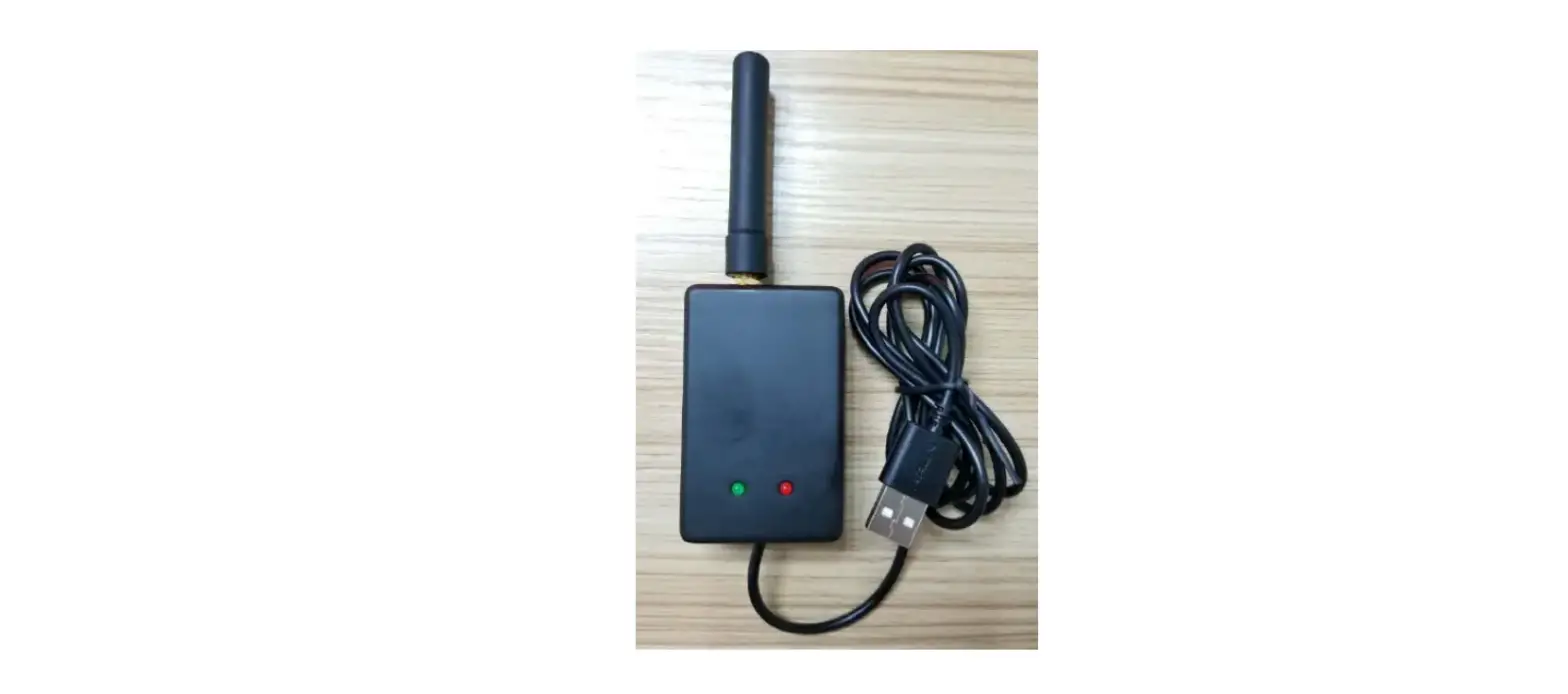
KTX900 Wireless Transceivers
Features
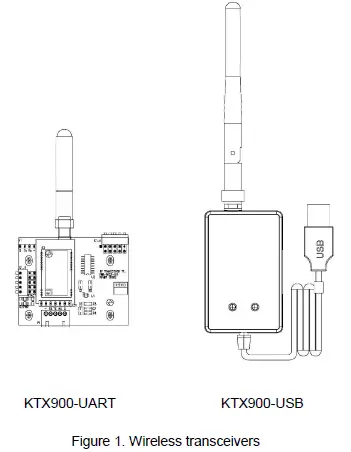
- Providing USB and UART interface, highly integrated wireless transceiver can be connected with equipment directly for establish wireless communication linkage.
- Low RF power transmission: Maximum transmit RF Power 50mW.
- GFSK/FSK modulation mode.
- Crystal frequency stabilization.
- High-efficiency forward error correction channel encoding technology is used.
Main Applications
- AMR – Automatic Meter Reading
- Wireless alarm and security system
- Wireless POS and PDA
- Long-distance non-contact RF smart card, RFID tags
- Wireless Field Bus, Wireless conference voting system
- Remote control of industrial equipment
- Industrial telemetry
Technical Specifications
| RF Channels (MHz) | 903.125, 904.125, 906.125, 907.125 908.125, 908.125, 909.125, 910.125 |
| Transmission Power | 7dBm, 10dBm, 14dBm, 17dBm |
| Modulation Mode | GFSK |
| Baud Rate | 9600bps |
| Interface Data Format | USB, UART ,8E1/8N1 data format |
| Power Supply | DC 3.6V—5V |
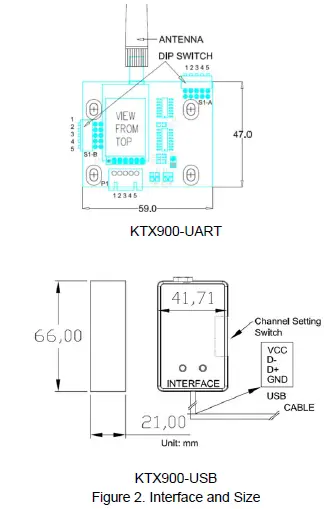
| Overall Dimensions | USB: 60 X 42 X 21 mm UART: 59 X 47 X 10 mm |
Physical Dimension
Interface Description
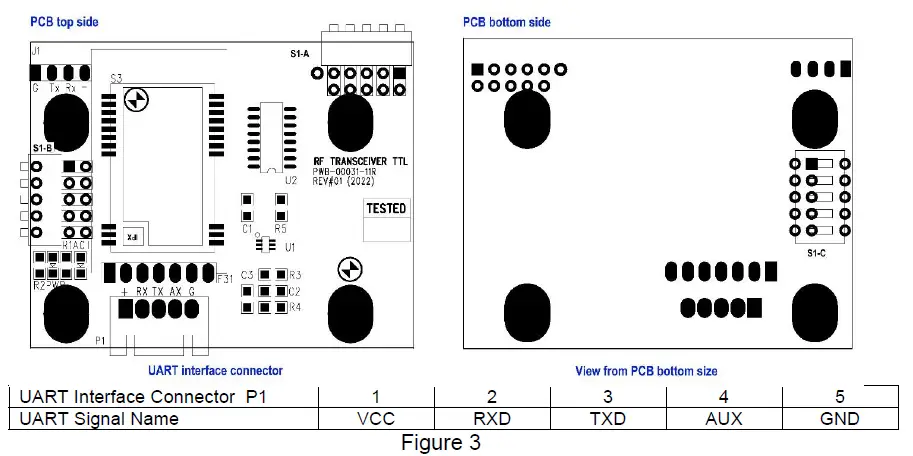
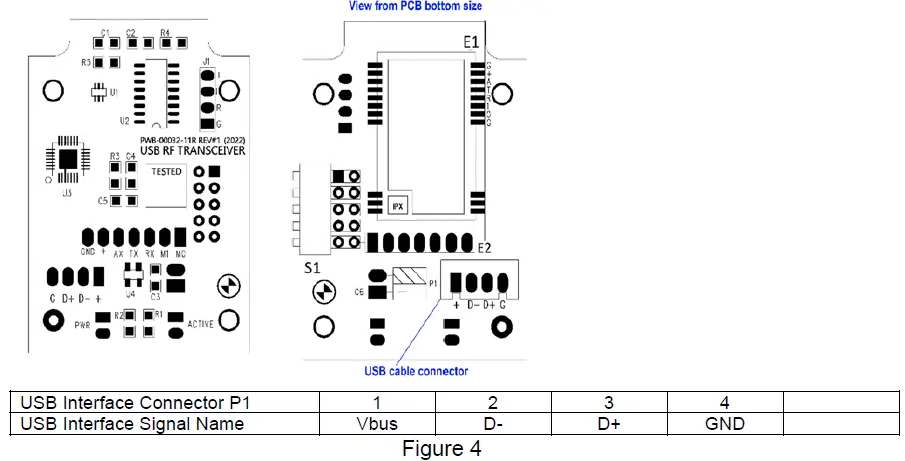
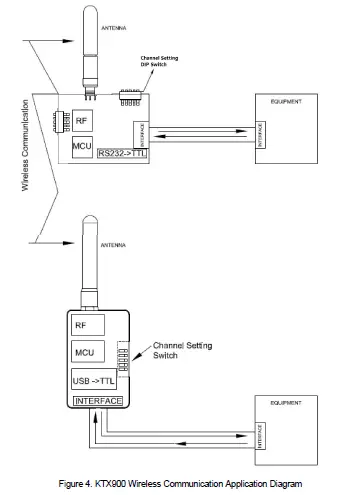
KTX900 wireless transceiver can be directly connected with equipment by interface port show as Figure 3 and Figure 4.
KTX900-UART can be directly connected to equipment’s UART port
KTX900-USB can be directly connected to equipment’s USB port
Options
Referring to Figure 3, KTX900 transceivers have the options as listed in Table 1 and Table 2 below:
Table 1
| Options for KTX900-UART | Remark |
| With Power and Active Indicator | Populate components R1, R2, PWR, ACTIVE |
| Channel setting DIP switch –Top access | Populate DIP switch on S1-A |
| Channel setting DIP switch –Side access | Populate DIP switch on S1-B |
| Channel setting DIP switch –Rear access | Populate DIP switch on S1-C |
| DIP package RF module | Install DIP package RF module on E31 |
| SMT package RF module | Install SMT package RF module on S3 |
Table 2
| Options for KTX900-USB | Remark |
| With Power and Active Indicator | Populate R1, R2, PWR, ACTIVE |
| DIP package RF module | Install DIP package RF module on E2 |
| SMT package RF module | Install SMT package RF module on E1 |
Frequency Channel Setting
There is a channel setting switch as shown in Figure 5 , defined as A1, A2, A3, A4 and A5 respectively, where A1~A3 is for channel setting and A4~A5 is for RF transmission Power Setting.
| Switch Channel | A1 | A2 | A3 | Frequency | A4 | A5 | RF Power |
| 1 | 0 | 0 | 0 | 903.125Mhz | 0 | 0 | 22dBm |
| 2 | 1 | 0 | 0 | 904.125Mhz | 1 | 0 | 17dBm |
| 3 | 0 | 1 | 0 | 905.125Mhz | 0 | 1 | 13dBm |
| 4 | 1 | 1 | 0 | 906.125Mhz | 1 | 1 | 10dBm |
| 5 | 0 | 0 | 1 | 907.125Mhz | |||
| 6 | 1 | 0 | 1 | 908.125Mhz | |||
| 7 | 0 | 1 | 1 | 909.125Mhz | |||
| 8 | 1 | 1 | 1 | 910.125Mhz | |||
| Highlighted is default setting | |||||||
Communication Application
FCC Notices
- The manufacturer is not responsible for any radio or TV Interference caused by unauthorized modifications to this equipment. Such modifications could void the user’s authority to operate the equipment.
- This device complies with Part 15 of the FCC Rules. (1) This device may not cause harmful interference, and (2) this device must accept any interference received, including interference that may cause undesired operation.
NOTE: This equipment has been tested and found to comply with the limits for a Class B digital device, pursuant to part 15 of the FCC Rules. These limits are designed to provide reasonable protection against harmful interference in a residential installation. This equipment generates, uses and can radiate radio frequency energy and, if not installed and used in accordance with the instructions, may cause harmful interference to radio communications. However, there is no guarantee that interference will not occur in a particular installation. If this equipment does cause harmful interference to radio or television reception, which can be determined by turning the equipment off and on, the user is encouraged to try to correct the interference by one or more of the following measures:
- Reorient or relocate the receiving antenna.
- Increase the separation between the equipment and receiver.
- Connect the equipment into an outlet on a circuit different from that to which the receiver is connected.
- Consult the dealer or an experienced radio/TV technician for help.
This equipment complies with FCC RF radiation exposure limits set forth for an uncontrolled environment.
This equipment should be installed and operated with a minimum distance of 20 centimeters between the radiator and your body.