LOCKTON ELEV64 WI-FI BRIDGE – G2 Gateway Instructions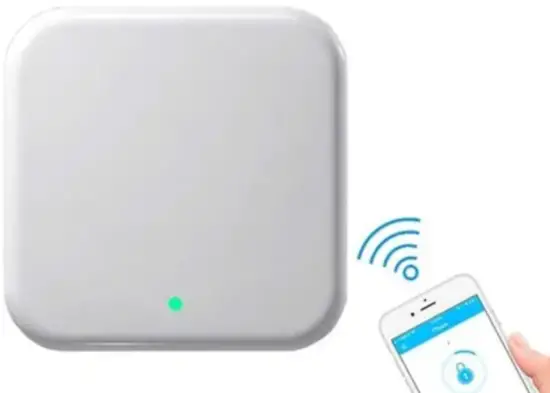
Optional gateway set up – For Remote WiFi Controlling
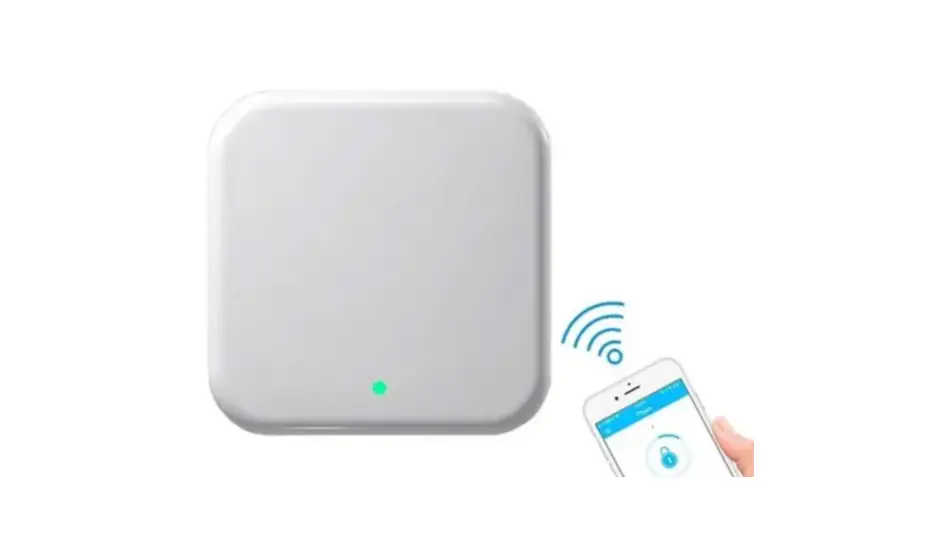
The ELEV64 in it’s primary condition is controlled by Bluetooth requiring the user to be within proximity of the bound locks to Change Passcodes, Add Fingerprints , Review audit trails & Create Temporary Passkeys etc. To Manage these lock functions remotely anywhere, the Art. Id: G2- GATE can be purchased separately.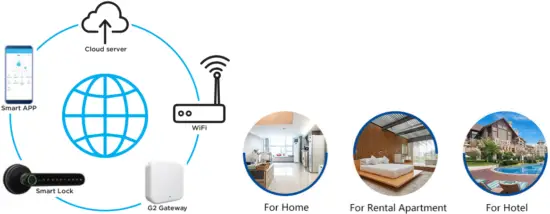
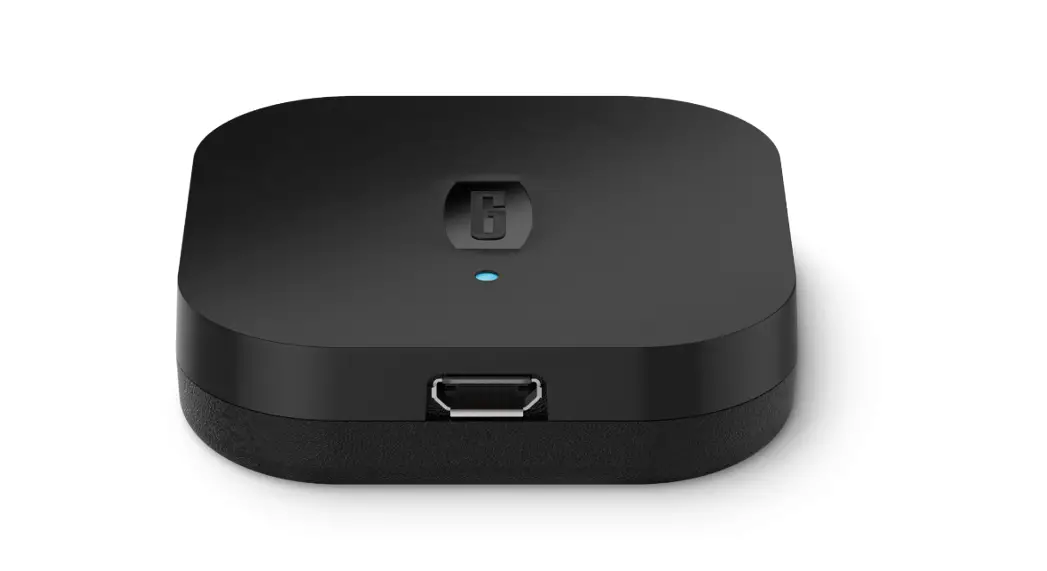
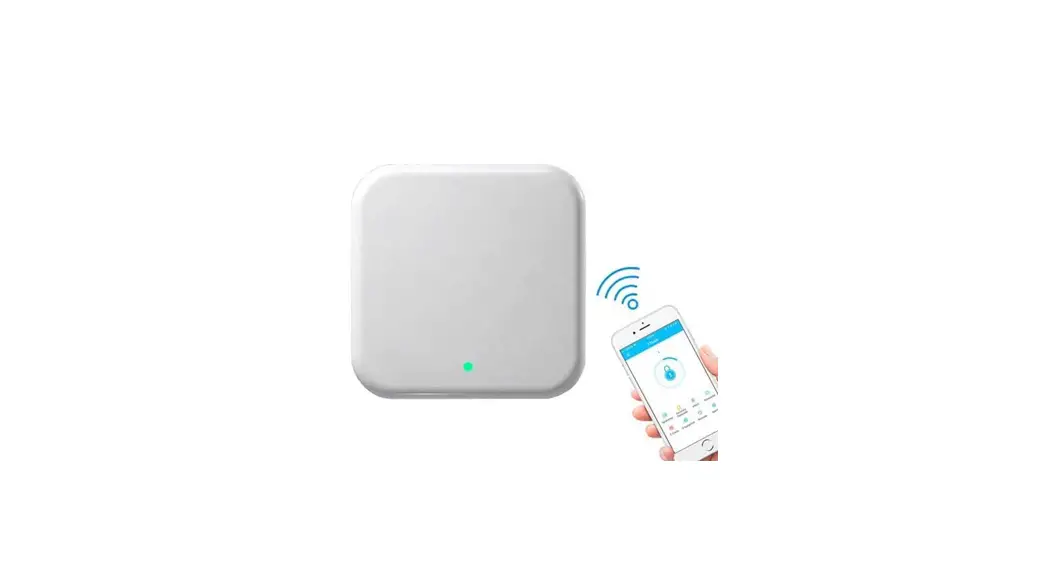
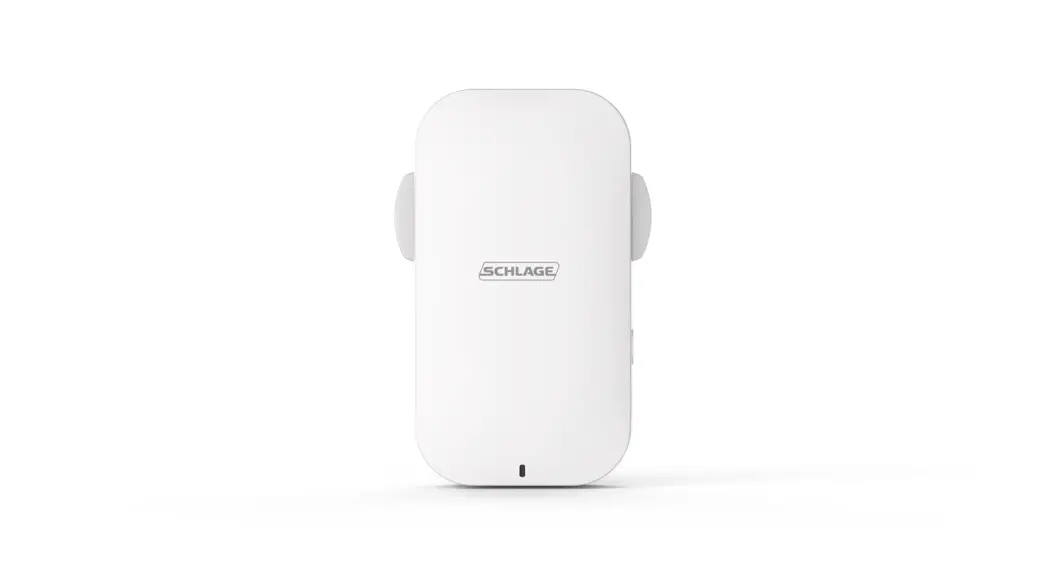
GATEWAY G2
Model : G2
Dimensions : 70mm x 70mm x 26mm
Network : Wi-Fi 2.4G
IEEE standard : 802.11 b/g/n
Power interface : Type-C USB
Power input : 5V/500mA
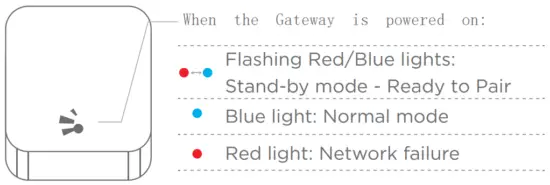
Light Status
Instruction
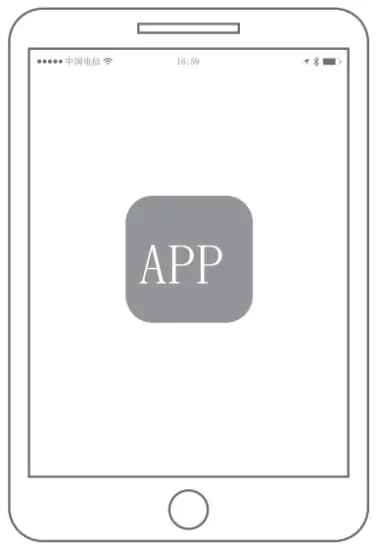
- Open the APP

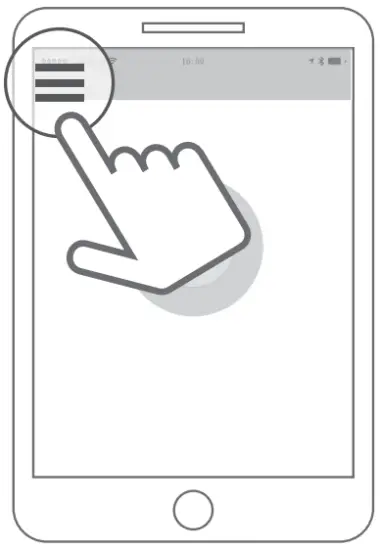
- Touch the “ ” icon on the top left of the screen
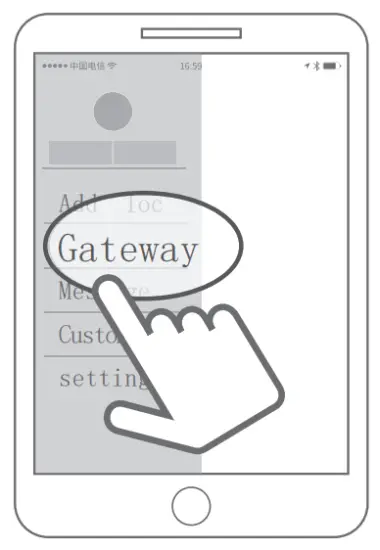
- Select [Gateway]
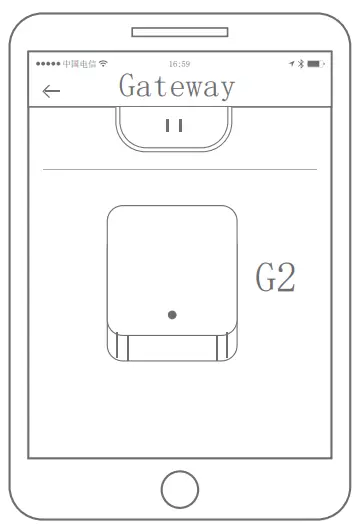
- Select G2

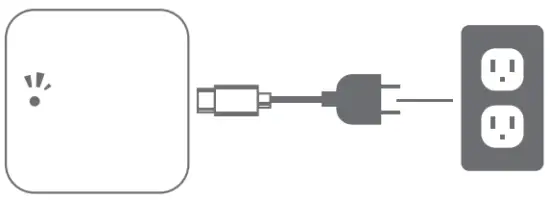
- Plug in the Gateway and power it on

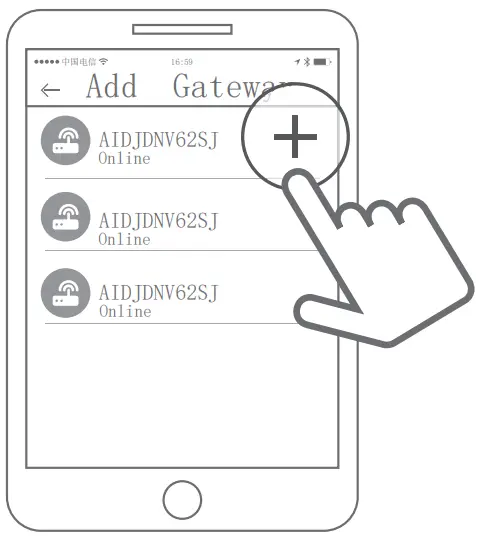
- While the light is flashing in red and blue, press”+” sign

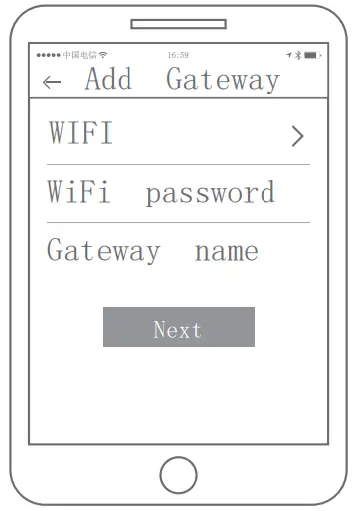
- Add Gateway

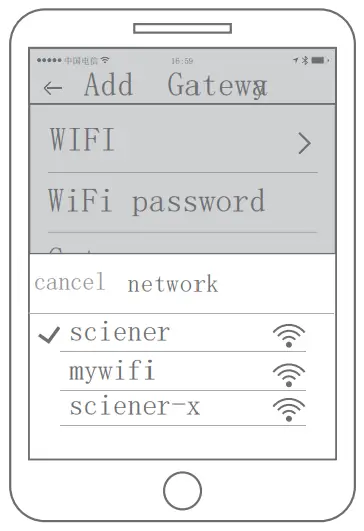
- Select the network and input your Wi-Fi password