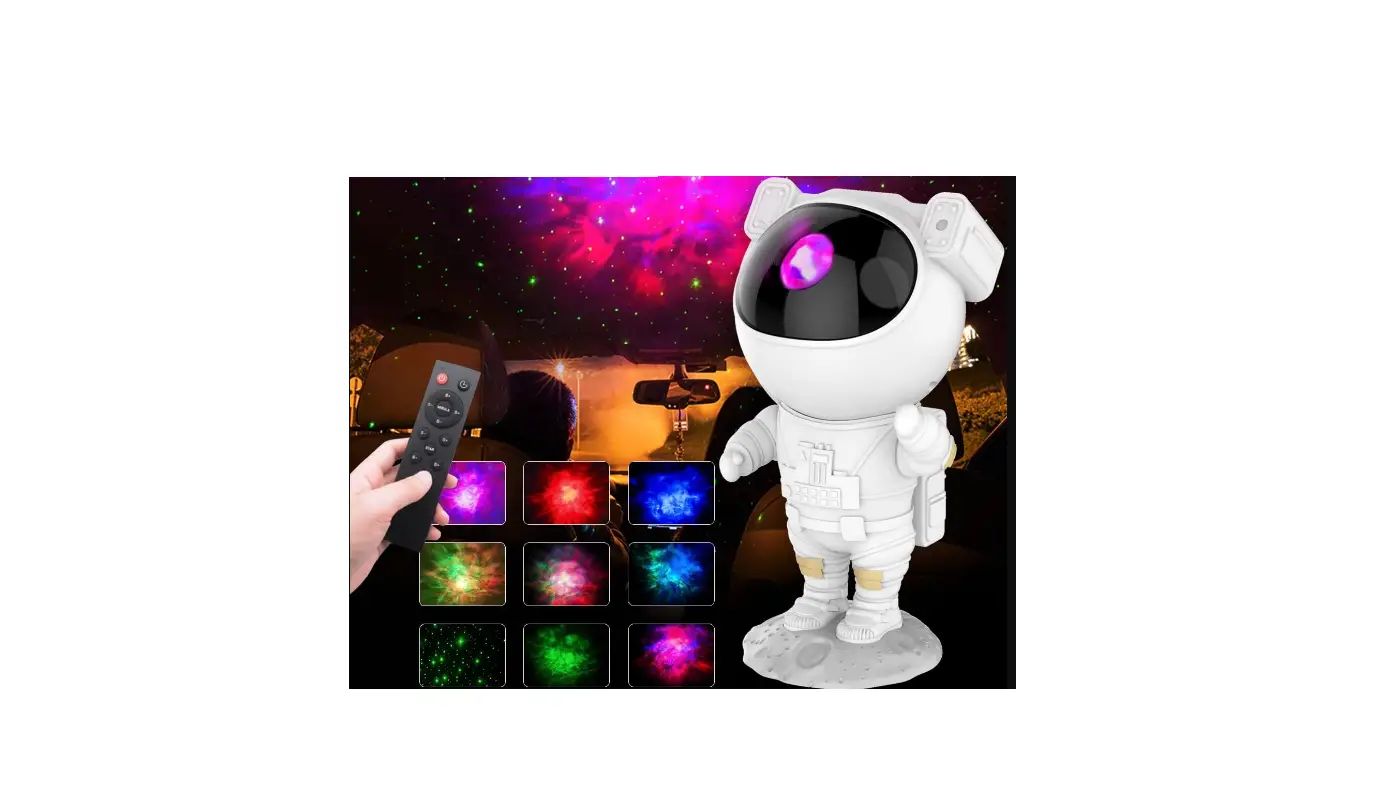
Kids Star Projector Night Light with Remote Control
User‘s Manual
Attention
- The light source of stars and nebulae is strong, so eyes should not look directly at the light source.
- The brightness of the stars (ie laser brightness) is affected by the ambient temperature and time of use. When the ambient tempera ture is hot or the power-on time is longer, the brightness of the laser will decrease due to the heat of the light source. At this time, just turn off the power and let the laser emit The heat dissipation of the device (heat dissipation time usually takes more than 15 minutes) and then turn it on to restore the brightness.
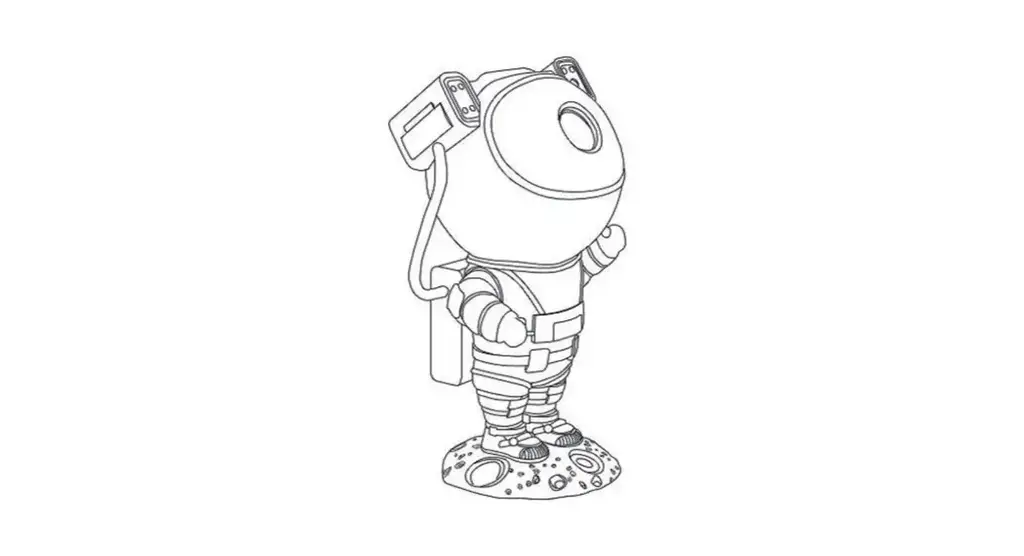
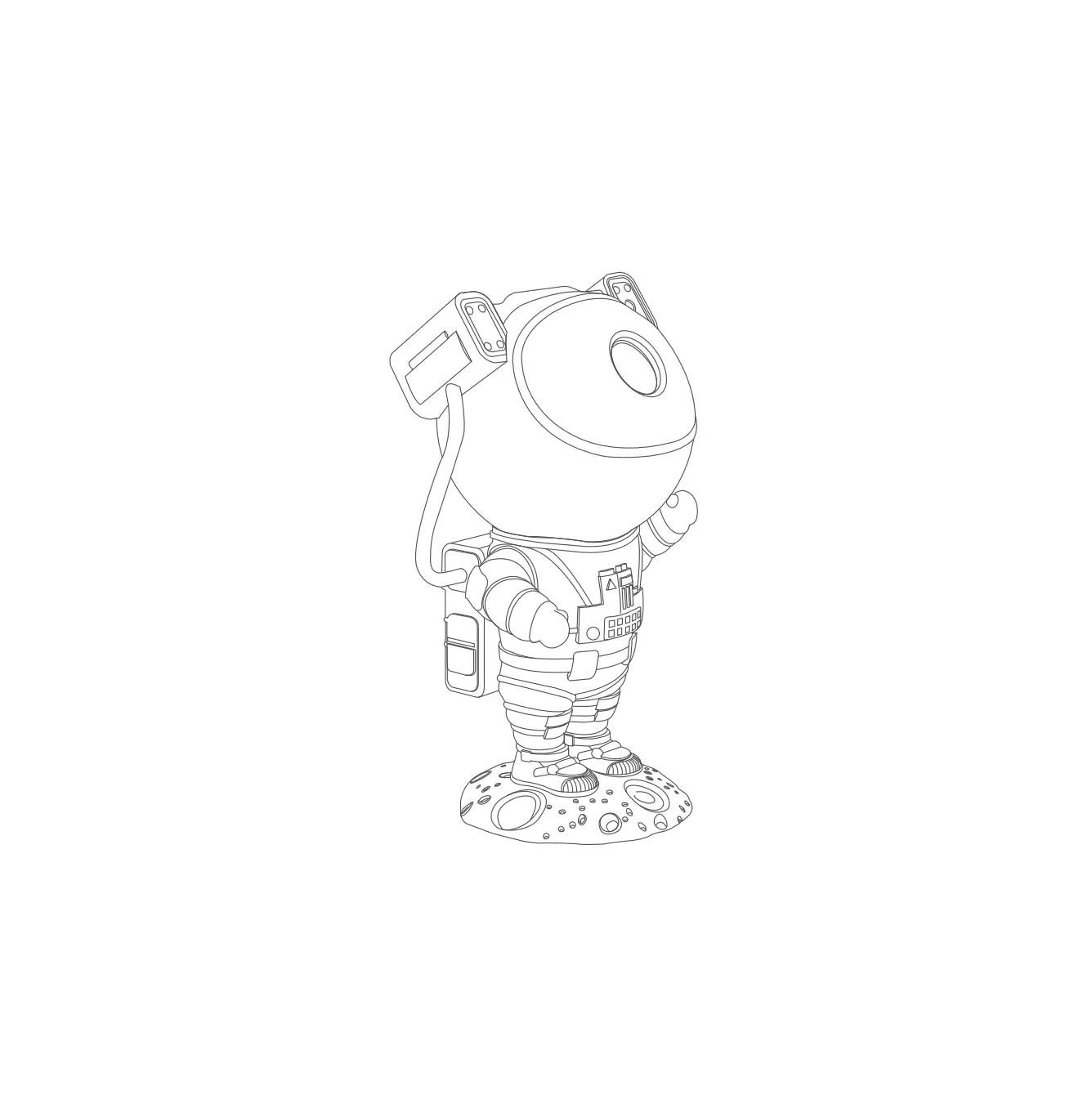
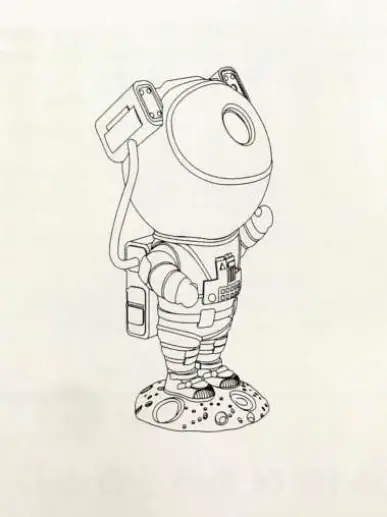
- The head and body of the astronaut are connected together by magnets, and the direction of the head can be adjusted. Do not stretch the astronaut‘s head and body forcefully, otherwise the wires may break due to strething.
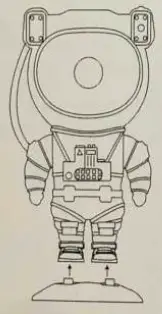
Please install the base before using. Please make sure that the astronauts’ feet are in full contact with the bottom of the base seat.
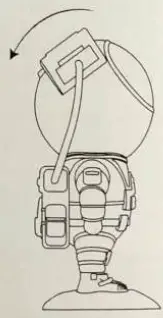
The projection direction can be adjusted by adjusting the rotation angle of the astronaut‘s head.
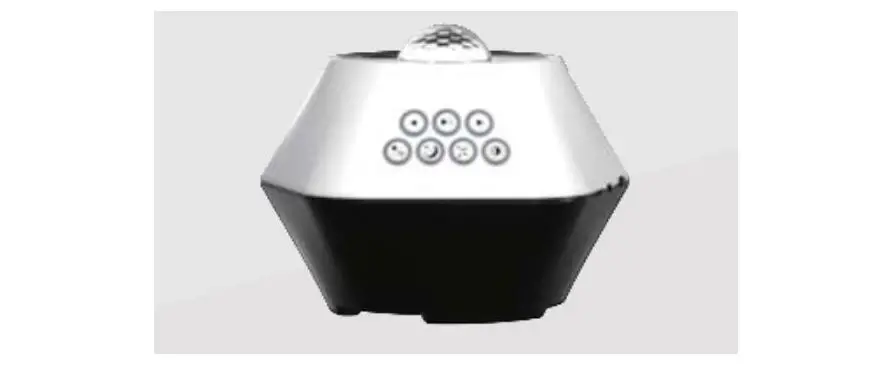
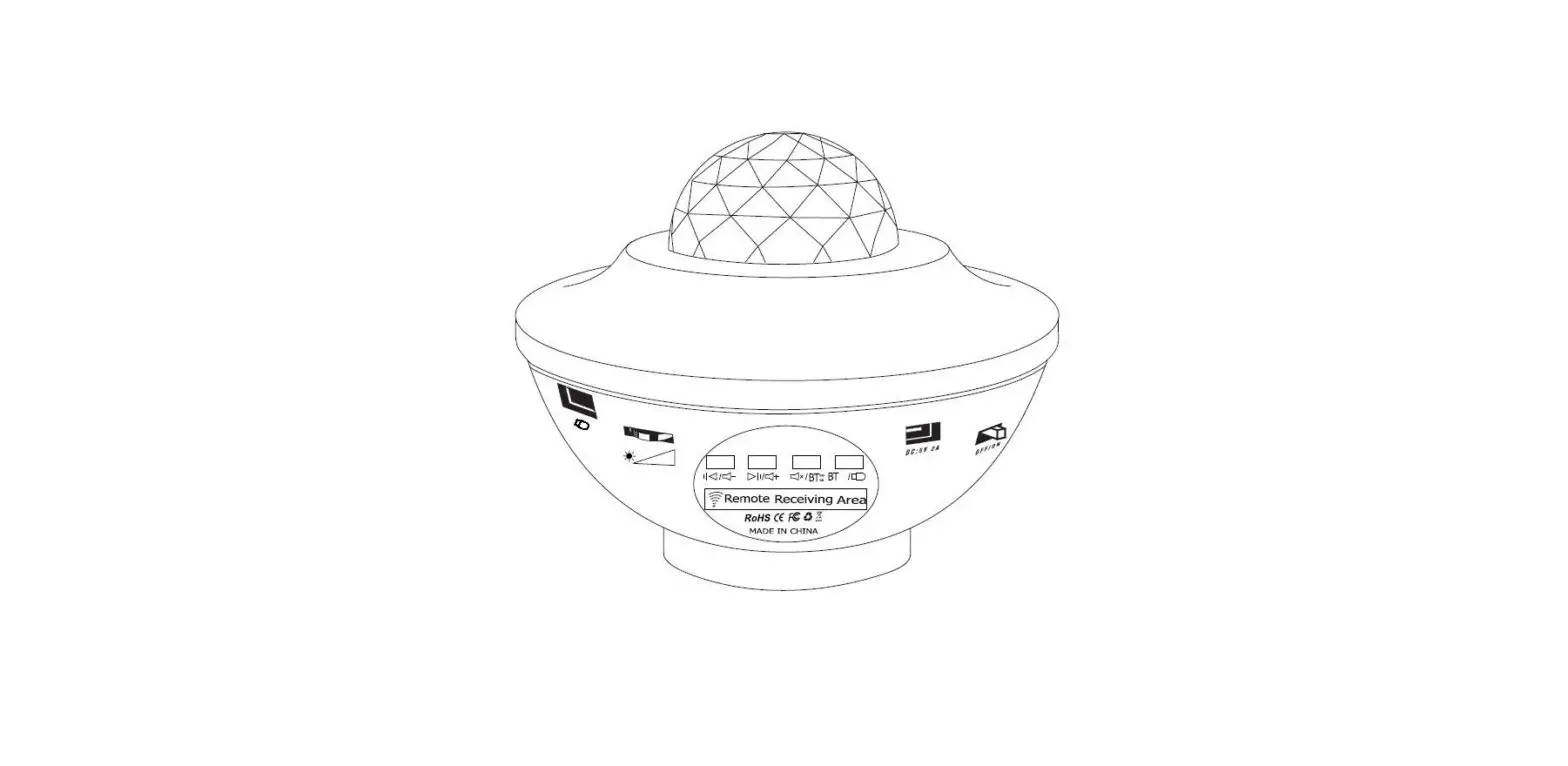
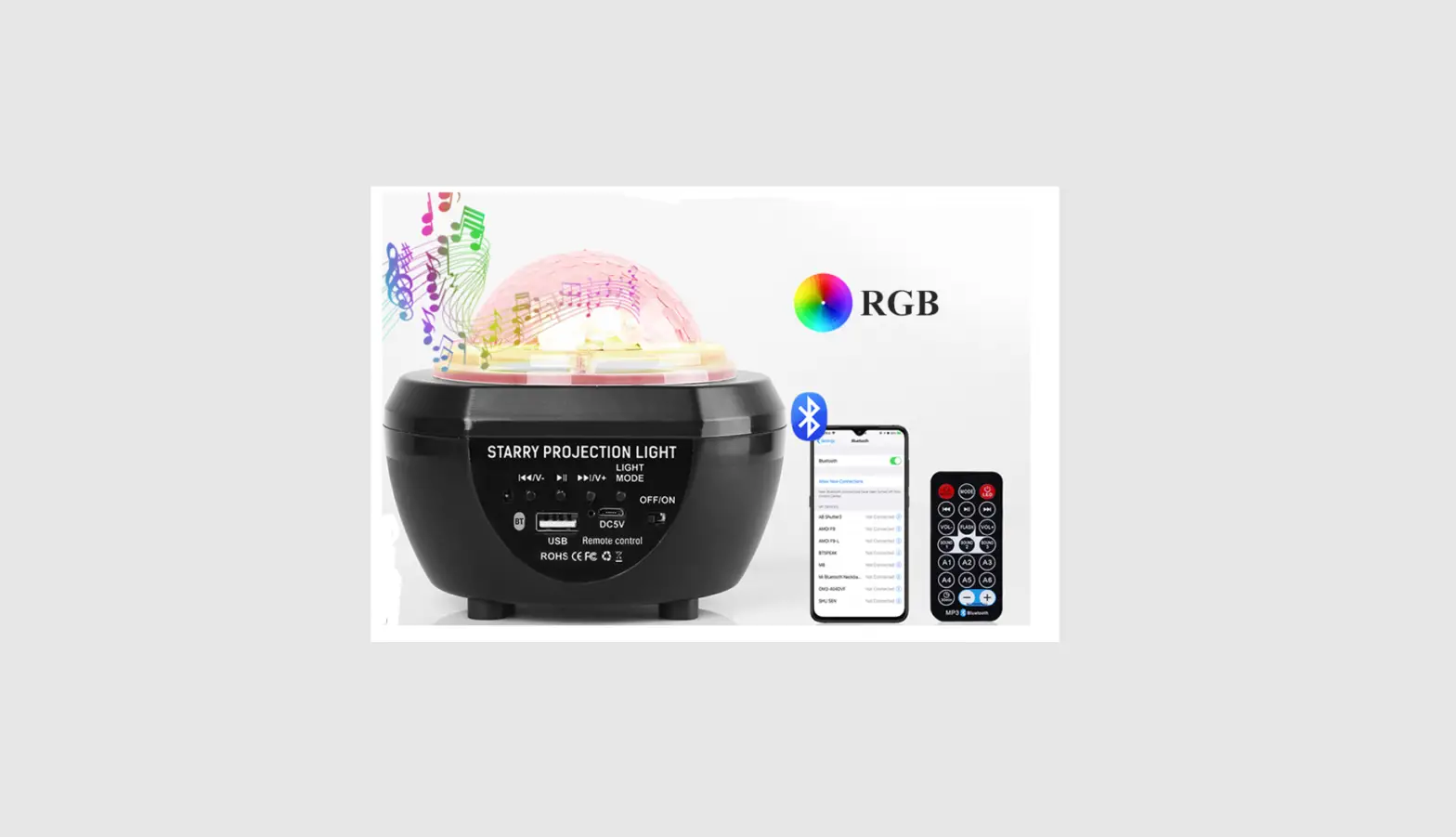
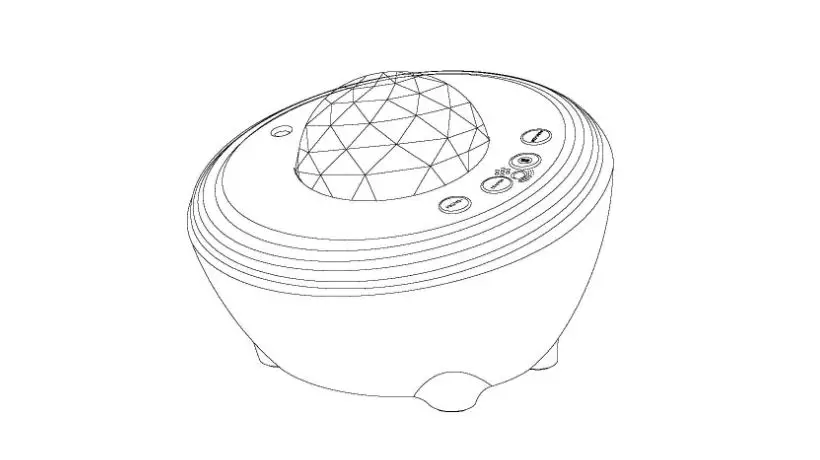
Host Key Operation Instructions
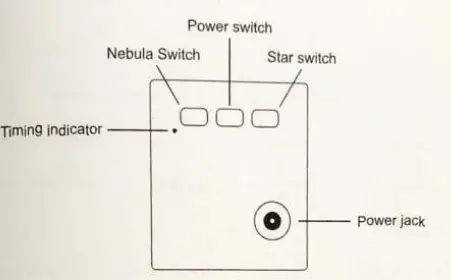
Note: The product needs to be connected to the power cord for use.
Power switch: Short press the power switch to turn on, and the stars and mixed color nebula are turned on by default after turning on.
Nebula Switch: Short press the Nebula button to switch the color of the nebula, each time you press to switch a color, and so on; long press to turn off the Nebula function, and then short press to turn on the Nebula function again.
Star switch: Short press the key to switch the respiratory rate of a star each time. Long press to turn off the star function. After turning oft, short press again to turn on the star function.
Timing indicator: After pressing any timing button on the remote control, the timing indicator light will be on, and the indicator light will be off when the timing is turned off.
Remote Control Instructions
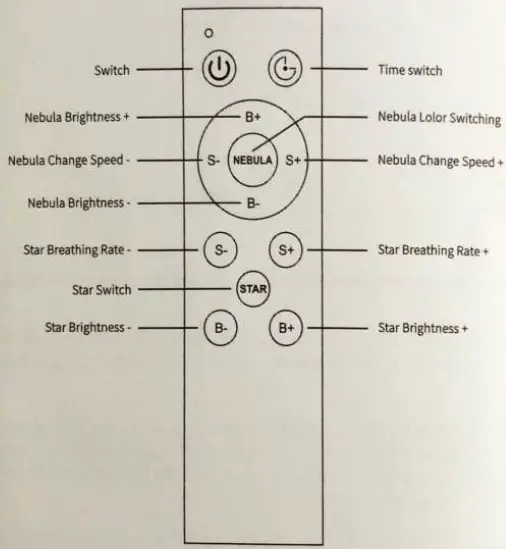
Switch: Short press the switch to turn on, and Nebula and Stars are turned on by default after turning on; short press the button again after turning on to turn off.