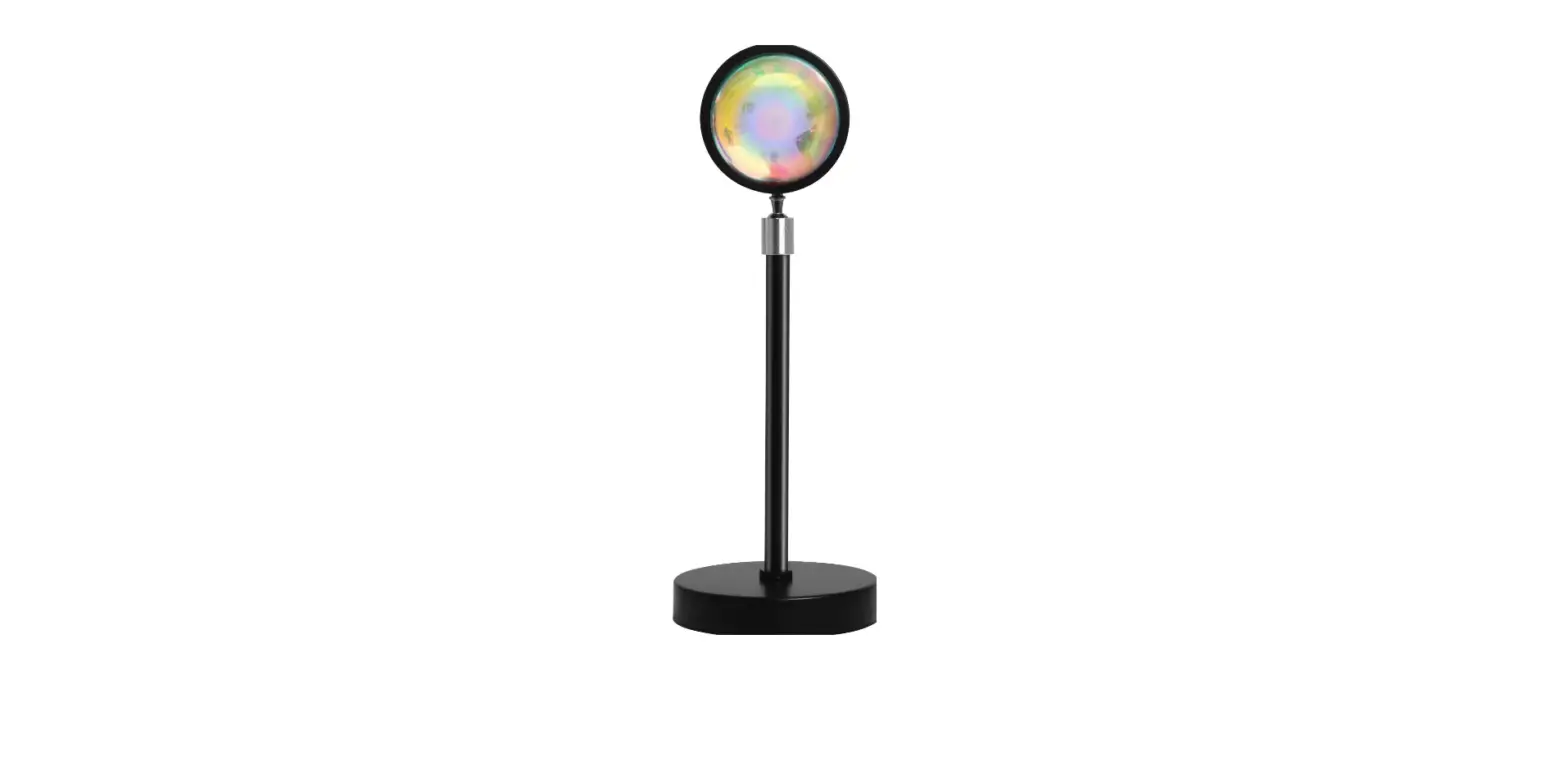

COOPERS OF STORTFORD K882 Sunset Projector Light with Remote Control
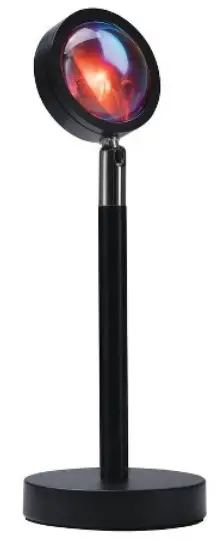
Dimensions
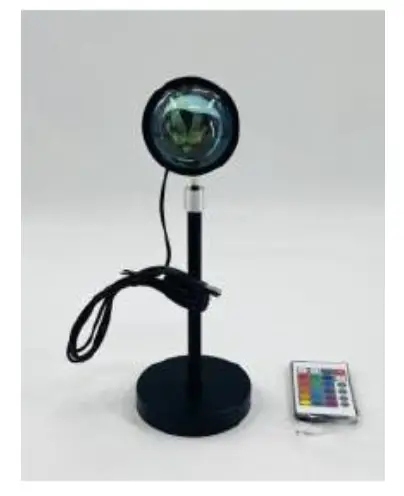
(H) 25 x (W) 10 x (D) 10cm USB cord length: 150cm
- LIGHT SOURCE IS RGB LED
- 16RGB COLOURS
- 180 DEGREE ROTATING HEAD – FACE LEFT, RIGHT OR UPWARDS
- LIGHT 7CM DIA
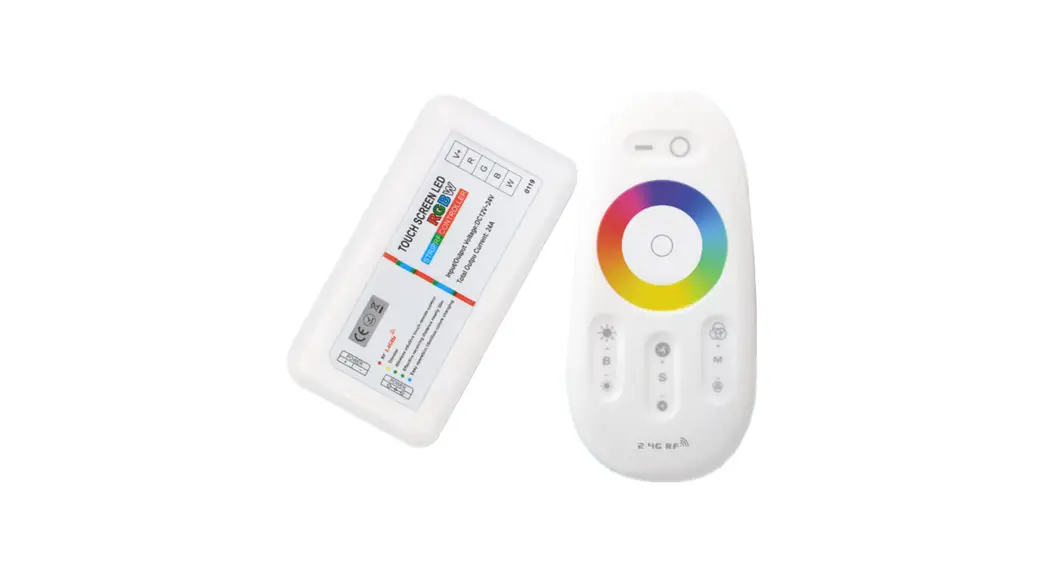
- REMOTE CONTROL
- USB POWERED – NOT RECHARGEABLE, NEED TO BE CONSTANTLY PLUGGED IN POWER BANK OR COMPUTER, ETC IF USING
- INLINE ON/OFF SWITCH
- YOU CAN SET FAVOURITE COLOUR – BLUE, GREEN, RED, ORANGE, PURPLE, PINK, YELLOW
- FADE, FLASH, SMOOTH OR CONSTANT FUNCTION INDOOR USE ONLY
Input Voltage:Power supply
5V DC, 5W USB. CR2032 BATTERY (included)
Installation
Parts
Remove parts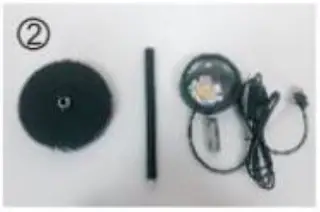
Step 1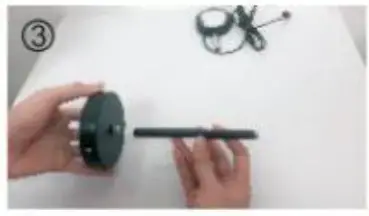
Rotate the screw between the base and the rod
Step 2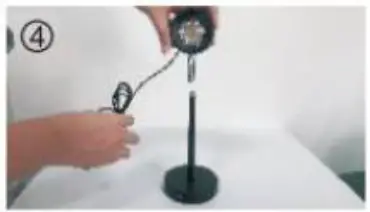
Turn the screw between the lamp cap and the rod
Assembly complete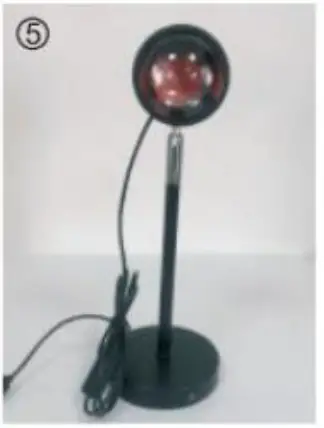
Sunset Projector Light with Remote Control K882
Please read and retain these instructions for future reference
User instructions
- 360 Degree Rotating Head can face left, right or upwards
- Connect the power cord of the USB terminal to the energizing port and plug the other end into the
power port. This product is suitable for general USB interface line, which can be connected to mobile power supply, computer, ordinary and vehicle-mounted power supply, etc. Note: To operate the projector this needs to be connected to a USB port. The battery is not rechargeable. - The switch position is on the USB connection cord, and it can be controlled by pressing the switch after connection
Remote control
- The remote control requires 1x CR2032 battery (included)
- Remove the transparent card form the back cover of the remote control before use.
- When operating, aim the remote control at the front of the lamp body to ensure that there is no interference obstacle between the remote control and the lamp body.
BATTERIES
- Keep batteries away from children and pets.
- Do not mix used and new batteries.
- Remove the batteries if left for long periods.
- Never dispose of batteries in a fire.
- Battery disposal, spent or expired batteries must be properly disposed of and recycled in compliance with local regulations. For detailed information, contact your local authority.
- Follow the battery manufacturer’s safety, usage, and disposal instructions.
DISPOSAL
- Coopers of Stortford use recyclable or recycled packaging where possible.
- Please dispose of all packaging, paper, cartons, packaging in accordance with your local recycling regulations.
- Plastics, polybags – Contains the following recyclable plastic.
| Code & Symbol | |
| Type of Plastic | Please Specify (includes ABS, Nylon) |
| Commonly used for | CD’s, crisp packets, various flexible packaging, baby bottles, sunglass lenses |
| Notes | Not often or widely recycled |
- At the end of the product’s lifespan please check with your local council authorised household waste recycling centre for disposal.
UK Head Office, 11 Bridge Street, Bishop’s Stortford, CM23 2JU Tel: 0844 4824400*, Fax: 01279 756595 www.coopersofstortford.co.uk
EU address: D.S.B. LD, 160 Bd. de Fourmies, 59100 Roubaix, France Tel: (+44) 1279 701269 *UK Calls cost around 7 pence per minute plus your telephone company’s network access. Please check with your telephone supplier.
 Coopers of Stortford | Home, Garden and Lifestyle | UK Delivery