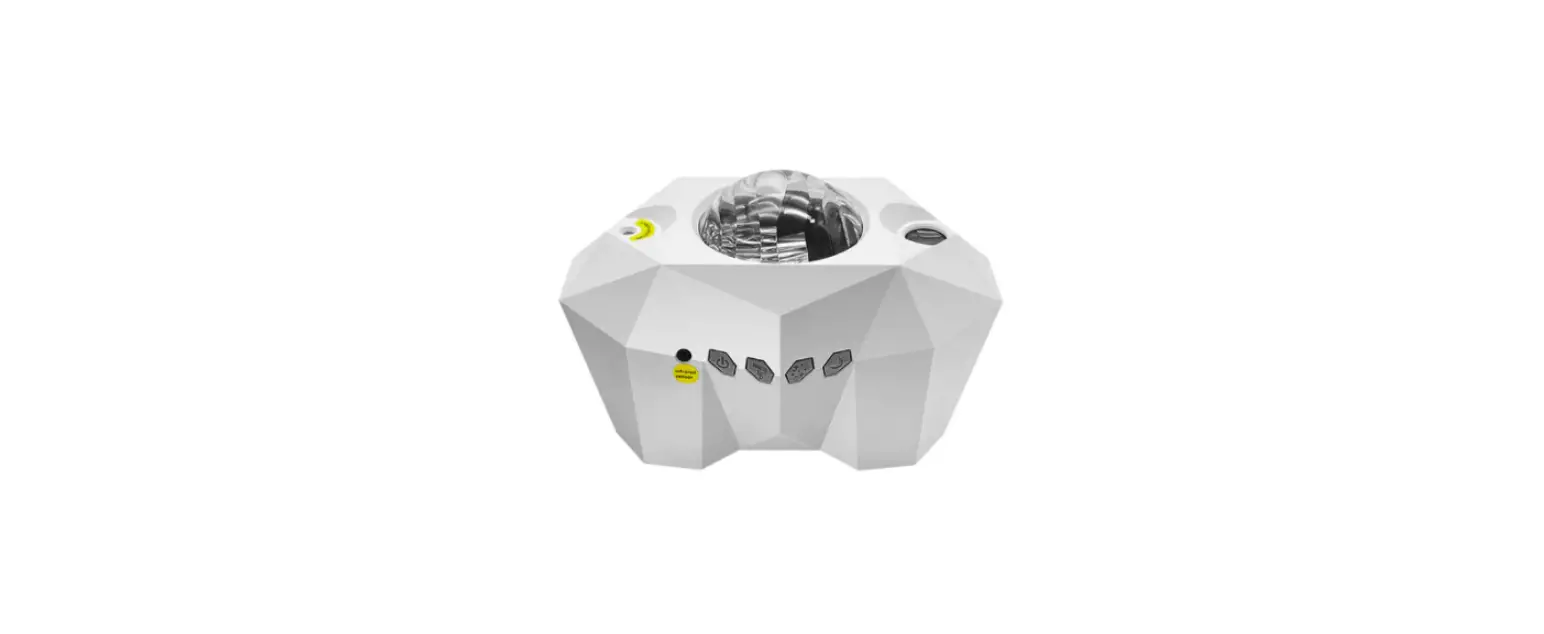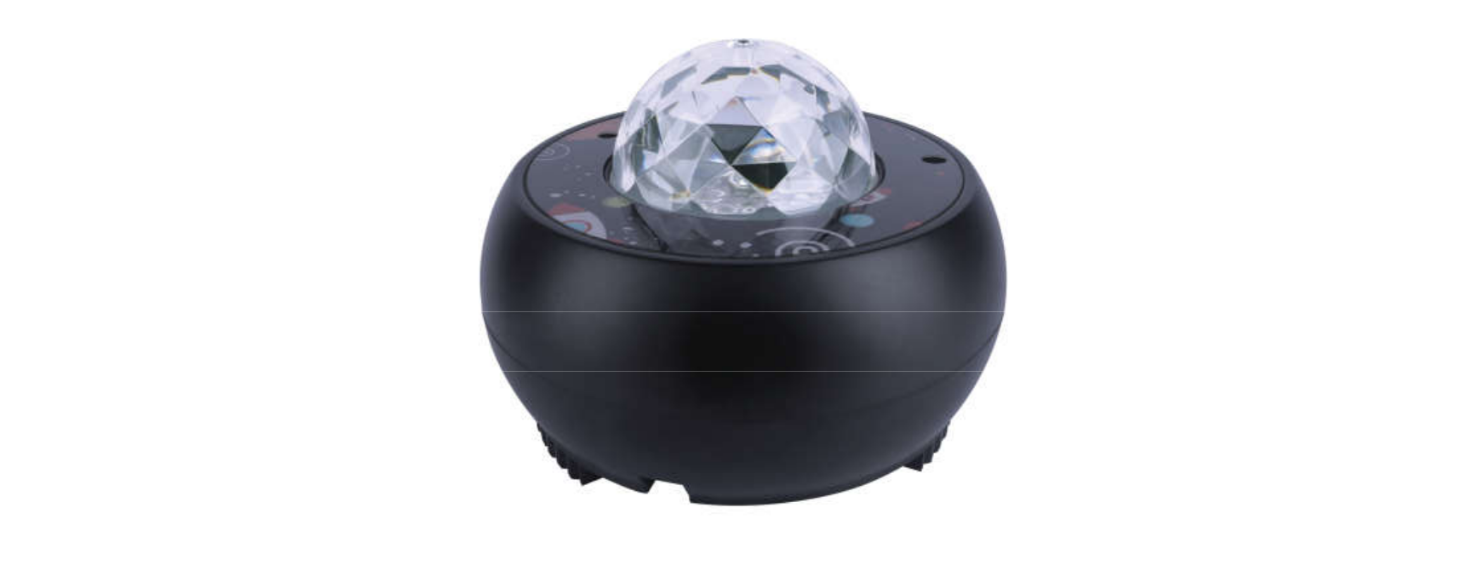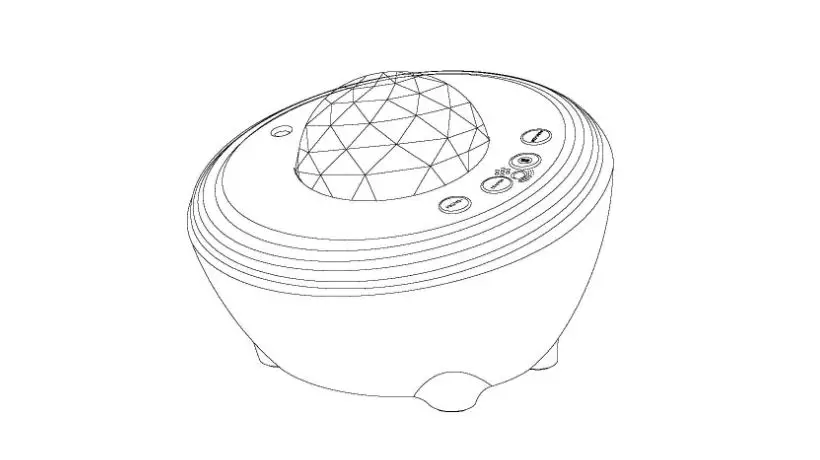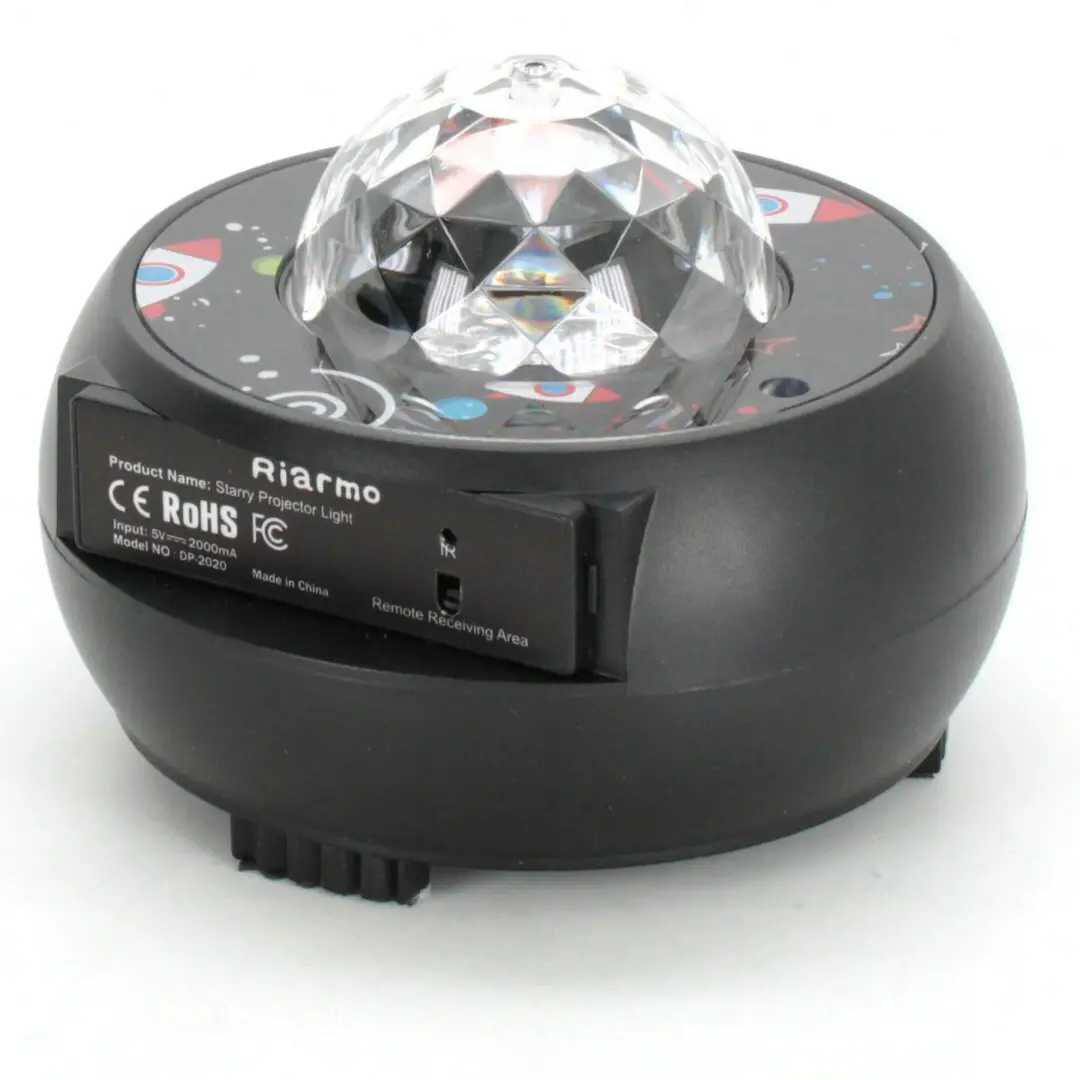
Moredig RCPL-002 Night Light Projector User Manual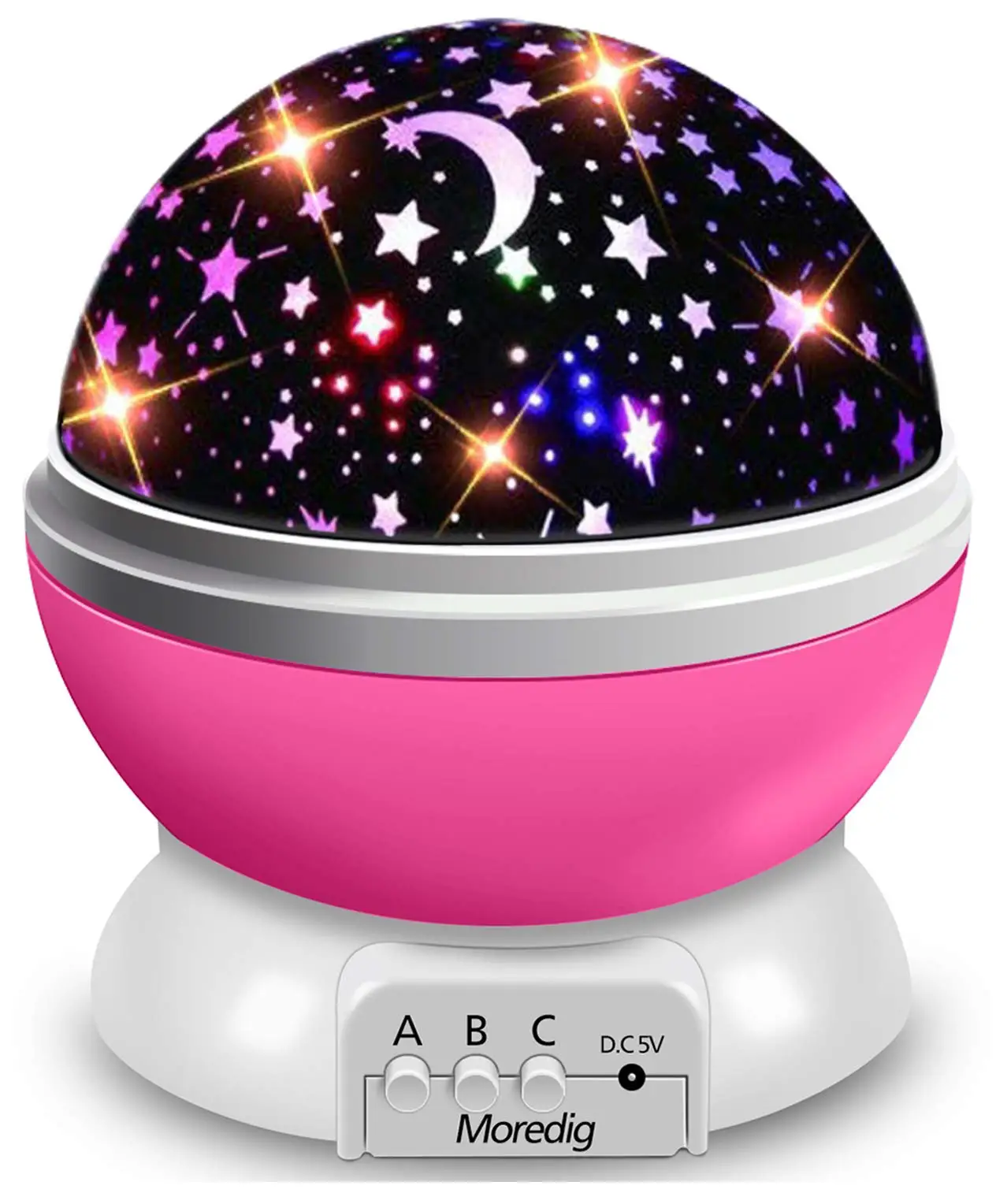
Moredig Frequently Asked Question
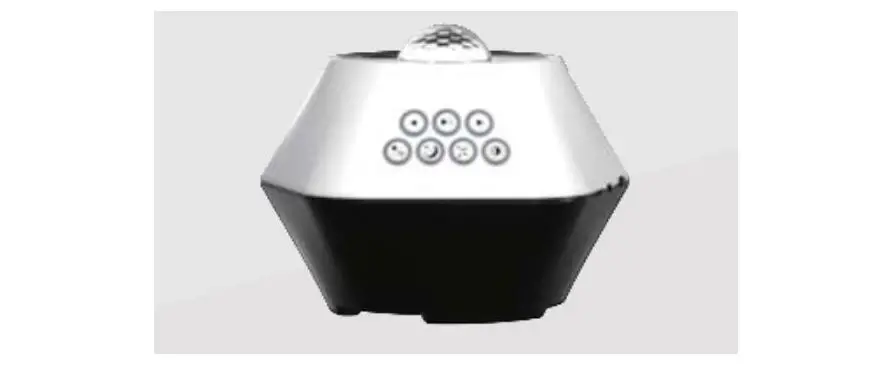
Model: RCPL-002 (Geometric Figure + Space World Projection)
A: Only USB cable. Connect to the power bank or computer with the USB cable, or plug into the socket by5V1Aadapter (not included).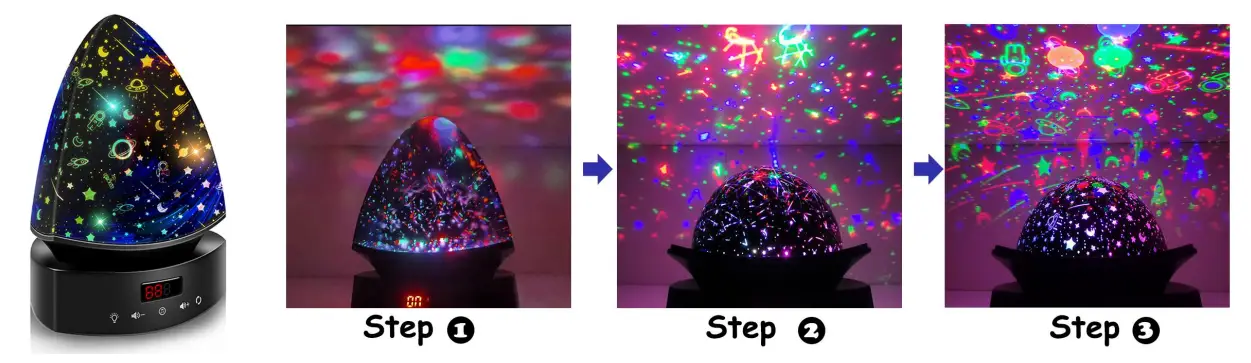
Q: Do I need to install a battery for the remote?
A: Yes, the package is not included with the battery, the model is CR2025.
Compare with other model
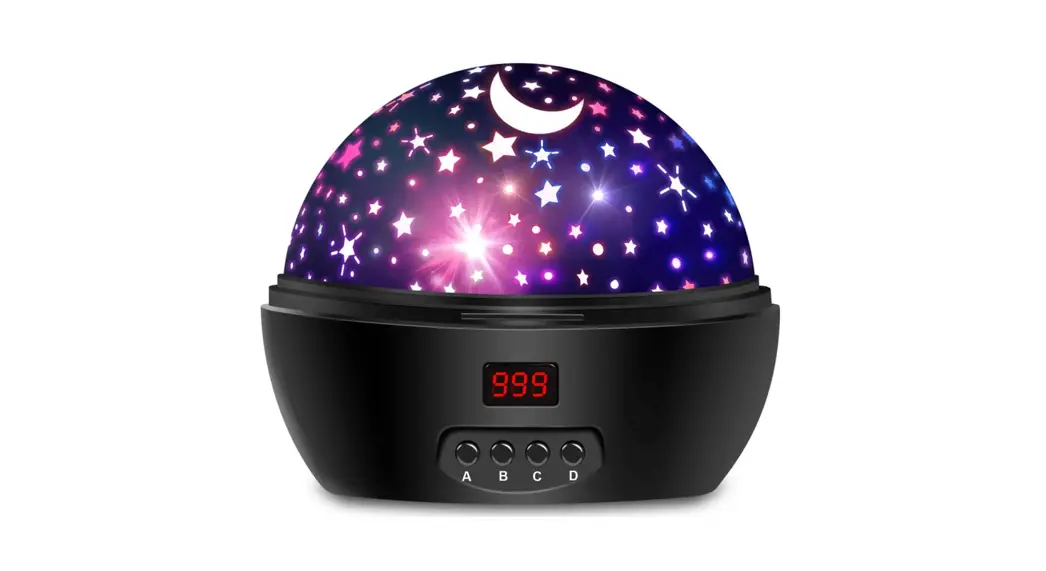
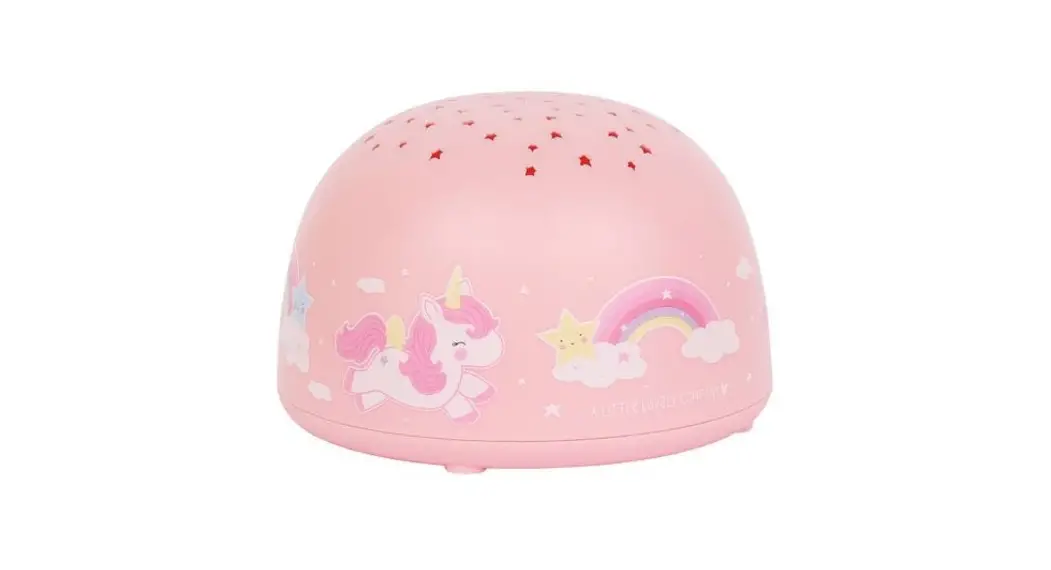
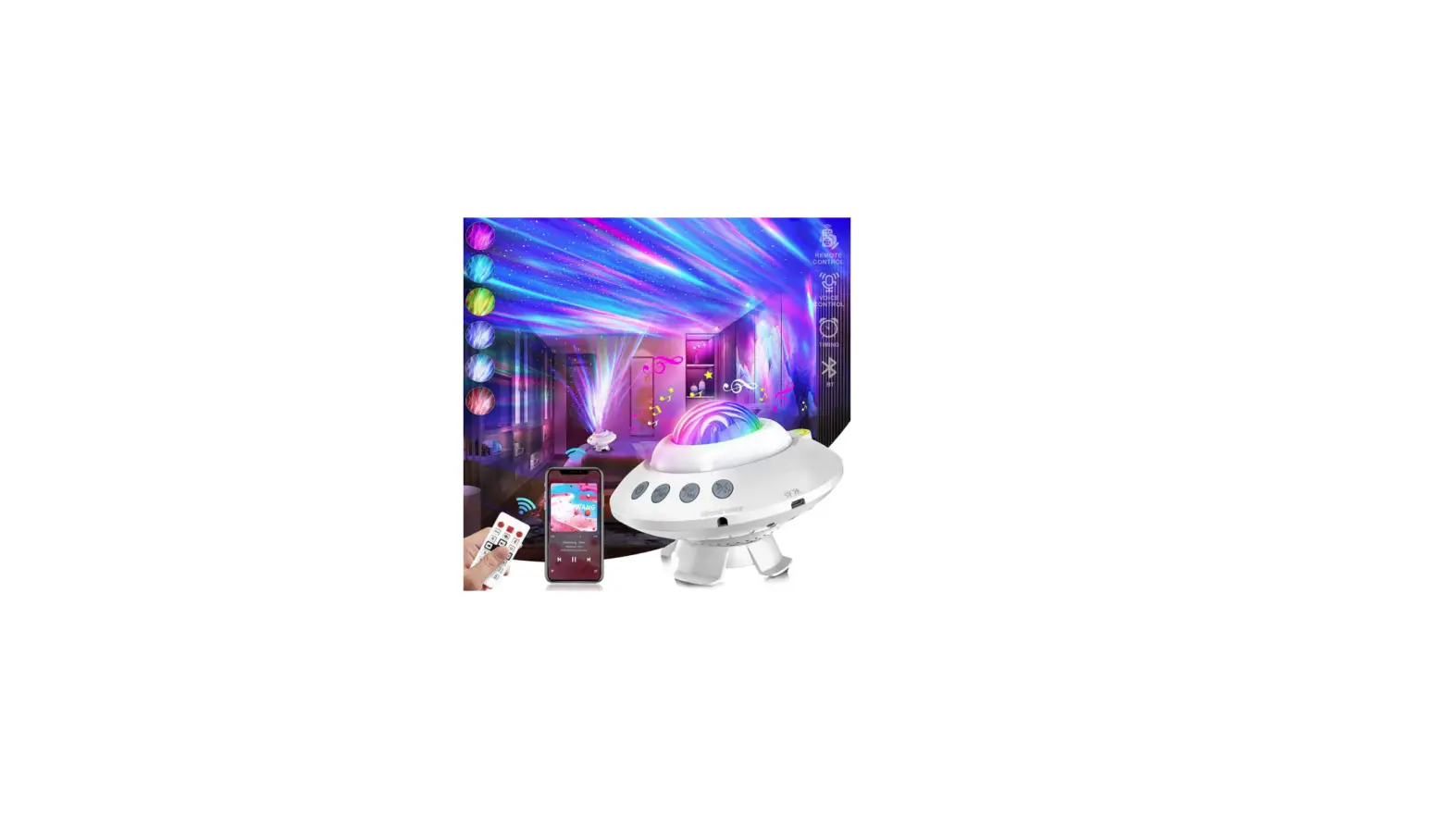
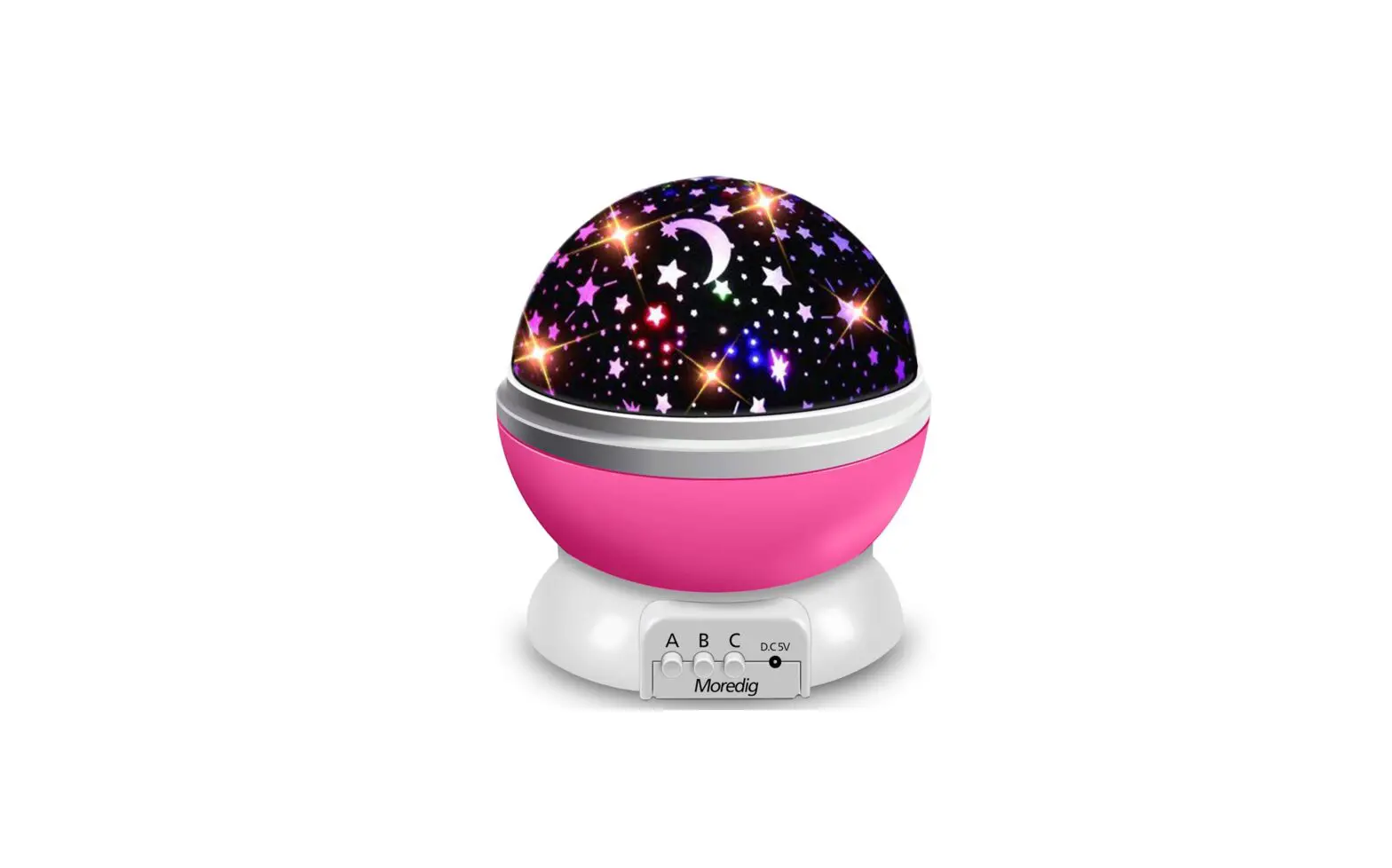
Product Picture | 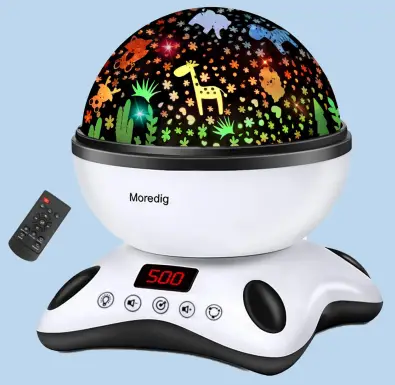 | 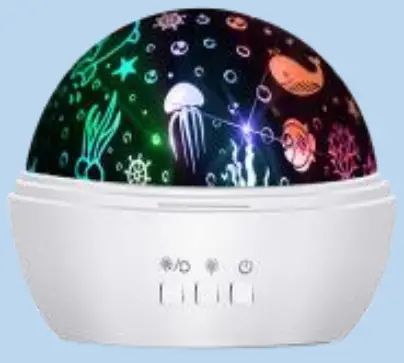 | 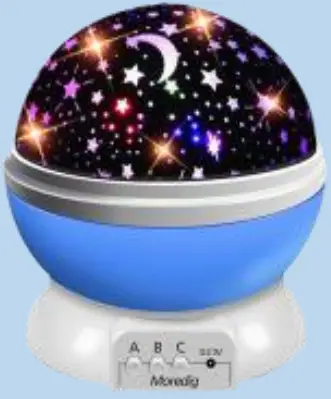 | 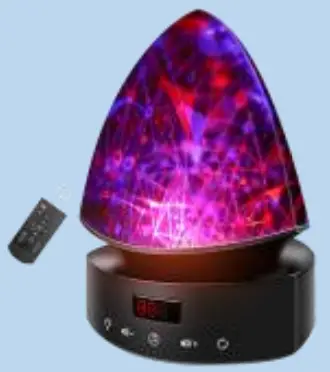 | 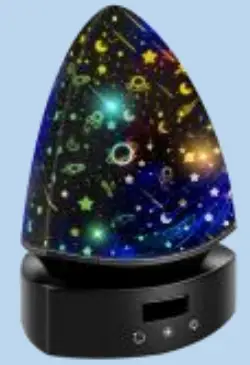 |
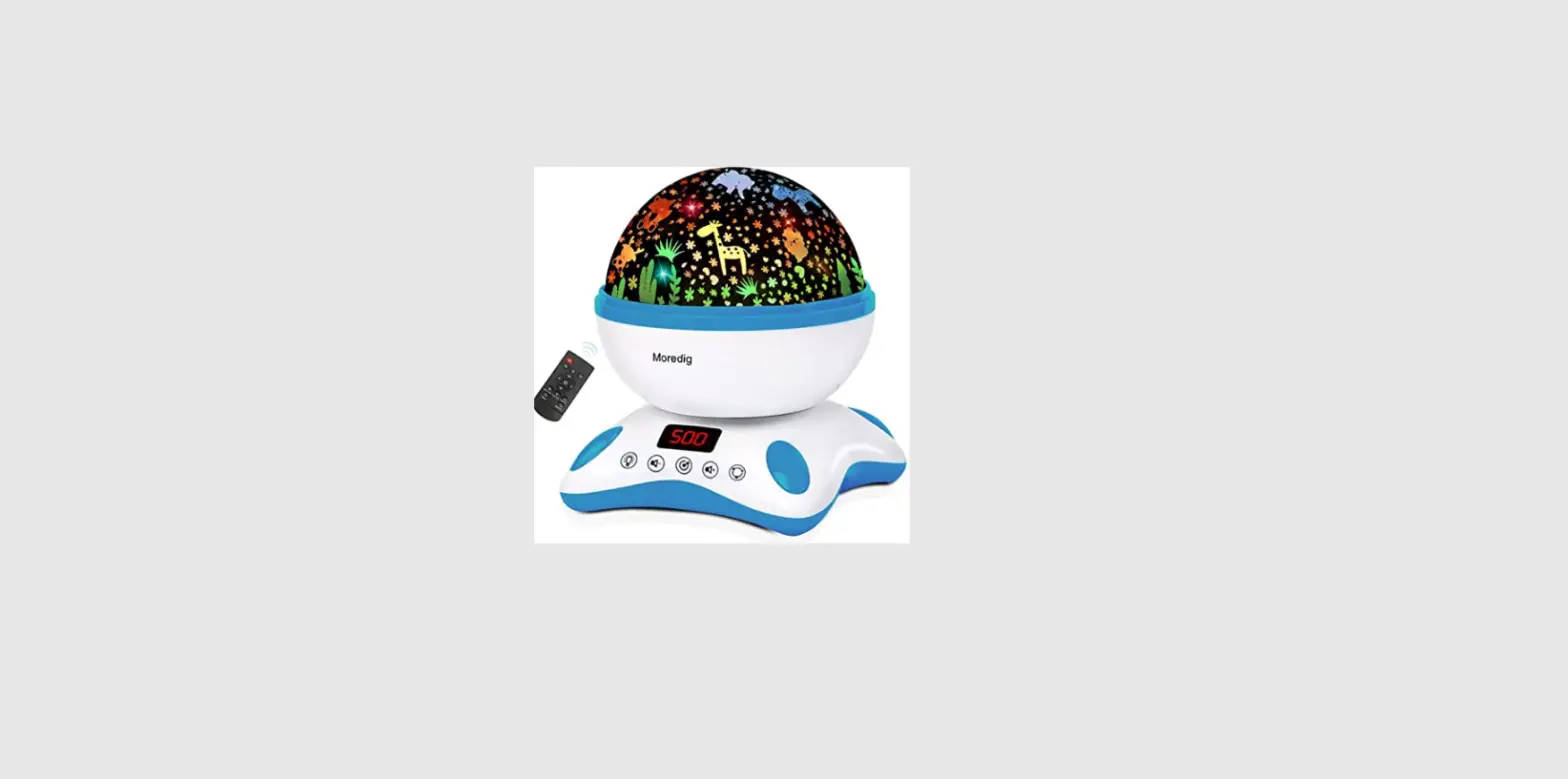
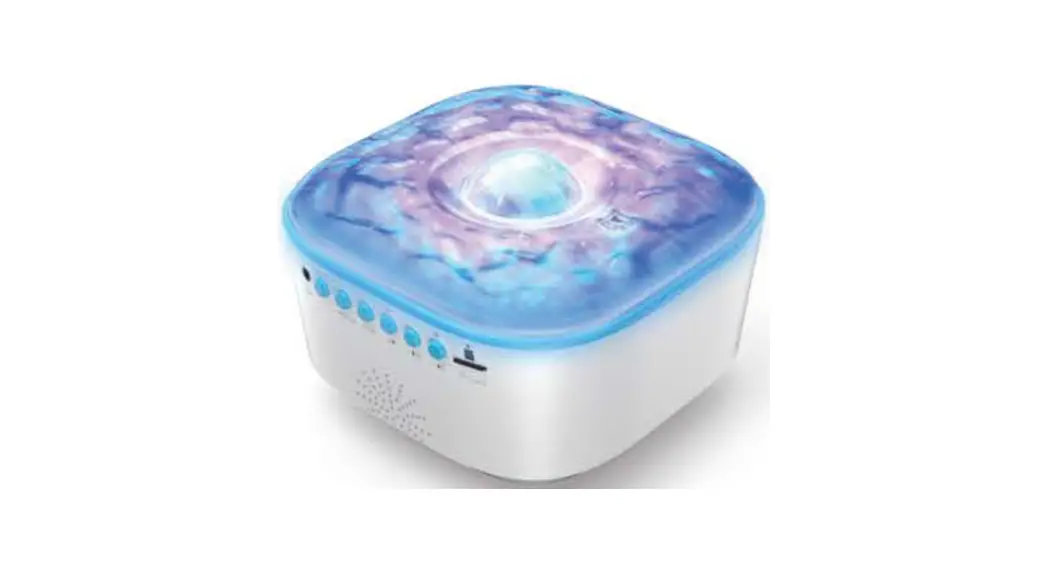
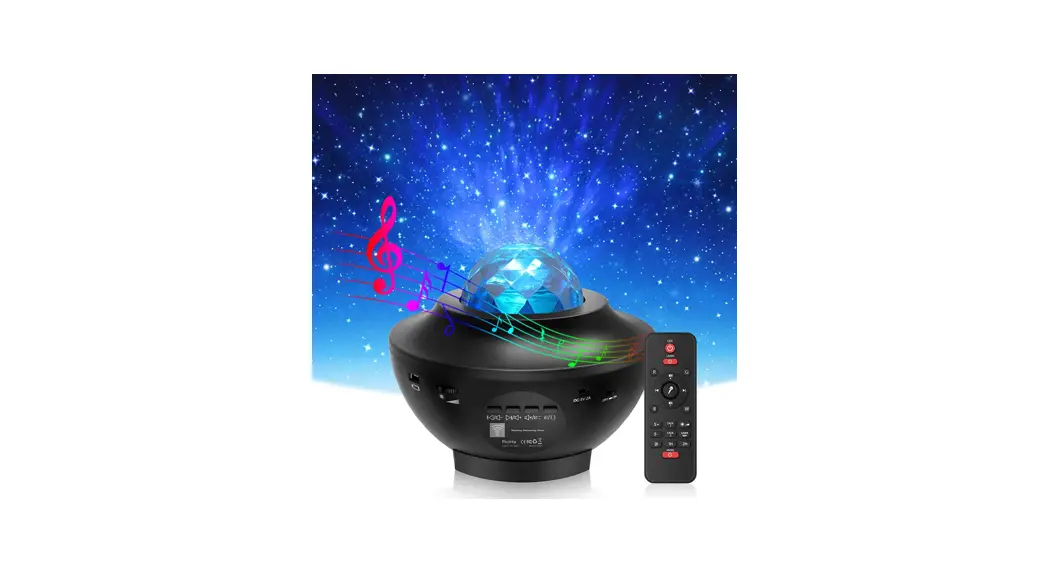
Model | RCPL-001 | 012-1652 | 012-1361 | RCPL-002 | RCPL-003 |
Projection Film | Animal World + Space World | Sea World + Star Moon | Star Moon | Geometric Figure + Space World | Space World |
Power Supply | USB Cable | USB Cable + Battery | USB Cable + Battery | USB Cable | USB Cable |
USB Cable Length | 43.3 inch / 1.1 meter | 39.4 inch / 1 meter | 78.7 inch / 2 meter | 43.3 inch / 1.1 meter | 43.3 inch / 1.1 meter |
Two Advantages | Timer & Music | Sea Film & Easy Use | Star Film & Easy Use | White Noise & Bluetooth | Unique Design & Easy Use |
A: There are total three covers on the device, please take off outer plastic transparent cover and one of the black projection films. Steps: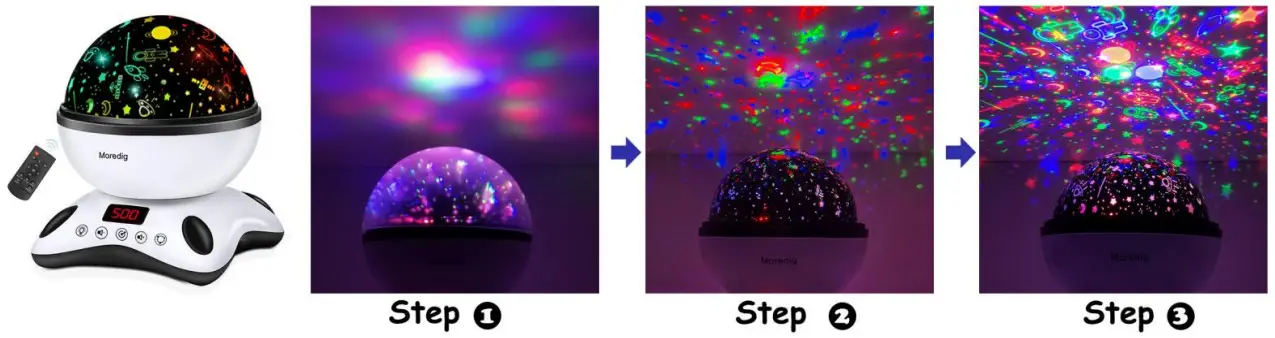
A: Only USB cable. Connect to the power bank or computer with the USB cable, or plug into the socket by5V1Aadapter (not included).
A: There are three card slots on the base and three buckles on the projection film. Please align the three card slots to lock it firmly.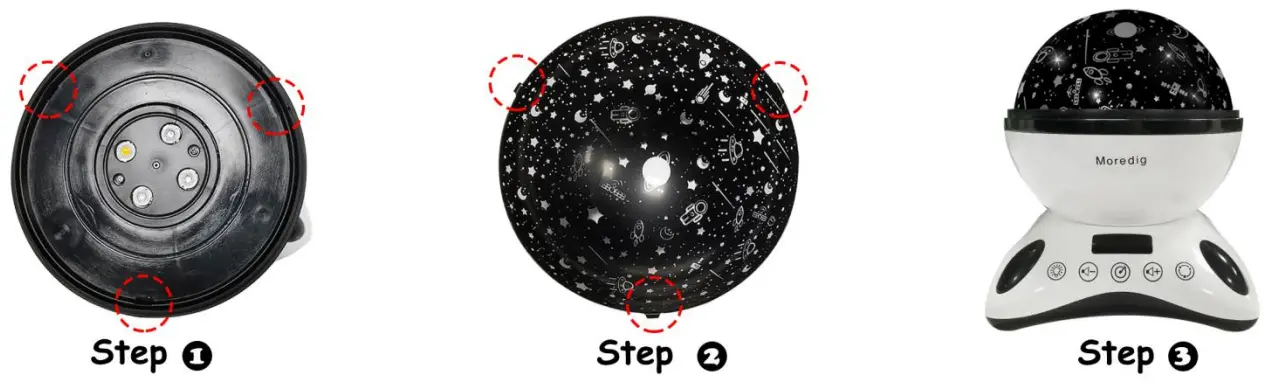
A: There are three card slots on the base and three buckles on the projection film. Please align the three card slots to lock it firmly.
Model: 012-1652 (Sea World + Star Moon Projection)
A: Yes, the package is not included with the battery, need 2 * AAA batteries
A: There are total three covers on the device, please take off outer plastic cover and one of the black projection films. Steps: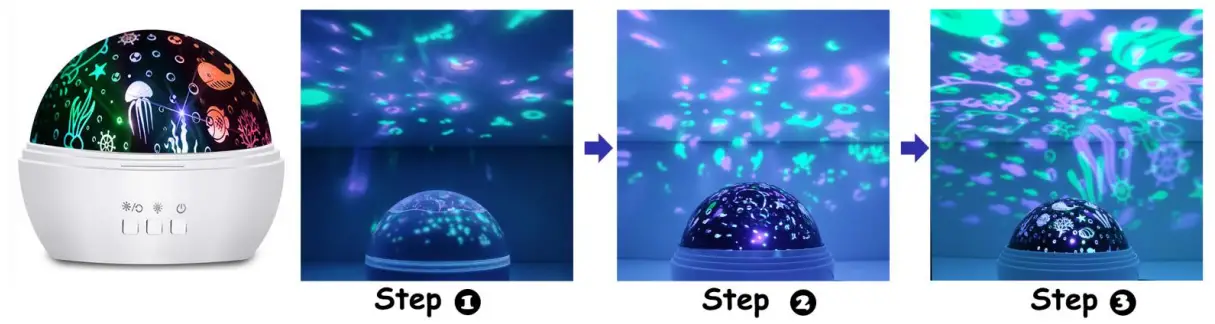
A: USB cable + 4 AAA battery. (Plug and batteries are not included)
A: No. Please go to Model RCPL-001 and RCPL-002 for the timer and music function
Model: RCPL-003 (Space World Projection)
A: Please take off the outer translucent cover. Steps: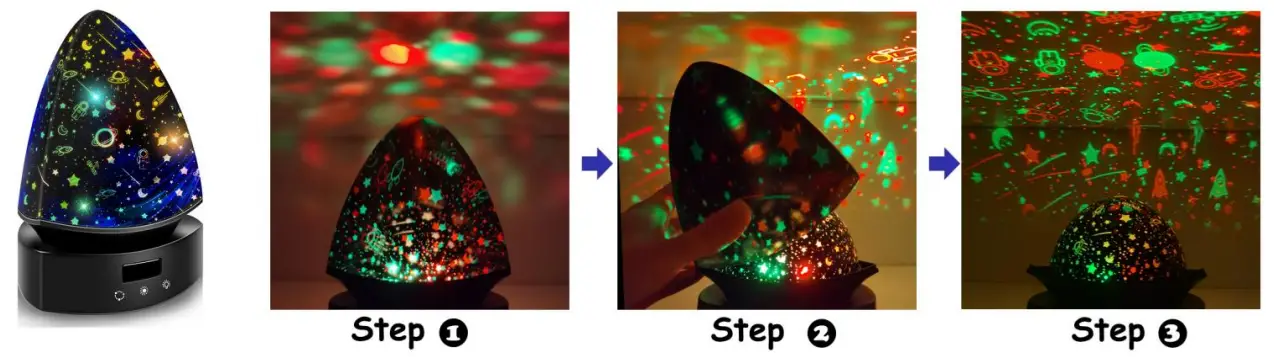
A: Only USB cable. Connect to the power bank or computer with the USB cable, or plug into the socket by5V1Aadapter (not included).
Q: How do you get clear projections on the wall and ceiling?
A: Please take off the outer transparent cover. Steps: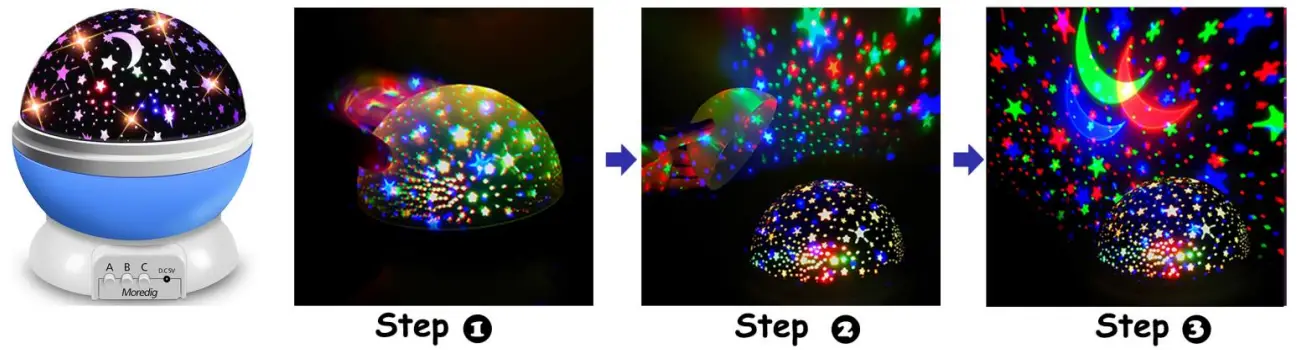
A: USB cable + 4 AAA battery. (Plug and batteries are not included)
Tip: The lampshade is not resistant to high temperature, please don’t place the projector in a high temperature place. (Eg: in the sun or under the window)
Please don’t hesitate to let us know if you have any questions about the projector, we will try our best to solve it for you.