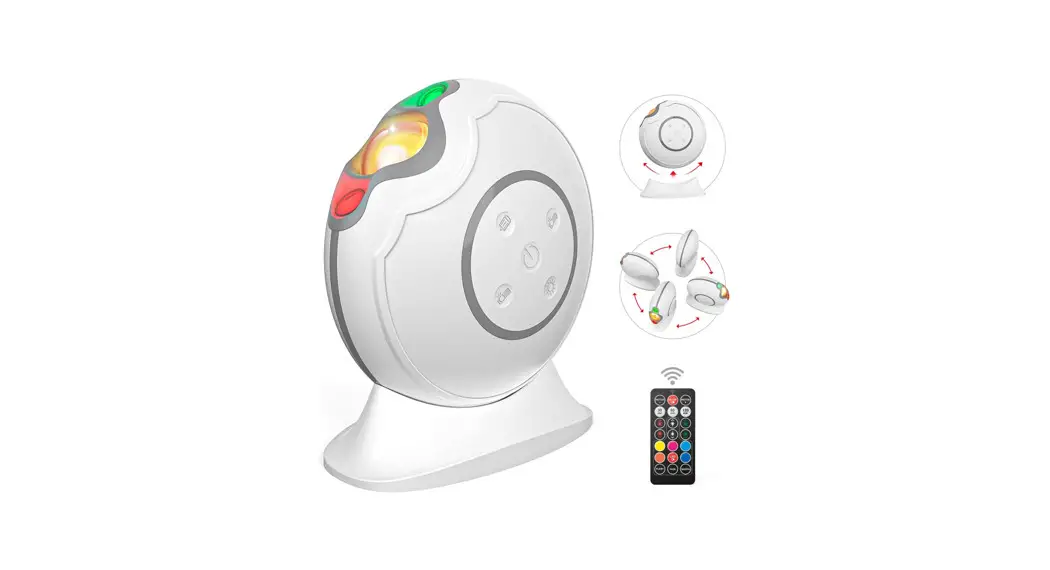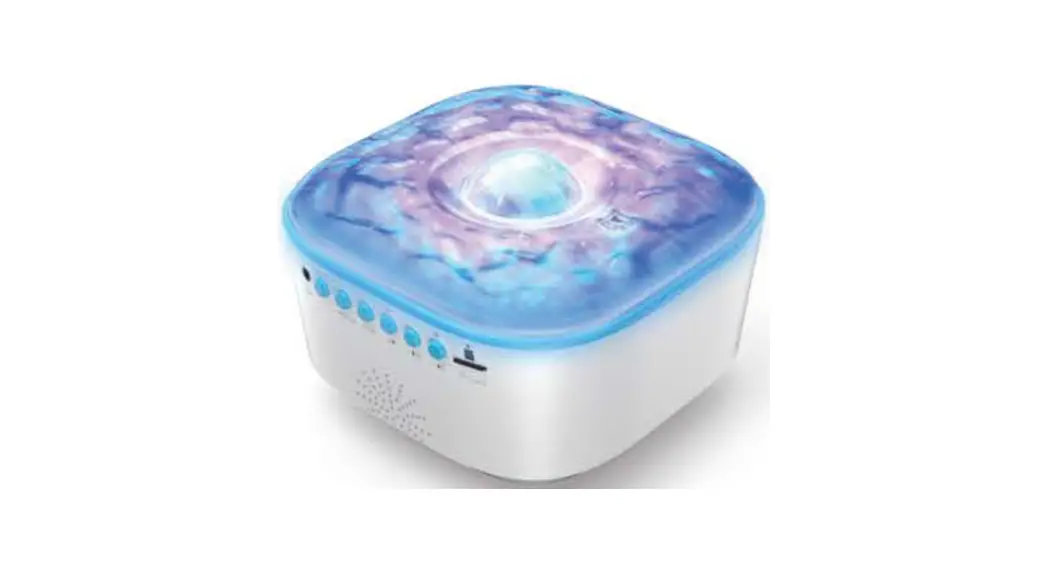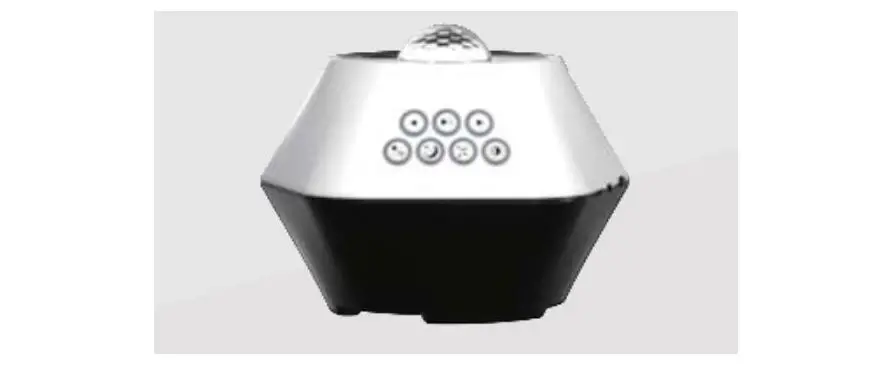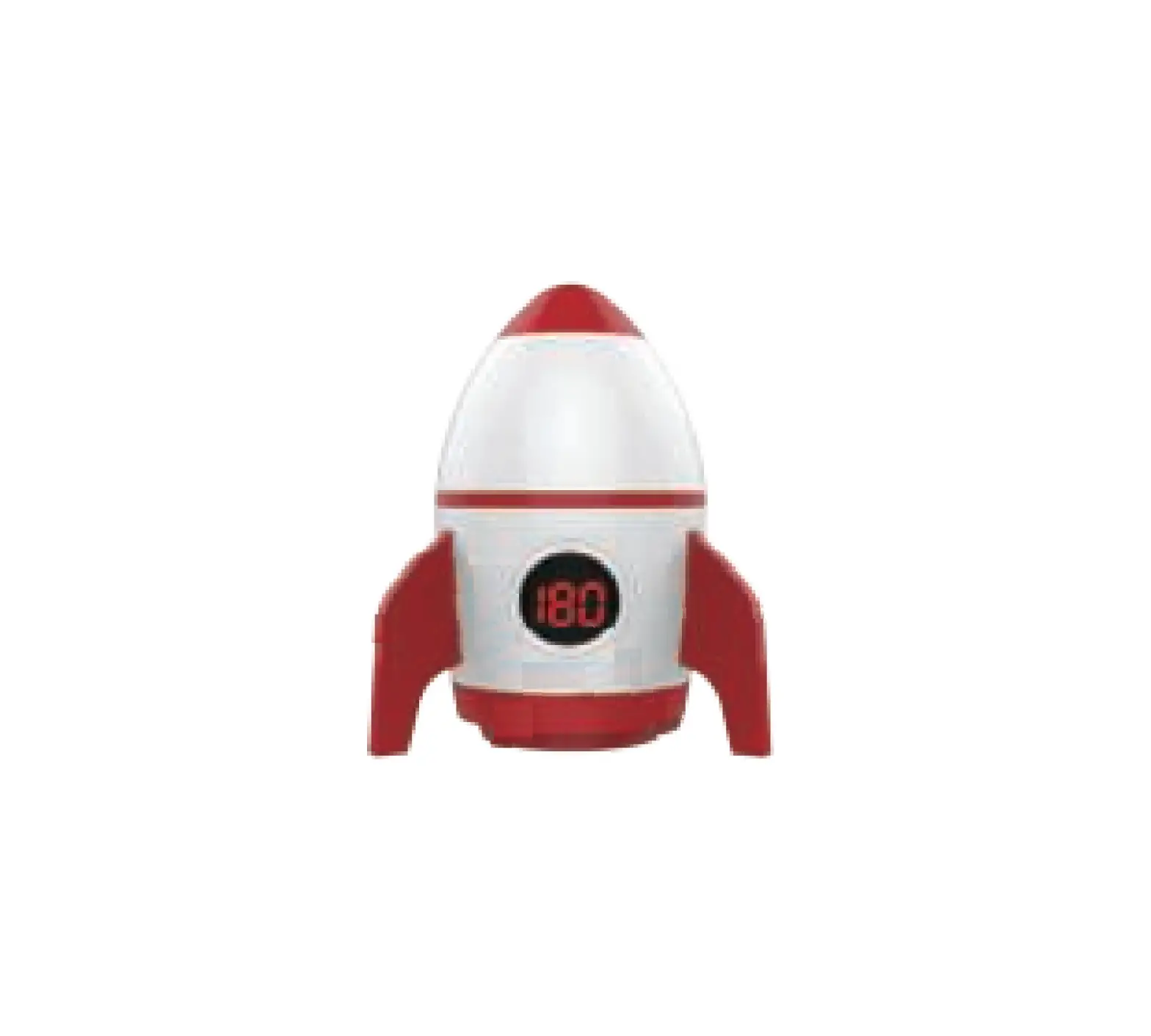
 Aurora Galaxy Projector Lights Manual
 Important Safety Information
 Important Safety Information
- Please read these instructions carefully, which include setup recommendations, warranty, and support information for this product.
- Please do not disassemble the product under any circumstances, there are no user-serviceable parts inside.
- Please make sure that the local power socket matches the voltage required by your device (power requirement: USB DC 5V/2A).
- Please do not operate this product when the power cord is worn or broken. This product should be kept away from heat sources, such as radiators, thermal registers, stoves, or other electrical appliances that generate heat.
- If you receive a product with defective or missing parts, we will help you here: [email protected]
- We will provide you with friendly and fast customer service within 24 hours, and solve the problem for you as soon as possible.
Product Features:
| Model: | BS-SKY001 |
| Power: | 8W |
| LED Light Source: | 1*4 in |
| Input Power: | USBDC5V |
| Green Laser: | 532nm |
| Range: | 161 —538 Sq. Ft (15-50m2) |
| Product Size: | 164x164x104mm |
| Operating Temperature: | 14°F-104°F(-10°C —40°C) |
Operation Guide
Steps for usage
Connect the galaxy projector light to the power supply with the attached USB data cable.
Play Music:
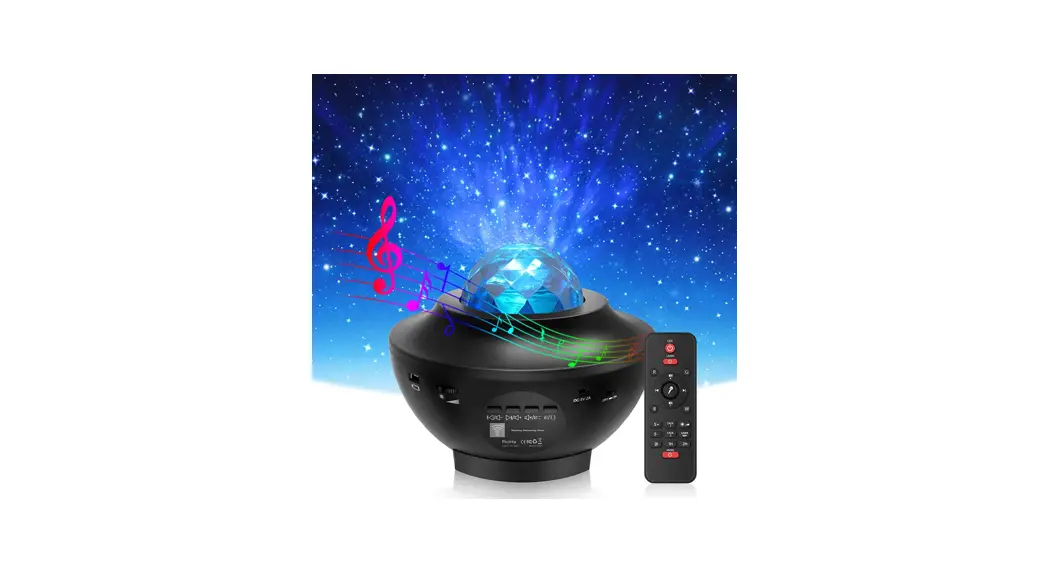
l. Search for “BS-SKY001” through the Bluetooth device and pair it. After successfully connecting with the sky galaxy light and play music (to achieve music synchronization, you can select the music mode on the remote control or download the app then select microphone mode after playing music).
2. Insert the TFSD card and click play mode. Also supports manual button control or remote control
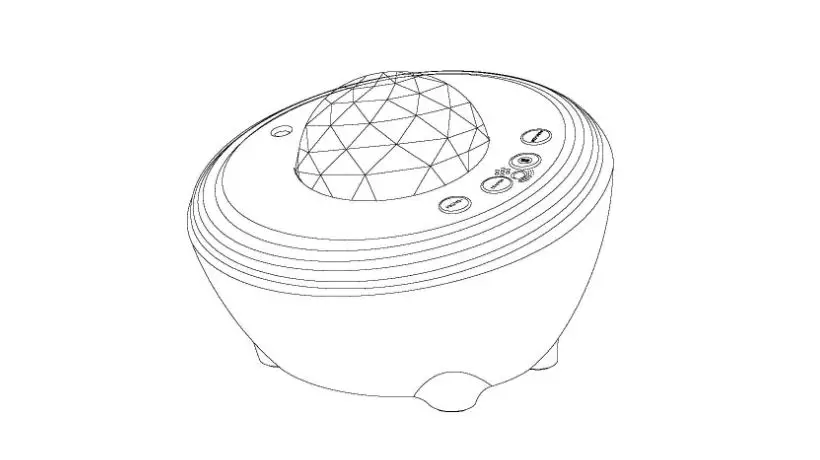
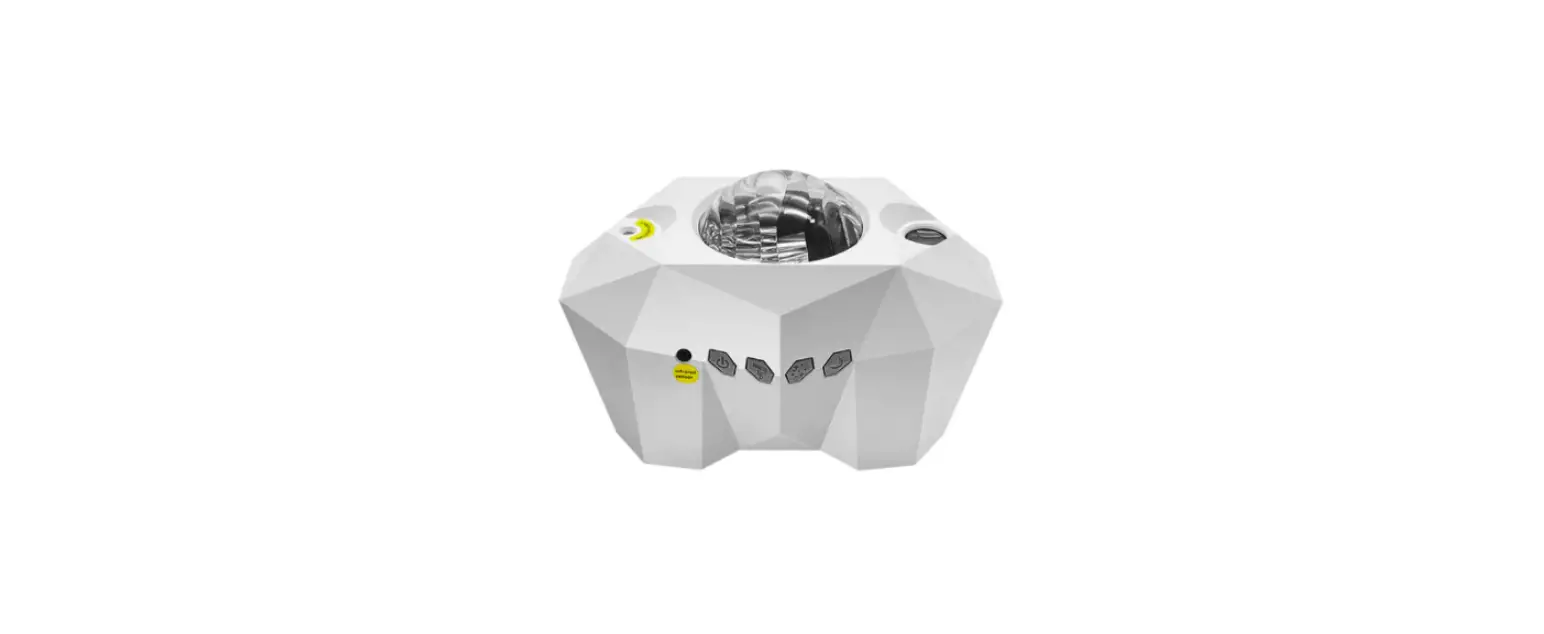
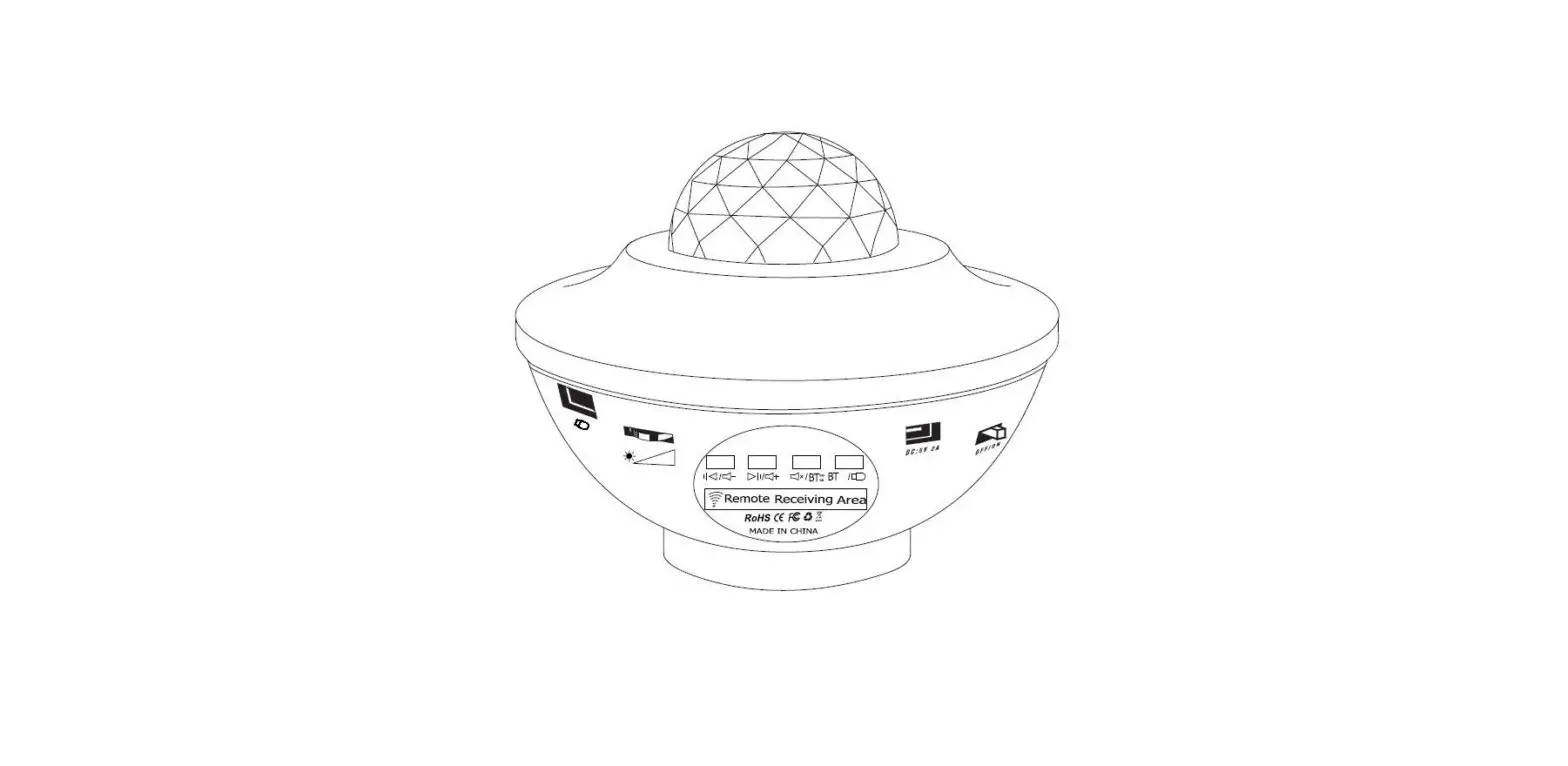
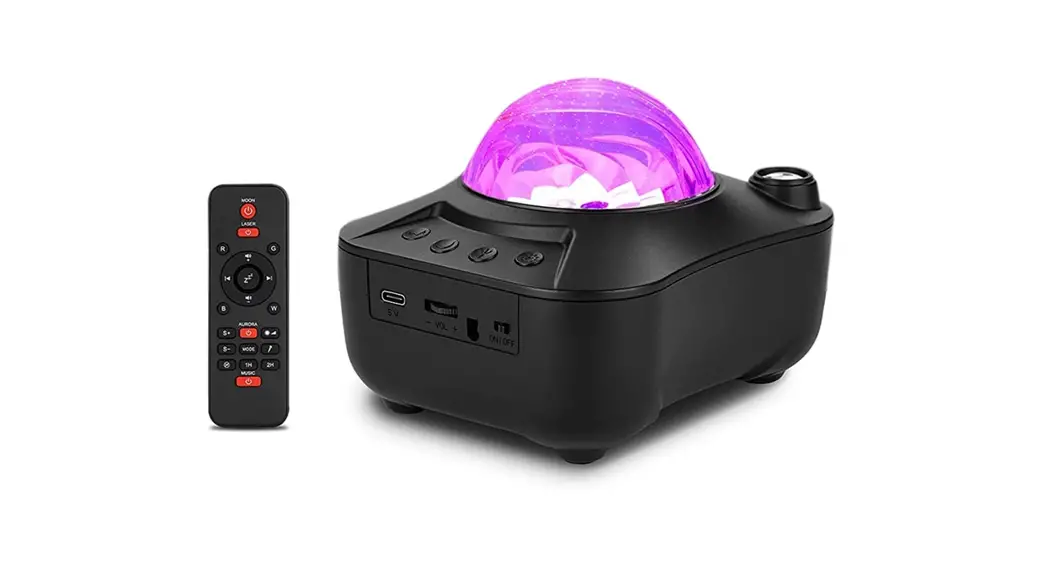
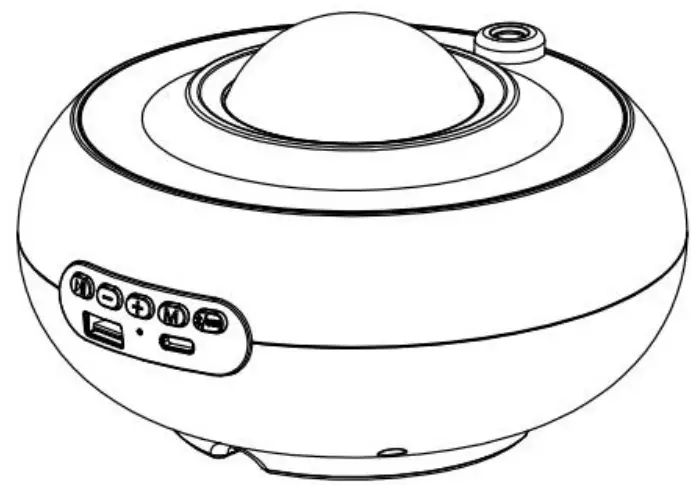
Manual Button Description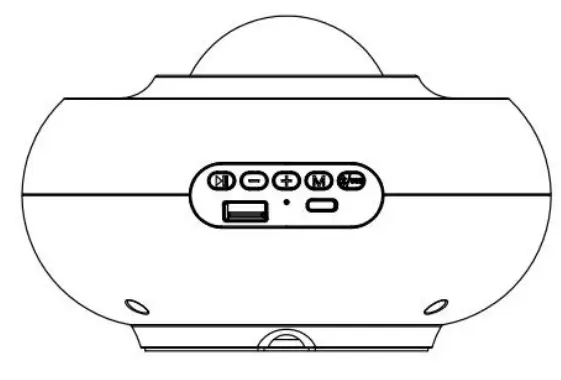 Button Function Description:
- Play (song)
- Volume down
- Volume increase
- Lighting effect mode button:
a. Colorful aurora lights + stars (laser breathing).
b. Colorful aurora lights.
c. Stars (laser breathing).
d. Music colorful gradient mode and laser light breathing. - Bluetooth mode switch. It can only be used when the phone is connected to Bluetooth.
- Bluetooth connection indicator. If the Bluetooth connection is successful, the blue light flashes.
- Power interface TY-C 2.0; input 5V2A; support remote control.
- USB2.0 interface; USB playback mode, the green light flashes.
Remote Control Instructions
 Instructions for use:
 Instructions for use:
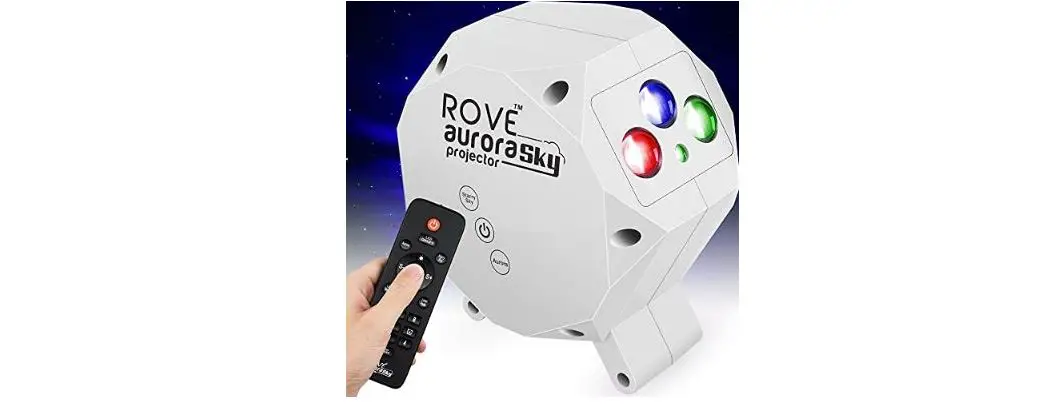
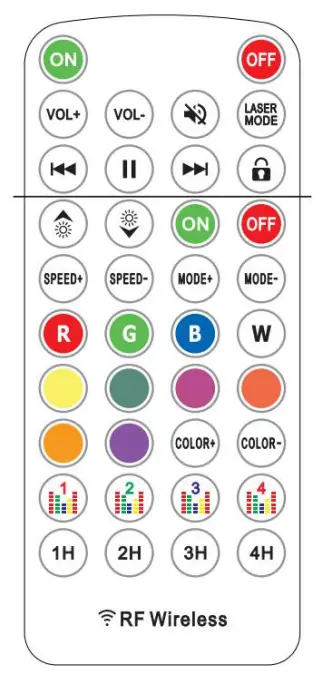
The remote control has 38 buttons:
 : Turn off/ turn on the speaker.
 : Adjust the volume “+/-”
 : Mute function.
 : Laser mode (Press once to be always on, press twice to breathe).
 : Play the previous song.
 : Pause/play song.
 : Play the next song.
 : Child lock function. Press it in the power-on state, all buttons will be unavailable, press again to unlock.
LED Light Function: : Turn on/turn off the lighting effect.
 : Adjust the brightness “+/-“.
 : Adjust aurora color speed “+/-“; in music mode, adjust microphone sensitivity “+/-”: Switch the dynamic mode.
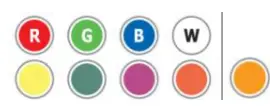 : Static color mode.
 : Aurora color “+/-“; change the light mode.
 : Music mode.
Music button 1 — Classic mode
Music button 2 — Soft mode
Music button 3 — Dynamic mode
Music button 4 — Disco mode : Timing mode.
Scan the QR code to download the APP through the mobile app store: http://www.easytrack.net.cn/download/103SHENGXINYU/ArcticLights
APP Function Description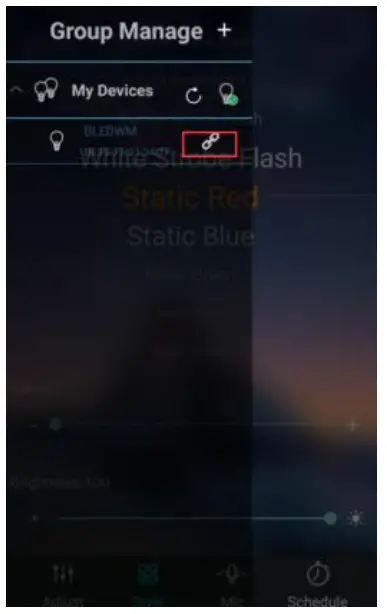 Before using the APP, make sure the galaxy light is connected.
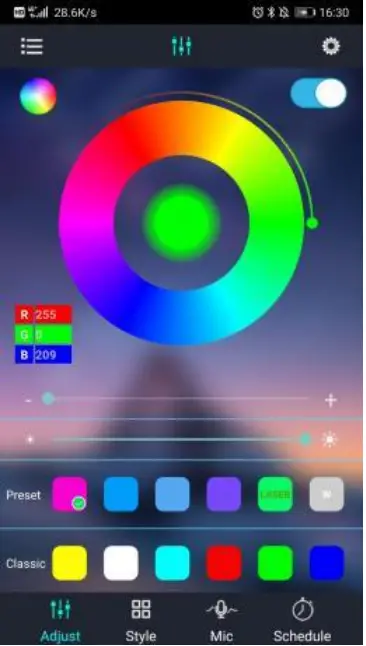 1. Light custom interface, support to change the aurora mode and adjust the brightness.
2. In Laser mode, the +/- option is used to adjust the laser breathing speed, and the middle ring is used to adjust the laser brightness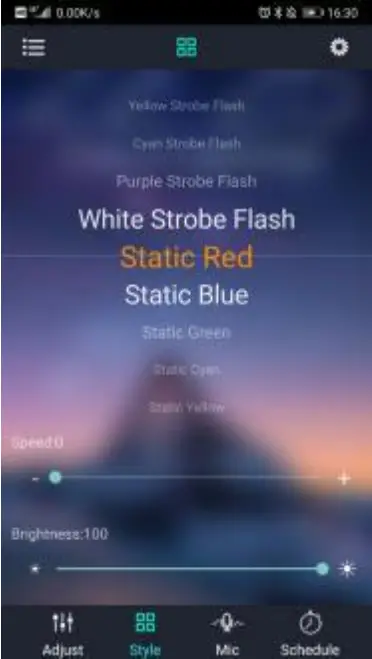 1. Custom mode, a total of 29 preset modes. The intensity of the light can be adjusted through the brightness option
2. In dynamic light mode, you could adjust the speed of light color change.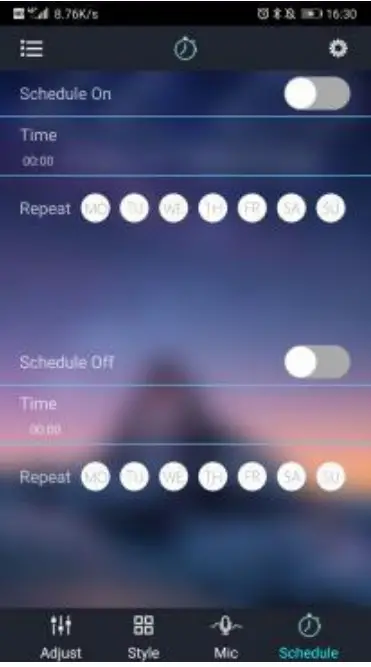 In Mic mode, the light changes with the rhythm of the music. In order to create a better music synchronization effect, when playing music with a mobile phone, it’s better to adjust the sound of the phone by over 80%.
Timing function: Custom time to turn on/off the starry skylights.
Troubleshooting
Aurora galaxy lights do not respond to music
- Please make sure that the sound activation mode is turned on.
- Please make sure that the starry skylight is plugged into a USB flash drive or connected to your Bluetooth device.
- When the APP is playing music, make sure that the volume of the phone is kept above 80%.
No light output
- Please make sure that the voltage matches the voltage of the product.
- Check the connection of the power cord.
The remote control does not work
- First of all, please make sure that the remote control distance is within 5-15 meters.
- Please confirm whether the battery in the remote control is exhausted.
Customer Quality Assurance
The warranty period of this product in six months. During the warranty period, if it is not artificially damaged, we will replace it or refund it. Just contact us by Email or Facebook, we will be here to serve you. We try our best to ensure that your products are of excellent quality and meet the highest standards. You can expect every product to have outstanding quality and durability.
Important: You may be asked to provide proof of purchase, such as a screenshot of the order number or order details. If you can attach a video or photo to describe the problem, we would appreciate it.
Please feel free to contact us via the following email:
[email protected]
Warning:
- Please do not look directly at the light.
- Please do not disassemble the product privately.
This device complies with Part 15 of the FCC Rules. Operation is subject to the following two conditions: (1) this device may not cause harmful interference, and (2) this device must accept any interference received, including interference that may cause undesired operation
NOTE: This equipment has been tested and found to comply with the limits for a Class B digital device, pursuant to Part 15 of the FCC Rules. These limits are designed to provide reasonable protection against harmful interference in a residential installation. This equipment generates, uses, and can radiate radio frequency energy and, if not installed and used in accordance with the instructions, may cause harmful interference to radio communications. However, there is no guarantee that interference will not occur in a particular installation. If this equipment does cause harmful interference to radio or television reception, which can be determined by turning the equipment off and on, the user is encouraged to try to correct the interference by one or more of the following measures:
— Reorient or relocate the receiving antenna.
— Increase the separation between the equipment and receiver.
— Connect the equipment into an outlet on a circuit different from that to which the receiver is connected.
— Consult the dealer or an experienced radio/TV technician for help.
Warning: Changes or modifications not expressly approved by the party responsible for compliance could void the user’s authority to operate the equipment