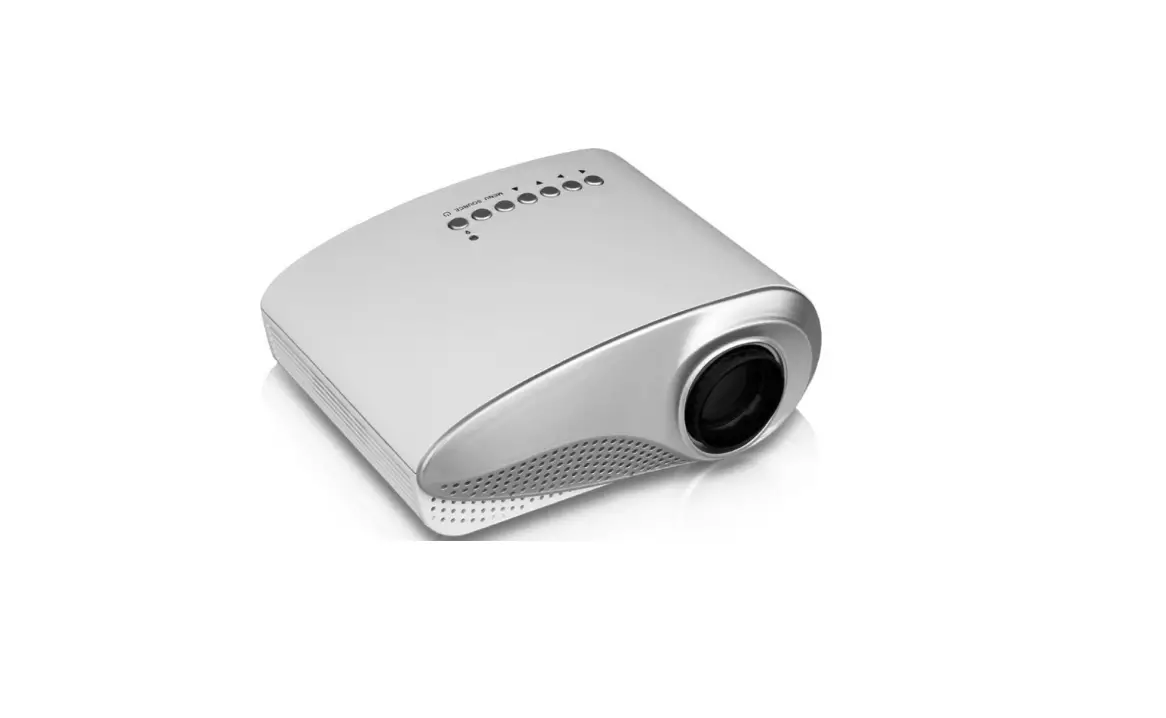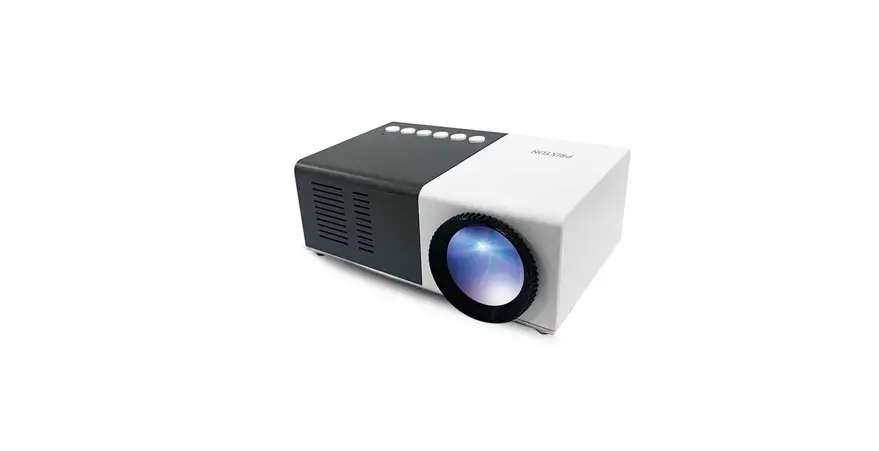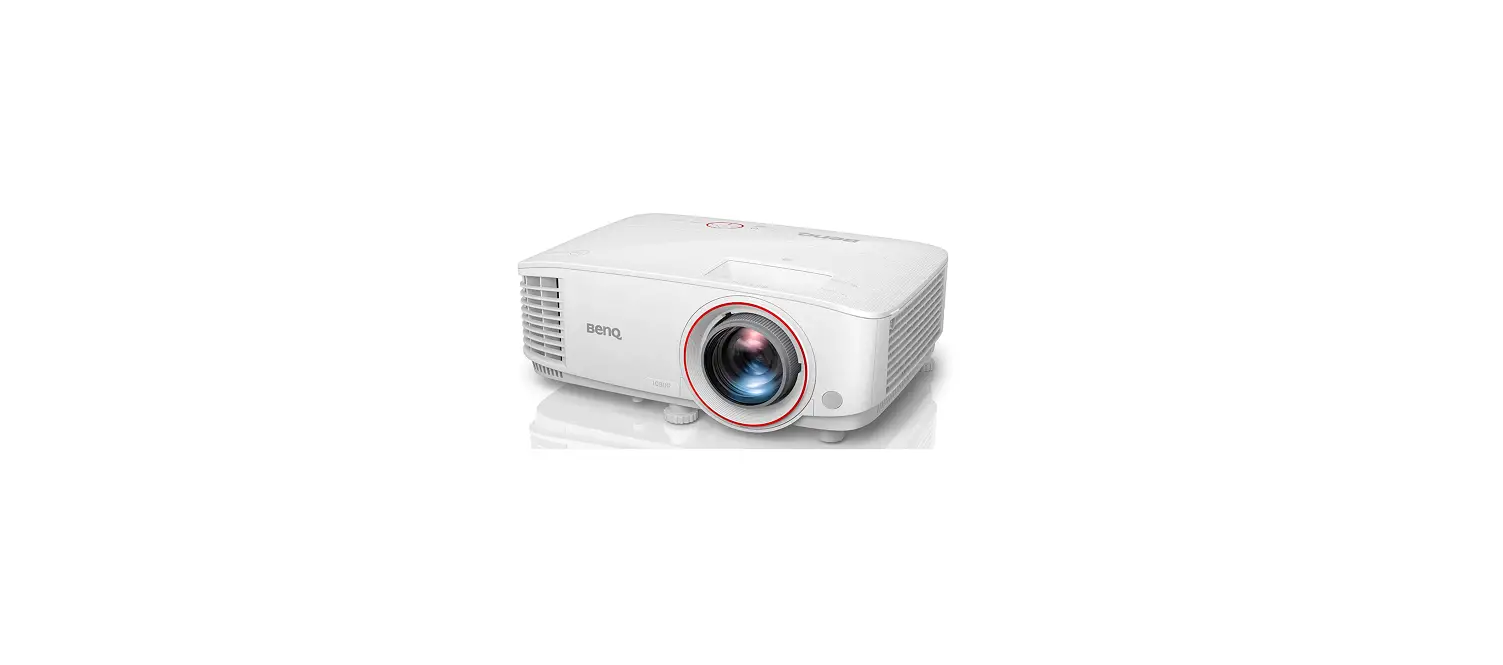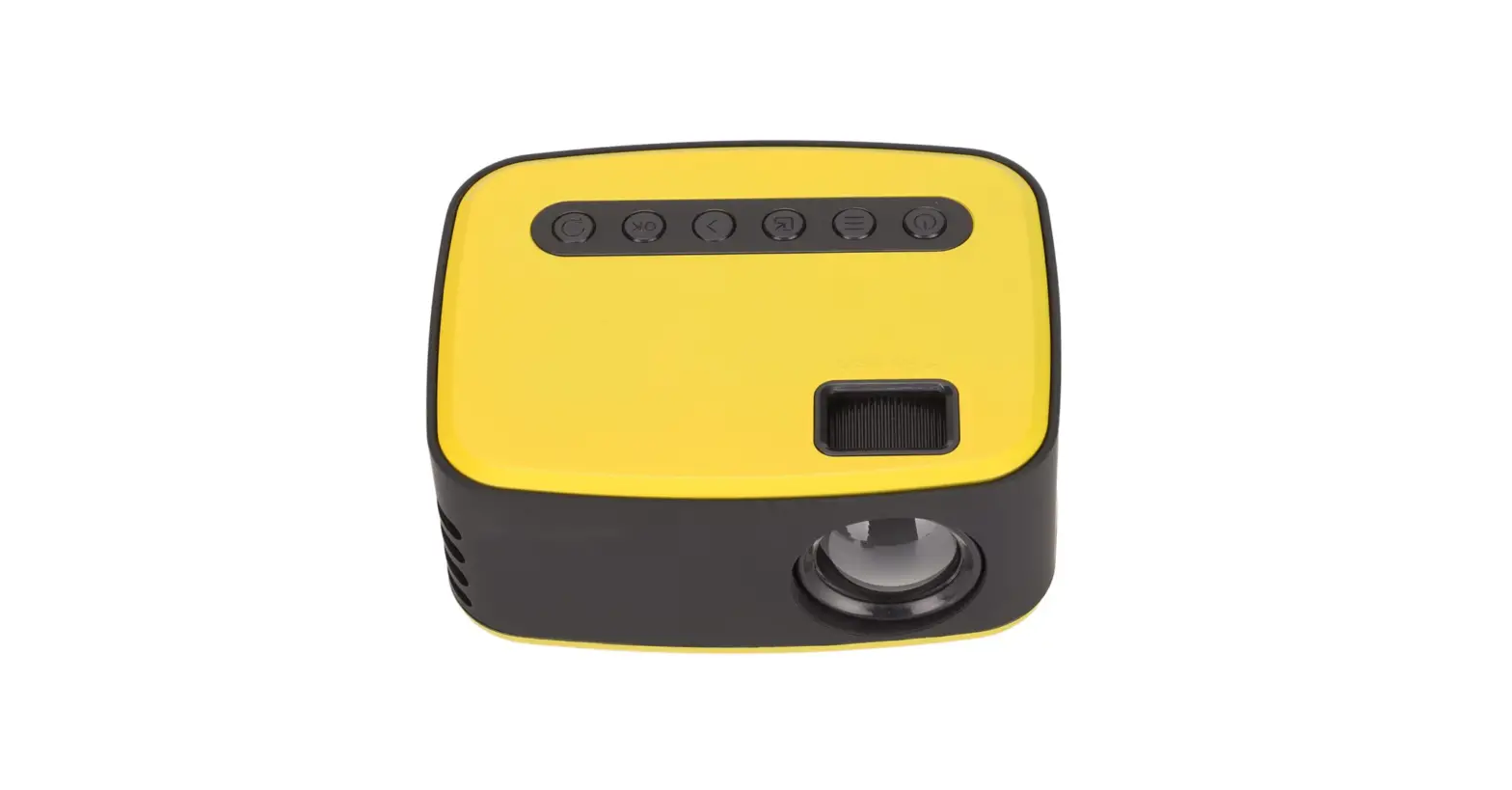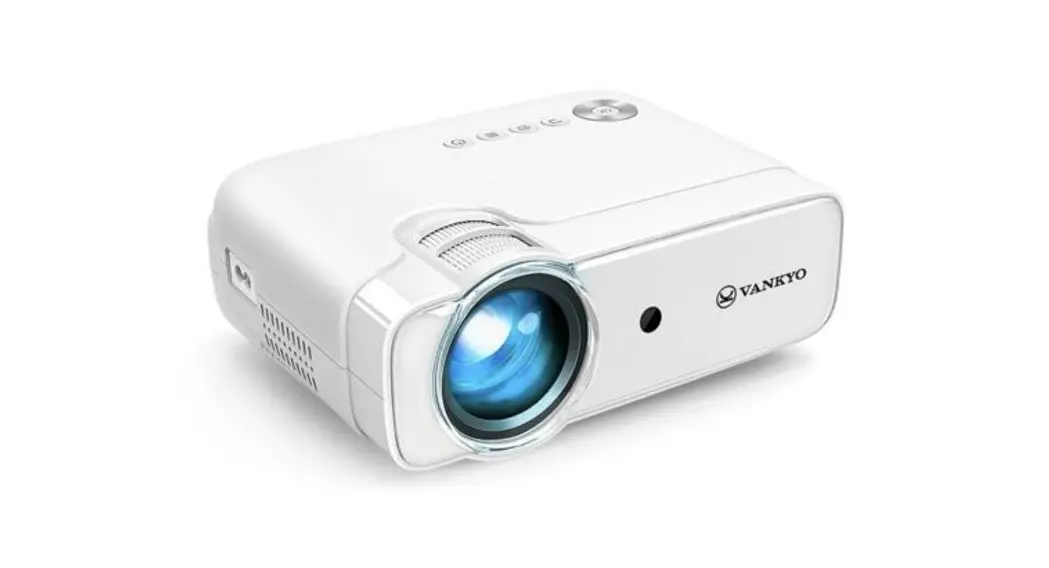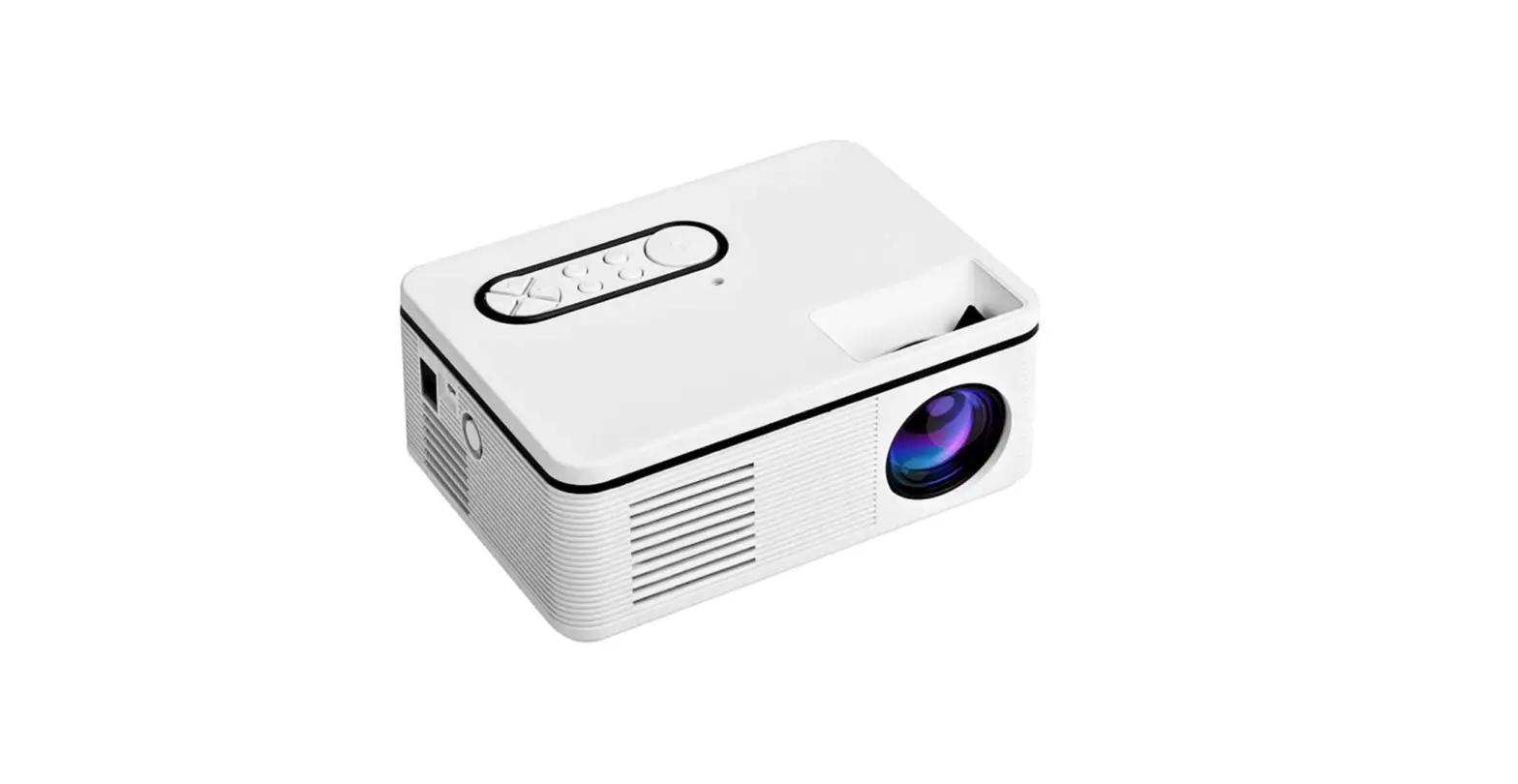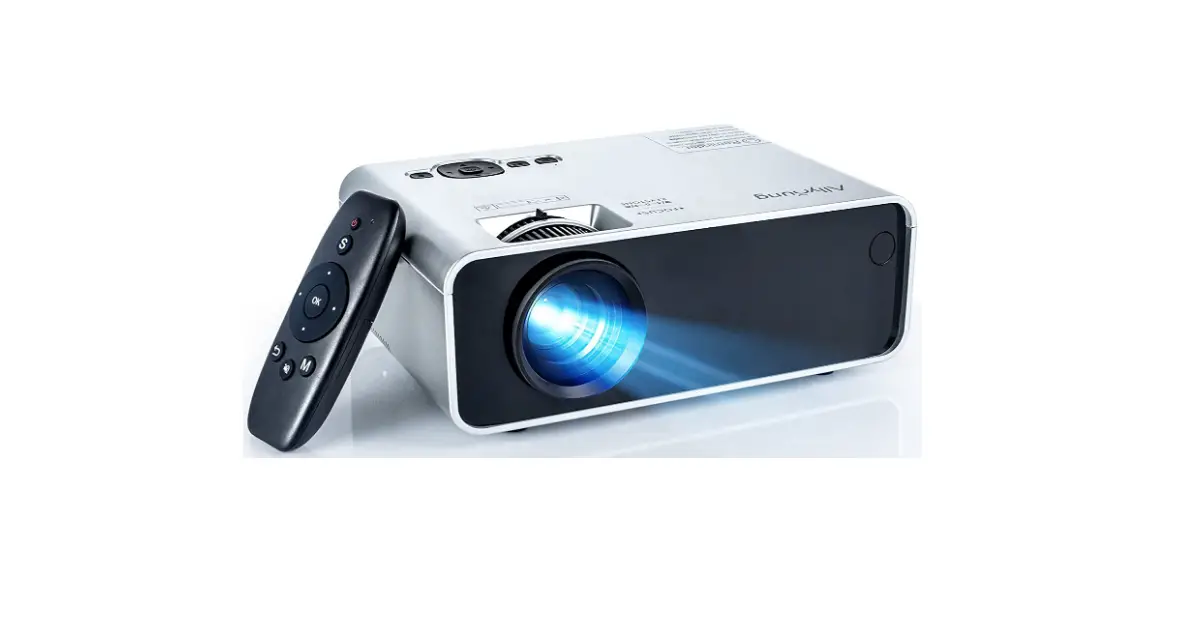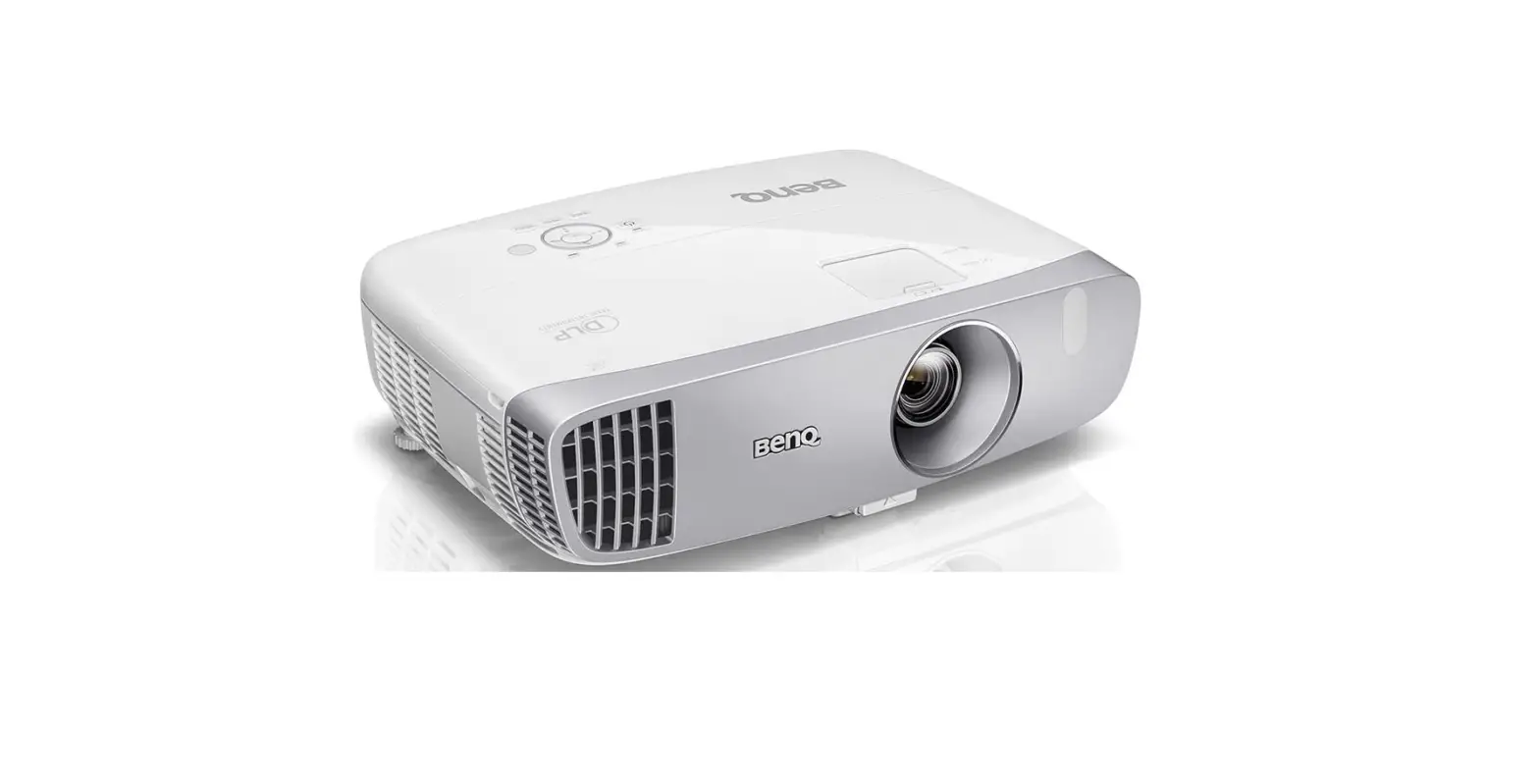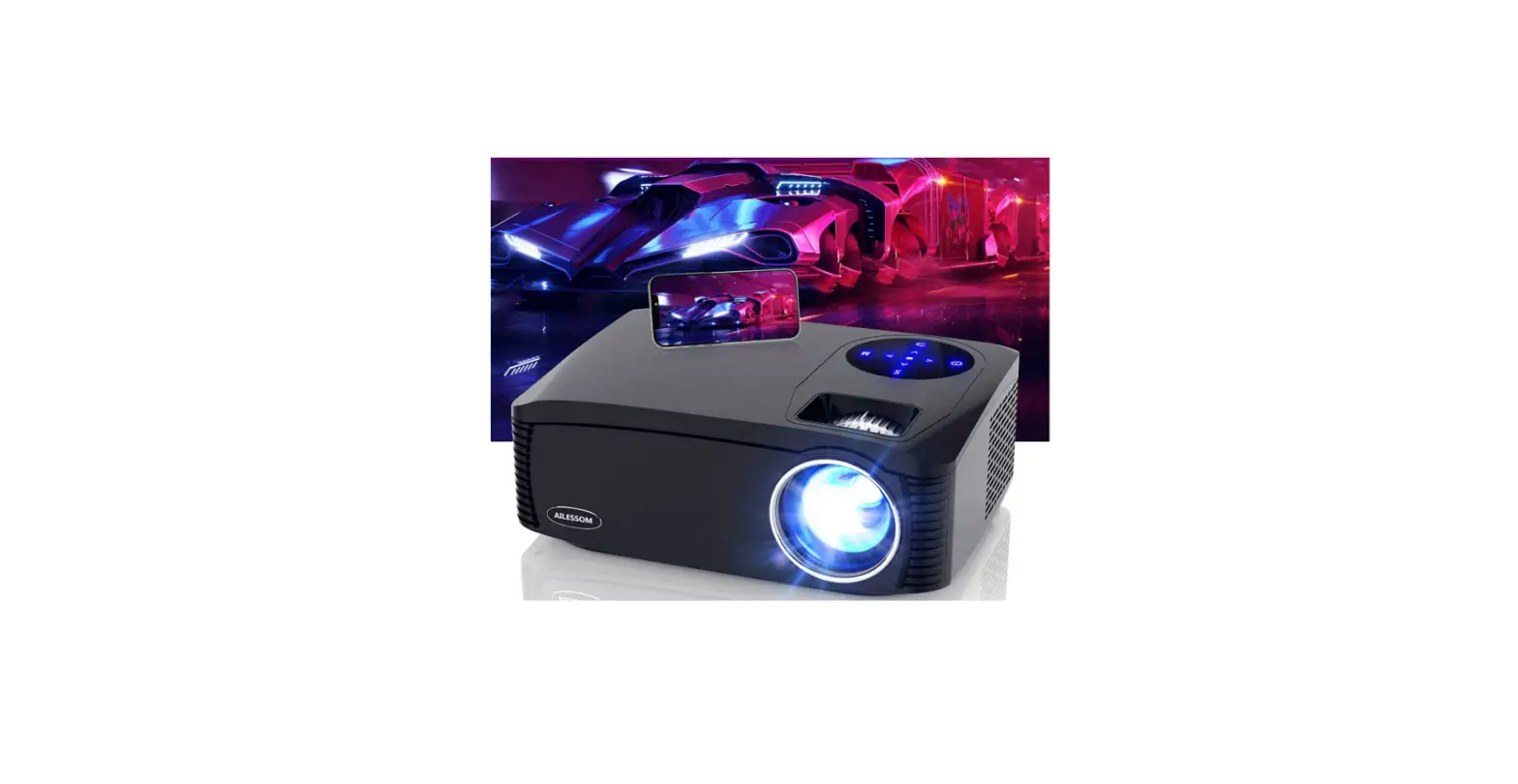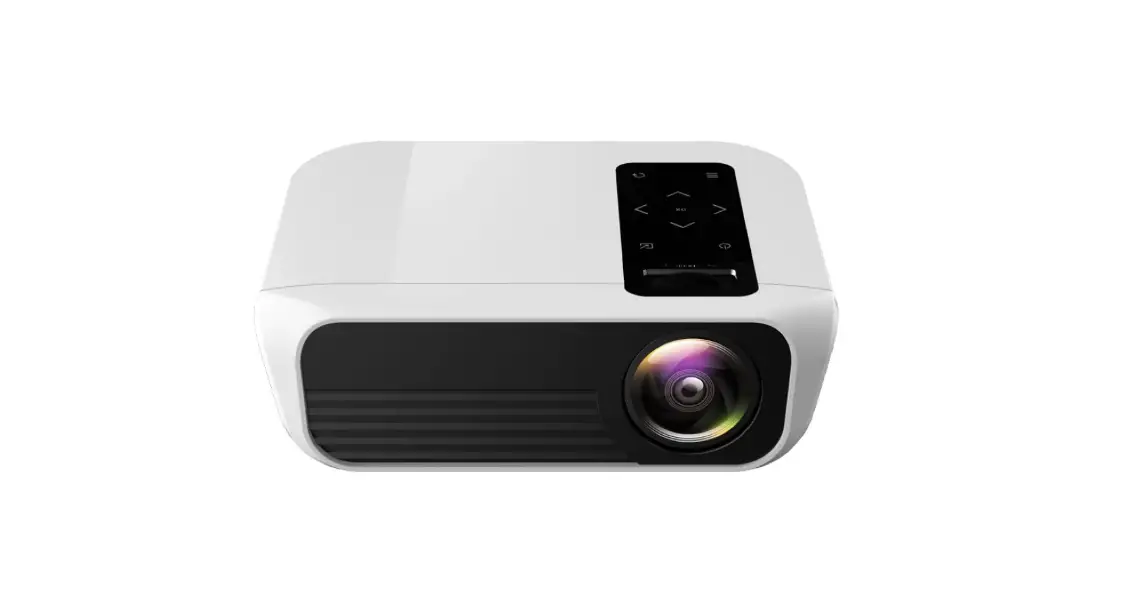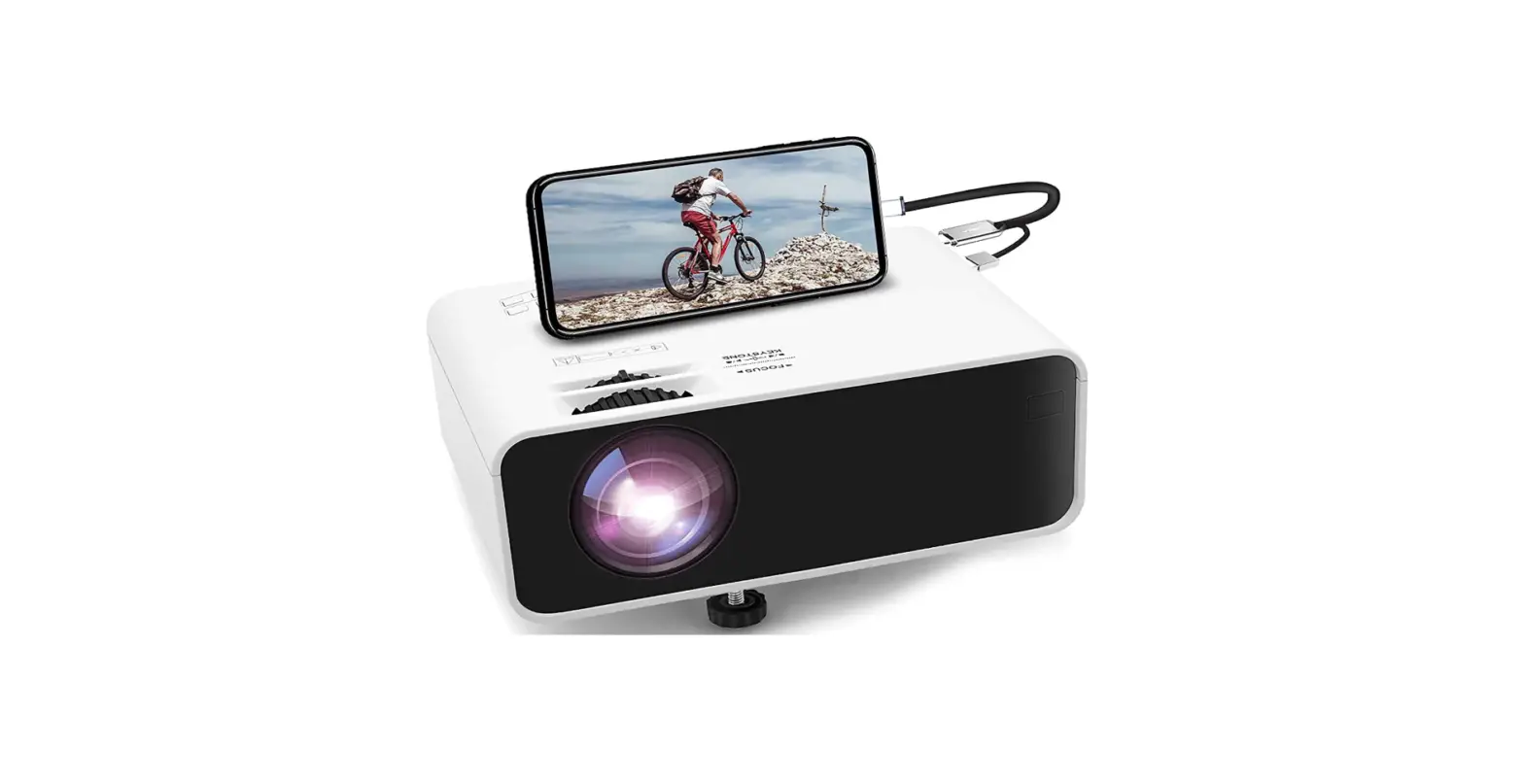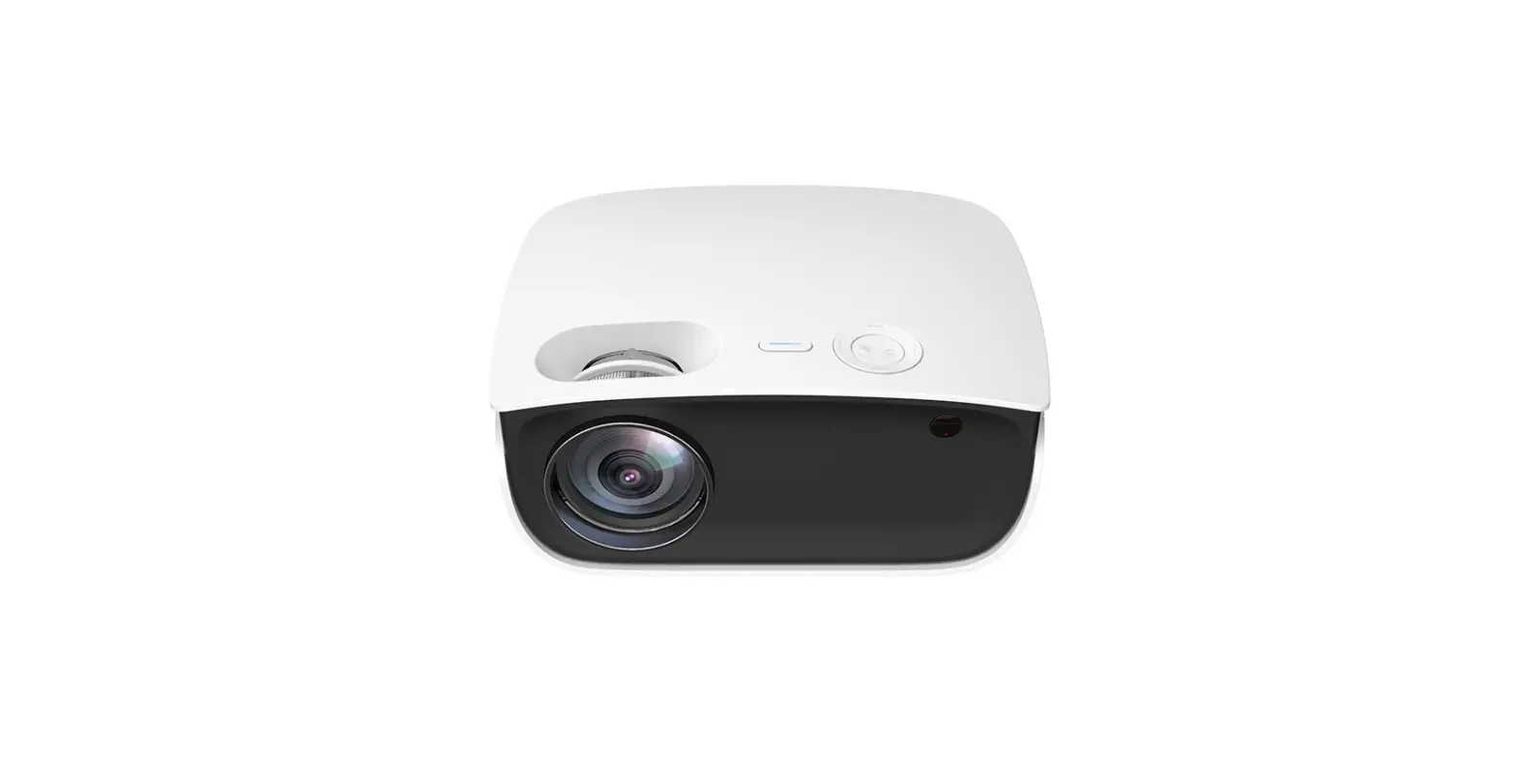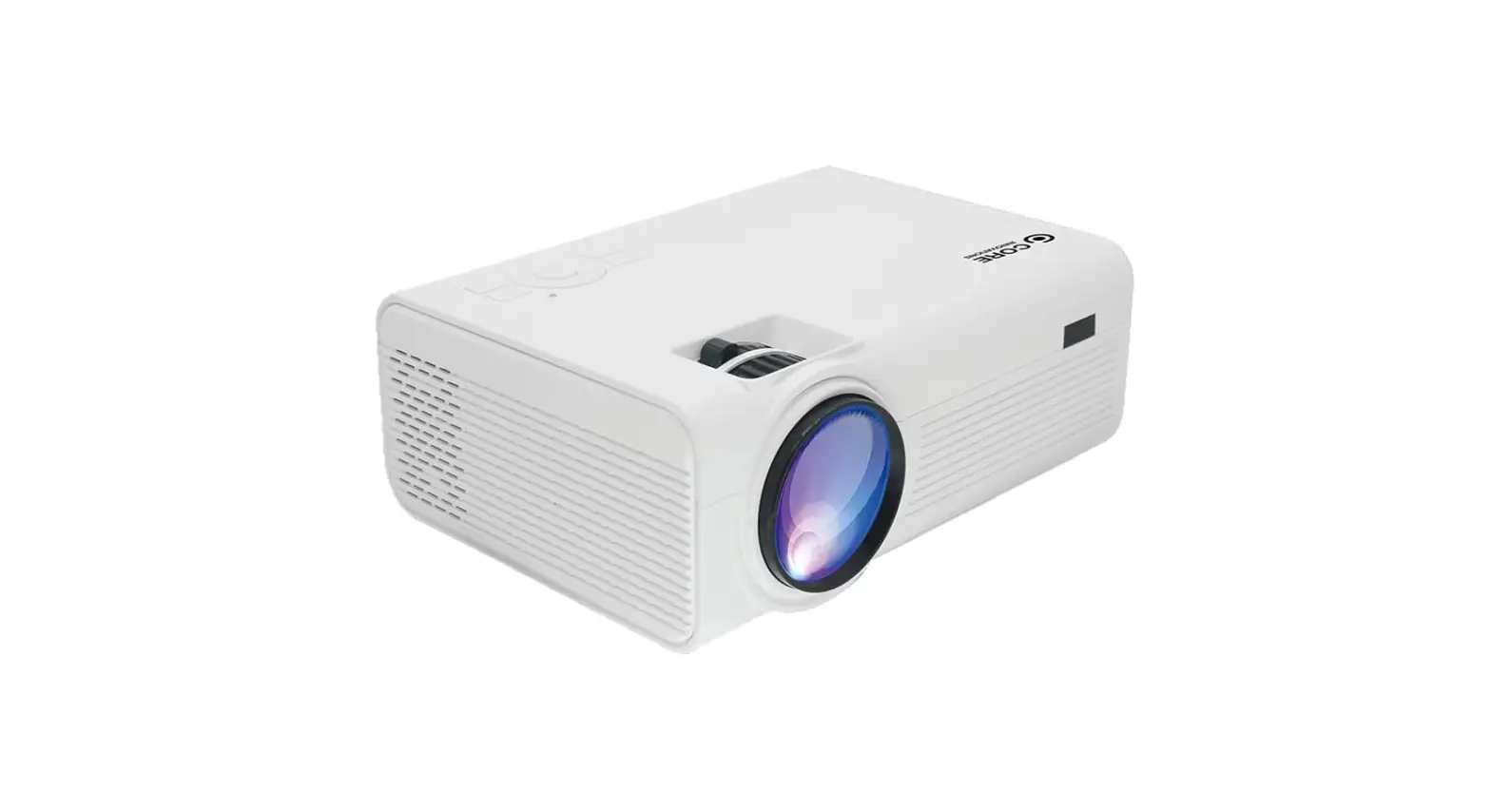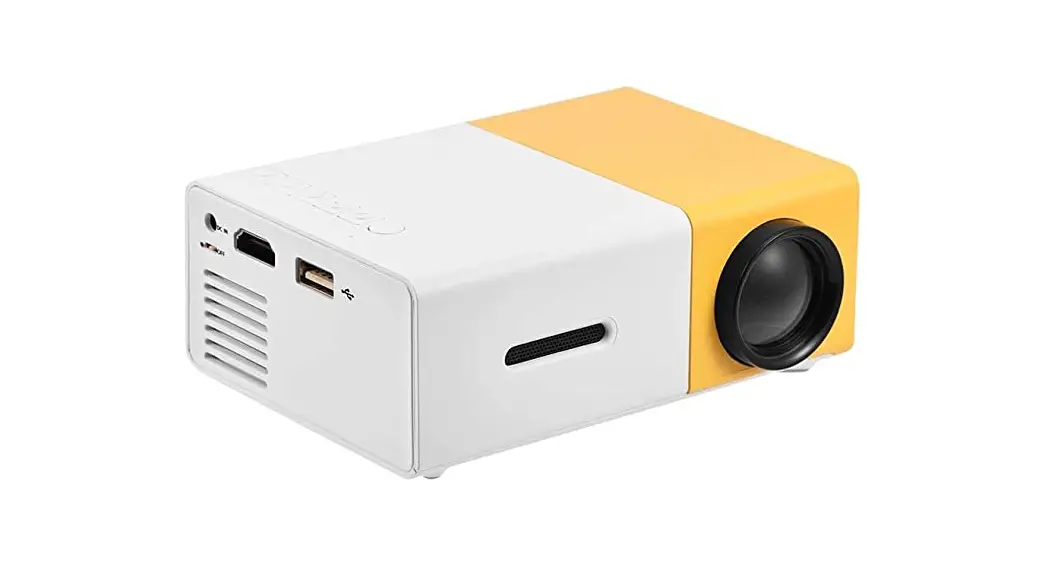
 K365 Mini Home Cinema Projector
Instruction Manual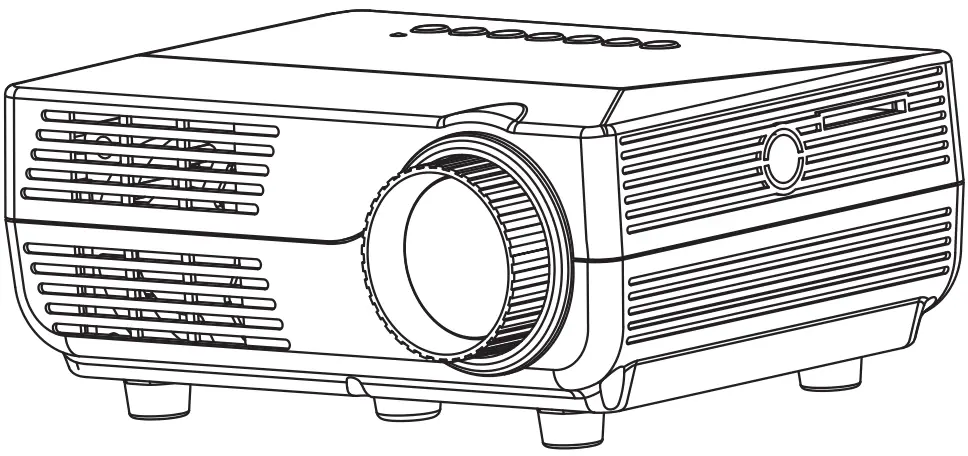
Please read and retain these instructions for future reference
Dimensions
(H) 7.0 x (W) 16.0 x (D) 12.5cm
Length of mains lead: 150cm
Accessories
Remote control x1
3 in 1 AV cable x1
Adapter x1
Projector specification
| Product name | Portable projector | Display system | LCD |
| Physical resolution | 480 x 320 | Supported resolutions | 1920 x 1080 |
| Light source type | LED | Input voltage | DC 12V/2.5A |
| Menu Language | Chinese/ English, etc. | Color depth | 262 K |
| Brightness | 500 Lumens(lamp) | Contrast | 1000:1 |
| Lens focal length | f = 90 mm | Projection method | Front Table |
| Projection distance | 1.1-5.5 M | Image size | 20-150 inch |
| Operation method | Manual Remote control | Input port | VGA/HD in/AV /SD/USB/ |
| Output port | Earphone jack | ||
| Speaker | 1.0W x 1 | ||
| Weight | 0.41 Kg | Size (mm) | 160 x 125 x 70 |
| Total power | 30 W | Operating temperature | -10-38 °C |
Multimedia Format
| File type | Supports playback of files |
| Audio | MP3/WMA/AAC/WAV |
| Image | JPEG/BMP/PNG |
| Video | ASF/AVI/MKV/FLV/MOV/MP4/MPG/VOB/RMVB |
| Text | TXT |
ASSEMBLY INSTRUCTIONS / INSTRUCTIONS FOR USE:
Unpack the components carefully. Please check all parts have been removed from the packaging.
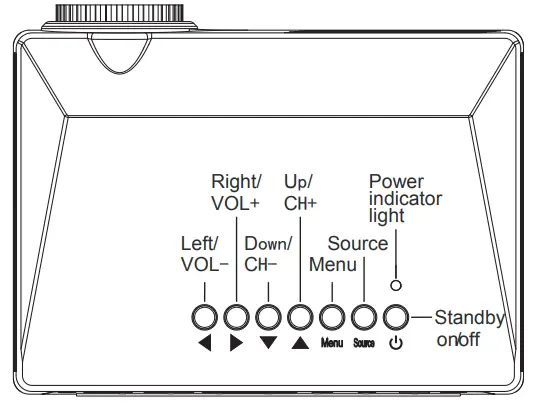
Projector panel buttons
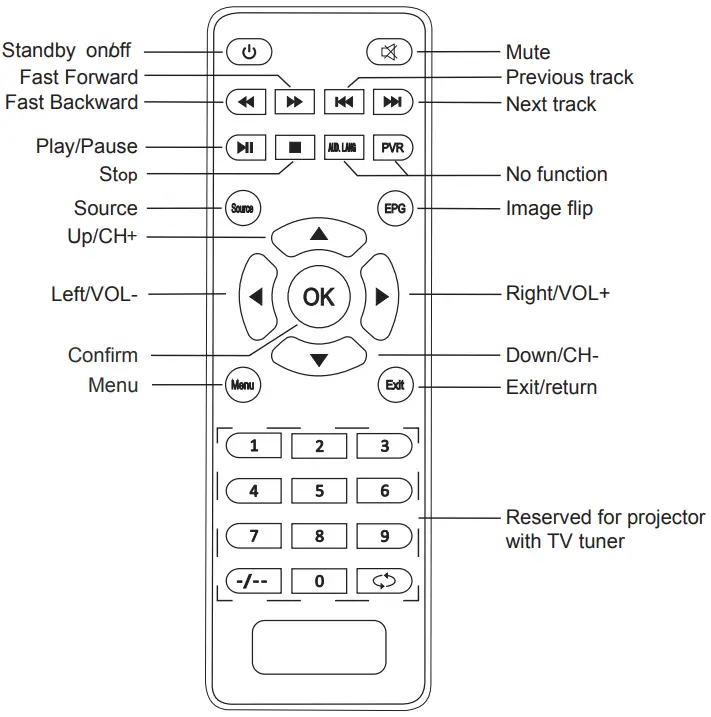
Remote control
WARNINGS AND SAFETY INSTRUCTIONS:
WHEN USING ELECTRICAL APPLIANCES, BASIC SAFETY PRECAUTIONS SHOULD ALWAYS BE FOLLOWED:
- READ ALL INSTRUCTIONS BEFORE USE.
- FOR DOMESTIC INDOOR USE ONLY.
- DO NOT USE OUTDOORS OR FOR COMMERCIAL USE.
- BEFORE USE, CHECK THOROUGHLY FOR ANY DEFECTS, AND DO NOT USE IF DEFECTS ARE FOUND. TAKE CARE NOT TO DROP THE APPLIANCE AS HEAVY IMPACTS MAY CAUSE INTERNAL DAMAGE.
- BEFORE CONNECTING THE APPLIANCE, CHECK IF THE VOLTAGE INDICATED ON THE BOTTOM OF THE APPLIANCE IS IN ACCORDANCE WITH THE MAIN VOLTAGE IN YOUR HOME.
- CHECK THE APPLIANCE AND POWER CABLE CAREFULLY FOR DAMAGE BEFORE EACH USE.
- THIS APPLIANCE CAN BE USED BY CHILDREN AGED FROM 8 YEARS AND ABOVE, AND PERSONS WITH REDUCED PHYSICAL, SENSORY OR MENTAL CAPABILITIES OR LACK OF EXPERIENCE AND KNOWLEDGE IF THEY HAVE BEEN GIVEN SUPERVISION OR INSTRUCTION CONCERNING THE USE OF THE APPLIANCE IN A SAFE WAY AND UNDERSTAND THE HAZARDS INVOLVED. CHILDREN SHALL NOT PLAY WITH THE APPLIANCE. CLEANING AND USER MAINTENANCE SHALL NOT BE MADE BY CHILDREN WITHOUT SUPERVISION.
- CHILDREN OF LESS THAN 3 YEARS SHOULD BE KEPT AWAY UNLESS CONTINUOUSLY SUPERVISED.
- SOME PARTS OF THIS PRODUCT CAN BECOME VERY HOT AND CAUSE BURNS. PARTICULAR ATTENTION HAS TO BE GIVEN WHERE CHILDREN AND VULNERABLE PEOPLE ARE PRESENT.
- THE USE OF ANY ACCESSORY OR ATTACHMENTS NOT RECOMMENDED BY COOPERS OF STORTFORD MAY CAUSE INJURIES AND INVALIDATE ANY WARRANTY YOU MAY HAVE.
- DO NOT LET THE POWER CABLE HANG OVER THE EDGE OF A TABLE OR COUNTER, OR TOUCH HOT SURFACES.
- DO NOT PLACE ON OR NEAR HEAT SOURCES.
- USE ON A LEVEL, STABLE SURFACE.
- DO NOT COVER THE ITEM IN ANY WAY WHEN IN USE AS THIS MAY CAUSE OVERHEATING.
- DO NOT USE THIS APPLIANCE FOR ANY OTHER USE THAN THE INTENDED USE IT IS DESIGNED FOR.
- ENSURE THERE IS SUFFICIENT DISTANCE BETWEEN THIS APPLIANCE AND OTHER ITEMS ON THE WORK SURFACE OR WORKSTATION, OR SUFFICIENT DISTANCE BETWEEN THE APPLIANCE AND THE CONFINES OF THE AREA IN WHICH IT IS SITUATED. WE RECOMMEND A MINIMUM CLEARANCE AROUND ALL FACES OF AT LEAST 10CM.
- TO PROTECT AGAINST ELECTRIC SHOCK, DO NOT IMMERSE POWER CABLE, PLUG, OR APPLIANCE, IN WATER OR ANY OTHER LIQUID.
- UNPLUG FROM OUTLET WHEN NOT IN USE AND BEFORE CLEANING.
- DO NOT OPERATE ANY APPLIANCE WITH A DAMAGED POWER CABLE OR PLUG OR AFTER THE APPLIANCE MALFUNCTIONS OR HAS BEEN DAMAGED IN ANY MANNER. WE RECOMMEND THAT THE POWER CABLE IS NOT KINKED OR STORED IN A TWISTED MANNER AND THAT YOU REGULARLY CHECK ITS CONDITION.
- ANY REPAIRS MUST BE CONDUCTED BY A QUALIFIED ELECTRICIAN OR ELECTRICAL SERVICE AGENT.
- NEVER REMOVE THE HOUSING.
- DO NOT LOOK DIRECTLY AT THE LENS WHEN THE PROJECTOR IS IN THE POWER-ON MODE.
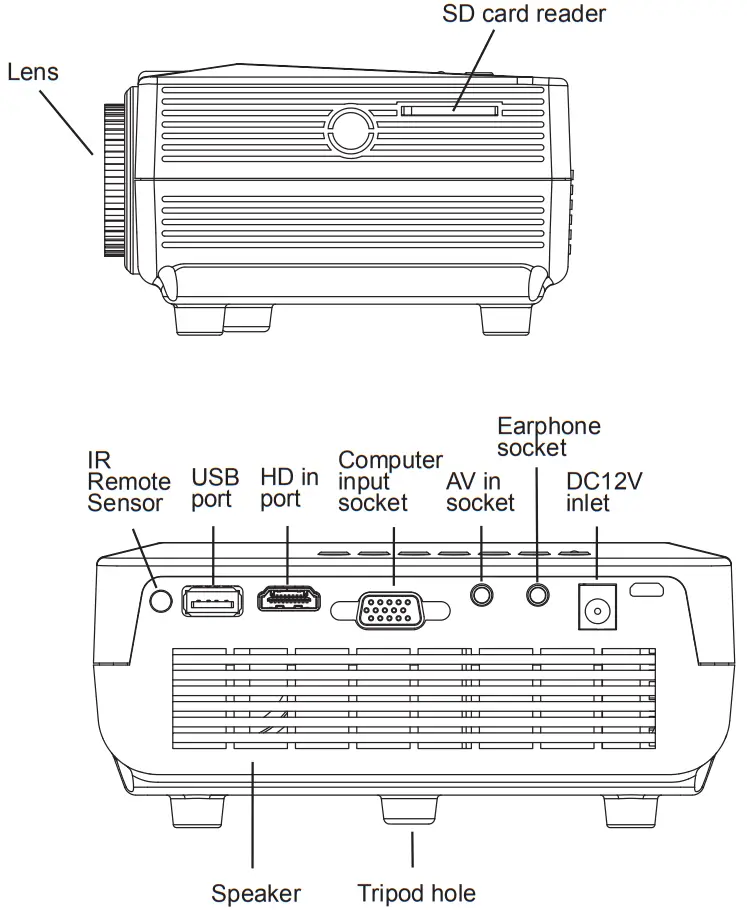
Parts
Start-up and shut down the projector
Plug the adaptor into the projector and into a wall socket. After a few seconds, the power indicator light will change to red indicating the projector is in standby mode.
Starting up: Press  on the panel or the remote control. The power indicator light changes to green. The projector is now in working mode.
Shutting down: Press on the panel or remote control in operation mode. The projector goes into standby mode.
Adjusting the projection focus
The projector lens is placed perpendicular to the projection screen, press the Menu button to display the menu screen. Rotate the lens until the clear text is displayed.
Switching input signal
Press Source on the projector or on the remote control. A source selection bar is displayed. Press  /
/ until your desired input signal is selected and press OK on the remote control or
  on the projector.
 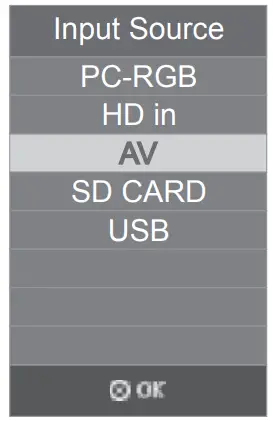 The TV option appears in the source selection bar when configuring the TV reception.
Press Menu on the projector or remote control to turn the menu on. Press // / to select your desired menu and make various adjustments and settings. Press OK to confirm. Press Menu repeatedly on the projector or remote control to leave and save the settings. Press EXIT to leave and save the settings.
The picture menu
Includes:
Picture mode
Color temperature
Aspect ratio
Noise reduction and
Screen options. 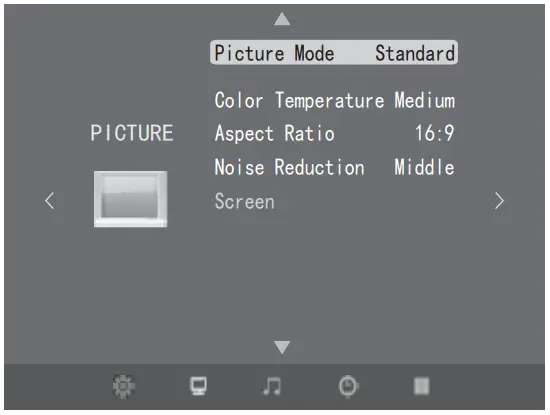 Sound menu
Includes:
Sound Mode
Balance
Auto Volume
Surround Sound
SPDIF Mode
EQ options 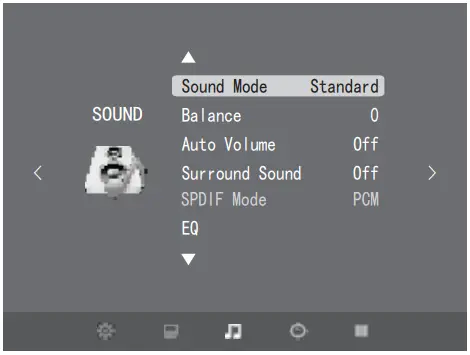
Option menu
Includes:
OSD Language
Restore Factory Settings
Blending
Mirror
OSD duration options
Software Update (USB) 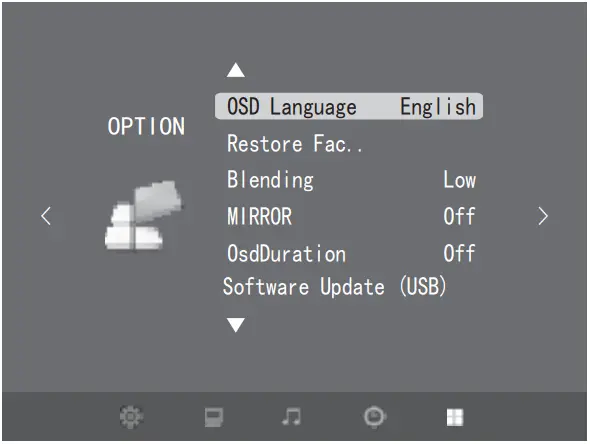 Play Multimedia Files
The projector can play multimedia files directly from the card when the signal source is set to an SD card or USB.
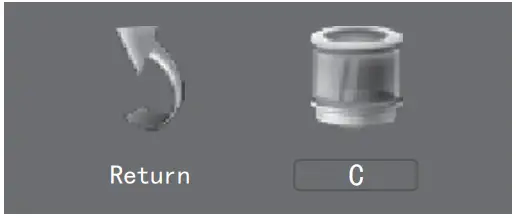
First, insert the SD card or USB, then press / on the projector panel to select the type of file: Photo, Music, Movie, Text. 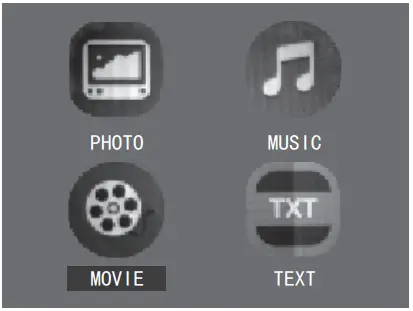 Press on the panel to enter the drive interface. Then move the cursor to “C”, and press to confirm.
  Press / to move the cursor to the file you want to play, press to select, and press again to deselect. Press to play the selected file.
Pressing on the panel will display a series of virtual keys, press / to move the cursor to a different virtual key, and then press to perform the corresponding operation instruction. 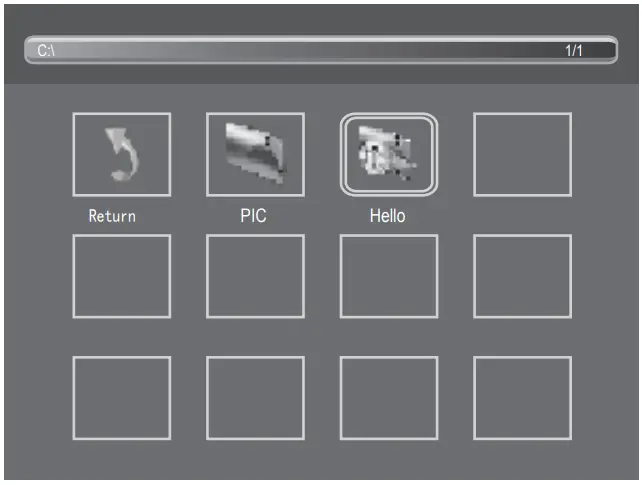 Move the cursor to the
  , press to stop playing, press to move the cursor to the,
  and then press to return to the previous screen. You can repeatedly return to the main display screen.
Press the button on the remote control to perform the corresponding instructions directly.
PLUG WIRING (UK & IRELAND)
This appliance is supplied with a mains adaptor/charger with BS1363 plug pins. The adaptor must be connected indoors.
DO NOT use If the socket outlets in your home or office are not suitable for this product’s mains adaptor/charger plug pins. Attempts to insert the mains adaptor/charger into the wrong socket are likely to cause electric hazards or damage.
DO NOT use any other mains transformer/charger than the one that is supplied with this product.
DISPOSAL
 Coopers of Stor ord use recyclable or recycled packaging where possible.
- Please dispose of all packaging, paper, cartons, and packaging in accordance with your local recycling regulations.
- Plastics, polybags – these are made from the following recyclable plastic.
Code & Symbol 
Type of Plas c ABS Commonly used for CD’s, crisp packets, various flexible packaging, baby bottles, sunglass lenses Notes Not often or widely recycled - At the end of the product’s lifespan please check with your local council-authorized household waste recycling center for disposal.


*Calls cost 7 pence per minute plus your telephone company’s network access charge
The Enterprise Department
Head Office: 11 Bridge Street
Bishop’s Stortford, CM23 2JU
Tel: 0844 482 4400
Fax: 01279 756 595
www.coopersofstortford.co.uk