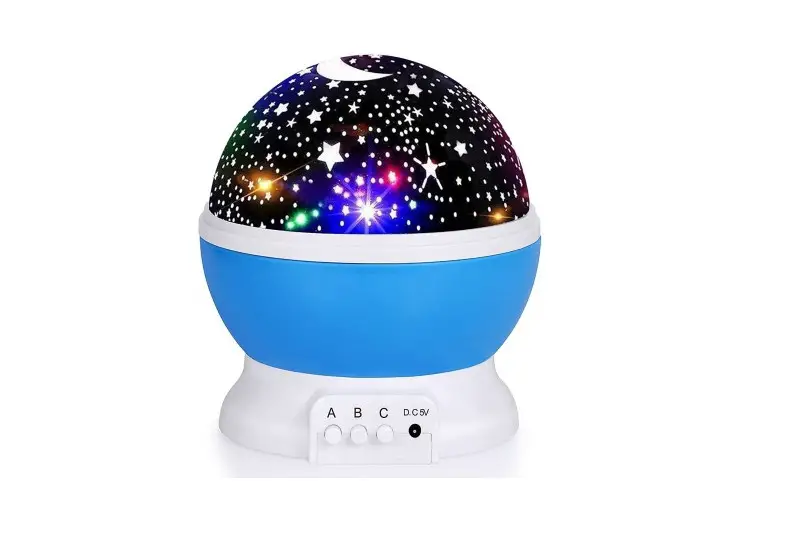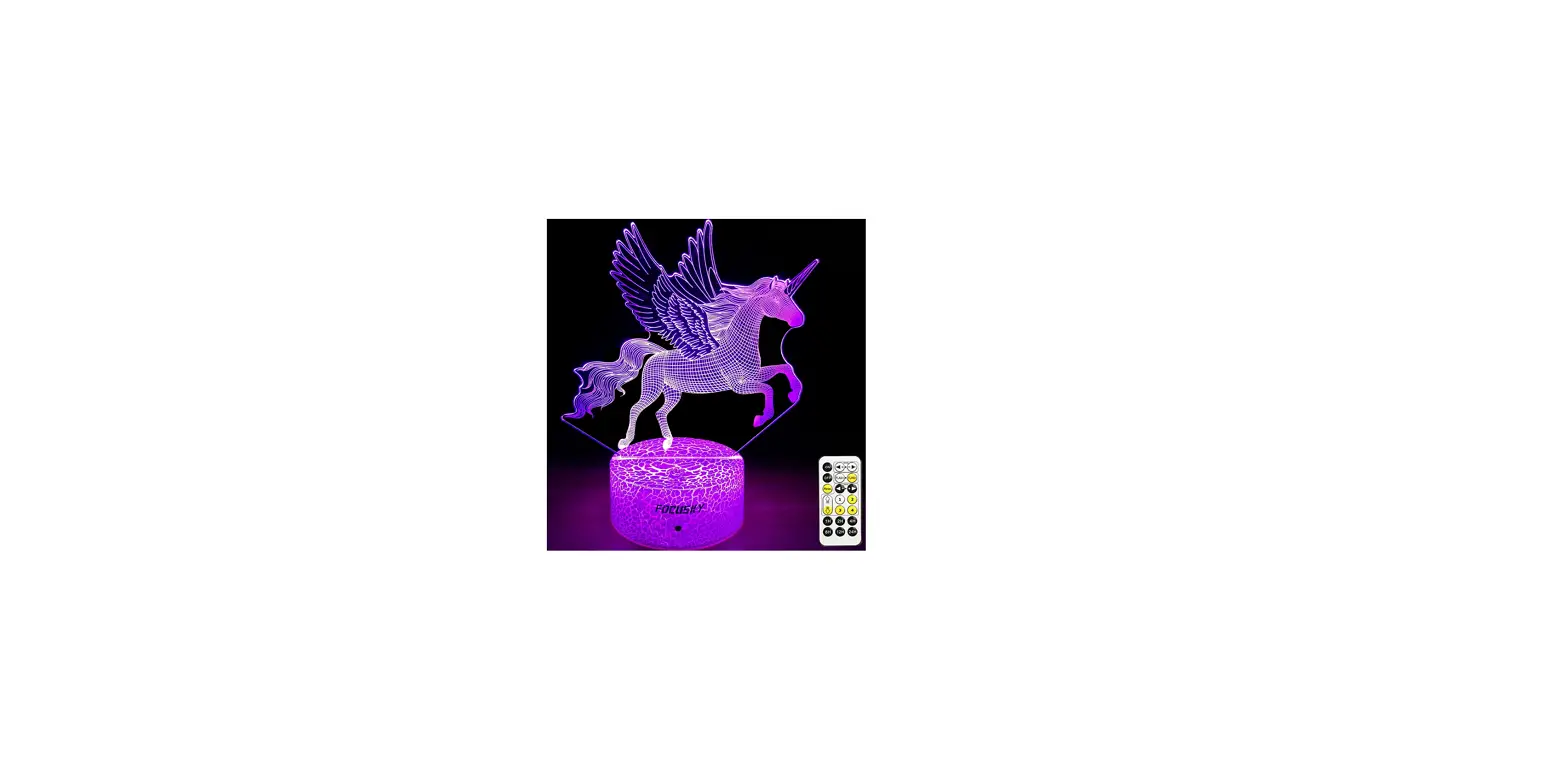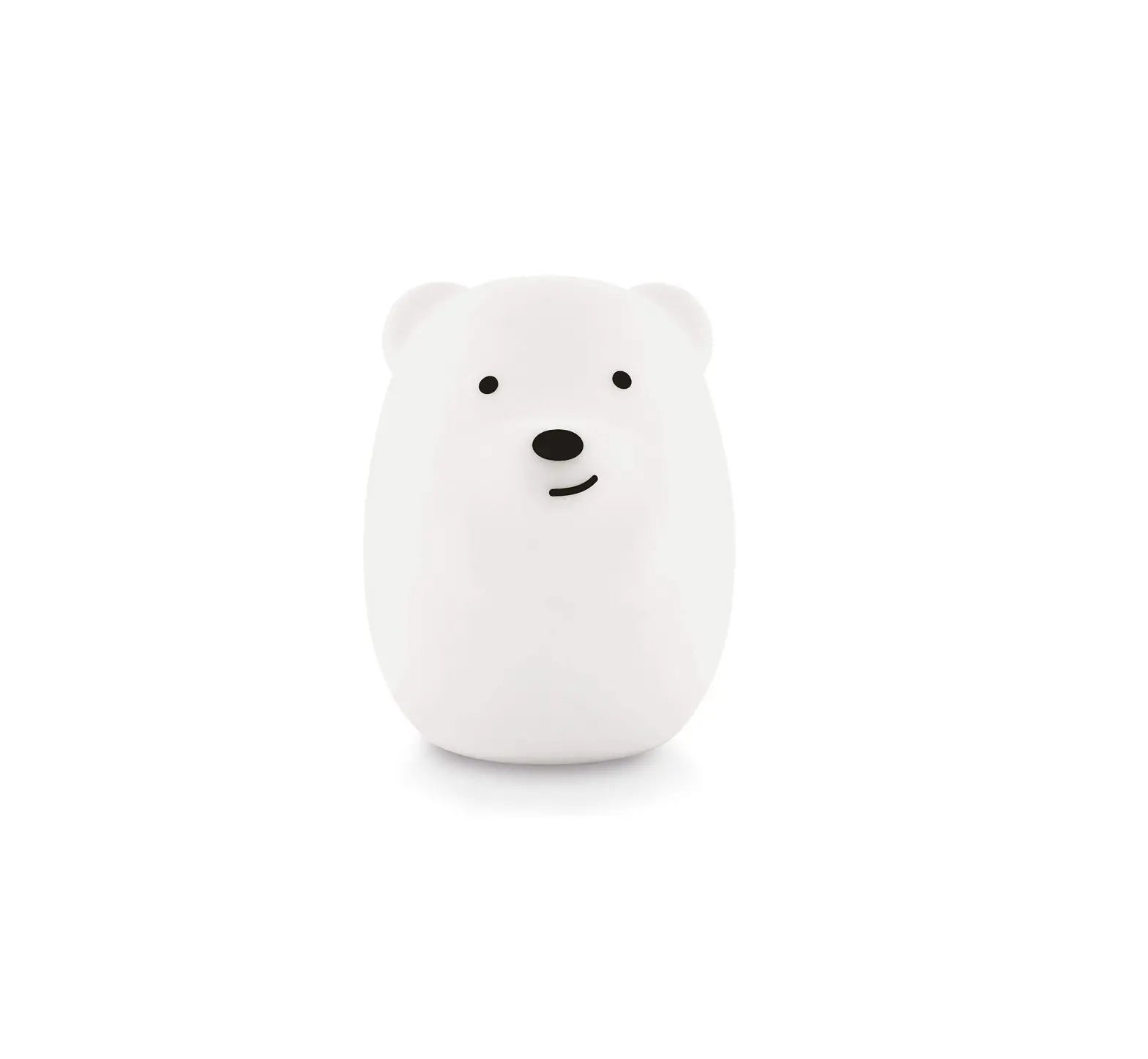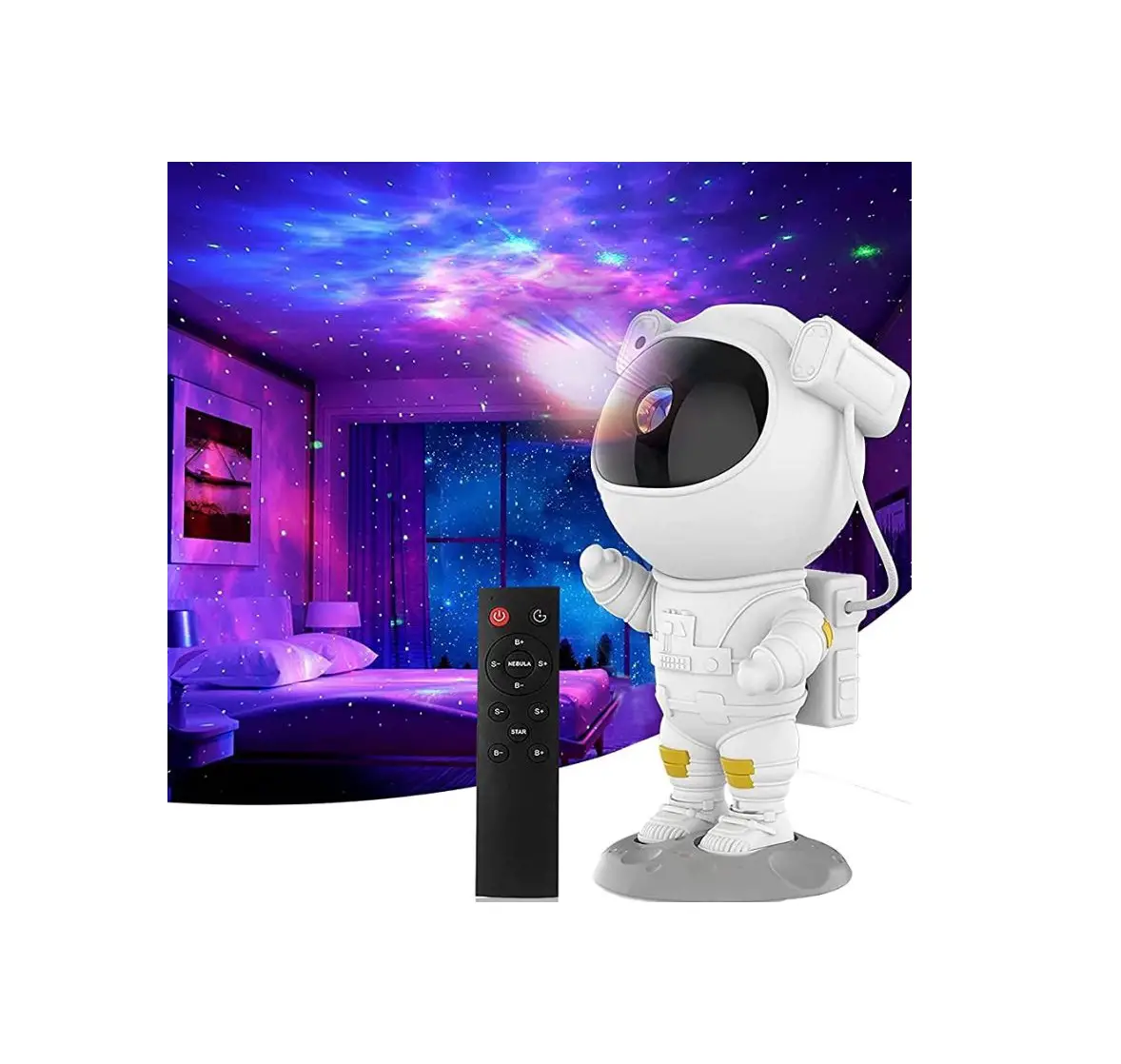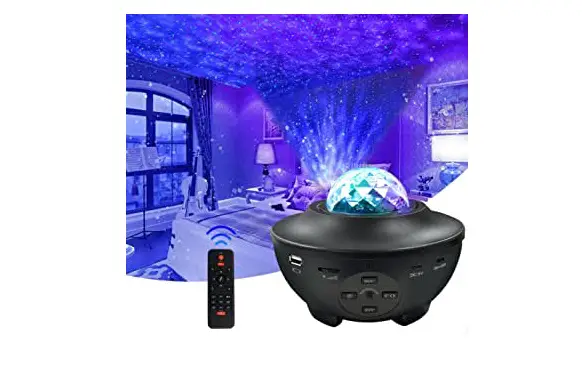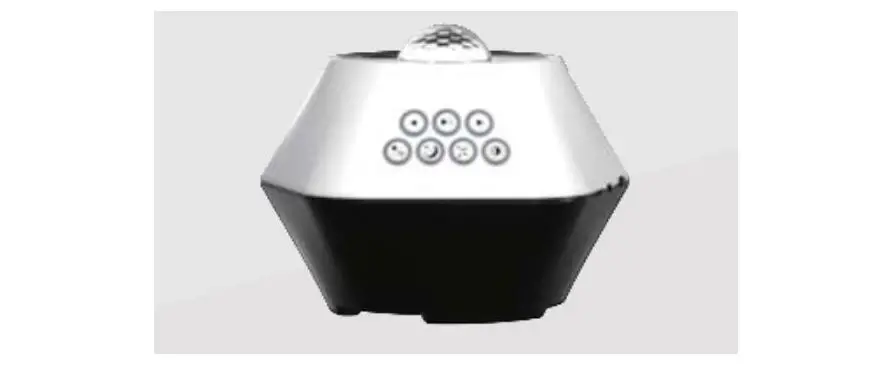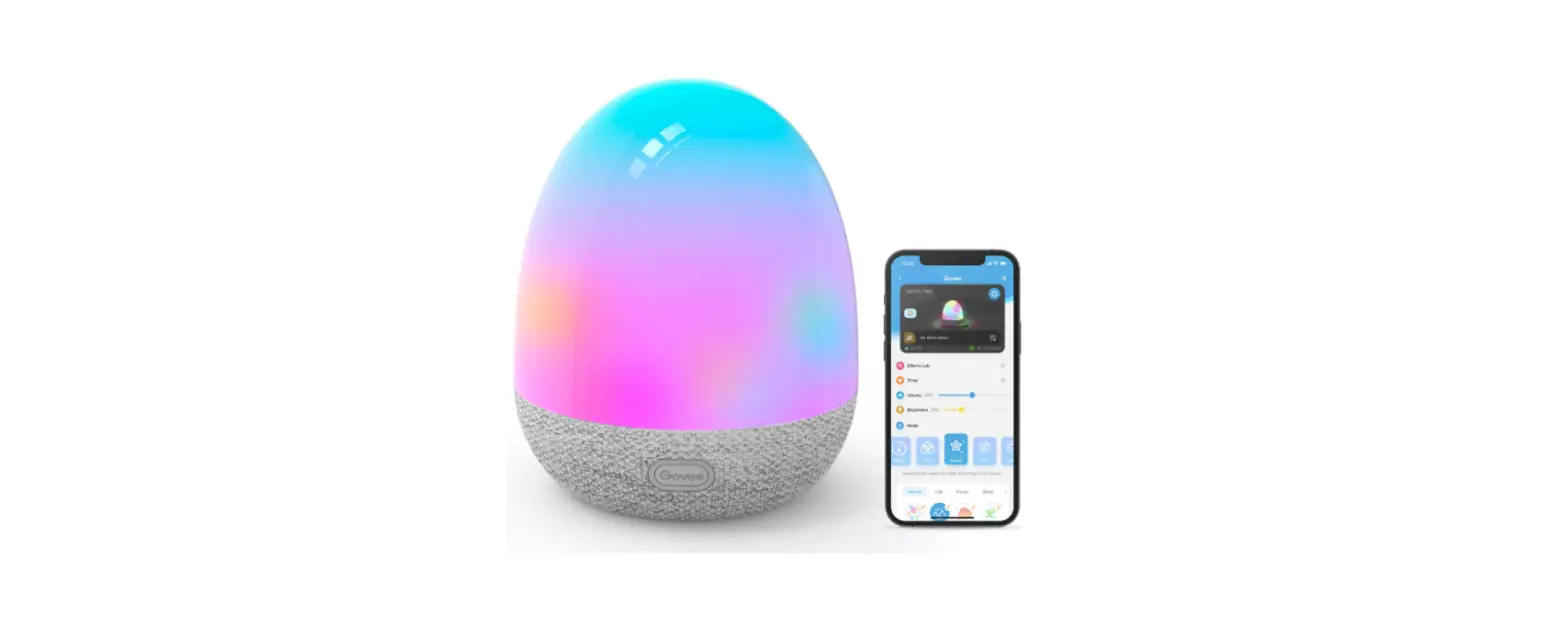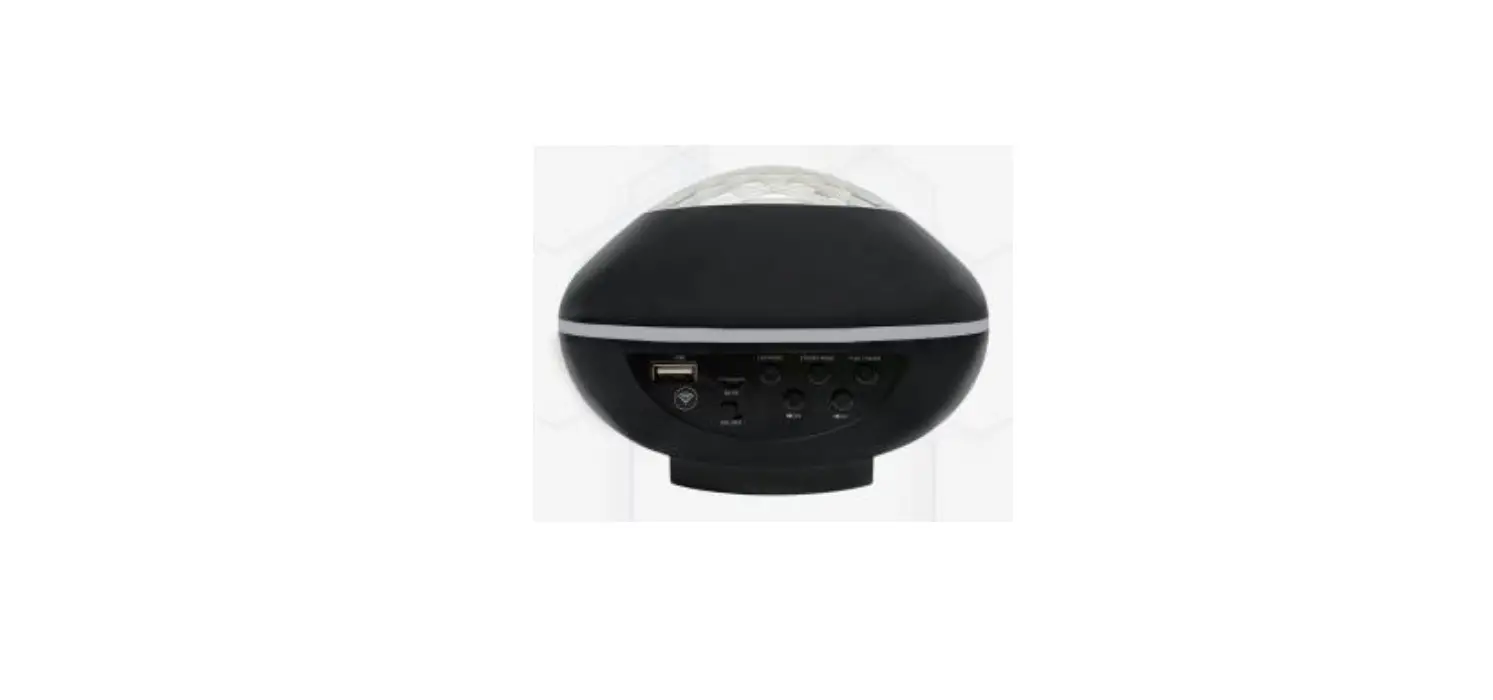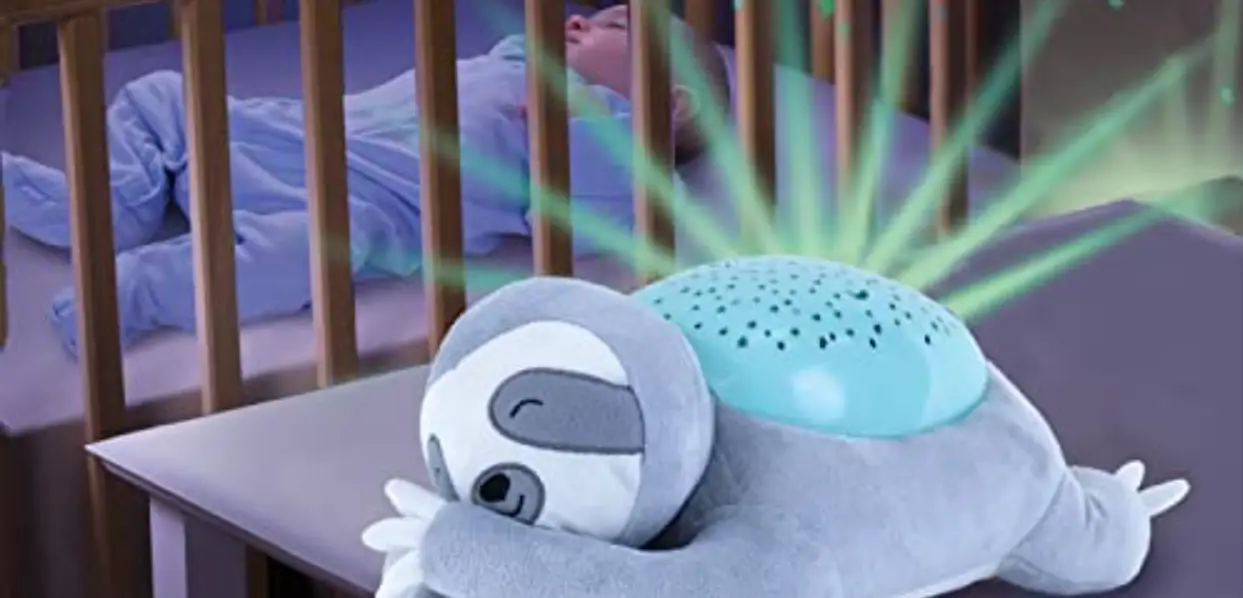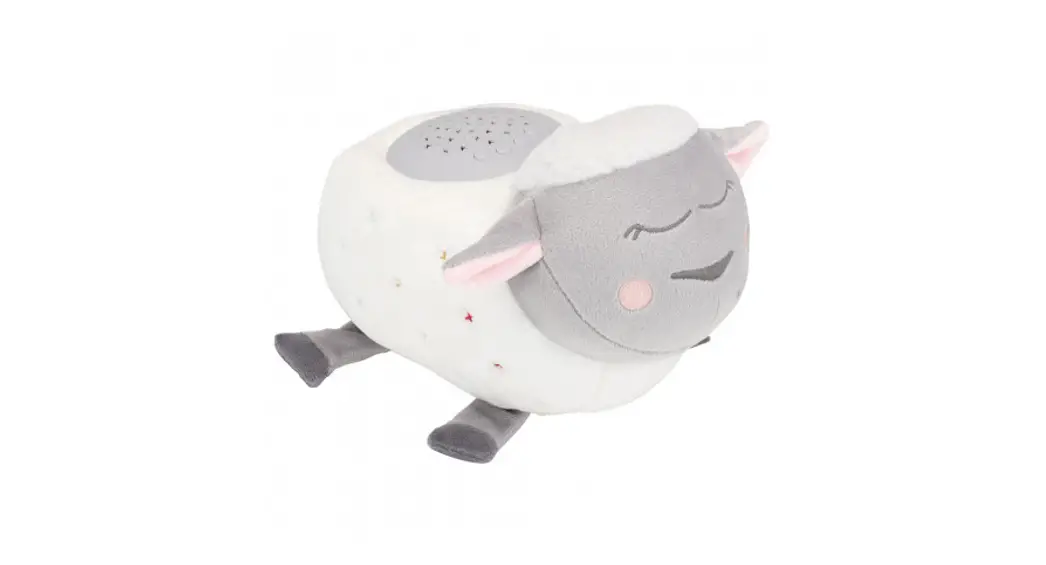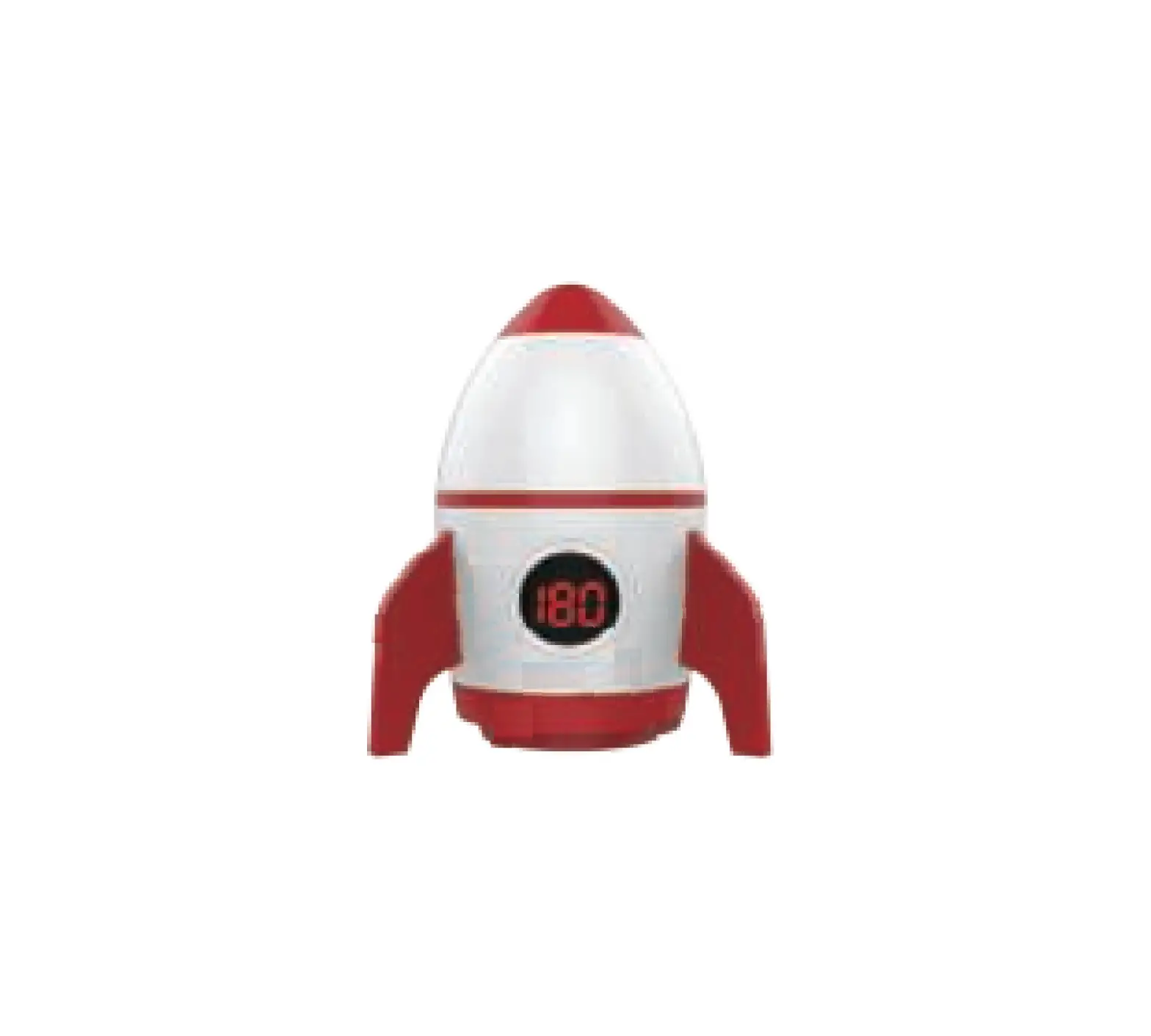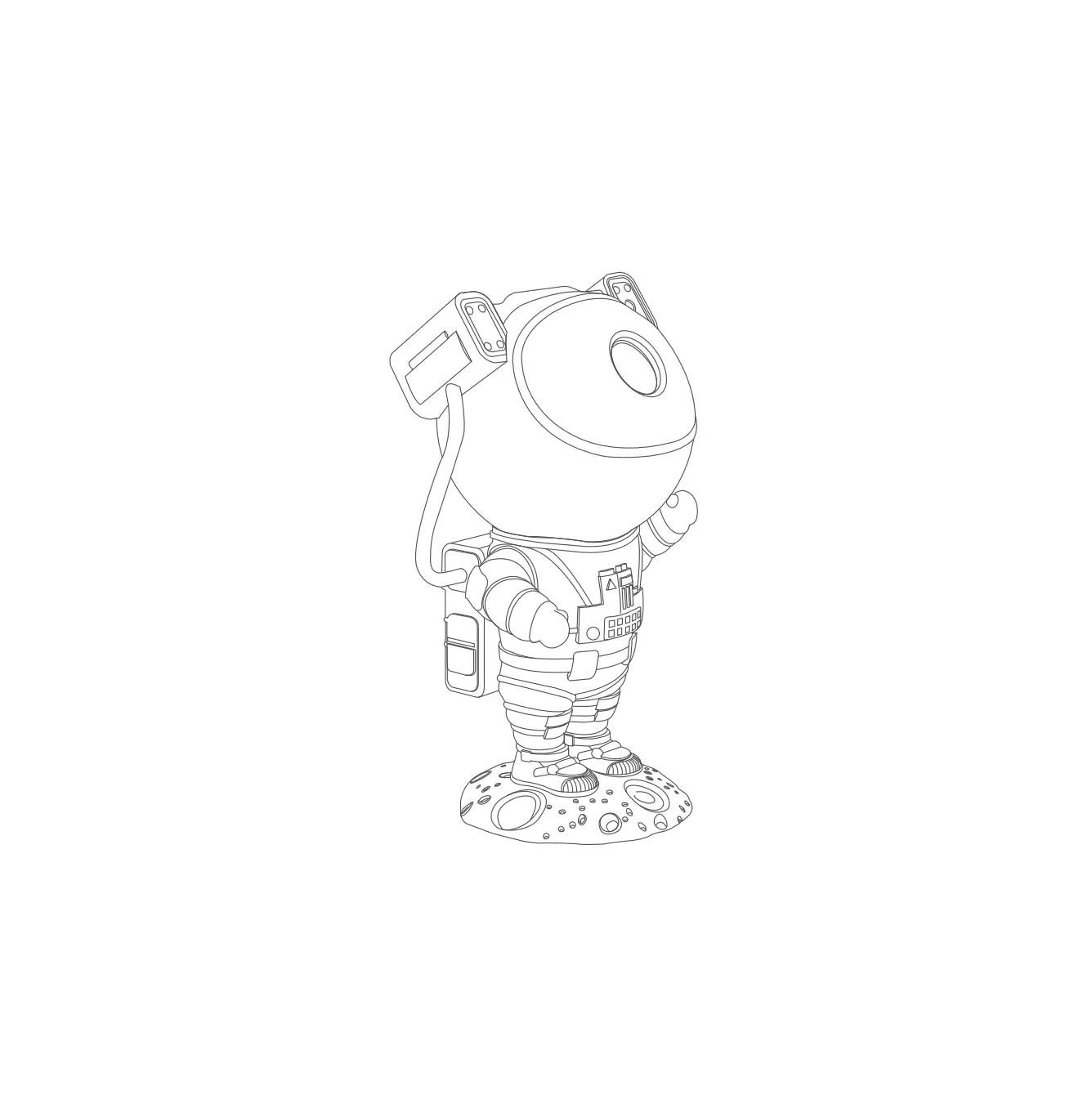

Gustave Star Night Light for Kids Universe Projection Lamp
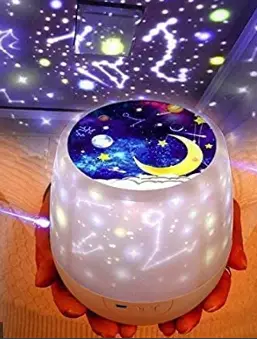
usage method
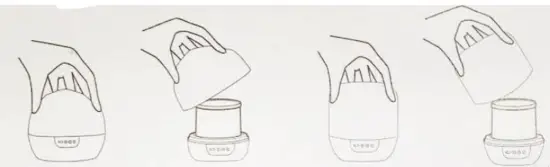
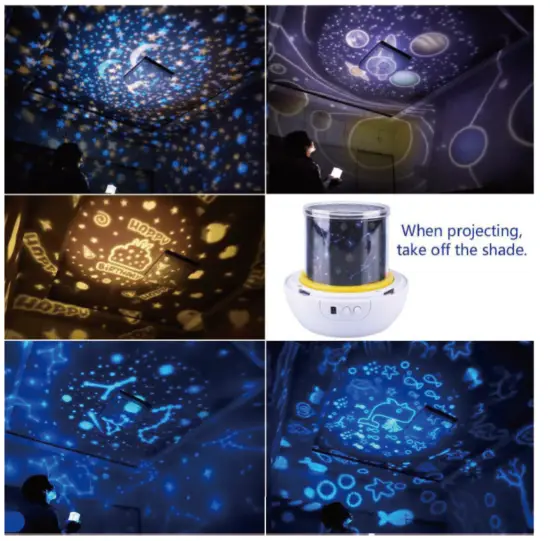
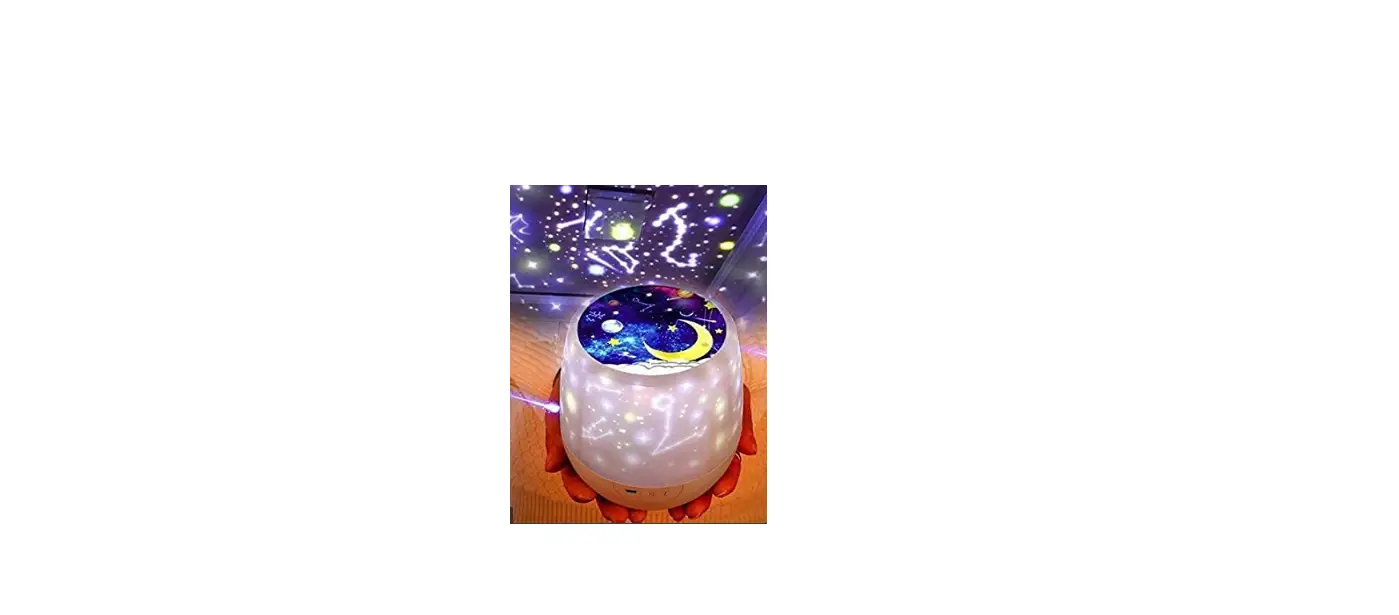
- Turn off the lampshade and become a projection light

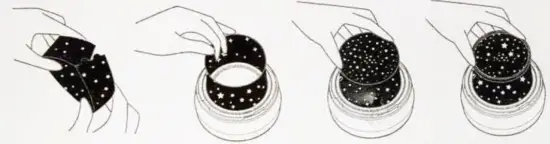
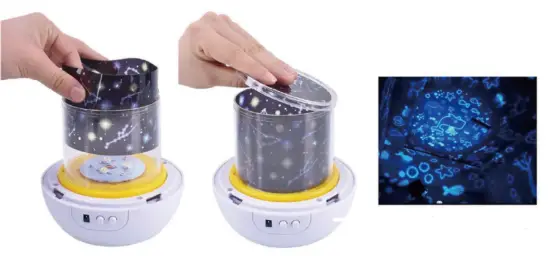
- takes out the original film, puts the film you want to eplace around the circle, and then buckle the top film and the top circle

- buckle on hood can be used as a small night Ilight
power supply mode
Connect the 5 V adapter with one end of the attached USB line, and the other end connection lamp power, adapter please use 5V voltage, 1A current, do not use fast charging adapter
Product Parameter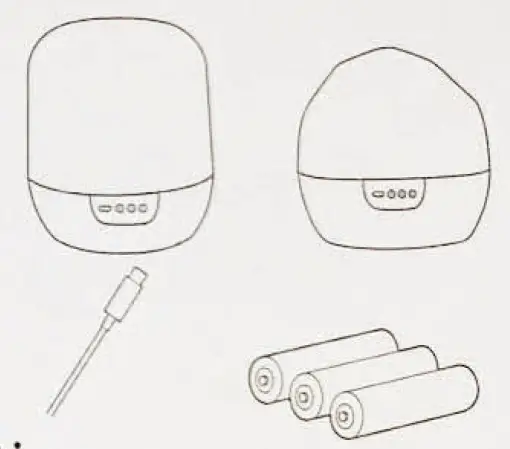
- rated voltage : 5V/1A
- maximum power : 3W
- Product weight: 401G
- product size 130*129*129mm
matters need attention
- Products can only use the recommended 5V transformers
- he product needs to be turned off when cleaning, and only the product surface can be wiped and clean with dry cloth
- This product is an electronic product, please stay away from the fire source, do not touch the water


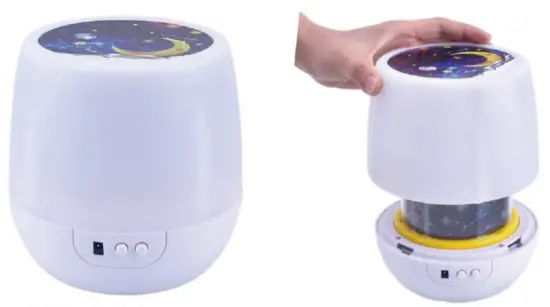
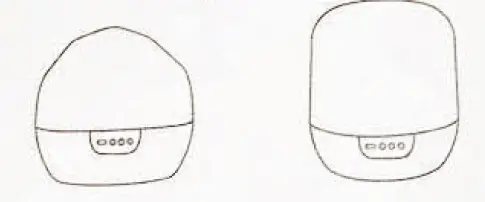
- Default night mode
- Rotate the lamp cover
- 3.5 kinds of film optional
- Cover the top cover
- Projection effect