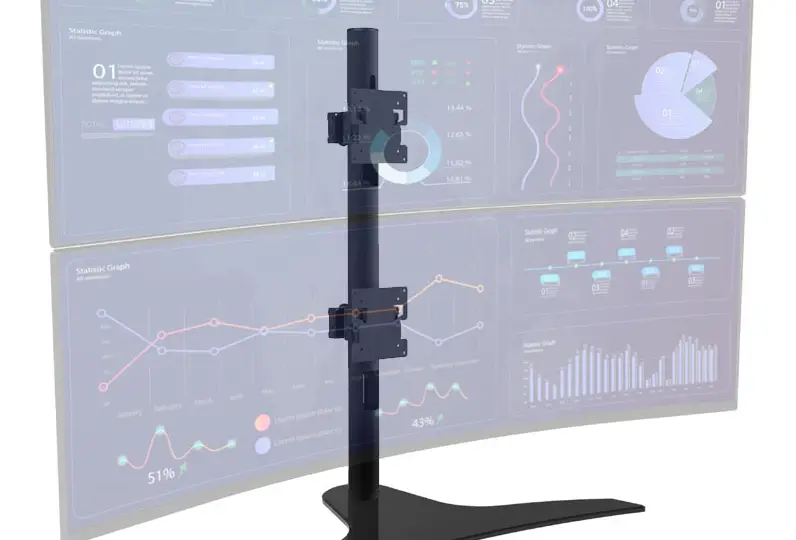
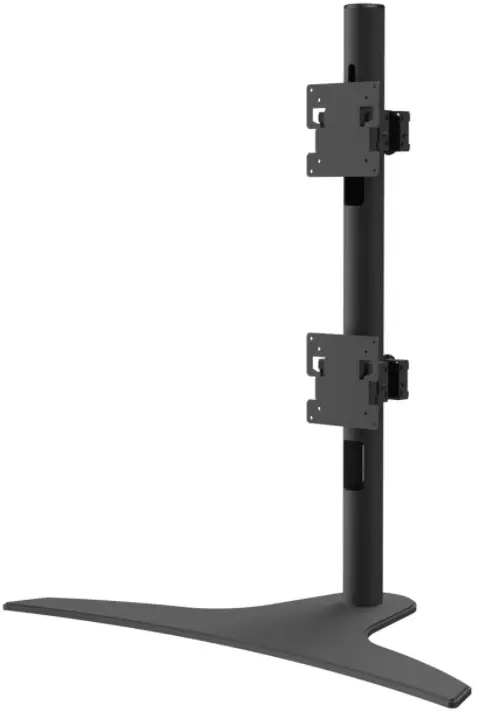
Peerless-AV LCT650SD
WARNING
Do not begin to install product until you have read and understood the instructions and warnings contained in this user guide. Always use an assistant or mechanical lifting equipment to safely lift and position equipment. This product must be installed onto flat, hard, level surface to prevent tipping. Use with heavier displays may result in instability causing tip over resulting in death or serious injury. The stand is not affixed or secured to the surface, and may therefore tip over and/or fall if screen and/or stand is shaken or hit. This product is intended for indoor use only. Use of this product outdoors could lead to product failure or personal injury. Screws must be tightly secured. Do not overtighten screws or damage can occur and product may fail. Never exceed the Maximum Load Capacity. Be careful not to pinch fingers when operating the mount. Death or serious injury may occur when children climb on audio and/or video equipment furniture. A remote control or toys placed on the furnishing may encourage a child to climb on the furnishing and as a result the furnishing may tip over on to the child. Relocating audio and/or video equipment to furniture not specifically designed to support audio and/or video equipment may result in death or serious injury due to the furnishing collapsing or over turning onto a child. For support please call customer care at 1-800-865-2112.
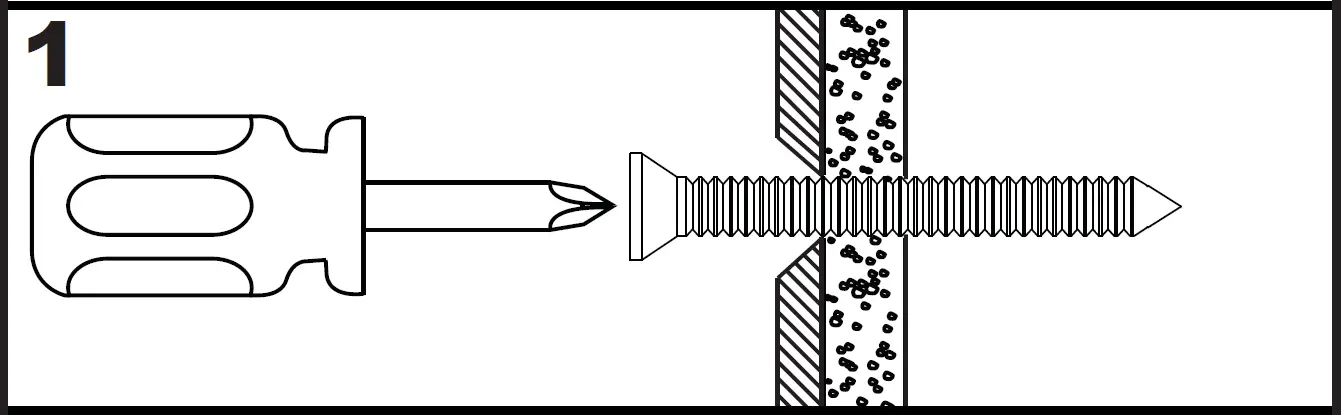
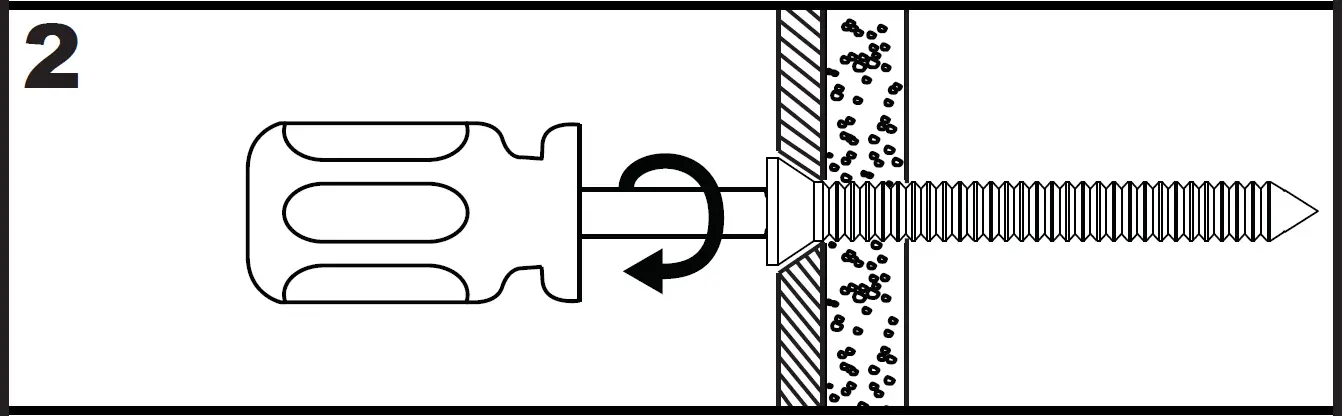
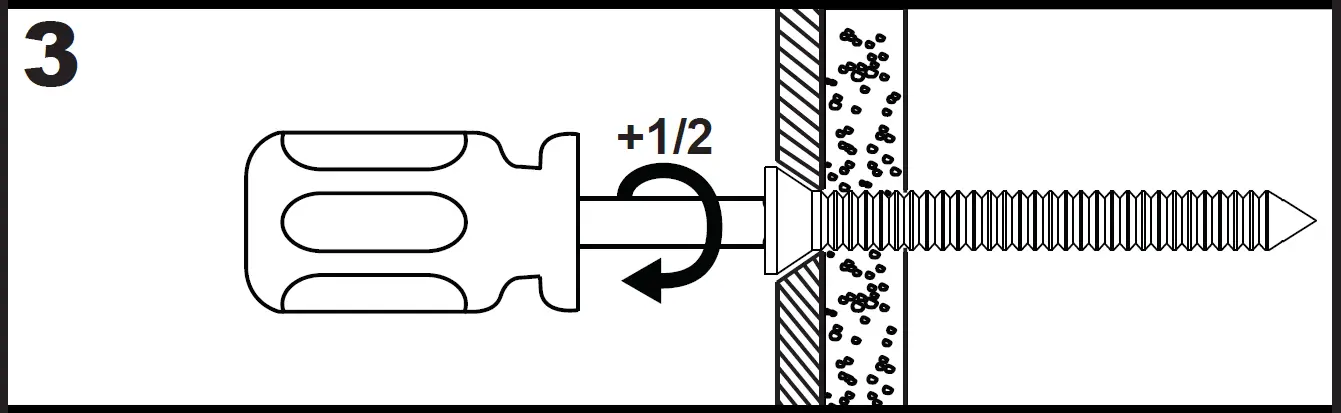
Screws must get at least three full turns and fit snug.

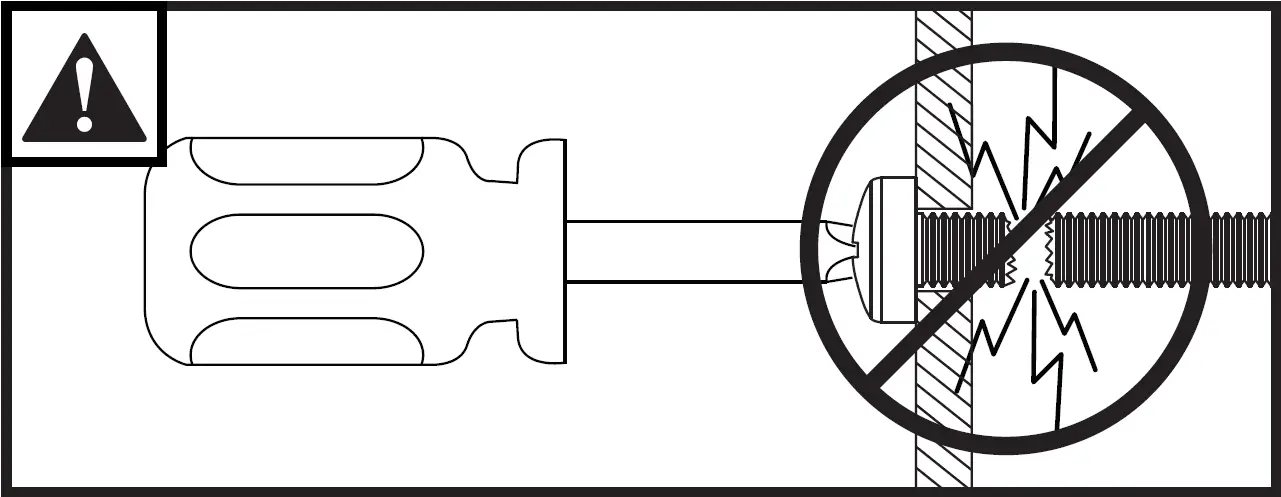
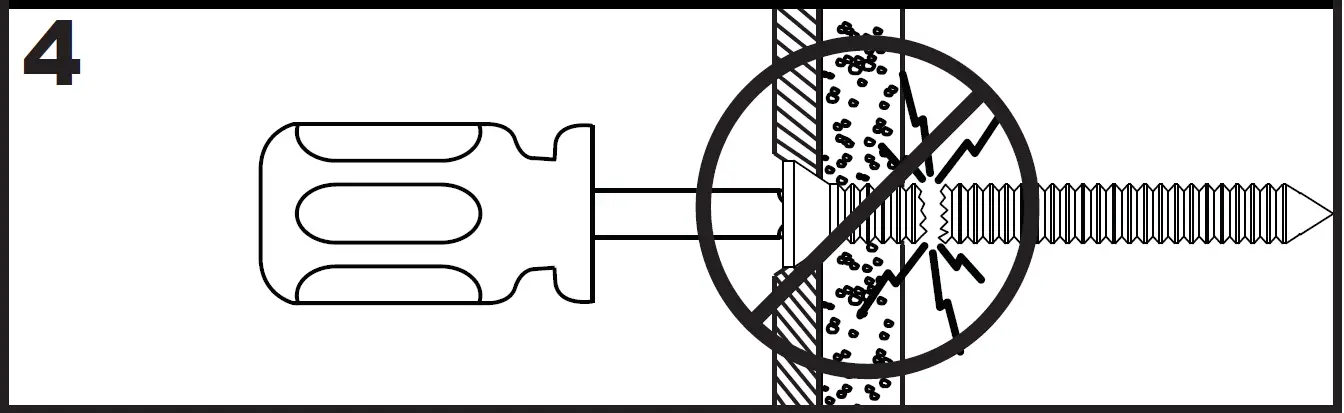
Do not overtighten screws.
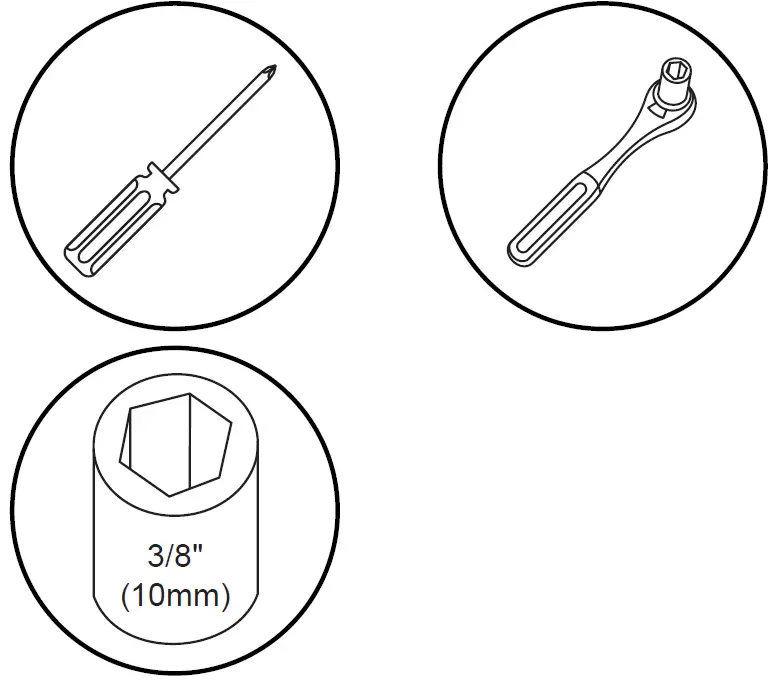
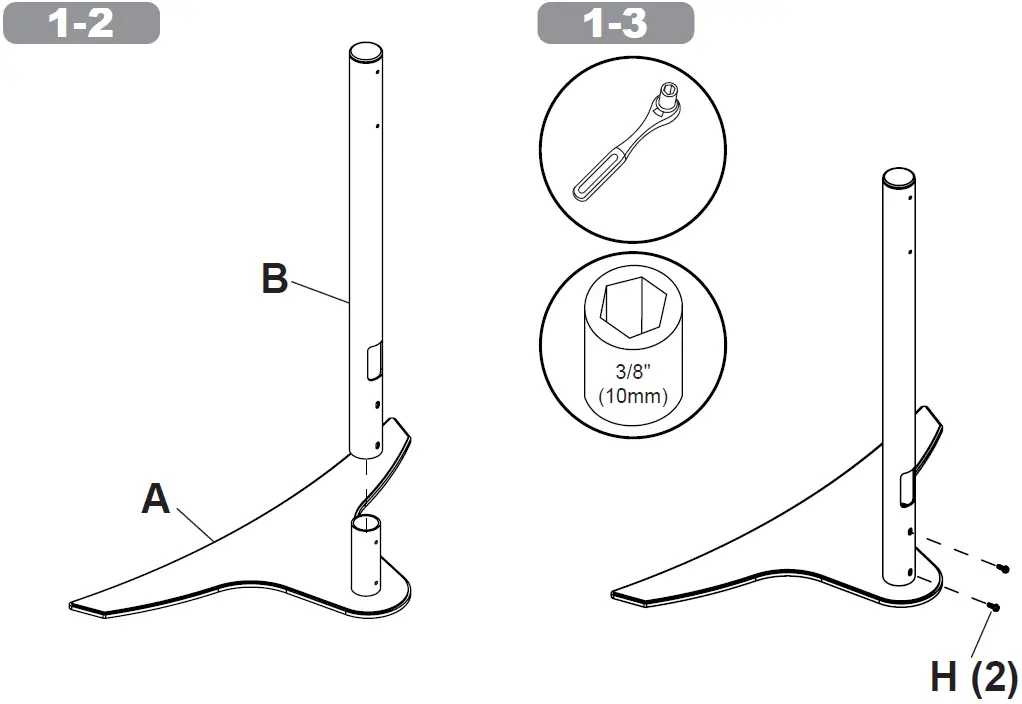
Tools Needed for Assembly.
To properly tighten screws: Tighten until screw head makes contact, then tighten another 1/2 turn. Do not overtighten screws.
Parts List
| Description | Qty | Part # | |
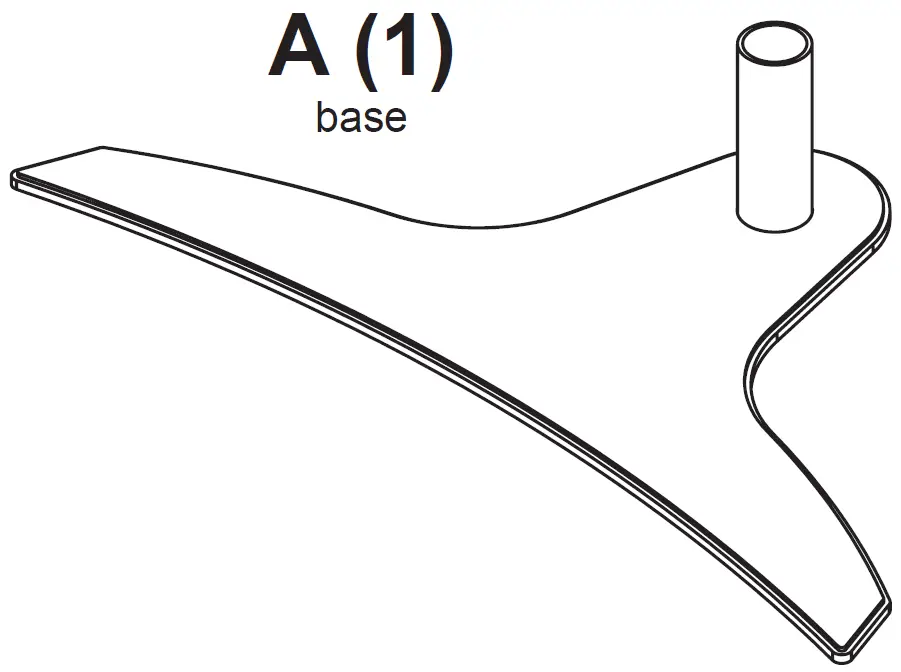
| A | base | 1 | 091-1207 |
| B | support tube | 1 | 10003206-RBLK |
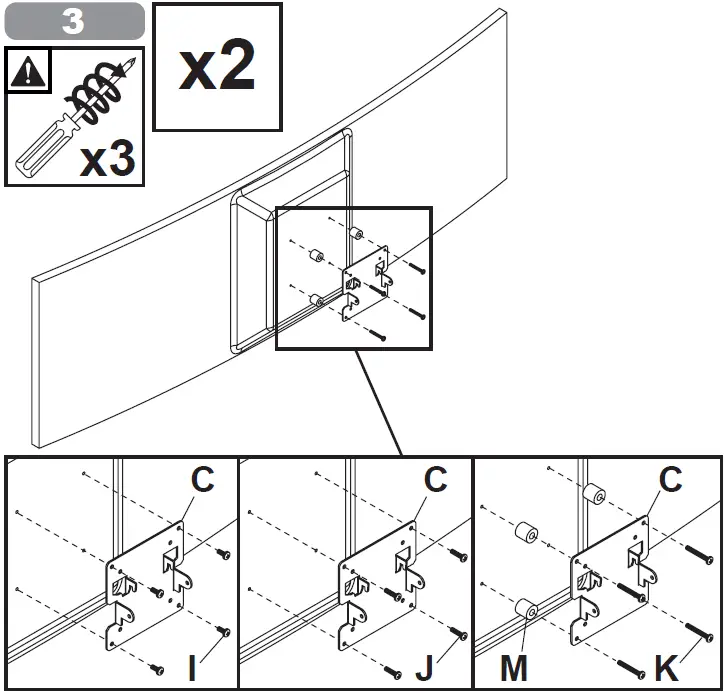
| C | adaptor plate | 2 | 10003160-RBLK |
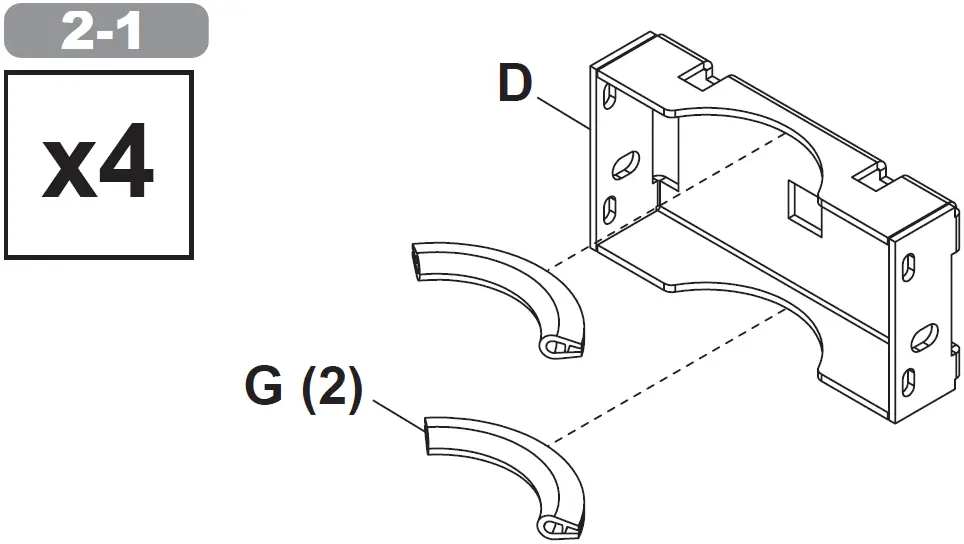
| D | tube clamp half | 4 | 10002719-RBLK |
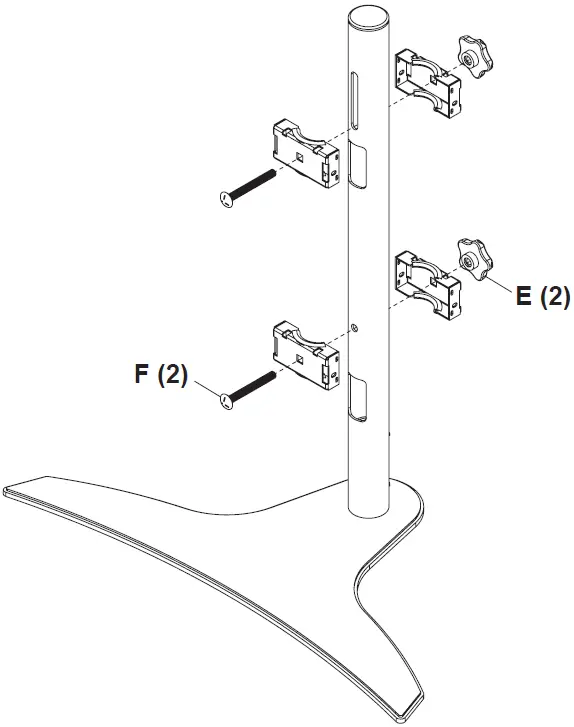
| E | knob | 2 | 560-0108 |
| F | 3/8-16 x 3.25″ carriage bolt | 2 | 520-1315 |
| G | vinyl trim | 8 | 10003220 |
| H | 1/4-20 x 1/2 hex screw | 2 | 520-1357 |
| I | M4 x 10mm | 4 | 504-9012 |
| J | M4 x 16mm | 4 | 10003465 |
| K | M4 x 30mm | 4 | 10003479 |
| L | M5 x 10mm | 4 | 520-1233 |
| M | spacer | 8 | 540-1057 |
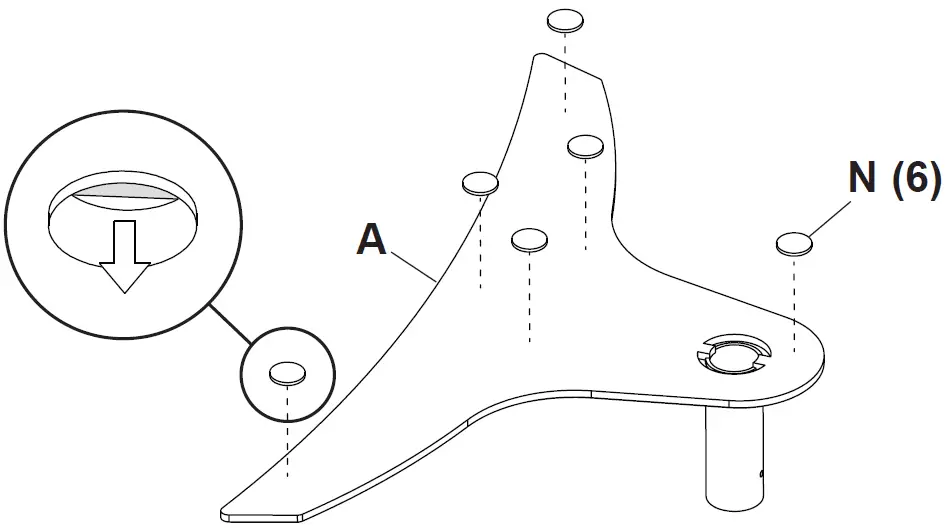
| N | adhesive pad | 6 | 570-1168 |
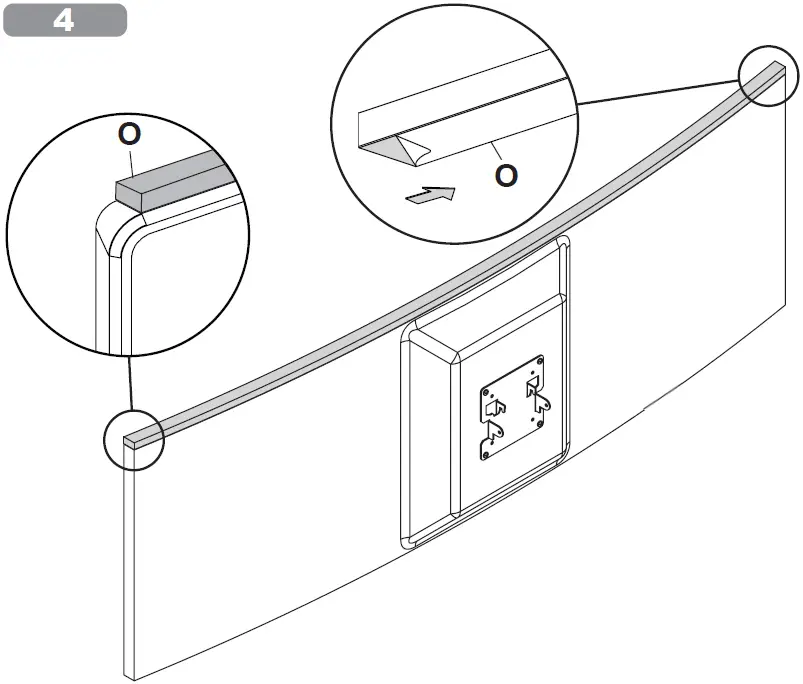
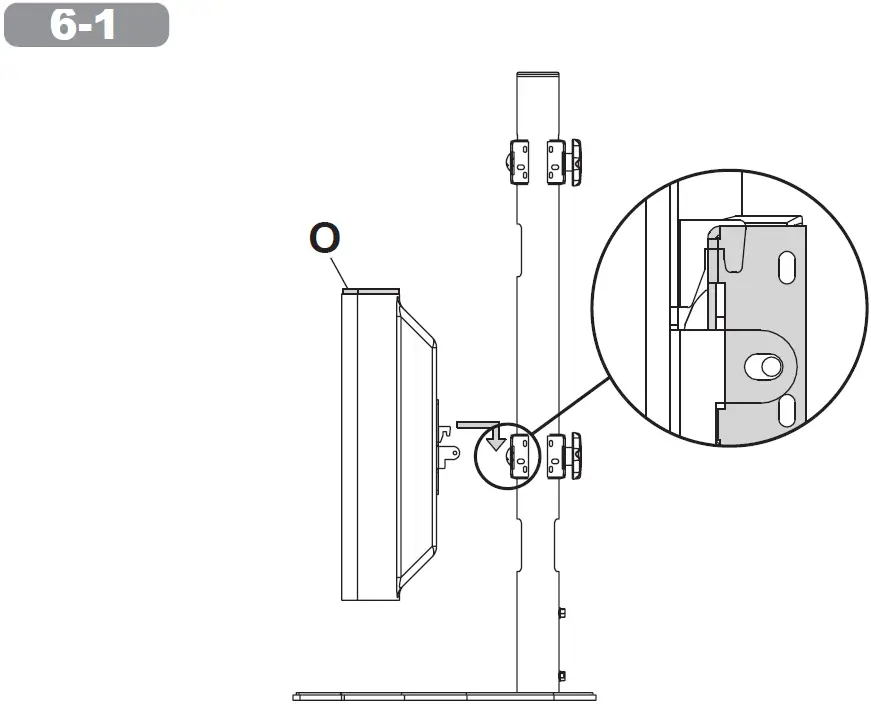
| O | adhesive foam | 1 | 570-1170 |
| P | cable tie | 4 | 560-9711 |
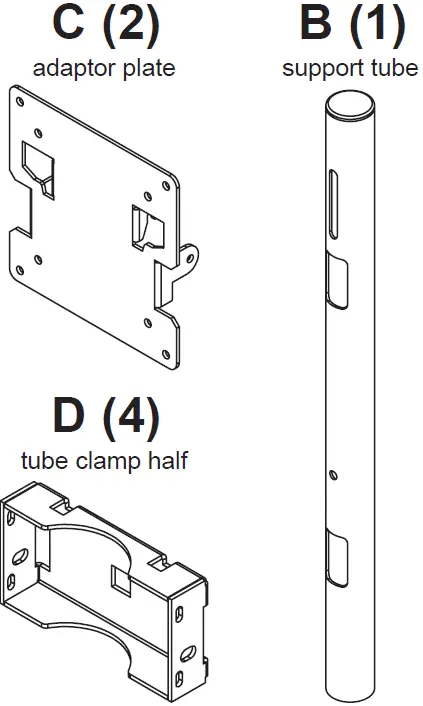
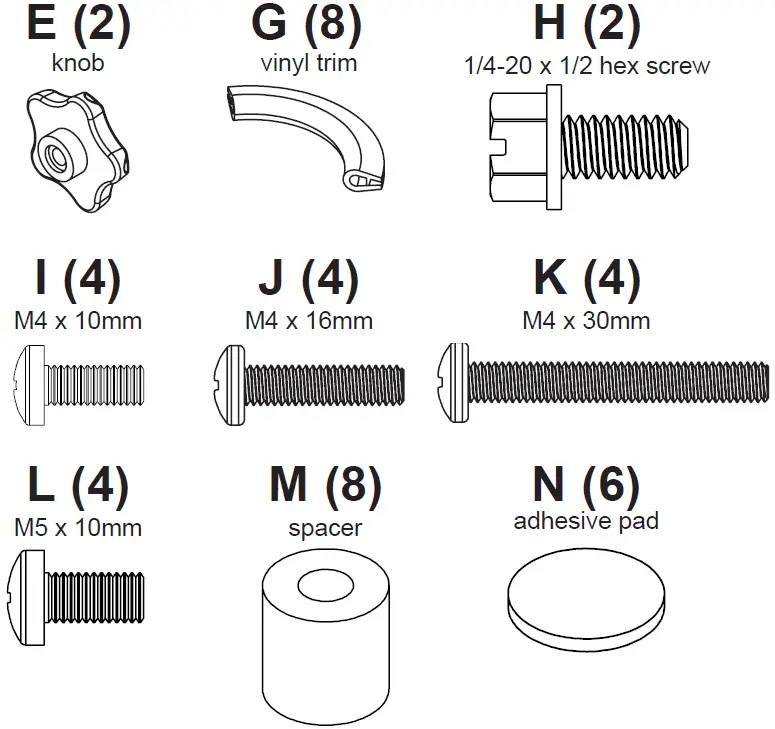
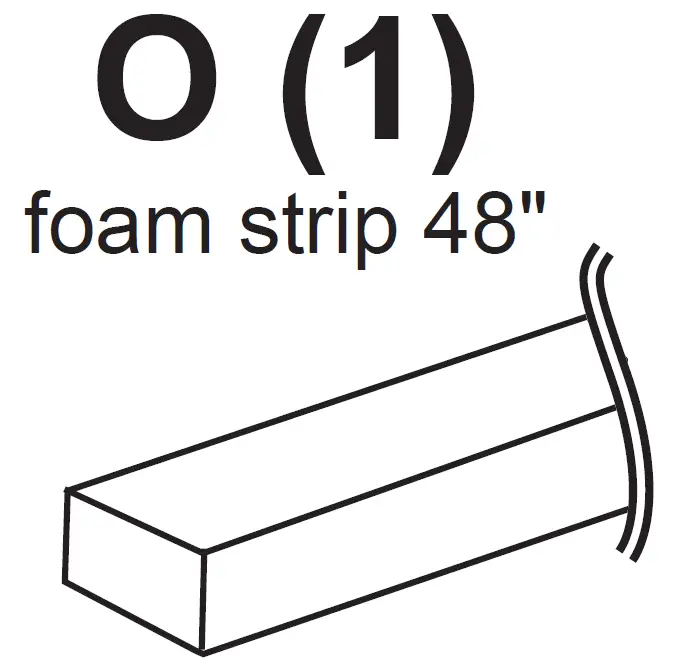
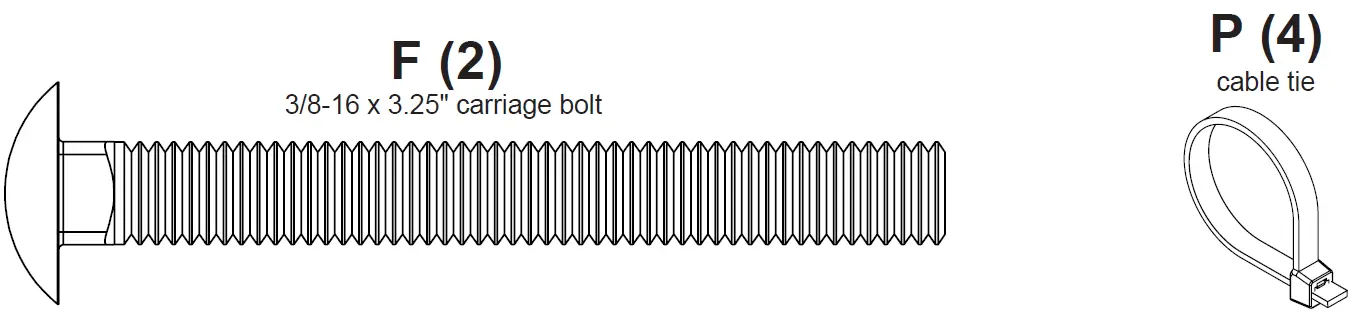
Note orientation
Use of spacers is optional
Not included
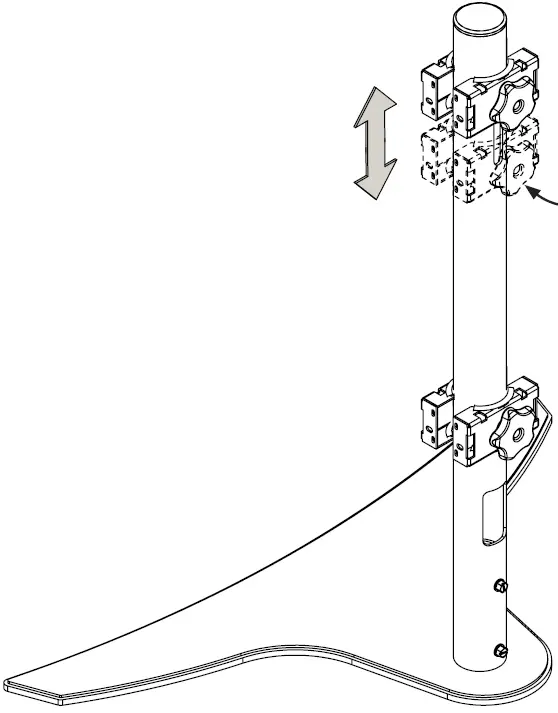
Height adjustment
(Loosen, Adjust, Tighten)
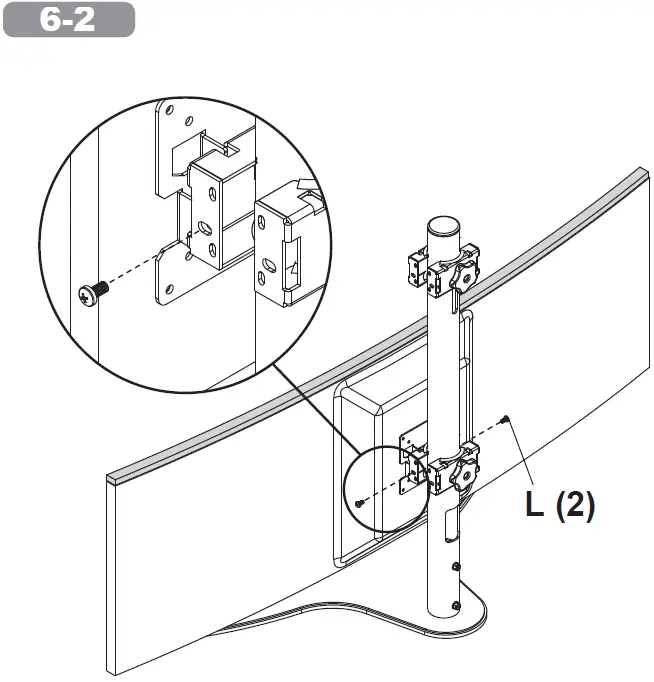
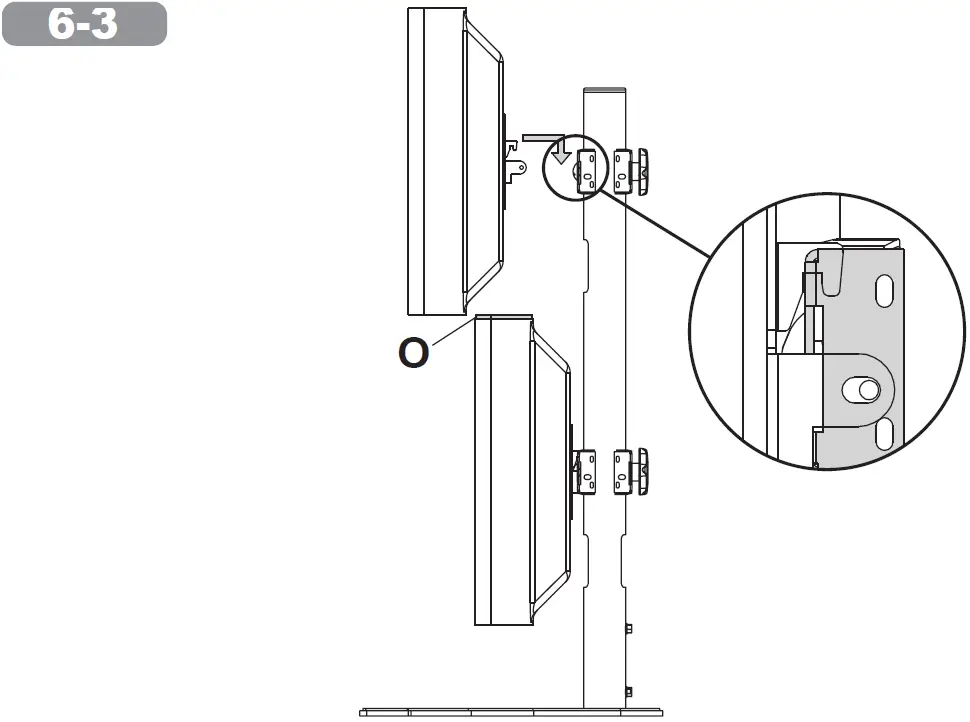
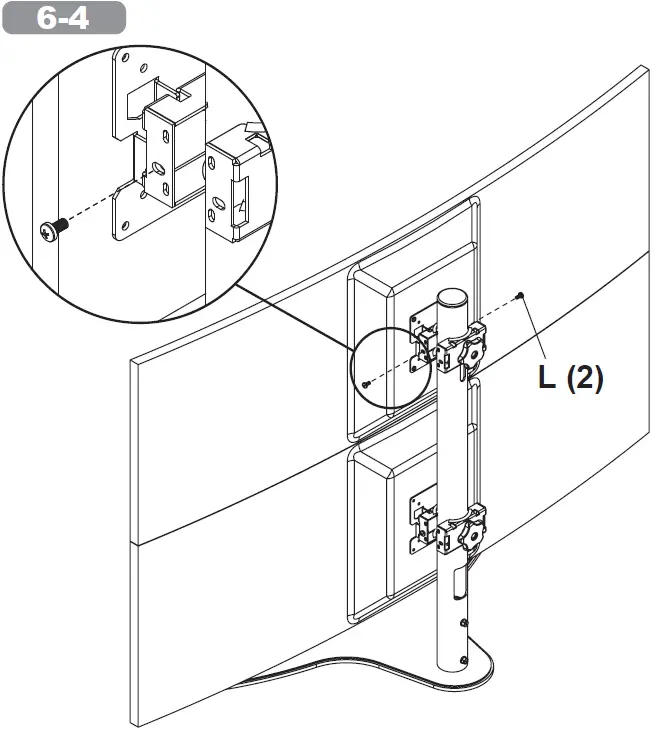
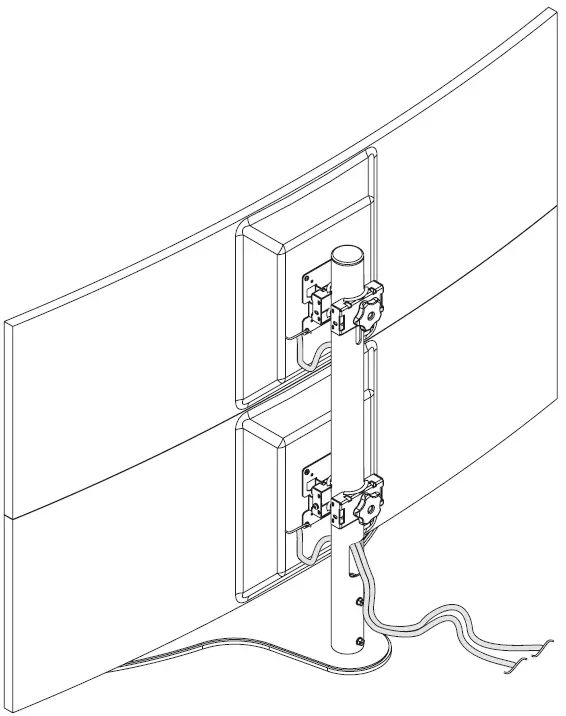
Cable Management
Warranty
Peerless-AV
2300 White Oak Circle
Aurora, IL 60502
Email: [email protected] Ph: (800) 865-2112
Fax: (800) 359-6500
www.peerless-av.com
Peerless-AV Europe
Unit 3 Watford Interchange, Colonial Way, Watford, Herts, WD24 4WP,
United Kingdom Customer Care
44 (0) 1923 200 100
www.peerless-av.com
Peerless-AV América Latina
Av. de las Industrias 413
Parque Industrial Escobedo
General Escobedo N.L., México 66062 Servicio al Cliente
01-800-849-65-77
www.peerless-av.com
© 2021, Peerless Industries, Inc.

 Peerless-AV®