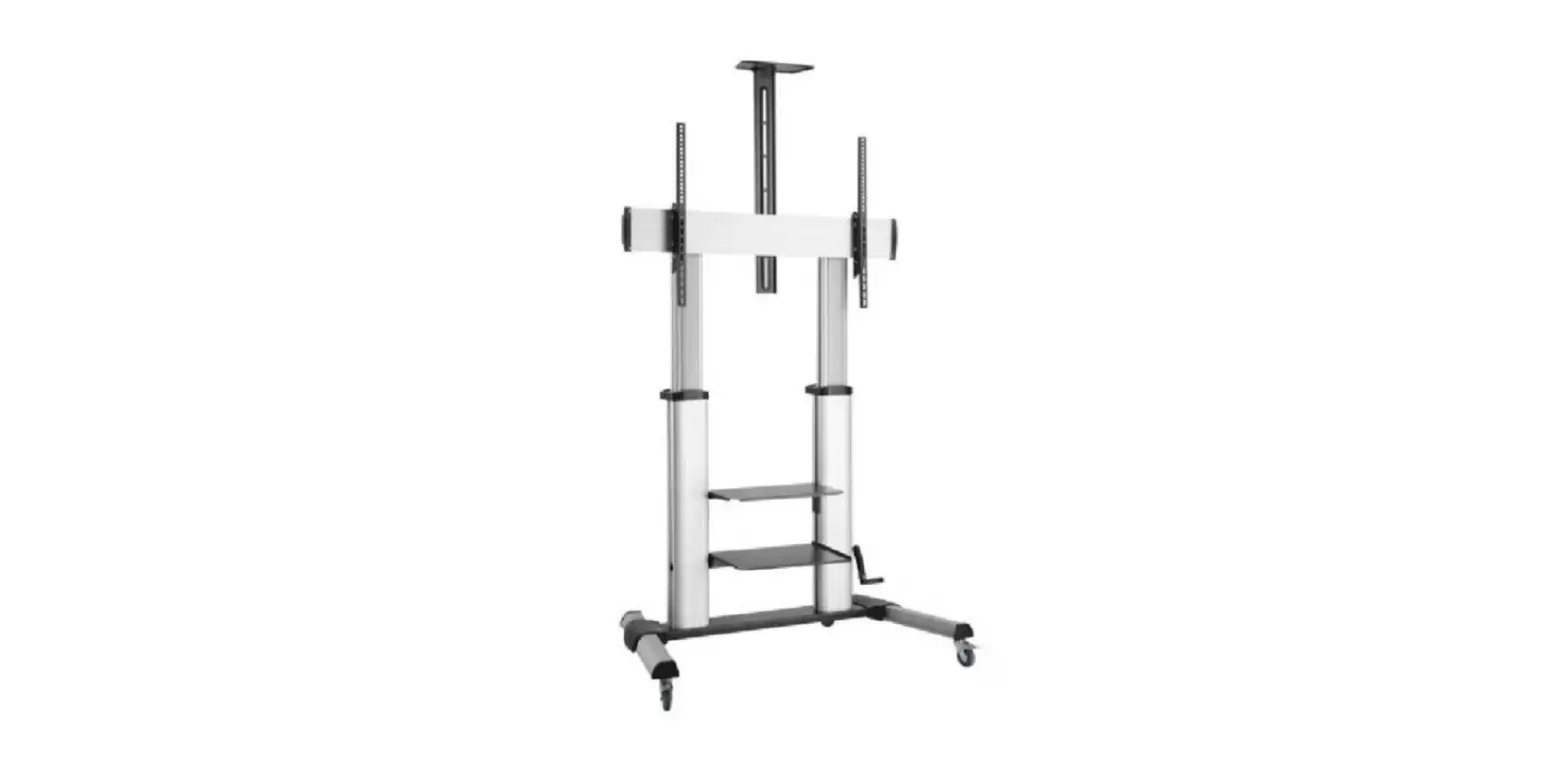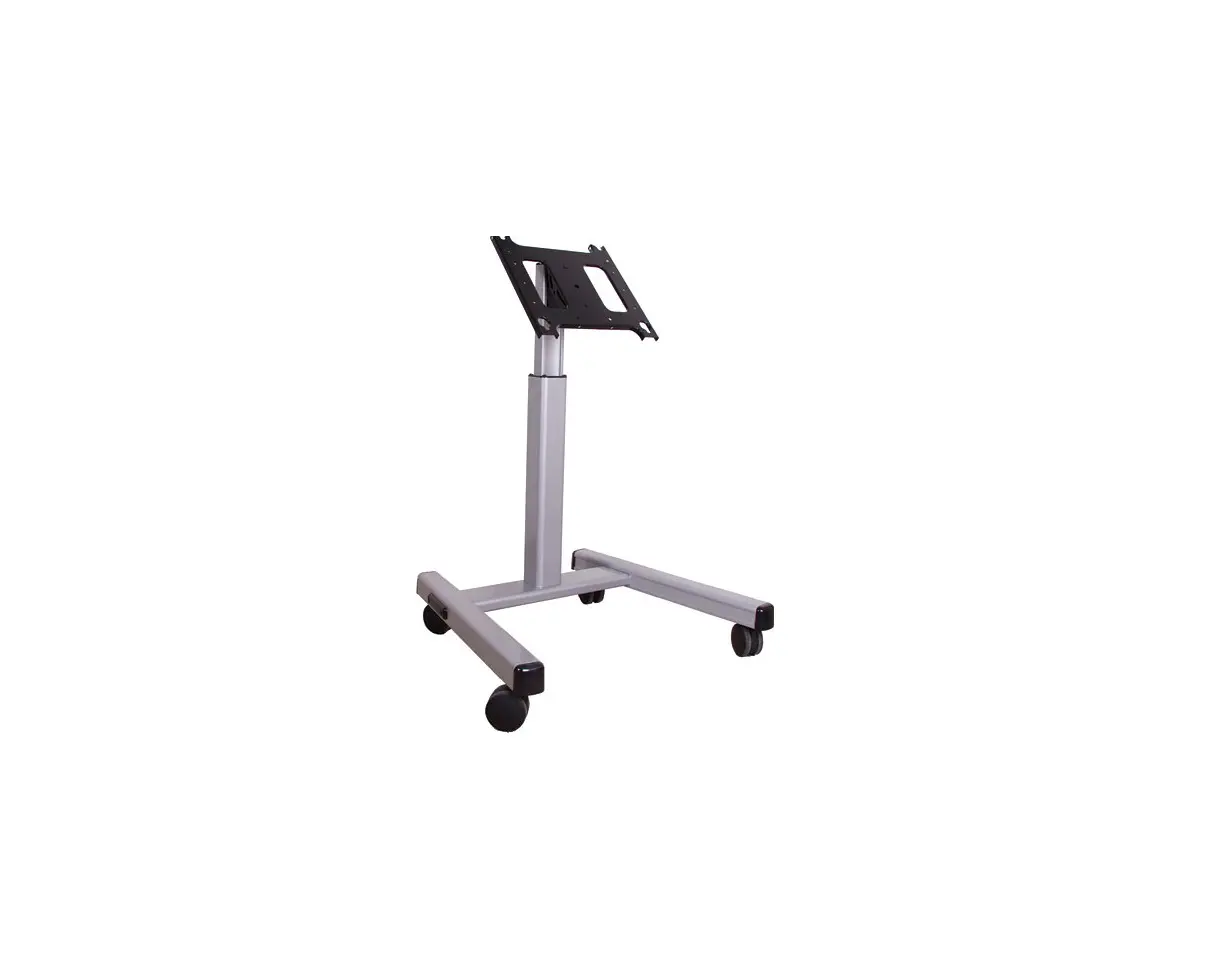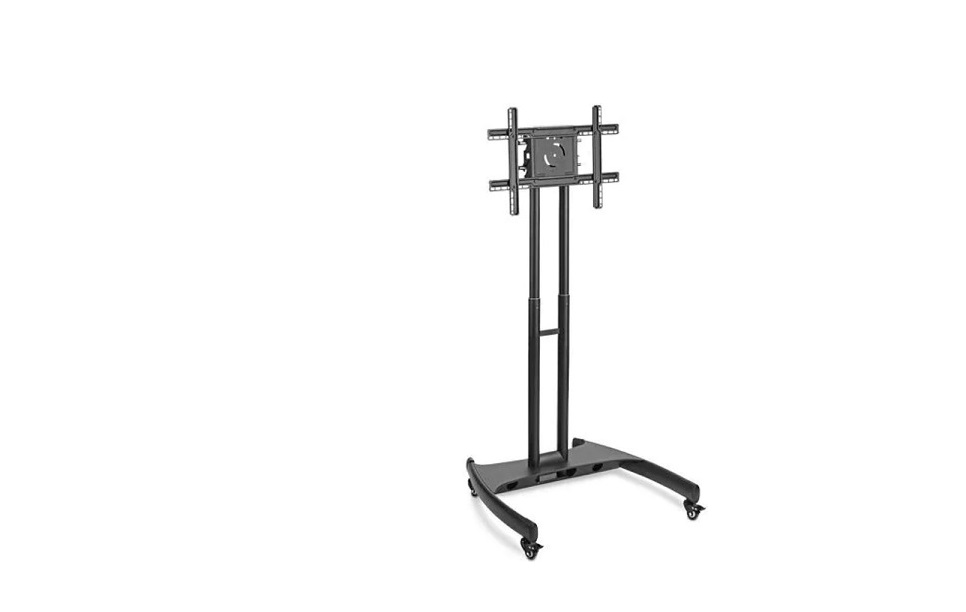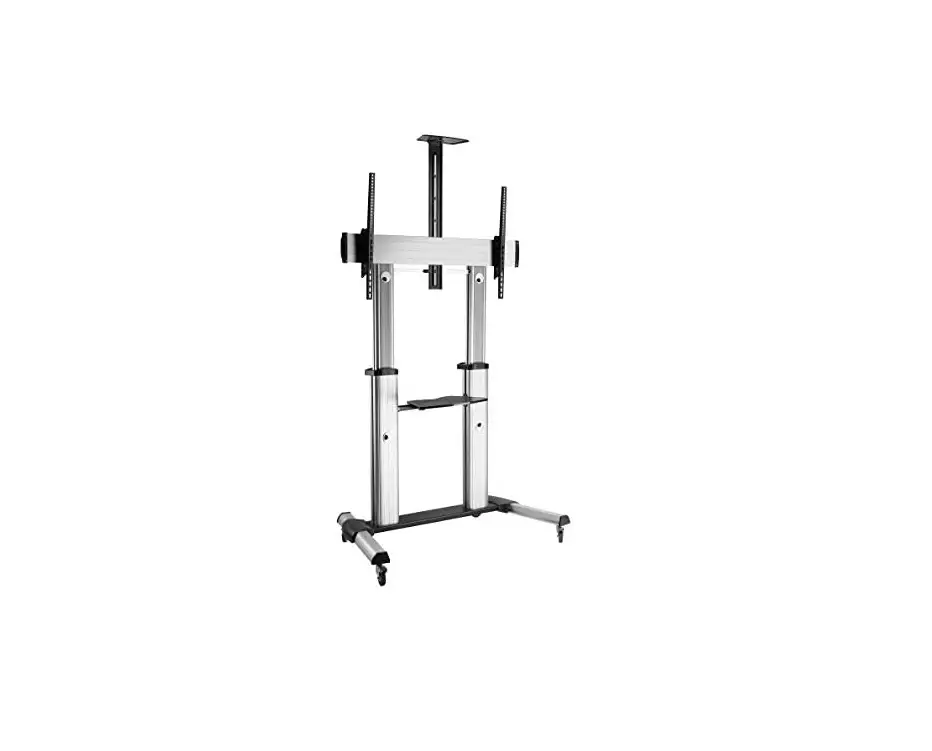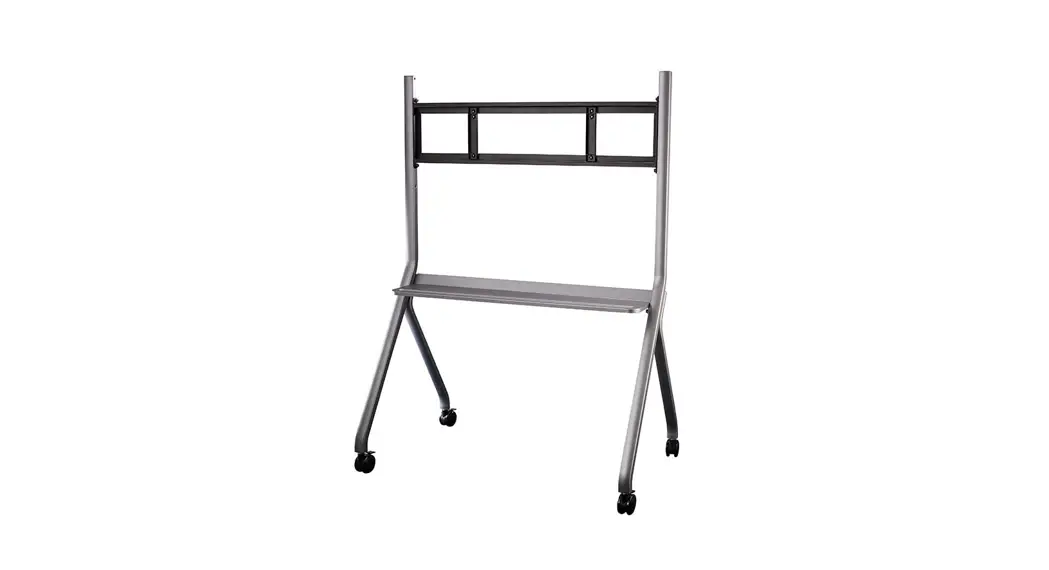
 FMC-06
Installation Manual
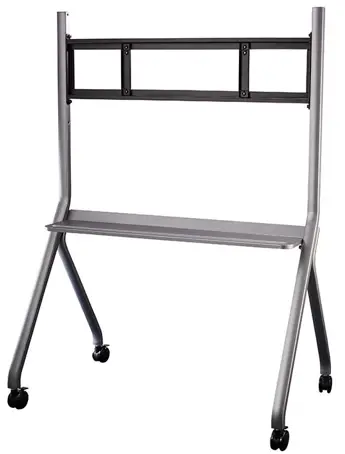
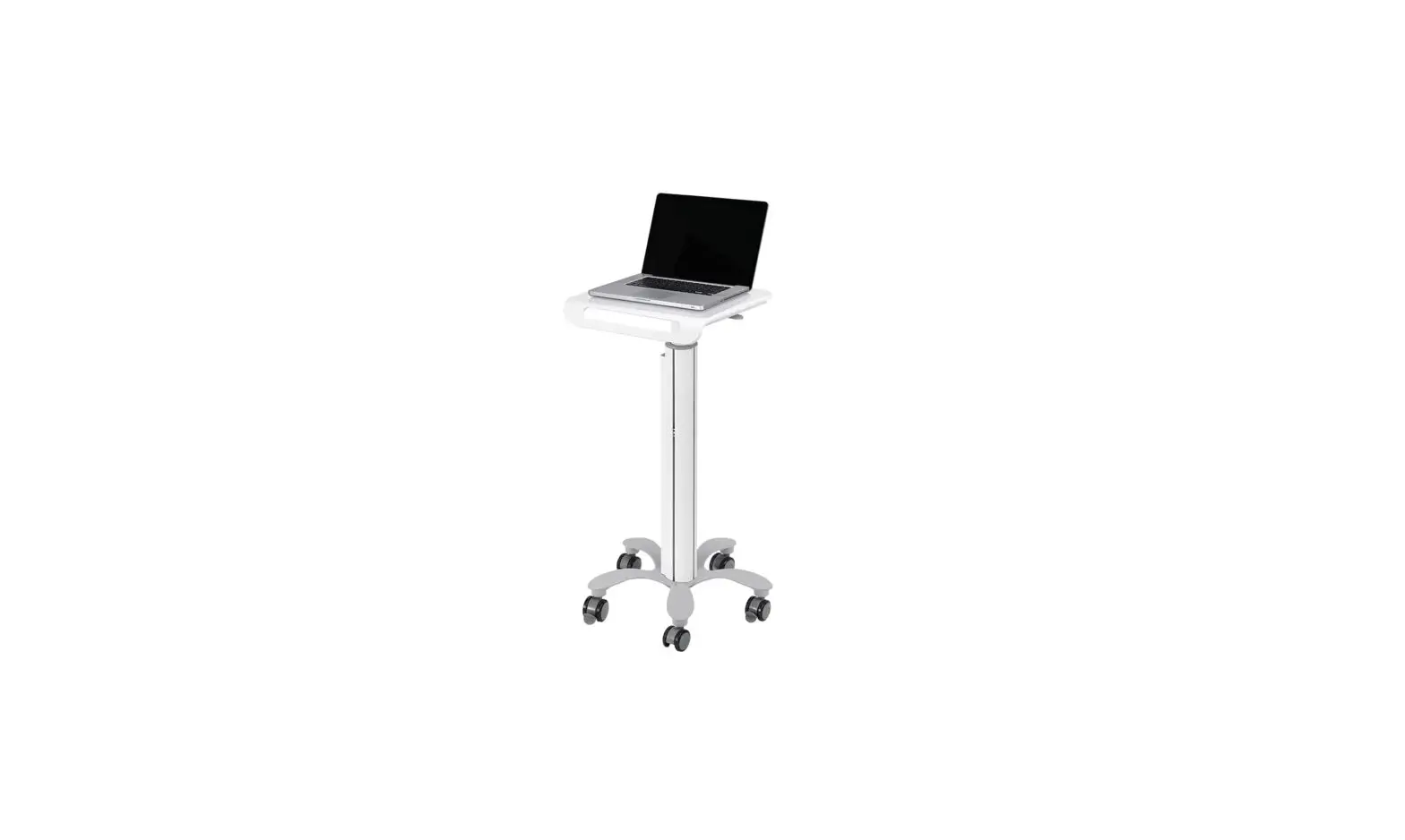
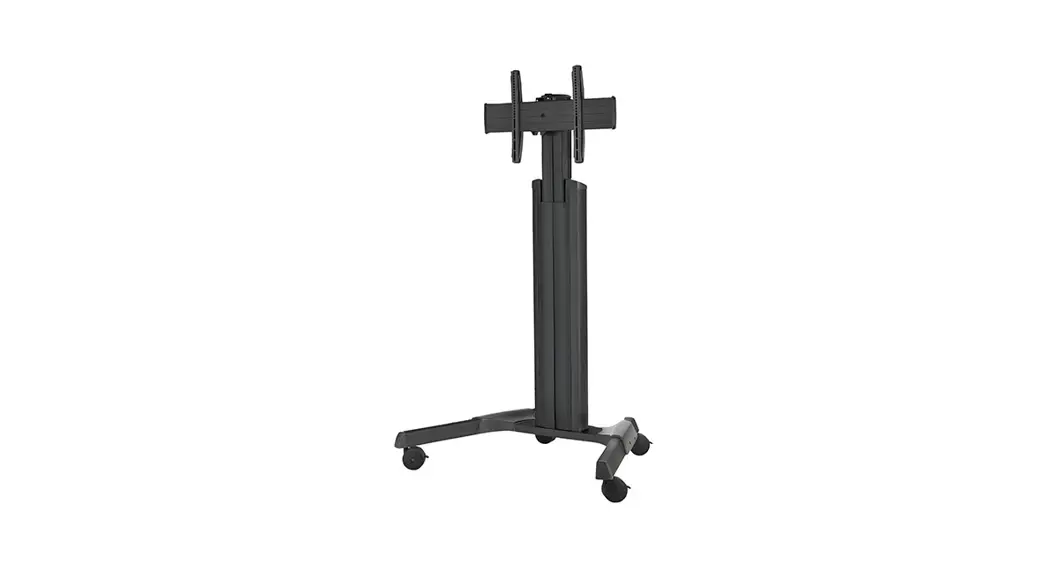
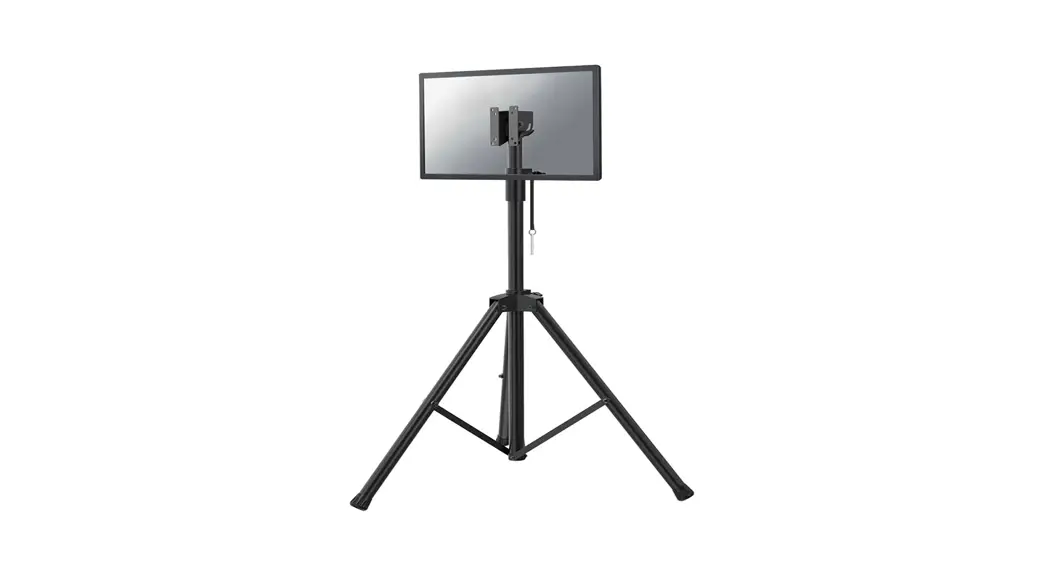
Floor mounting cart
FMC-06 Installation manual
- To ensure using the stand correctly and safely, please read this manual carefully before installation.
- This model is recommended to be used for 55-86 inch interactive flat panel.
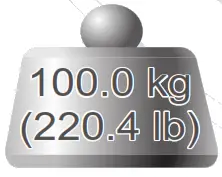
- Maximum load capacity: 100KG.
- Bill of materials:
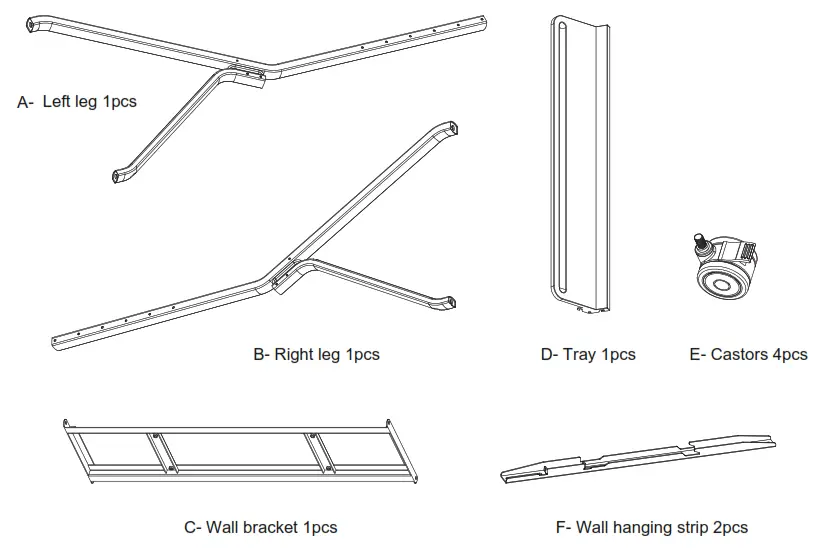
Other accessories (in mm):
| 1. Cross recessed pocket hex head screw (including positioning pre-lock bolt | M8×25 | 14pcs | 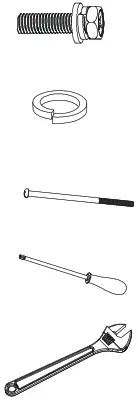 |
| 2. M12 spring pad | 4pcs | ||
| 3. M6 screw (on wall han | M6×130 | 2pcs | |
| Phillips screwdriver (self-provided)ging strip) | 1pcs | ||
| Adjustable wrench (self-provided) | 1pc |
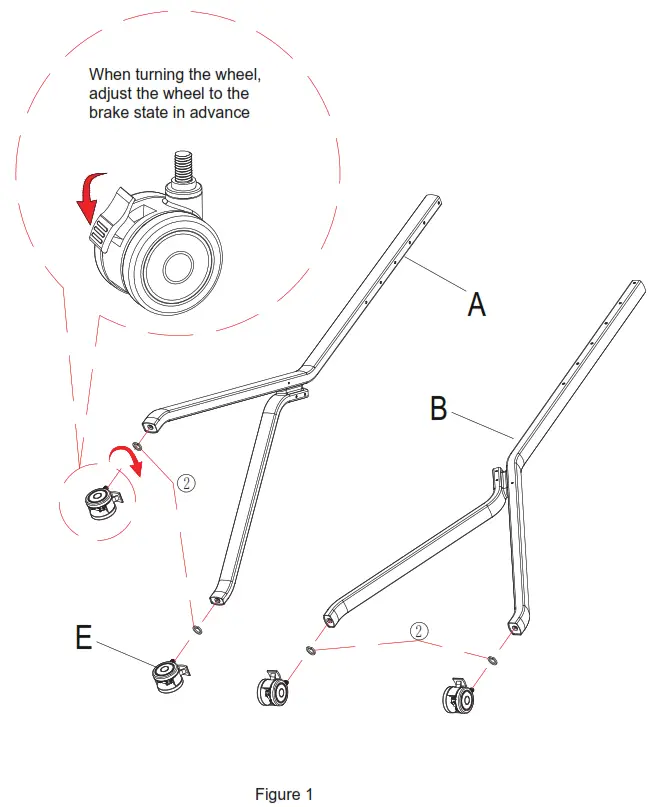
Step 1 : Adjust the wheel to the brake state and screw it into the leg ( Figure 1).
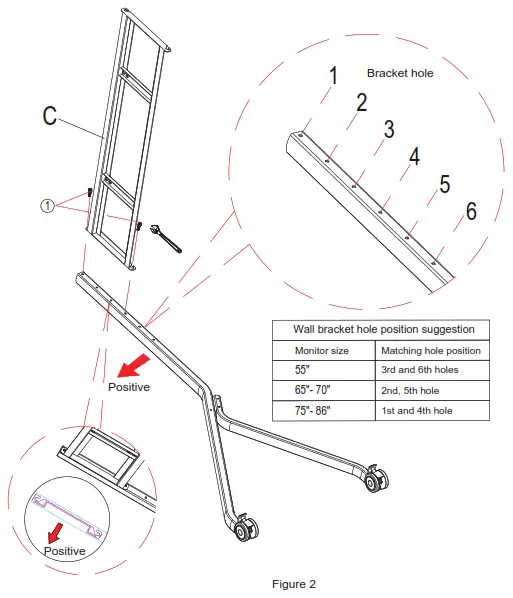
Step 2: Attach the wall bracket to the end leg (Figure 2).
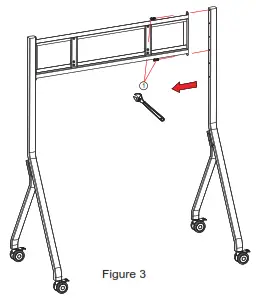
Step 3: Attach the other leg on the other end of the wall bracket (Figure 3).
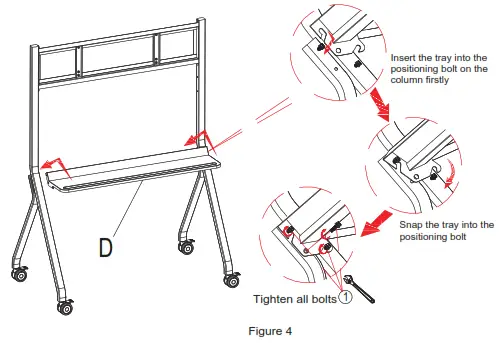
Step 4: Assemble the tray between the two columns (Figure4).
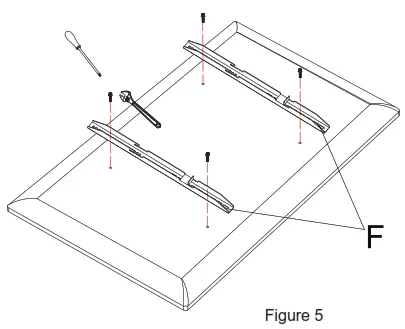
Step 5 : According to the actual requirements of the whole machine, lock the wall hanging strip on the whole machine (Figure 5).
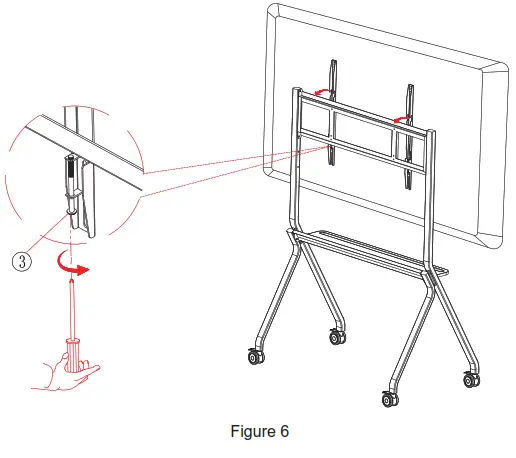
Step 6: The assembled machine will be hung on the wall bracket and the safety screw of the wall hanging strip will be locked ( Figure 6). Make sure the brakes are locked. This step requires at least 2 professionals to complete.
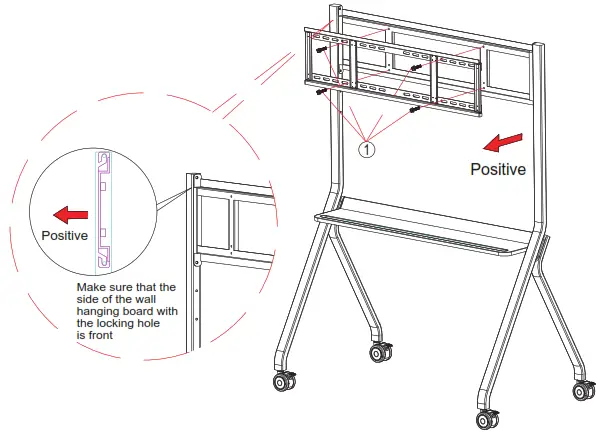
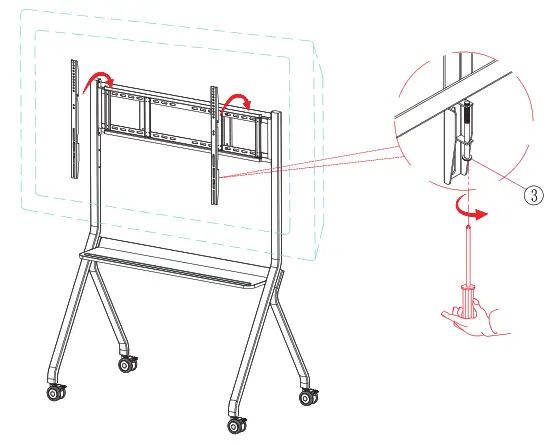
Remarks: In some cases, the machine’s wall mount bracket don’t match with wall mount of the stand, and need to be adjusted with the wall mount together.
Following is the adjusting process:
- Lock the wall hanging board to the wall bracket

- Hang the machine on the wall hanging and lock the safety bolts

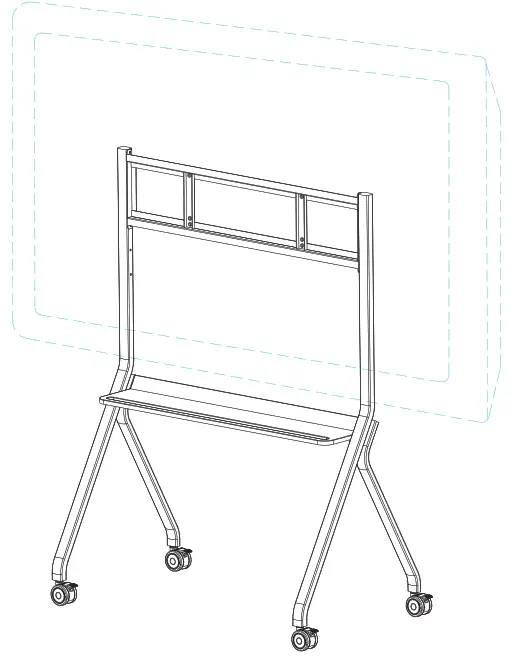
Step 7: After the assembly is completed, refer to the figure below.
FMC-06_User Manual_V011