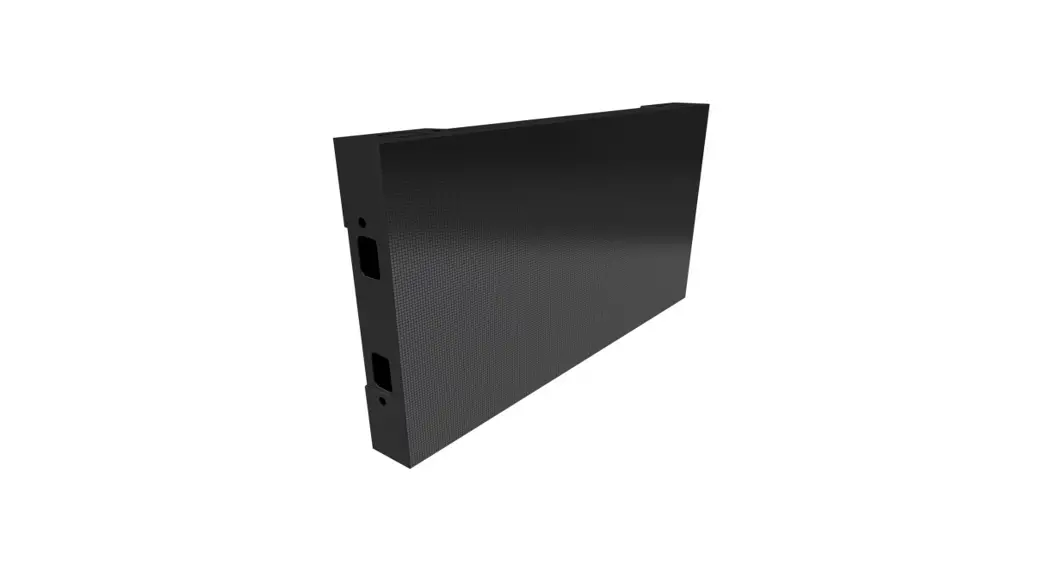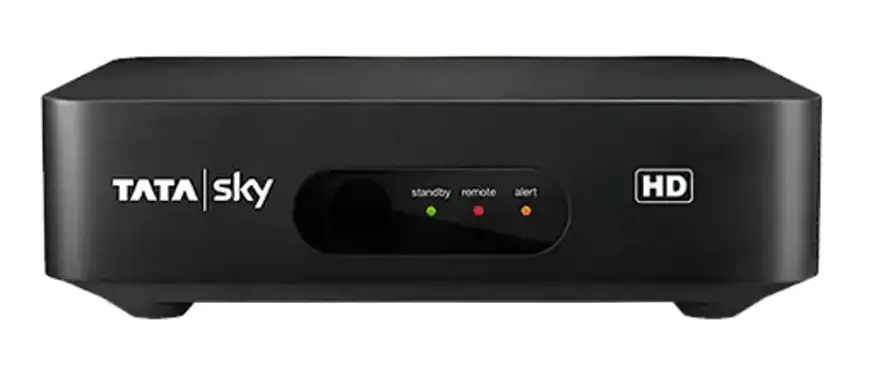

technicolor UIW4060TVO Set Top Box
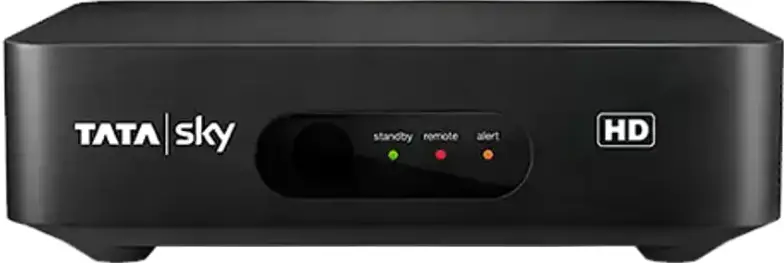
Product Information
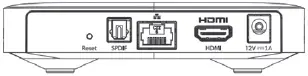
- 1 DC Jack with 2 pins female standard jack plug (2.5mm-6.3mm) for 12V/1A power input
- 2 HDMI outputs with HDMI standard
- 1 Ethernet port with RJ-45/IEEE 802.3 – Unshielded standard
- 1 Audio Out port with SPDIF optical standard
- 1 Reset Button
- 1 Standby Button
- 1 Pairing Button for Bluetooth connection
- 1 USB 2.0 (Type A) port
- 1 Micro SD card slot with the product code: 6313909A
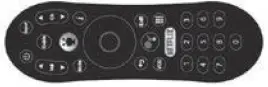
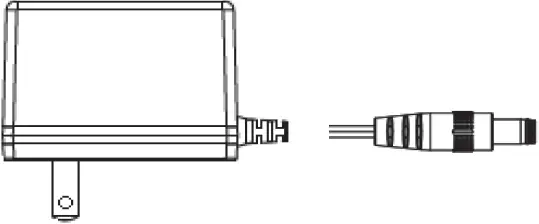
The gift box comes with a set-top box, a quick start guide, an HDMI cable (*), a remote control (*), and a power supply unit. (*) may not be supplied.
Product Usage Instructions
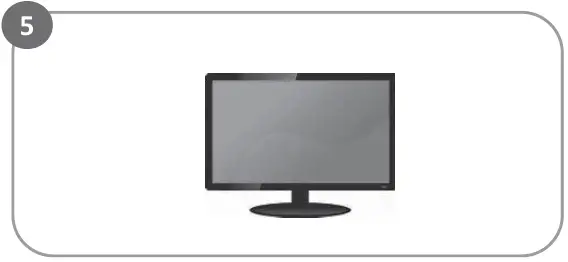
- Connect the set-top box to your TV using the provided HDMI cable or your own HDMI cable.
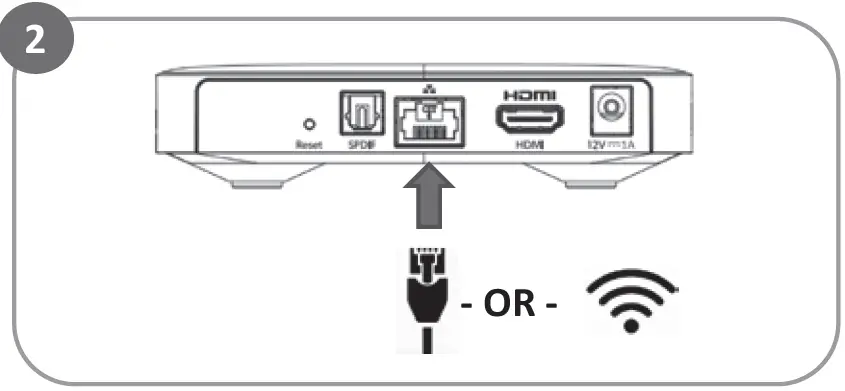
- If you want to connect to the internet, use your own Ethernet cable to connect the set-top box to your router or connect it to your Wi-Fi network during on-screen set up.
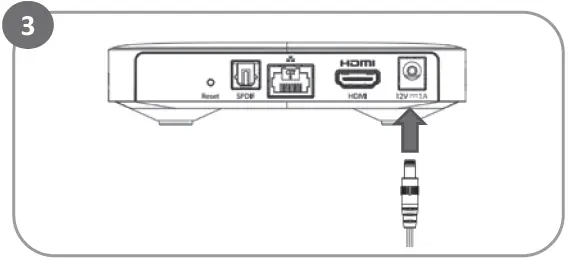
- Connect the power supply unit to the DC Jack on the set-top box.
- Turn on the set-top box by pressing the standby button. The light on the front of the set-top box will turn on.
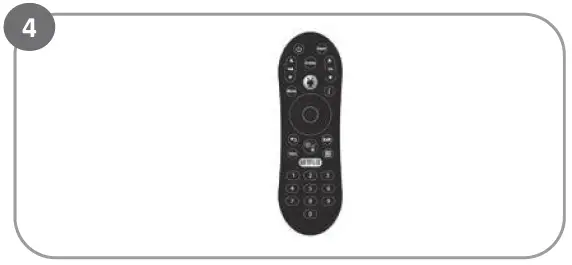
- Insert batteries into the remote control compartment and use it to complete the on-screen setup by following the screen instructions.
Note: The product also has a pairing button for Bluetooth connection, a reset button, an audio out port, a USB 2.0 (Type A) port, and a Micro SD card slot with the product code: 6313909A.
Contents of the Gift Box
Set top box
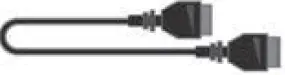
 HDMI cable
  Remote control
 Power supply unit
 may not be supplied
How to start
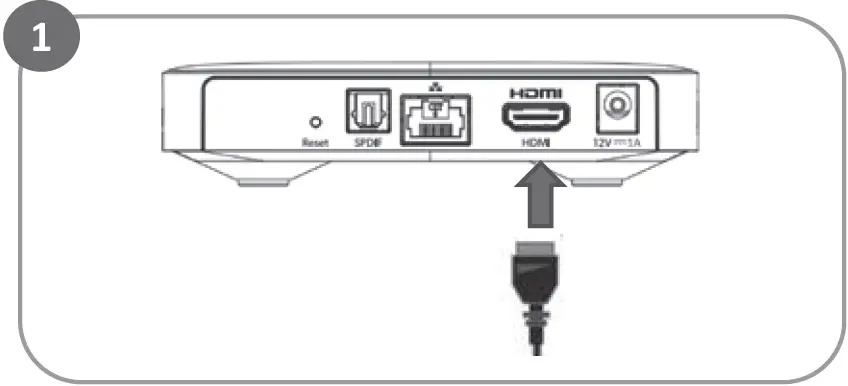
- Connect Set top box …. to your TV using HDMI Cable

- Connect to Internet …. using your own Ethernet cable from your router or connect to your Wi-Fi network during on-screen set up

- Connect to power …. and the light on the front of Set top box will turn On.

- Get the remote control ready…. Ensure batteries are well inserted into compartment

- Complete your set up…. by following screen instructions
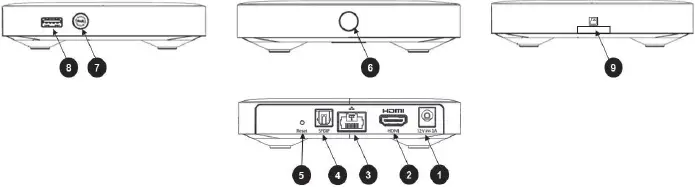
| 1 | DC Jack | 2 Pins female standard Jack plug 2.5mm-6.3mm 12V /1A |
| 2 | HDMI | HDMI OUT |
| 3 | Ethernet | RJ-45 /IEEE 802.3 – Unshielded |
| 4 | Audio Out | SPDIF optical |
| 5 | Reset Button | |
| 6 | Standby Button | |
| 7 | Pairing Button | Bluetooth |
| 8 | USB side | USB 2.0 (Type A) |
| 9 | Micro SD card slot |