 Operating Instructions
Included Installation Instructions
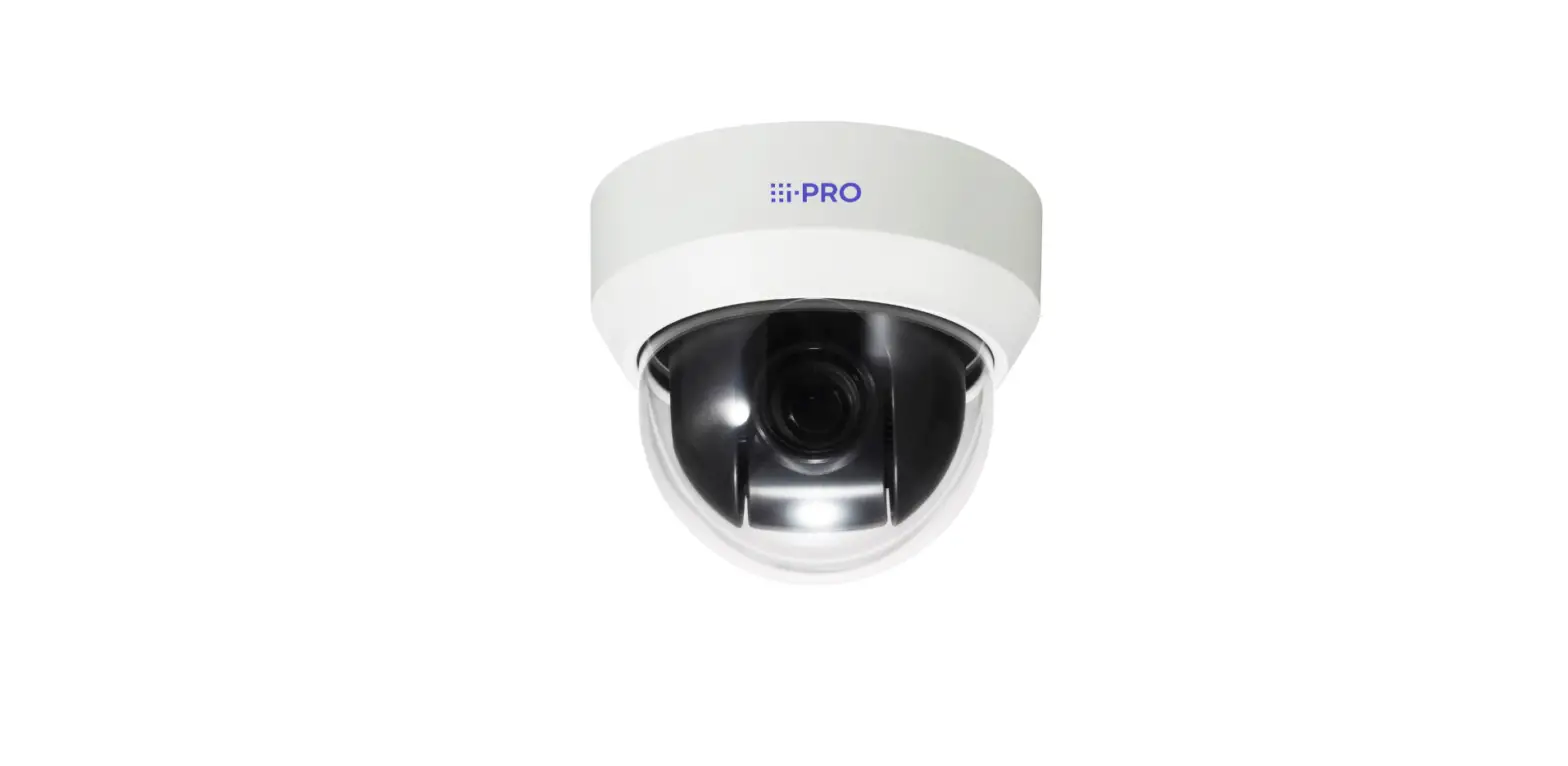
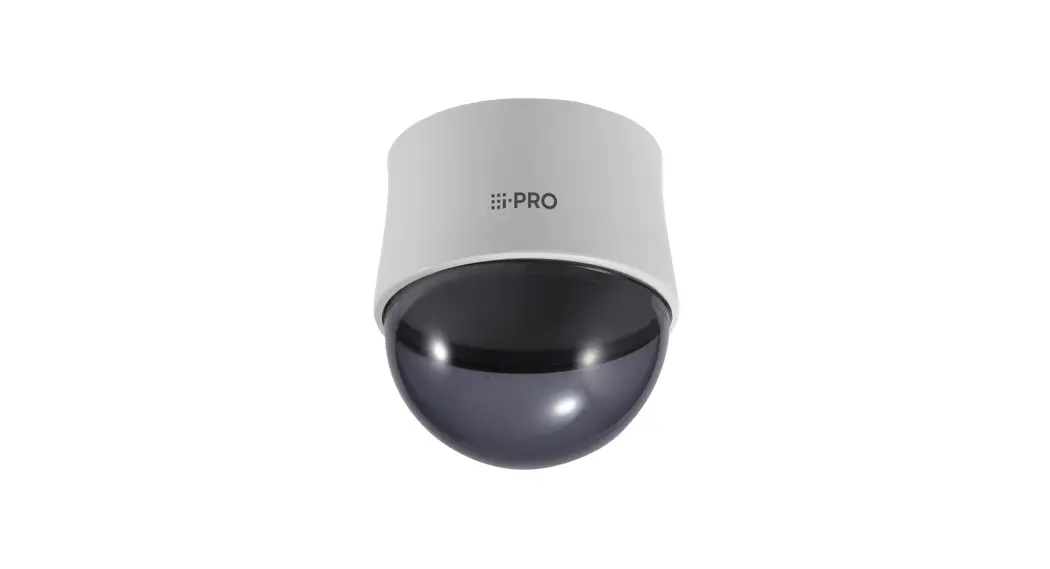
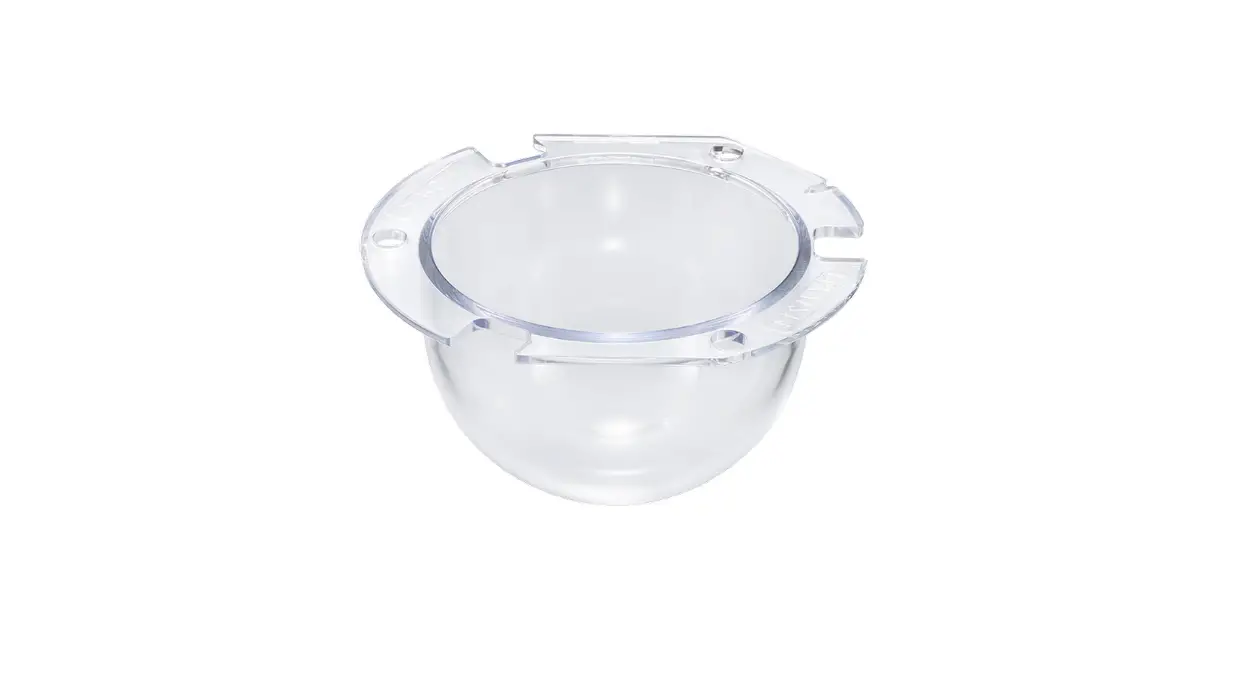
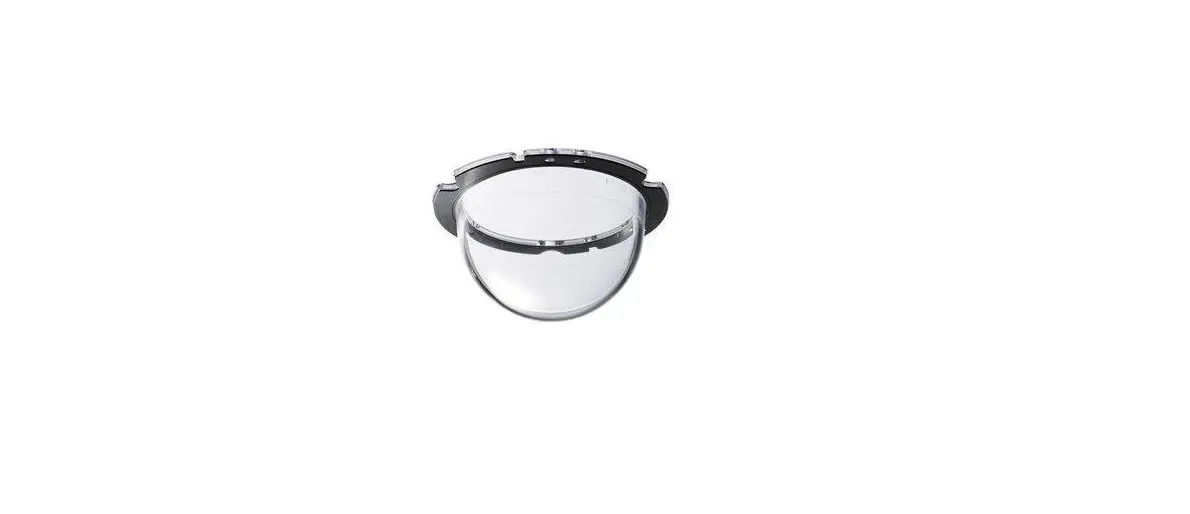
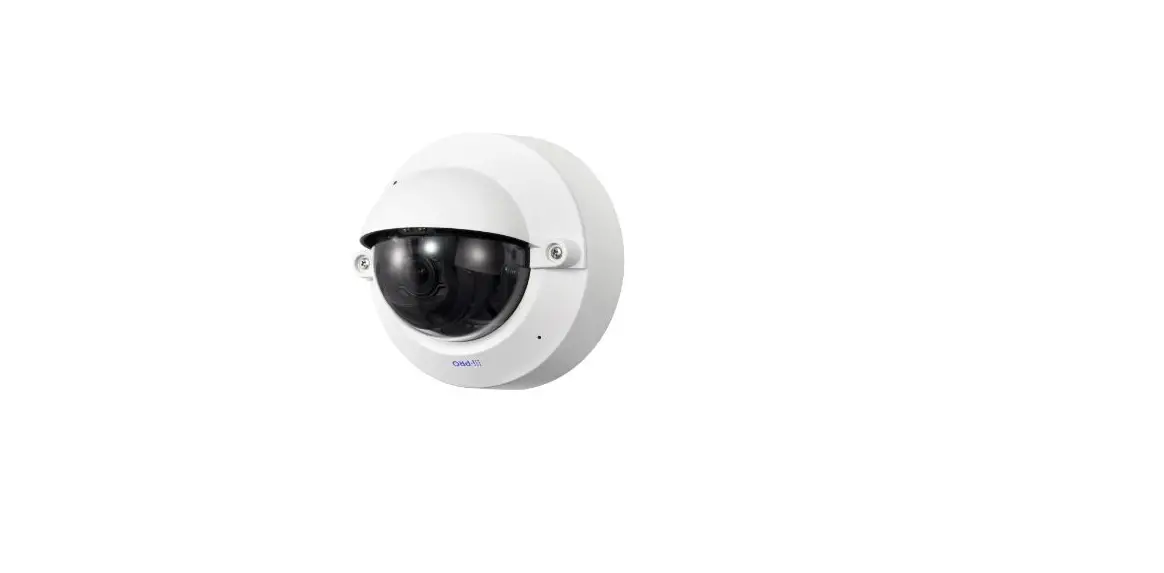
Dome Cover
Model No. WV-QDC501
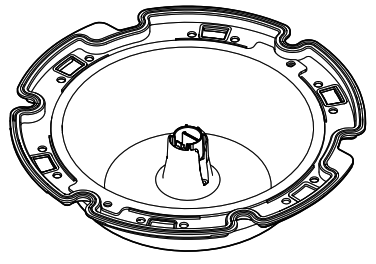
WV-QDC501 Dome Cover
• Before attempting to connect or install this product, please read these instructions carefully and save this manual for future use.
• The external appearance and other parts shown in this manual may differ from the actual product within the scope that will not interfere with normal use due to improvement of the product.
• Read also the installation guide of the camera to be used.
i-PRO Co., Ltd. assumes no responsibility for injuries or property damage resulting from failures arising out of improper installation or operation inconsistent with this documentation.
“<Control No.: C****>” used in these documents should be used to search for information on our technical information website (https://i-pro.com/global/en/surveillance/trainingsupport/support/technical-information) and will guide you to the right information.
 https://i-pro.com/global/en/surveillance/training-support/support/technical-information
Caution:
• Before attempting to connect or operate this product, please read these instructions carefully.
Precautions
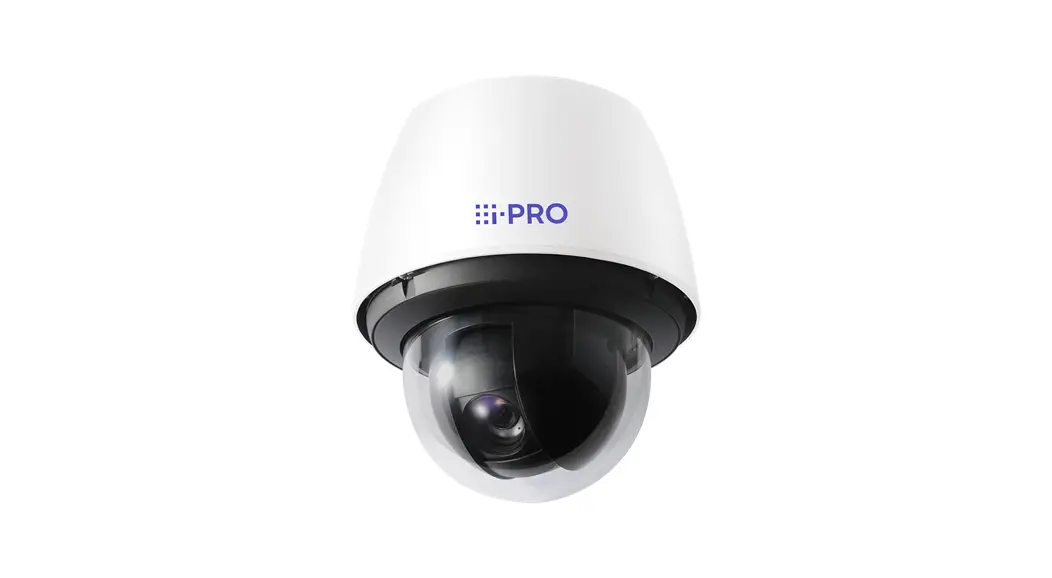
- Do not use this product except with suitable cameras.
Failure to observe this may cause a drop resulting in injury or accidents. - Refer installation work or dome cover replacement to the dealer.
Installation work requires technique and experiences.
Failure to observe this may cause fire, electric shock, injury, or damage to the product. Be sure to consult the dealer. - The screws and bolts must be tightened to the specified torque.
Failure to observe this may cause a drop resulting in injury or accidents.
When using this product, also read the “Precautions” described in the operating instructions for the camera to be attached.
Preface
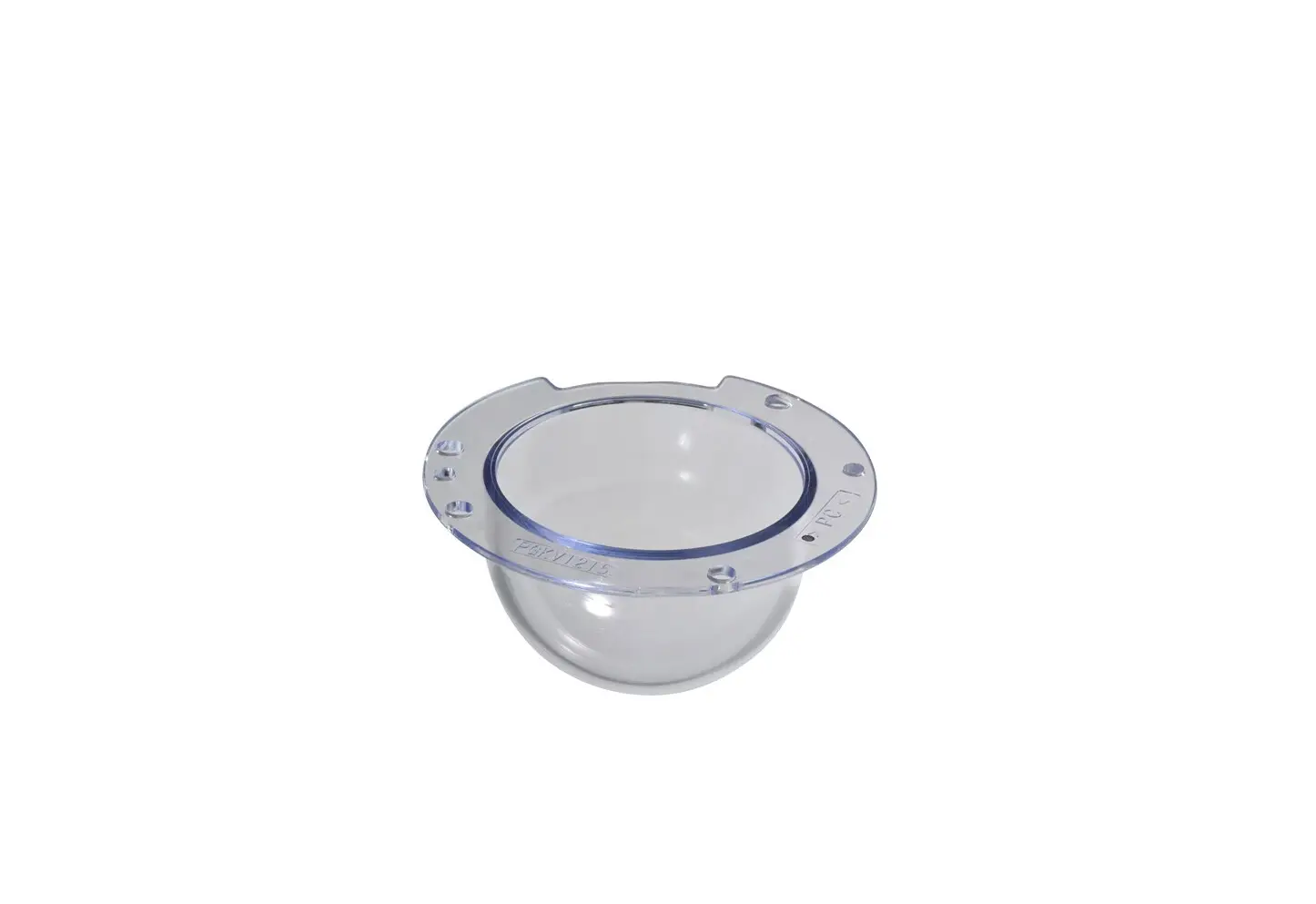
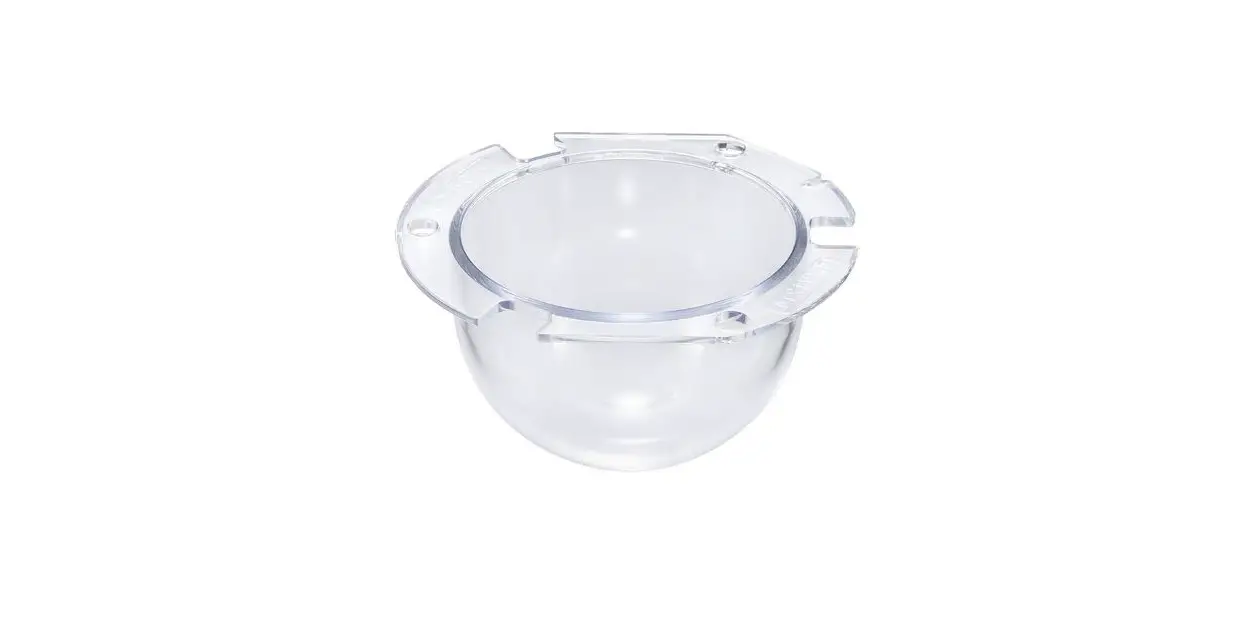
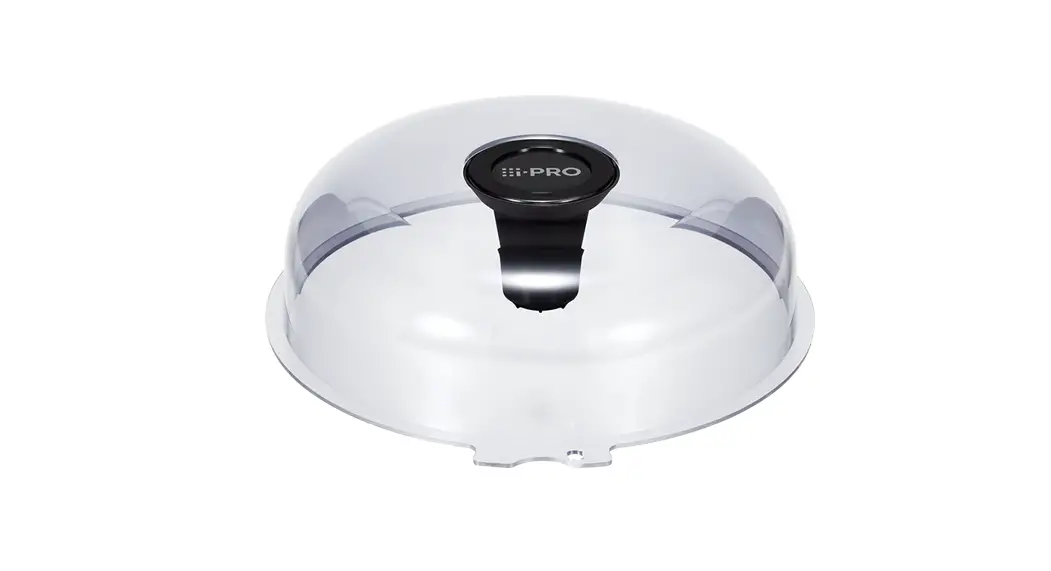
 This product is the clear type dome cover. <WV-QDC501C>
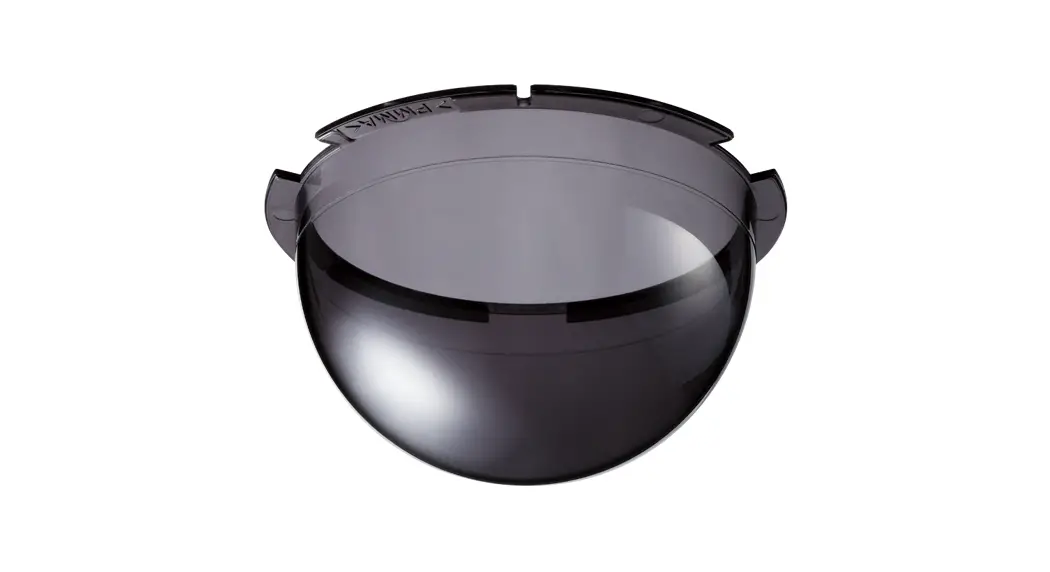
This product is the smoke type dome cover (approx. 45 % of transmittance). <WVQDC501G>
The latest information about the supported cameras <Control No.: C0501>.
Specifications
| Ambient operating temperature: | –50 °C to +60 °C {–58 °F to 140 °F} |
| Dimensions: | ø226 mm × 67 mm (H) {ø8-29/32 inches × 2-21/32 inches (H)} |
| Mass: | Approx. 246 g {0.542 lbs} |
| Finish: | PC resin Clear <WV-QDC501C> Smoke <WV-QDC501G> |
Precaution for installation
- Screw tightening
Do not use an impact driver. Use of an impact driver may damage the screws or cause tightening excessively.
Standard accessories
Operating Instructions (this document) ………1 pc. Waterproof rubber …………………………………1 pc.
Preparation
Remove the enclosure and installed auxiliary wire from the camera by following the Installation Guide of the camera.
Installation
Step 1
Remove the screws (12 places) and the installed auxiliary wire.
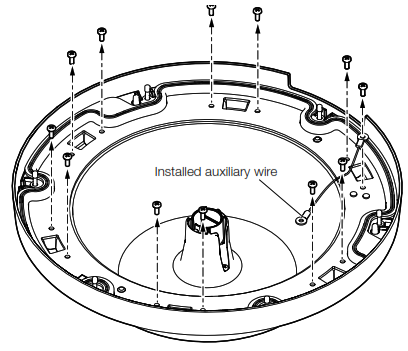
Step 2
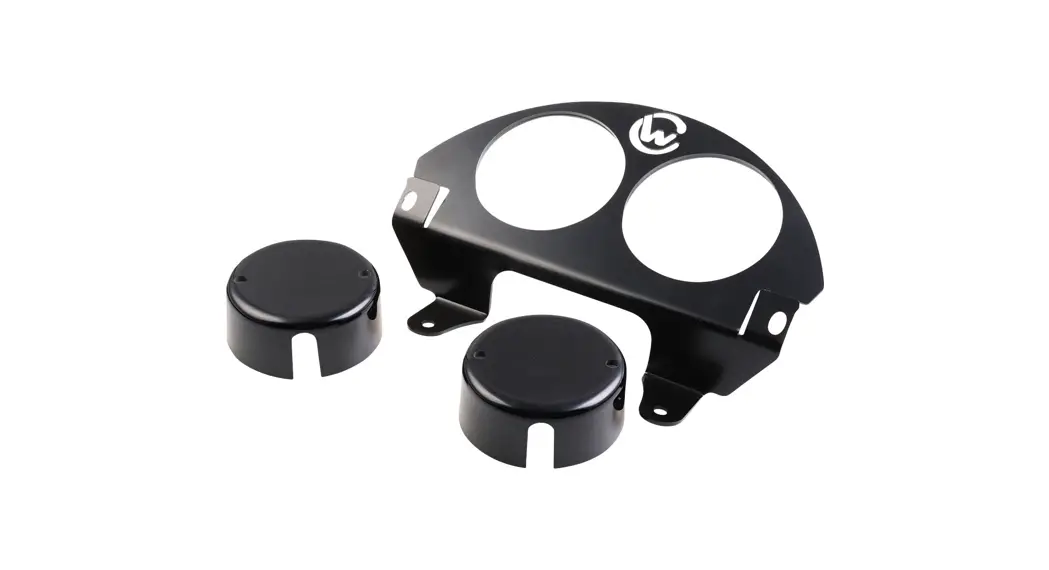
Remove the dome cover holding plate.
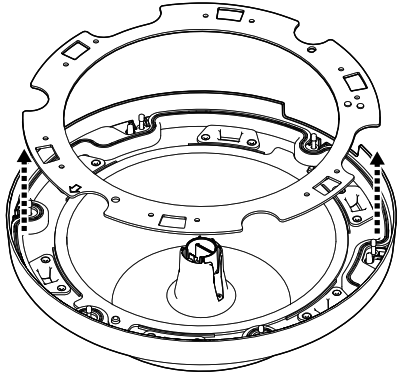
Step 3
Remove the IR LED covers.
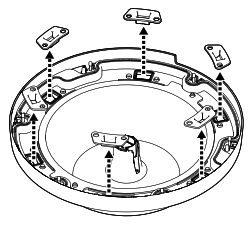
Step 4
Remove the dome cover.
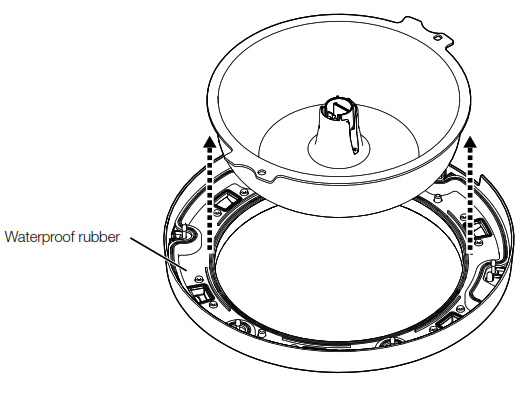
Step 5
Remove the waterproof rubber.
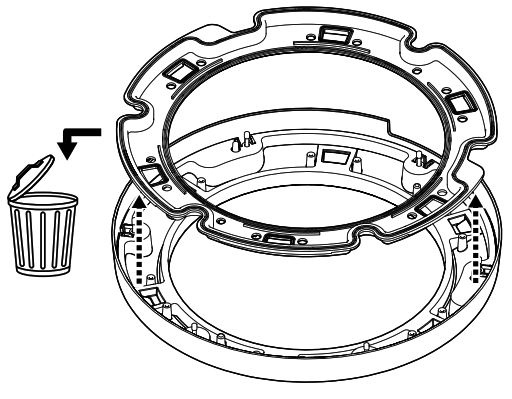
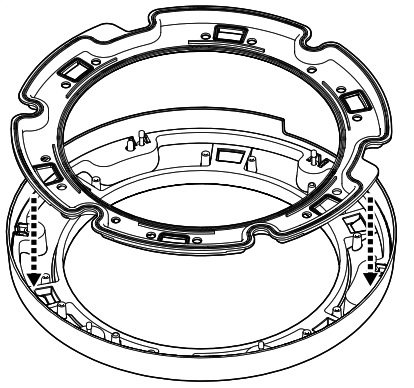
Step 6
Attach the waterproof rubber (accessory).
Step 7
Attach the new dome cover
Remove the protection film covering outside the new dome cover. Keep the removed protection film until using it upon the installation. (Handle the new dome cover with care not to scratch inside and outside.)
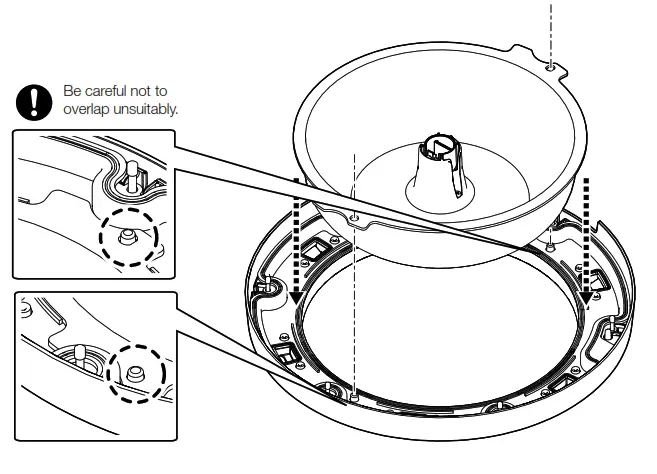
Step 8
Attach the IR LED covers.
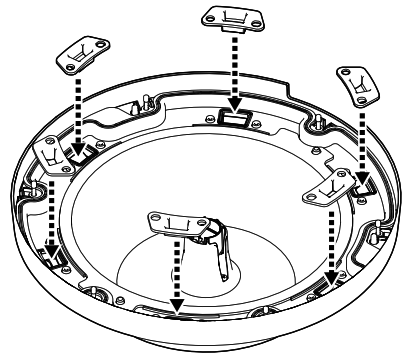
Step 9
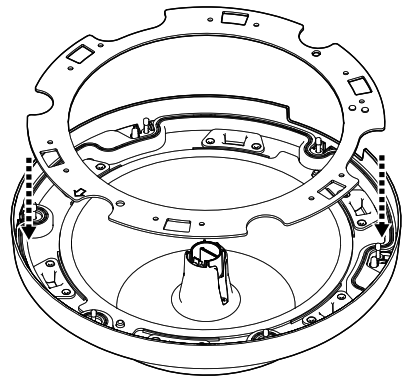
Attach the dome cover holding plate.
Step 10
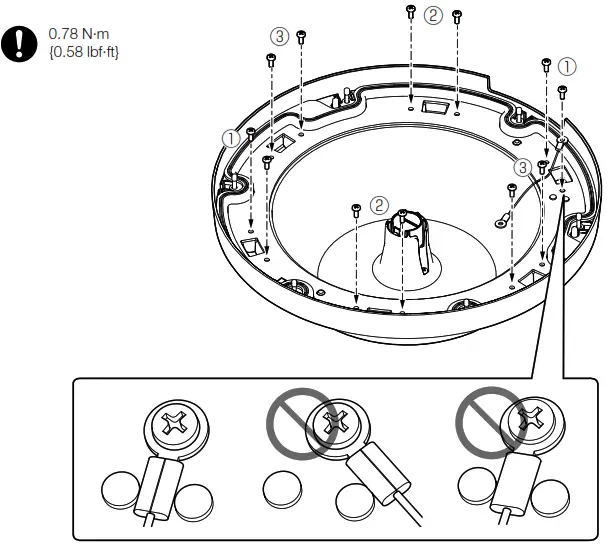
Attach the installed auxiliary wire, then tighten the screws diagonally in the order of ①, ②, ③.
Step 11
Attach the enclosure and installed auxiliary wire to the camera by following the Installation Guide of the camera.
Attach the protection film removed in step 7 back to the outside the dome cover. Remove the protection film of the dome cover after completing the installation.
i-PRO Co.,Ltd
https://www.i-pro.com/
© i-PRO Co., Ltd. 2022
Cs0322-1023
Printed in China
 Technical Information | i-PRO Products
 i-PRO
i-PRO