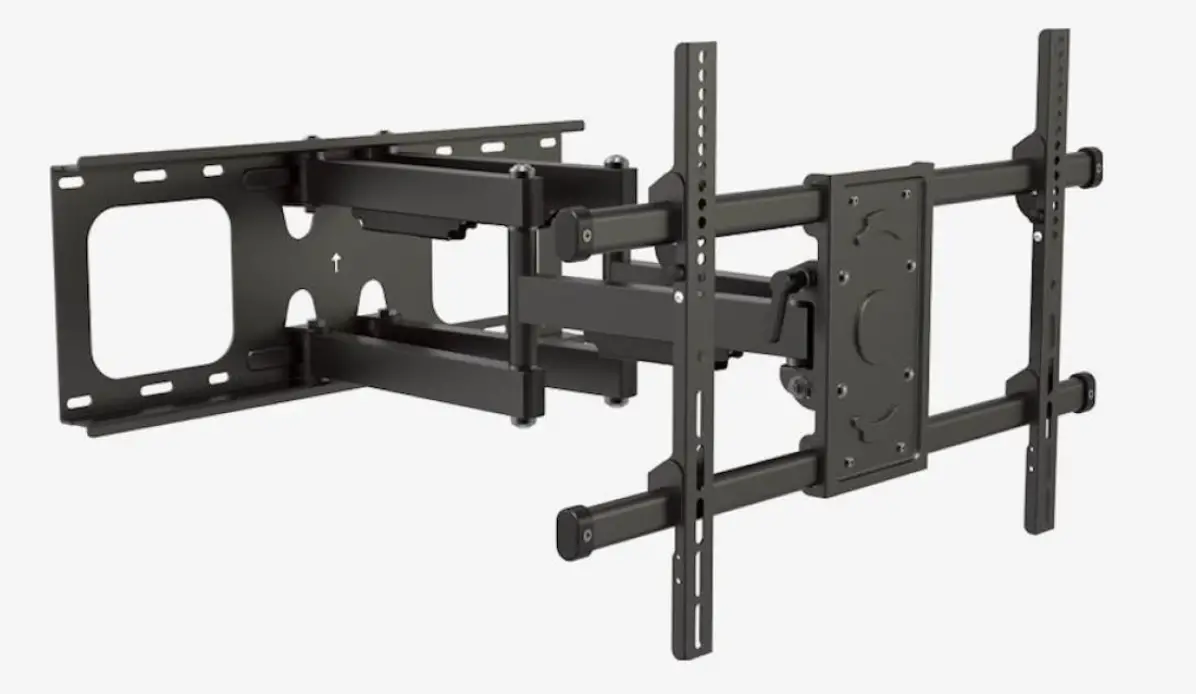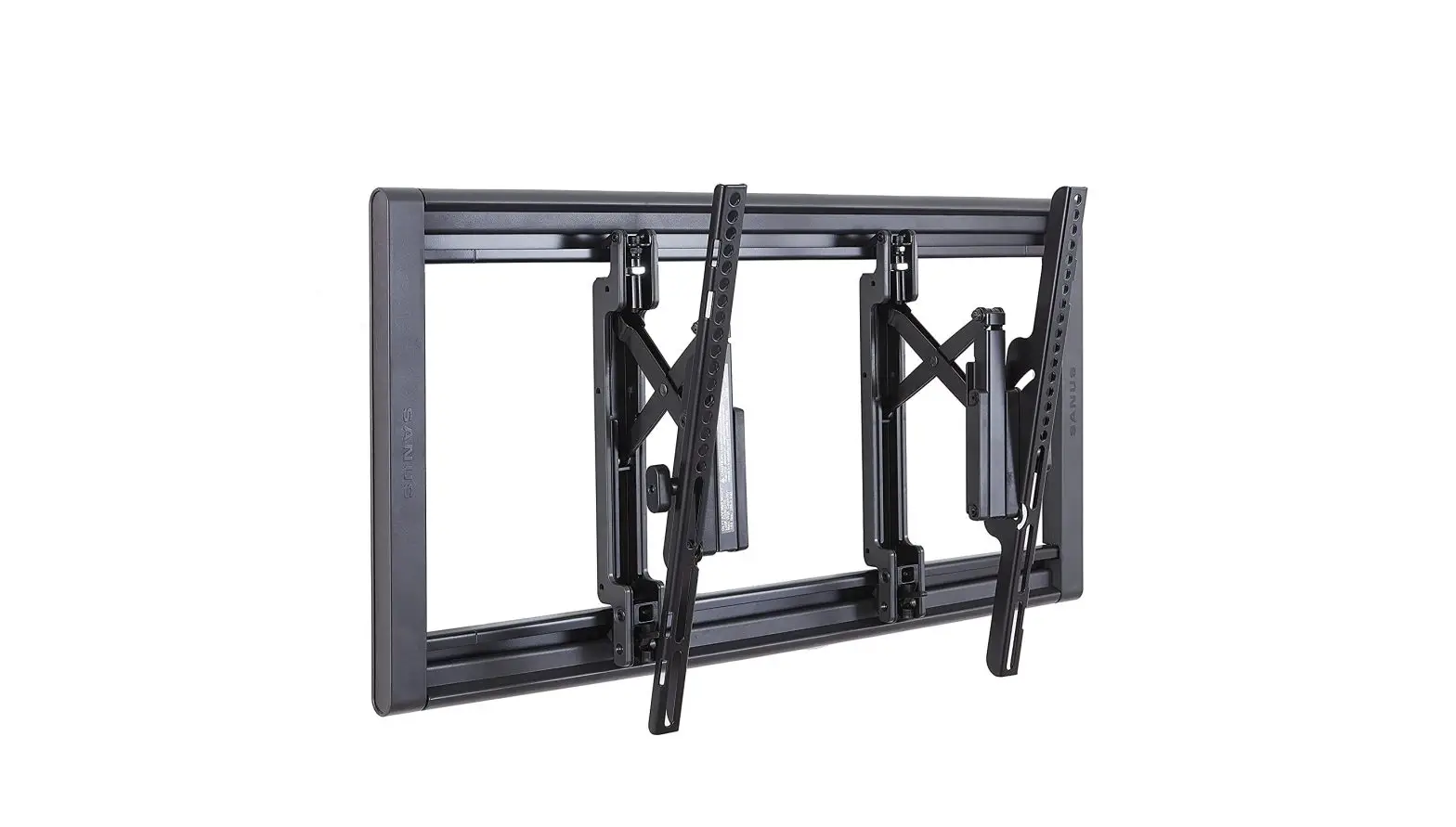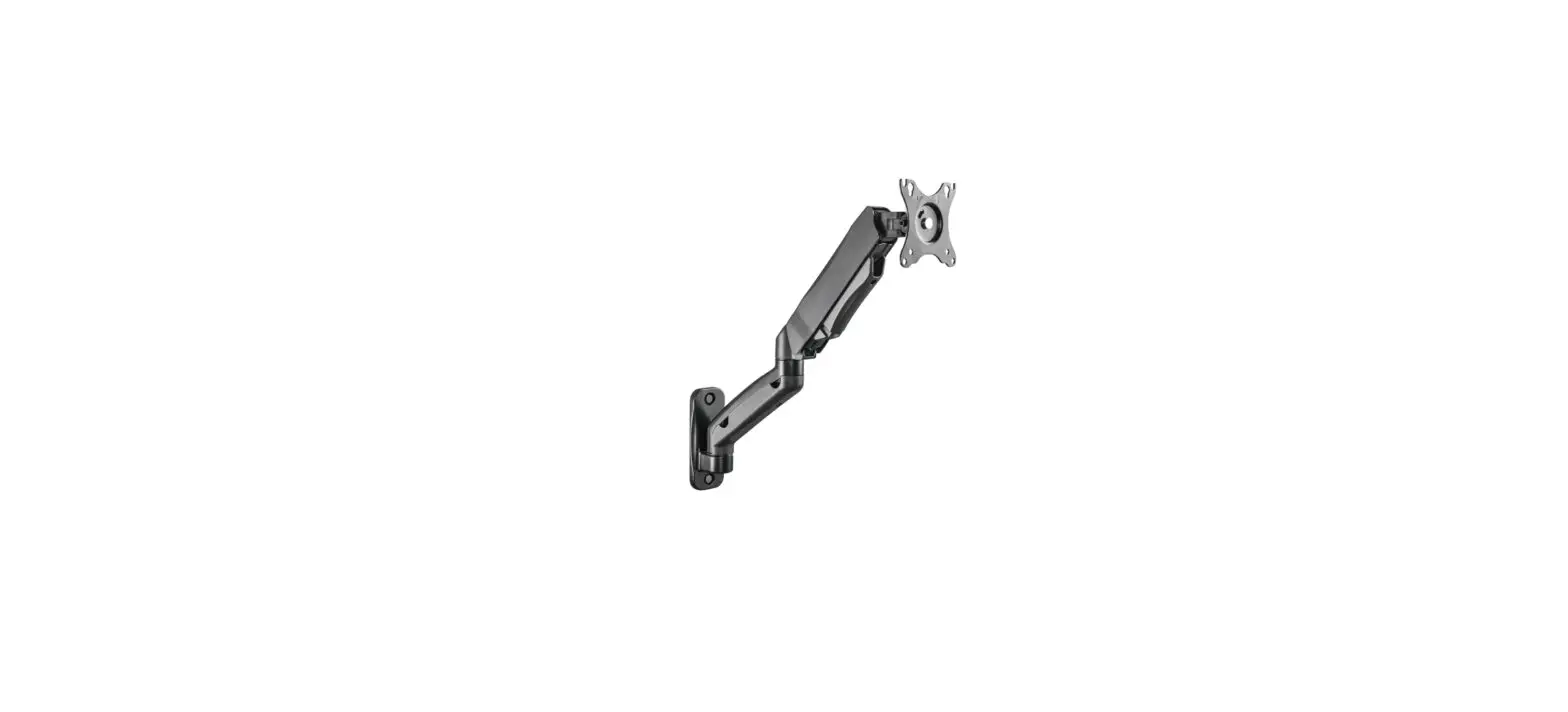

EOOKE EO80032 Digital Frame Wall Mount

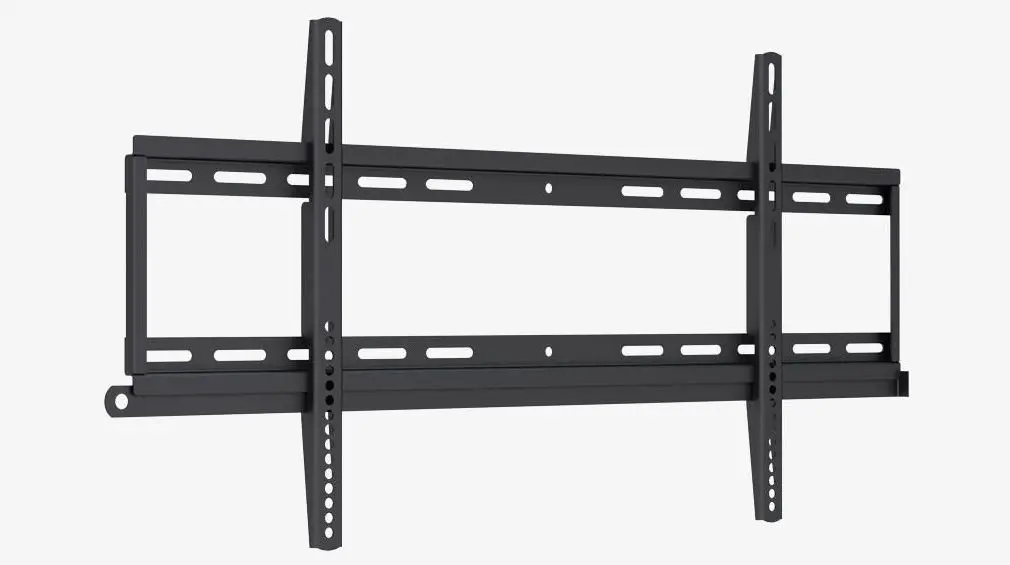
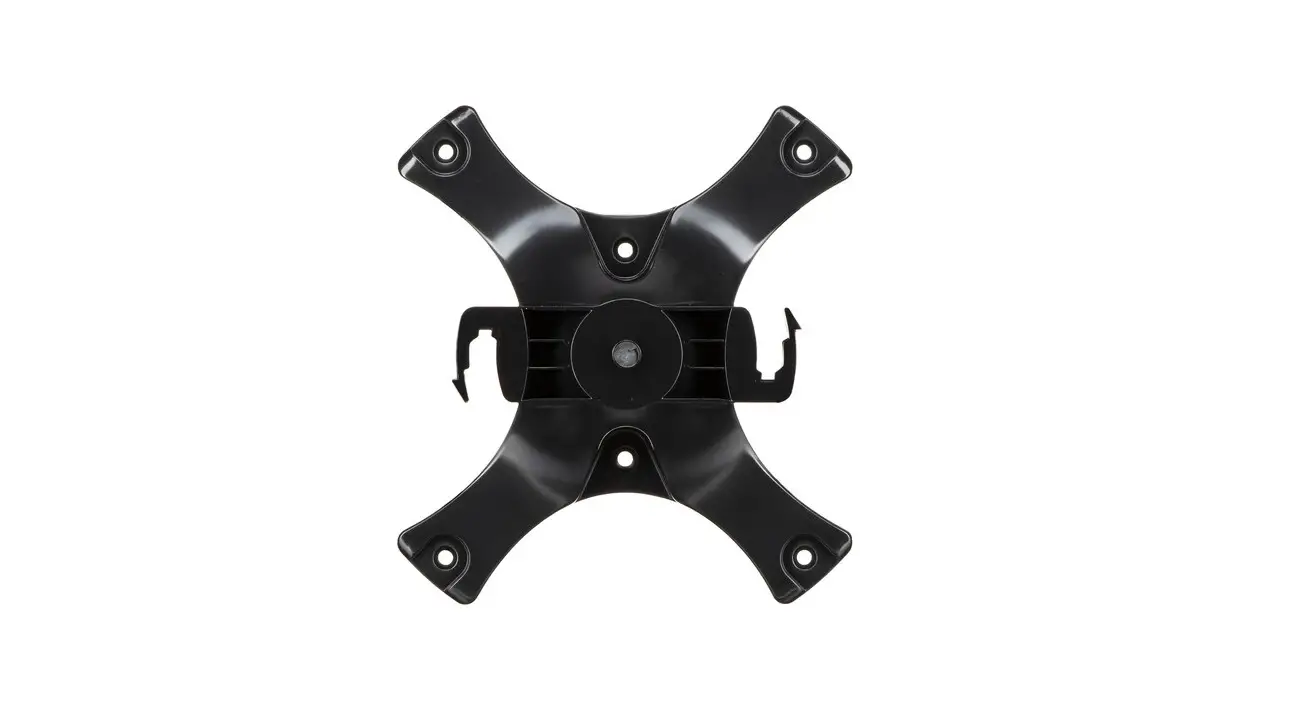
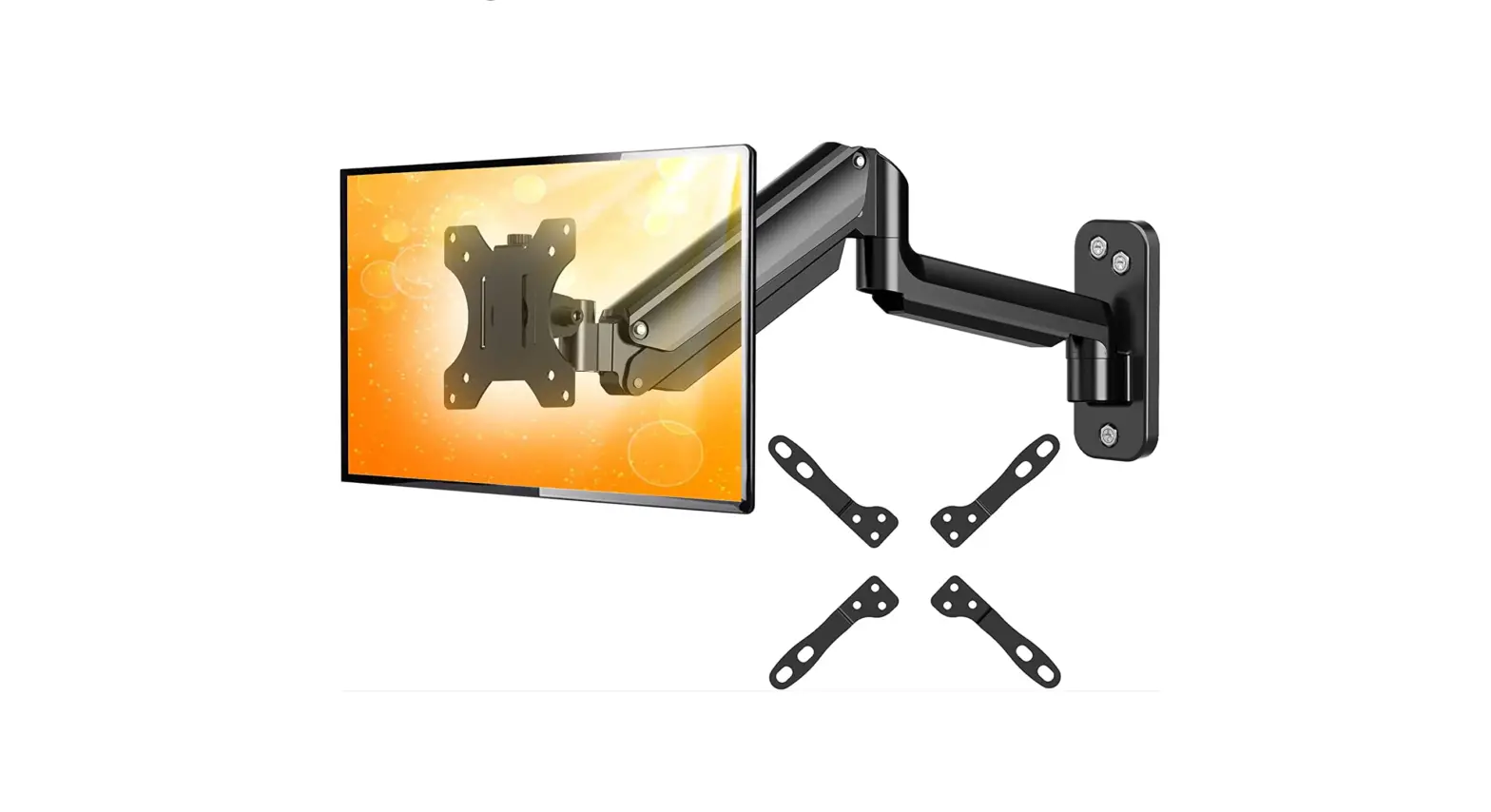
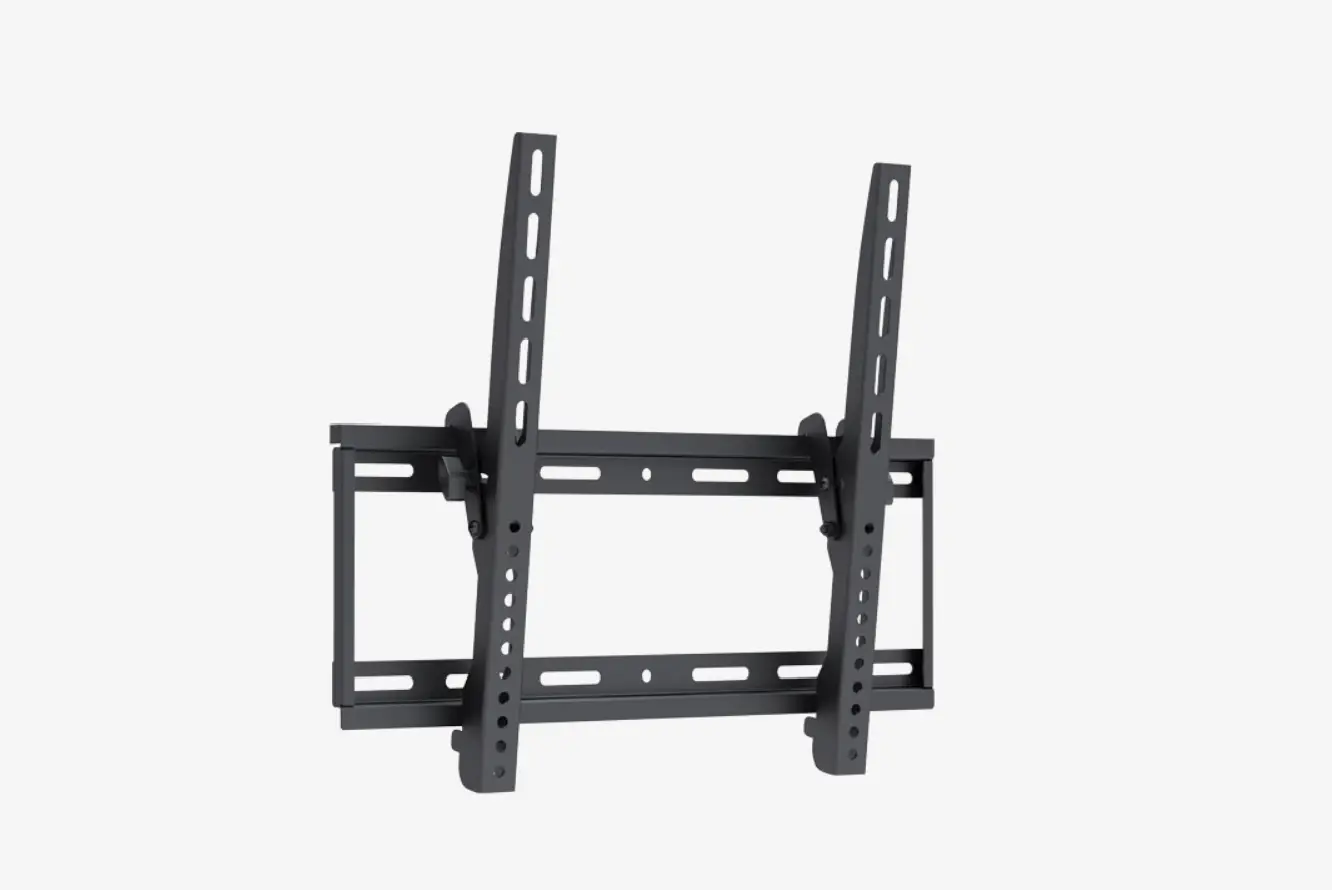
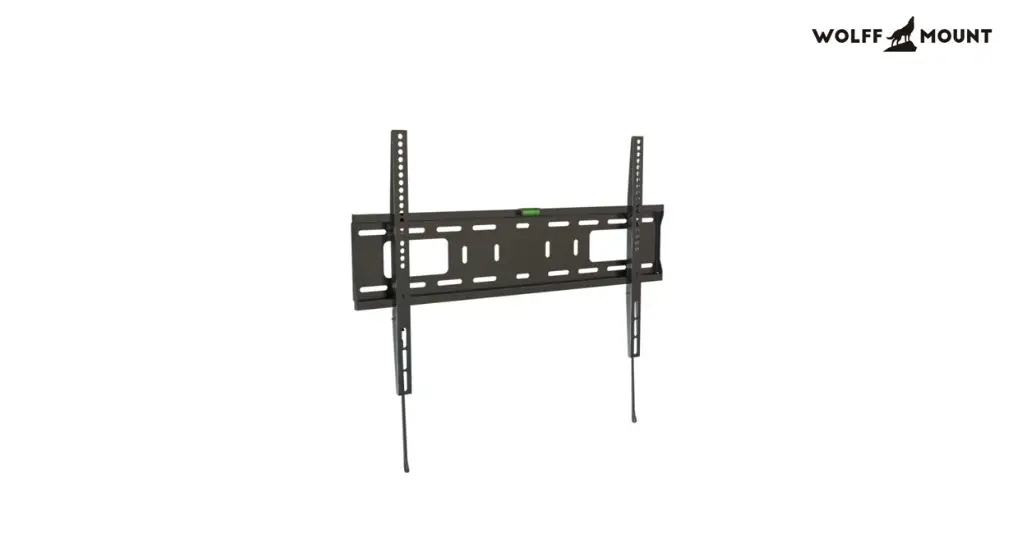
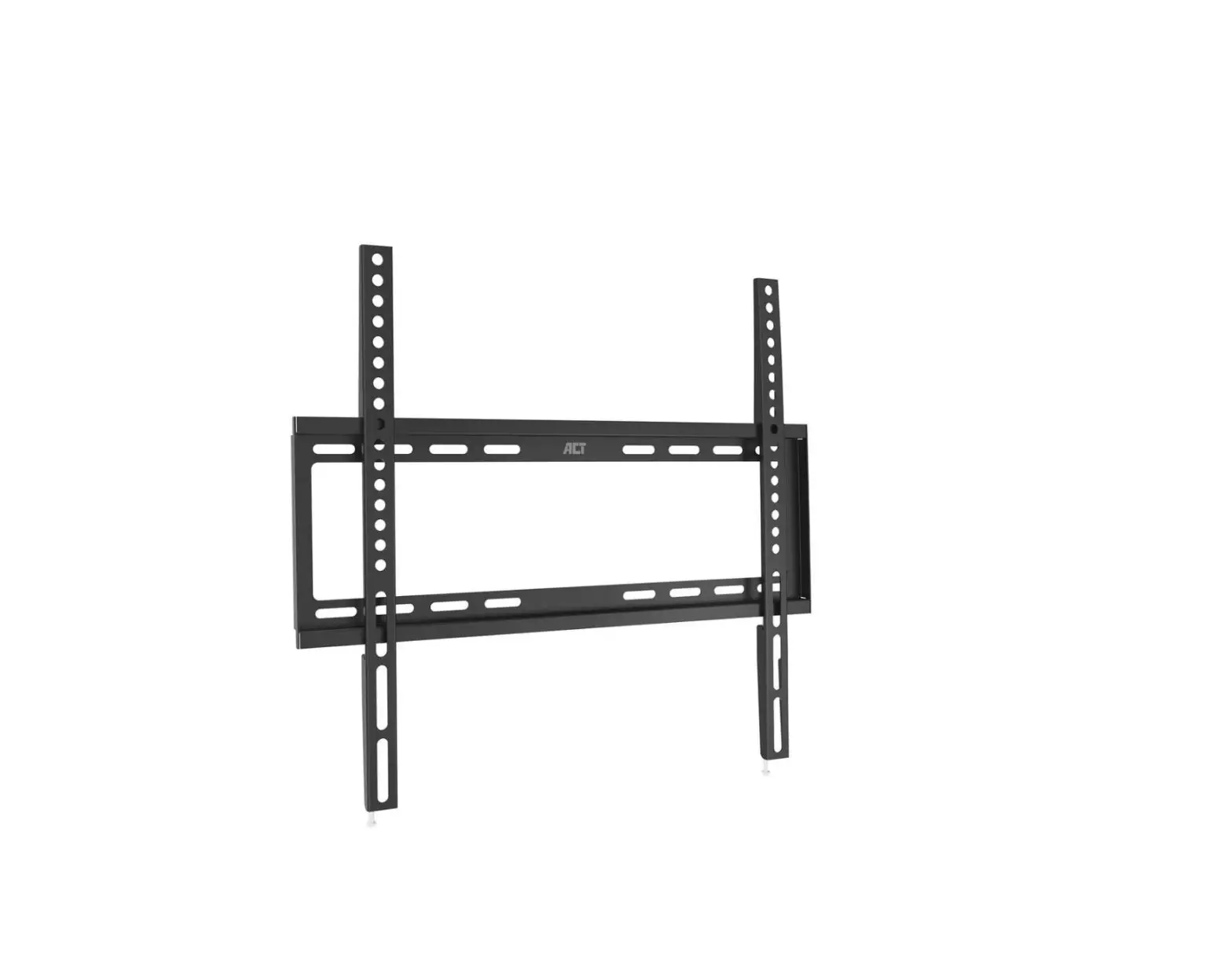
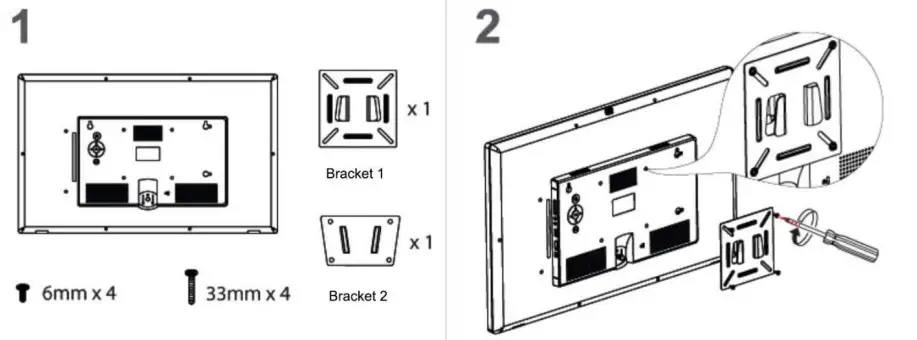
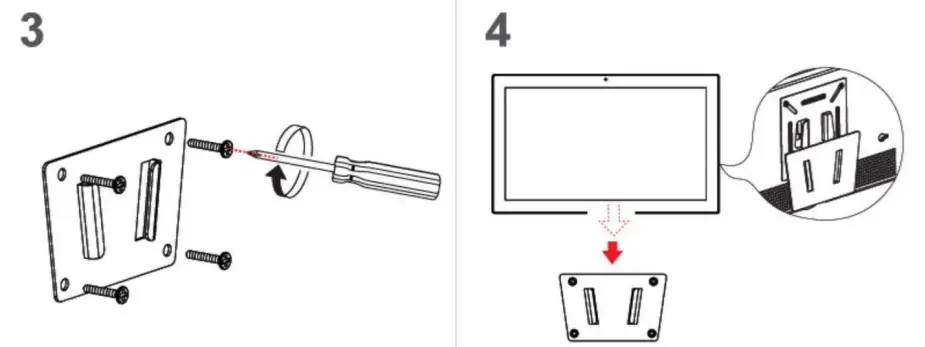
Wall Bracket I (For size 19”/22”/24”/27”/32”)
- 6mm
- Scew bracket 1 into the back of EOOKE frame.

- Drill 4 holes on wall, tap the plastic anchors into wall, then attach and screw the bracket2 to the anchors.
- Attach the frame (bracket 1) to the bracket2.

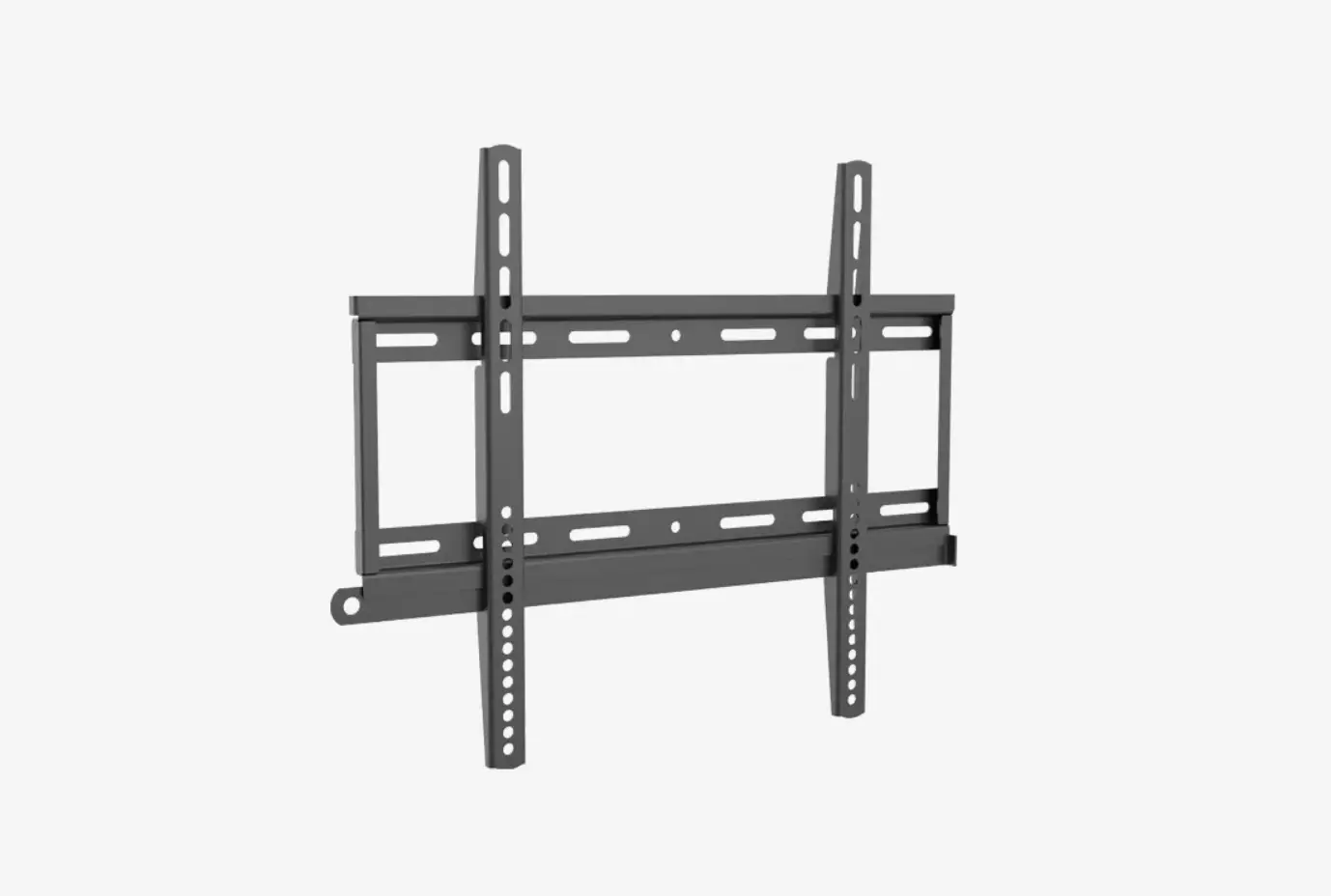
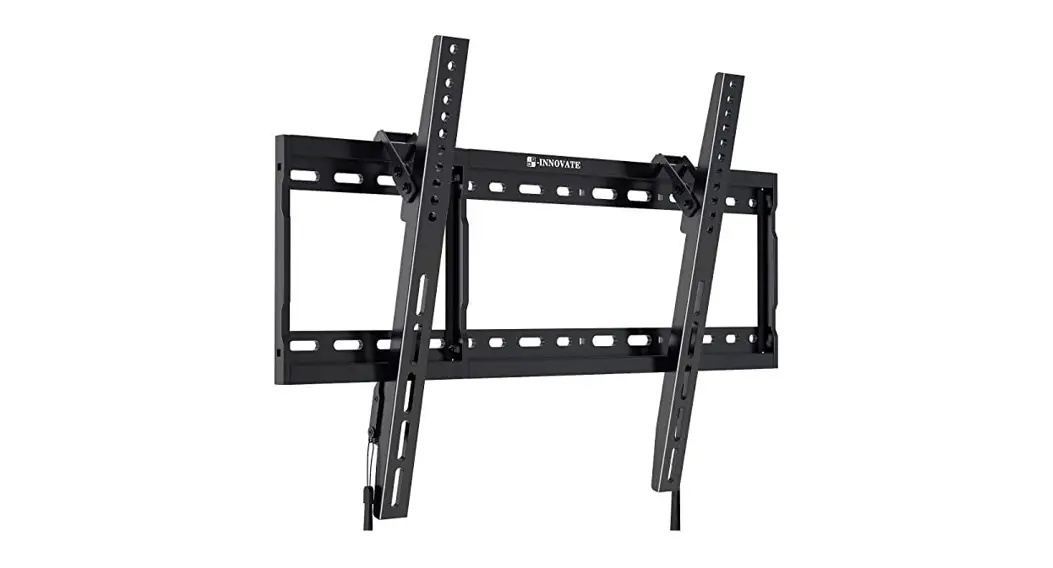
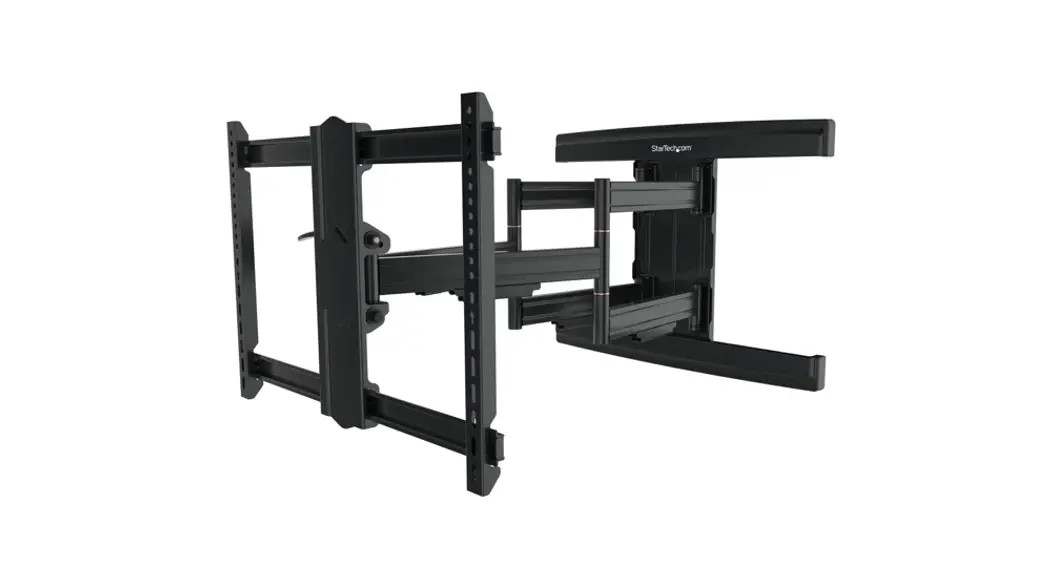
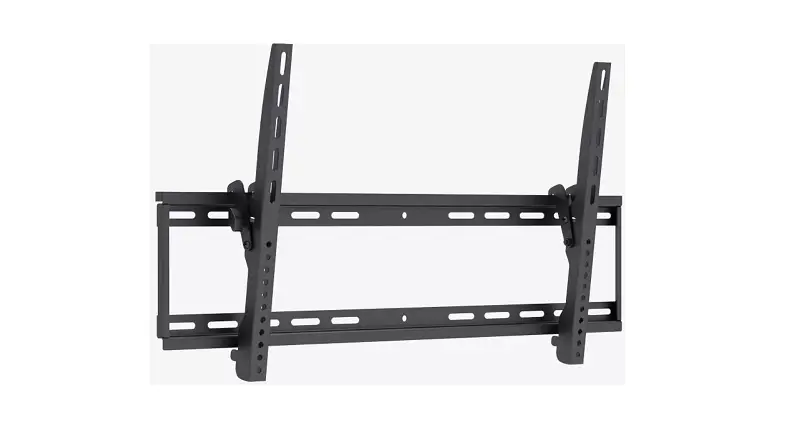
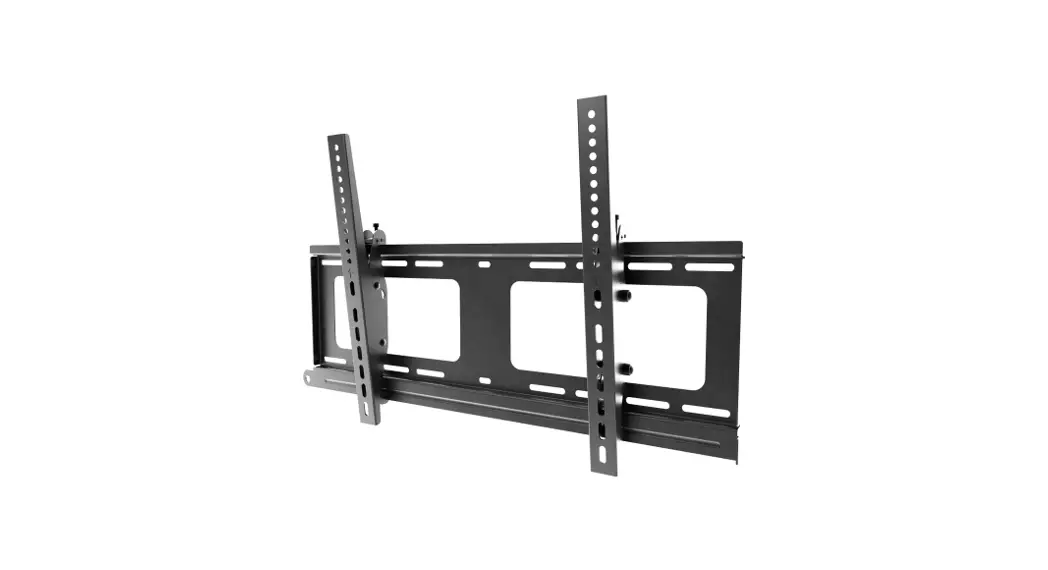
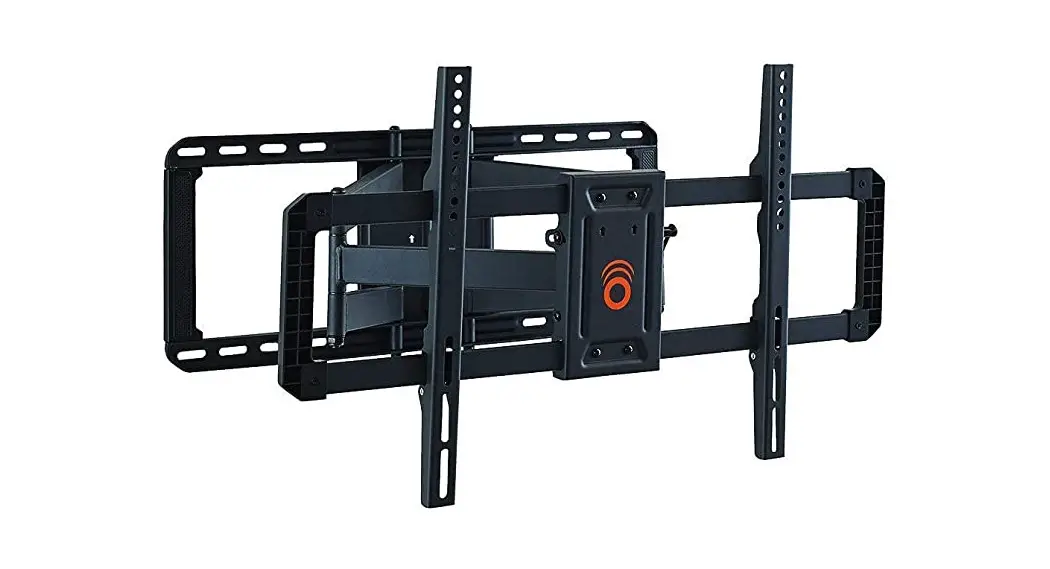
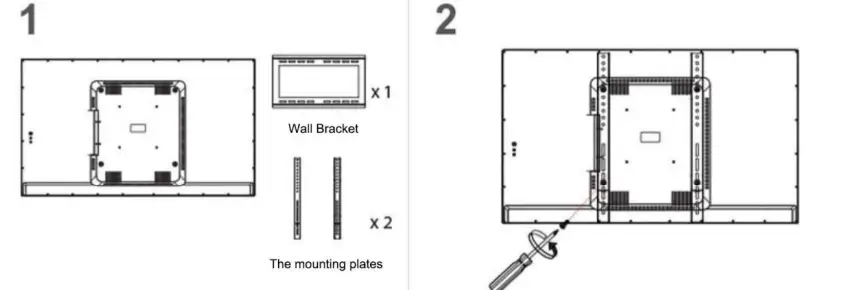
Wall Bracket II (For size 43″/55″)
- 6mm
- Attach the plates to the disply using a screwdriver. Drive in Safety Screws halfway from bottom of plates.

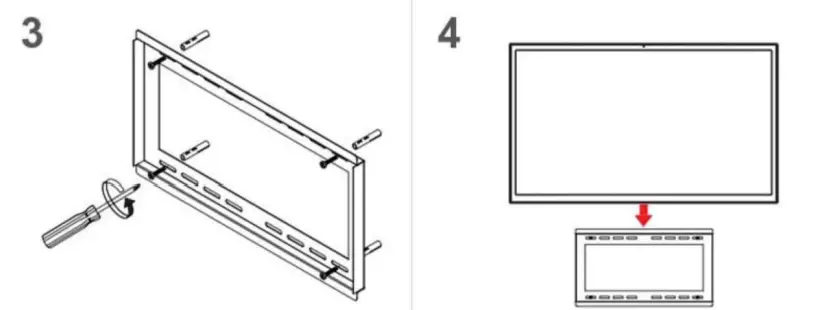
- Drill 4 pilot holes through drywall and into studs in the proper position, screw the bracket to the wall.
- Attach the display (mounting plates) to wall bracket. Tighthen the two Safety Screws

Note:
- The guide only applies to following models: EO80019/EO80022/EO80024/ EO80032/EO80043/EO80055.
- Please find a qualified TV/Frame mounting service near you if you’re not sure how to install.
 7"-98" Large Digital Photo Frame, WiFi Advertising Display