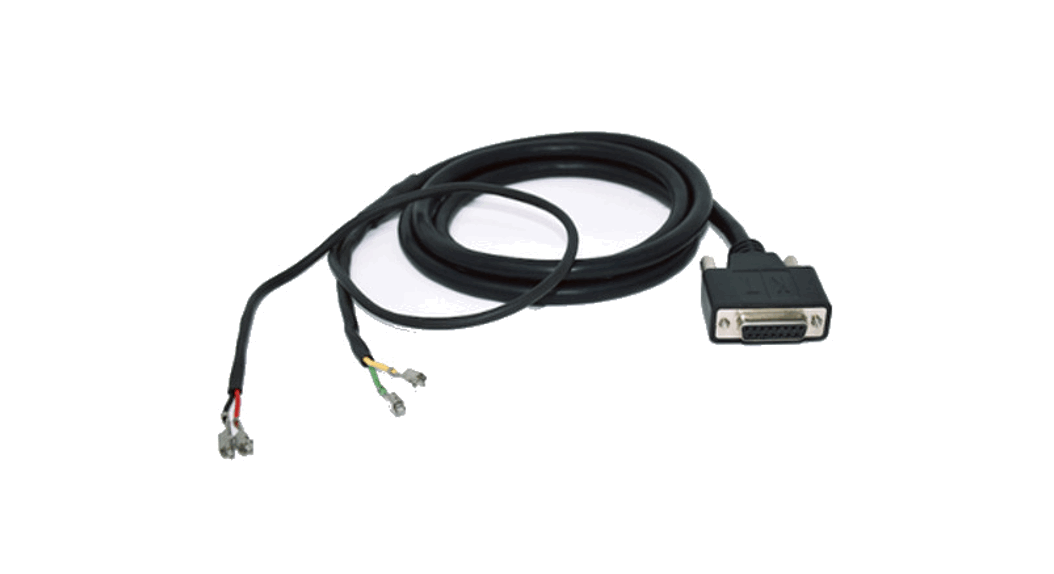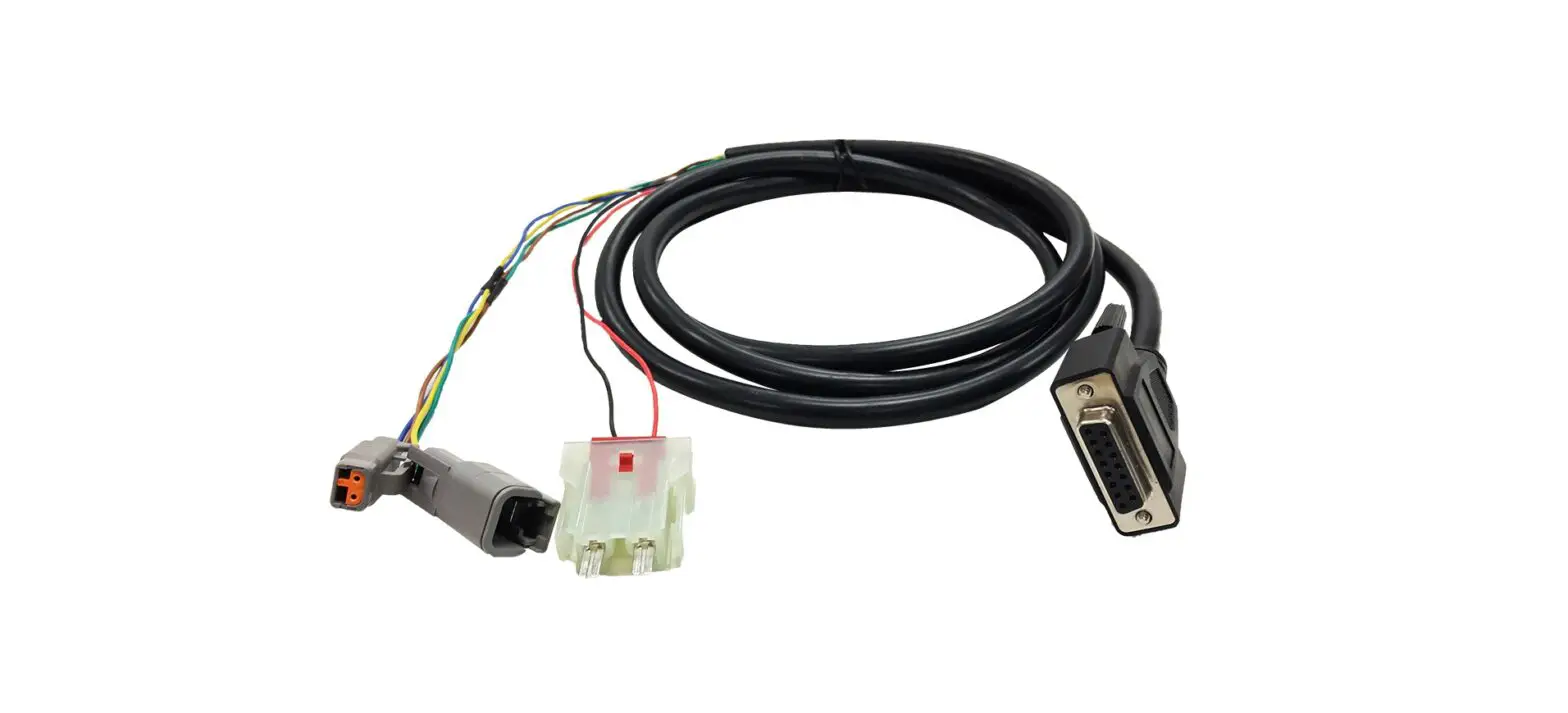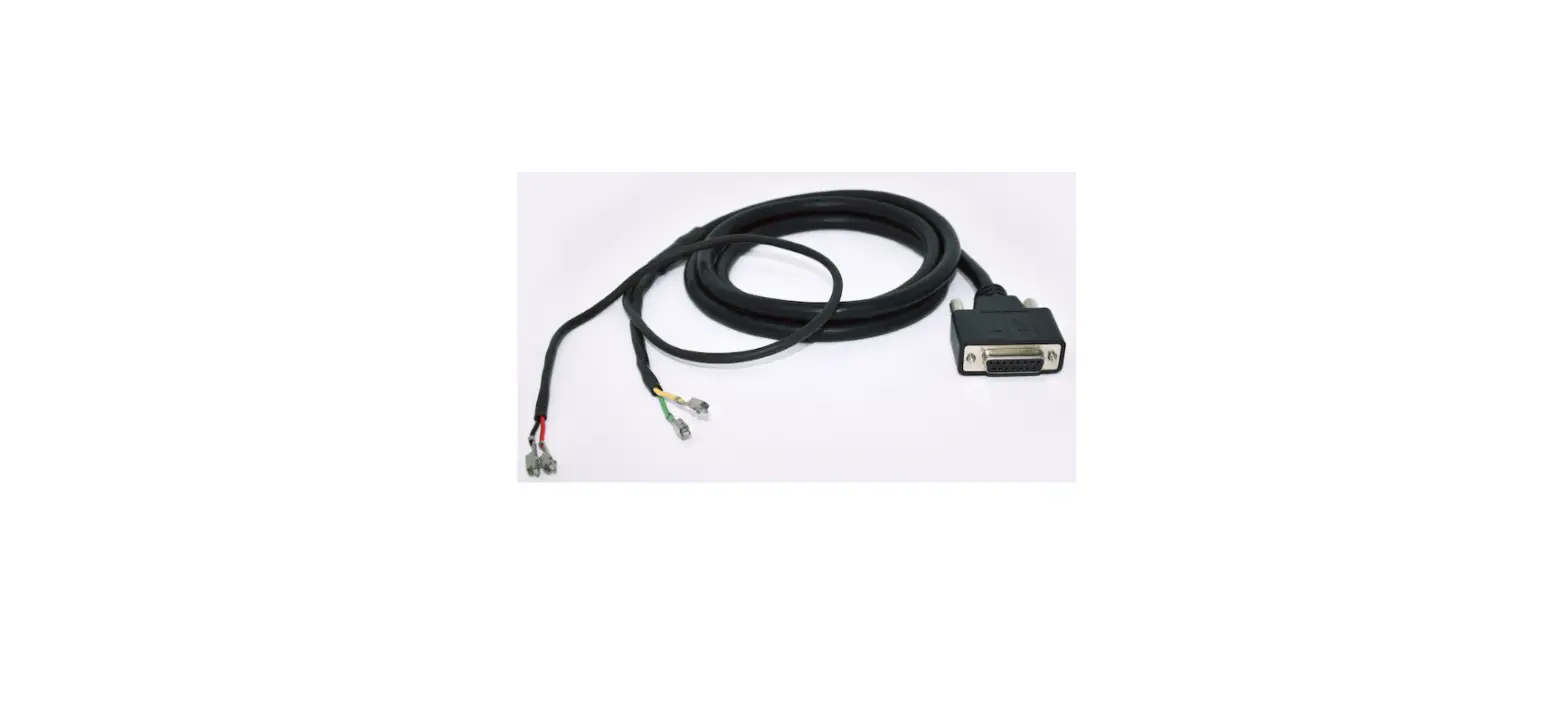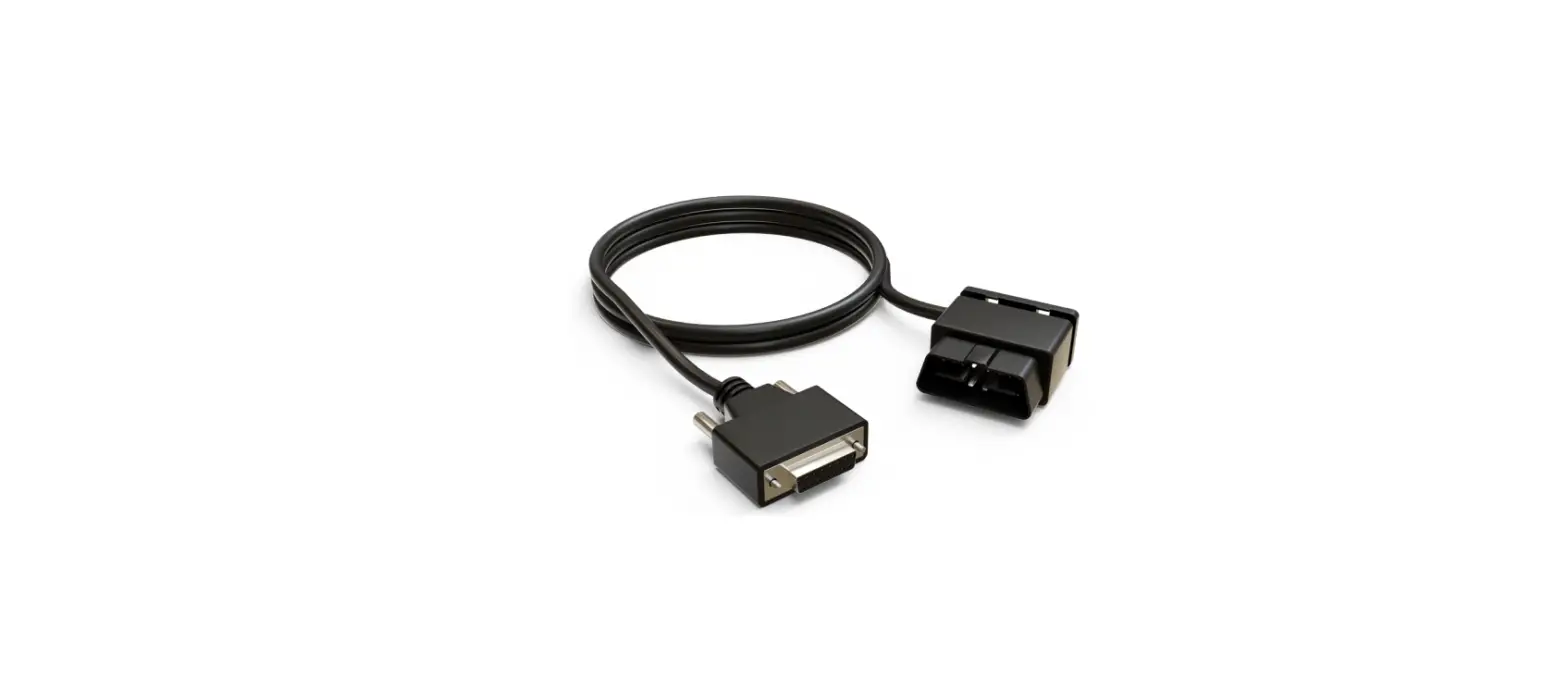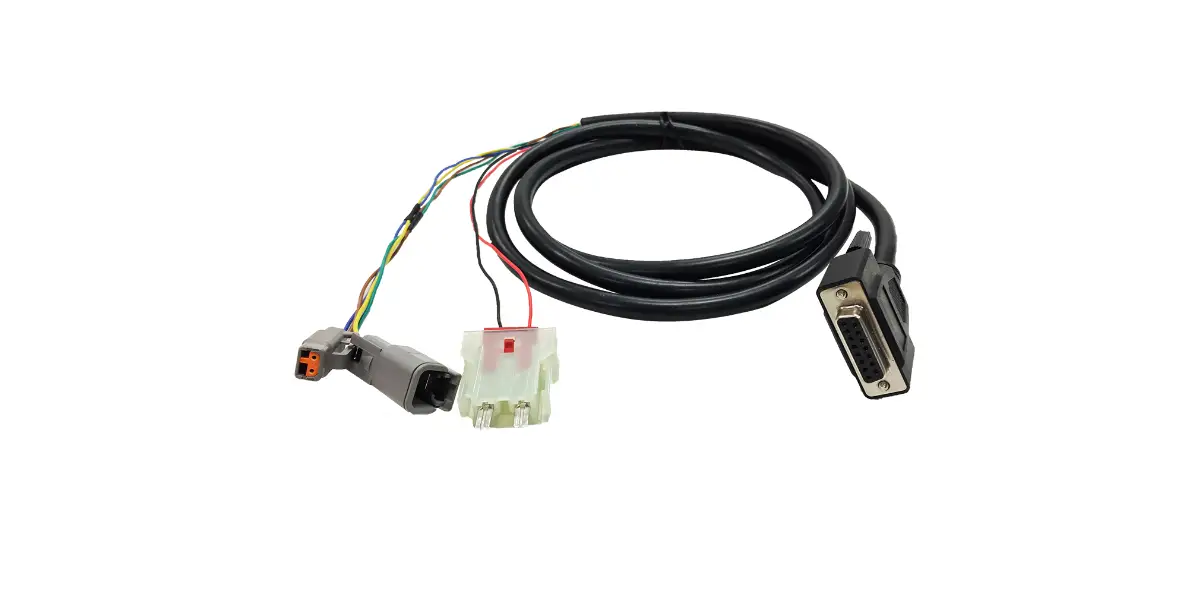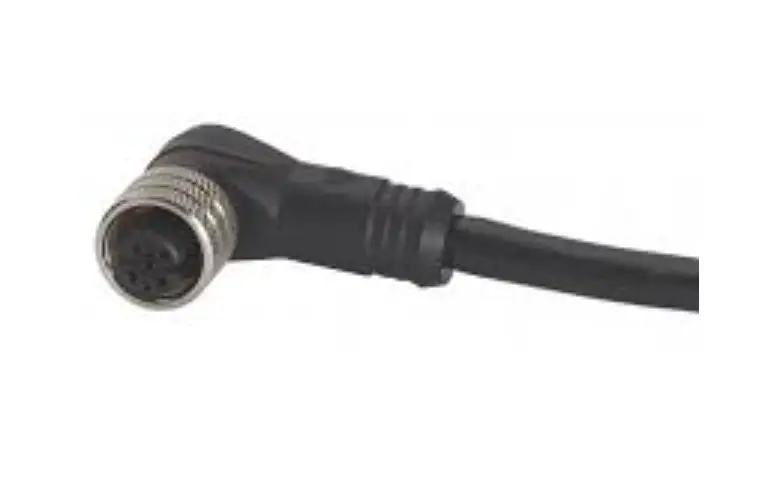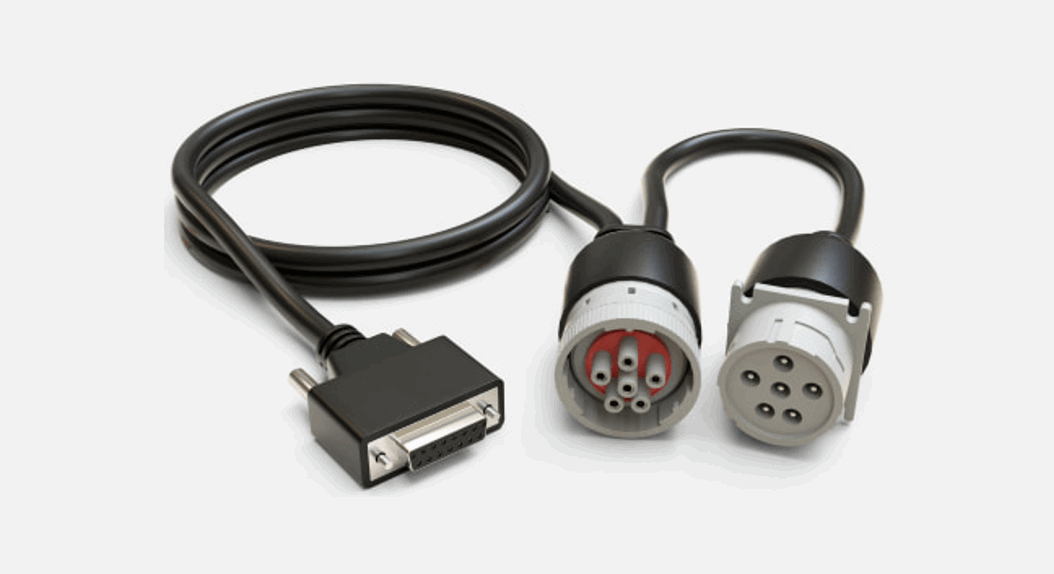
 Cable 3022
Vehicle Gateway installation guide
for vehicles with a 6-Pin port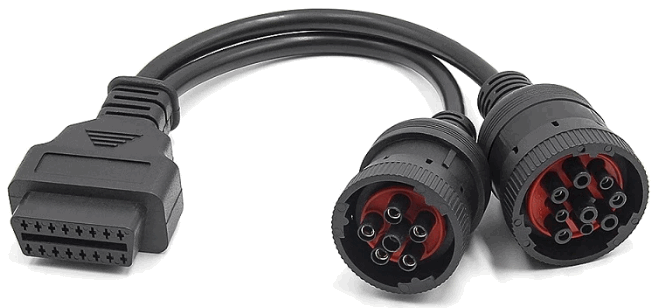
Cable 3022 Vehicle Gateway for Vehicles with a 6 Pin Port
Step 1
Ensure the vehicle is safe to install the Motive Vehicle Gateway:
- The parking brake is engaged.
- The engine is off.
- The main power switch (if available) is turned off.
Step 2
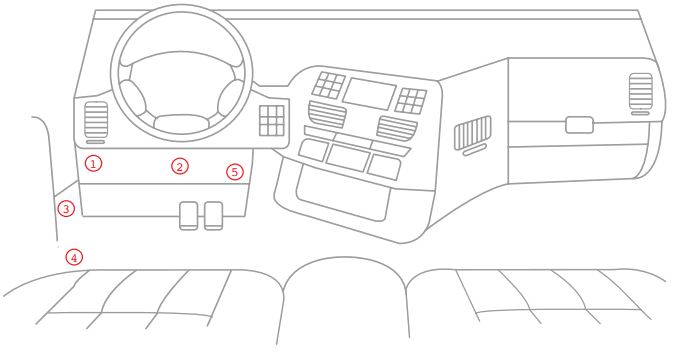
Locate the 6-Pin port.
This port is normally located on the driver’s side underneath the dash panel and is grey.
Step 3
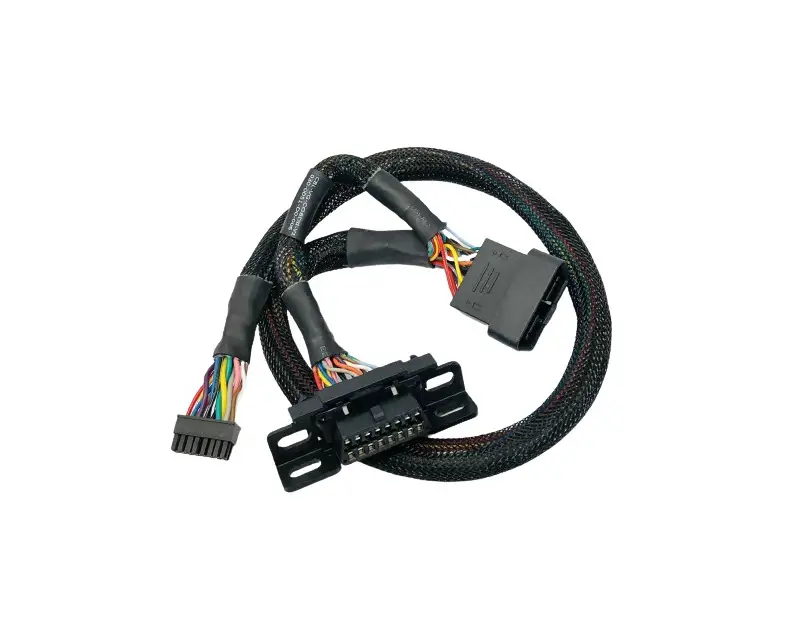
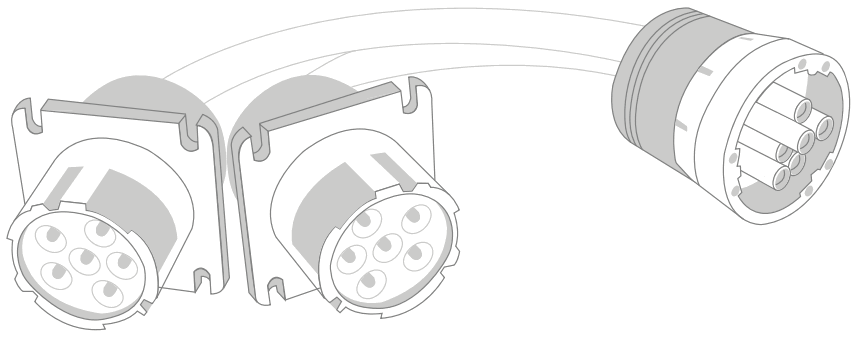
For vehicles that require a Y-cable, one is available upon request. Motive recommends only using one Y-cable per vehicle when necessary.
Step 4
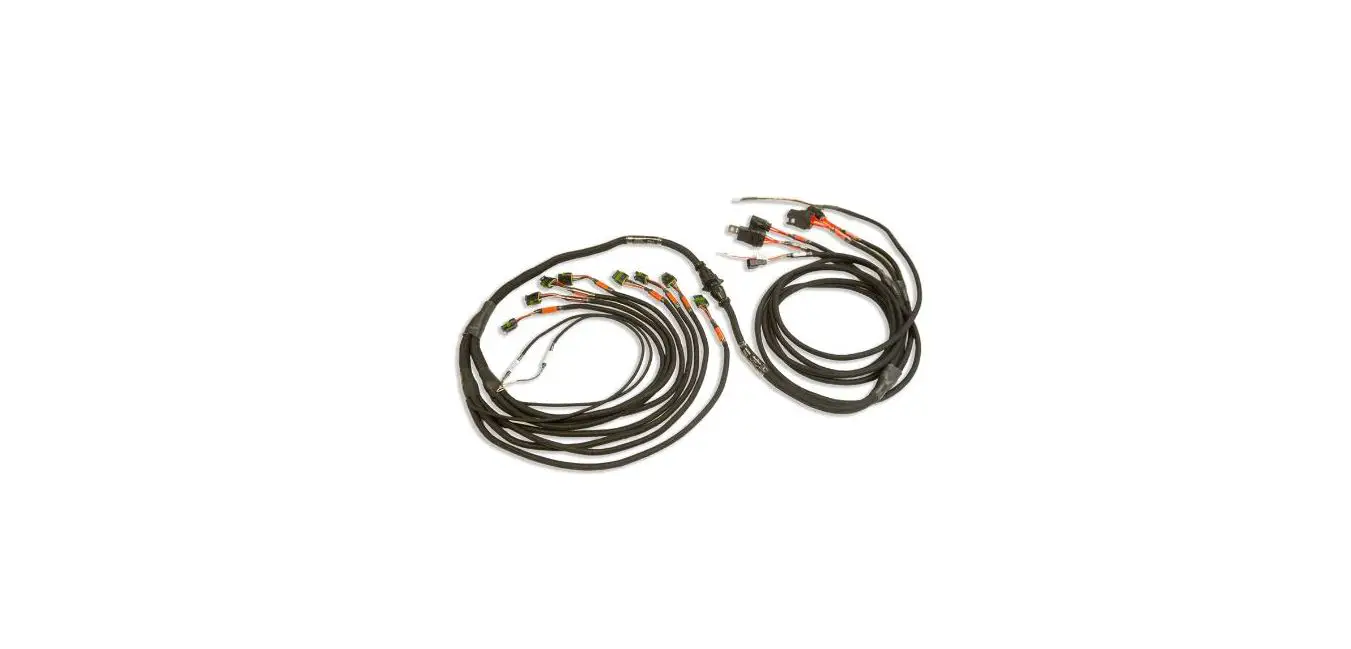
Connect and secure the 6-Pin end of the Motive cable to the vehicle’s 6-Pin port.
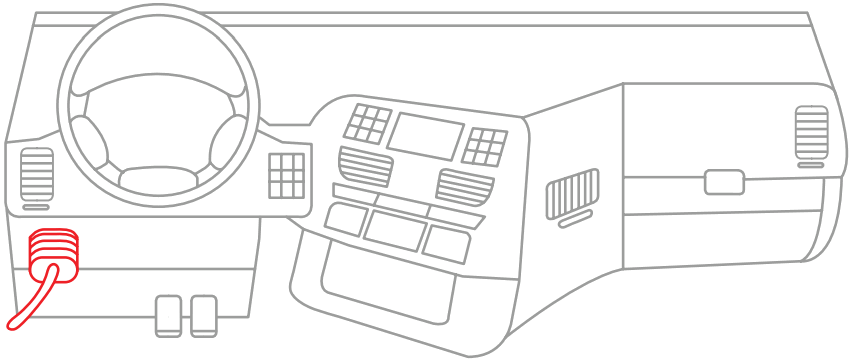 Use the zip ties provided to secure the cables.
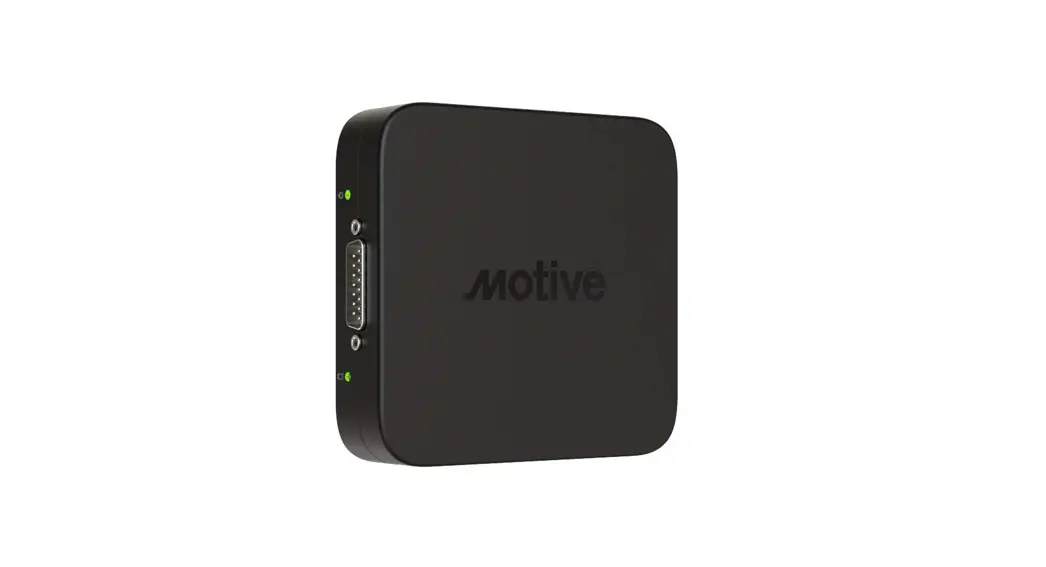
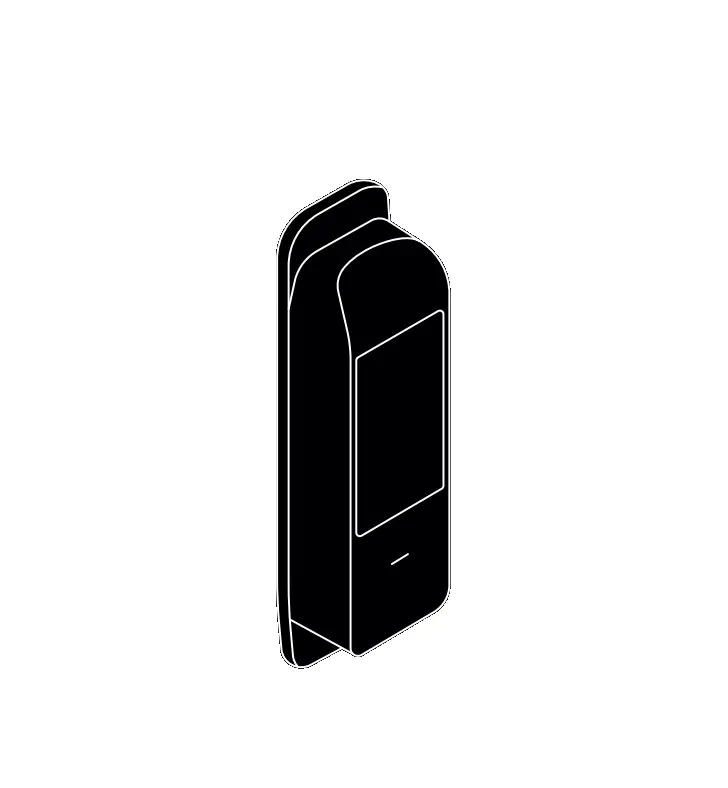
Attach the 15-pin connector to the Vehicle Gateway.
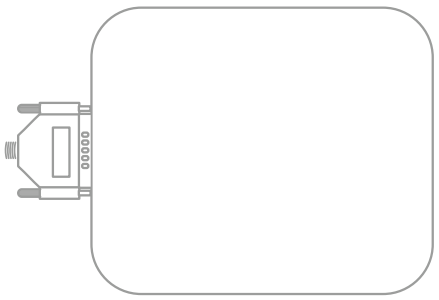
Secure the 15-pin connector onto the Vehicle Gateway using the thumbscrews.
Use the provided alcohol swabs to clean the mounting area.
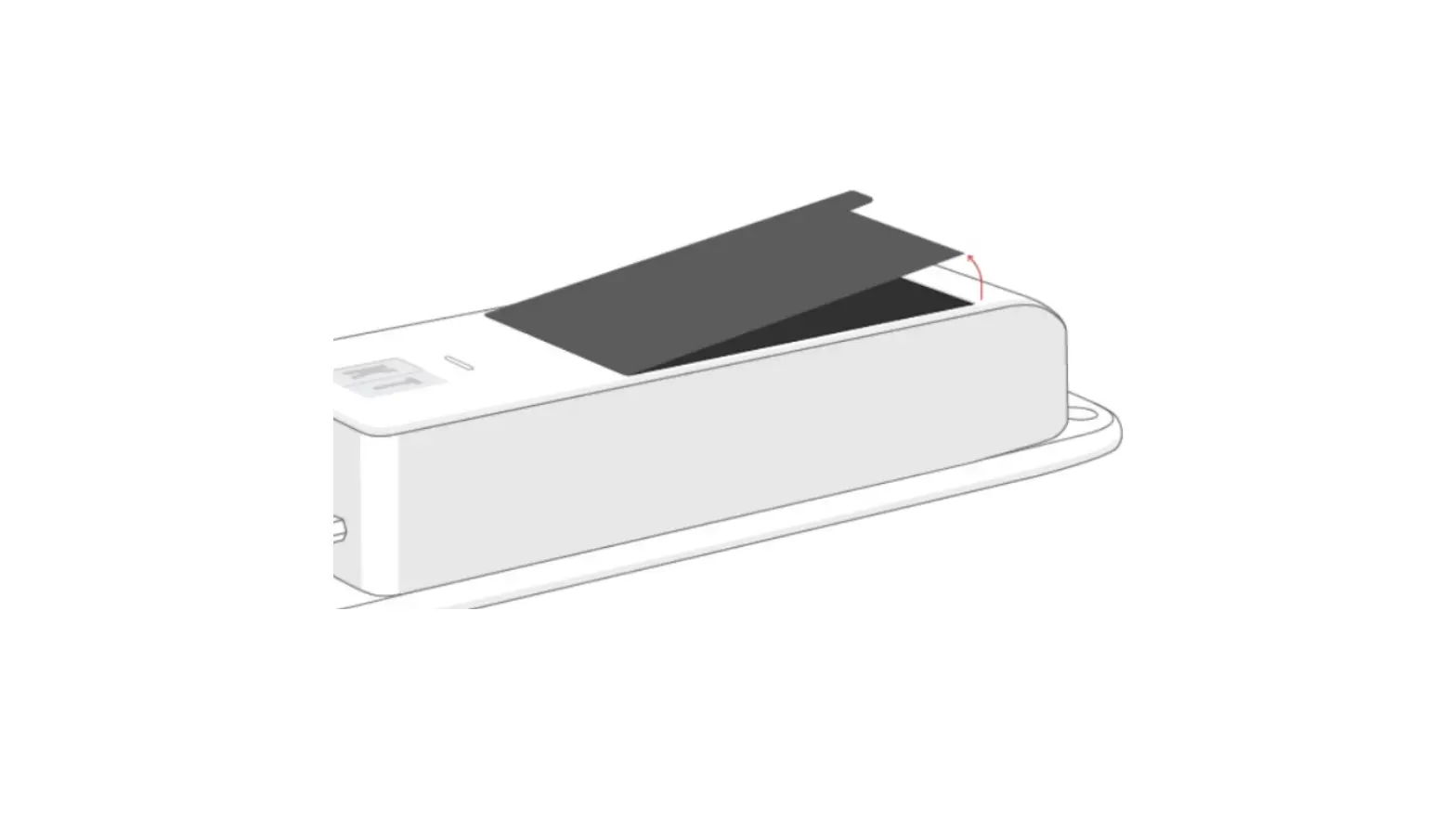
Remove the backing from the adhesive strip on the back of the Vehicle Gateway and attach it to the mounting area.
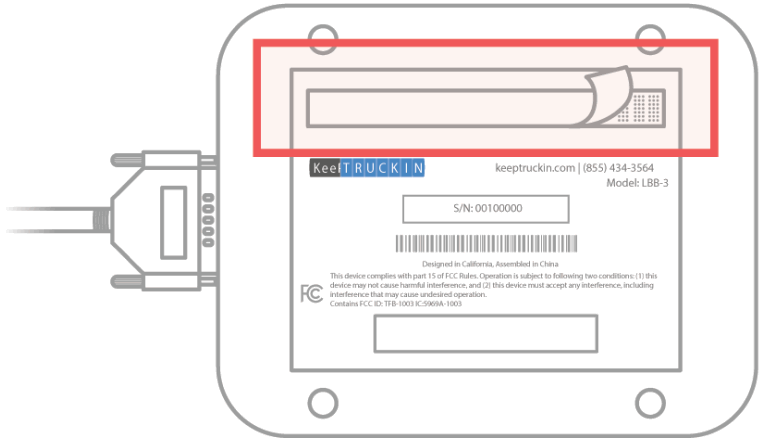
Motive recommends installing the Vehicle Gateway near the windshield, as well as away from any vents, electrical components and at least 12 inches away from any metal components.
The Vehicle Gateway may be installed in alternative locations, such as the wheel well, provided it meets the aforementioned requirements. Please ensure all cabling and devices are secured to avoid interfering with safe operation of the vehicle.
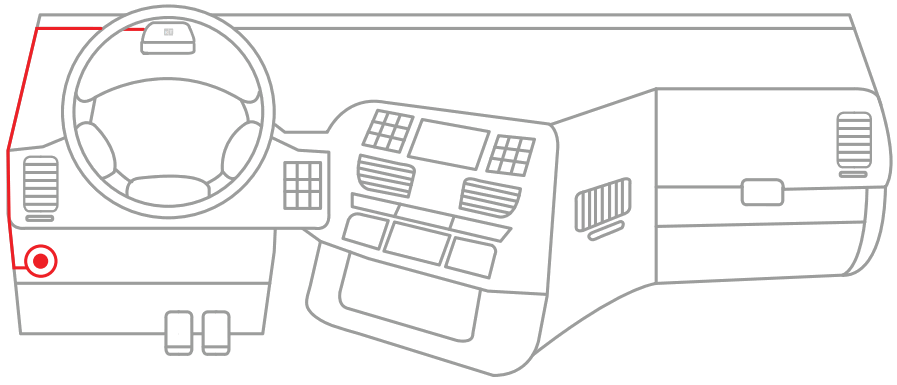
Step 5
Once plugged in, the indicator lights will flash momentarily before turning solid red. After approximately one minute, the left-side indicator light will turn green indicating a successful GPS connection.
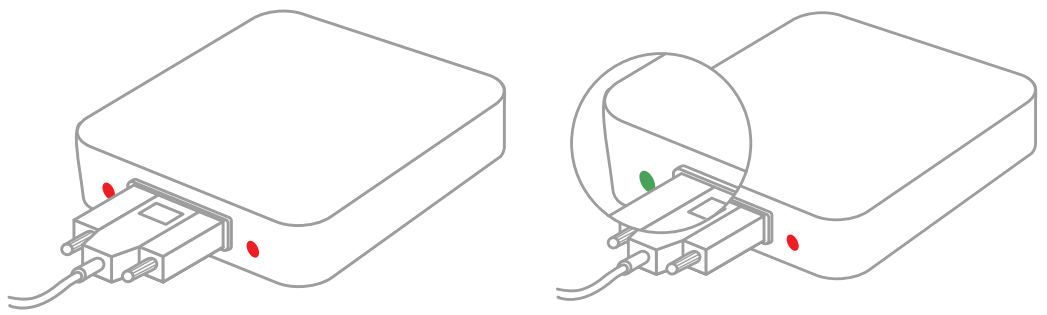
Additionally, GPS/GNSS performance may degrade if the vehicle gateway does not have clear line of sight to the sky.
Step 6
Once the driver connects to the Vehicle Gateway using the Motive Electronic Logbook App available on iOS and Android, the rightside indicator light will turn green indicating a successful Bluetooth connection.
Please refer to the Motive Driver App Guide for more details on the Motive mobile platform. For any assistance, please contact Motive support at 855-434-3564 or email [email protected].
Potential Unlocked
gomotive.com
[email protected]
855-434-3564
 Motive | All-in-one fleet management